
TaloPay
By Talo Pay
Product media
Screenshots
1 of 6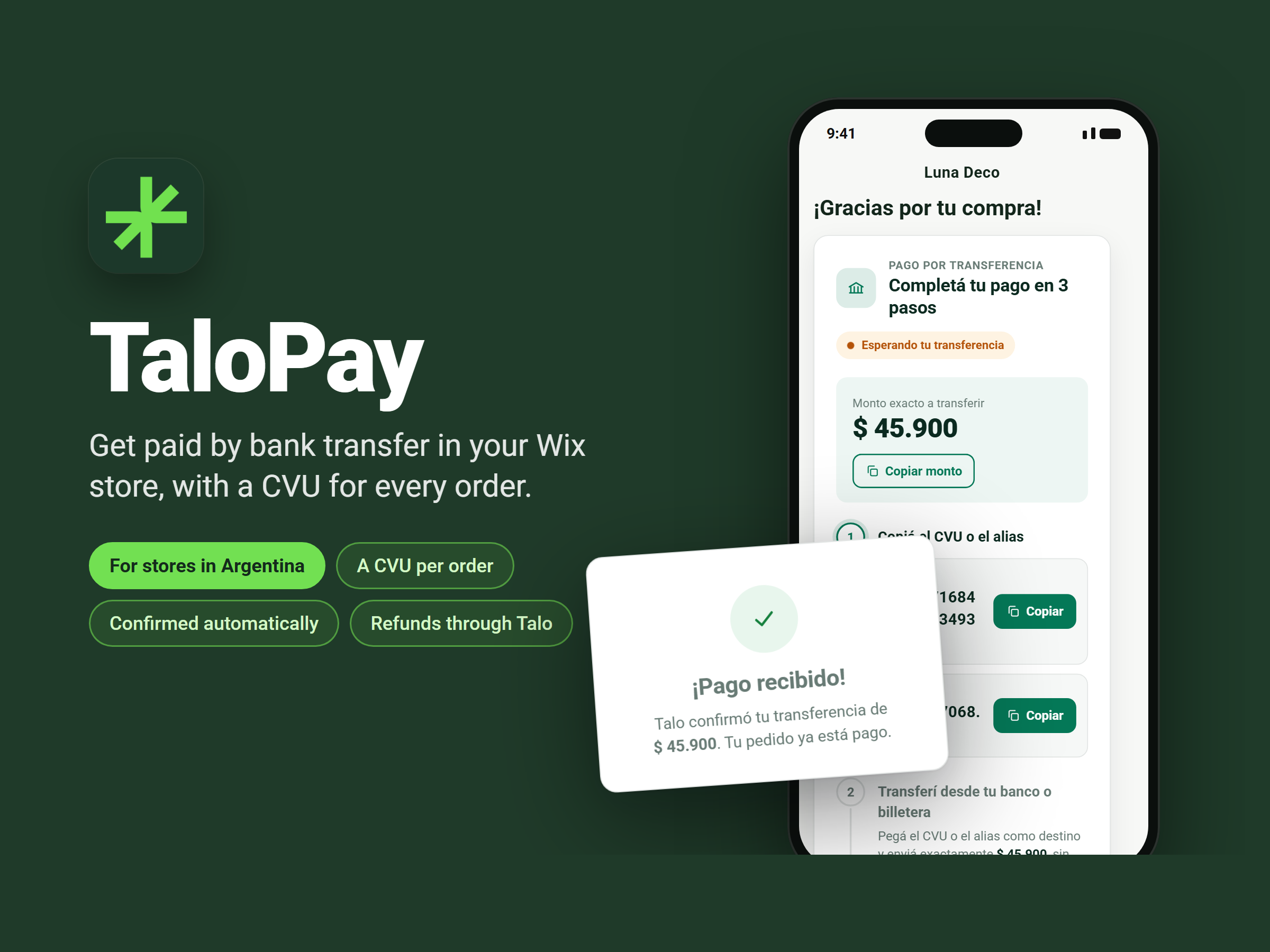
Overview
About this App
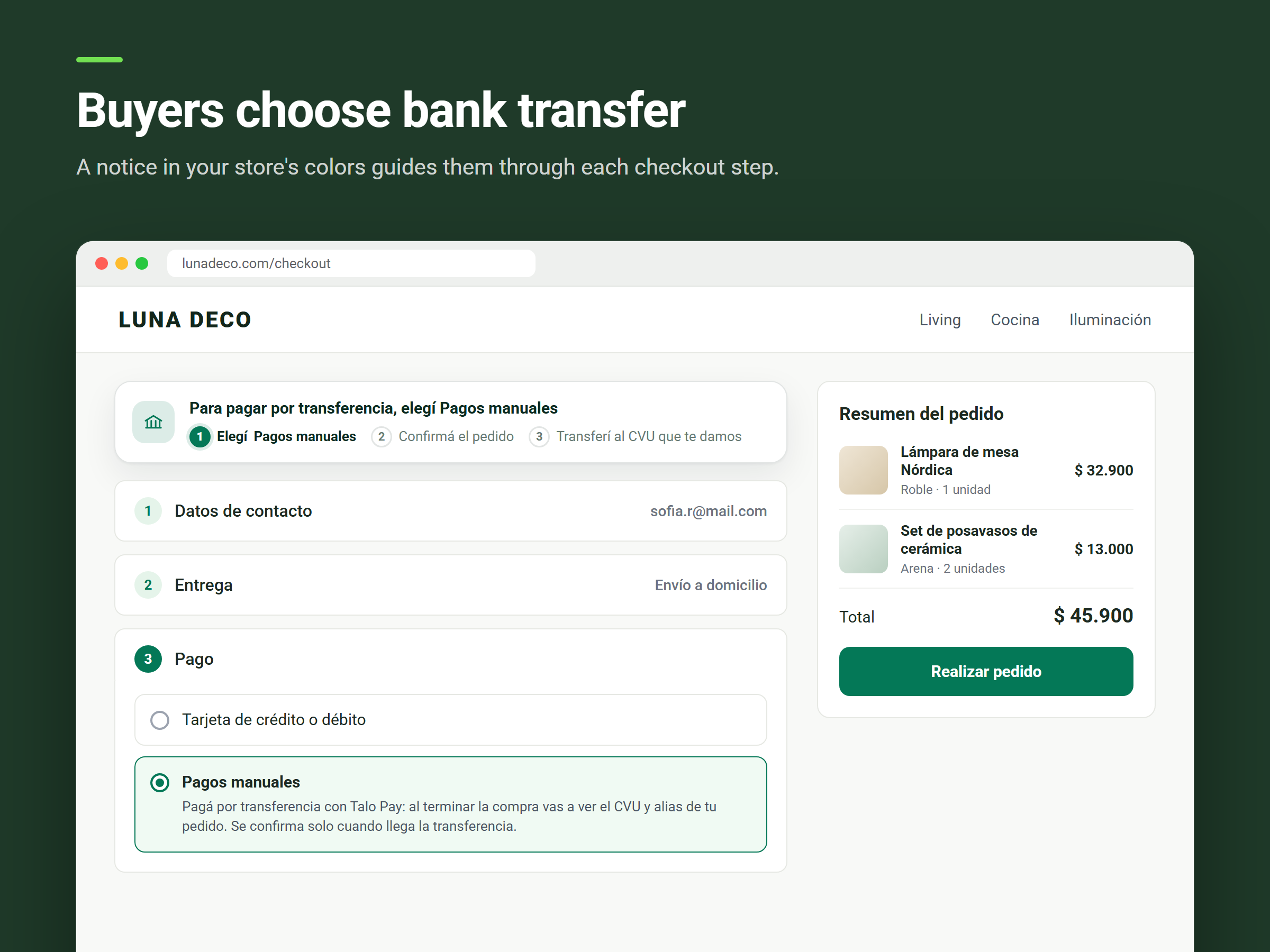
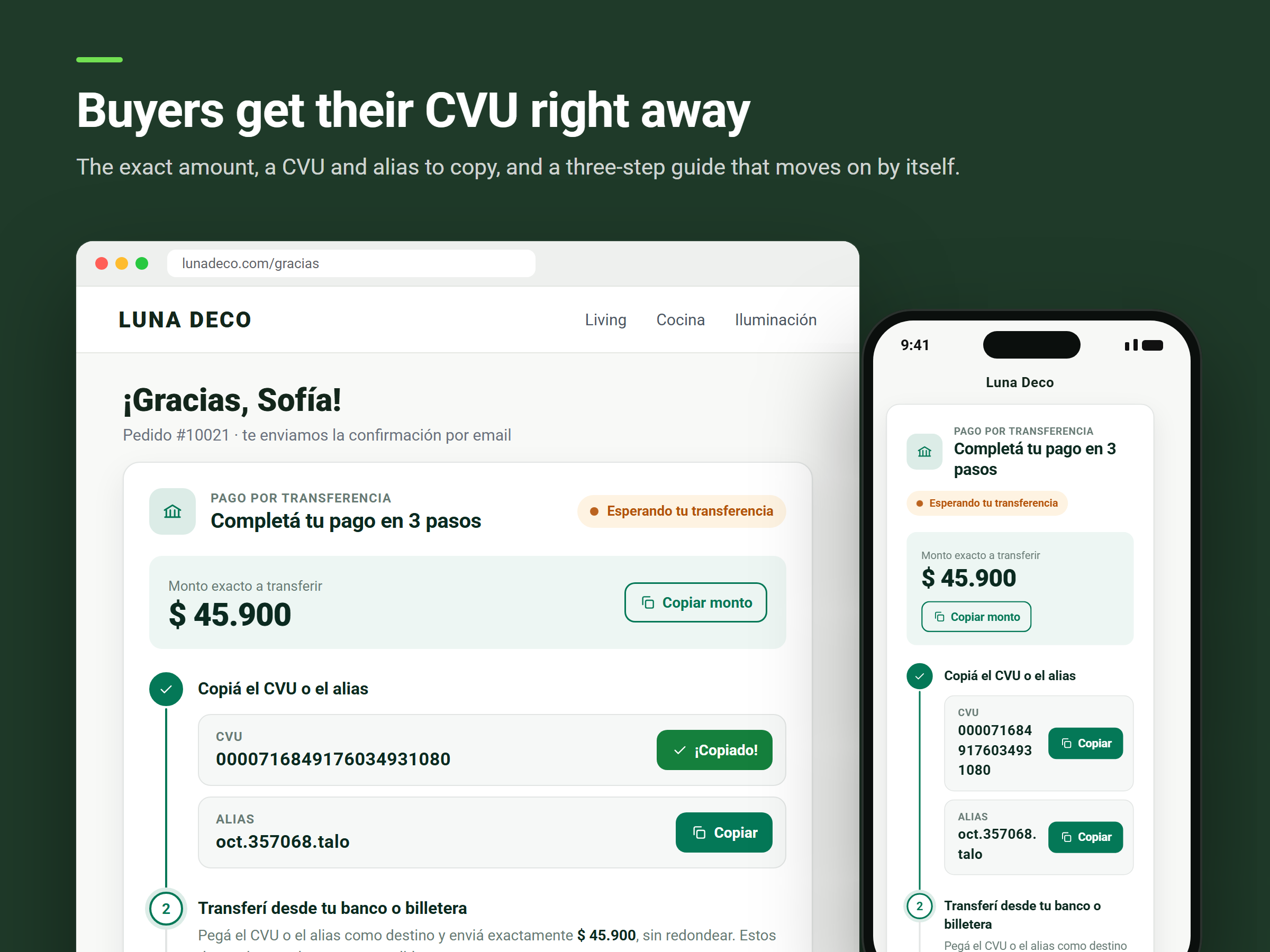
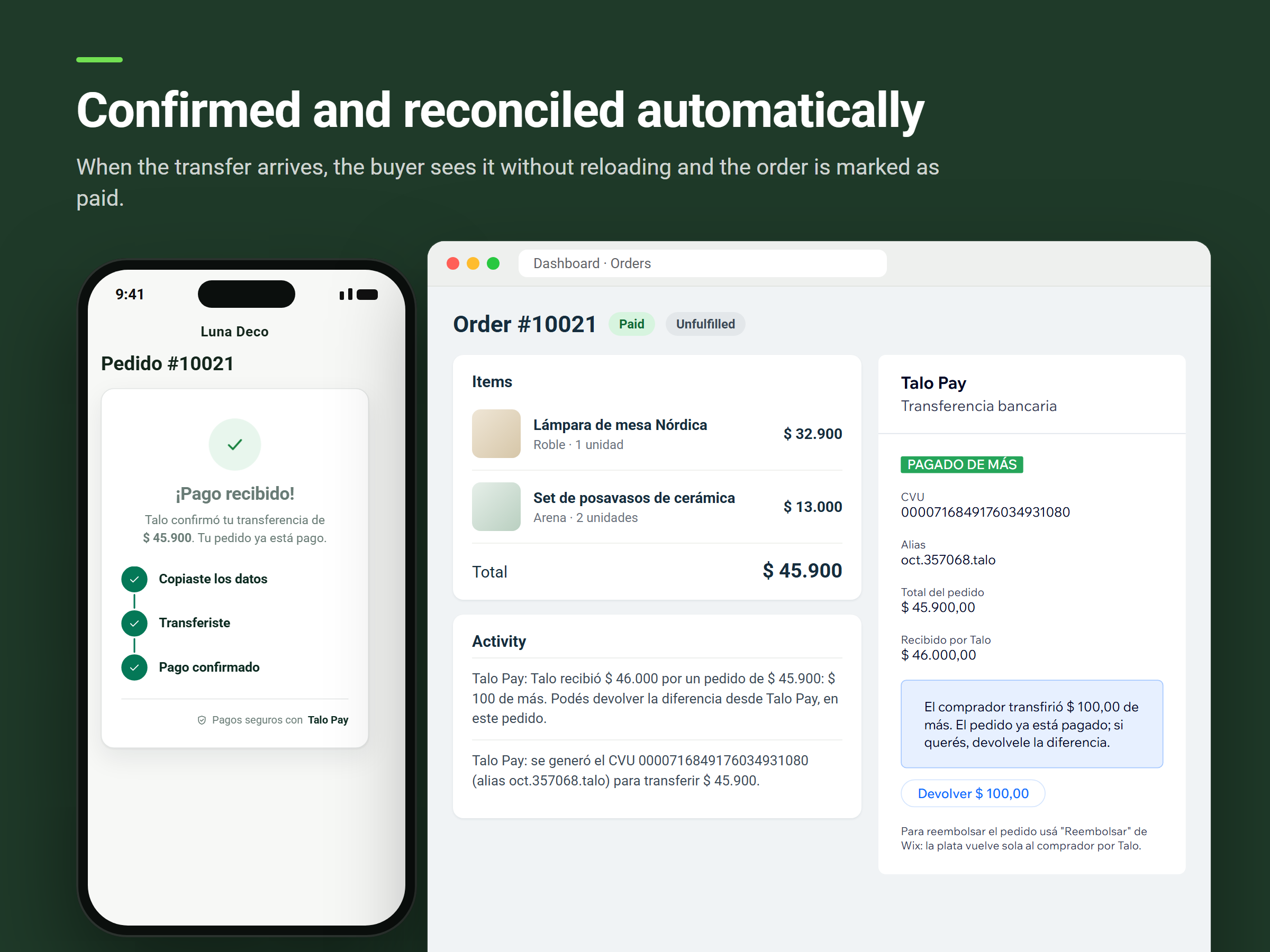
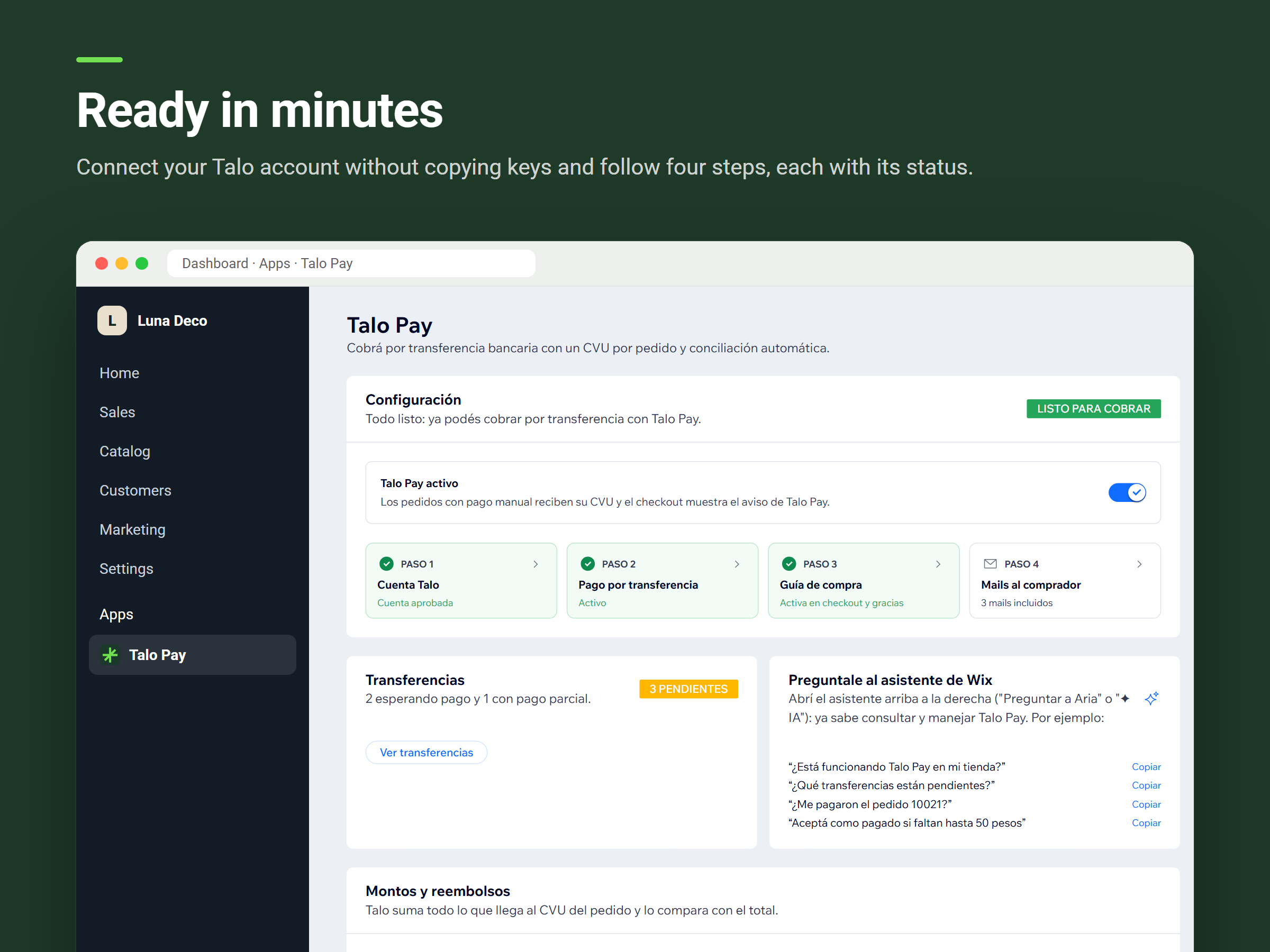
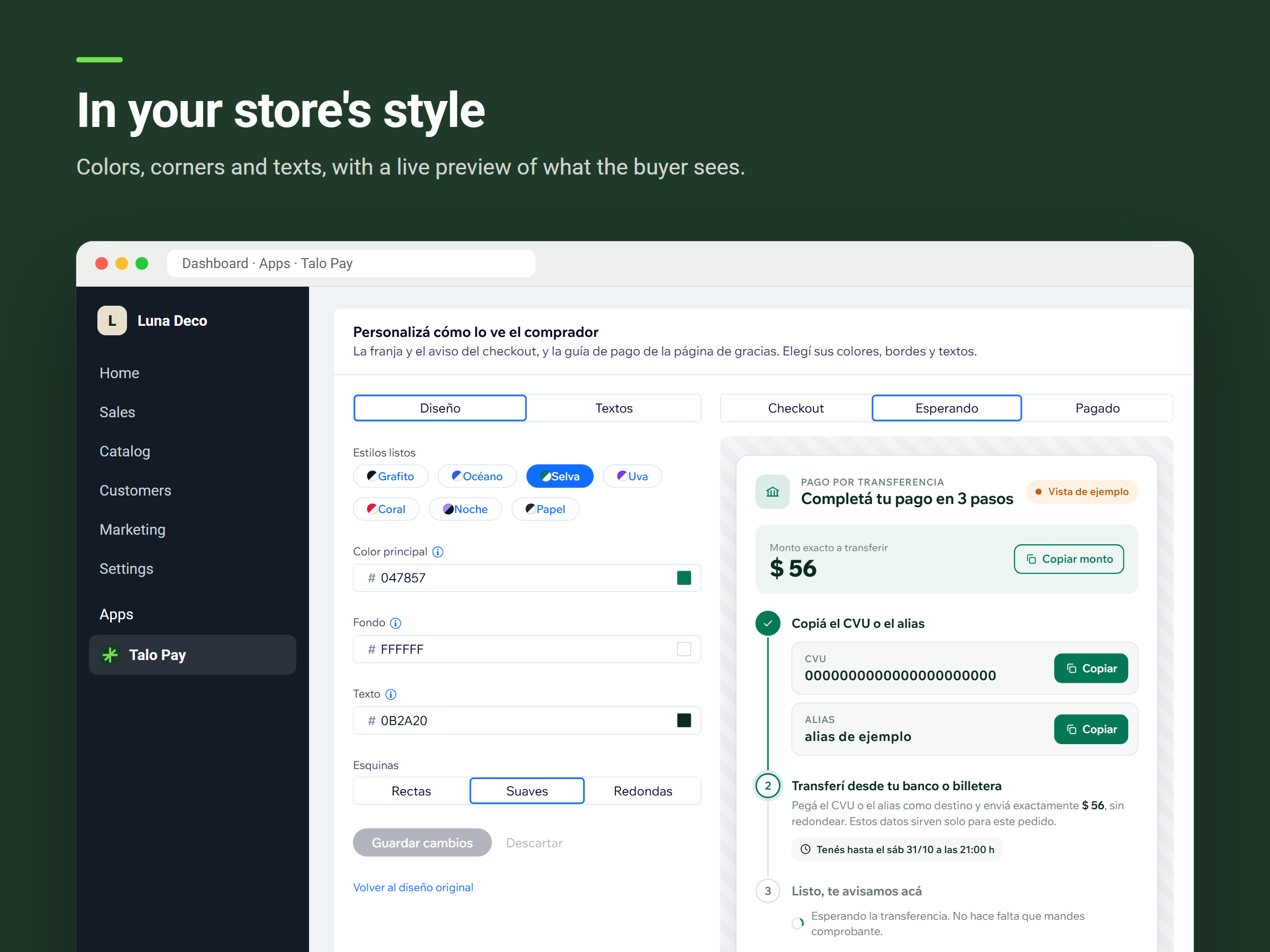
Let your customers in Argentina pay by bank transfer without matching payments by hand. With TaloPay, every order gets its own CVU (Argentine virtual account) and alias from Talo. On the Thank You page your customer sees the exact amount, copies the CVU or alias in one tap and transfers from any bank or wallet. When the money arrives, the order is marked as paid and your customer sees it without reloading the page. Transfers that don't match the total are covered too. Each order shows what arrived, and you can return an extra amount in one click or accept a small shortfall as paid. Refunds made with the usual refund button go back to your customer through Talo. Setup takes minutes: connect your Talo account without copying keys and turn on manual payments. A guide shows the status of every step. Customize colors, corners and texts so the checkout notice and the payment guide match your store, and turn TaloPay off at any time. Available in Argentina only for now: TaloPay works with orders in Argentine pesos (ARS) from your store, bookings and other sales that go through checkout. It requires an Argentine Talo account, whose terms set any fees. TaloPay's screens are in Spanish.
What the listing highlights
- A unique CVU for every order
- Orders marked as paid automatically
- Refunds go back to buyers through Talo
- Extra or partial transfers handled for you
Additional product media
Promotional media

Videos
Reviews
Official Wix marketplace summary
Wix Marketplace feedback
No reviews yet.
Plan comparison
Pricing & Plans
Detailed plan information is not available for this App.