
Right Click Protect
Product media
Screenshots
1 of 6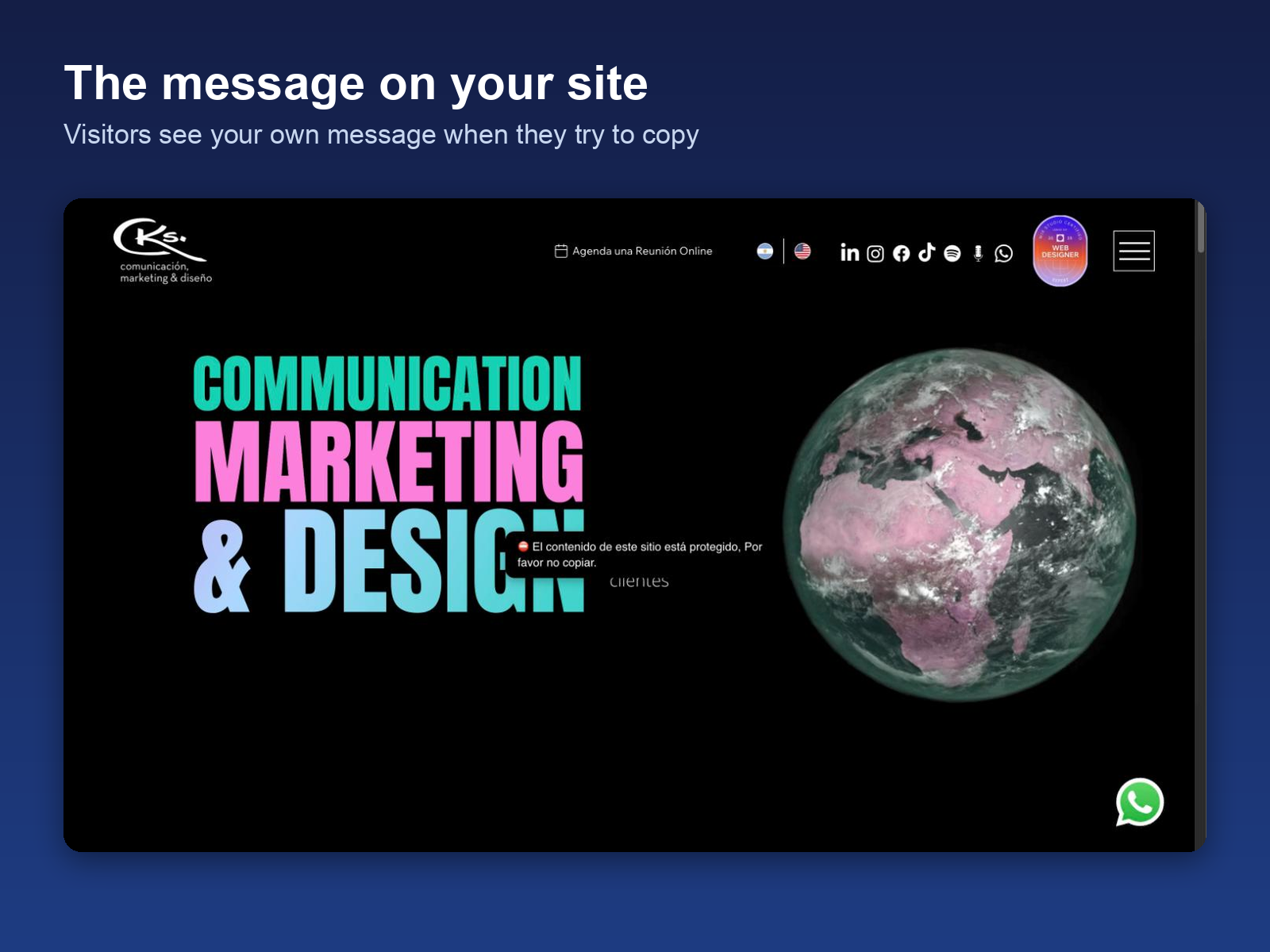
Overview
About this App
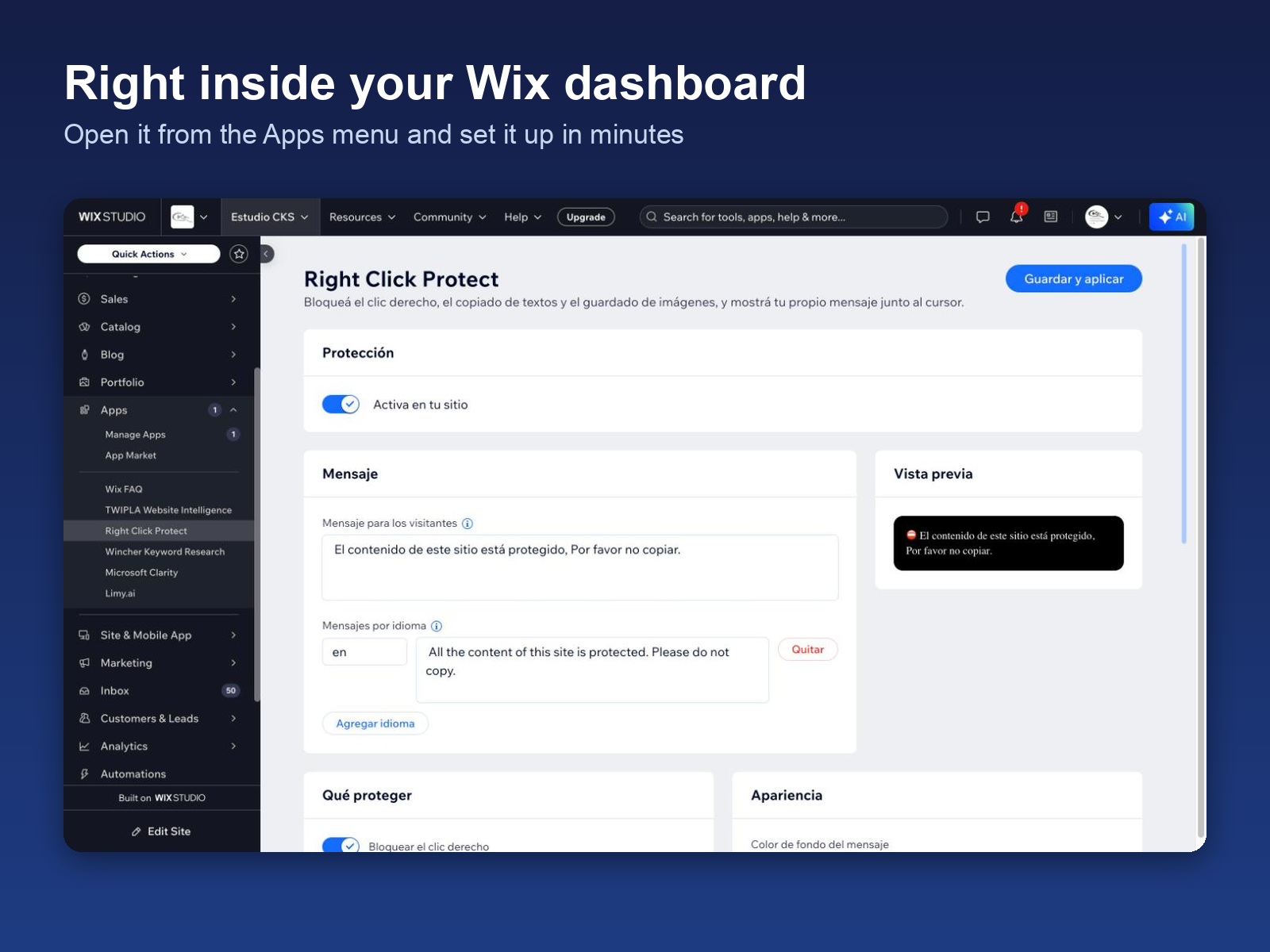
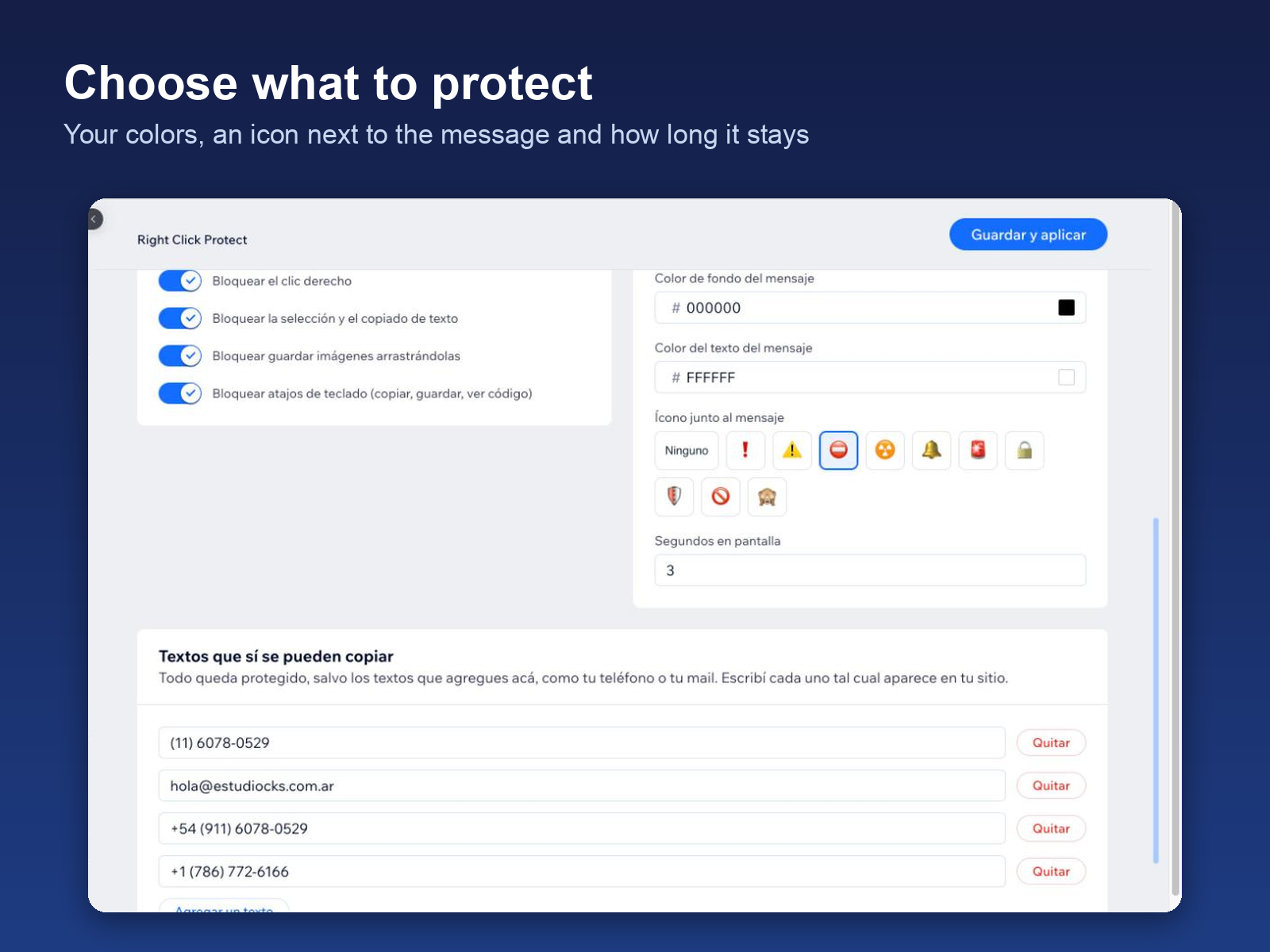
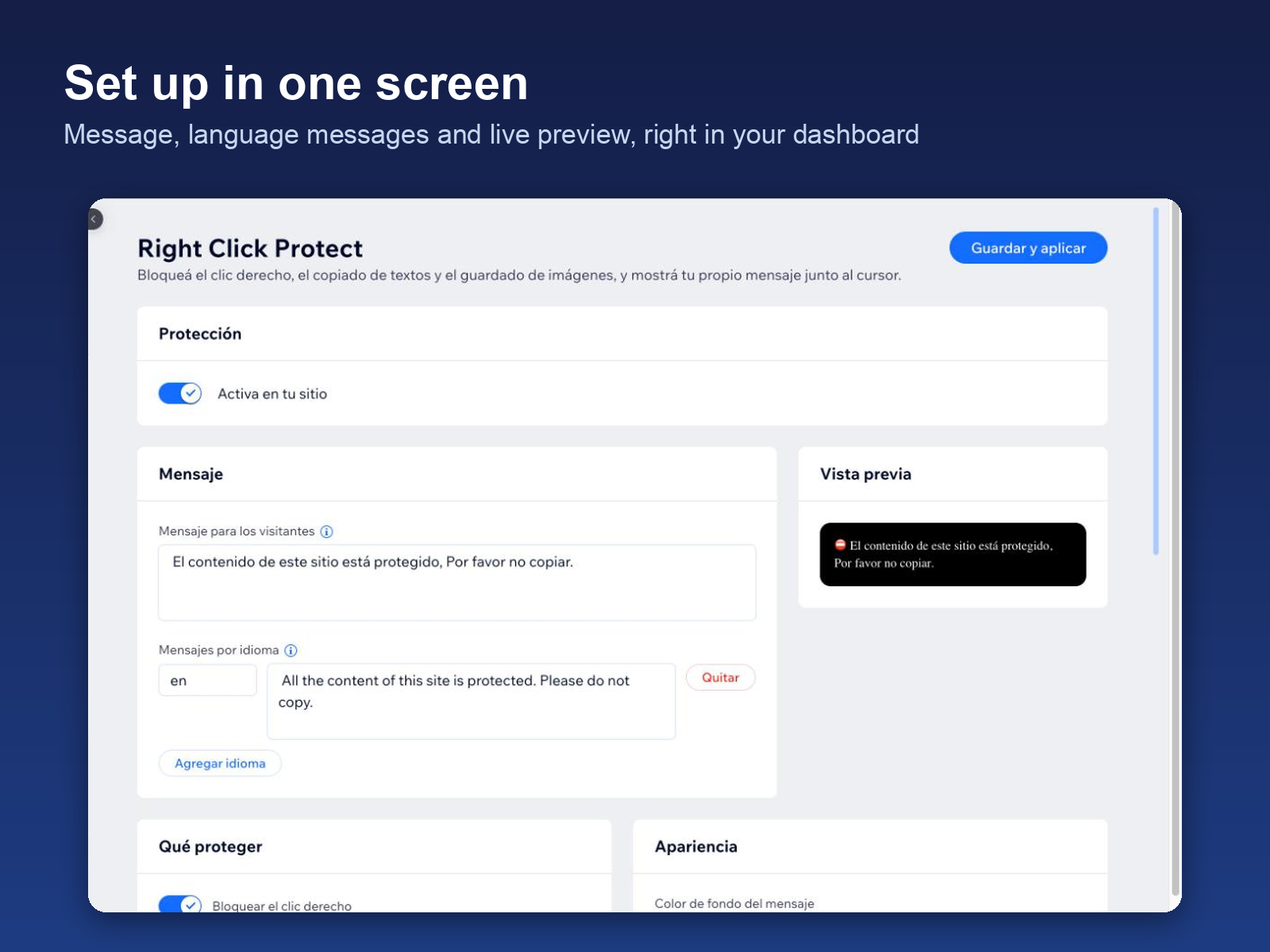
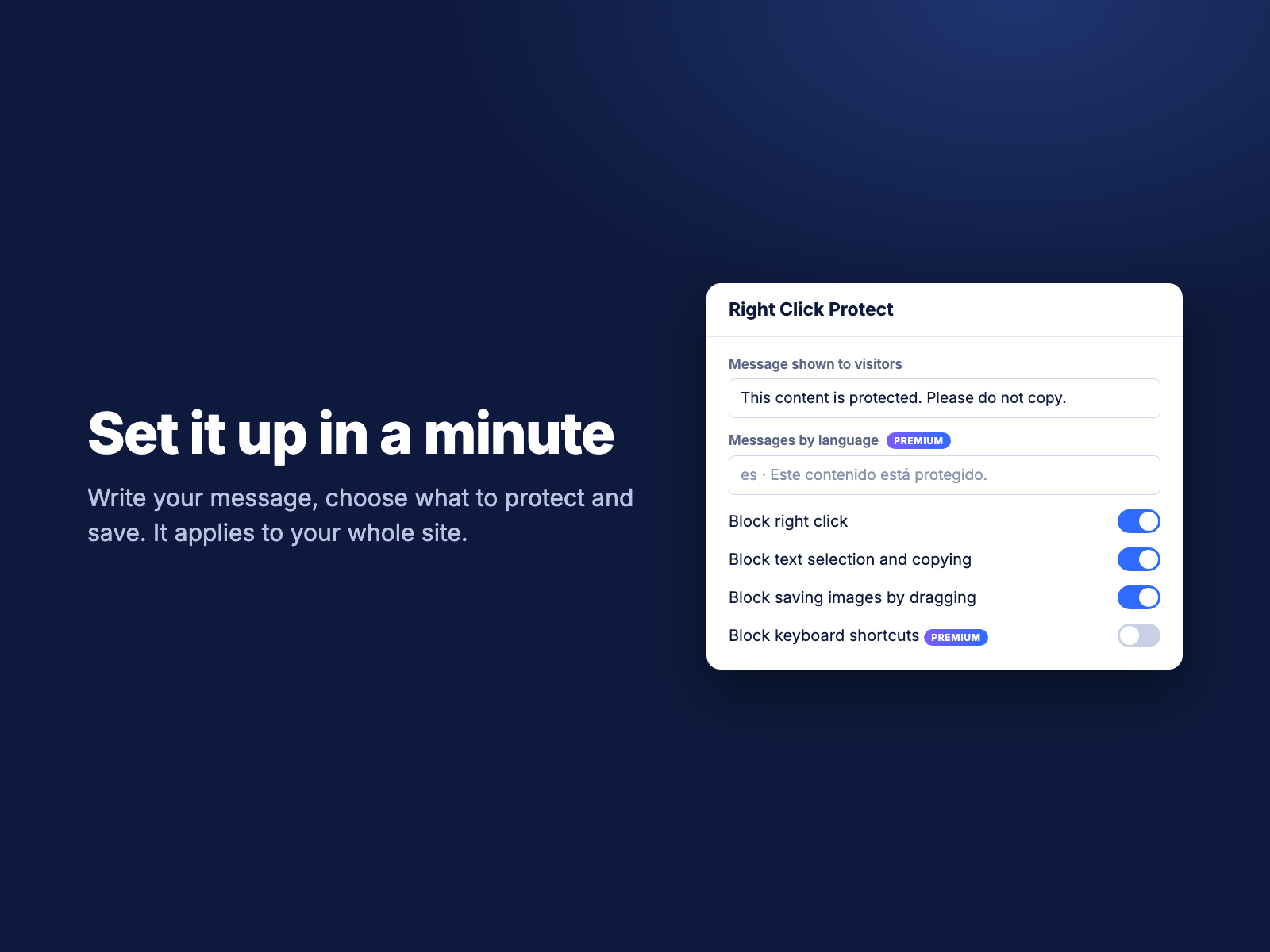
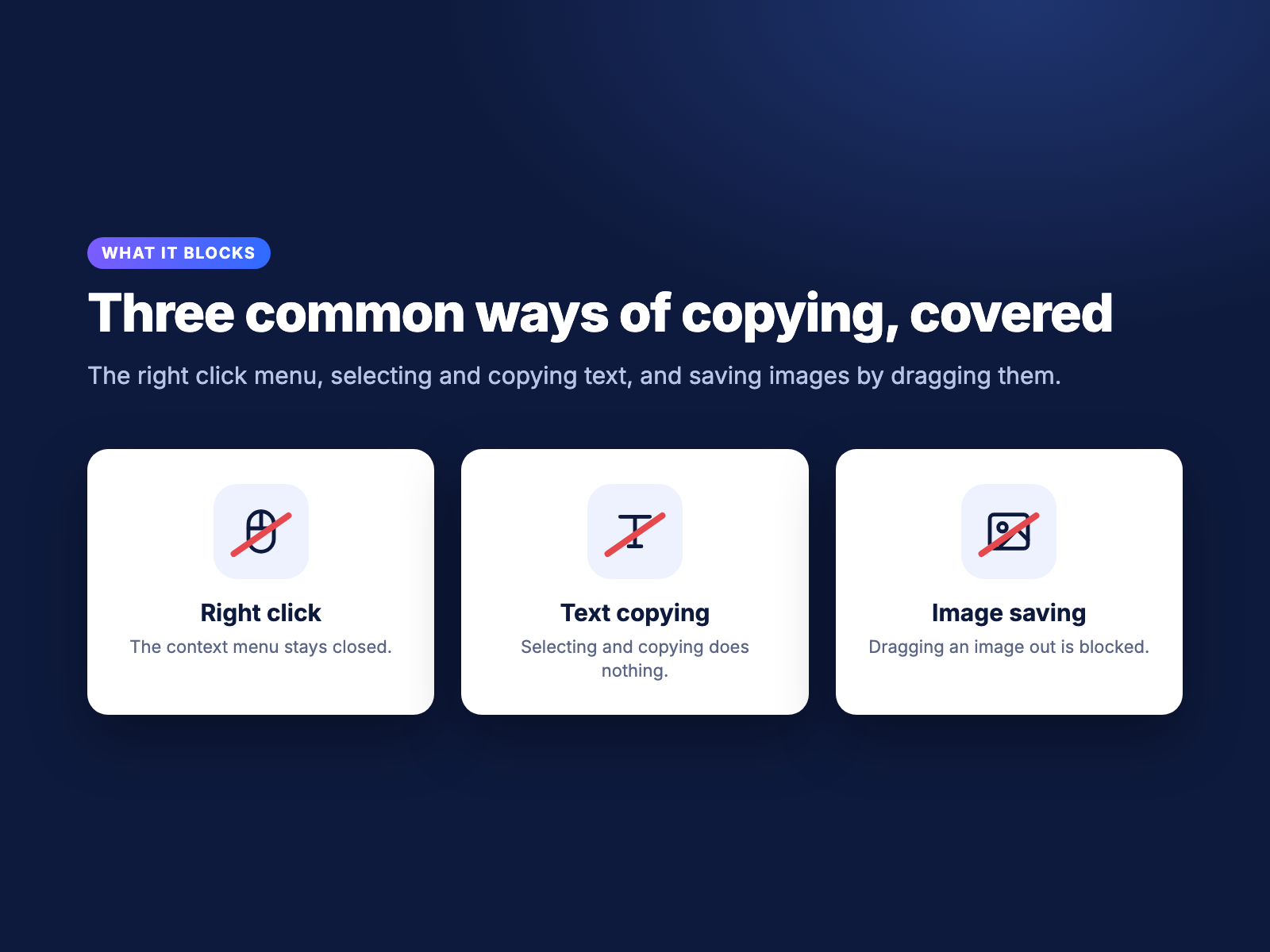
Keep casual copiers away from your work. Right Click Protect blocks the right click menu, text copying and saving images by dragging, and shows a message you write next to the visitor's cursor. Forms, checkout fields and links keep working, and you can allow copying of specific content like a phone number. Premium adds messages in several languages, your own colors and keyboard shortcut blocking. It deters casual copying; it cannot stop screenshots or advanced users.
What the listing highlights
- Block the common ways of copying: Right click, text selection and dragging images out are blocked on every page
- Your own message: A note appears next to the cursor when someone tries to copy. Write it in your own words
- Forms keep working: Visitors can still fill in forms, and you choose what they may copy, like a phone number
- Messages in every language: Show a different message for each language of your site (Premium)
Additional product media
Promotional media

Reviews
Official Wix marketplace summary
Wix Marketplace feedback
Not yet rated
No reviews yet.
Plan comparison
Pricing & Plans
Free plan available
Basic
Free
Free
- Block right click and text copying
- Stop saving images by dragging
- Your own message at the cursor
Premium
$3 / month
$36 billed yearly Save 25% yearly$3.99 / month
- Everything in Free
- Messages in every language
- Your colors and message timing
Detailed App featuresCompare all 4 structured features
| Feature | FreeBasic | Paid planPremium |
|---|---|---|
| Keyboard shortcut blockingKeyboard shortcut blocking | Not included | Keyboard Shortcuts |
| MessageMessages in every language | Not included | Message |
| EverythingEverything in Free | Not included | Everything |
| Colors and PresonalizationYour colors and message timing | Not included | Personalization |