
Export/Import Events
By BoomTech
Product media
Screenshots
1 of 3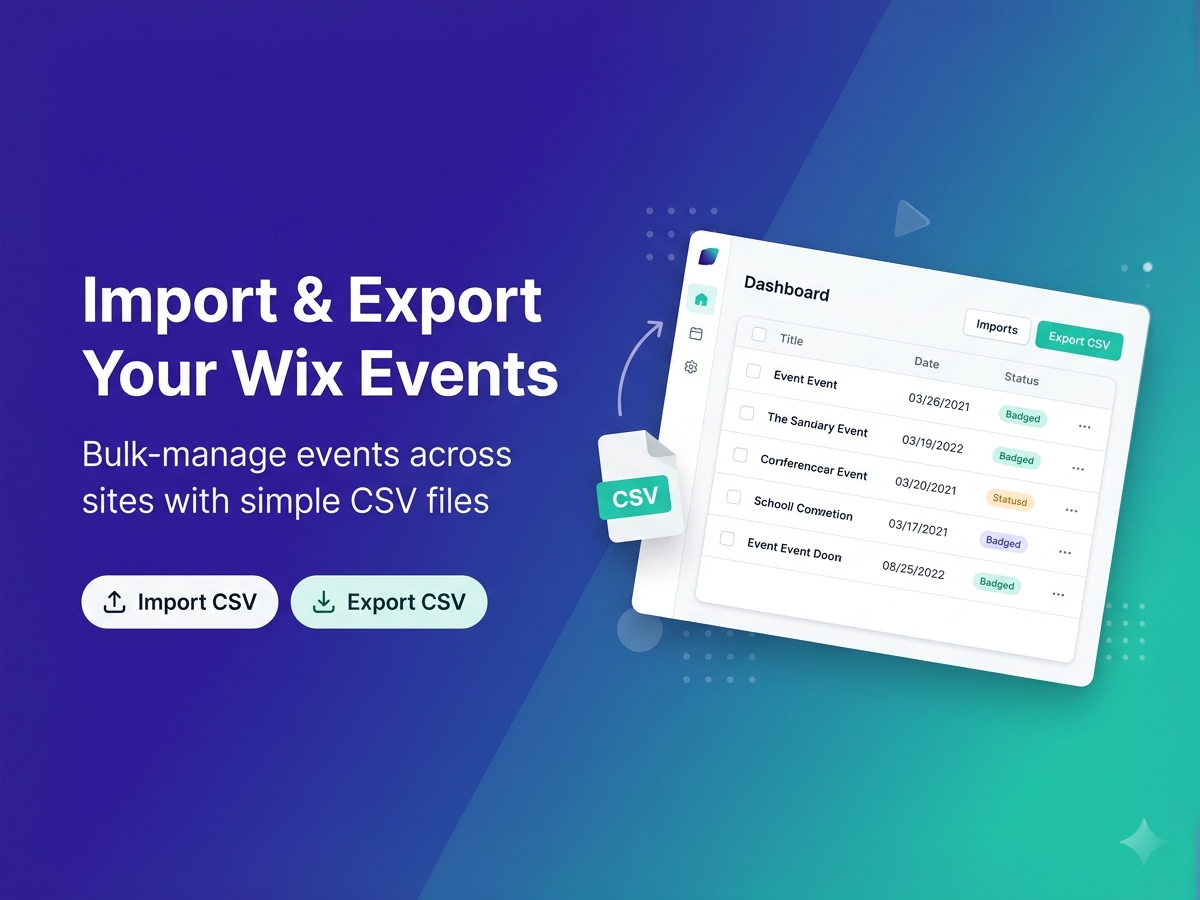
Overview
About this App
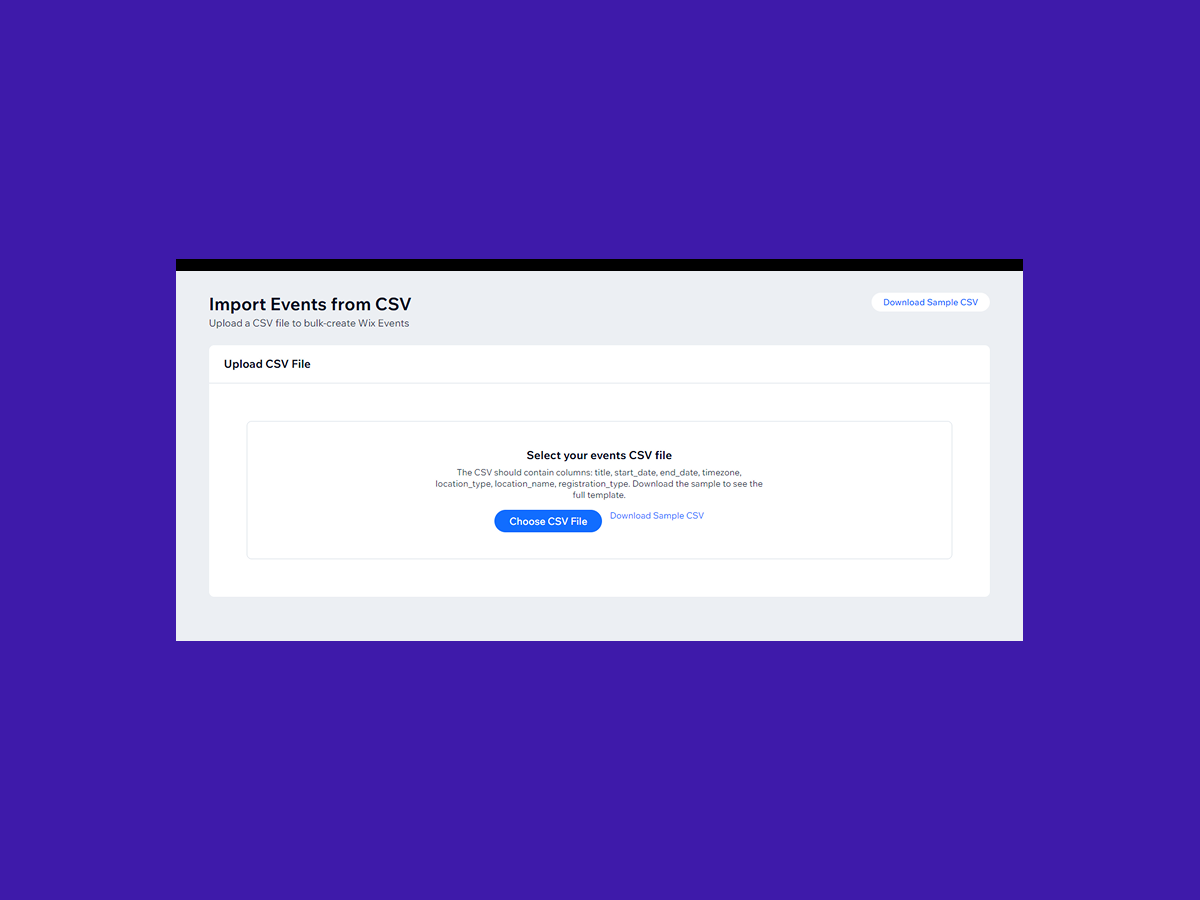
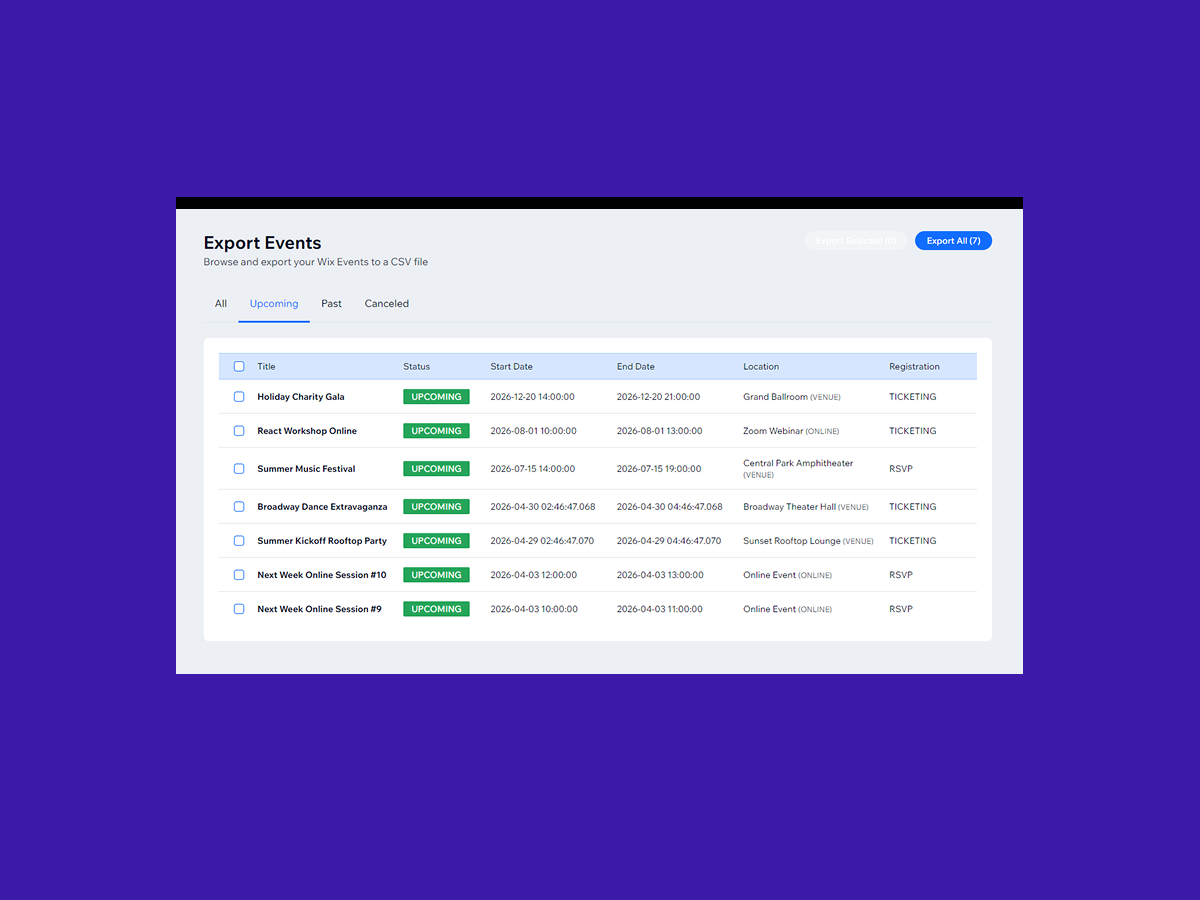
Managing events across multiple sites can be tedious. Whether you're migrating events, creating backups, or setting up a new site, manually recreating each event wastes valuable time. Boom Event Import/Export solves this by letting you bulk-import and export native Events using simple CSV files. Import Events Upload a CSV file to create multiple events at once. The app validates every row before importing — catching missing fields, invalid dates, and format errors so you can fix issues before they happen. Download the included sample CSV to get started in seconds. Export Events Browse all your existing events with status filters (Upcoming, Past, Canceled). Sort by title or date, select specific events or export them all. The exported CSV is fully compatible with the import format, making site-to-site migration seamless.
What the listing highlights
- Bulk Import Events from CSV
- Export Events to CSV with Filters
- Preview & Validate Before Importing
- Sort, Select & Export What You Need
Additional product media
Promotional media

Reviews
Official Wix marketplace summary
Wix Marketplace feedback
App Market Index archive
Review list
Browse preserved published and unpublished Reviews.These are preserved App Market Index Review rows. They are separate from the current official Wix marketplace summary shown above, and publication labels describe the state currently stored by App Market Index. About this archive
These Reviews were previously observed by App Market Index and Wix later supplied an unpublished state for them.
Plan comparison
Pricing & Plans
Detailed plan information is not available for this App.