
Timegrid: Weekly Timetable
By Prometheus
- Wix Campaign
Product media
Screenshots
1 of 5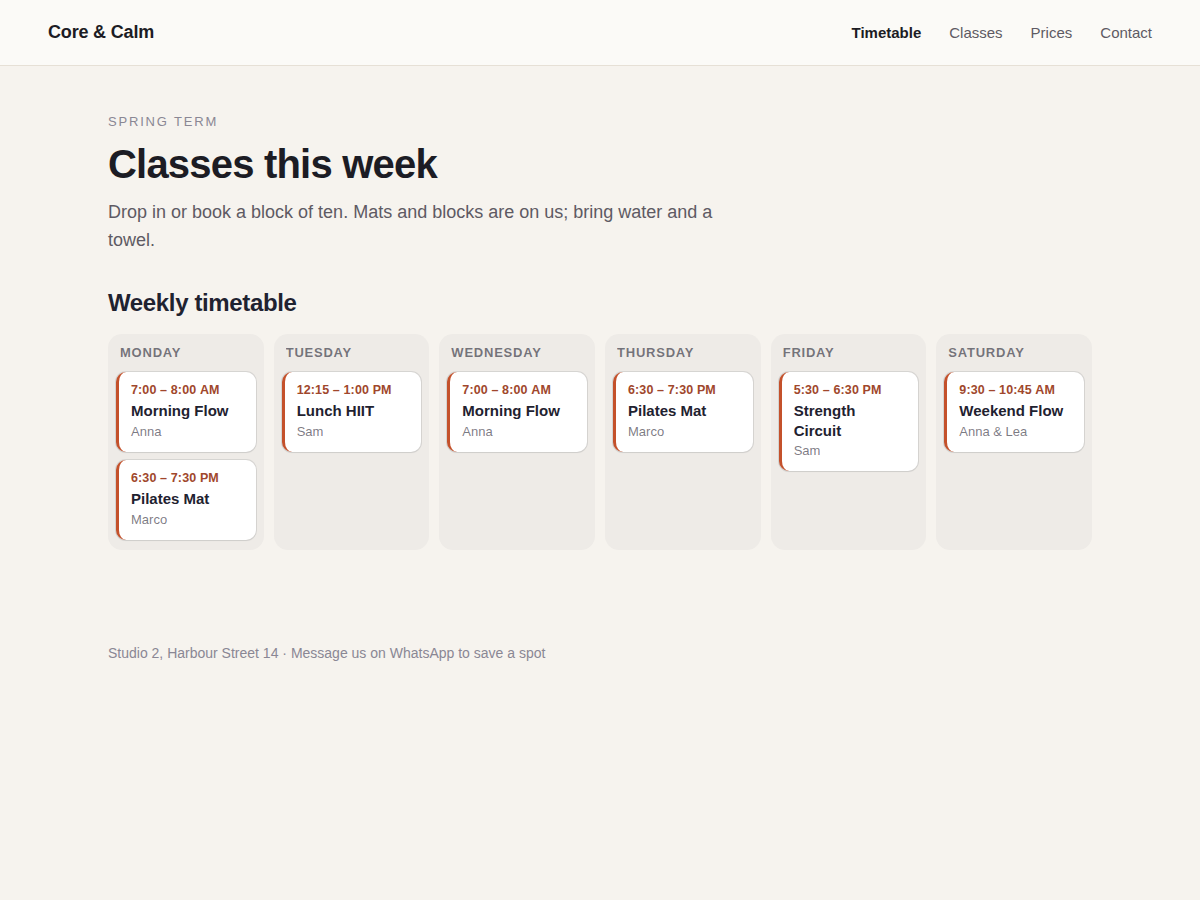
Overview
About this App
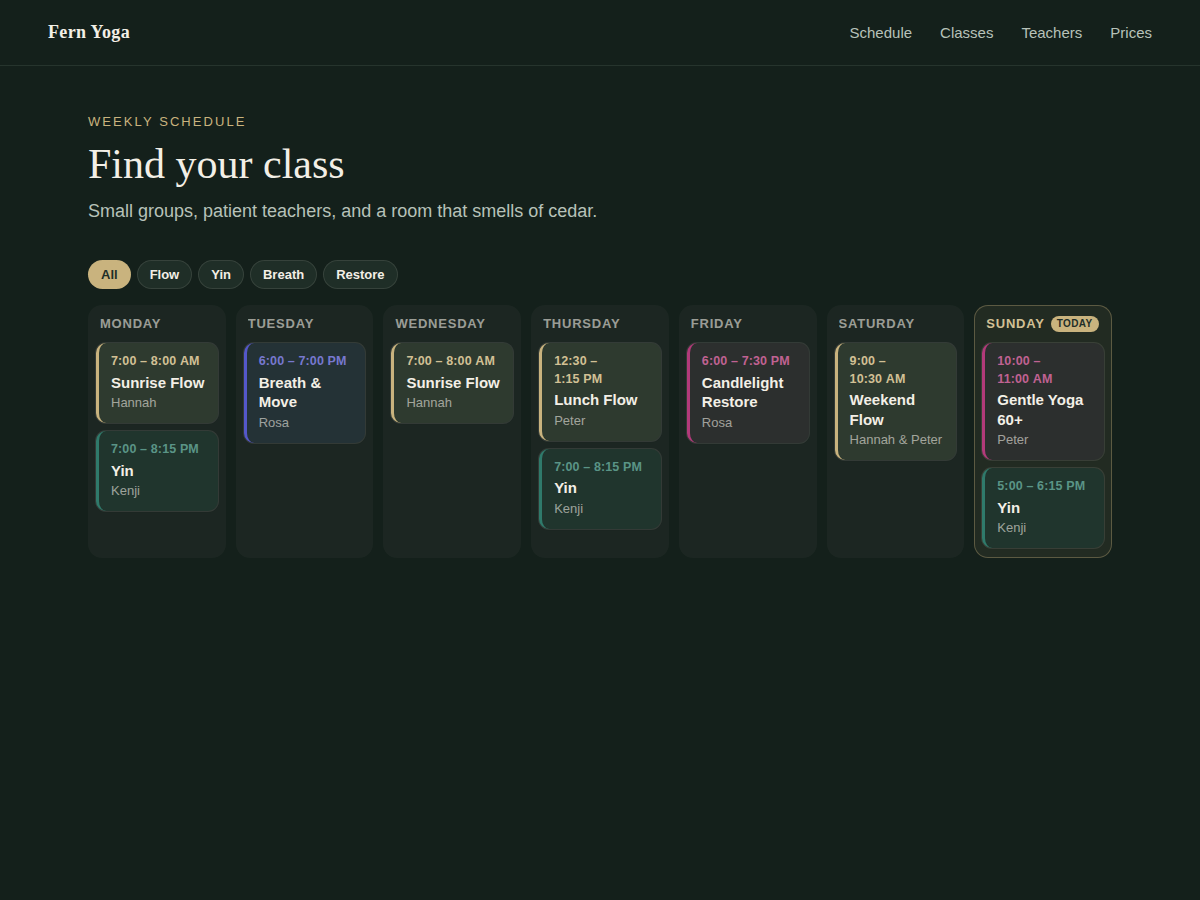
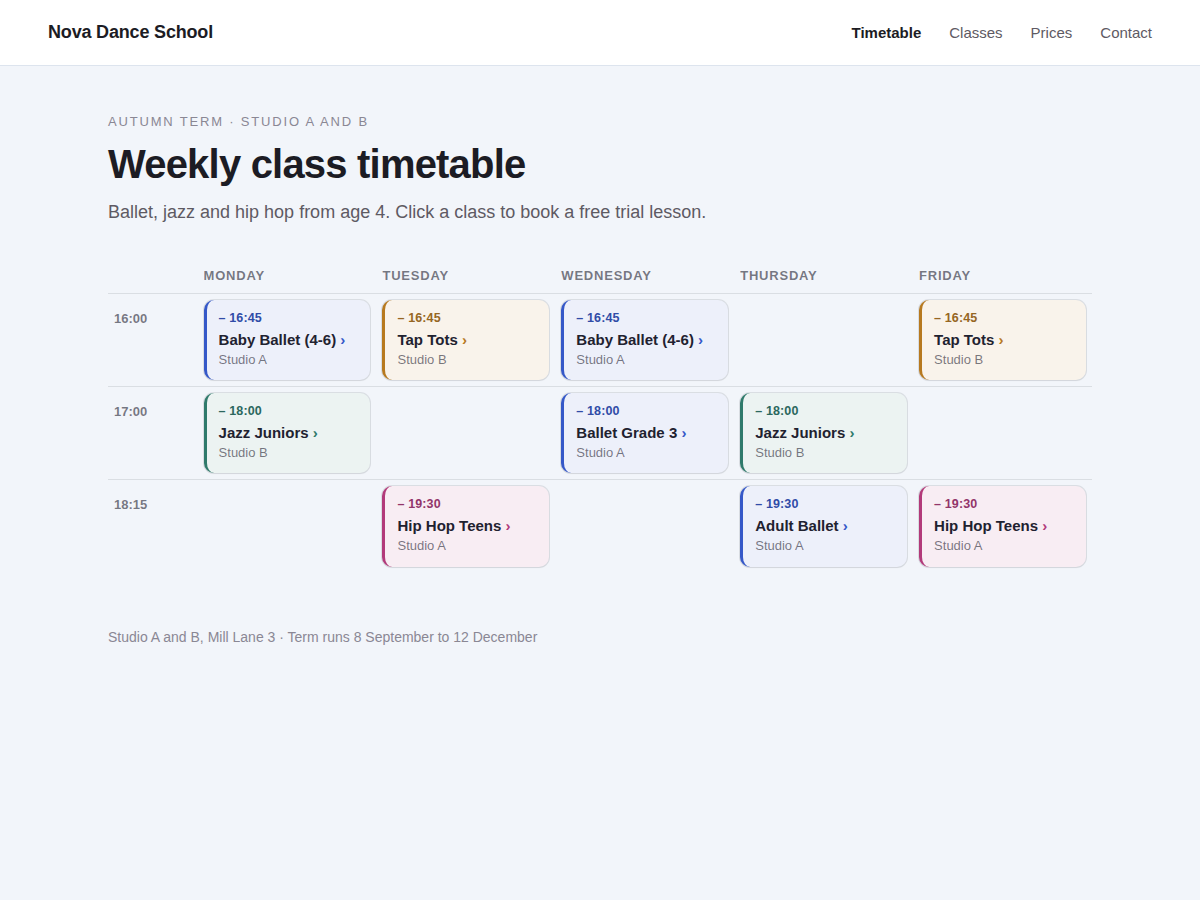
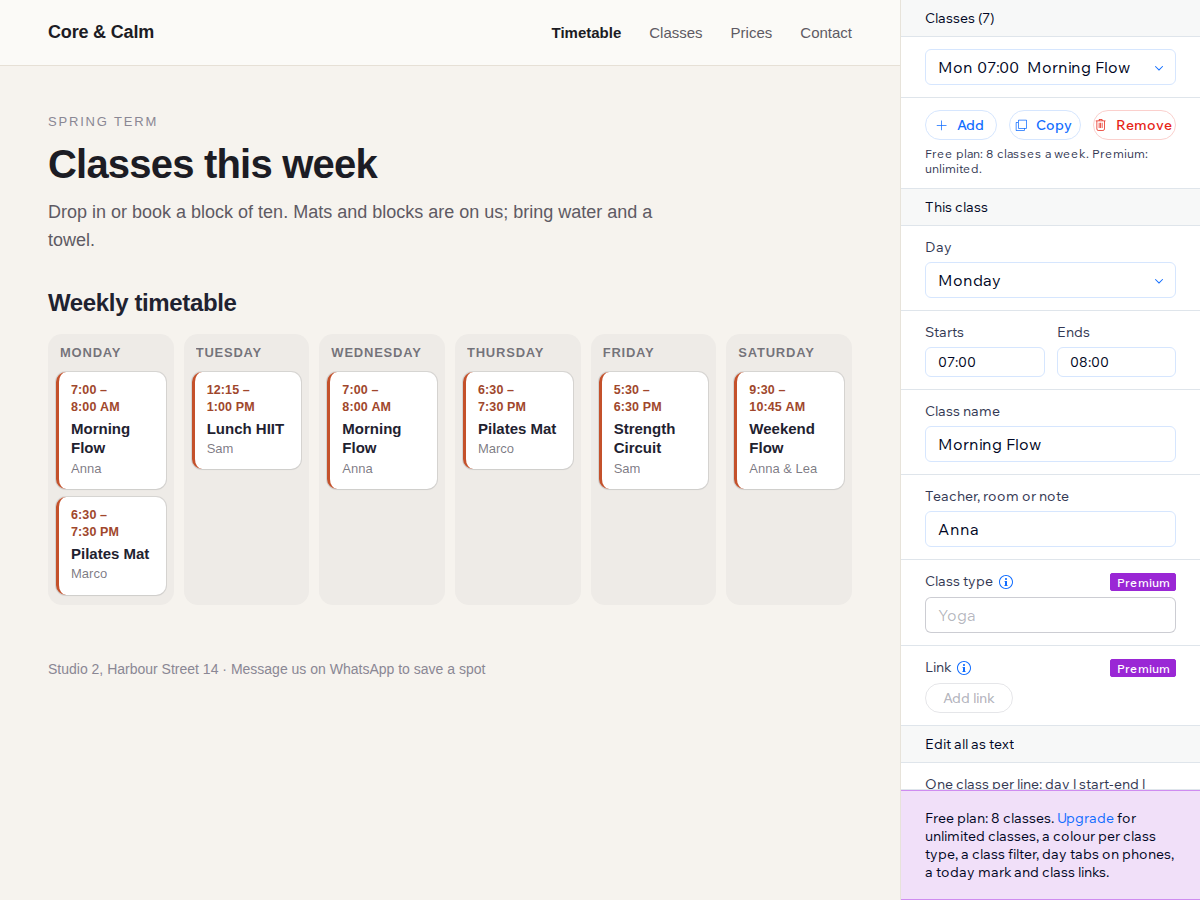
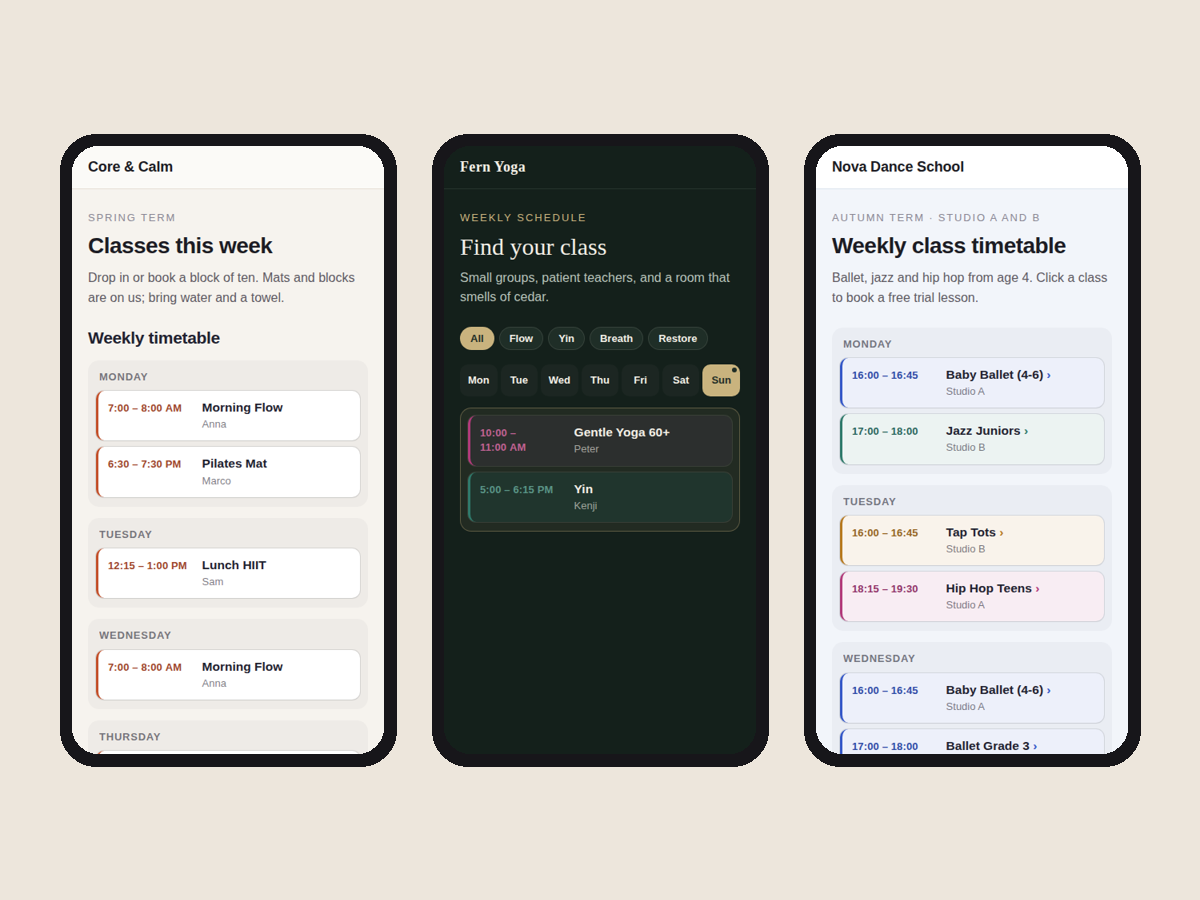
Studios, schools, clubs and churches all hear the same question: when is the next class? Timegrid answers it on any page of your site with a weekly timetable that you fill in yourself. No booking system to set up first. It looks finished the moment you add it. A sample week appears as day columns, each class on its own card with the time, the name and the teacher. On a phone the week turns into a day-by-day list that reads well with one thumb. Click the widget in the editor, open Settings and change the sample classes, or paste your whole week as text with one class per line. Pick day columns or a classic table with one row per start time, show only the days you teach, choose 12 or 24 hour times, and set your colours and font. Day names and times follow the language of your site. Every class is plain text in your page, so search engines and screen readers can read it. The script is small and loads after the page. The free plan shows up to 8 classes a week with no branding. Premium adds unlimited classes, a colour and a filter button per class type, a Today mark, day tabs on phones, a link on each class to your booking or sign-up page, and a Sunday or Saturday week start.
What the listing highlights
- Week of classes as day columns or a table
- Phones get a clear day-by-day list
- Paste a whole week as text, one class per line
- Looks finished before you change a thing
Reviews
Official Wix marketplace summary
Wix Marketplace feedback
No reviews yet.
Plan comparison
Pricing & Plans
Basic
Free
Free
- Up to 8 classes a week
- Day columns or table layout
- 12 or 24 hour times, your colours
Premium
$4.27 / month
Billed yearly Save 20% yearly$5.34 / month
- Unlimited classes
- Colour and filter by class type
- Today mark and day tabs on phones