
Japan Delivery Date
By LilyBell
Product media
Screenshots
1 of 4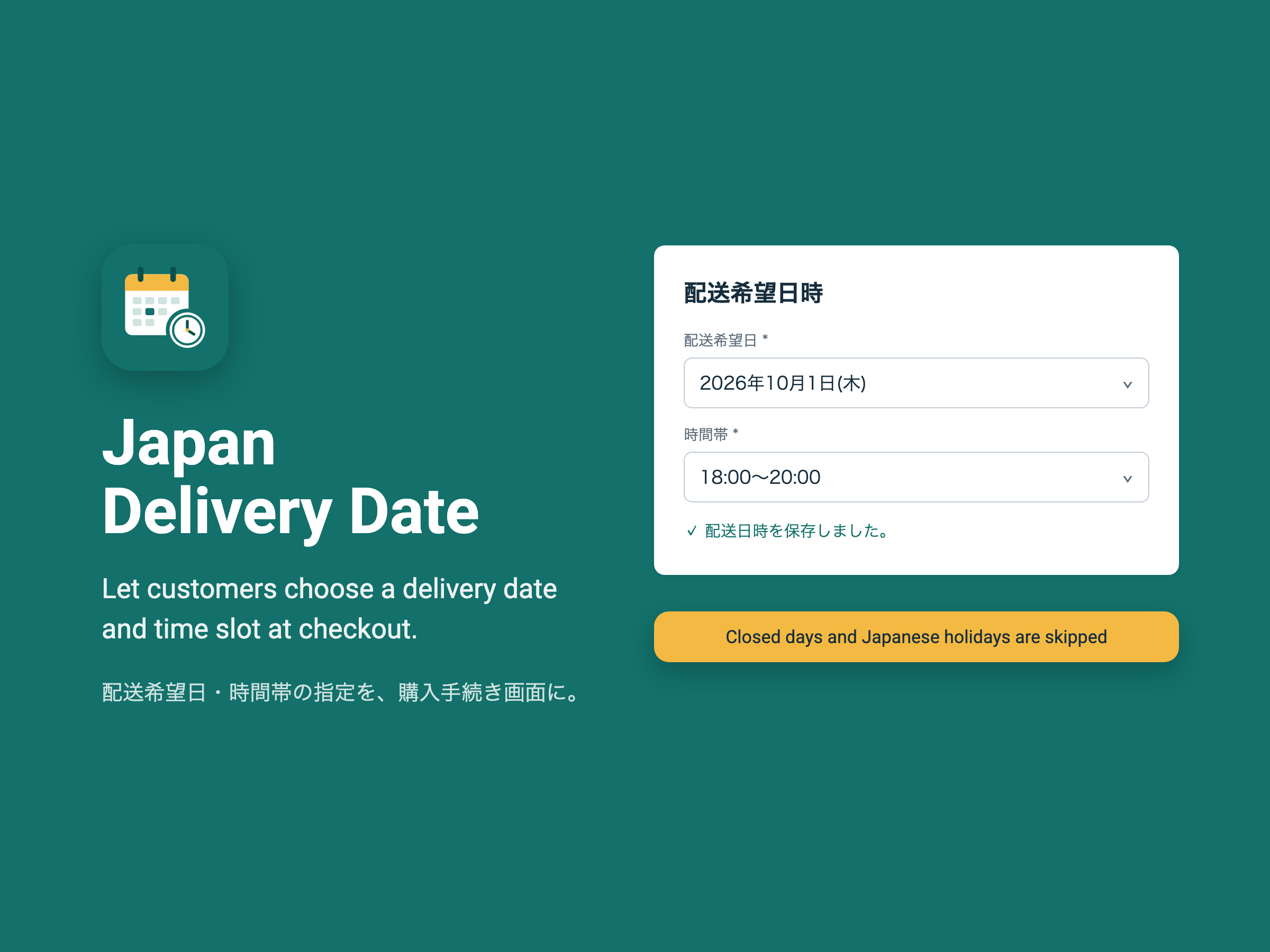
Overview
About this App
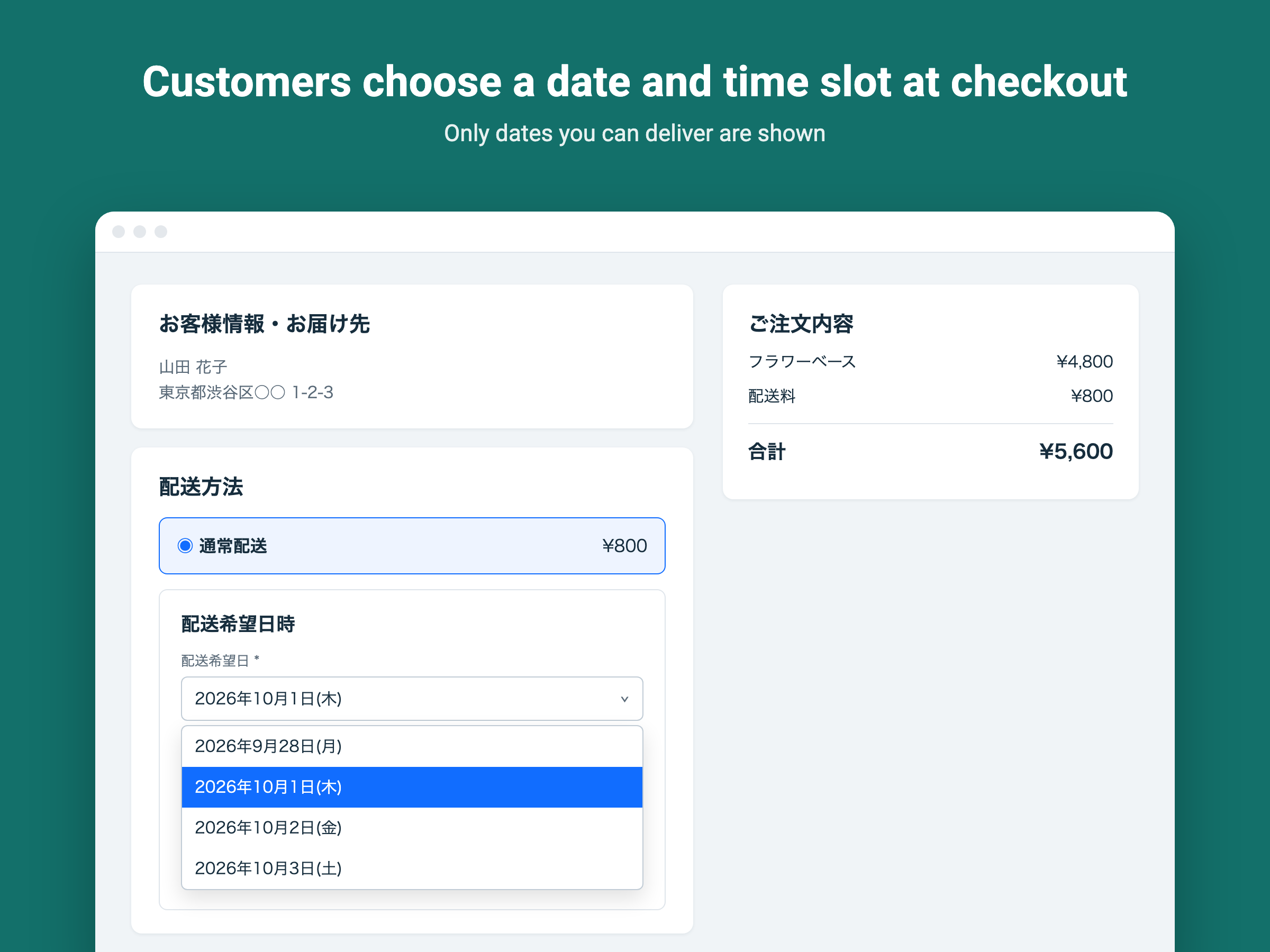
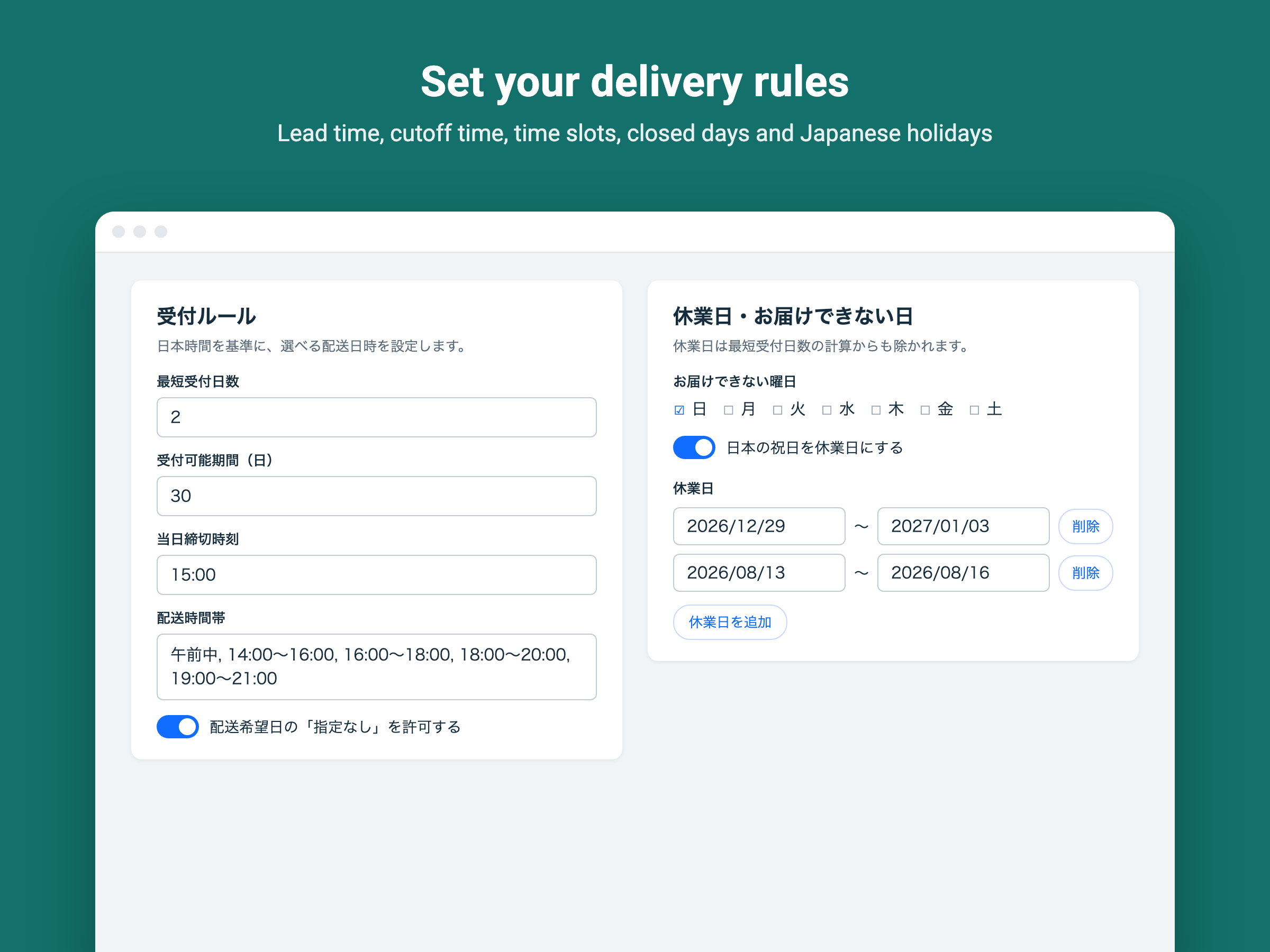
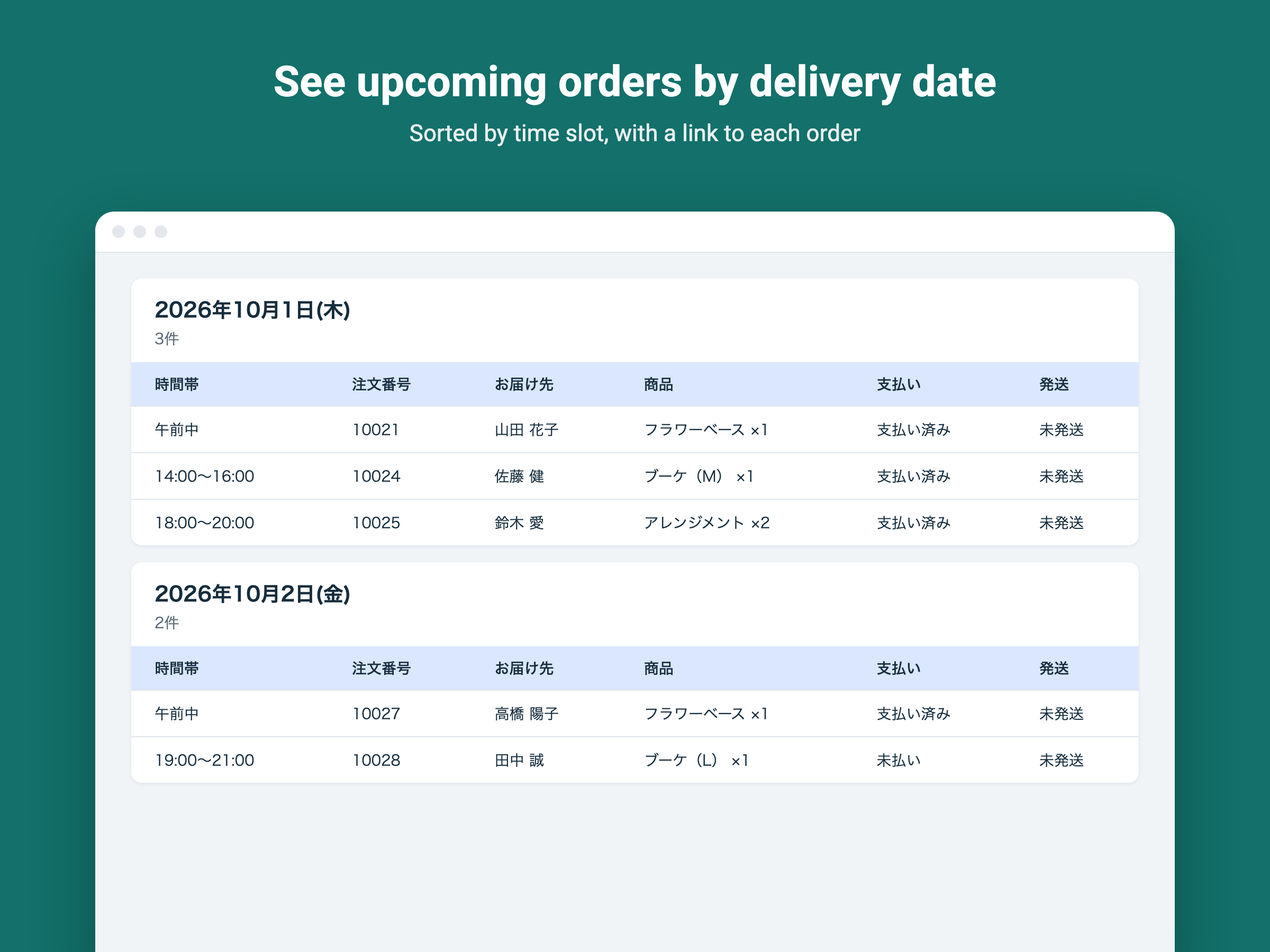
Japan Delivery Date adds a delivery date and time slot picker to your checkout, so customers can tell you exactly when they want to receive their order. It's built for stores shipping within Japan, where choosing a date and a time slot such as "Morning" or "18:00-20:00" is an everyday expectation. You decide which dates customers can choose. Set the minimum preparation time, a same-day cutoff time, how far ahead customers can book and the weekdays you don't deliver. Add closed periods such as New Year holidays and turn on automatic Japanese public holidays. Closed days are also skipped when counting the minimum lead time. Time slots are fully customizable. Let customers choose "No preference", or require a date and time slot and block orders placed without one. The selected date and time slot are added to each order's history automatically, and a dedicated page lists upcoming orders by delivery date and time slot. This app supports stores shipping to addresses in Japan. The settings page and checkout text are in Japanese.
What the listing highlights
- Delivery date and time slot selection at checkout
- Set lead time, order cutoff time and closed days
- Japanese public holidays handled automatically
- See orders by delivery date and time slot
Additional product media
Promotional media

Reviews
Official Wix marketplace summary
Wix Marketplace feedback
No reviews yet.
Plan comparison
Pricing & Plans
Standard
$14.37 / month
$172.48 billed yearly Save 20% yearly$17.97 / month
- Date & time slot picker at checkout
- Lead time, cutoff & closed days
- Block orders without a delivery date
Detailed App featuresCompare all 4 structured features
| Feature | Paid planStandard |
|---|---|
| Required selectionPrevent orders placed without a delivery date or time slot. | Included |
| Delivery rulesSet lead time, cutoff time, closed days, holidays and time slots. | Included |
| Delivery date & time slot selectionCustomers choose a delivery date and time slot at checkout. | Included |
| Automatic order notesThe selected date and time slot are added to each order automatically. | Included |