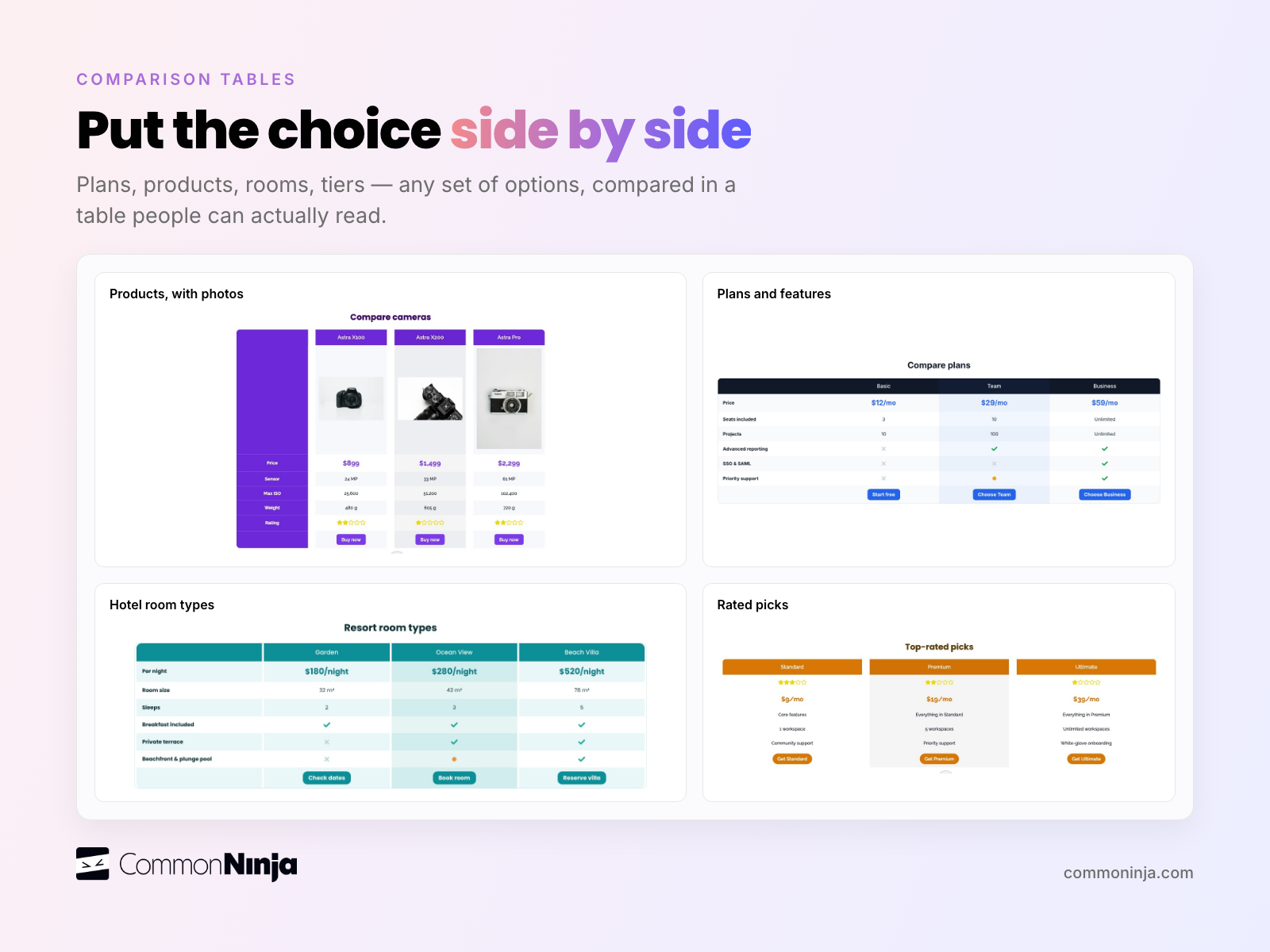
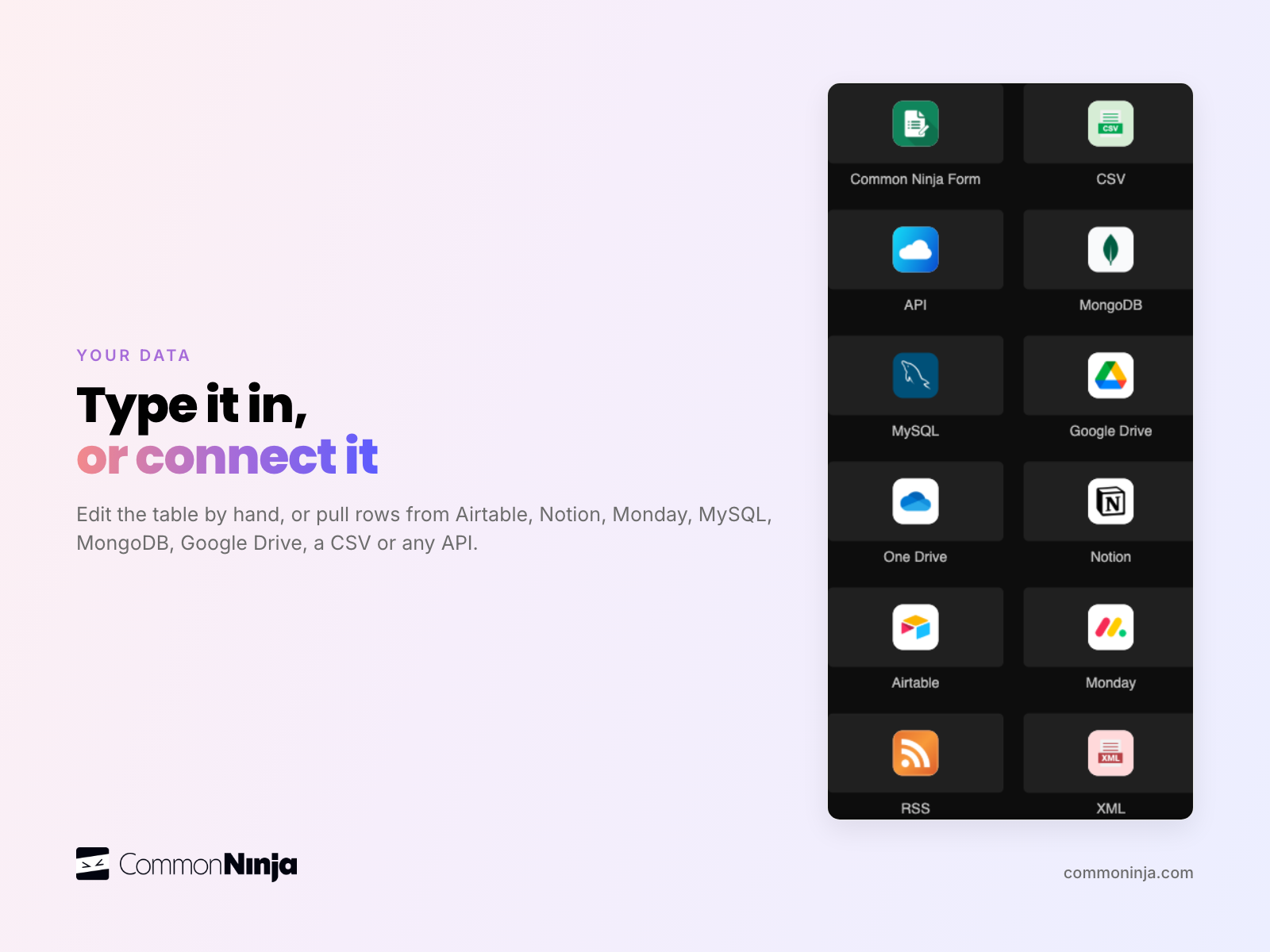
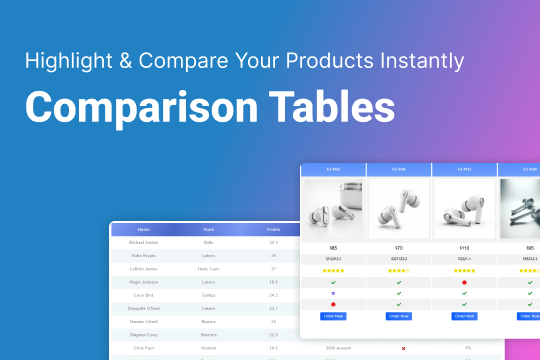
Build comparison tables for products, pricing plans, services, specs or reviews, without code. Type your rows into the editor, or on Pro and Business import a CSV or connect a live source: your site's CMS collection, Airtable, Notion, Monday, MySQL, MongoDB or an API. Pick a skin and add the table to any page on your site.
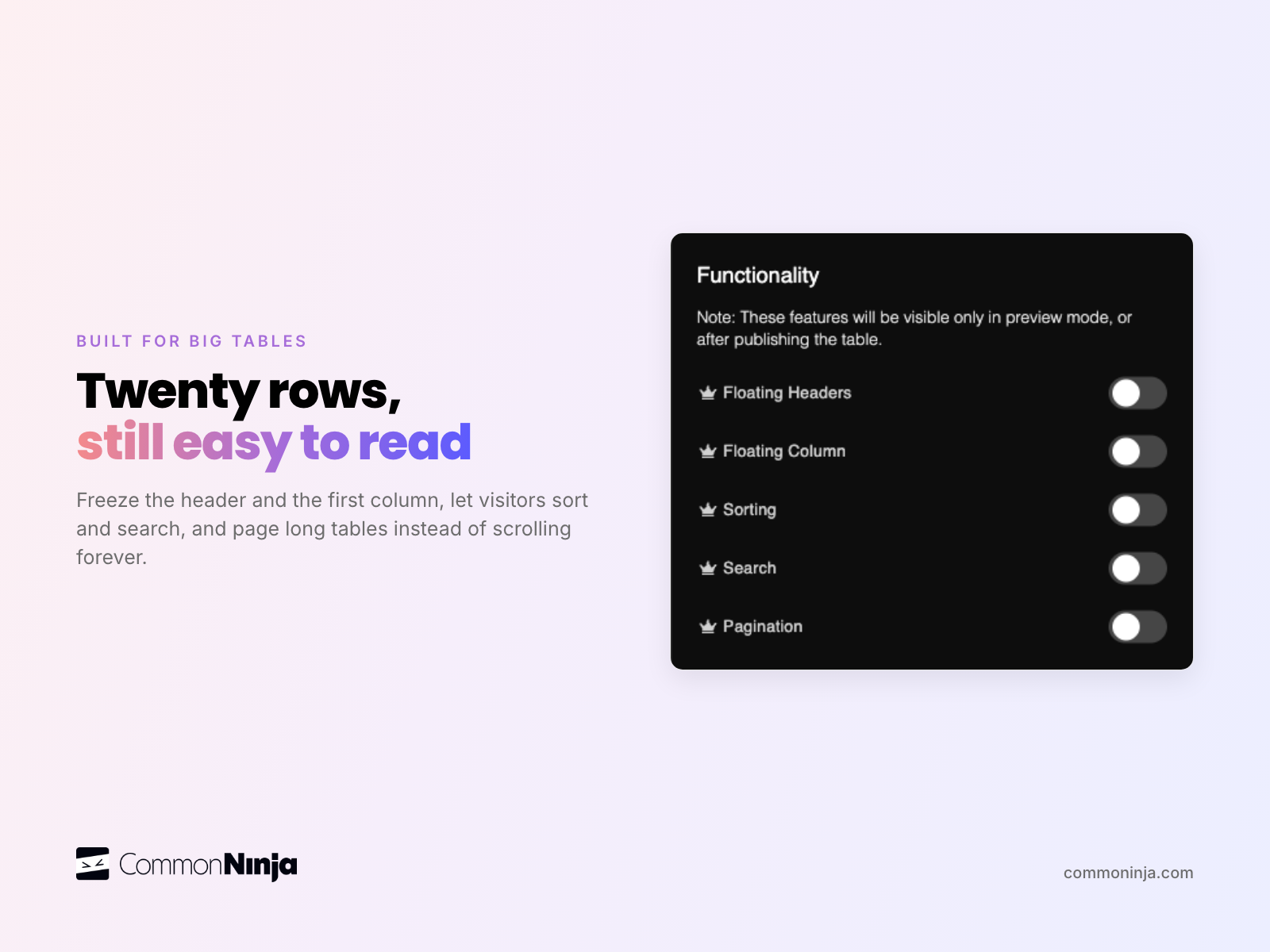
On Pro and Business, visitors can search, sort and page through the table, and headers stay in view as they scroll. Tables adapt to phones and tablets.
Try it free on your site. Paid plans add more rows, tables and styling options. Need help? Our support team replies fast at commoninja.com/support.
What the listing highlights
- Pro and Business: import a CSV or connect Airtable, Notion, MySQL or your site's CMS
- Search, sort and paginate (Pro and Business) so visitors find the row they need
- Sticky headers and first column keep labels in view (Pro and Business)
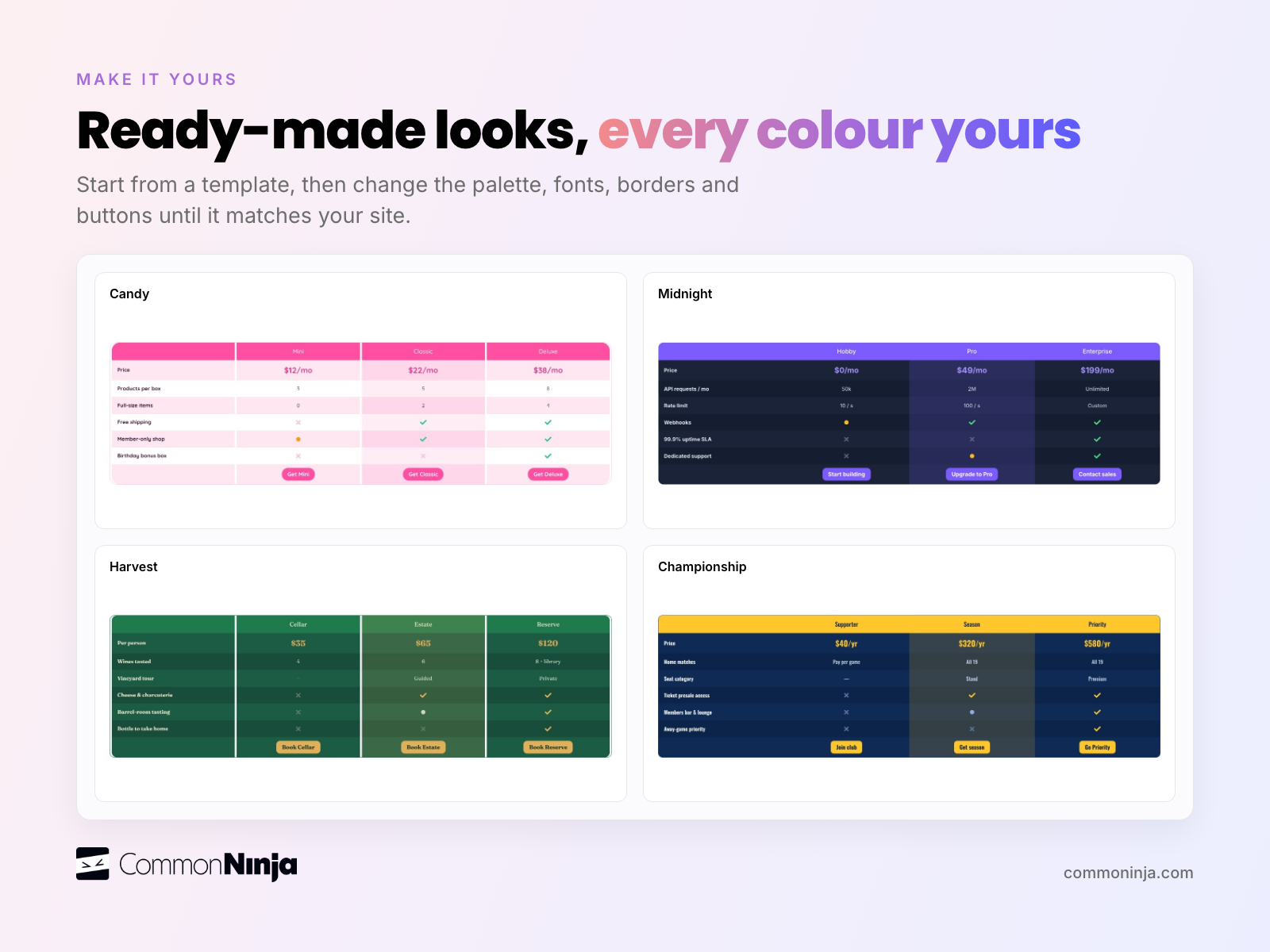
- Start from a ready-made skin, then set every color, font and column to match your site