
Wix FAQ
By Wix
- Suspicious review pattern
- Suspicious unpublished review pattern
Product media
Screenshots
1 of 6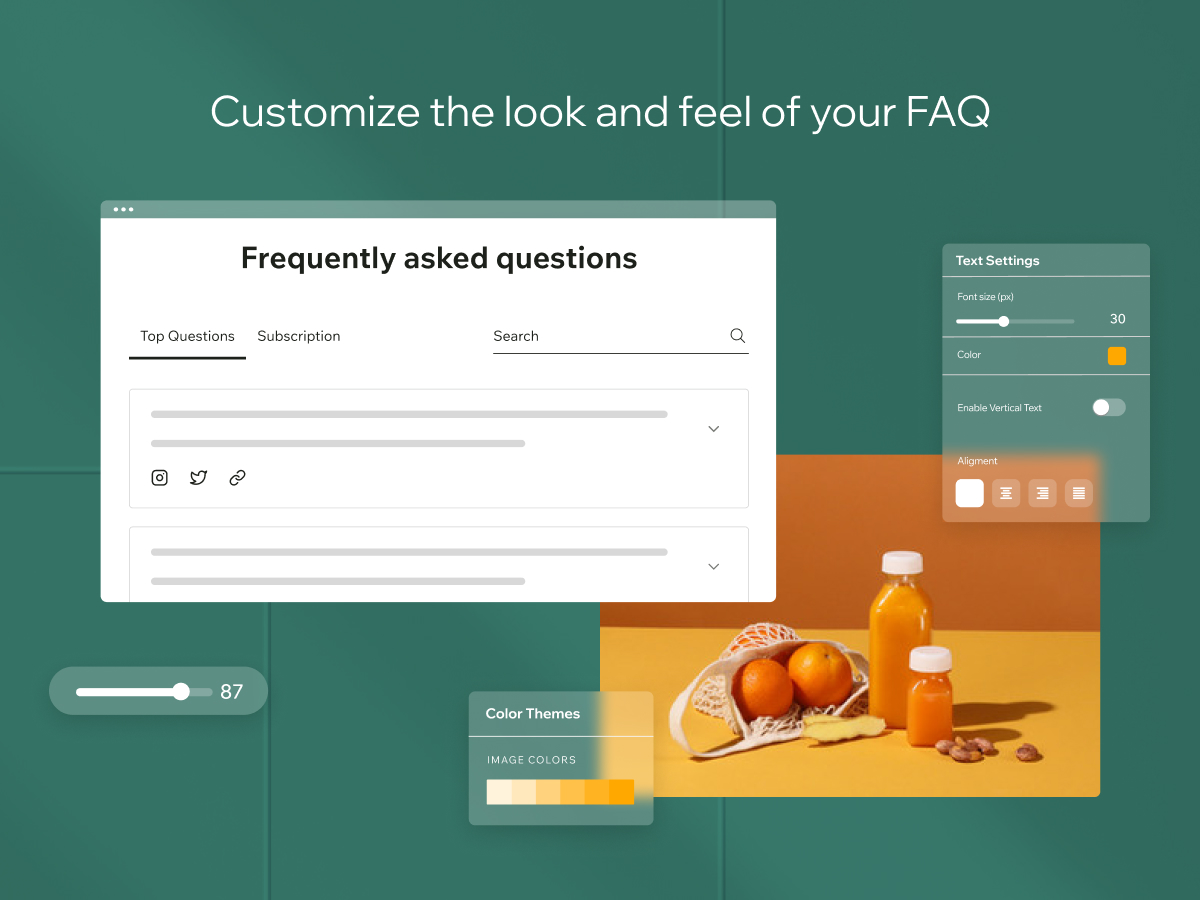
Overview
About this App
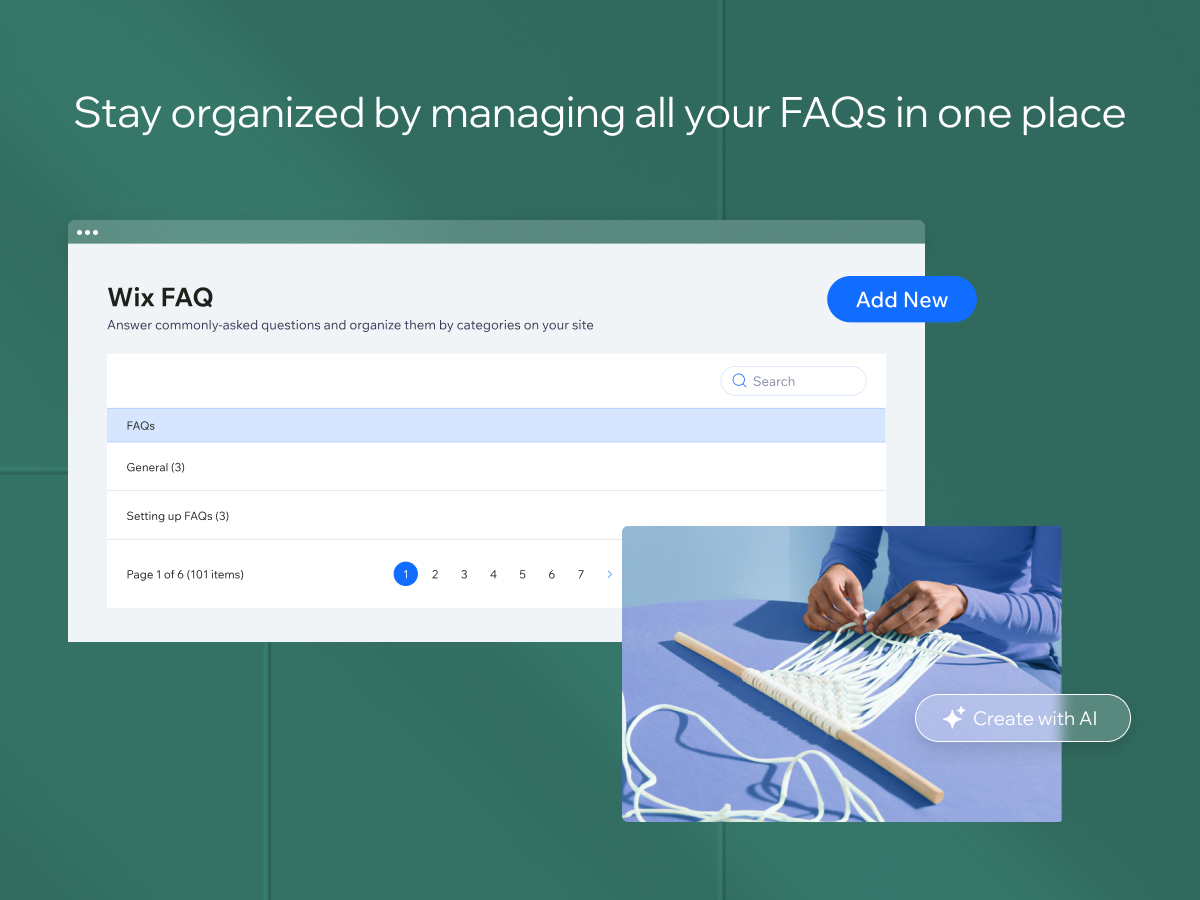
Wix FAQ makes it easy to create a professional FAQ section on your website. With this app, your visitors can quickly find answers to common questions about your products or services, making their experience better and saving you time and money on customer support.
What the listing highlights
- Help visitors find info faster by creating helpful Q&As and organizing them into categories
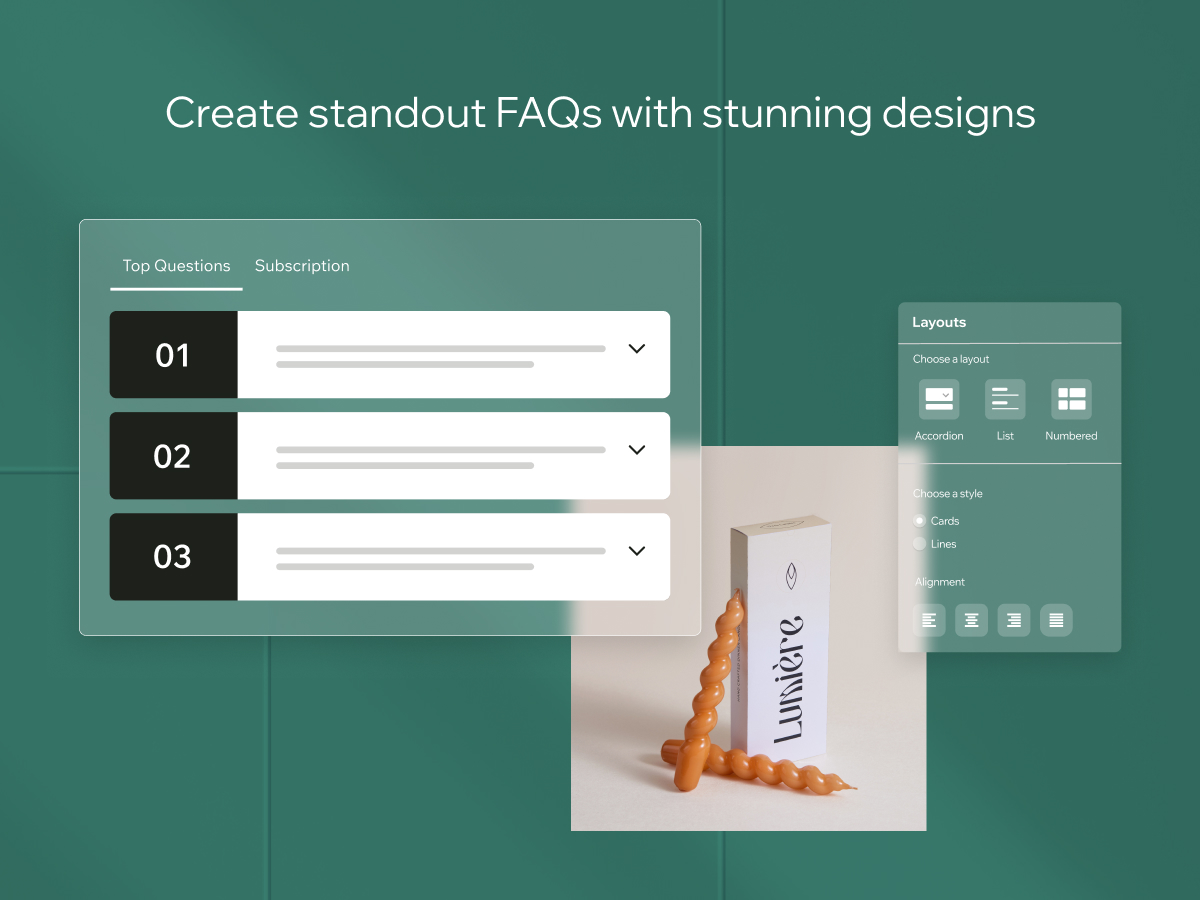
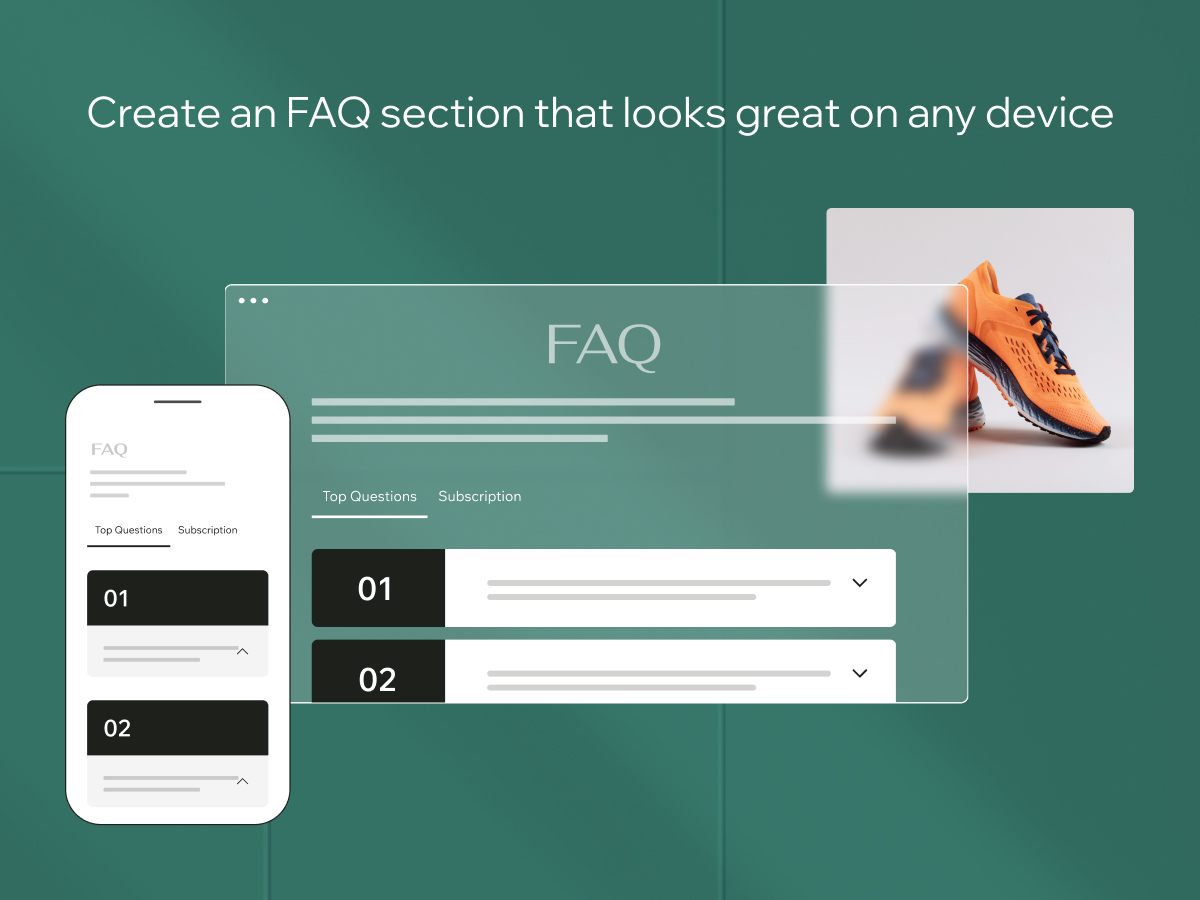
- Keep your FAQs on-brand by customizing the design with various layouts, fonts and more
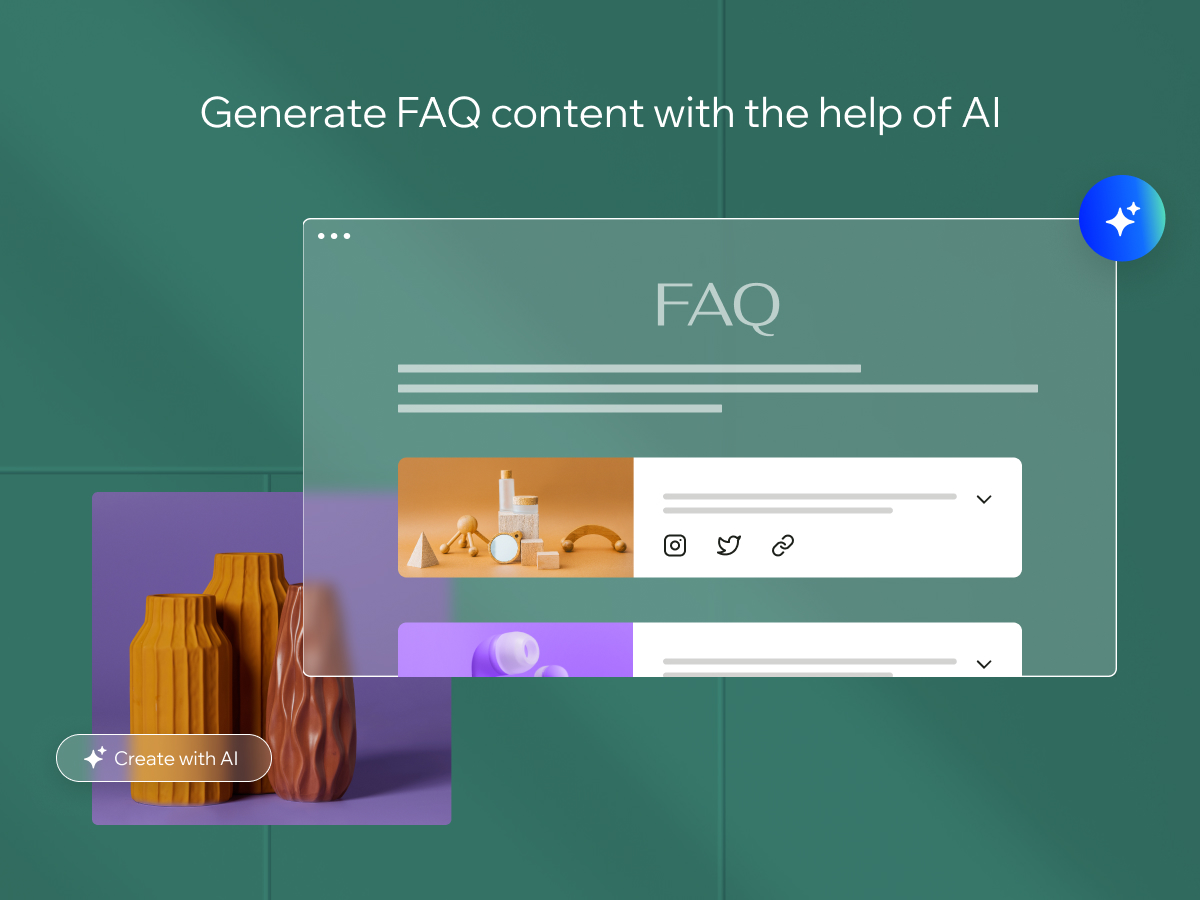
- Save time and effort by using AI to automatically generate questions and answers
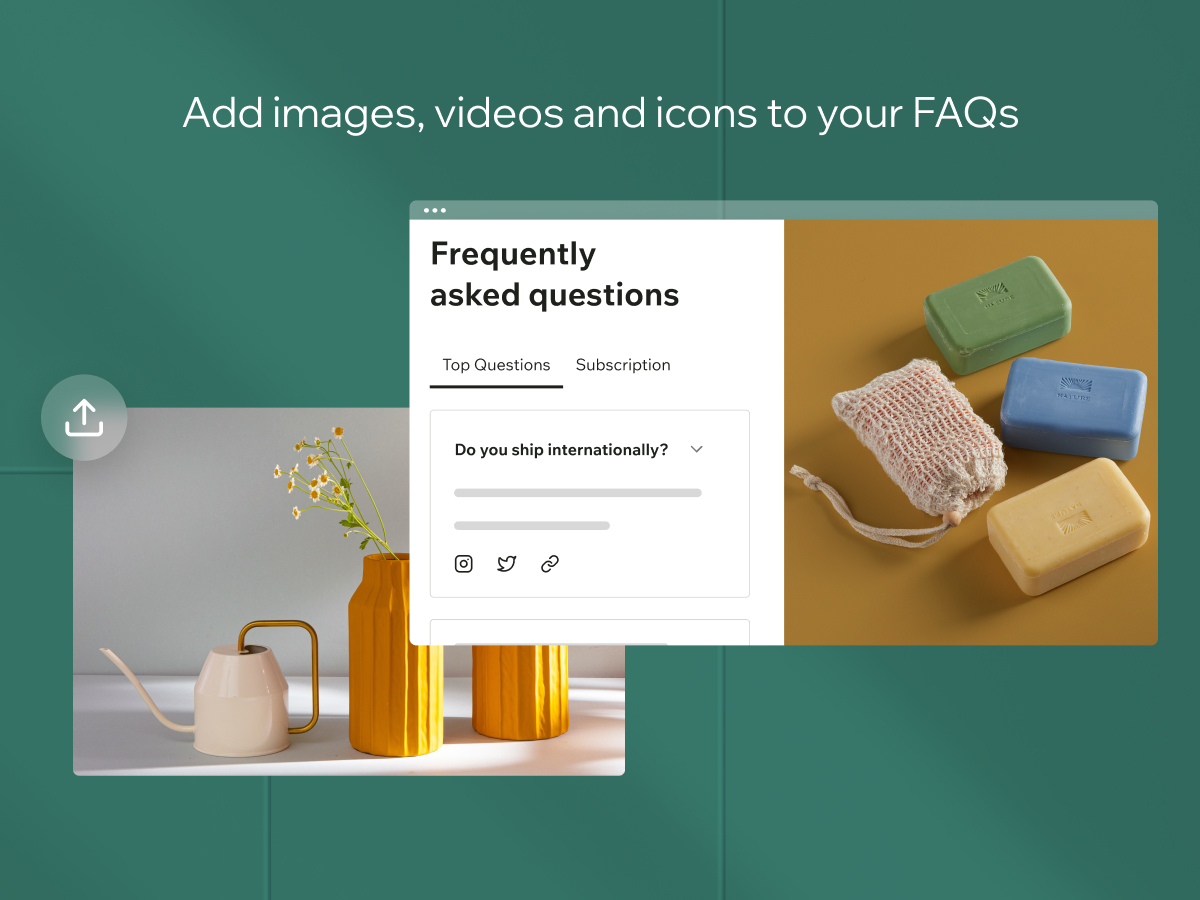
- Boost engagement by adding media to your FAQs like images, videos, social media posts and more
Reviews
Official Wix marketplace summary
Wix Marketplace feedback
Review intelligence
App Market Index summaries derived from currently preserved Wix Review rows. The selected period affects only Review activity and Ratings; replies, publication state, and Review patterns describe the overall preserved dataset.Review activity, rating distribution, stored replies, publication state, and App Market Index review-pattern signals.
Calculated as of
Review activity
Reviews whose original Wix Review date falls in the selected elapsed-day period, compared with the immediately preceding equal period. Each paired bar represents the same relative part of both periods.Reviews in selected period
0 −2 (−100%) vs previous 30 days0 Reviews in the selected 30 days and 2 in the previous 30 days.
Stored replies
Reply coverage is the percentage of 1,366 preserved Reviews with at least one stored reply. Median and P75 use 998 Reviews with valid dated stored replies. Reply authorship is not inferred.Stored publication state
Current stored state across 1,366 preserved Reviews. A Review may remain preserved after it is no longer published by Wix.- Published
- 1,160 84.92%
- Unpublished
- 206 15.08%
- Unknown
- 0 0%
Review pattern signals
Automated App Market Index classifications, not proof of manipulation. Ordinary strength uses published 5-star Reviews. Suspicious unpublished is a separate signal for stored unpublished 5-star Reviews; an App can carry both kinds of evidence.Analysis pending coverage
Review timeline
Visualize Review volume and rating mix over time, plus Review-pattern activity.
- Active months
- 108
- Peak Review month
- Feb 2022 · 119
Review volume
Reviews are grouped by original Wix Review month. Rating colors use each Review's currently stored rating. Hover a column for exact monthly counts.Review intelligence over time
Each lane has its own scale so low-volume evidence remains visible. Hover a mark for the exact monthly count. Pattern classifications describe current stored analysis grouped by original Review month.Ratings describe currently preserved Reviews grouped by their original Review dates. Unpublished activity uses surviving Wix-supplied unpublication dates. Switch to Table for exact numbers.
Timeline data table
| Month | Reviews | Rating | Unpublished | ||||
|---|---|---|---|---|---|---|---|
| 5 stars | 4 stars | 3 stars | 2 stars | 1 star | |||
| Jul 2017 | 40 | 6 | 6 | 9 | 10 | 9 | 3 |
| Aug 2017 | 38 | 9 | 3 | 8 | 6 | 12 | 1 |
| Sep 2017 | 48 | 5 | 10 | 8 | 8 | 17 | 49 |
| Oct 2017 | 22 | 4 | 1 | 4 | 4 | 9 | 1 |
| Nov 2017 | 34 | 6 | 10 | 6 | 4 | 8 | 3 |
| Dec 2017 | 24 | 6 | 2 | 8 | 3 | 5 | 4 |
| Jan 2018 | 22 | 6 | 4 | 7 | 2 | 3 | 0 |
| Feb 2018 | 20 | 5 | 3 | 7 | 2 | 3 | 7 |
| Mar 2018 | 18 | 5 | 3 | 4 | 1 | 5 | 1 |
| Apr 2018 | 13 | 4 | 2 | 1 | 2 | 4 | 26 |
| May 2018 | 28 | 6 | 4 | 10 | 3 | 5 | 1 |
| Jun 2018 | 13 | 1 | 5 | 3 | 1 | 3 | 7 |
| Jul 2018 | 15 | 2 | 3 | 6 | 3 | 1 | 0 |
| Aug 2018 | 12 | 2 | 3 | 1 | 2 | 4 | 0 |
| Sep 2018 | 15 | 3 | 3 | 5 | 1 | 3 | 0 |
| Oct 2018 | 8 | 2 | 1 | 3 | 1 | 1 | 0 |
| Nov 2018 | 19 | 1 | 7 | 3 | 3 | 5 | 2 |
| Dec 2018 | 5 | 0 | 0 | 5 | 0 | 0 | 0 |
| Jan 2019 | 10 | 1 | 2 | 1 | 4 | 2 | 0 |
| Feb 2019 | 11 | 3 | 0 | 3 | 2 | 3 | 0 |
| Mar 2019 | 7 | 0 | 0 | 2 | 1 | 4 | 0 |
| Apr 2019 | 11 | 2 | 3 | 2 | 3 | 1 | 0 |
| May 2019 | 9 | 0 | 1 | 0 | 4 | 4 | 0 |
| Jun 2019 | 8 | 0 | 0 | 1 | 3 | 4 | 0 |
| Jul 2019 | 10 | 3 | 1 | 2 | 1 | 3 | 0 |
| Aug 2019 | 7 | 0 | 0 | 3 | 2 | 2 | 0 |
| Sep 2019 | 6 | 0 | 1 | 0 | 4 | 1 | 0 |
| Oct 2019 | 9 | 0 | 2 | 2 | 1 | 4 | 0 |
| Nov 2019 | 5 | 1 | 1 | 1 | 1 | 1 | 0 |
| Dec 2019 | 10 | 1 | 2 | 2 | 2 | 3 | 0 |
| Jan 2020 | 12 | 1 | 1 | 2 | 2 | 6 | 0 |
| Feb 2020 | 15 | 1 | 0 | 3 | 7 | 4 | 0 |
| Mar 2020 | 10 | 0 | 1 | 4 | 1 | 4 | 0 |
| Apr 2020 | 17 | 1 | 5 | 3 | 4 | 4 | 0 |
| May 2020 | 42 | 2 | 2 | 6 | 6 | 26 | 0 |
| Jun 2020 | 18 | 3 | 5 | 3 | 1 | 6 | 2 |
| Jul 2020 | 14 | 3 | 3 | 2 | 5 | 1 | 0 |
| Aug 2020 | 13 | 1 | 3 | 3 | 0 | 6 | 0 |
| Sep 2020 | 18 | 1 | 1 | 2 | 9 | 5 | 0 |
| Oct 2020 | 15 | 1 | 1 | 3 | 4 | 6 | 0 |
| Nov 2020 | 19 | 3 | 2 | 3 | 3 | 8 | 0 |
| Dec 2020 | 14 | 2 | 2 | 3 | 3 | 4 | 0 |
| Jan 2021 | 12 | 5 | 1 | 0 | 4 | 2 | 1 |
| Feb 2021 | 14 | 2 | 1 | 5 | 3 | 3 | 33 |
| Mar 2021 | 17 | 6 | 1 | 1 | 2 | 7 | 1 |
| Apr 2021 | 12 | 4 | 2 | 2 | 2 | 2 | 0 |
| May 2021 | 15 | 3 | 0 | 3 | 6 | 3 | 1 |
| Jun 2021 | 17 | 6 | 2 | 3 | 3 | 3 | 0 |
| Jul 2021 | 12 | 2 | 0 | 6 | 4 | 0 | 0 |
| Aug 2021 | 8 | 1 | 3 | 1 | 3 | 0 | 0 |
| Sep 2021 | 12 | 7 | 0 | 4 | 1 | 0 | 0 |
| Oct 2021 | 15 | 5 | 0 | 3 | 3 | 4 | 1 |
| Nov 2021 | 14 | 3 | 1 | 1 | 5 | 4 | 0 |
| Dec 2021 | 9 | 3 | 0 | 1 | 4 | 1 | 0 |
| Jan 2022 | 75 | 15 | 1 | 2 | 13 | 44 | 54 |
| Feb 2022 | 119 | 10 | 2 | 4 | 18 | 85 | 0 |
| Mar 2022 | 61 | 7 | 2 | 1 | 7 | 44 | 0 |
| Apr 2022 | 19 | 4 | 1 | 2 | 2 | 10 | 0 |
| May 2022 | 11 | 1 | 0 | 0 | 3 | 7 | 0 |
| Jun 2022 | 11 | 3 | 0 | 1 | 3 | 4 | 6 |
| Jul 2022 | 5 | 2 | 0 | 3 | 0 | 0 | 0 |
| Aug 2022 | 9 | 2 | 0 | 1 | 1 | 5 | 1 |
| Sep 2022 | 1 | 0 | 0 | 1 | 0 | 0 | 0 |
| Oct 2022 | 2 | 0 | 0 | 1 | 0 | 1 | 0 |
| Nov 2022 | 2 | 0 | 1 | 0 | 0 | 1 | 0 |
| Dec 2022 | 1 | 0 | 0 | 0 | 1 | 0 | 0 |
| Jan 2023 | 0 | 0 | 0 | 0 | 0 | 0 | 0 |
| Feb 2023 | 1 | 0 | 0 | 0 | 0 | 1 | 0 |
| Mar 2023 | 3 | 1 | 0 | 1 | 0 | 1 | 0 |
| Apr 2023 | 2 | 0 | 0 | 0 | 0 | 2 | 0 |
| May 2023 | 6 | 2 | 0 | 2 | 0 | 2 | 1 |
| Jun 2023 | 6 | 3 | 0 | 2 | 1 | 0 | 0 |
| Jul 2023 | 6 | 1 | 0 | 0 | 2 | 3 | 0 |
| Aug 2023 | 6 | 2 | 0 | 0 | 1 | 3 | 0 |
| Sep 2023 | 3 | 1 | 0 | 1 | 0 | 1 | 0 |
| Oct 2023 | 3 | 0 | 1 | 0 | 0 | 2 | 0 |
| Nov 2023 | 4 | 1 | 1 | 0 | 0 | 2 | 0 |
| Dec 2023 | 2 | 1 | 0 | 1 | 0 | 0 | 0 |
| Jan 2024 | 3 | 2 | 0 | 0 | 1 | 0 | 0 |
| Feb 2024 | 1 | 0 | 0 | 1 | 0 | 0 | 0 |
| Mar 2024 | 5 | 0 | 0 | 1 | 4 | 0 | 0 |
| Apr 2024 | 3 | 0 | 0 | 1 | 0 | 2 | 0 |
| May 2024 | 5 | 4 | 0 | 0 | 1 | 0 | 0 |
| Jun 2024 | 4 | 0 | 1 | 1 | 1 | 1 | 0 |
| Jul 2024 | 3 | 2 | 0 | 0 | 0 | 1 | 0 |
| Aug 2024 | 6 | 3 | 1 | 0 | 0 | 2 | 0 |
| Sep 2024 | 7 | 1 | 2 | 0 | 1 | 3 | 0 |
| Oct 2024 | 4 | 1 | 0 | 1 | 1 | 1 | 0 |
| Nov 2024 | 6 | 2 | 0 | 0 | 1 | 3 | 0 |
| Dec 2024 | 5 | 3 | 0 | 0 | 0 | 2 | 0 |
| Jan 2025 | 6 | 2 | 0 | 1 | 1 | 2 | 0 |
| Feb 2025 | 11 | 5 | 0 | 1 | 0 | 5 | 0 |
| Mar 2025 | 8 | 3 | 1 | 1 | 0 | 3 | 0 |
| Apr 2025 | 5 | 0 | 0 | 0 | 2 | 3 | 0 |
| May 2025 | 5 | 2 | 1 | 0 | 0 | 2 | 0 |
| Jun 2025 | 13 | 3 | 0 | 1 | 4 | 5 | 0 |
| Jul 2025 | 11 | 1 | 0 | 1 | 3 | 6 | 0 |
| Aug 2025 | 5 | 1 | 0 | 2 | 0 | 2 | 0 |
| Sep 2025 | 5 | 1 | 1 | 0 | 1 | 2 | 0 |
| Oct 2025 | 0 | 0 | 0 | 0 | 0 | 0 | 0 |
| Nov 2025 | 6 | 0 | 1 | 0 | 2 | 3 | 0 |
| Dec 2025 | 1 | 1 | 0 | 0 | 0 | 0 | 0 |
| Jan 2026 | 2 | 0 | 0 | 0 | 0 | 2 | 0 |
| Feb 2026 | 4 | 1 | 0 | 0 | 0 | 3 | 0 |
| Mar 2026 | 2 | 2 | 0 | 0 | 0 | 0 | 0 |
| Apr 2026 | 2 | 1 | 1 | 0 | 0 | 0 | 0 |
| May 2026 | 2 | 0 | 1 | 0 | 0 | 1 | 0 |
| Jun 2026 | 3 | 1 | 0 | 0 | 0 | 2 | 0 |
| Jul 2026 | 2 | 0 | 1 | 1 | 0 | 0 | 0 |
| Aug 2026 | 2 | 2 | 0 | 0 | 0 | 0 | 0 |
Review-pattern Timeline data is pending complete coverage.
App Market Index archive
Review list
Browse preserved published and unpublished Reviews.These are preserved App Market Index Review rows. They are separate from the current official Wix marketplace summary shown above, and publication labels describe the state currently stored by App Market Index. About this archive
- robviater
Cannot change answer text size
I can change the questions text size in the design tab, but not the answers text size. It needs to be updated with a fix.
- nicolelimadesign
Size issues
I can't reduce the size of my FAQ answers to less than 16px, even though I use sizes of 14 and 12 pixels on my website. I've tried everything.
- gabrielnunesgtr
Está mudando a vizualização
Vejam esse app. Eu faço ele de um jeito e quando publico o site ele fica de outro. Não estou gostando disso.
- bedevansh1
no option to add bulk faq tedious to write each Faq manually
- sassenach0677outla
Loads of room for growth
FAQs can't be added on separate pages. You can't allow just ONE FAQ section for the entire website! And you can't just show ALL sections with FAQS at the same time, it's simply not user-friendly and not customer-friendly. I tried so many things to simply have TWO SEPARATE faqs on two separate pages of my website with no success. Even if there is a way, it shouldn't be this hard to find it.
- semexpertdm1
implementation and design part
it design part not work properly
- makademiapta
Functional but limited
It works as intended to manage FAQ except it only seems to work on the website. The whole thing disappeared on the cellphone view. This is very disappointing. Wish that I knew this. Most of the people will access this information on their phones. I created this FAQ for ease of use and whenever they need it. Now I have to find an alternative
- robonic
Just another half-a$$ed Wix app
The only benefit to this app is that you can manage FAQs in Dashboard instead of in Editor, otherwise you'd be much better off using an Accordion element if you are looking for more design flexibility, but you'd then have to manage your FAQs by editing your website. You could create a CMS collection for FAQs and then connect a Repeater element to your CMS collection to display them on your site, which would give you the most design flexibility, and you could manage your FAQs in Dashboard > CMS. You can also use the Selection Tags element (Add Element > Input) with the Repeater to allow the user to filter FAQs. Another note; you'd have to use Velo code to make the FAQs collapsible in a Repeater. This app also does not generate FAQ schema markup, which you'd think it would, being the Wix FAQ app. The Accordion doesn't either, but the "collapsible list" in blog posts does! Google no longer shows FAQs, however other search engines do. I decided to use CMS.
- patoliyakaran30
Loading Time
Although it looks great but it is taking too much time to load once it appears
- kleonstudio
Please offer more layout options
Unfortunately I can't adjust the spacing around the FAQ section, the FAQ app makes what it wants when you publish the site. Also I would like to present the categories in an different way - this is not possible. On smartphone the categories are shown as a dropdown menu, where I can't adjust the colors regarding accessibility. The dropdown menu for categories would also be nice for desktop and tablet but you can't select that.
Plan comparison
Pricing & Plans
Detailed plan information is not available for this App.