MT: Stocktake, Count & History
Product media
Screenshots
1 of 6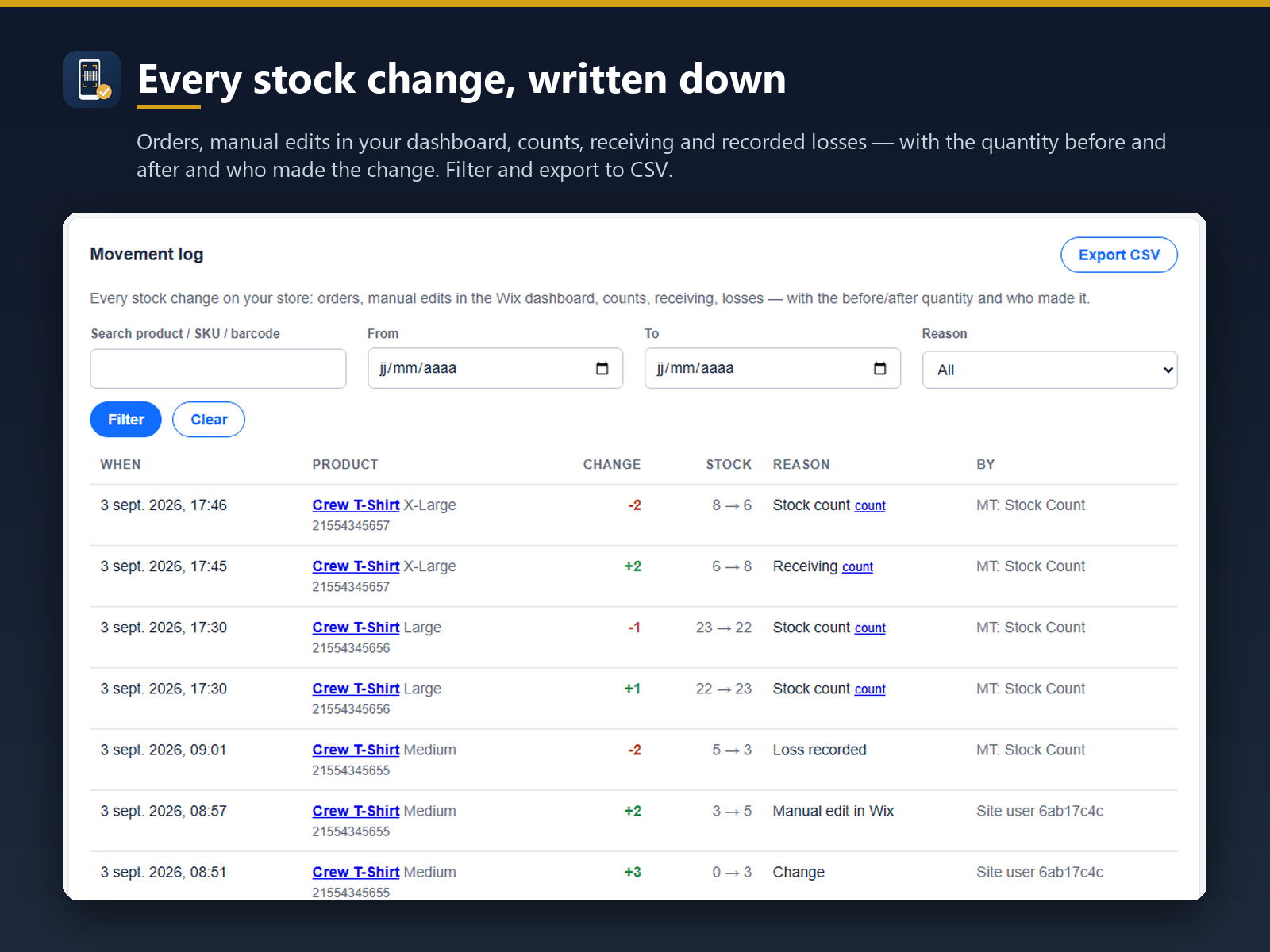
Overview
About this App
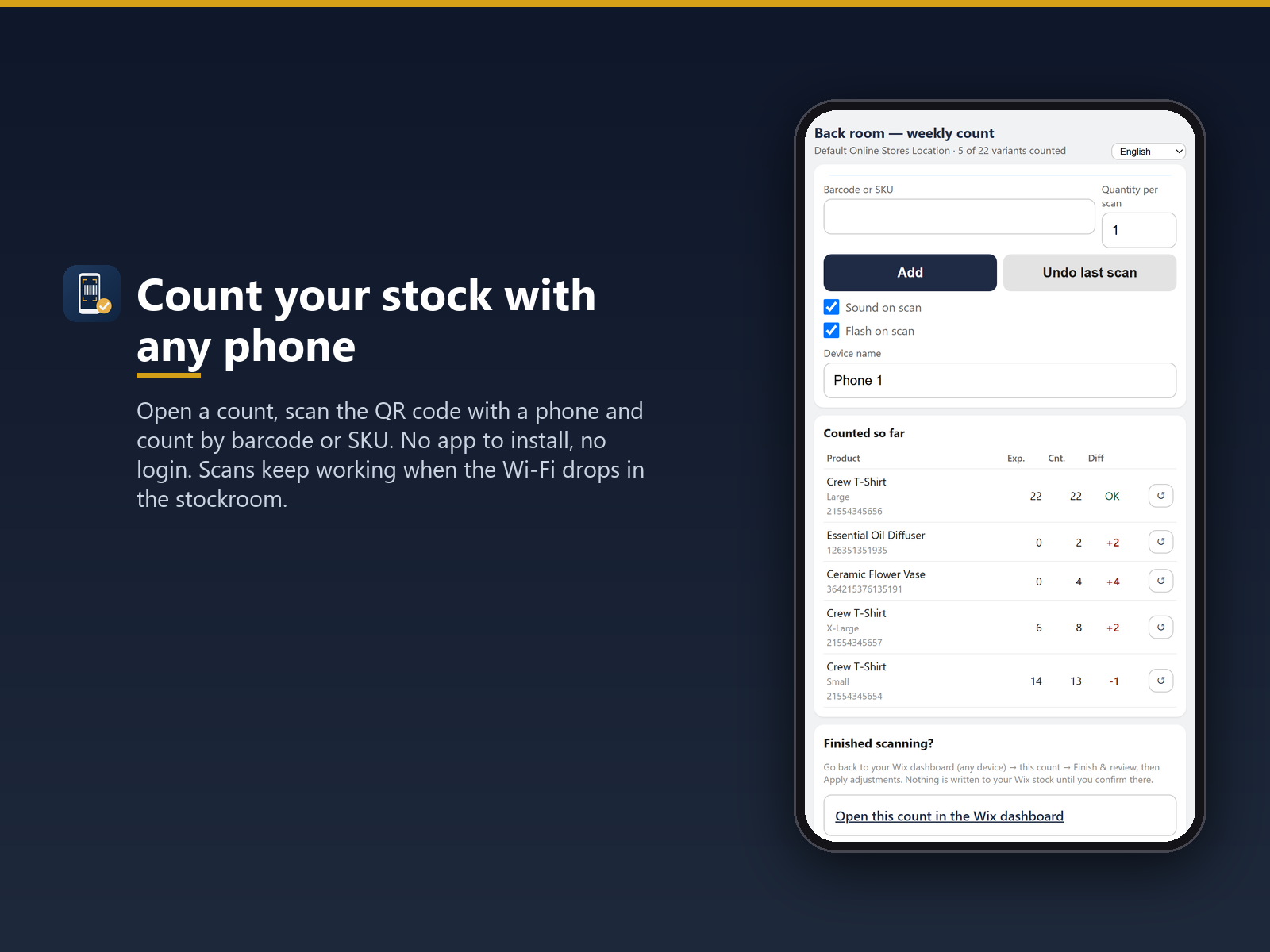
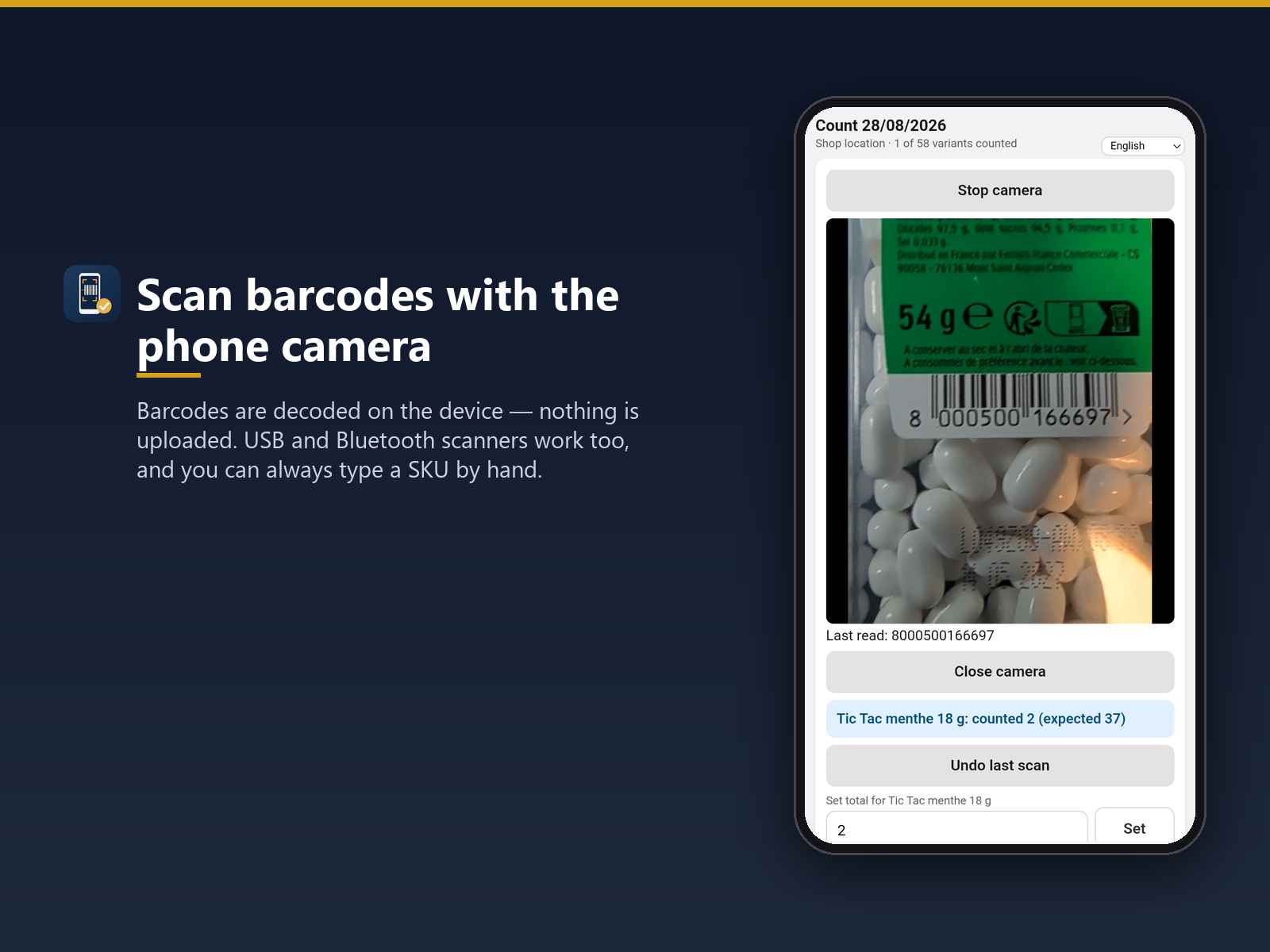
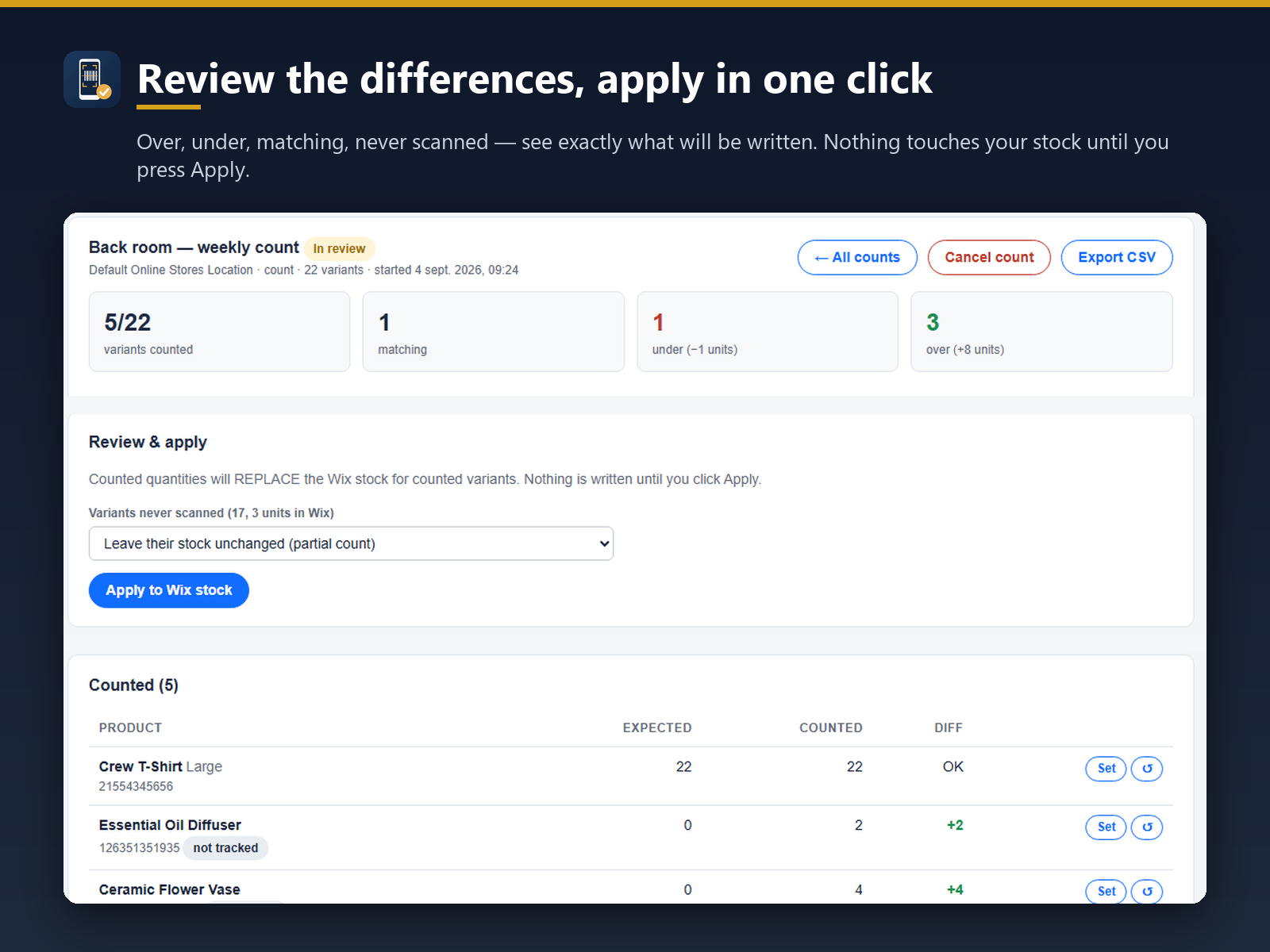
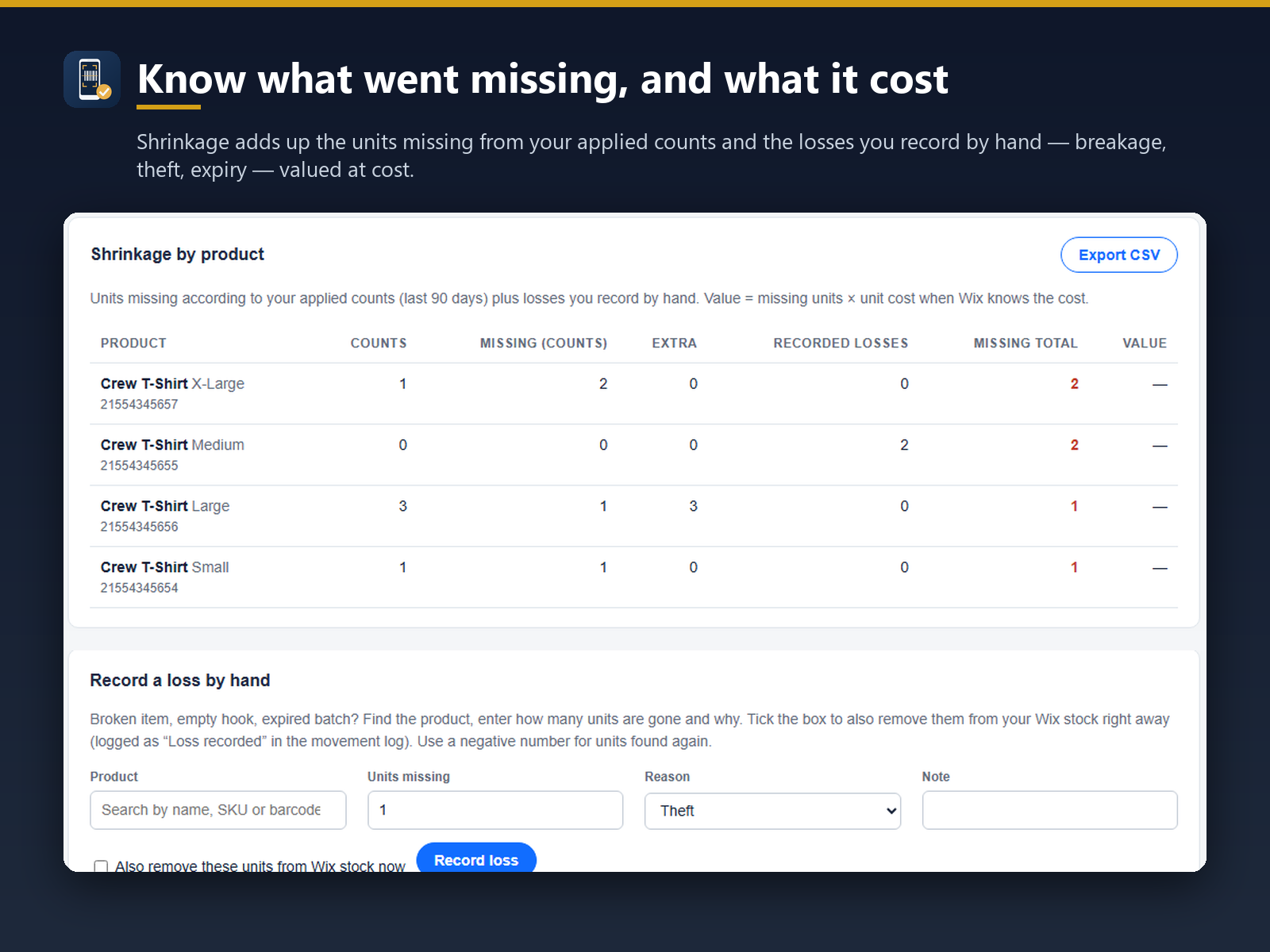
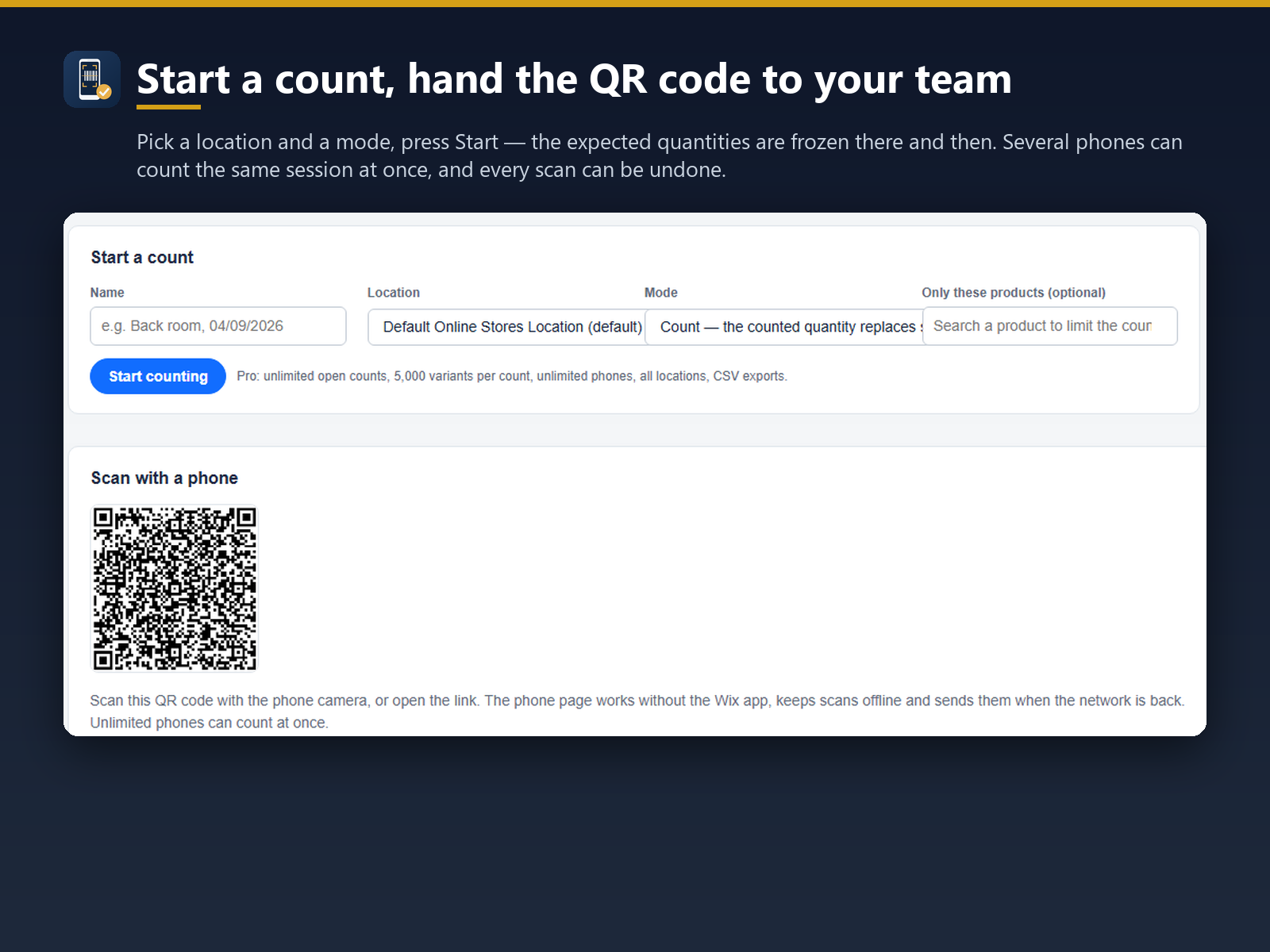
Your store does not keep a history of its stock levels. MT: Stocktake, Count & History does: it keeps a stock movement log. Every change in stock becomes its own line: orders, manual edits, counting sessions, deliveries received and losses entered by hand. Each line shows date, variant, quantity before and after, reason and author. Filter the log by product, date or reason; export it to Excel or CSV. The free plan counts up to 500 variants and keeps 30 days of history; Pro has no time limit. Inventory counts run from a phone: a session opened in the dashboard continues on any phone through a QR code. Type or scan: the camera reads barcodes or SKUs, or you type a code with its quantity. Each read is confirmed on screen, a unit already scanned is flagged rather than added again, and scans are held on the device while the network is away. Differences between expected and counted stock are listed for review; stock is written only once you confirm. A receiving mode adds scanned units when a delivery arrives, and a shrinkage view totals, per product, what counts found missing plus losses entered by hand, valued at cost. Both the classic and the new store catalog are supported.
What the listing highlights
- Every stock change logged: orders, edits, counts, receiving
- Log filtered by product, date or reason, Excel/CSV export
- Barcode or SKU counts from a phone, no extra hardware
- Receiving by scan and shrinkage totals by product
Additional product media
Promotional media
Videos
Reviews
Official Wix marketplace summary
Wix Marketplace feedback
No reviews yet.
Plan comparison
Pricing & Plans
Basic
Free
Free
- Barcode and SKU counting by phone
- 1 open count, up to 500 variants
- 30-day stock movement log
Pro
$6.84 / month
$82.1 billed yearly Save 17% yearly$8.24 / month
- Unlimited counts, 5,000 variants
- All locations, unlimited phones
- Full stock movement log, no limit