
Stock Countdown
- Wix Campaign
Product media
Screenshots
1 of 5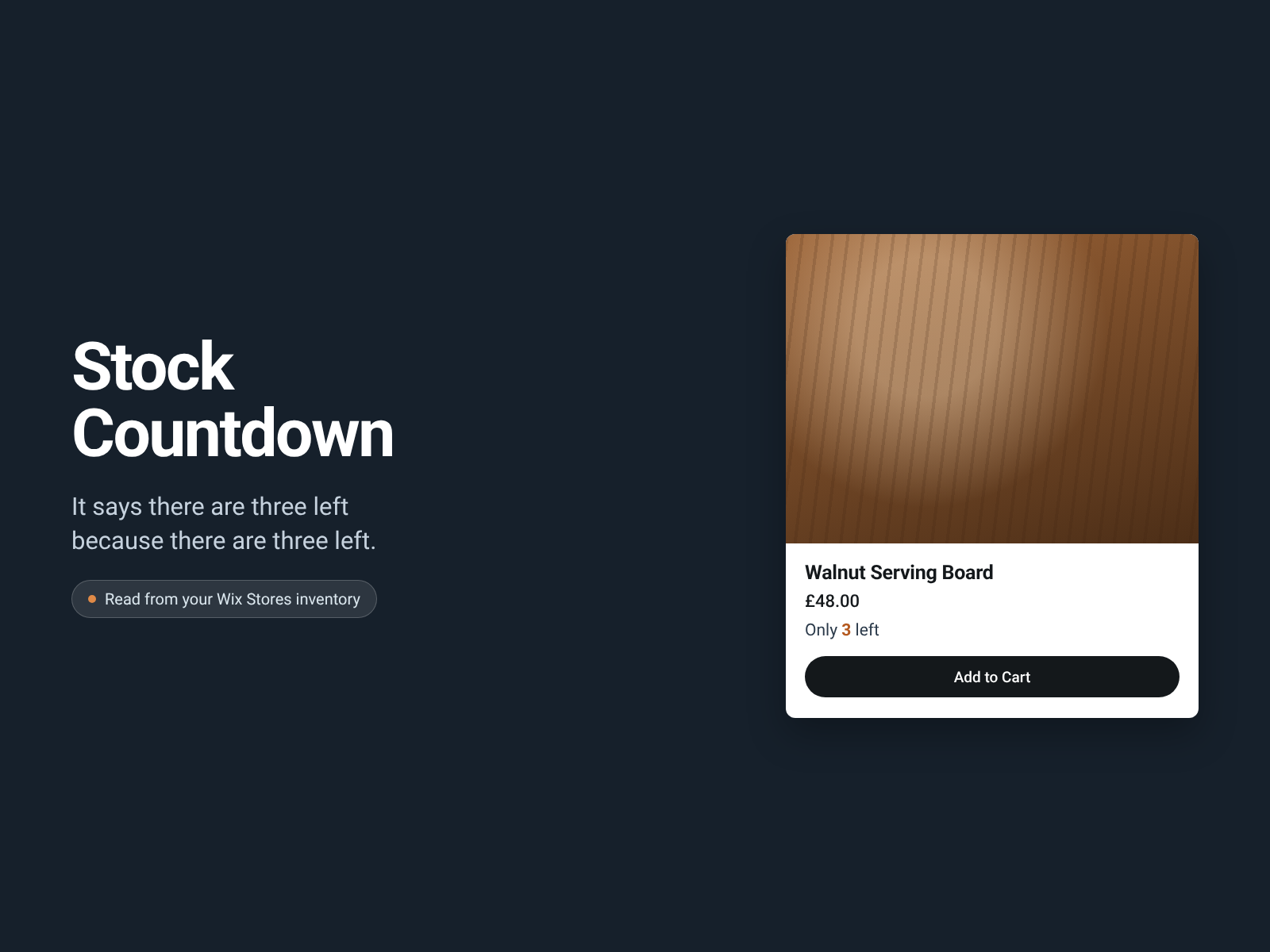
Overview
About this App
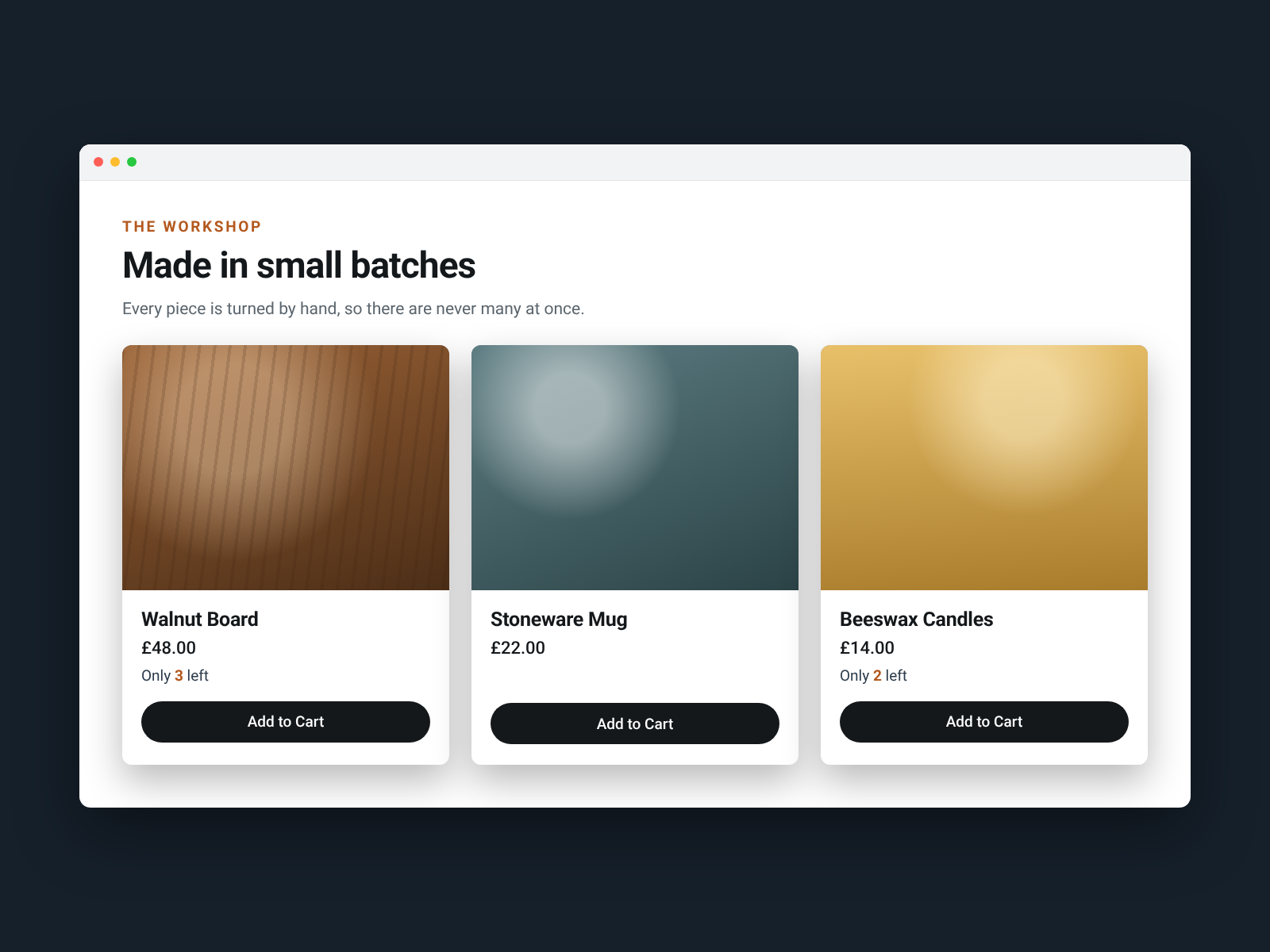
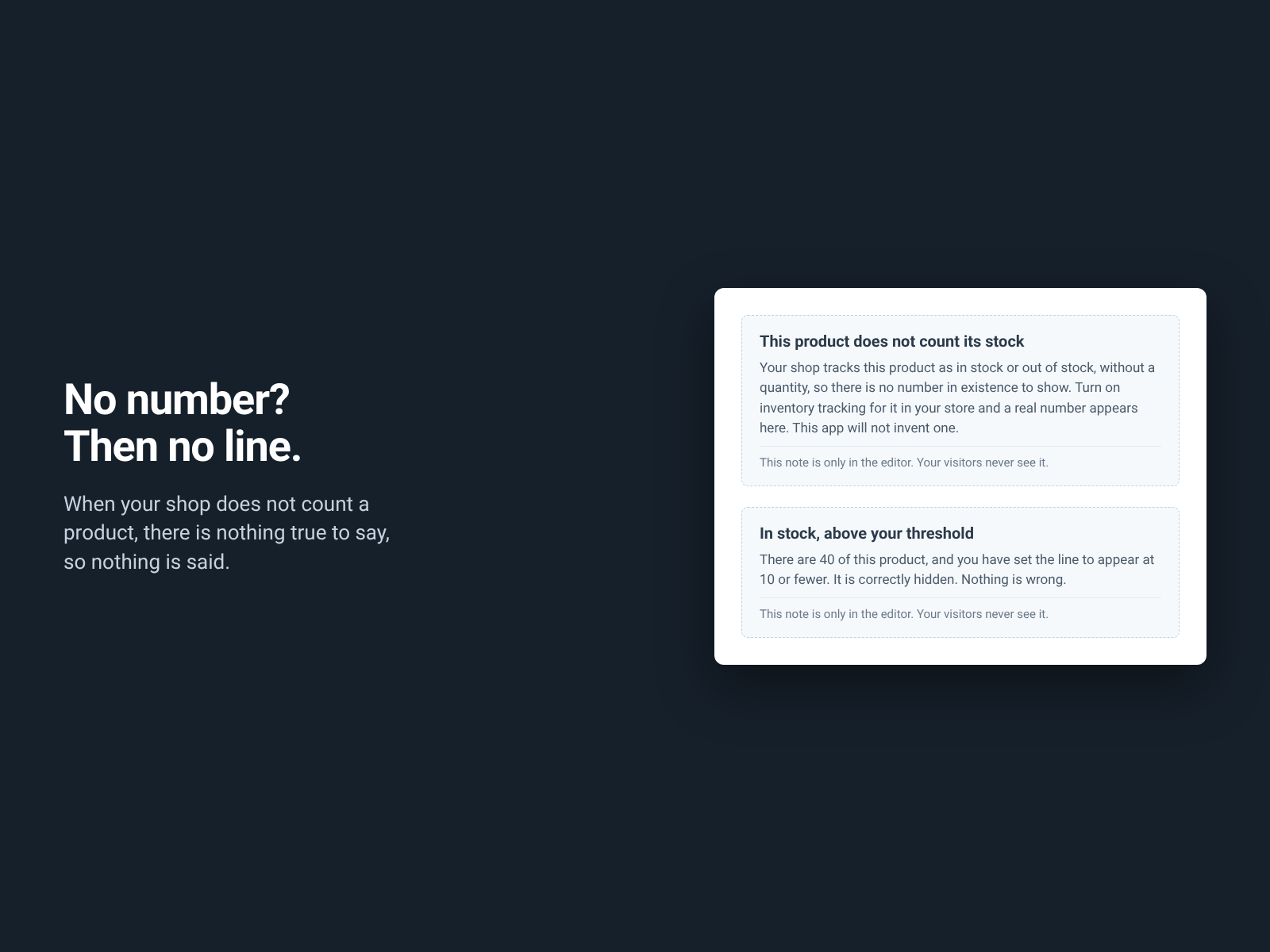
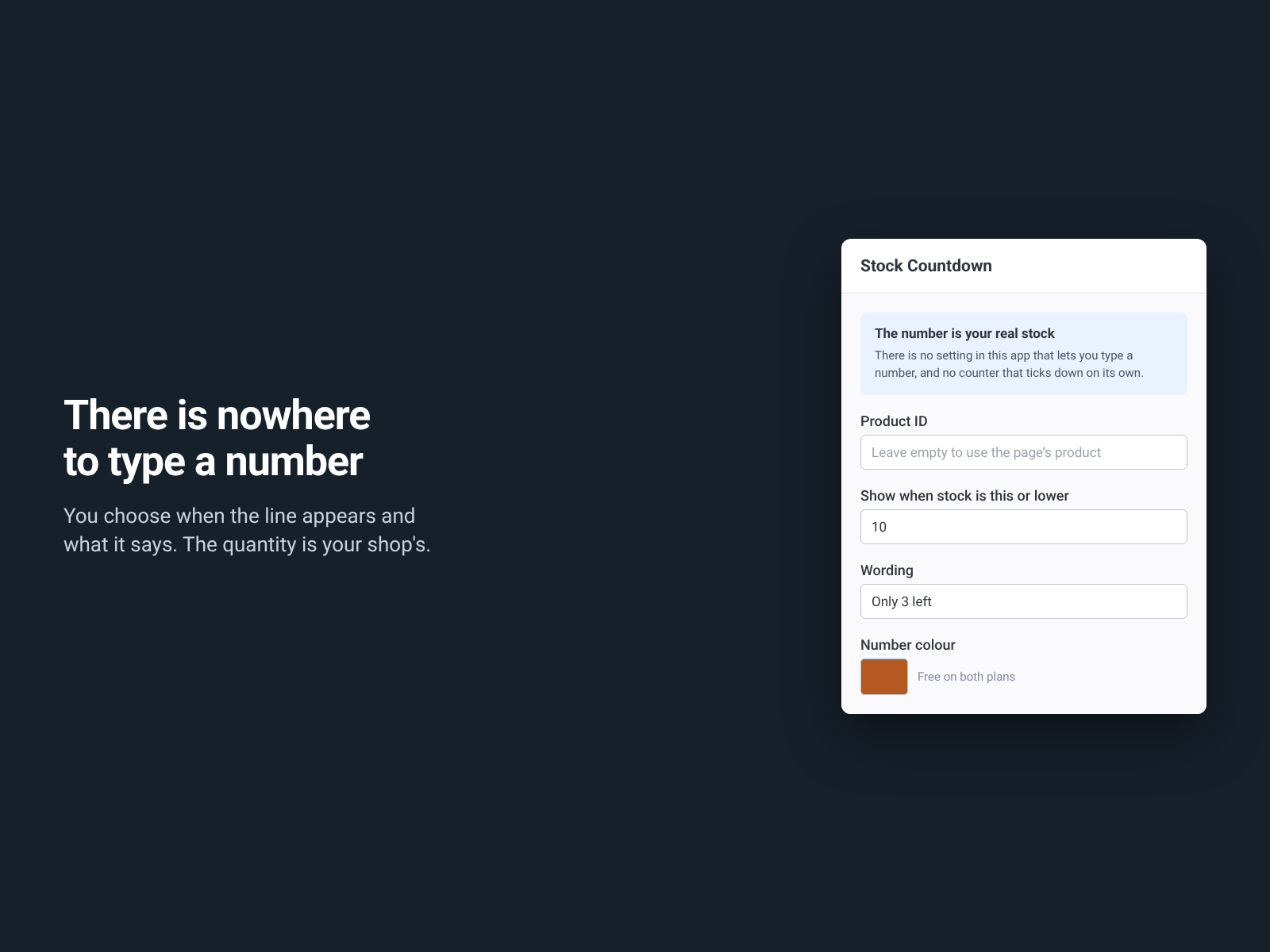
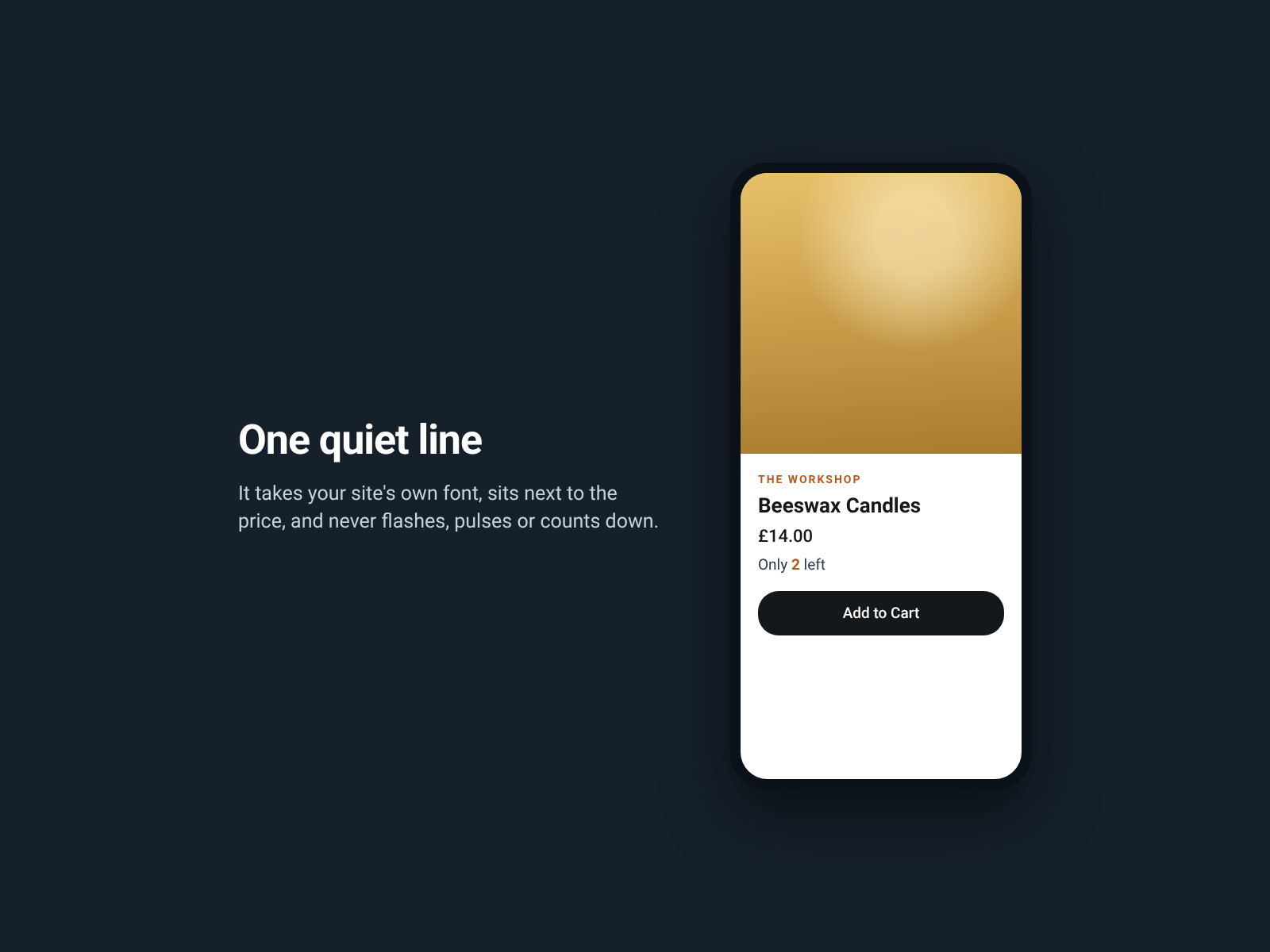
A line on your product page saying how many are left. Only 3 left. 2 left in stock. 3 in stock, in your own words and your own colours. The number is read from your store's inventory when the page loads. That is the only place it can come from. There is no setting in this app that lets you type a quantity, and there is no counter that ticks down on its own, on any plan. The other half of that promise is the part worth reading twice. If the real quantity cannot be read, the line shows nothing at all. That happens when your shop tracks a product as in stock or out of stock without counting units, when the inventory cannot be reached, when the widget is not on a product page, and when stock reaches zero, where your shop already says Out of stock. The settings panel and the Editor tell you which of those it is. You set the level the line appears at, the wording, both colours and the text size. All of that is free on both plans. What it does not do: it will not invent scarcity, show a number you supply, count down, flash, or pressure anybody. If your shelves are full it will be quiet. Free for ever on one stock line per page. Twelve languages.
What the listing highlights
- Shows the quantity your store's inventory actually holds, read on every page load
- When there is no real number to show, it shows nothing at all
- You choose when the line appears and which of three sentences it uses
- No typed-in counts, no timers, no decay, in any plan
Reviews
Official Wix marketplace summary
Wix Marketplace feedback
No reviews yet.
Plan comparison
Pricing & Plans
Basic
Free
Free
- One stock line per page
- Real quantity, threshold and wording
- Both colours, the text size and accessible text
Pro
$0 / year
Save 18% yearly$0 / month
- Up to 12 stock lines on one page
- Real quantity, threshold and wording, same as free
- Both colours and the text size stay free