Save Contact: vCard & QR Code
By Prometheus
- Wix Campaign
Product media
Screenshots
1 of 5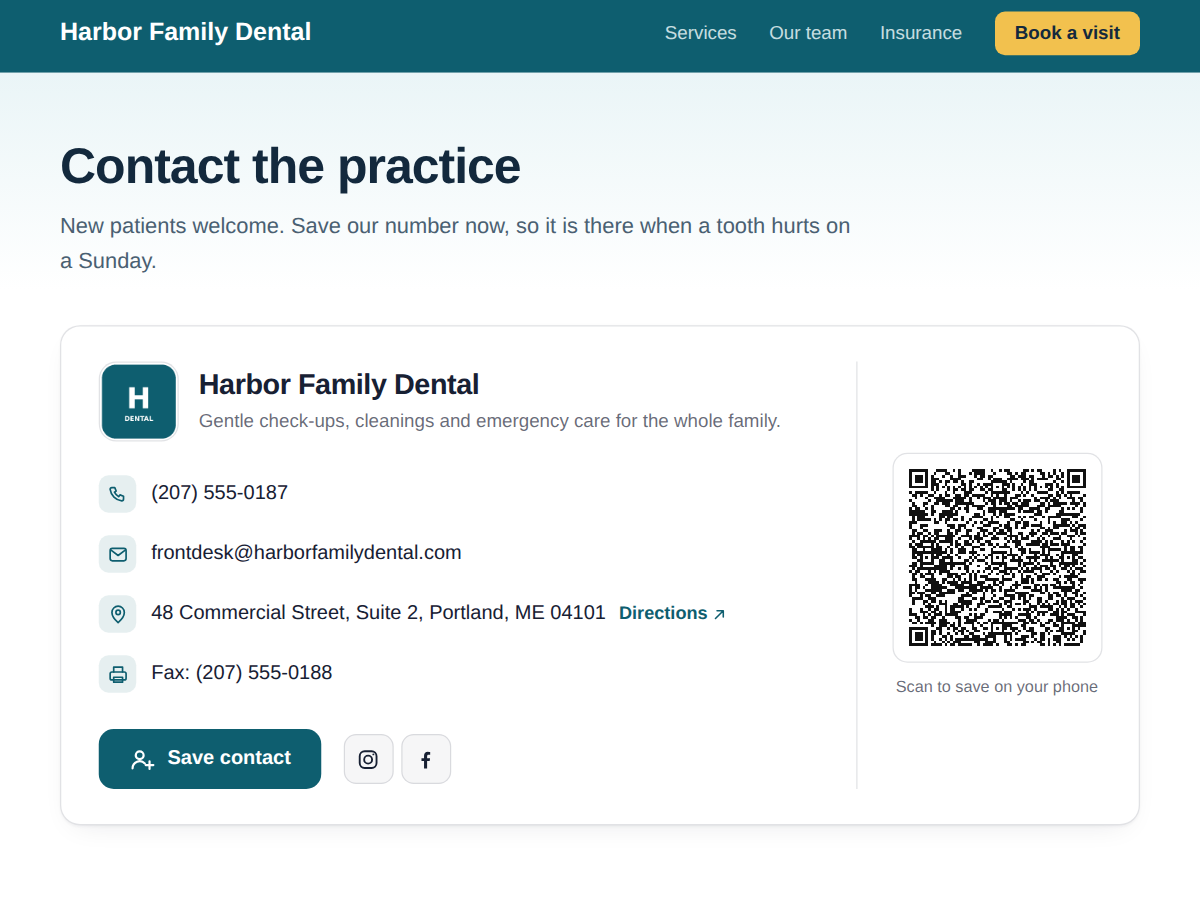
Overview
About this App
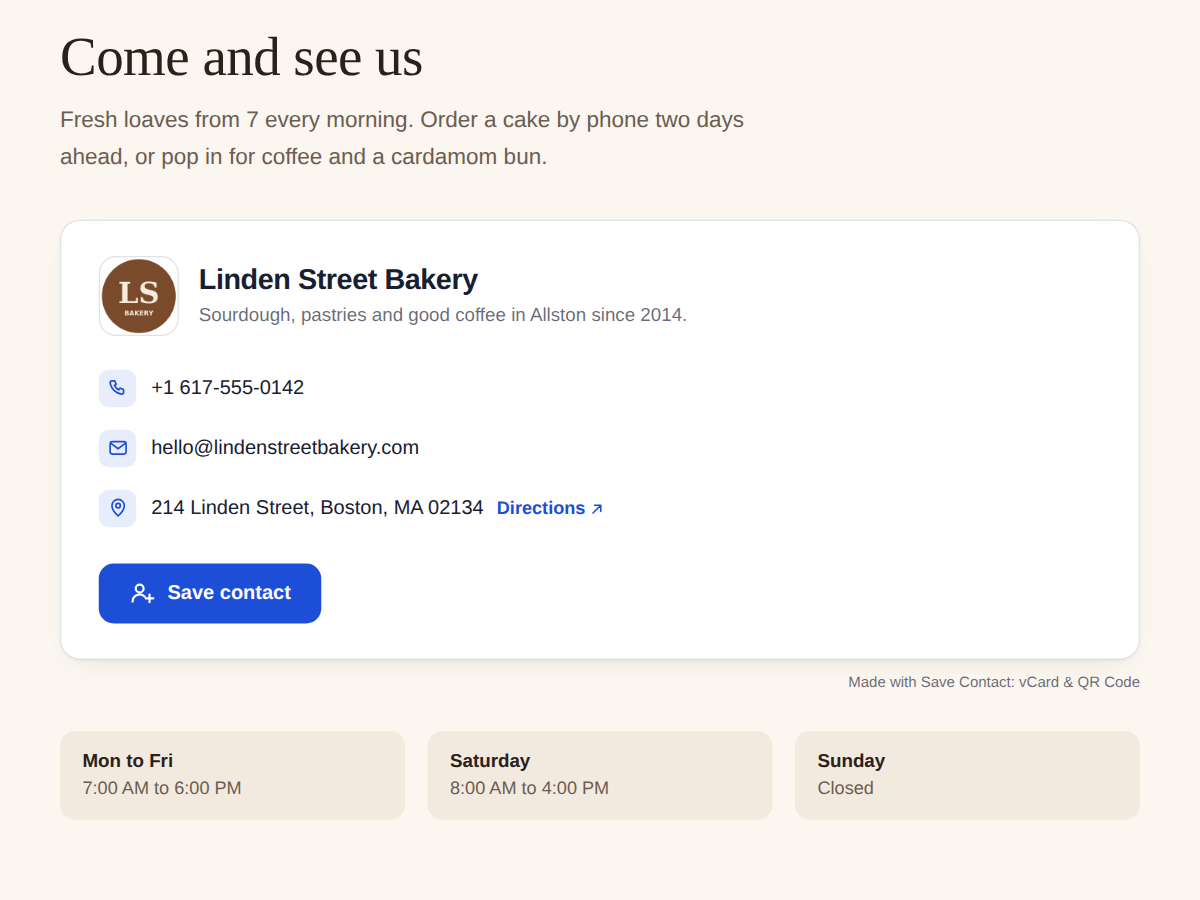
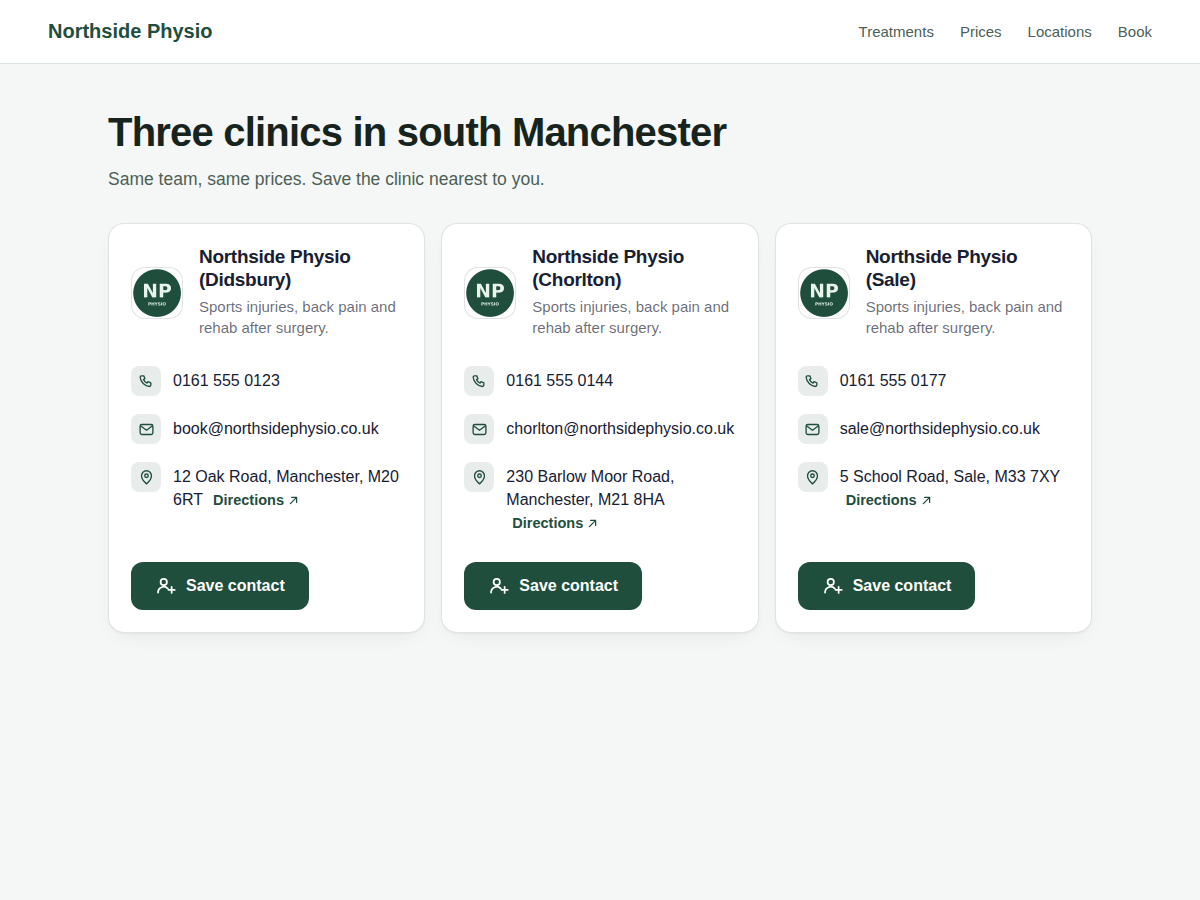
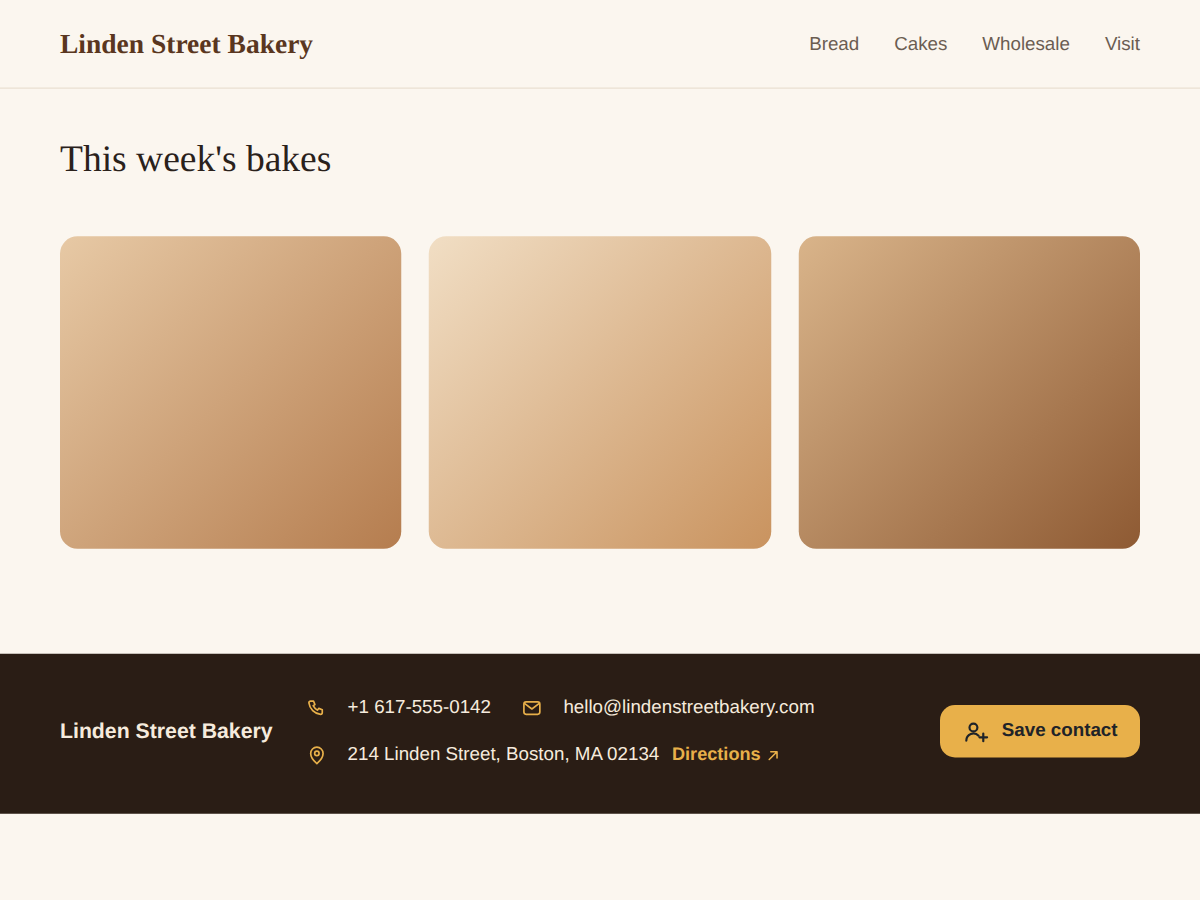
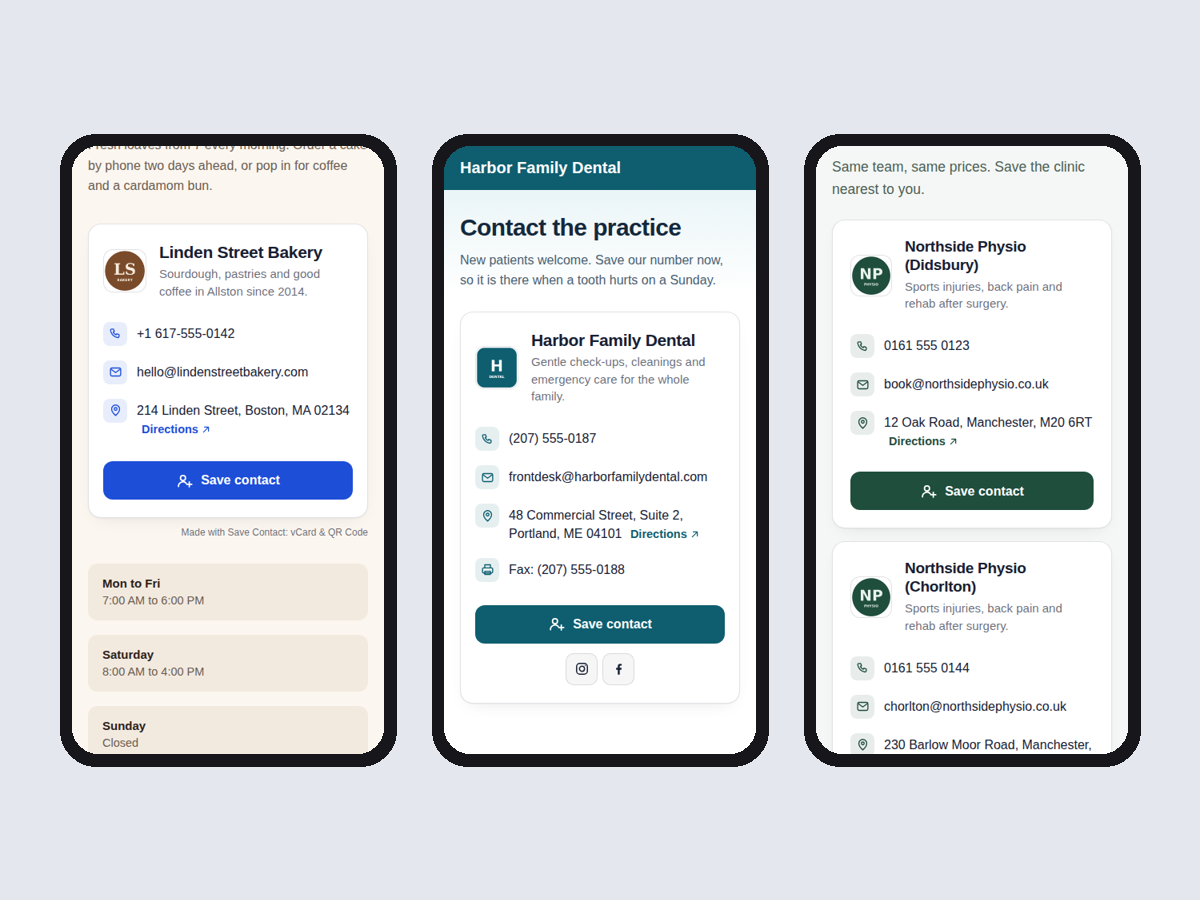
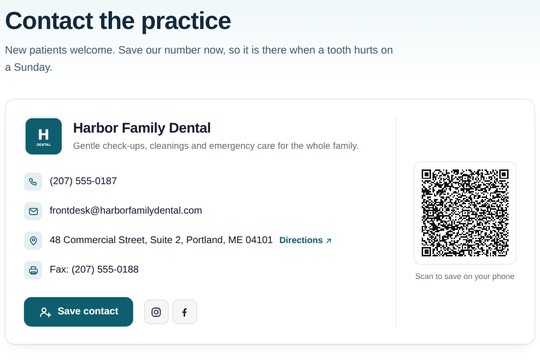
Most small business sites type their phone, email and address into the footer by hand, and visitors copy them out one by one. This puts a contact card on your page with a Save contact button. On a phone, one tap opens your business in the Contacts app with the name, logo, phone, email, address and website already filled in. The card reads your Business Info, the details you keep in your dashboard settings. Change your phone number or move to a new address there, and the card and every new saved contact change with it. The card shows your logo, business name and one-line description, a phone number visitors can tap to call, your email, and your address with a Directions link to Google Maps. The button label follows your site's language (7 languages). You pick the colours and the font. Free plan: the card with Save contact, tap to call, email and directions, plus a small credit link. Premium adds a QR code beside the card and as a PNG or SVG for flyers, shop windows and business cards, a card for each of your locations, social links in the card and the saved contact, a footer strip and a button-only layout, your own button text, and removes the credit link.
What the listing highlights
- Phone, email, address from your Business Info
- One tap saves you in the visitor's contacts
- Tap to call, email and map directions
- QR code for flyers, social links (Premium)
Additional product media
Promotional media
Reviews
Official Wix marketplace summary
Wix Marketplace feedback
No reviews yet.
Plan comparison
Pricing & Plans
Basic
Free
Free
- Card from your Business Info
- Save contact button (vCard file)
- Tap to call, email and directions
Premium
$0 / year
Save 20% yearly$0 / month
- QR code for flyers and cards
- All locations, strip + button layouts
- Social links and your own wording