
Checkout Weight Limit
By Hullspark
Product media
Screenshots
1 of 4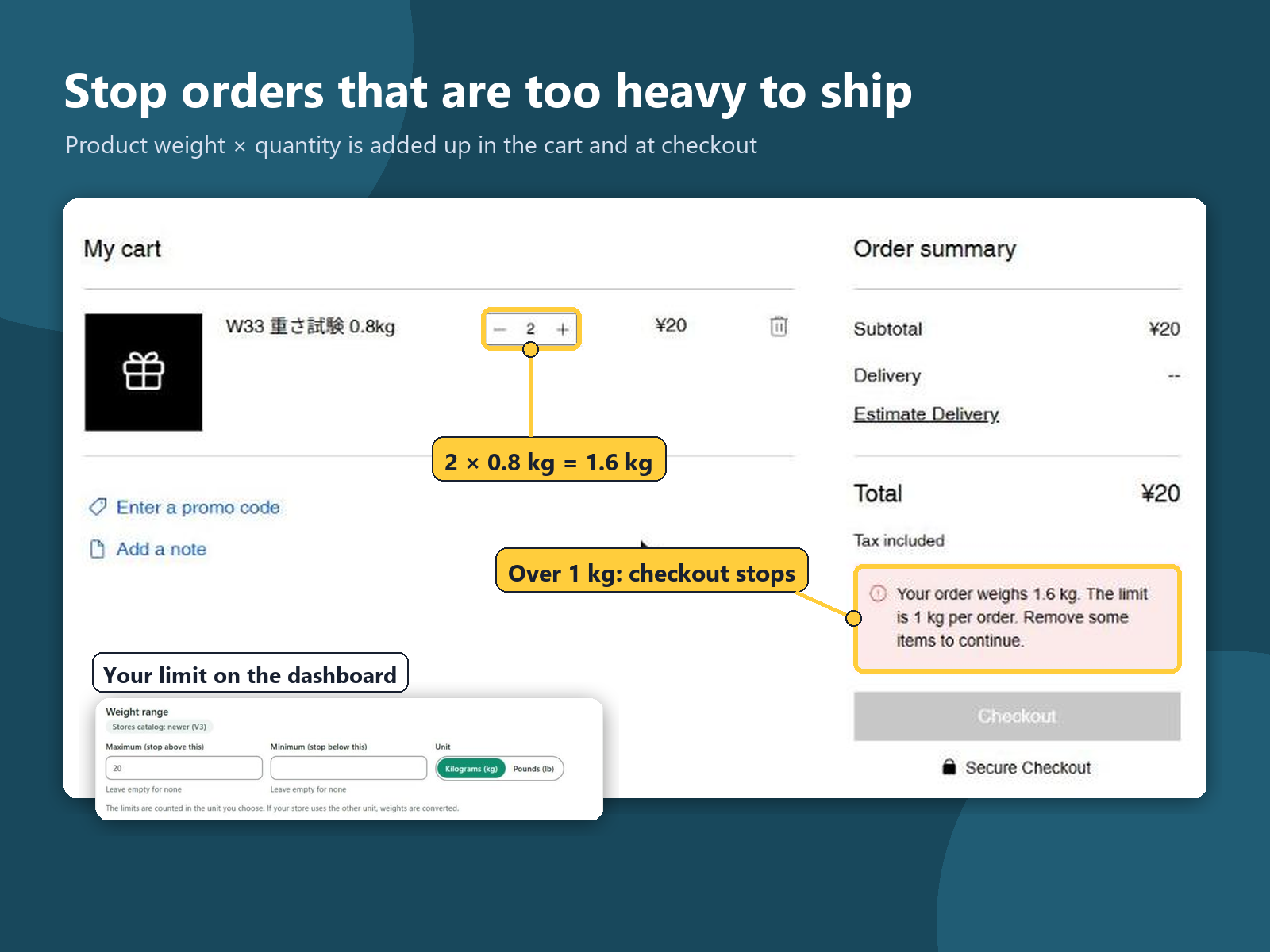
Overview
About this App
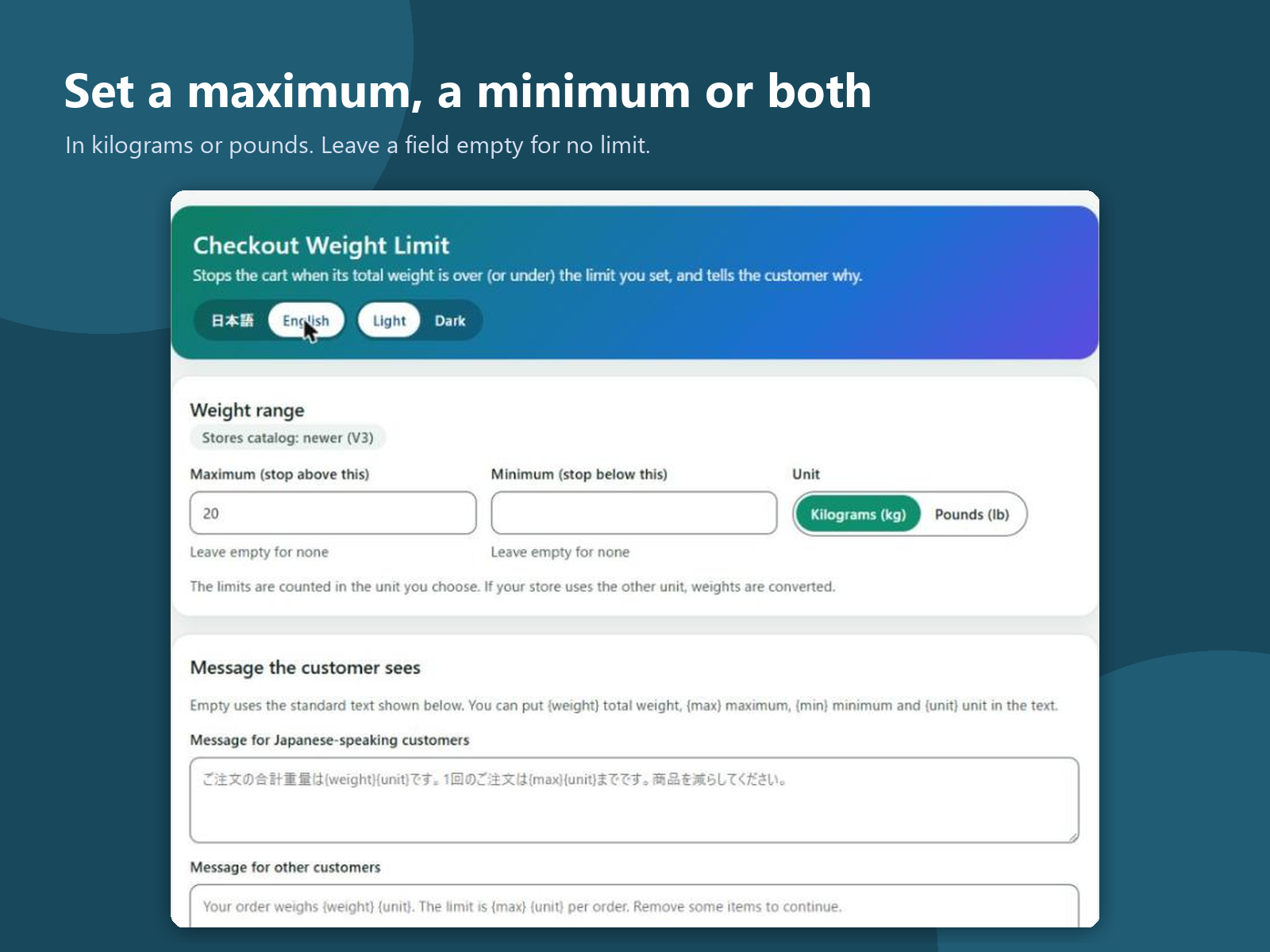
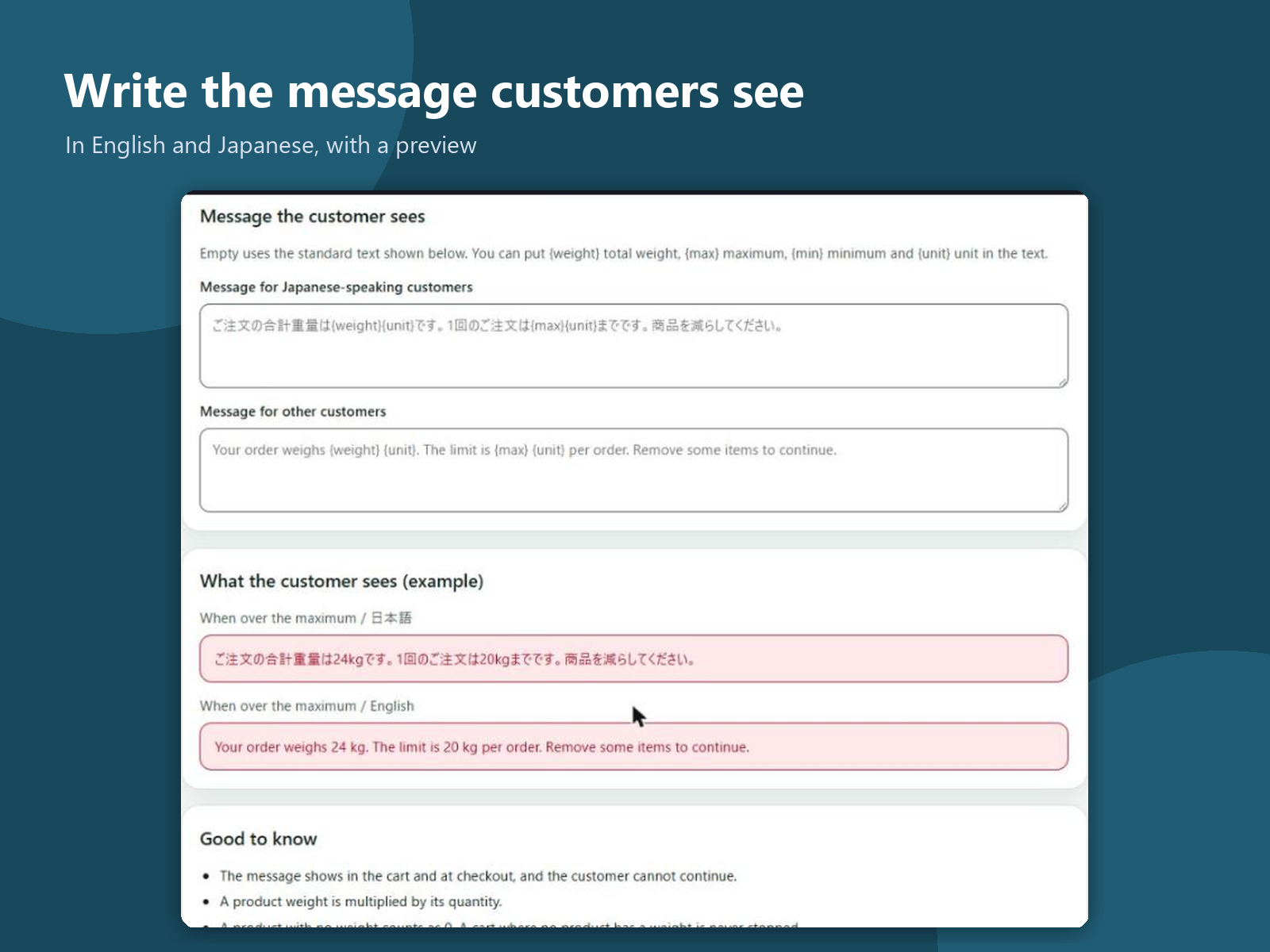
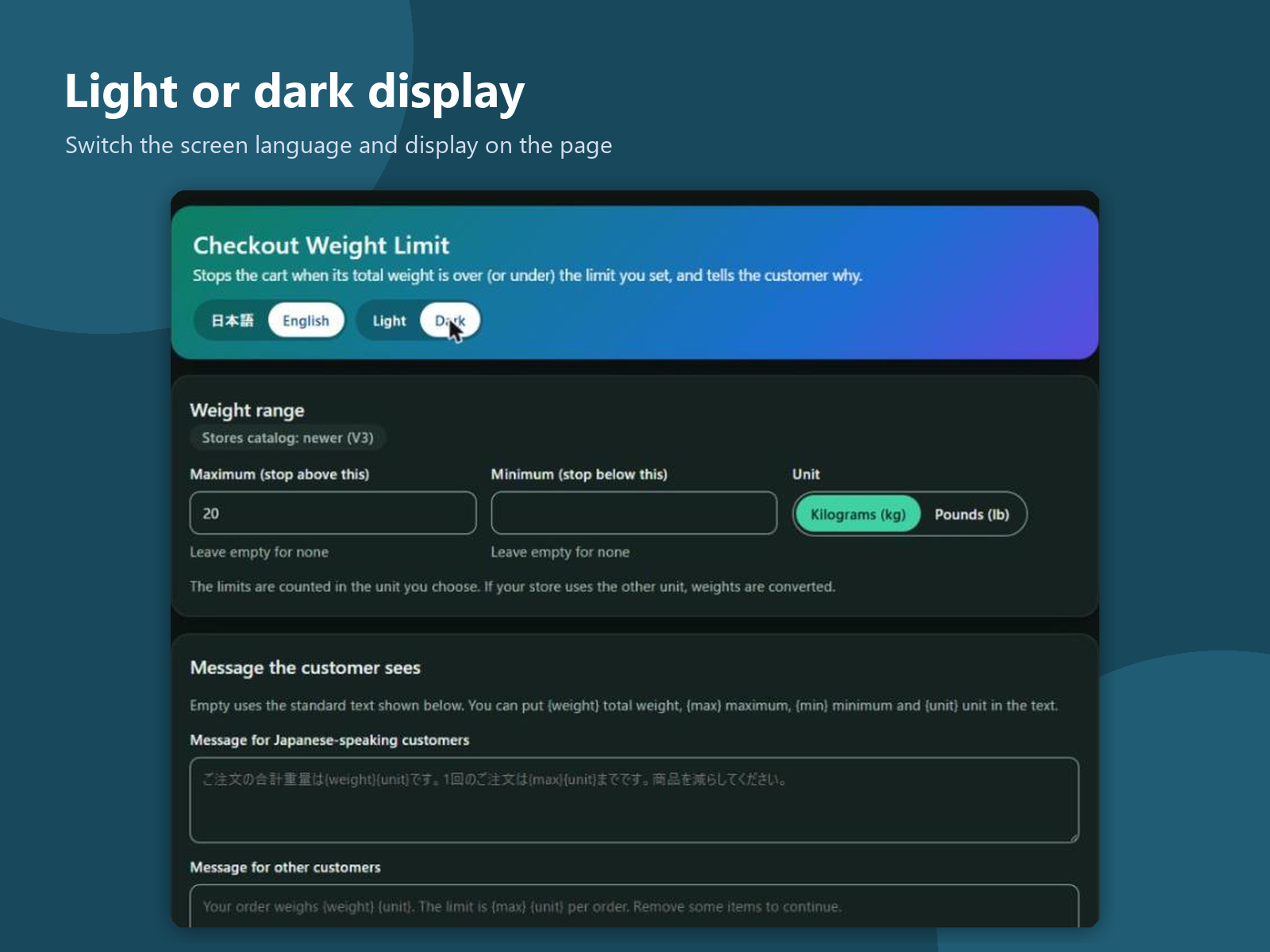
When a carrier or a box has a weight limit, an order that is too heavy turns into a split parcel, a phone call or a refund after payment. Some shops also need a minimum, such as a cooler box that only ships full. This app adds a page to your dashboard where you set a maximum, a minimum or both, in kilograms or pounds. In the cart and at checkout it adds up the product weights in your store, counting each product's weight times its quantity. When the total is over the maximum or under the minimum, the customer sees a short message with the order's weight and the limit, and the order cannot be placed until the cart changes. You can write your own message in English and Japanese. A product without a weight counts as zero, so a cart where no product has a weight is not stopped, and items that are not shipped are not counted. If the settings cannot be read, checkout stays open. The app keeps one row of settings in your site's data: the limits, the unit and your two messages. Checkout calls it through the Manage eCommerce permission; it does not change carts, orders or products. No customer or order data is kept. The screens are in English and Japanese, light or dark.
What the listing highlights
- Set a maximum, a minimum or both, in kg or lb
- Weight counted as product weight × quantity
- Stops the cart and checkout with a clear message
- Write your own message in English and Japanese
Additional product media
Promotional media

Reviews
Official Wix marketplace summary
Wix Marketplace feedback
No reviews yet.
Plan comparison
Pricing & Plans
Detailed plan information is not available for this App.