
CMS Form Dropdown Sync
By 株式会社かんなぎ
Product media
Screenshots
1 of 3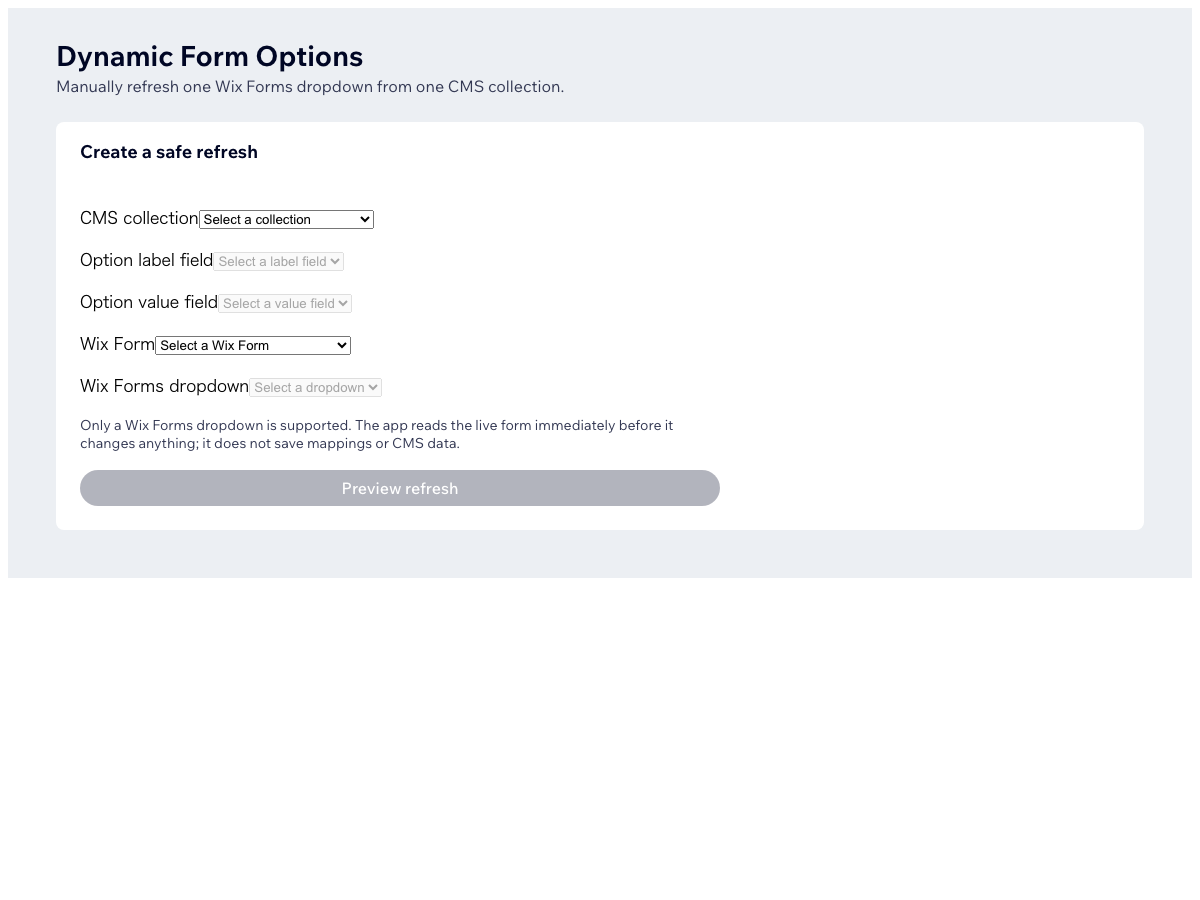
Overview
About this App
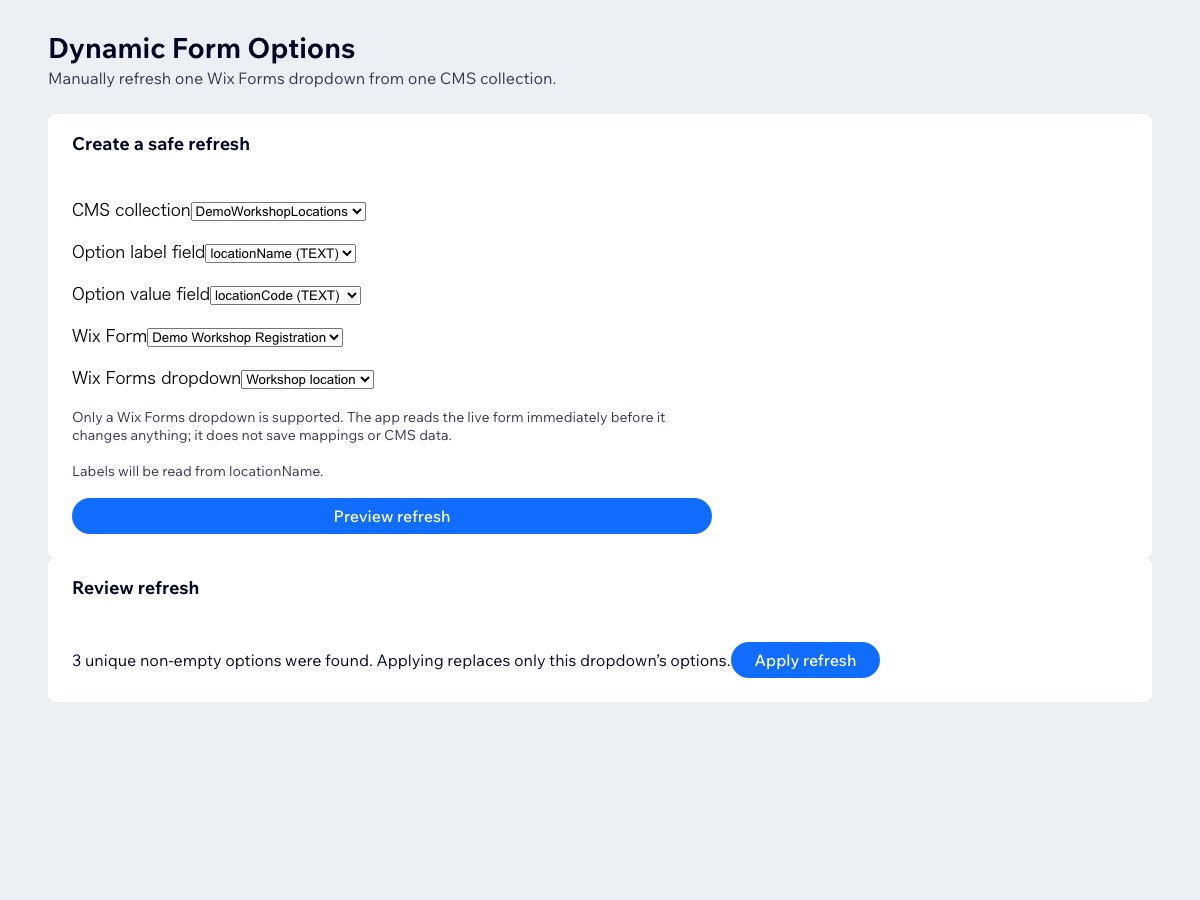
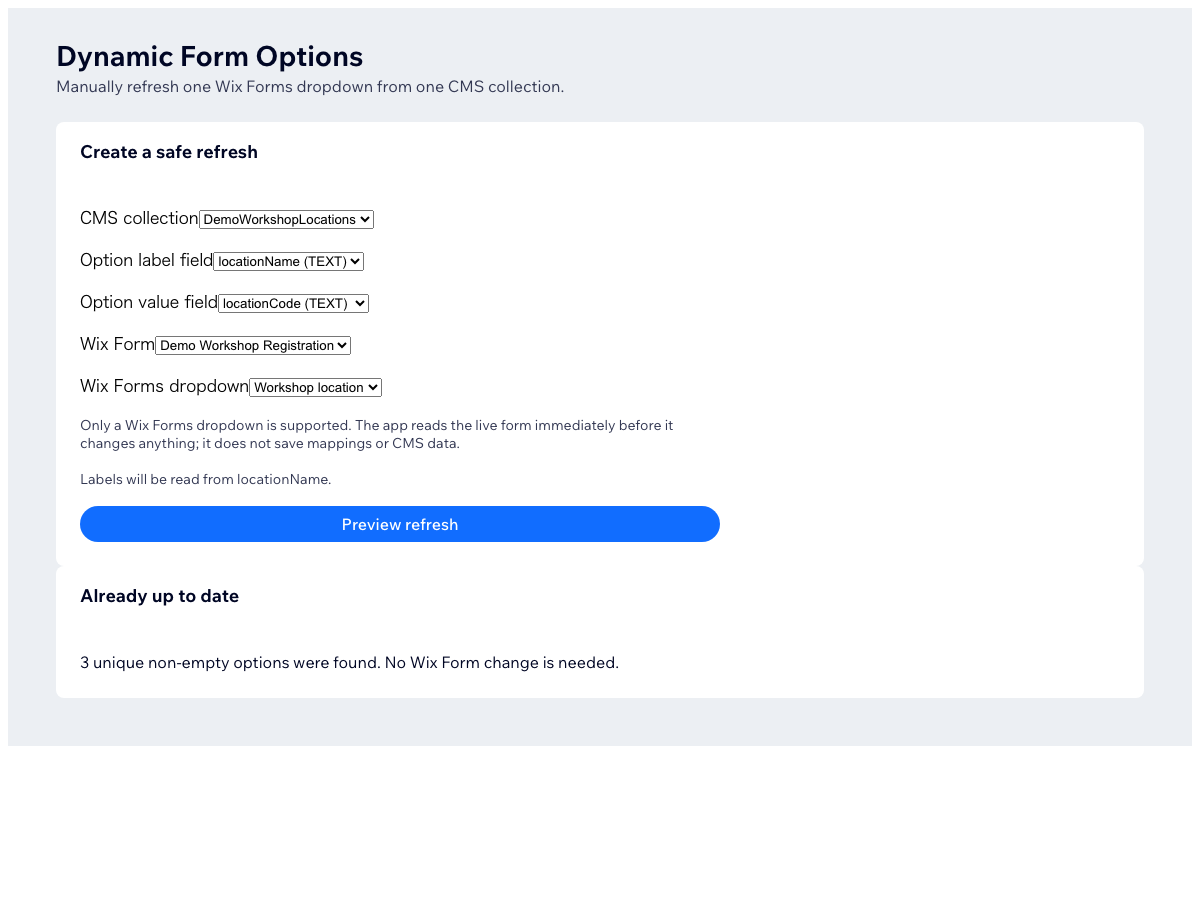
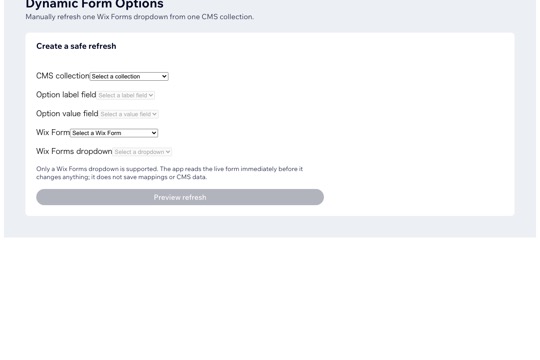
Use choices from your CMS collection in a form dropdown, without maintaining the same list in two places. How to use it: 1. Choose your CMS collection and the fields for option labels and values. 2. Select the form and dropdown you want to update. 3. Preview the proposed choices, then apply the update. You control each update. This is a preview-and-apply workflow, not automatic background synchronization. When your CMS list changes, preview and apply again. Only the selected form dropdown is updated. Before applying, the app checks for empty, duplicate, missing, oversized, unsupported or stale source data. It does not connect a CMS input element to a dataset or create dependent dropdown logic.
What the listing highlights
- Keep dropdown choices in one CMS source
- Preview every choice before applying
- Update one selected form dropdown
- Stop maintaining the same choices twice
Additional product media
Promotional media
Reviews
Official Wix marketplace summary
Wix Marketplace feedback
No reviews yet.
Plan comparison
Pricing & Plans
Premium
$5.75 / month
$69 billed yearly Save 18% yearly$6.99 / month
- Choose CMS label and value fields
- Preview options before applying
- Update one selected form dropdown