Pinterest Board
- Verified by Wix
Product media
Screenshots
1 of 3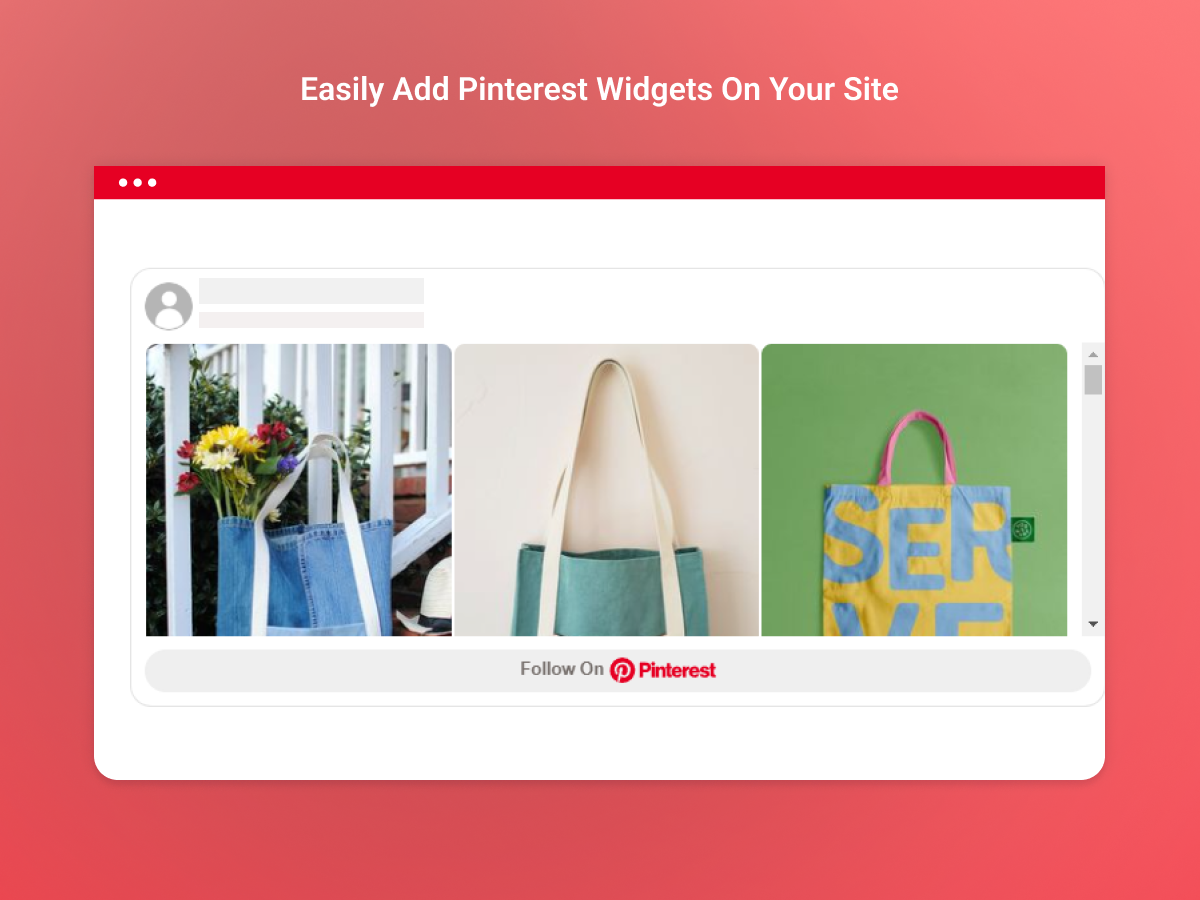
Overview
About this App
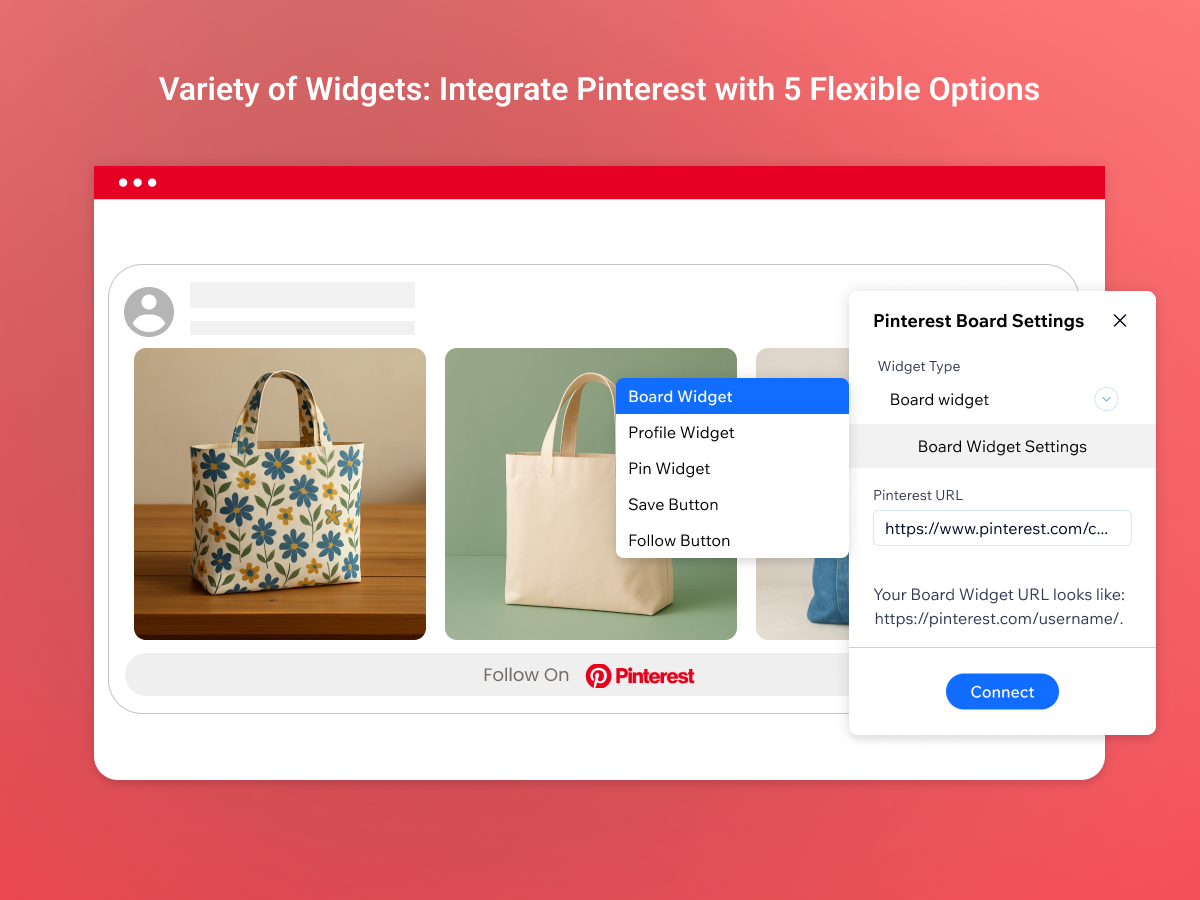
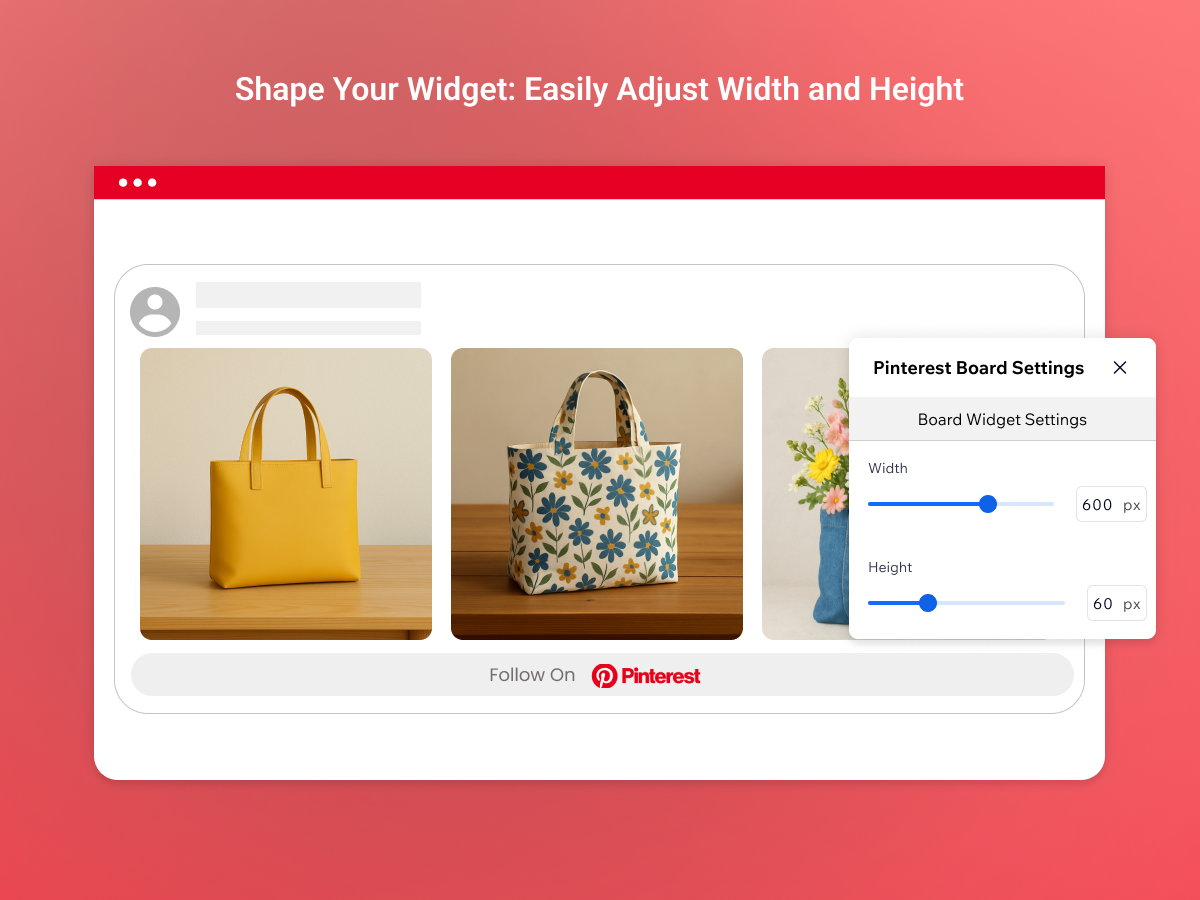
Show your Pinterest board on your site so visitors see your ideas, products and inspiration right on your pages. Pinterest Board uses Pinterest's own widgets: a full board, a single pin, your Pinterest profile, or a Follow button that lets visitors follow you on Pinterest from your site. Setup is simple. Choose the widget type, paste the link from Pinterest and the widget appears on your page. Each type shows an example link, so you always know which address to copy, and no coding is needed. Board and profile widgets can be sized to fit the space on your page, while a single pin keeps the size Pinterest gives it. The widget works on desktop and mobile, so every visitor sees your pins wherever they browse. Use it to showcase a portfolio, recipes, outfits or product ideas, and give visitors a reason to follow you for more.
What the listing highlights
- Show your Pinterest boards and pins on your pages, right where your visitors already are
- Grow your Pinterest audience with a Follow button visitors can use from your site
- Add a board, a single pin or your profile by pasting a link, with no coding needed
- Show your pins on desktop and mobile, with board and profile widgets sized to fit your page
Additional product media
Promotional media
Reviews
Official Wix marketplace summary
Wix Marketplace feedback
No reviews yet.
Plan comparison
Pricing & Plans
Premium
$1.99 / month
$23.88 billed yearly Save 50% yearly$3.99 / month
- Add Pinterest Boards to Your Site
- Unlock Advanced Style Customization
- Boost Engagement with Pin Widgets
Detailed App featuresCompare all 4 structured features
| Feature | Paid planPremium |
|---|---|
| Add Pinterest Boards to Your Site | Included |
| Boost Engagement with Pin Widgets | Included |
| Mobile-Optimized Premium Experience | Included |
| Unlock Advanced Style Customization | Included |