
Mollie Payments Toolkit
By Vanyadoing
Product media
Screenshots
1 of 7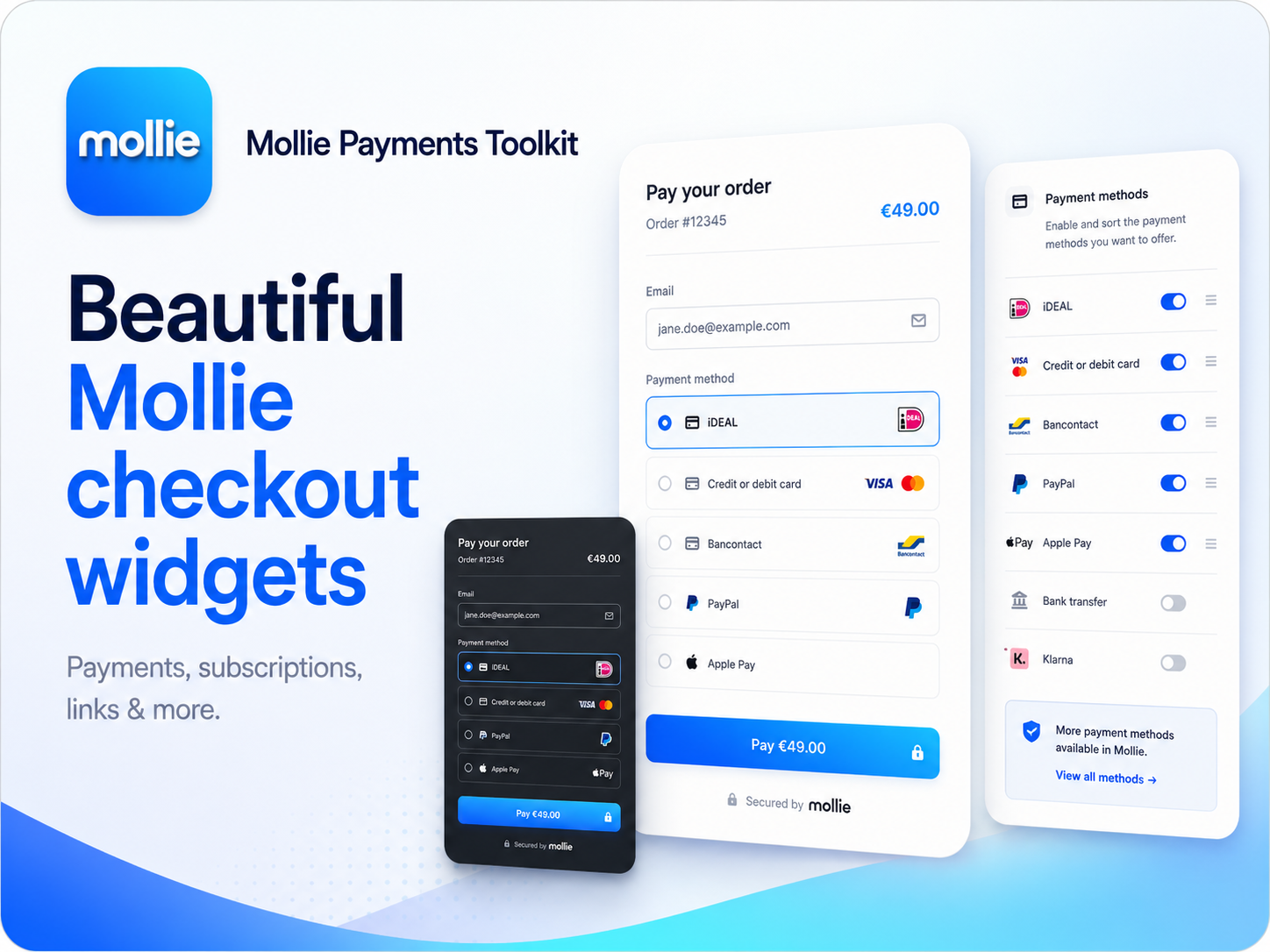
Overview
About this App
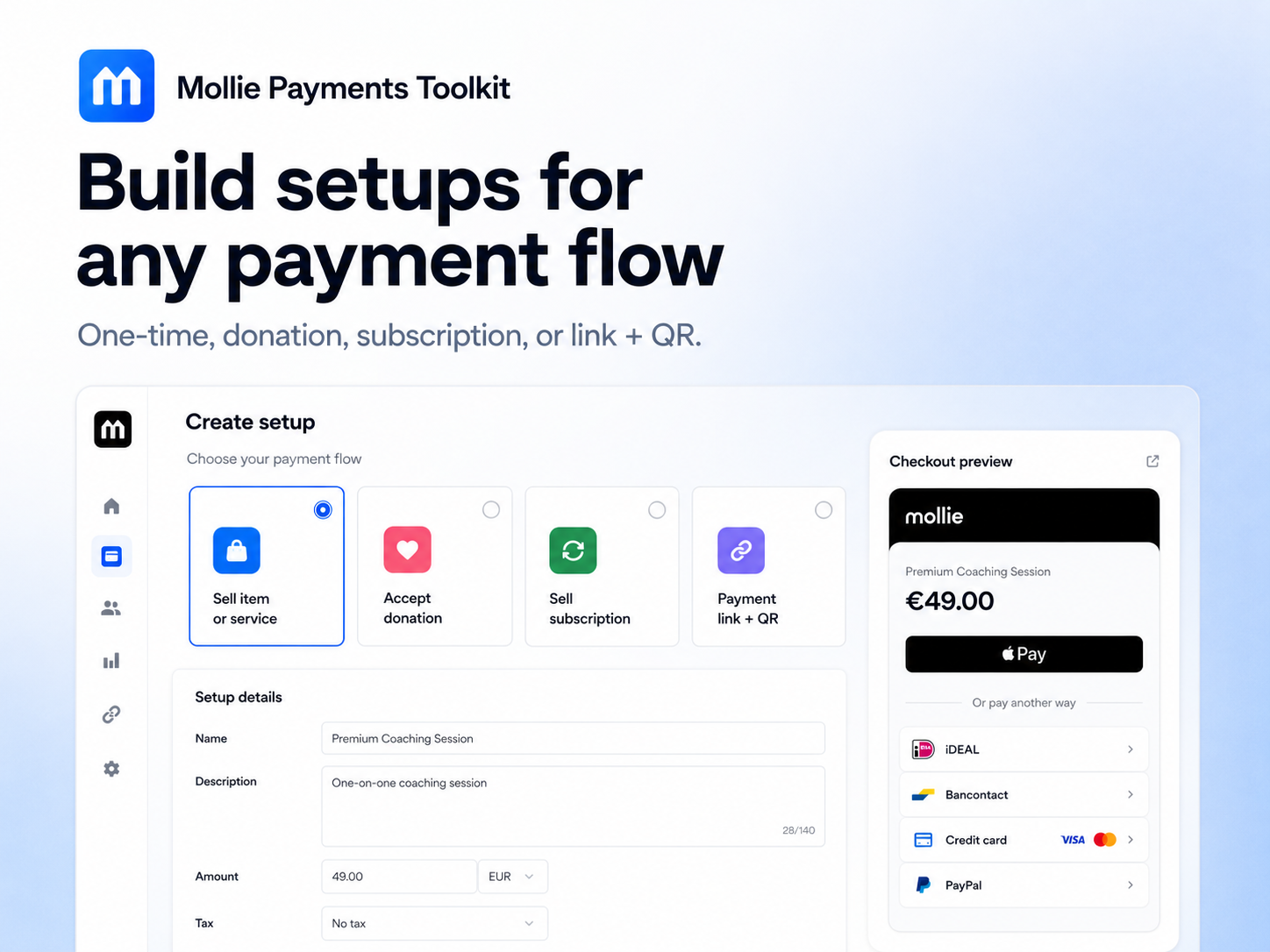
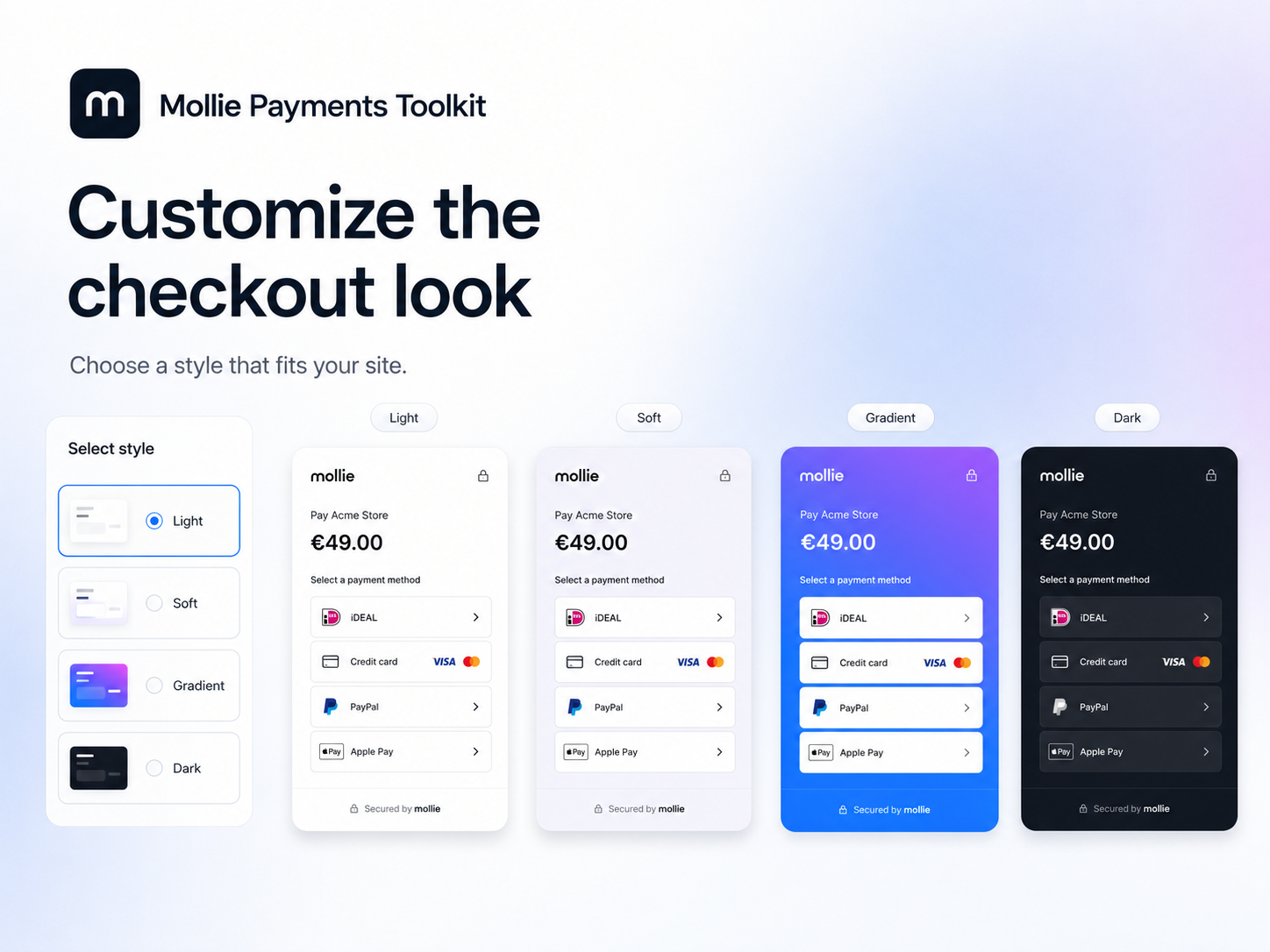
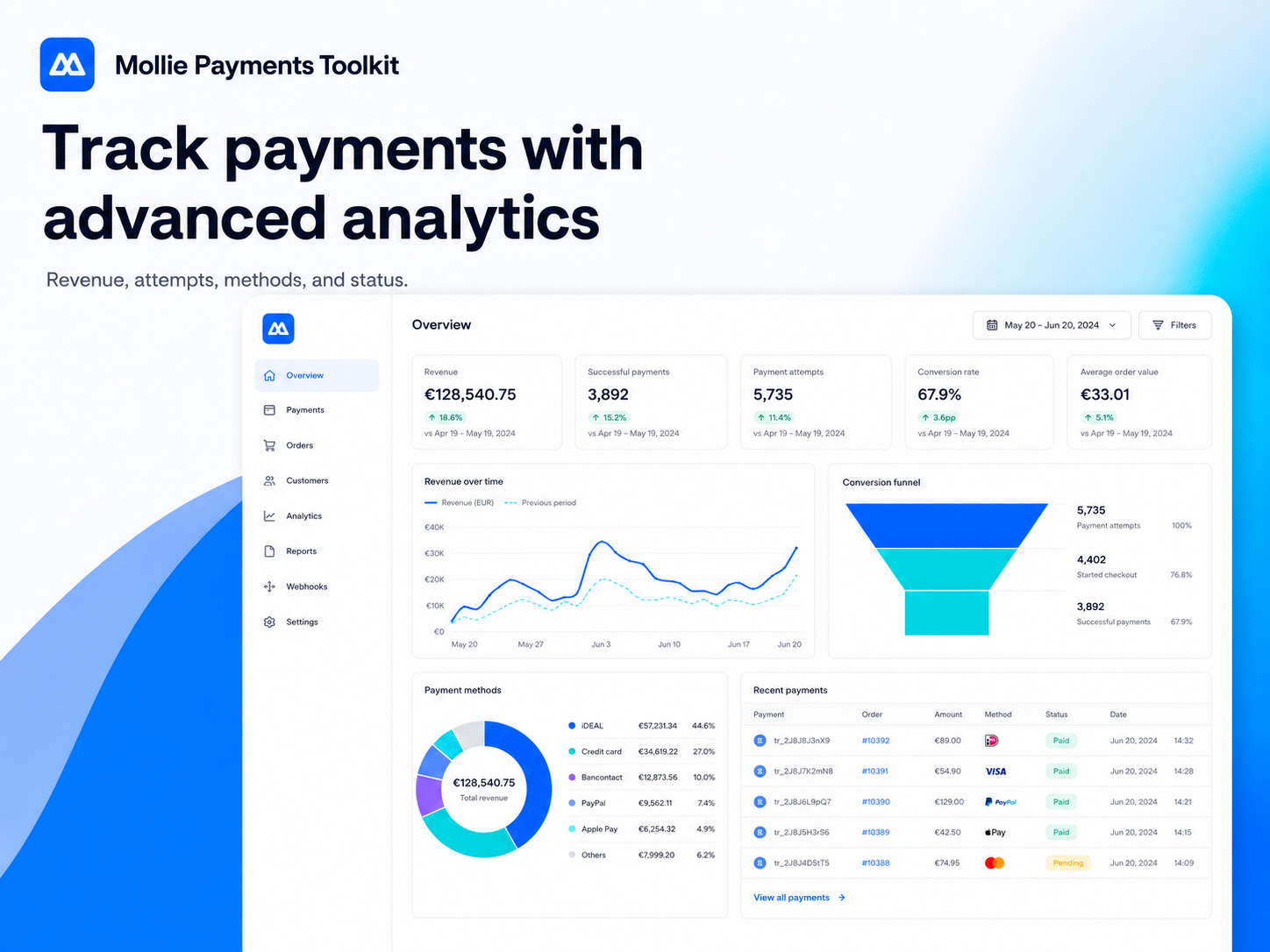
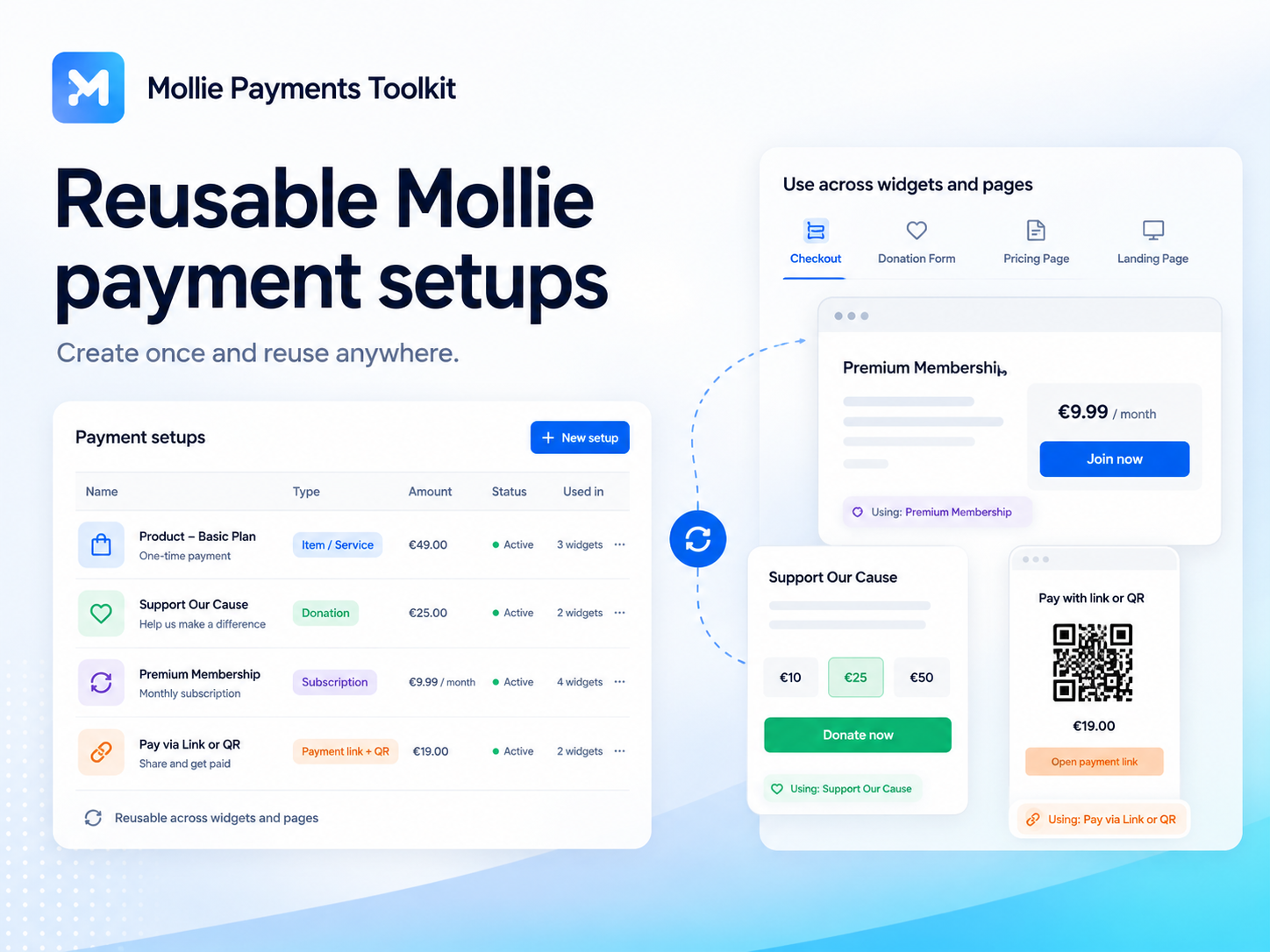
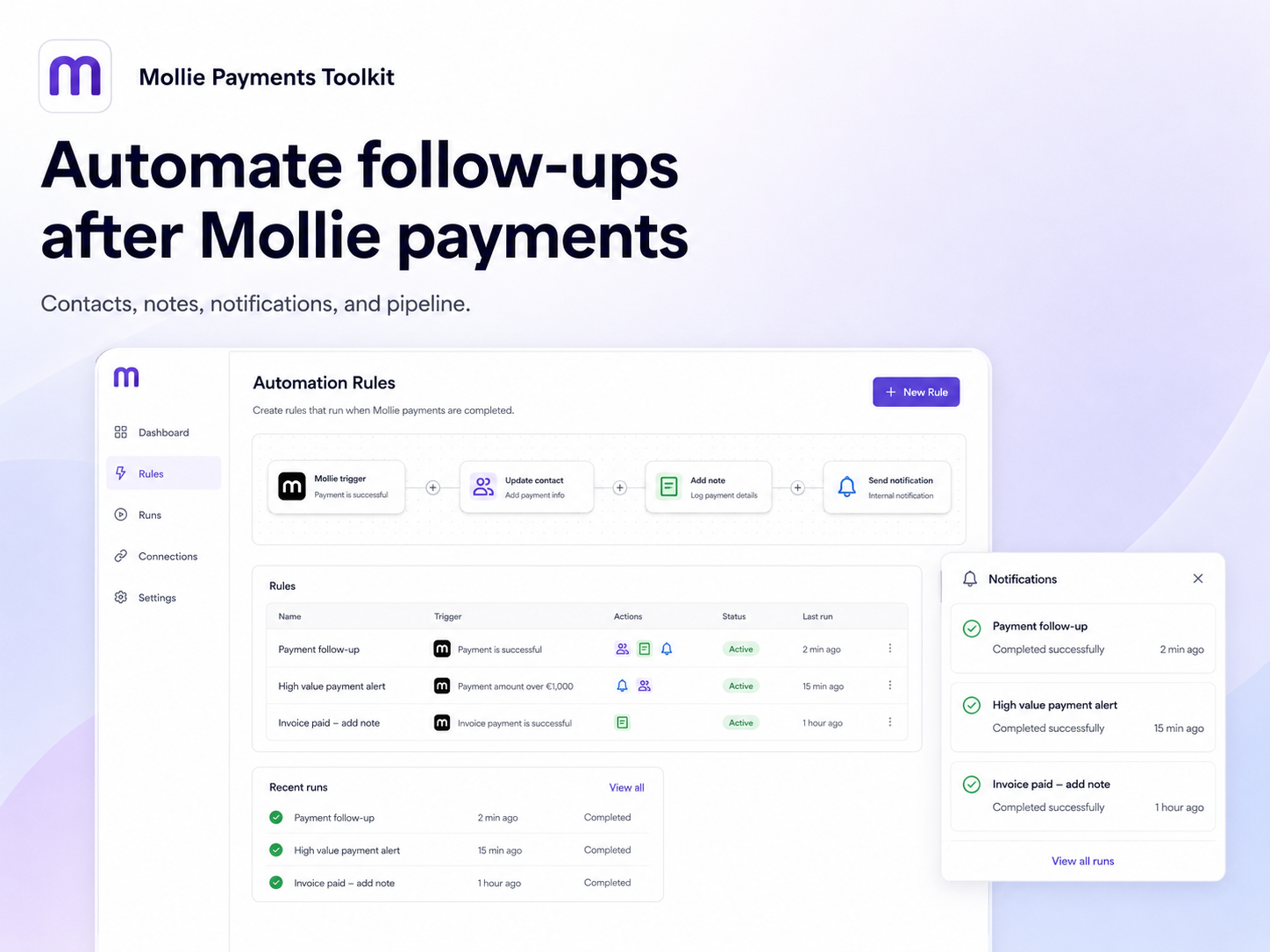
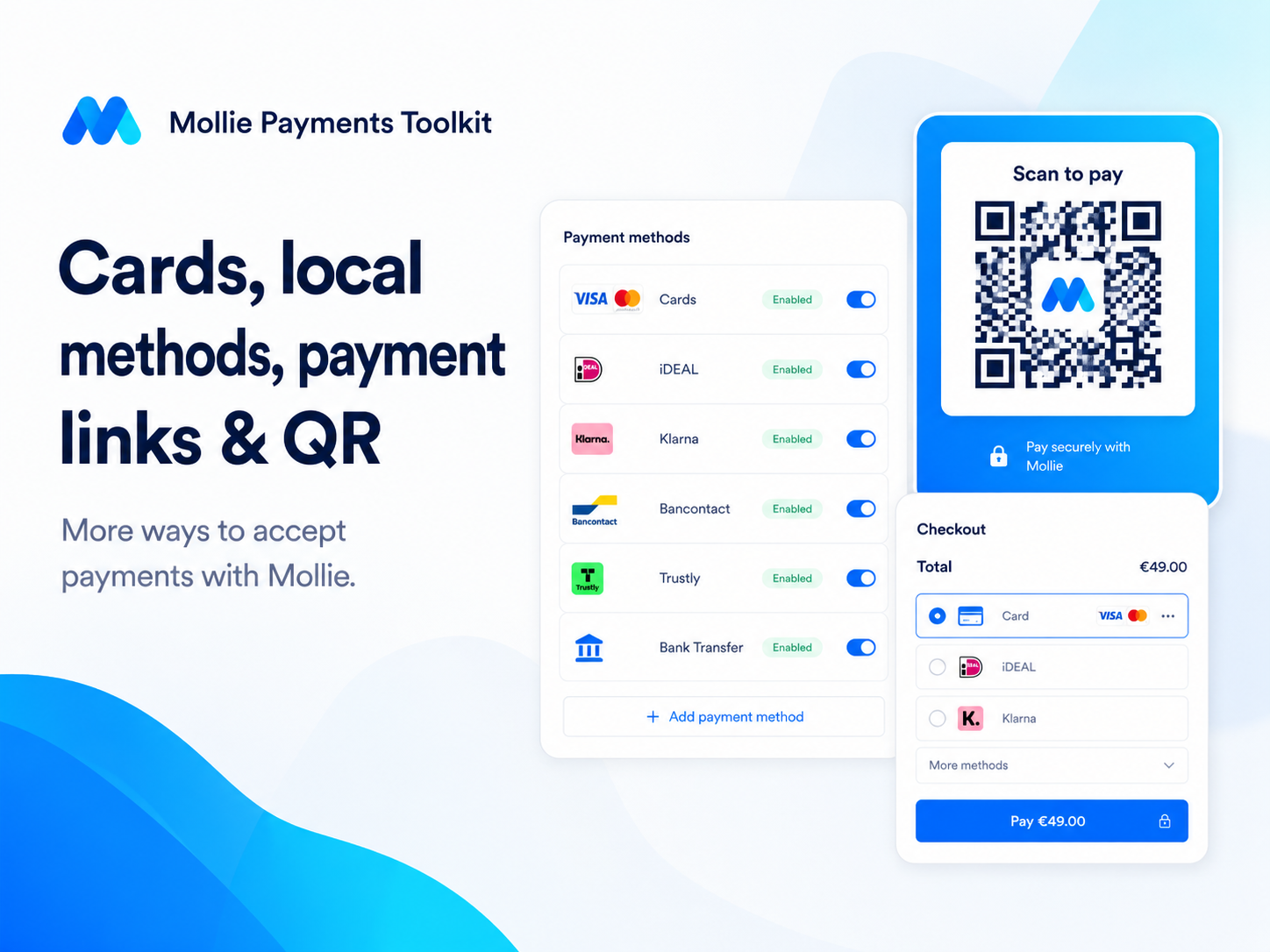
Mollie Payments Toolkit helps you add Mollie payment buttons, Mollie checkout widgets, Mollie payment links, QR payments, donations, and Mollie subscriptions to your site without building a full store. Create reusable Mollie payment setups for products, services, donations, customer-entered amounts, suggested amounts, quantities, payment links, QR codes, and subscriptions. Place the same Mollie setup in multiple widgets, customize each Mollie checkout widget style, and let eligible buyers use cards, local payment methods, and other Mollie-supported payment methods where available. Manage Mollie payments from one dashboard: track Mollie payment attempts, completed payments, revenue, refunds, payment methods, subscription activity, setup performance, and sync freshness. Use Mollie analytics to understand what is working, export Mollie payment data, and keep your payment activity organized. Mollie Payments Toolkit also includes Mollie automations for follow-ups. Create contacts, add labels, attach notes, send notifications, or create pipeline actions after Mollie payment events. Use Mollie Test mode to test your checkout safely, then switch to Live when you’re ready to accept
What the listing highlights
- Mollie checkout buttons and payment widgets - Create Mollie payment buttons and Mollie checkout widgets for one-time payments, products, services, donations, custom amounts, suggested amounts, quantities, payment links, QR payments, and Mollie subscriptions. Let eligible buyers use cards, local payment methods, and other Mollie-supported payment methods where available
- Mollie reusable payment setups - Build reusable Mollie payment setups once and use them across widgets, Mollie payment links, and QR codes. Create Mollie setups for services, products, donations, payment links, subscriptions, or custom checkout flows without recreating the same Mollie payment configuration every time
- Mollie dashboard, analytics, and reports - Manage Mollie payments from one dashboard. Track Mollie payment attempts, completed payments, revenue, refunds, payment methods, setup performance, subscription activity, sync freshness, and checkout results. Use Mollie analytics to understand which Mollie payment setups perform best
- Mollie automations and follow-ups - Run automations after Mollie payment events. Create contacts, add labels, attach notes, send notifications, or create pipeline actions when Mollie payments, Mollie donations, Mollie subscriptions, or Mollie checkout events are completed, failed, refunded, or need follow-up
Additional product media
Promotional media

Reviews
Official Wix marketplace summary
Wix Marketplace feedback
No reviews yet.
Plan comparison
Pricing & Plans
Free
Free
Free
- 1 active setup
- 20 checkouts / month
- Credit cards method
Core
$3.49 / month
$41.88 billed yearly Save 30% yearly$4.99 / month
- 10 active setups
- 200 checkouts / month
- Links and QR
Pro
$6.99 / month
$83.88 billed yearly Save 30% yearly$9.99 / month
- Unlimited setups
- Unlimited checkouts
- Subscriptions
Detailed App featuresCompare all 10 structured features
| Feature | FreeFree | Paid planCore | Paid planPro |
|---|---|---|---|
| CSV export | Basic | Included | Included |
| Checkouts per month | Unlimited | 20 | 200 |
| Analytics | Basics | Full | Full |
| Payment methods | Default | All | All |
| Support | Standard | Standard | Priority |
| Active payment setups | 1 | 1o | Unlimited |
| Donations and custom amounts | Not included | Included | Included |
| Payment links and QR | Not included | Included | Included |
| Subscriptions | Not included | Not included | Included |
| Automations | Not included | Not included | Included |