WhatsApp Chat Button Contact
By OverLayout
- Wix Campaign
Product media
Screenshots
1 of 4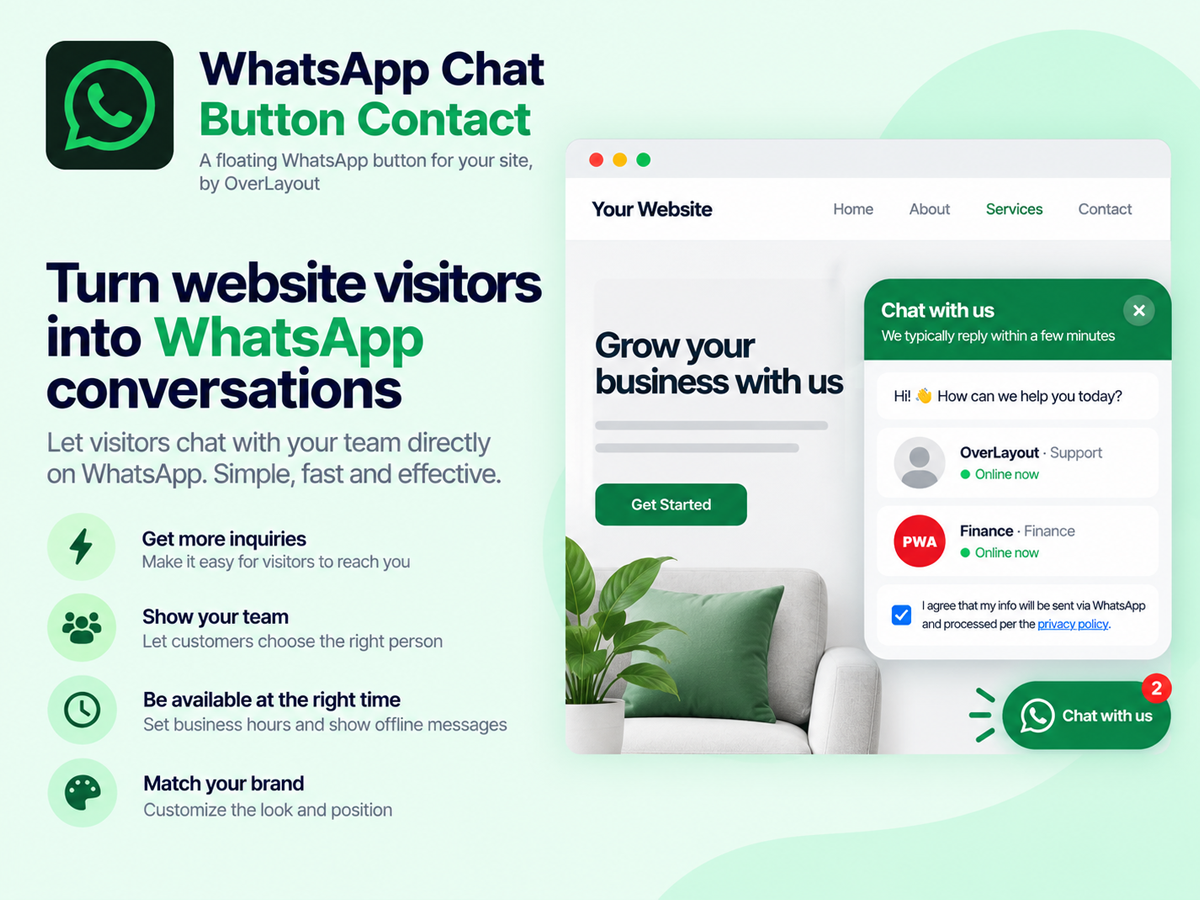
Overview
About this App
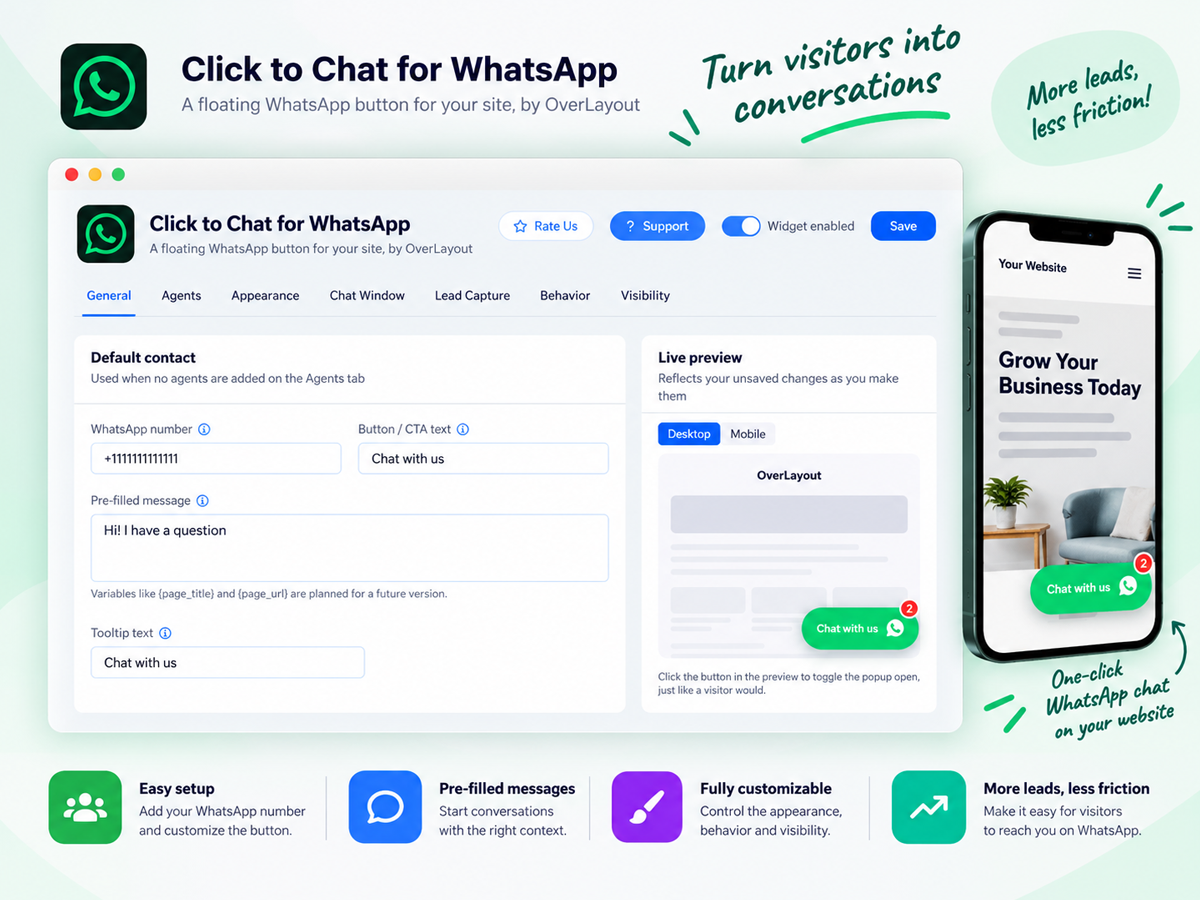
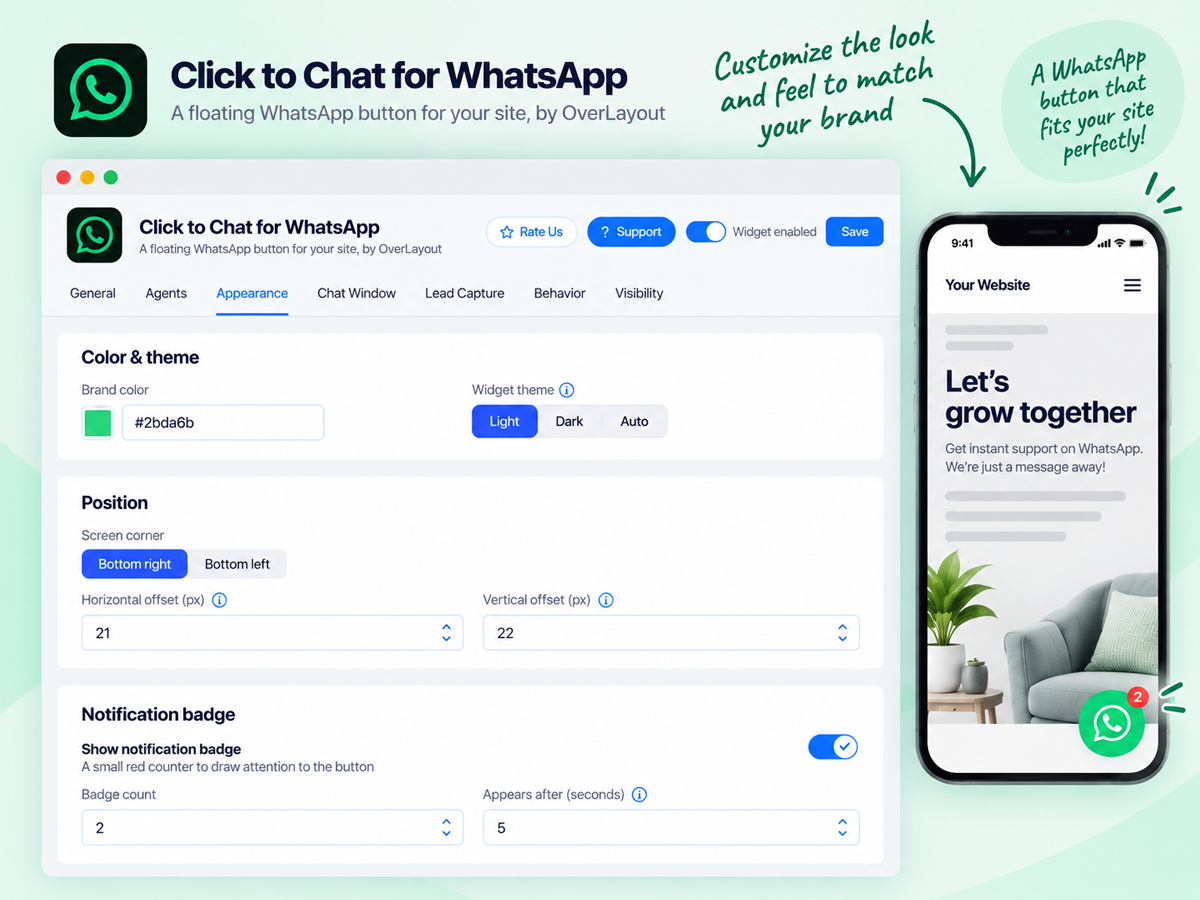
Every visitor who leaves without messaging you is a sale you'll never see again. Forms get ignored, emails get buried, but WhatsApp messages get read within minutes. WhatsApp Chat Button app puts a floating WhatsApp chat button on every page of your site, so instead of hunting for a contact form, visitors tap once and land straight in a WhatsApp conversation. This isn't just a link to your WhatsApp number. It's a full chat experience you control: route visitors to the right agent based on who's available right now, greet them with a branded pop-up and a welcome message, and decide exactly when and how the button appears, from a simple delay to auto-opening after a few pageviews. Set your icon, shape, color, and position to match your site. Choose whether desktop visitors see WhatsApp Web or a QR code. Add a notification badge to boost clicks, or a consent checkbox to stay compliant. Every setting is designed around one goal: turning visitors who are already interested into conversations you can close on WhatsApp chat. Set up in minutes. Add your WhatsApp number, pick a look, and start chatting with visitors before they bounce from WhatsApp now.
What the listing highlights
- A branded WhatsApp chat experience: Not a bare link open a customizable popup before WhatsApp chat with your own header, welcome message, brand colors, and an optional consent checkbox - so the first impression looks like part of your site, not a generic redirect
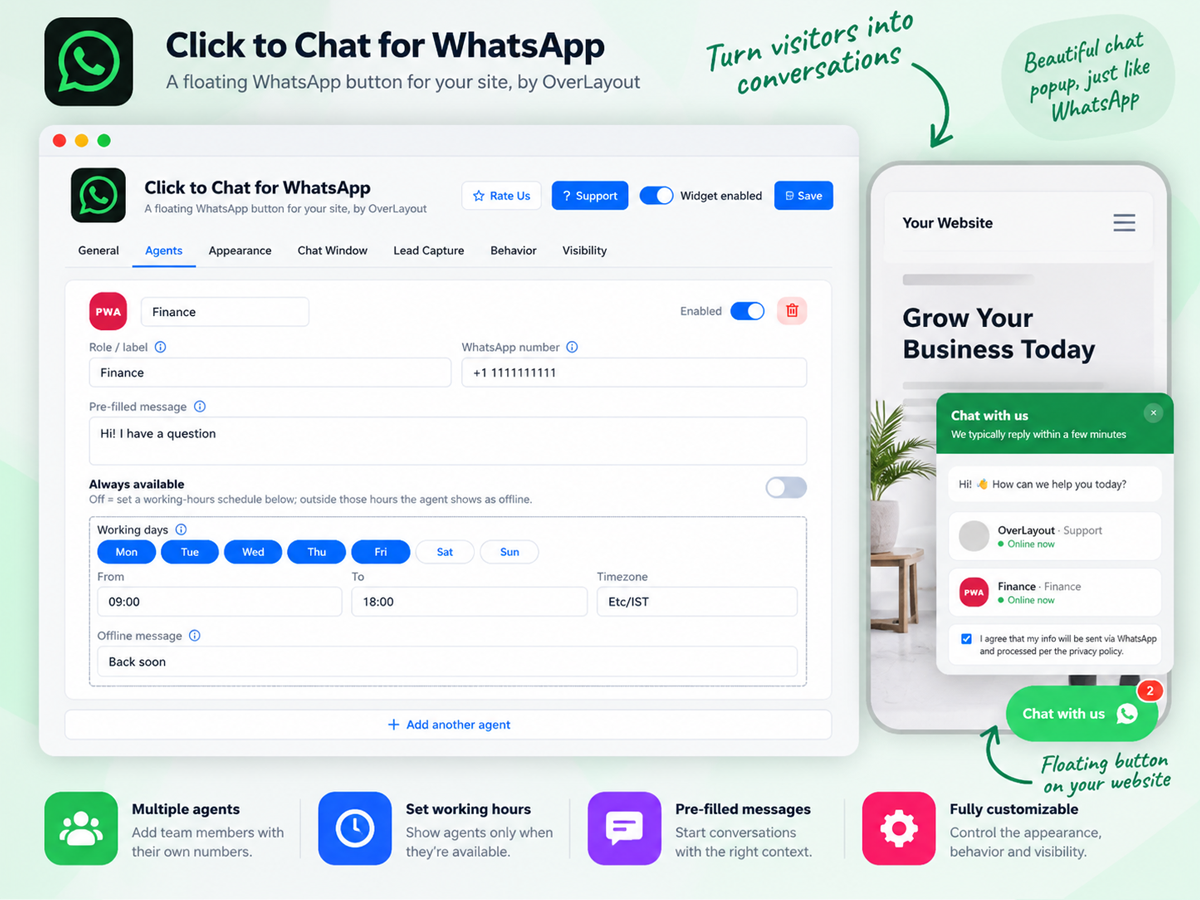
- Smart agent routing: Add multiple agents or departments for WhatsApp chat button - Sales, Support, Billing - each with their own number and working hours. Visitors are automatically routed to the right person, with live availability, "back in X hours" messaging, and the option to hide offline agents entirely
- Triggers that catch visitors: Before they leave Delay the button's appearance, auto-open the popup after a set time on page or number of pageviews, and add a notification badge to draw the eye - so the WhatsApp chat button shows up at the moment a visitor is most likely to engage
- Works the same everywhere: Mobile visitors open the WhatsApp app directly with one tap for chat. Desktop visitors get WhatsApp Web or a scannable QR code based on your choice. Show the WhatsApp button on all devices, mobile only, or desktop only - your choice
Reviews
Official Wix marketplace summary
Wix Marketplace feedback
No reviews yet.
Plan comparison
Pricing & Plans
Basic
Free
Free
- WhatsApp Chat button show on all pages
- One-click WhatsApp chat button
- Pre-filled messages with page links
Premium
$481.98 / month
$5,783.76 billed yearly Save 20% yearly$603.68 / month
- Eye-catching styles that get to chats
- Pre-chat forms to qualify every lead
- Sound alerts that pull eyes to chat
Detailed App featuresCompare all 11 structured features
| Feature | FreeBasic | Paid planPremium |
|---|---|---|
| Greeting Pill with Agent AvatarsShow your team's faces and a friendly greeting bubble above a labeled chat button. A personal welcome that gets visitors talking instead of just browsing. | Not included | Included |
| Edge Side TabA slim vertical tab on the edge of the screen that keeps your corners free for other widgets. Always visible, never in the way of your site's design. | Not included | Included |
| Notification SoundsPlay a sound when the chat button, greeting, or badge appears to pull visitor's eyes to your chat. Choose from 10 sounds and set the volume. | Not included | Included |
| Scan-to-Chat QR CardDesktop visitors scan a QR code and continue the chat on their phone. Never lose a lead just because they were browsing on a computer. | Not included | Included |
| Sticky Bottom Chat BarA full-width bar pinned to the bottom of the screen, always within thumb's reach on mobile. Visitors can start a chat from any page without scrolling or searching. | Not included | Included |
| Announcement Bar with Chat ButtonA dismissible top bar for offers, launches, or news, with a chat button right beside it. Turn promotions into instant conversations and more sales. | Not included | Included |
| Answers Pre-Filled in the ChatForm answers arrive neatly in the first message, with your own template and tags. You get every detail you need up front and can reply faster. | Not included | Included |
| Smart, Non-Intrusive Sound ControlPlay sounds once per visit, mute them on mobile, and control the volume, so your alerts grab attention without annoying your visitors. | Not included | Included |
| 8 Ready-Made Form TemplatesStart in seconds with templates for appointments, quotes, product inquiries, table reservations, support, RSVPs, property viewings, and course sign-ups. | Not included | Included |
| Pre-Chat Form BuilderAsk the right questions before the chat starts with text, email, phone, dropdown, checkbox, date, and time fields. Qualify every lead and skip the back-and-forth. | Not included | Included |
| Speed-Dial Team ButtonOne tap fans out your agents so visitors pick exactly who to message. Route sales, support, and bookings to the right person from the very first message. | Not included | Included |