
Scroll Animations
Product media
Screenshots
1 of 5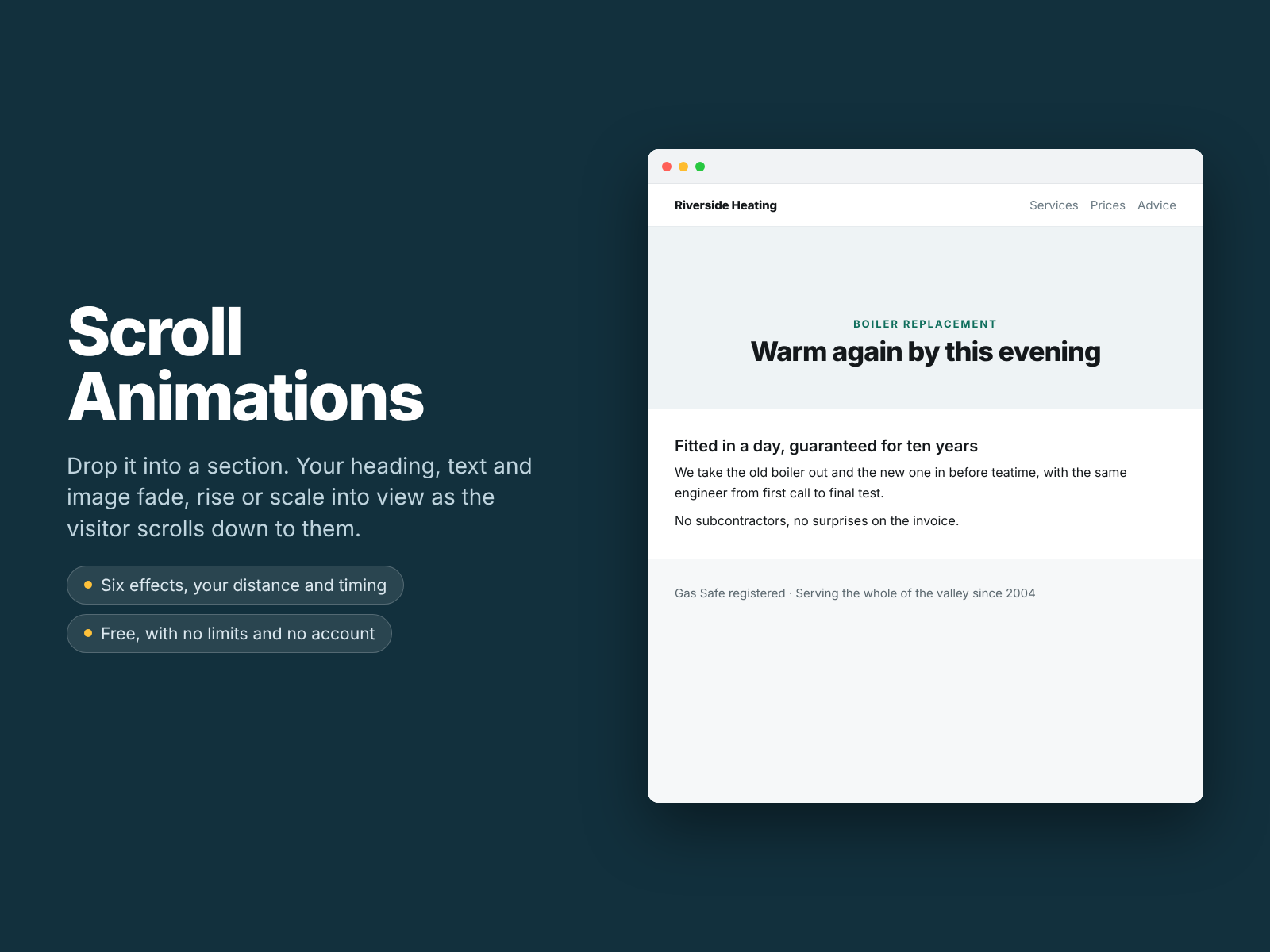
Overview
About this App
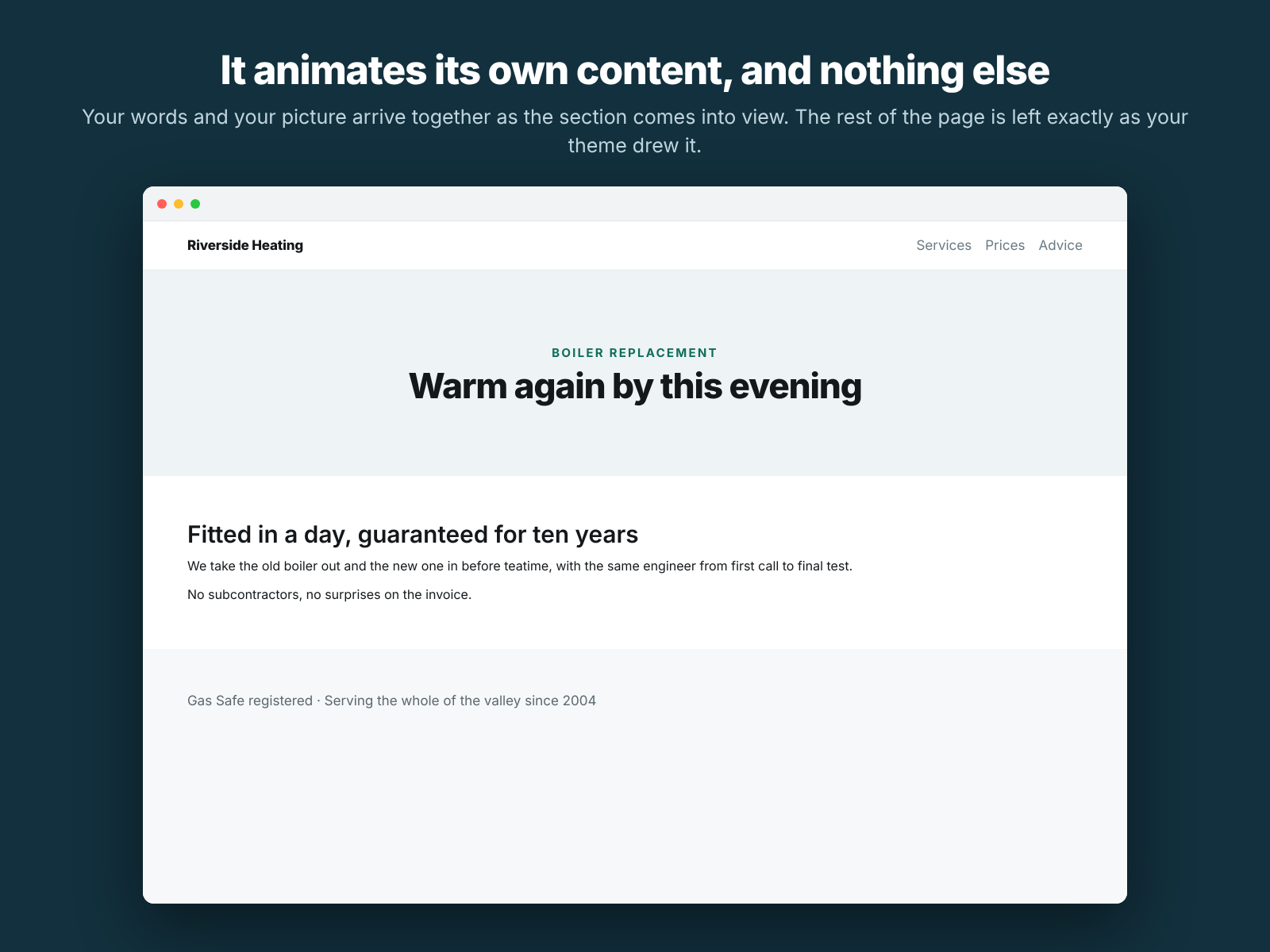
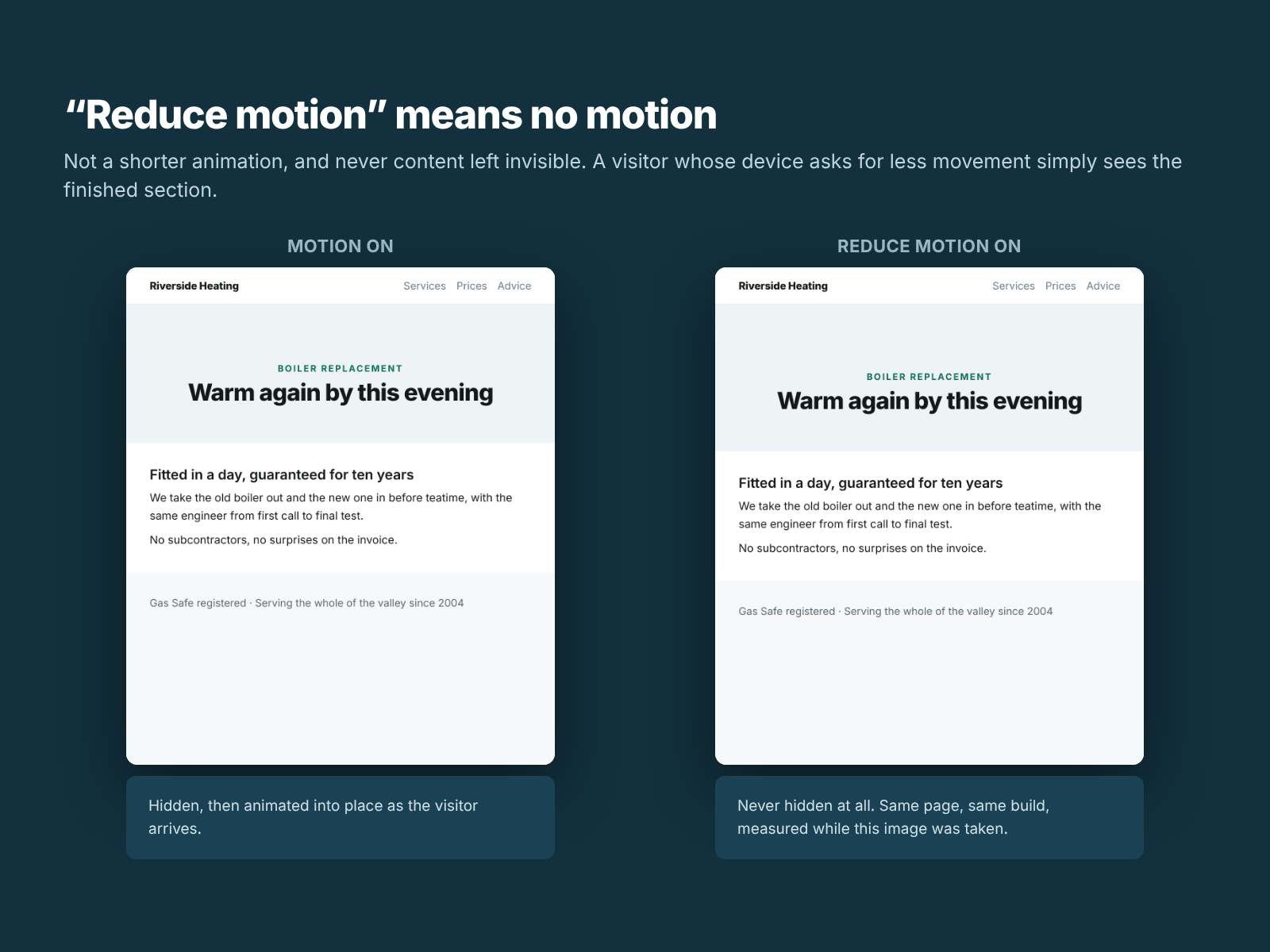
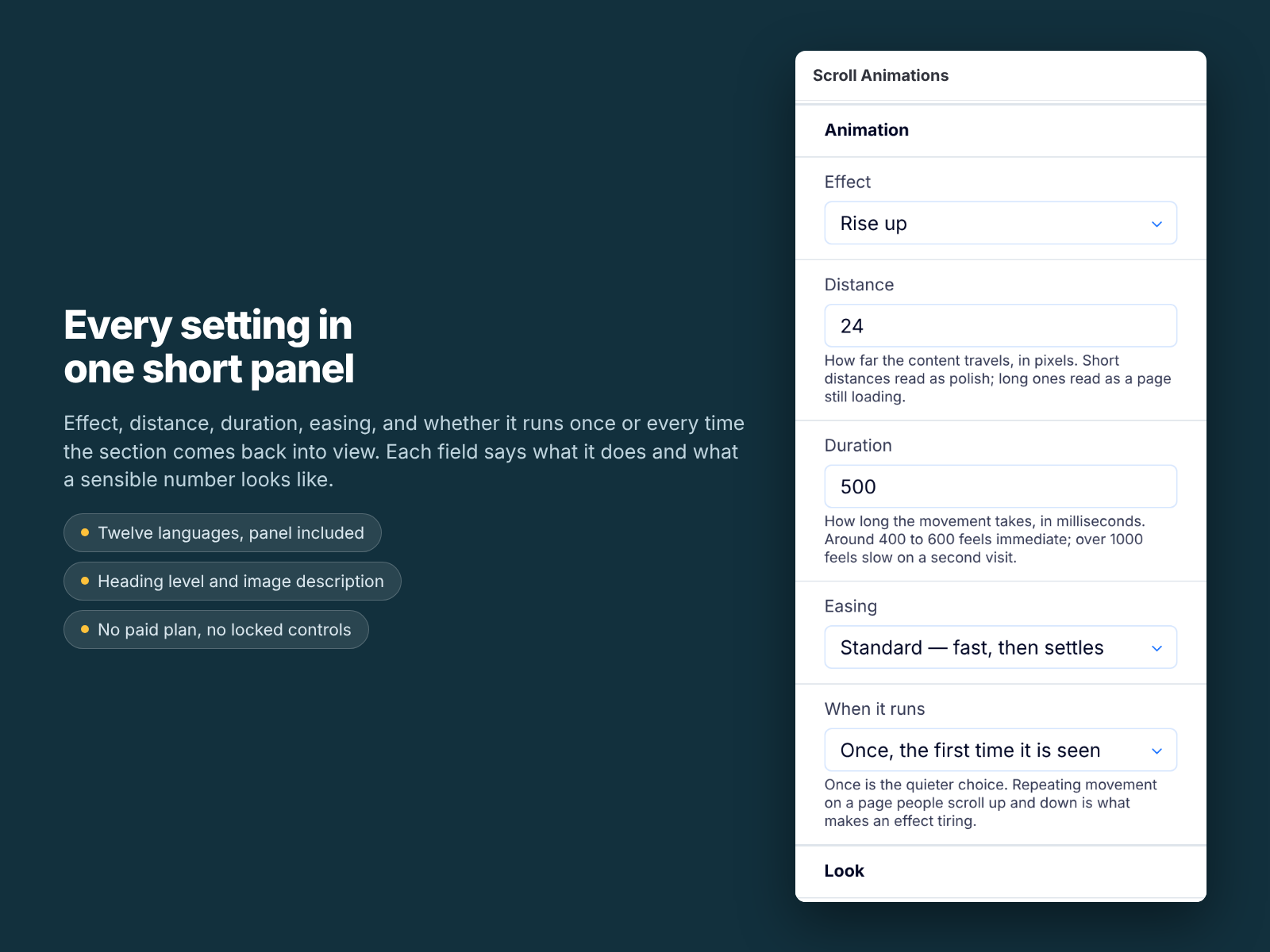
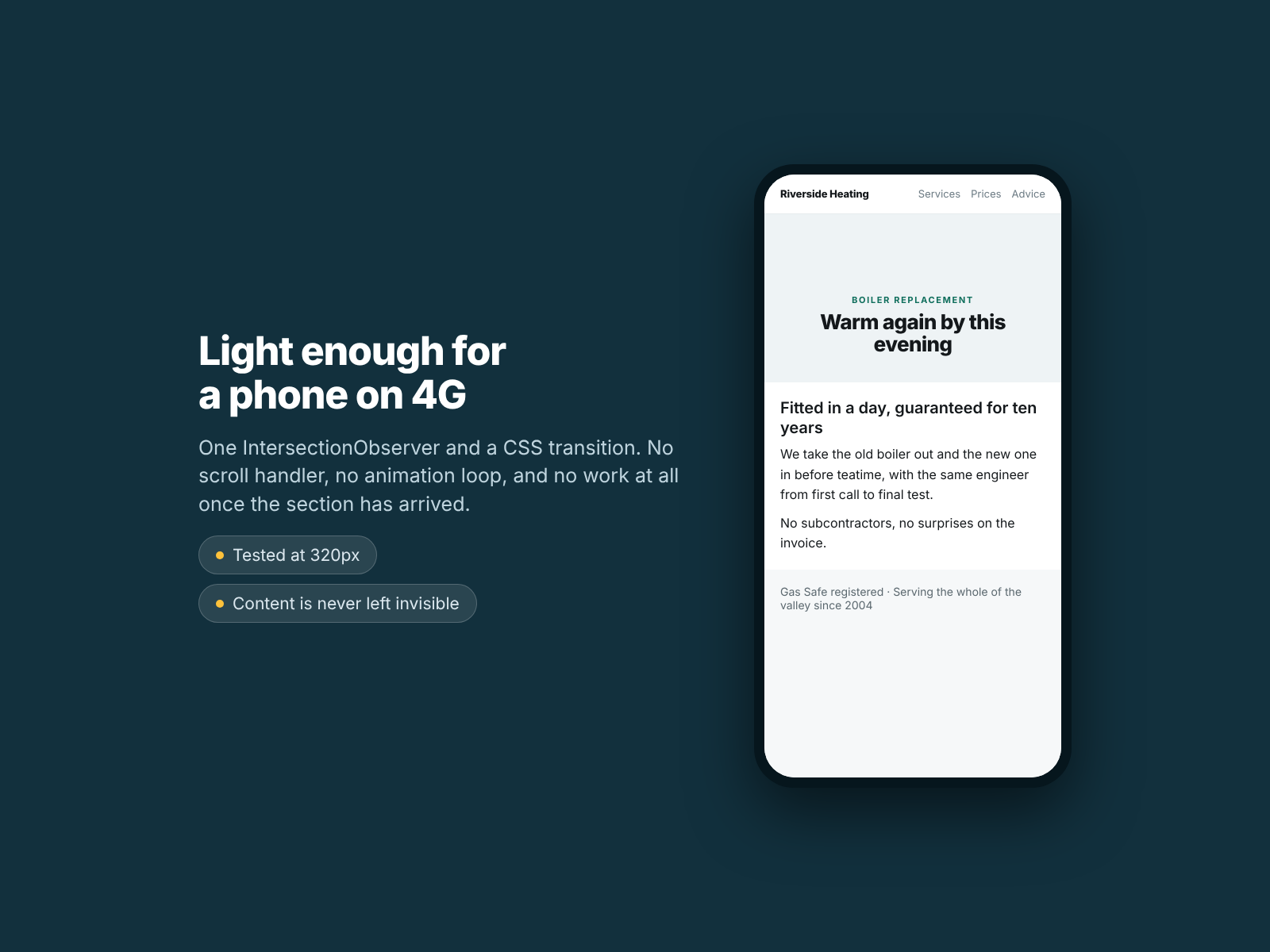
Scroll Animations gives a section of your site its own entrance. Put a heading, a paragraph or two and an image into the widget, choose how they should arrive, and they fade, rise, drop, scale or slide into place as a visitor scrolls down to them. You choose the effect, how far the content travels, how long the movement takes, the easing, and whether it runs once or every time the section comes back into view. The heading level, the text colour and the image description are yours to set too, and every one of those settings is free. Visitors who ask their device for reduced motion see the finished section with no animation at all. That cannot be switched off, and it is deliberate: motion is a documented migraine and vestibular trigger. Your content is never left invisible either. If the browser cannot tell when the section arrives, if the page is printed, or if anything goes wrong, the finished state is what renders. What it does not do: it animates the content you put inside it, not other elements on your page; it does not animate on hover or on click; and it does not do parallax or scroll-linked scrubbing. Widget and settings panel are both translated into twelve languages.
What the listing highlights
- Six entrances: fade, rise, drop, scale, slide from the left or the right
- Your own distance, duration and easing, running once or every time
- Reduced motion always skips the animation and shows the finished content
- Free, in twelve languages, with no paid plan and nothing locked
Reviews
Official Wix marketplace summary
Wix Marketplace feedback
No reviews yet.
Plan comparison
Pricing & Plans
Detailed plan information is not available for this App.