
Compare Table
Product media
Screenshots
1 of 4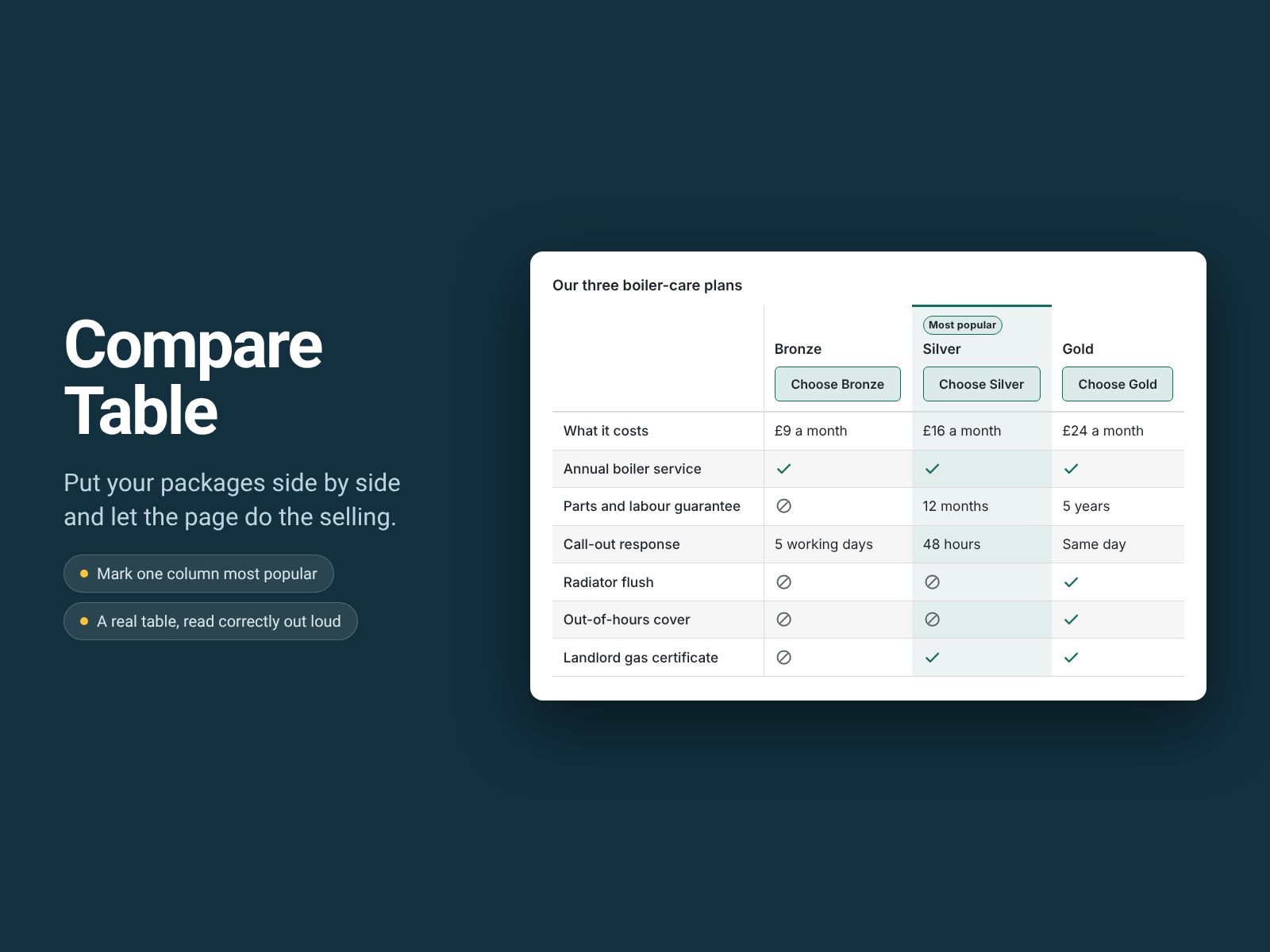
Overview
About this App
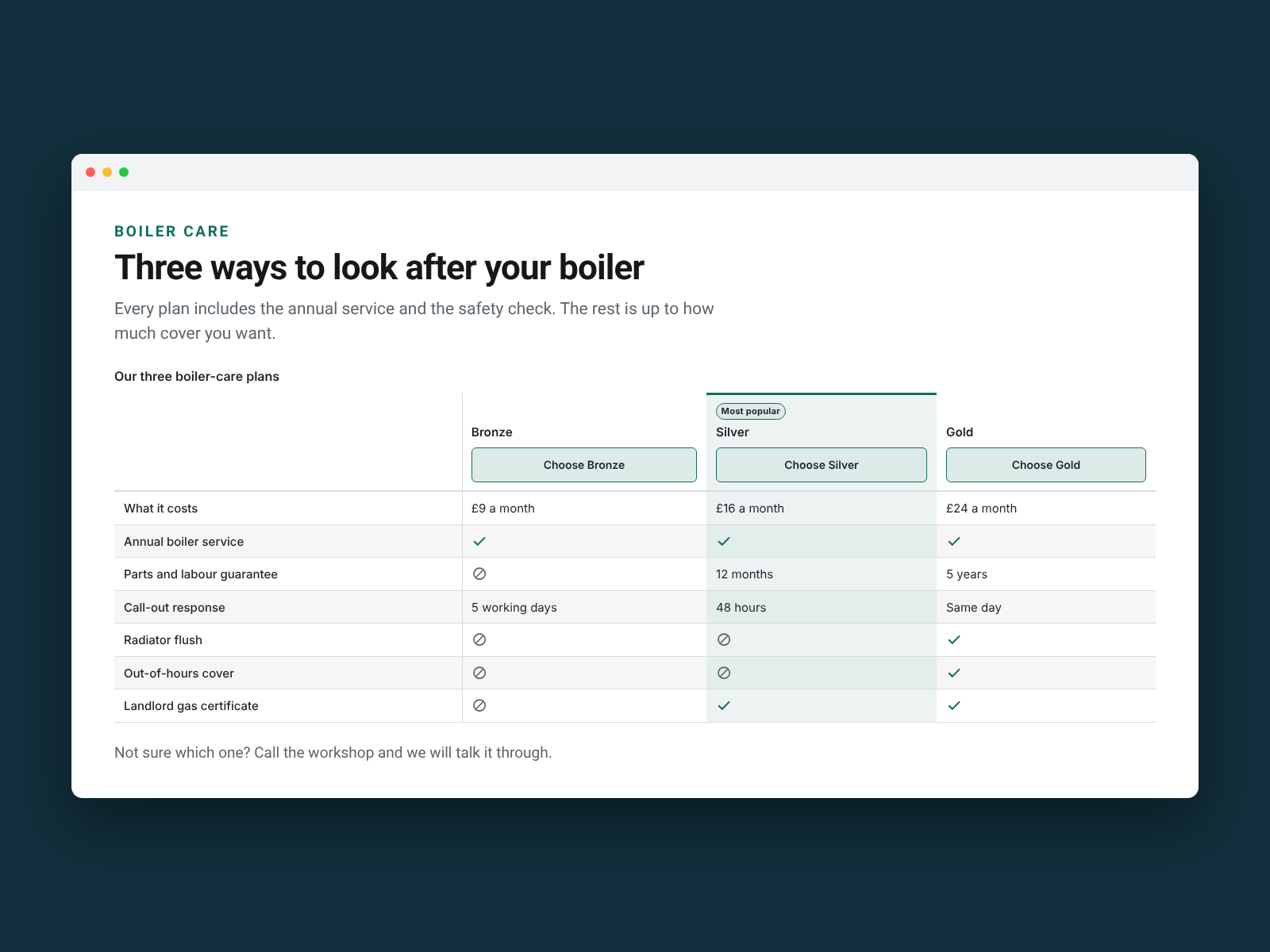
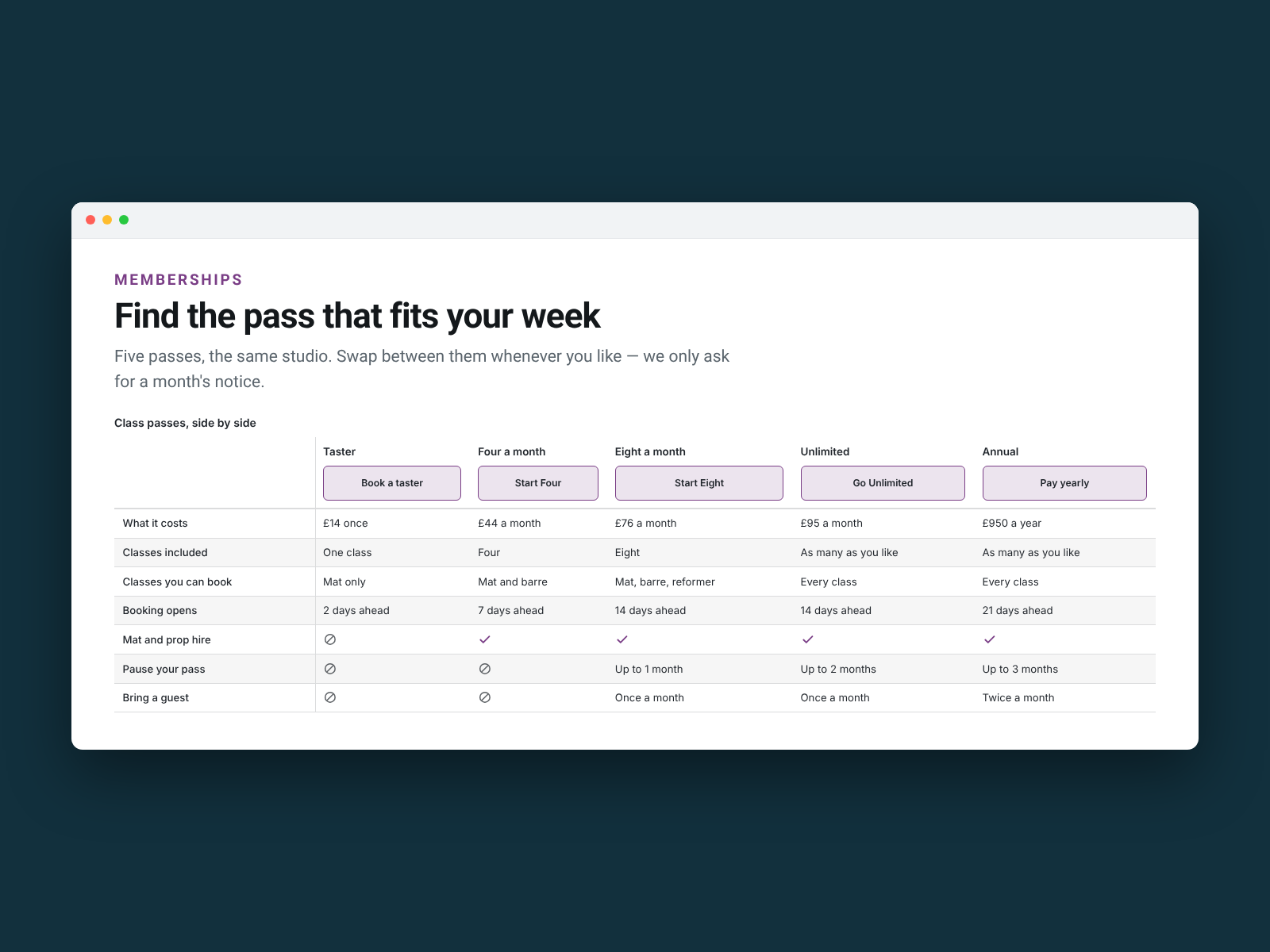
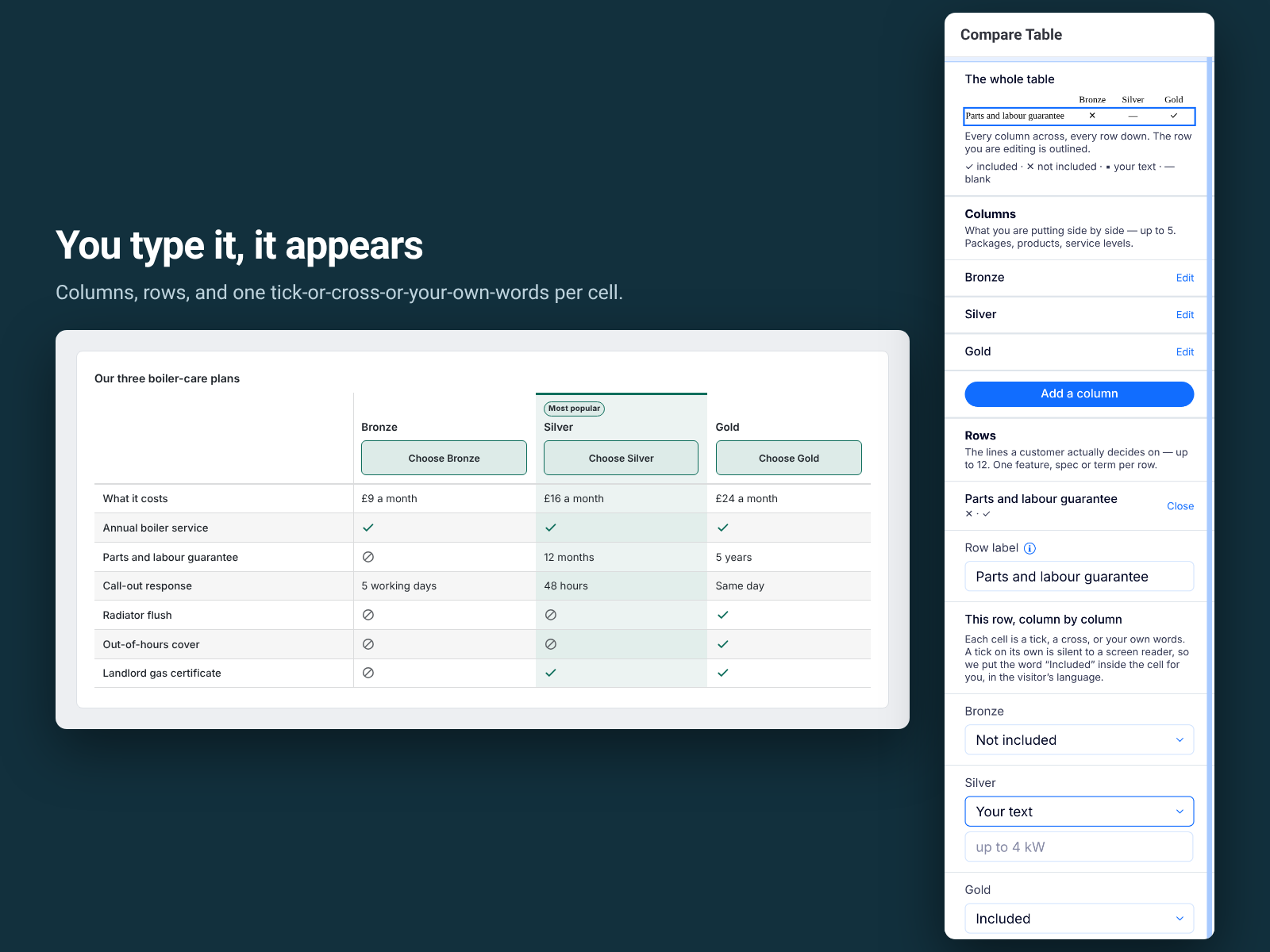
Bronze, Silver, Gold. Two boilers. Three service contracts. When a customer has to choose between things you sell, what moves them is seeing the options next to each other — and no built-in element does it. Most end up with three text boxes that fall apart on a phone. Compare Table gives you the real thing. Add your columns — products, packages, service tiers — and rows for the features, specs and terms people decide on. Each cell is a tick, a cross, or your own words: "12 months", "up to 4 kW", "same day". Put a button under each column, and badge one column most popular. Underneath it is a real table, which is the point: a screen reader hears "Parts and labour guarantee, Gold, Included" instead of a wall of disconnected words. What it does not do. Five columns do not fit a 320px phone, so the table scrolls sideways inside its own frame, never the whole page, with your row labels pinned. Nothing is pre-filled — every word is a claim about what you sell, and we will not write those for you. Your column names and warranty terms are never translated; only our own wording is. The free plan is three columns and six rows with every feature; Pro is five columns and twelve rows.
What the listing highlights
- A real table, not a grid of boxes — proper column headings and row labels
- Every tick carries a word — "Included" or "Not included", read out loud
- Works at 320px — the table scrolls sideways inside its own frame
- A button under each column, and one column badged most popular
Reviews
Official Wix marketplace summary
Wix Marketplace feedback
No reviews yet.
Plan comparison
Pricing & Plans
Basic
Free
Free
- Three columns and six rows per page
- Every colour, label and highlight
- Twelve languages and full screen reader text
Pro
$0 / year
Save 18% yearly$0 / month
- Up to five columns and twelve rows
- A button under each column, to the page you choose
- Mark one column as most popular