
Search Bar & Product Search
By Findbar
Product media
Screenshots
1 of 5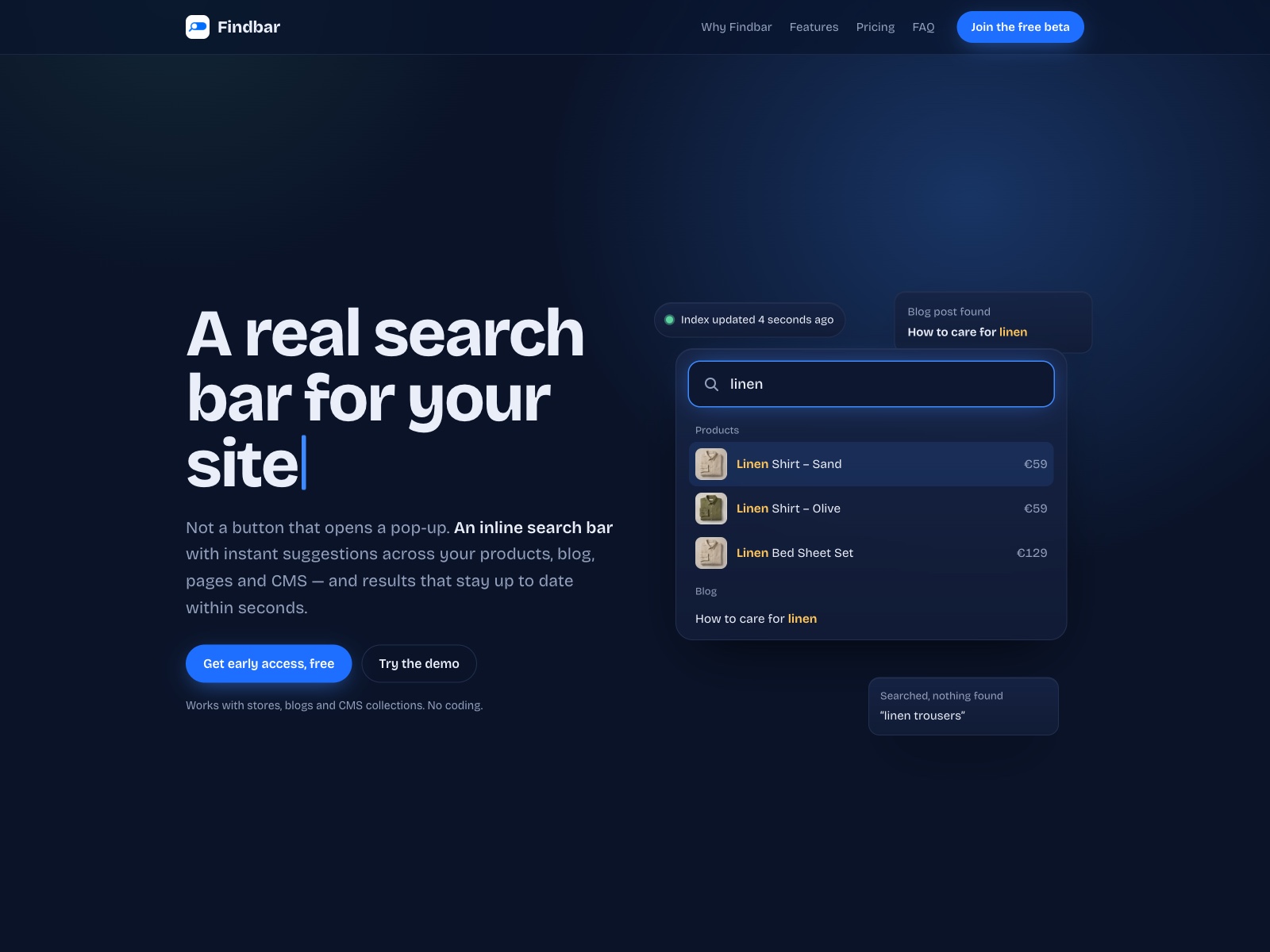
Overview
About this App
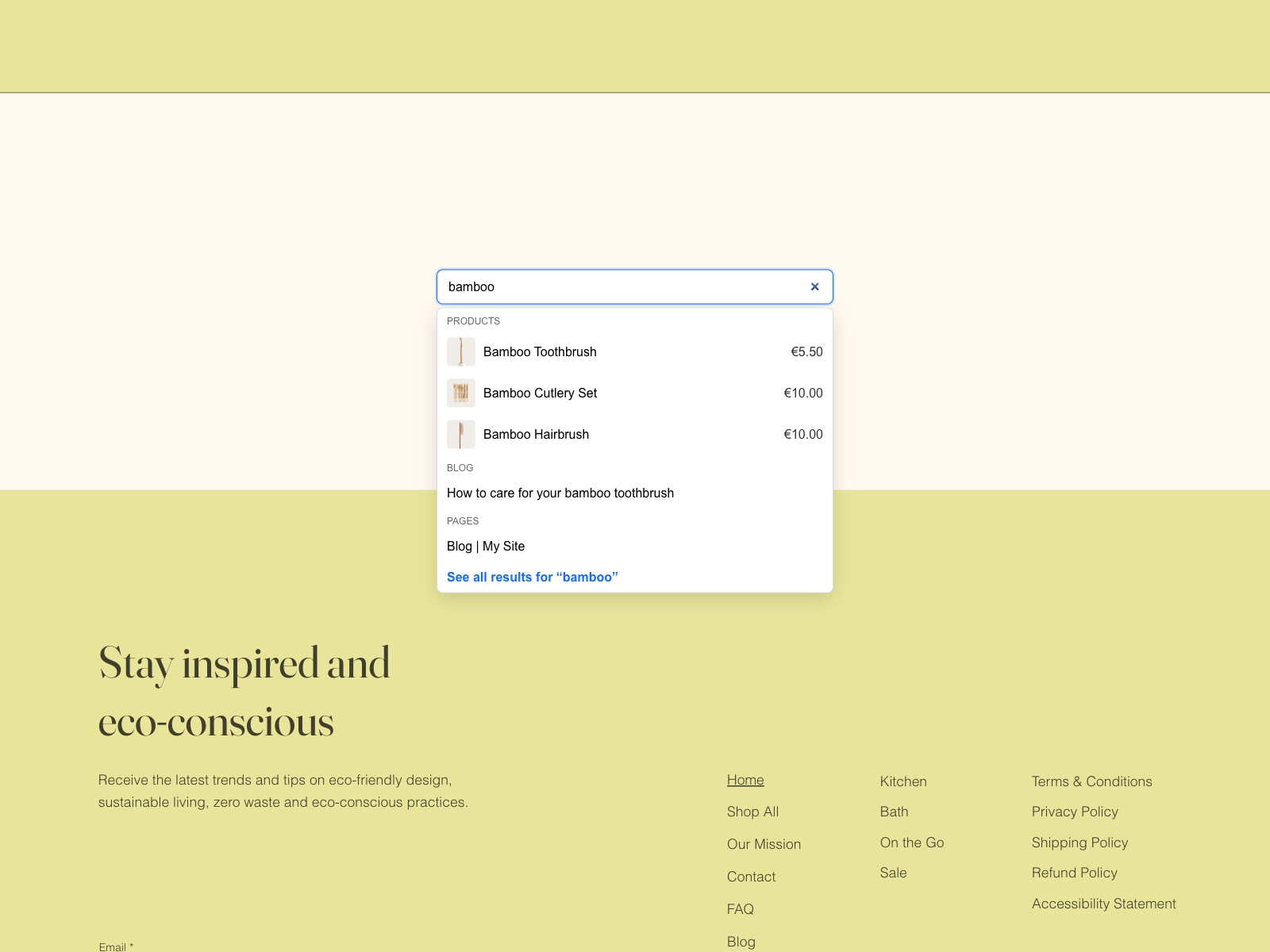
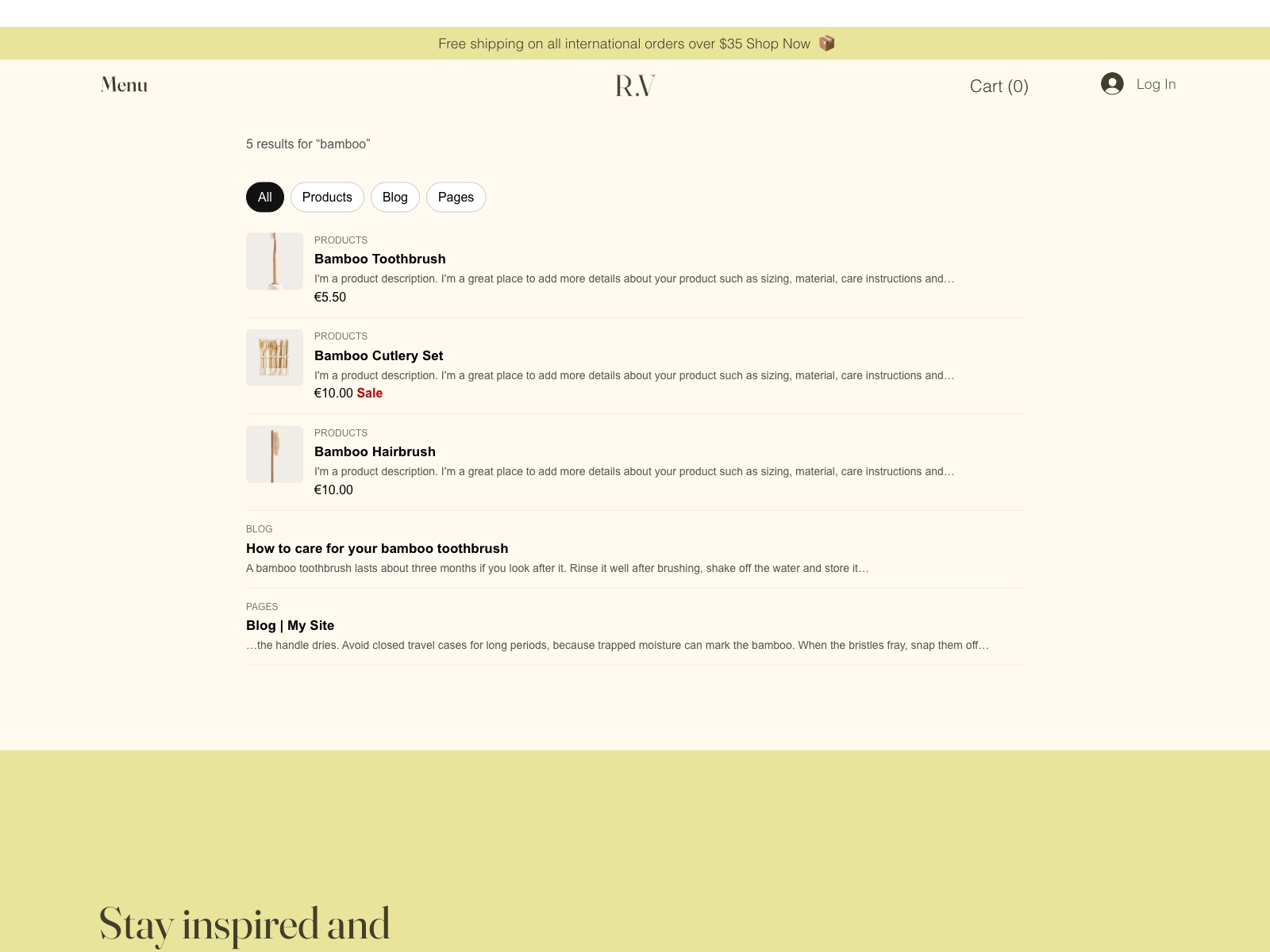
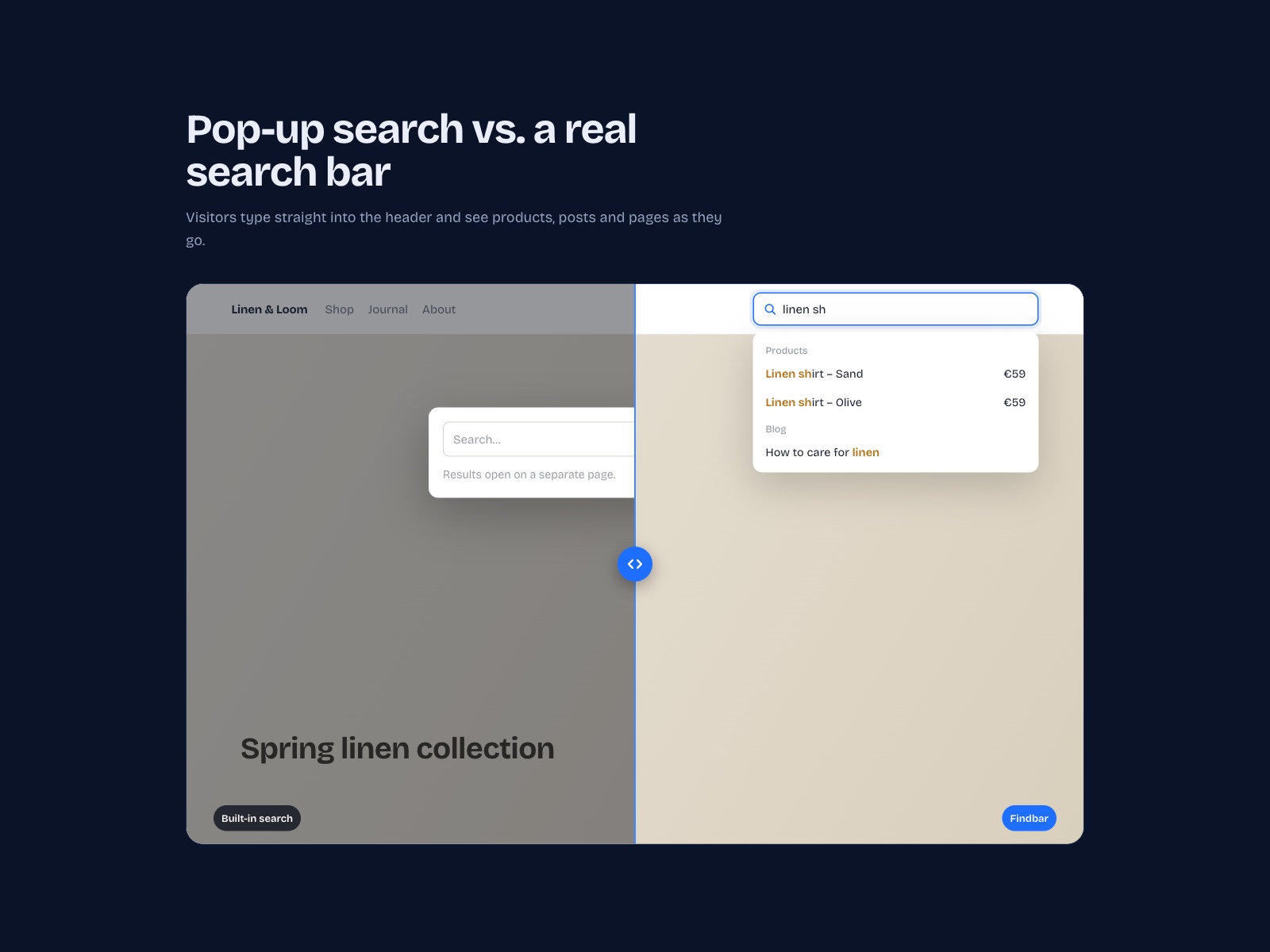
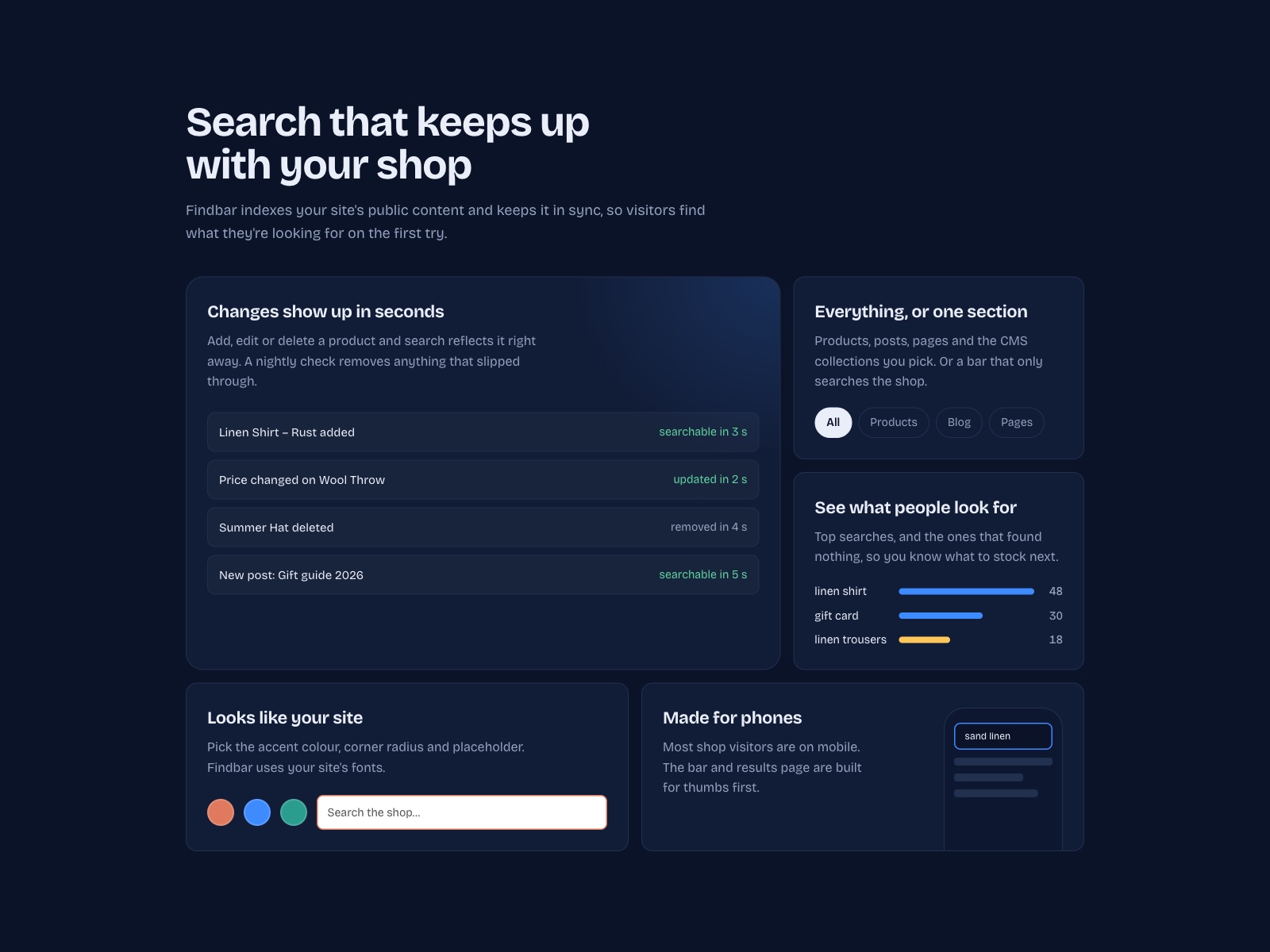
Your site's built-in search is a button that opens a pop-up, and its results can miss new products or still show ones you've removed. Findbar replaces it with a search bar that sits right in your header. As visitors type, Findbar suggests matching products with their image and price, along with blog posts, pages and CMS items, grouped by type to help people find what they're looking for. Pressing Enter opens a full results page with a tab for each kind of content. Findbar is designed to keep your search current. When you add, edit or delete a product or post, the change is usually reflected in search shortly afterwards, and a nightly check picks up anything that was missed. You can match the bar to your site's colours, corner style and placeholder text, add bars that search only one section such as your shop or your blog, and see your most common searches alongside the ones that returned no results. Findbar indexes only public content, so members-only and password-protected pages are left out of results. You can start on the free plan, or try every Pro feature free for 14 days.
What the listing highlights
- Search bar with instant product suggestions
- Site search for products, blog, pages and CMS
- Search results update automatically as you edit
- Search insights and section-only search bars
Additional product media
Promotional media

Reviews
Official Wix marketplace summary
Wix Marketplace feedback
No reviews yet.
Plan comparison
Pricing & Plans
Free
Free
Free
- Sites with up to 100 items
- Searches products and pages
- Inline bar with live suggestions
Pro
$8.72 / month
$104.67 billed yearly Save 17% yearly$10.56 / month
- Any site size
- Blog posts and CMS collections
- Section-only search bars