Before After Slider
- Wix Campaign
Product media
Screenshots
1 of 5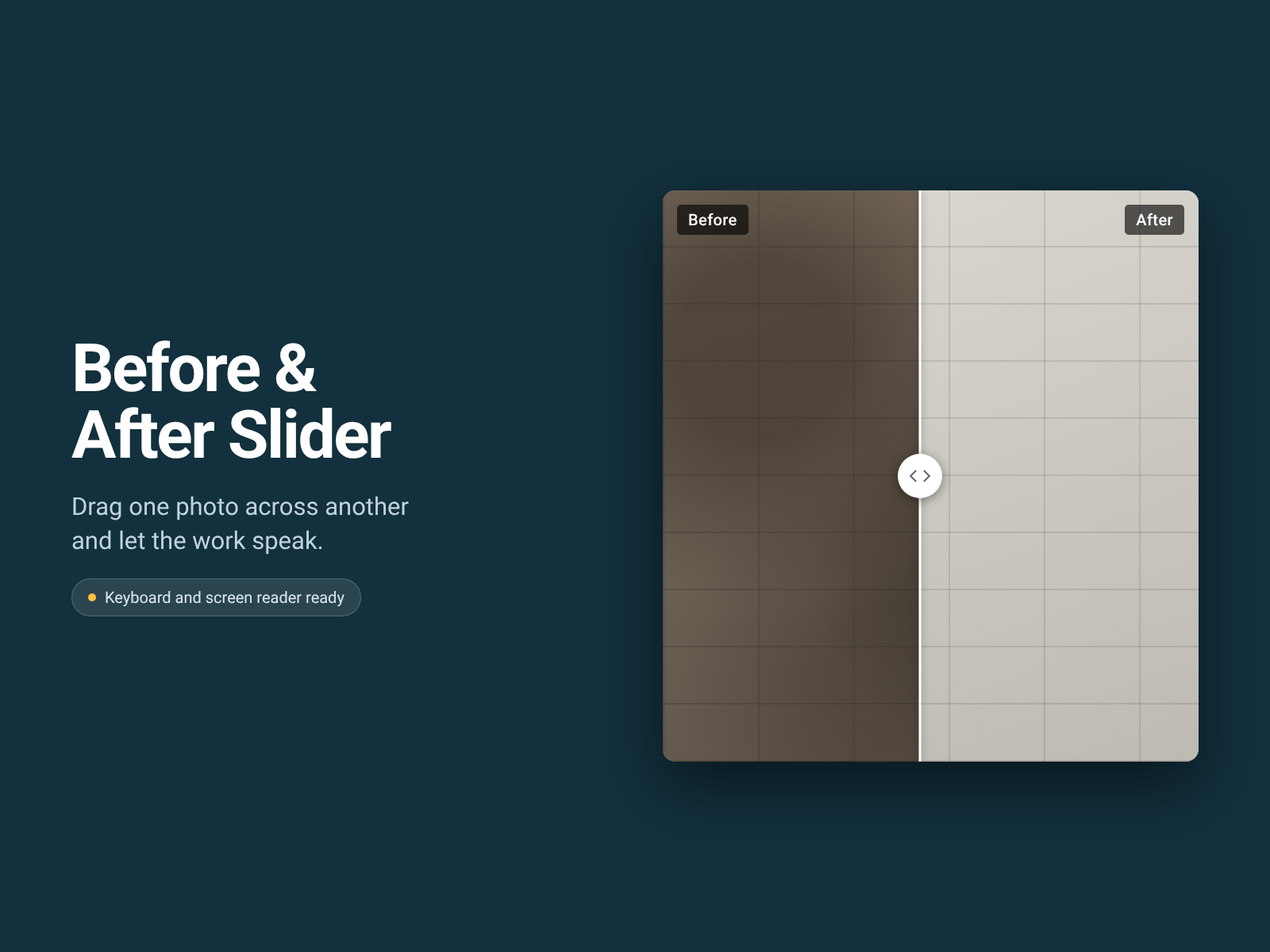
Overview
About this App
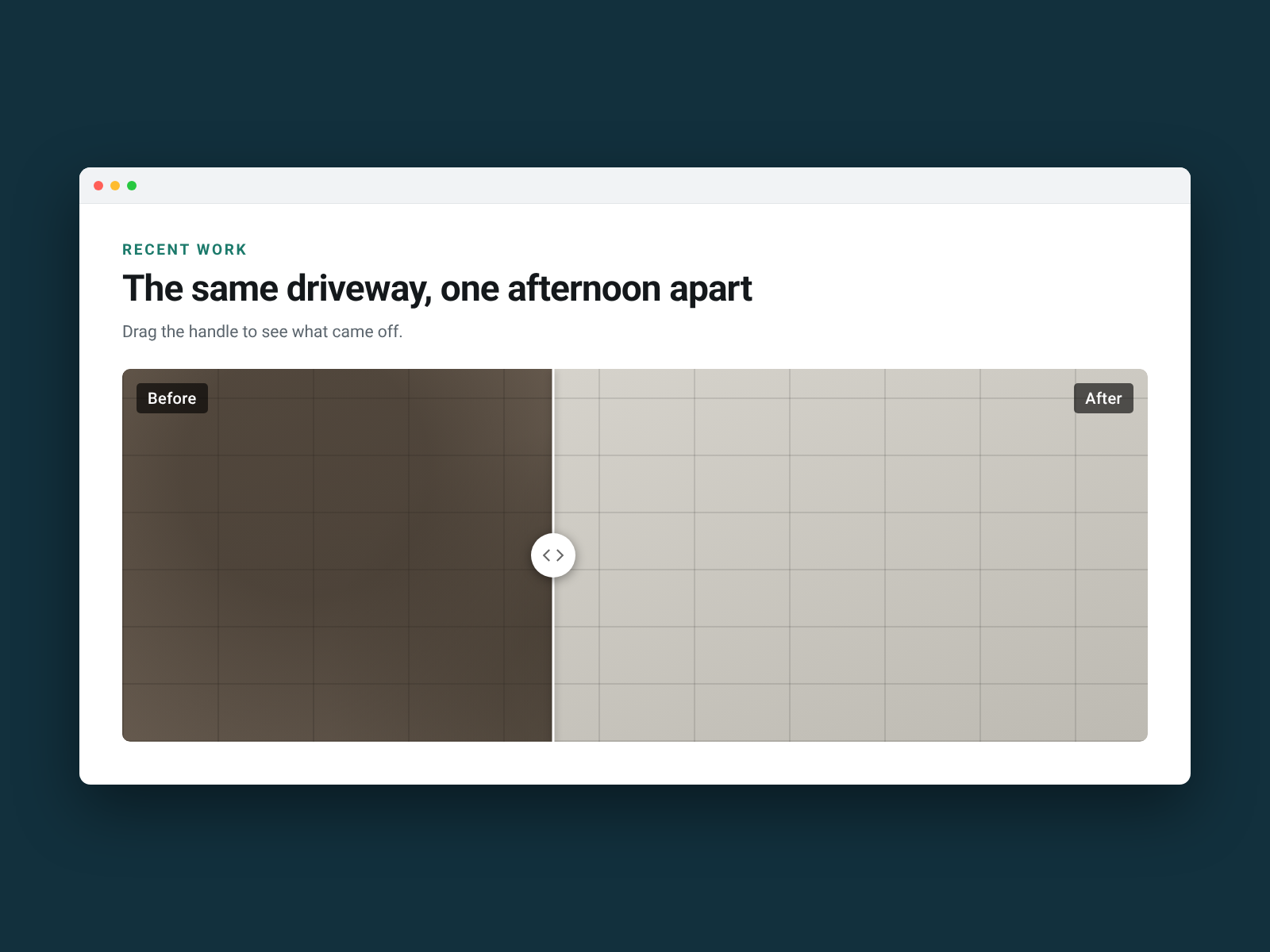
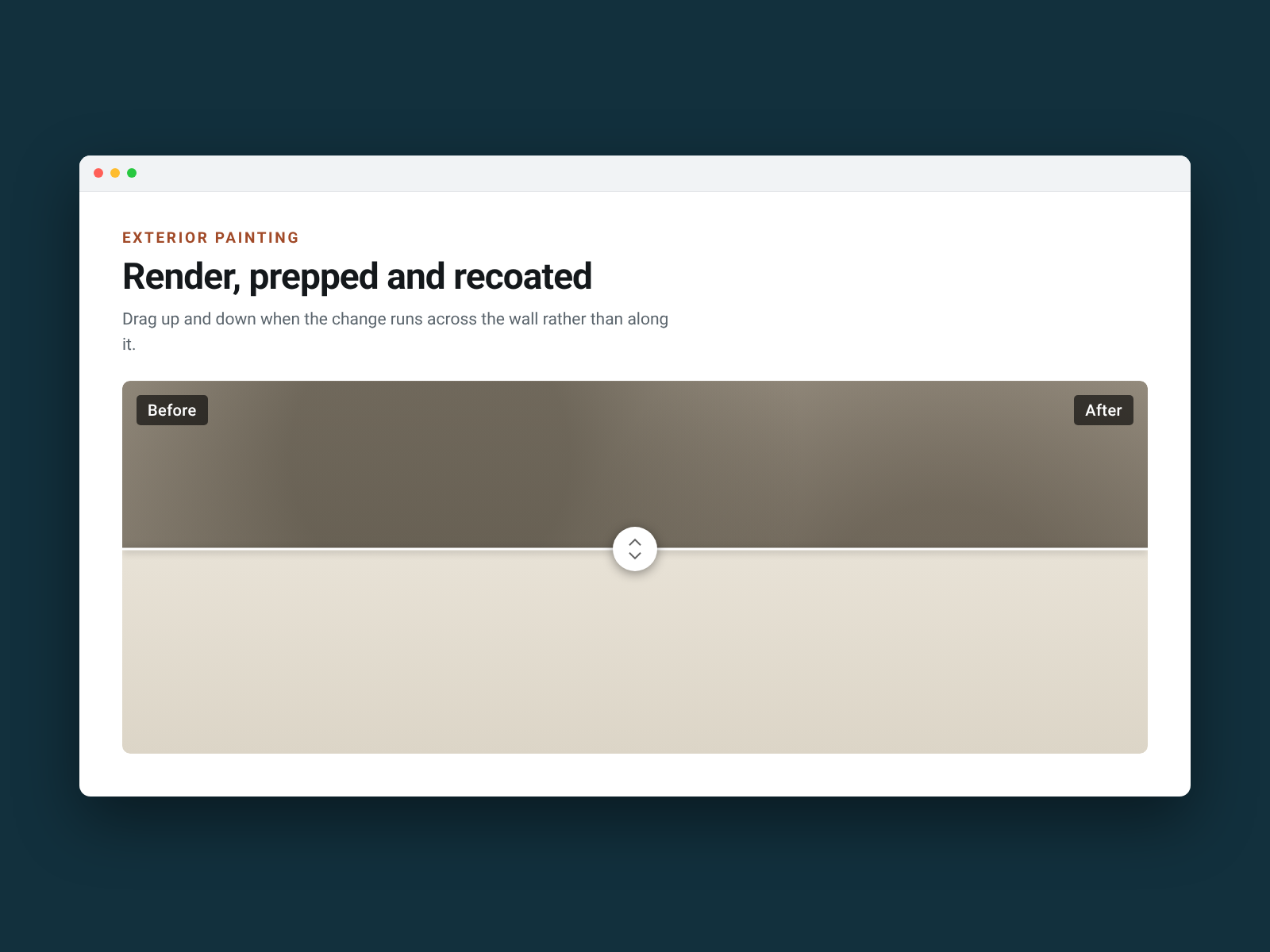
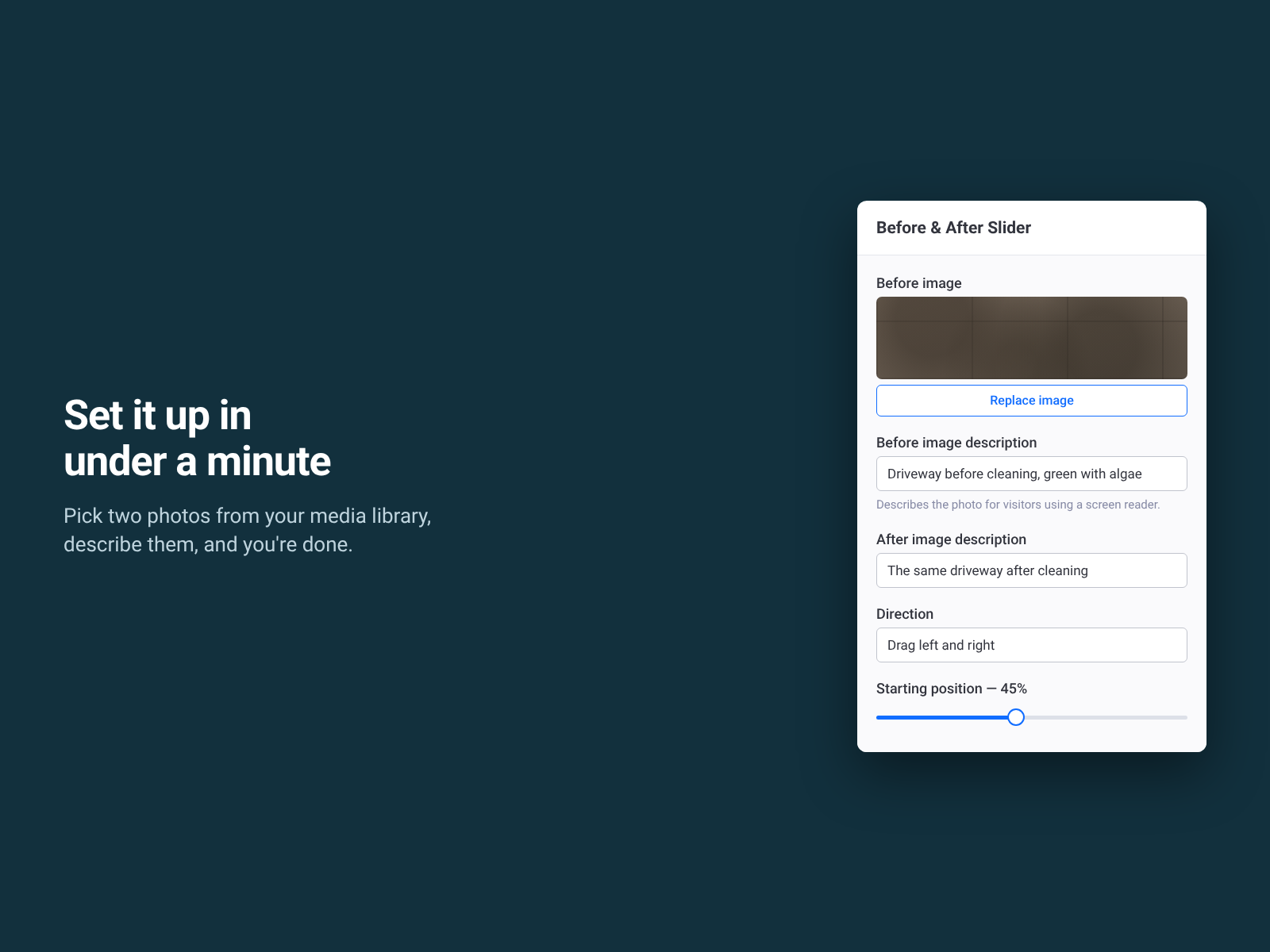
Two photos side by side make each one half the size, and the comparison gets lost. This puts them in the same frame instead: visitors drag a handle across the image and watch the work happen. Add the widget, choose a before photo and an after photo from your media library, and write a short description of each. That's the setup. Captions, handle colour, starting position and drag direction are all optional, and the widget stretches to whatever width you give it. It's built for the jobs where the result is the sales pitch — a driveway after pressure washing, a repainted exterior, a garden two seasons on, a detailed car, a cleaned carpet, a restored roof. The free plan is the whole widget: one slider per page with every feature — both drag directions, your captions, your colours, your starting position, full keyboard and screen-reader support, all twelve languages. Nothing is watermarked, nothing is greyed out and nothing nags your visitors. Pro, at $6.99 a month, lifts the one-per-page limit and adds nothing else. What it doesn't do: it compares two photos you choose, so there are no paired galleries and it doesn't pull photos from a CMS collection.
What the listing highlights
- Drag to reveal — two photos in one frame, at the same size, so the change is obvious
- Pick straight from your media library — no uploading twice, no pasting links
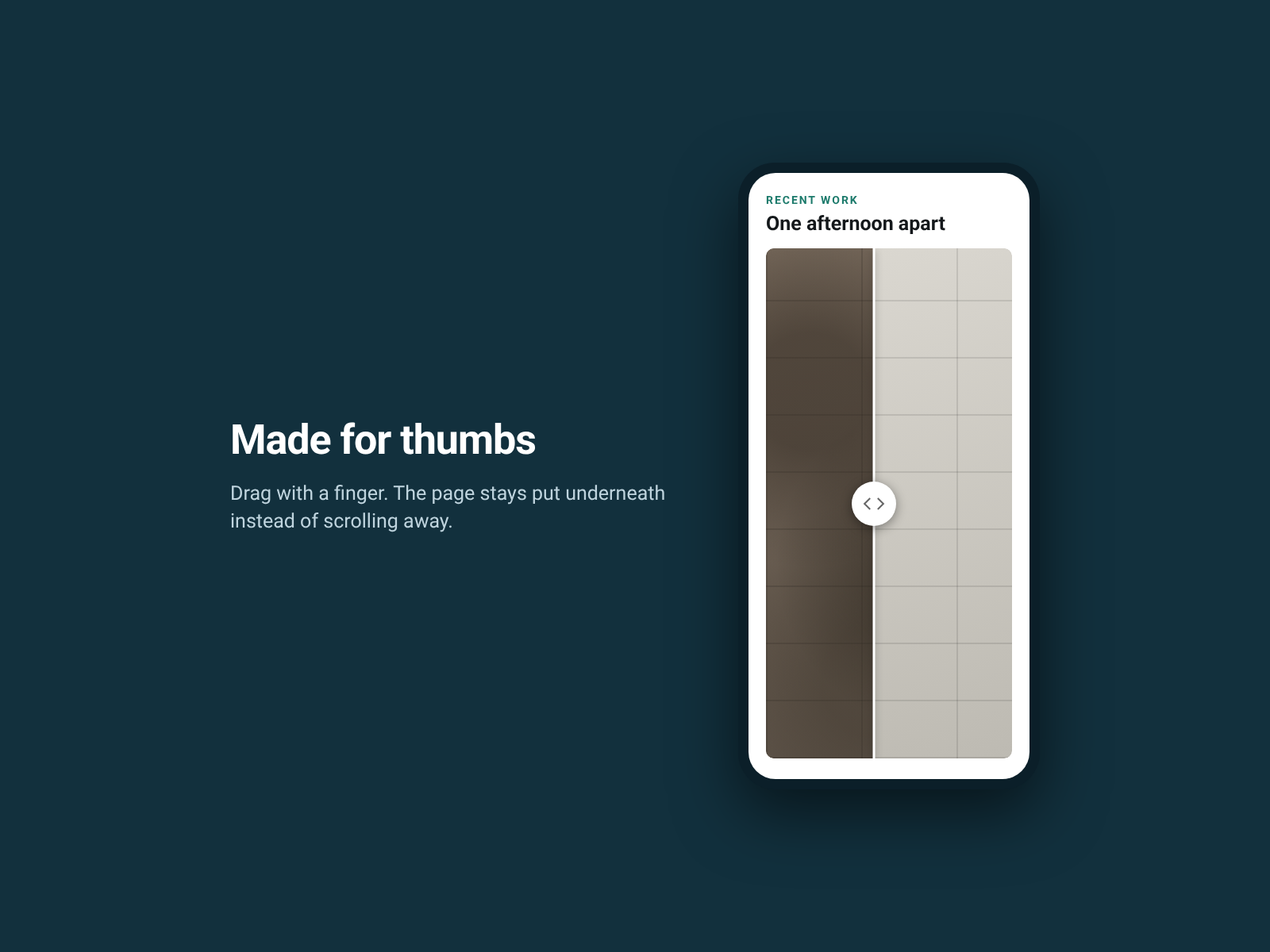
- Works on phones — drag with a finger, and the page doesn't scroll underneath
- Keyboard and screen reader ready — arrow keys move the handle, and both photos carry descriptions
Reviews
Official Wix marketplace summary
Wix Marketplace feedback
No reviews yet.
Plan comparison
Pricing & Plans
Basic
Free
Free
- One before and after slider per page
- Every colour, label and handle style
- Both drag directions and full screen reader text
Pro
$0 / year
Save 18% yearly$0 / month
- Unlimited sliders on every page
- Drag left-right or up-down
- Your colours, captions and start position