
Chronicle Timeline
Product media
Screenshots
1 of 5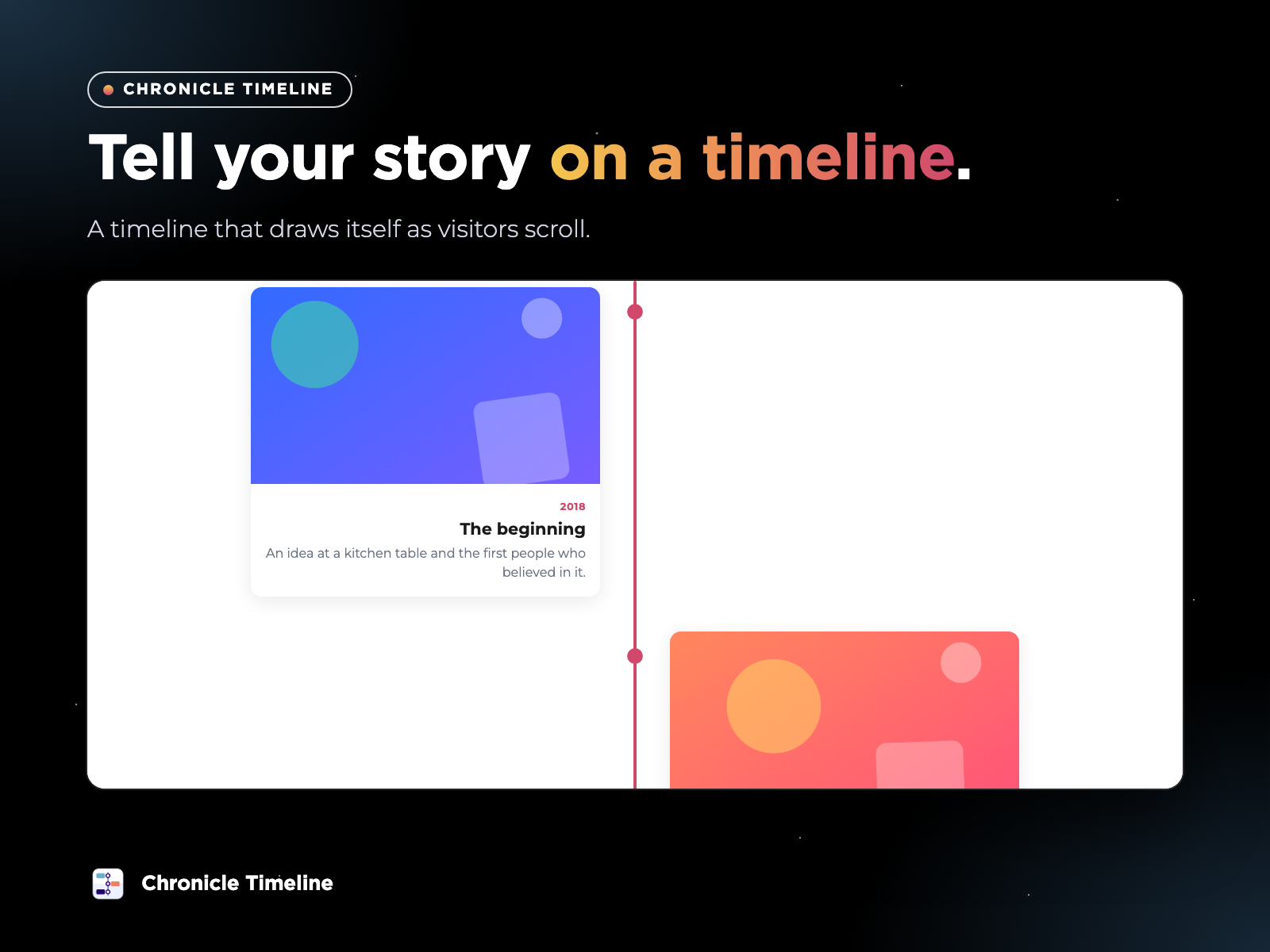
Overview
About this App
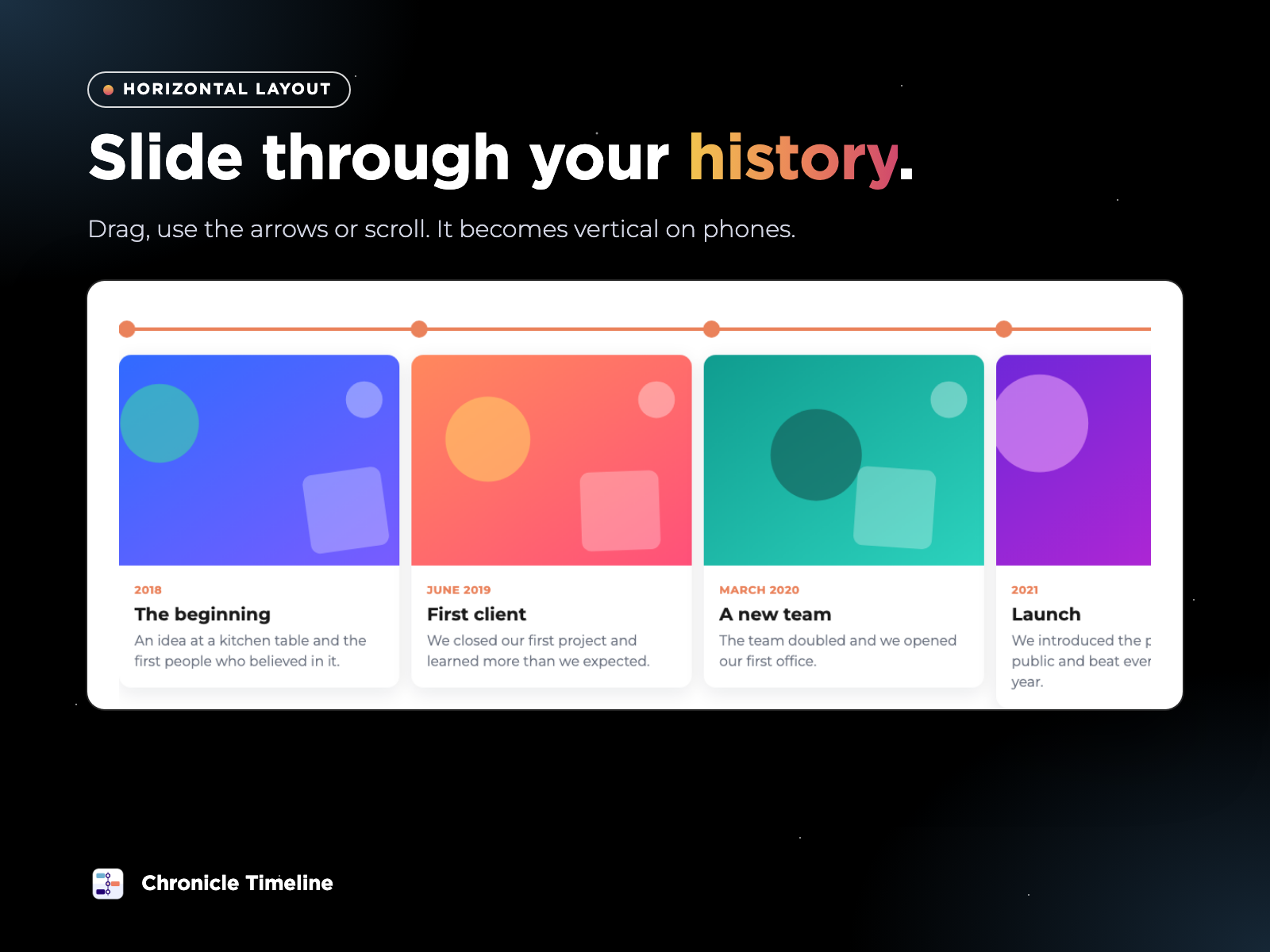
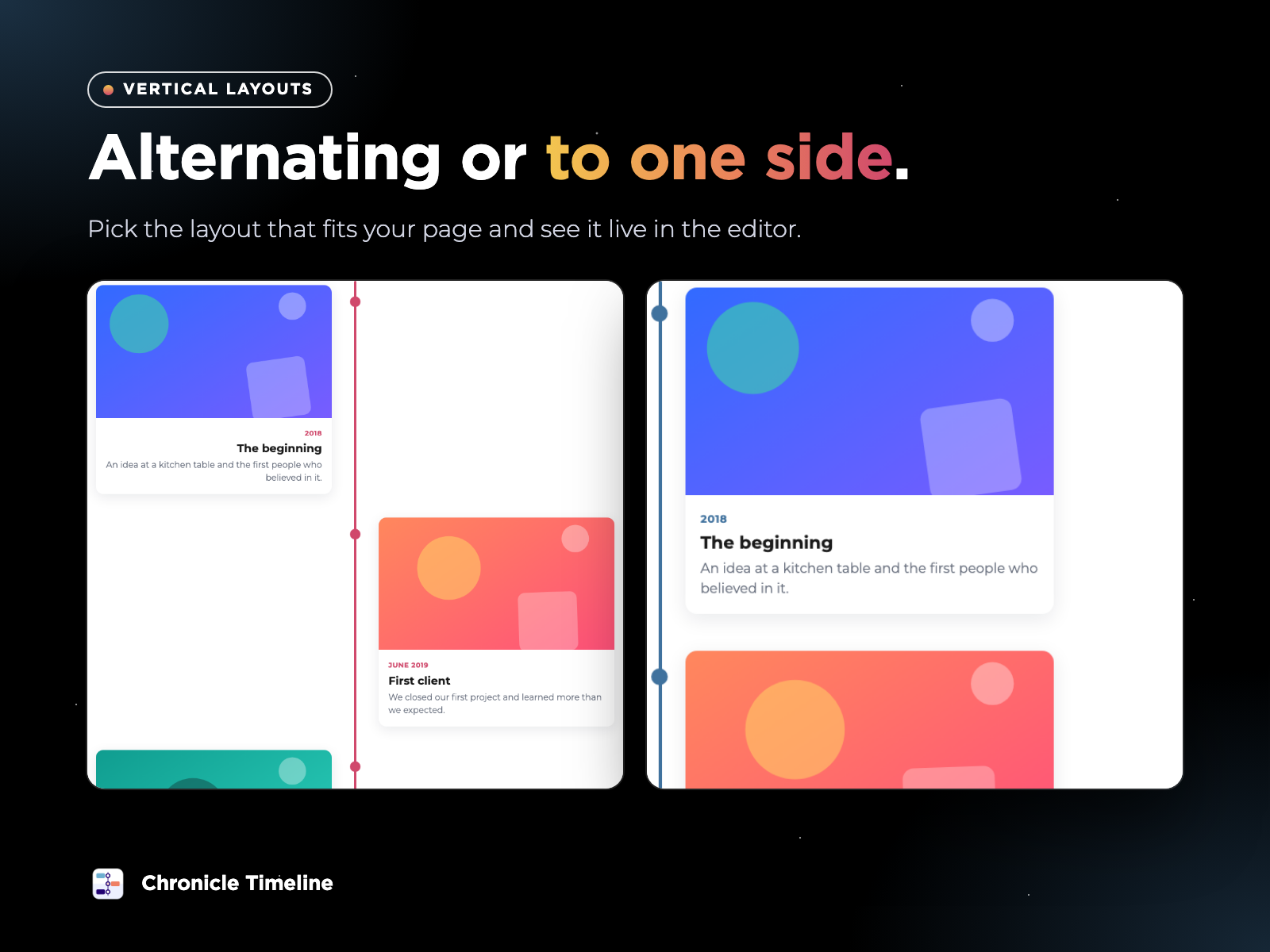
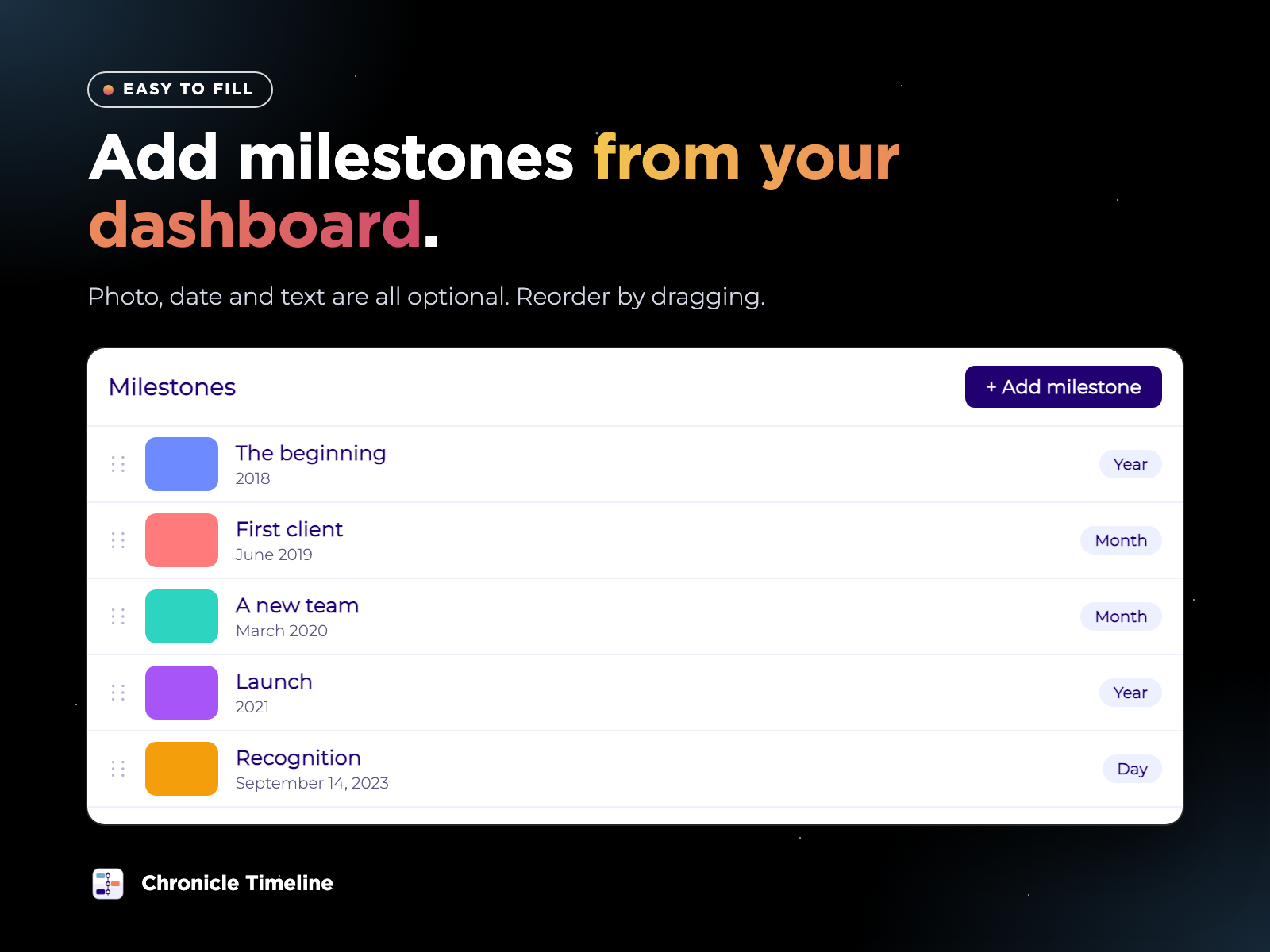
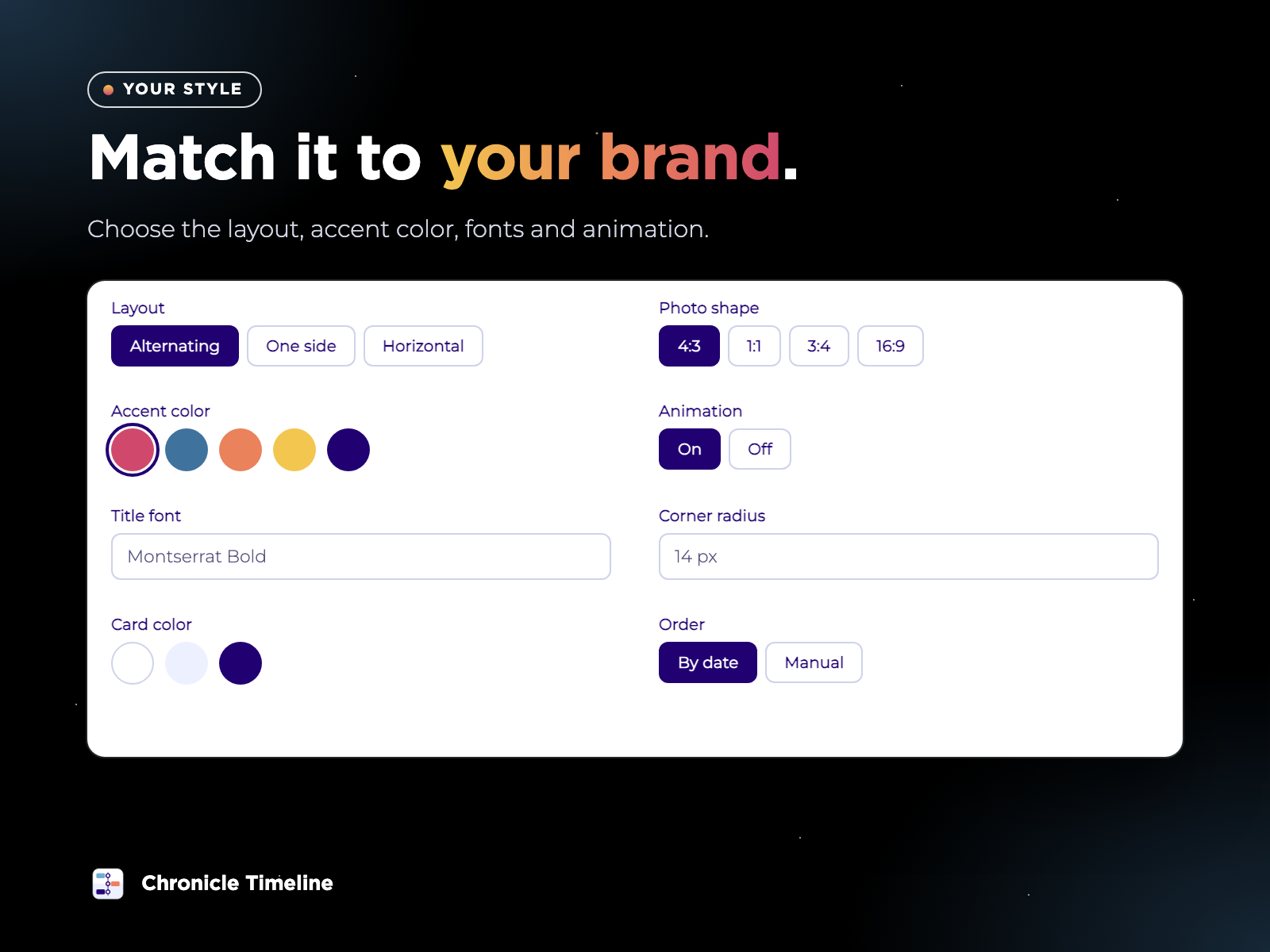
Chronicle Timeline lets you tell a story in order: the history of your company, the steps of a project, a personal journey or a product launch. Each milestone can have a photo, a date and a short text, and you decide which of them to show. You add milestones from a page in your dashboard. Choose a photo, write a title and pick how the date should look, such as a year, a month or a custom label like Summer 2021. You can upload many photos in one go, duplicate a milestone and drag them to reorder. Until you add your own, the editor shows sample milestones so you can start designing right away. On your site, the timeline comes alive. The line draws itself as visitors scroll and each milestone fades in. You can choose an alternating vertical layout, a vertical layout to one side, or a horizontal timeline with arrows, dragging and a progress bar. On phones it adapts on its own, and visitors who prefer less motion see it without animation. Premium plans add unlimited milestones, era headings, and free choice of colors and fonts. Chronicle Timeline works with the pages you already have. It does not replace your design, it adds a place where your story can be followed.
What the listing highlights
- The line grows and each milestone appears as visitors scroll, with smooth animations
- Alternating vertical, vertical to one side, or a horizontal slider you can drag. It adapts to phones
- Add photos, dates and text from your dashboard. All three are optional, and you can add many photos at once
- Use a year, a month, a full date, a range or your own text, and sort automatically or by hand
Additional product media
Promotional media

Videos
Reviews
Official Wix marketplace summary
Wix Marketplace feedback
No reviews yet.
Plan comparison
Pricing & Plans
Basic
Free
Free
- Up to 6 milestones
- Vertical and horizontal layouts
- Scroll animations
Premium
$3.99 / month
$47.88 billed yearly Save 20% yearly$4.99 / month
- Everything in Free
- Unlimited milestones
- Era headings to group milestones
Detailed App featuresCompare all 10 structured features
| Feature | FreeBasic | Paid planPremium |
|---|---|---|
| Accent colorChoose the color of the line, dots and dates. | Included | Included |
| Easy to manageUpload many photos at once, duplicate milestones and drag to reorder. | Included | Included |
| Three layoutsAlternating vertical, vertical to one side, or a horizontal slider with arrows, dragging and a progress bar. It adapts to phones. | Included | Included |
| Photo shapePick 4:3, 1:1, 3:4 or 16:9 for the photos. | Included | Included |
| MilestonesAdd photos, dates and text from your dashboard. All three are optional. | up to 6 | unlimited |
| Flexible datesUse a year, a month, a full date, a range or your own text. | Included | Included |
| Accent color and photo shapeThe line draws itself and each milestone fades in as visitors scroll. | Included | Included |
| Custom colorsChoose the color of the line, text, secondary text and cards. | Not included | Included |
| Custom fontsChoose the fonts of the titles and the text. | Not included | Included |
| Era headingsGroup milestones under titles such as “2018–2020” or “Our beginnings”. | Not included | Included |