
Month Calendar for Bookings
By Hullspark
- Wix Campaign
Product media
Screenshots
1 of 6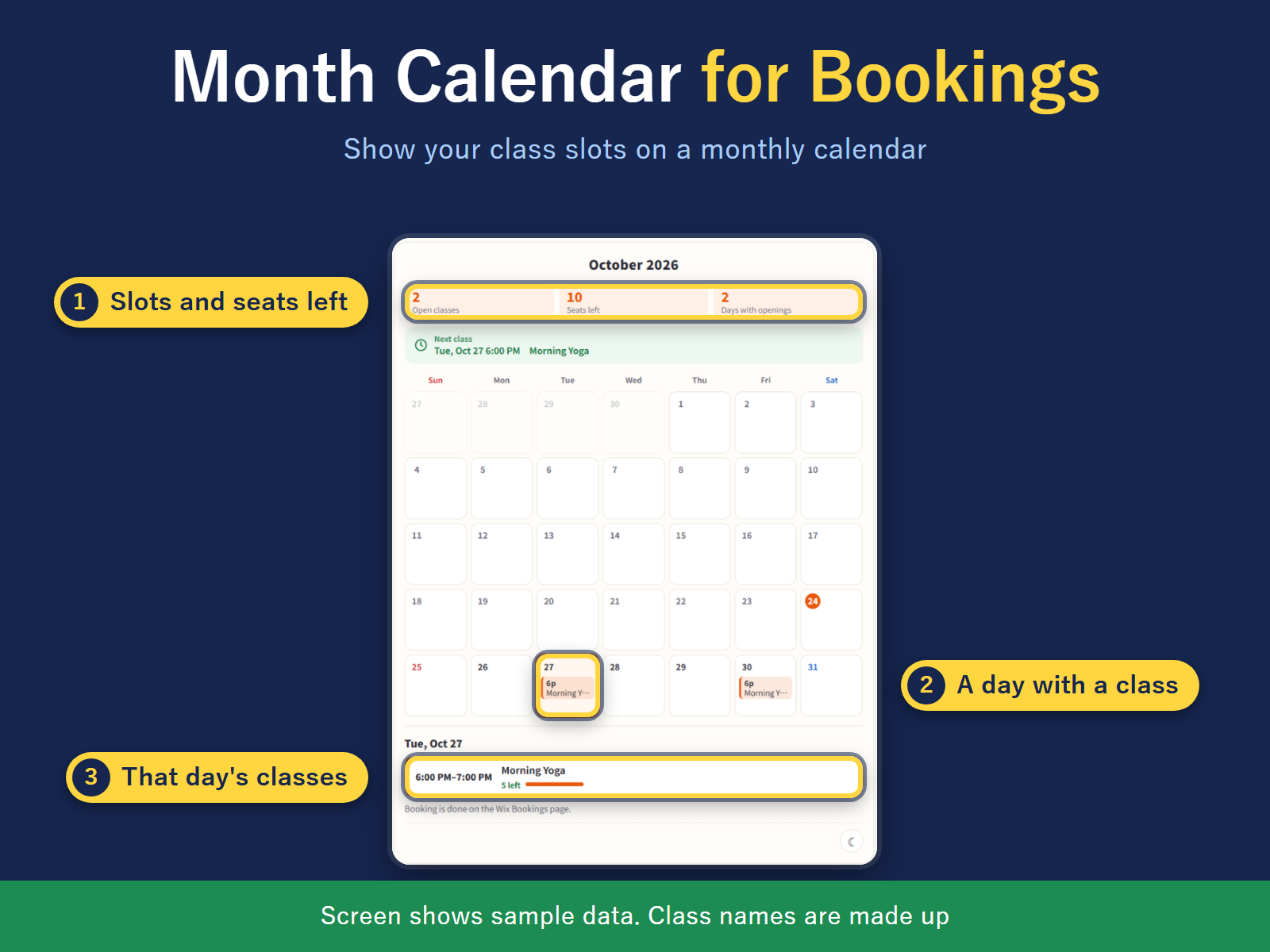
Overview
About this App
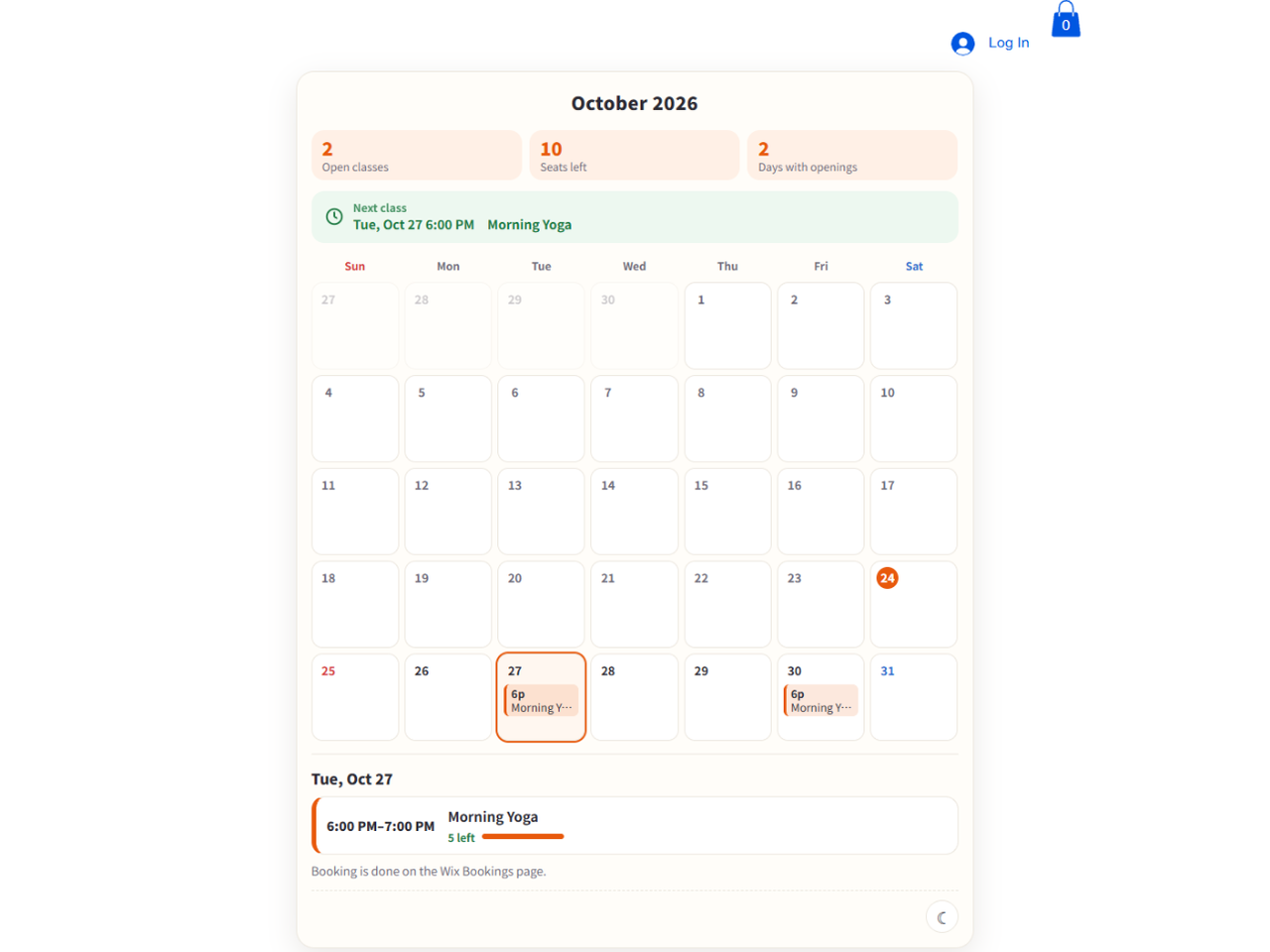
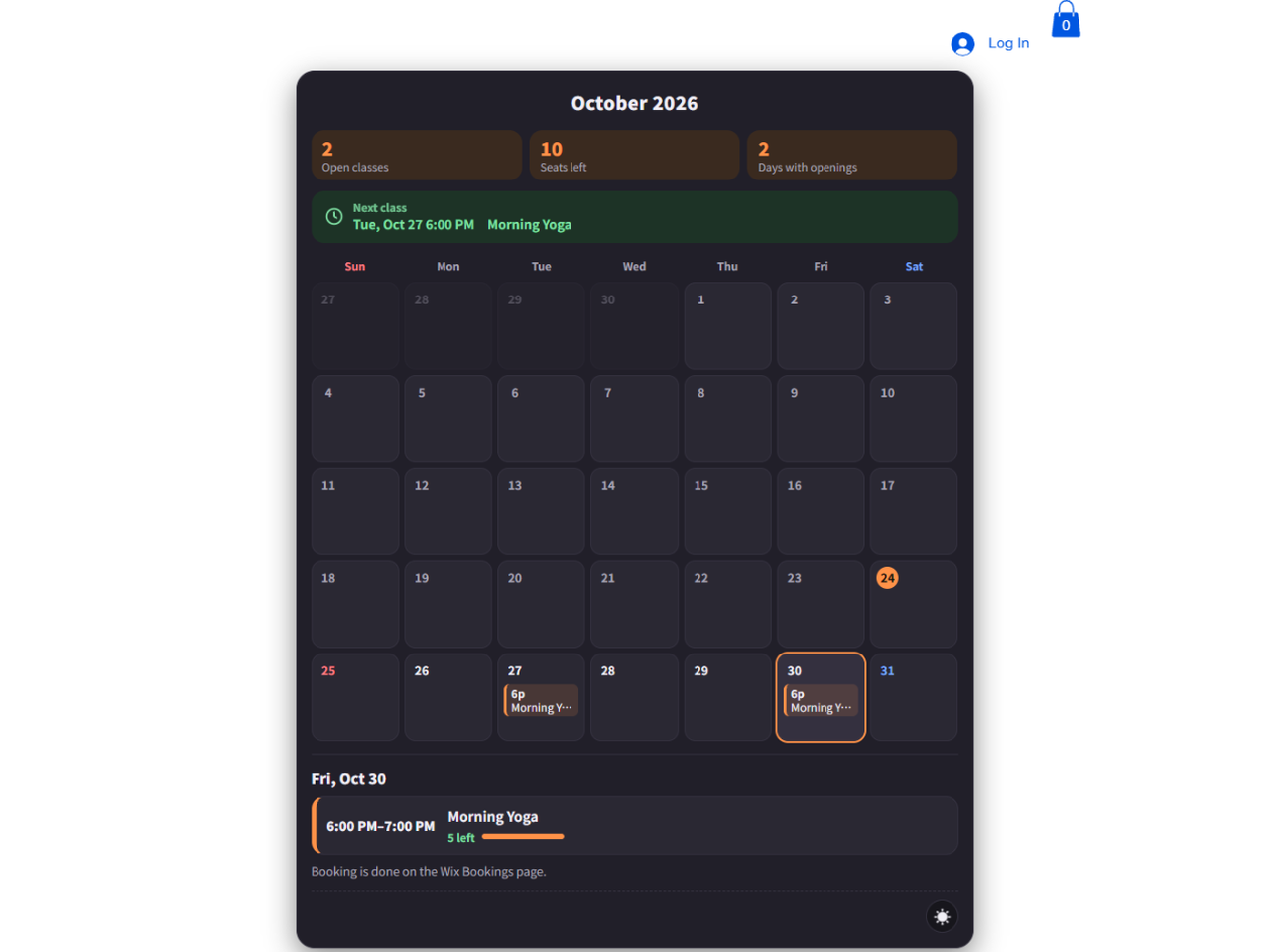
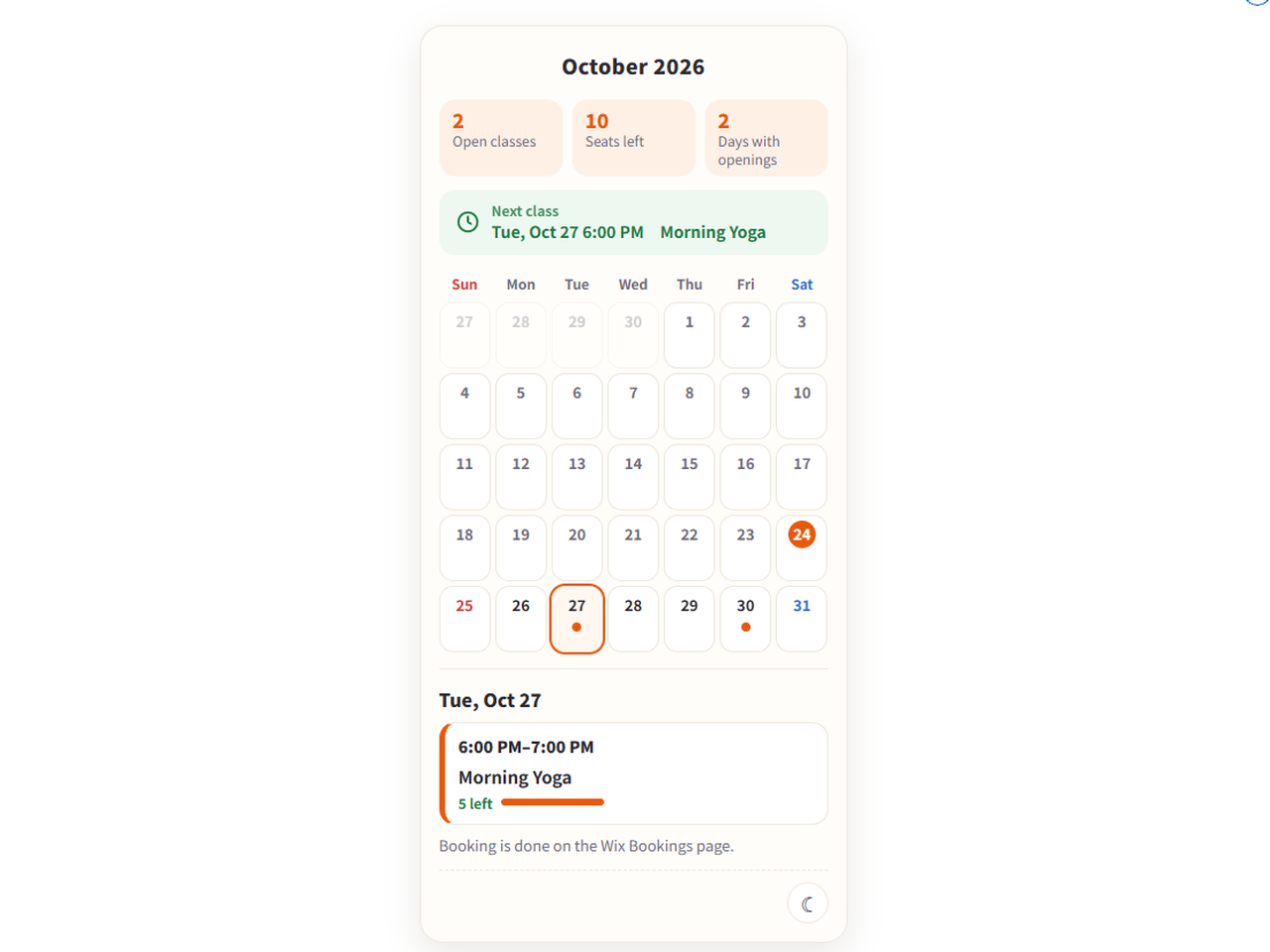
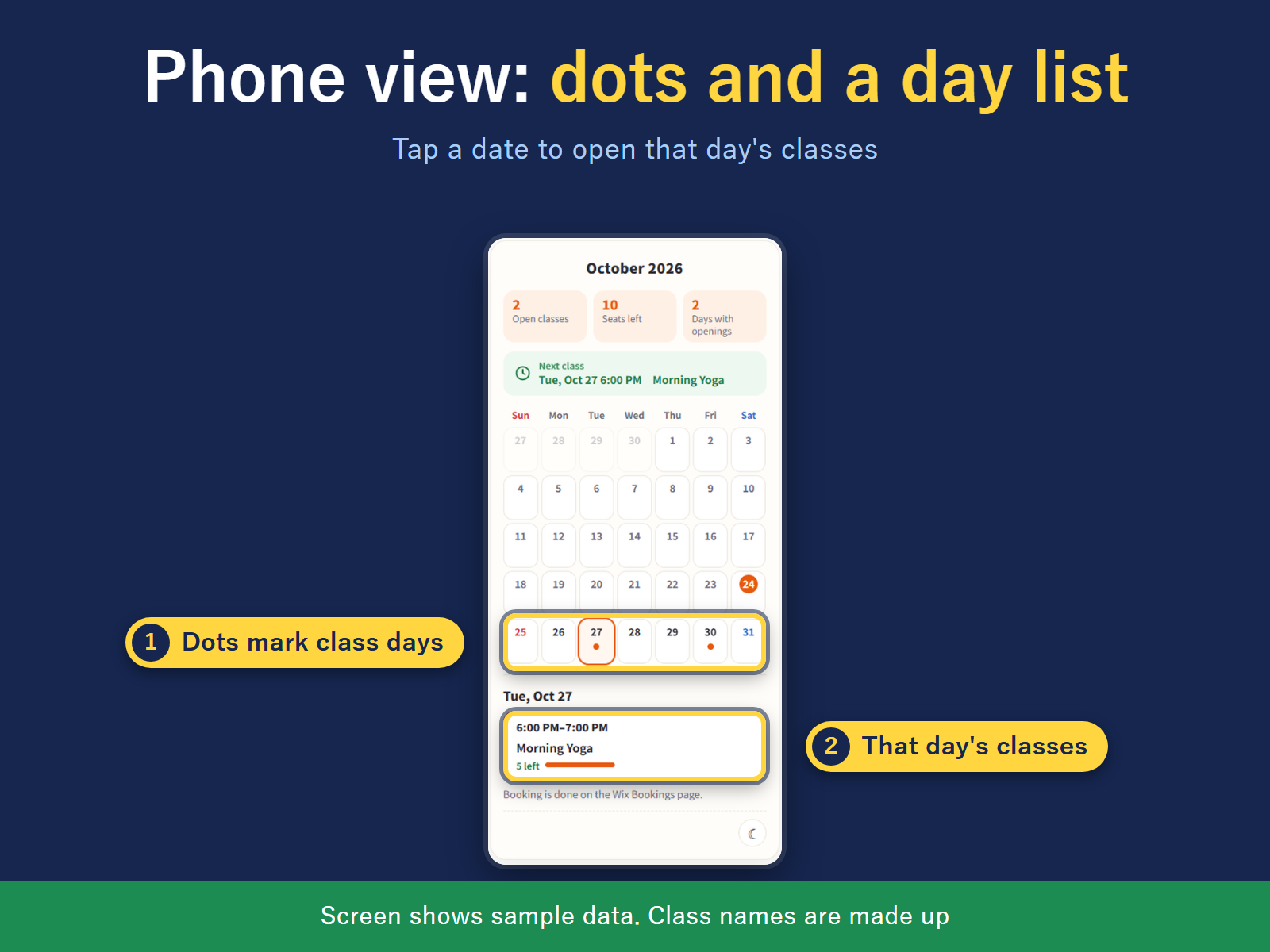
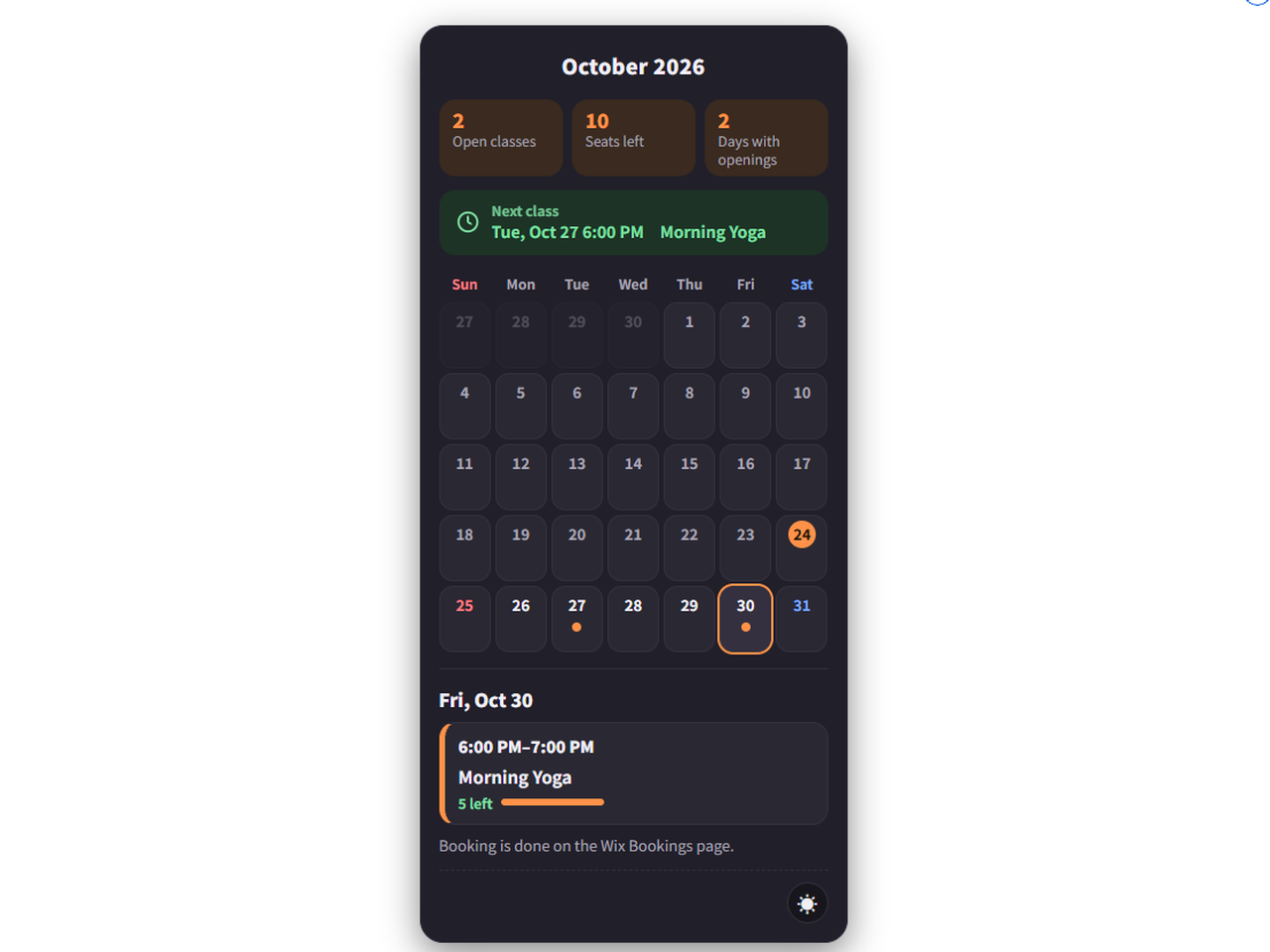
Visitors who want to find a class often page through lists to look for a free spot. Month Calendar for Bookings shows the classes you already have in Bookings on a monthly calendar on your site, so visitors can see which days have room. Each day in the grid shows the start time and name of its classes. Selecting a date lists that day's classes with seats left; full classes are marked Full, or can be hidden. Book opens the booking page in Bookings, where booking and payment stay. You can pick one of seven looks, and the Original look keeps the month totals, a Next class line and phone dots. On a phone the grid becomes a day list. Times follow the time zone set in Bookings. The week start follows each visitor's browser until you choose one, and in English so do time and date format. Classes only: appointments and courses are not shown. Free shows this month, with all classes in one color and any look. Pro adds later months up to 12 months ahead, a color for each class, your own colors, fonts and text size, post images for social media and messaging, a QR code to your booking page and a printable PDF timetable. The app reads class names, times and seats left, not customer details.
What the listing highlights
- Month grid with time and class name
- Seats left in each day's list
- Seven looks to choose from
- Month grid with a day list on phones
Additional product media
Promotional media
Videos
Reviews
Official Wix marketplace summary
Wix Marketplace feedback
No reviews yet.
Plan comparison
Pricing & Plans
Basic
Free
Free
- This month, all classes in one color
- English/Japanese, light/dark, themes
- Hide full classes
Pro
$632 / month
$7,587 billed yearly$632 / month
- 12 months ahead (Free: this month)
- A color per class (Free: one color)
- Custom colors, background, fonts, size