
No Copy: Disable Right Click
Product media
Screenshots
1 of 7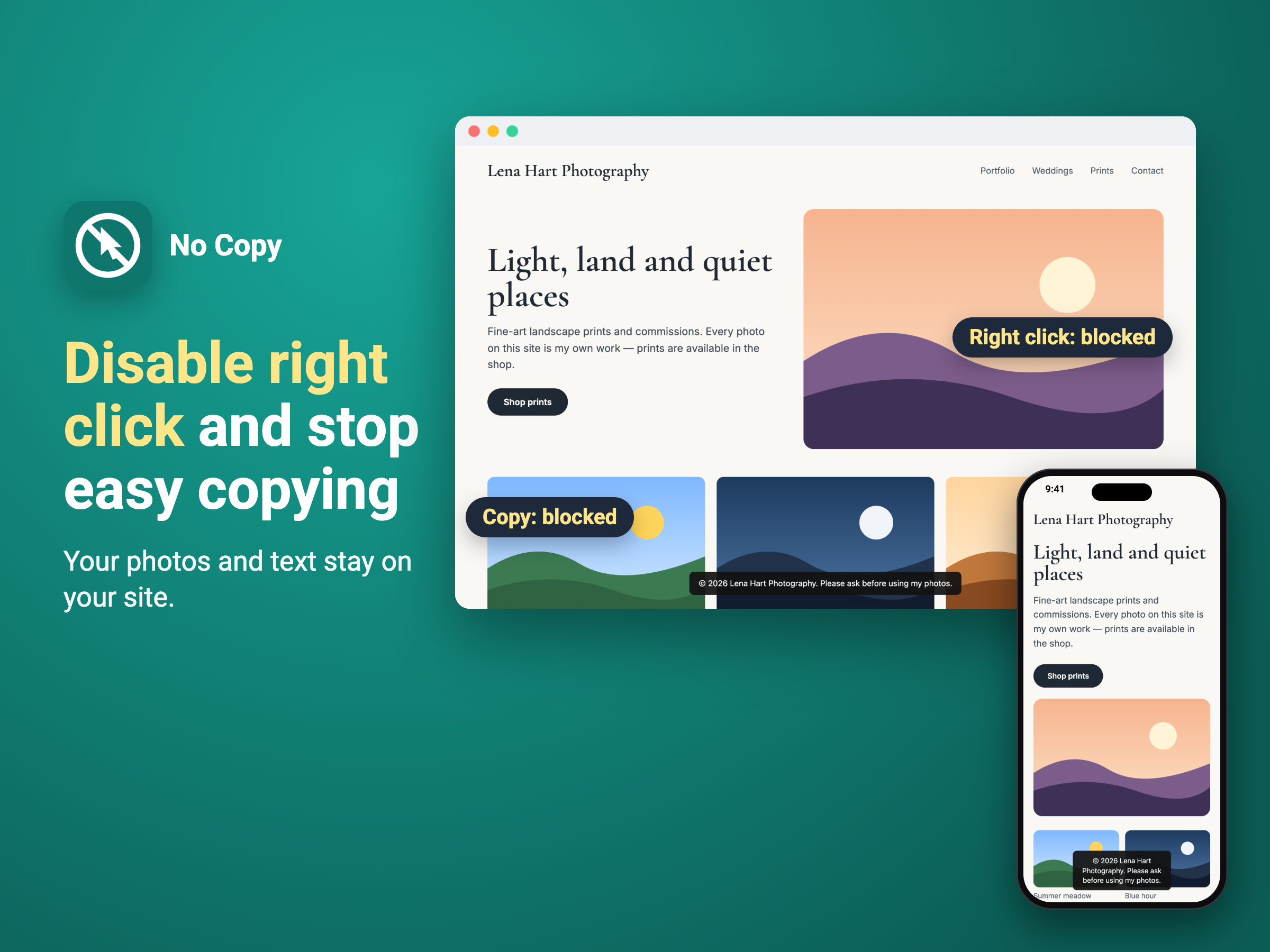
Overview
About this App
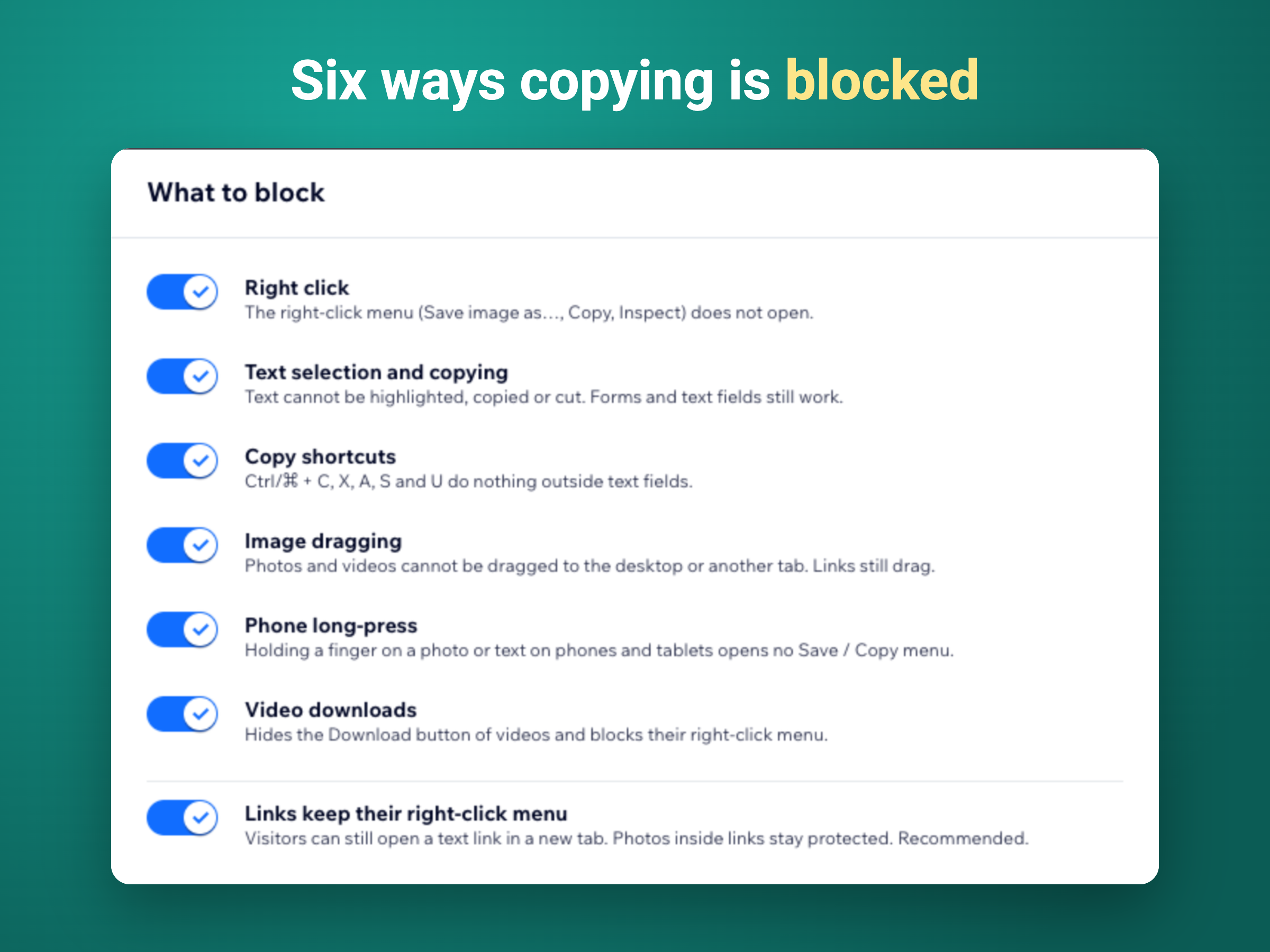
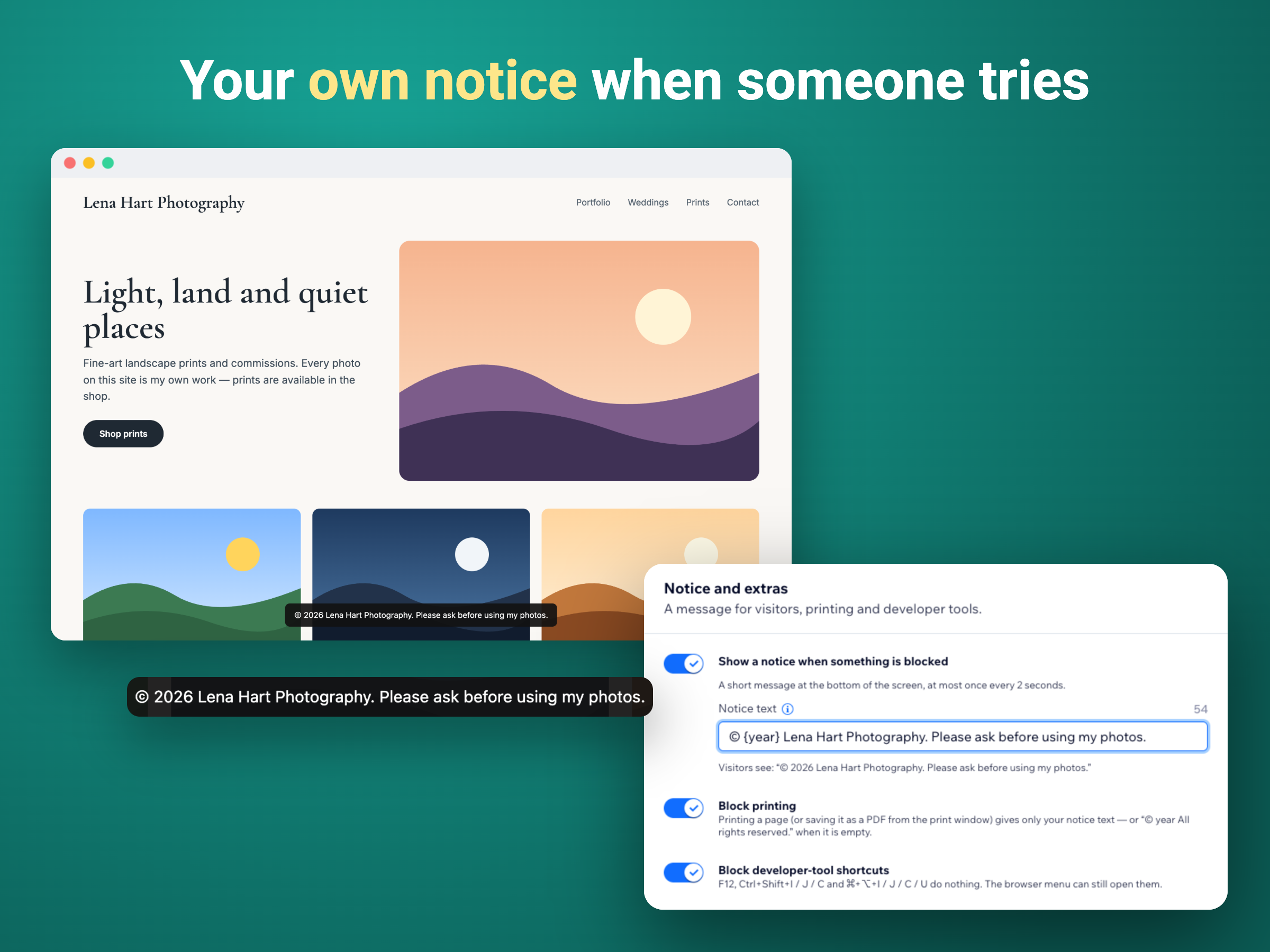
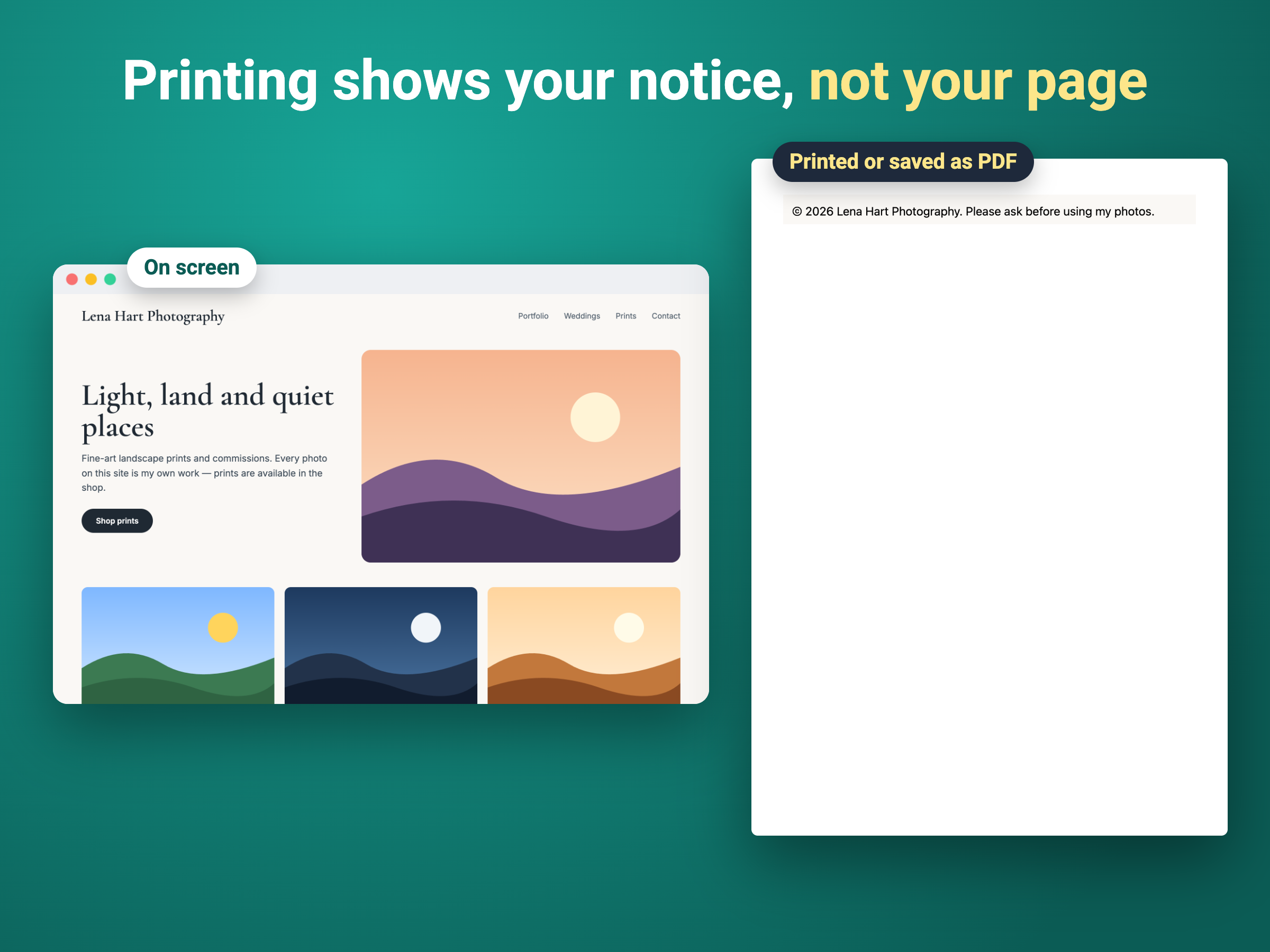
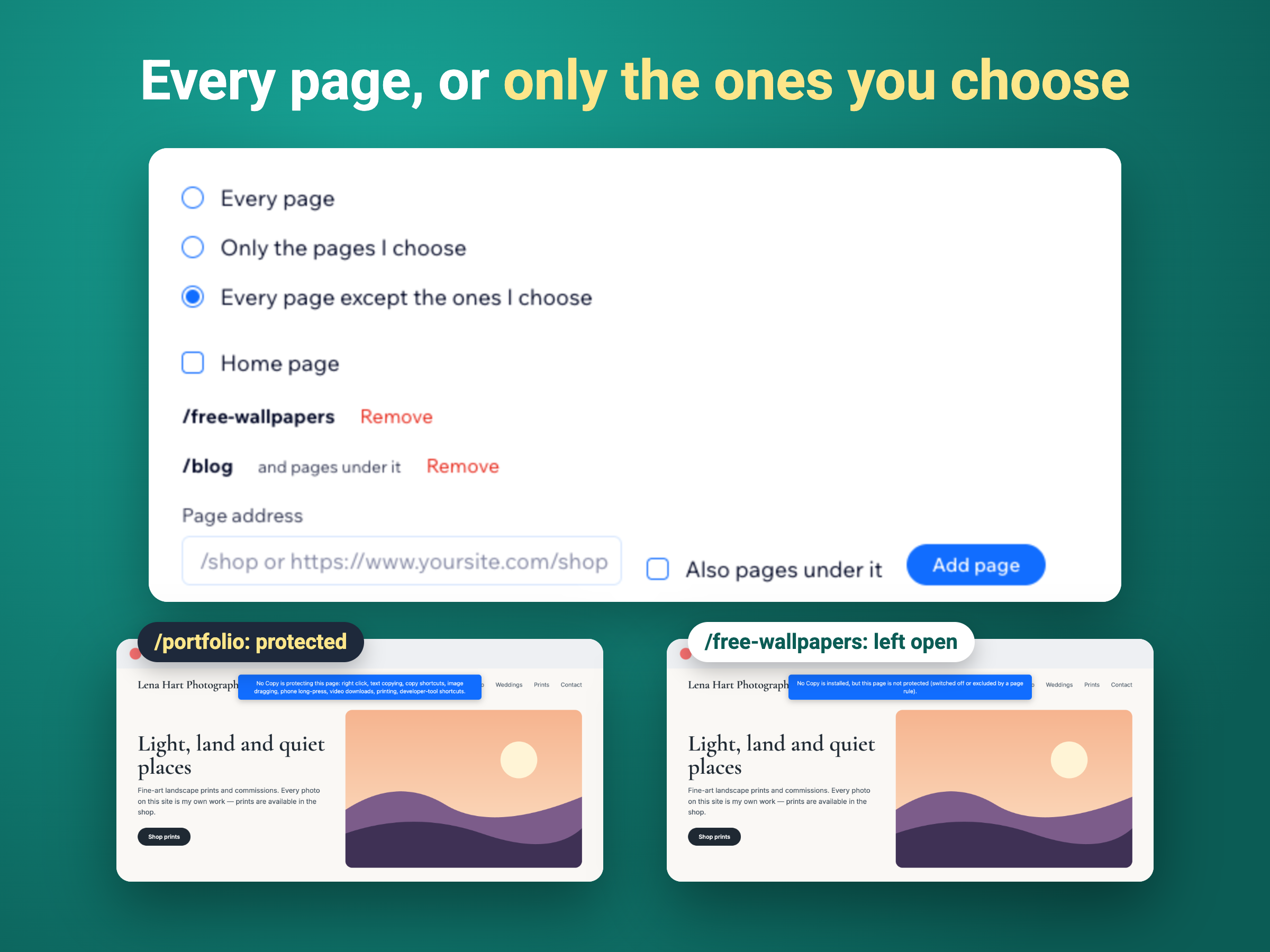
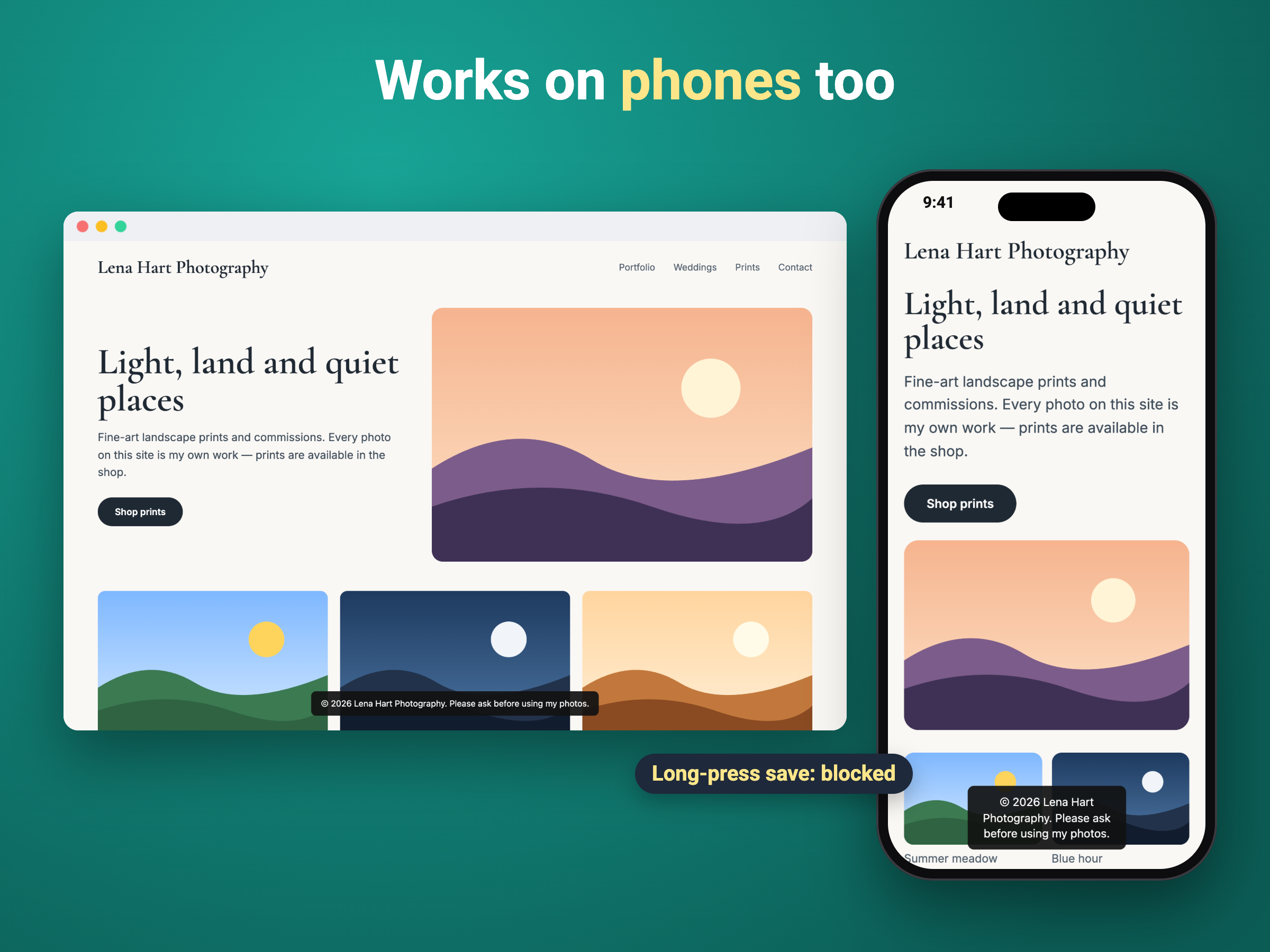
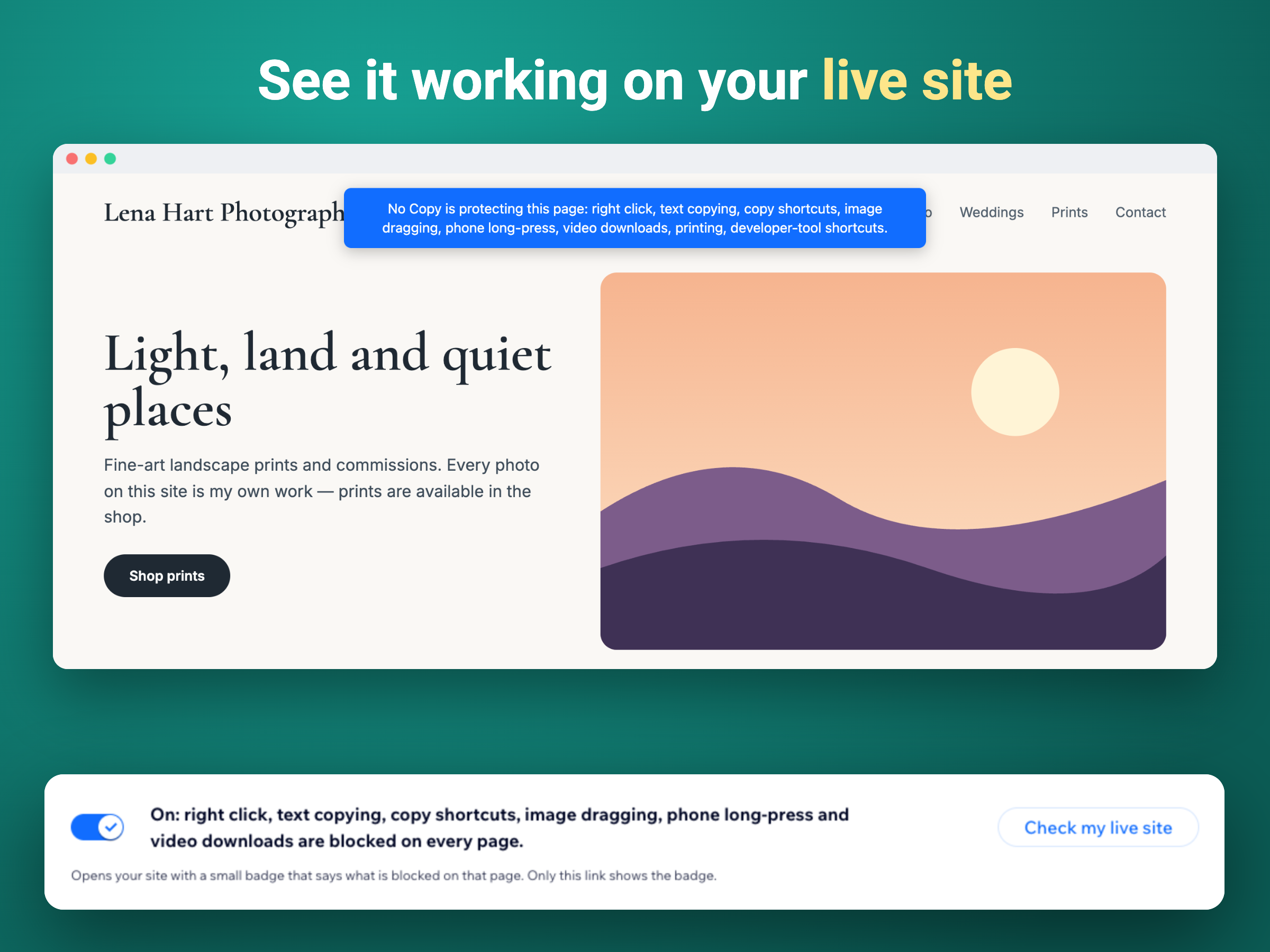
No Copy makes it harder for visitors to take the photos, text and videos on your site. Once it is on, every page is covered, on computers, phones and tablets. The app can stop the right-click menu with its Save image and Copy options, the selection and copying of text, the usual copy shortcuts, the dragging of photos to the desktop or another tab, the long-press Save and Copy menu on phones, and the download button of videos. Each of these has its own switch, so the site owner decides exactly what is held back. The rest of the site keeps working. Links, buttons, menus and forms are not affected, text fields still allow copy and paste, and search engines still read the text. A "Check my live site" link shows a small badge listing what is blocked on each page, and a Try-it box in the dashboard shows the result before saving. Premium adds a short notice of the owner's own when someone tries to copy, printing that shows this notice instead of the page, blocking of the developer-tool shortcuts, and page rules for protecting only chosen pages or every page except them. No website can stop screenshots or a phone camera, so the app is a way to discourage casual copying.
What the listing highlights
- Blocks right click, text copying and image drag
- Phones too: no long-press Save or Copy menu
- Links, forms and menus keep working
- Your own notice, print blocking, page rules
Additional product media
Promotional media
Reviews
Official Wix marketplace summary
Wix Marketplace feedback
No reviews yet.
Plan comparison
Pricing & Plans
Free
Free
Free
- Right click, copying and shortcuts blo
- Image dragging and phone long-press bl
- Video downloads hidden
Premium
$2.42 / month
$29.04 billed yearly Save 17% yearly$2.9 / month
- Your own notice when someone tries to
- Printing shows your notice, not the pa
- Blocks developer-tool shortcuts (F12)