Before & After Gallery
Product media
Screenshots
1 of 5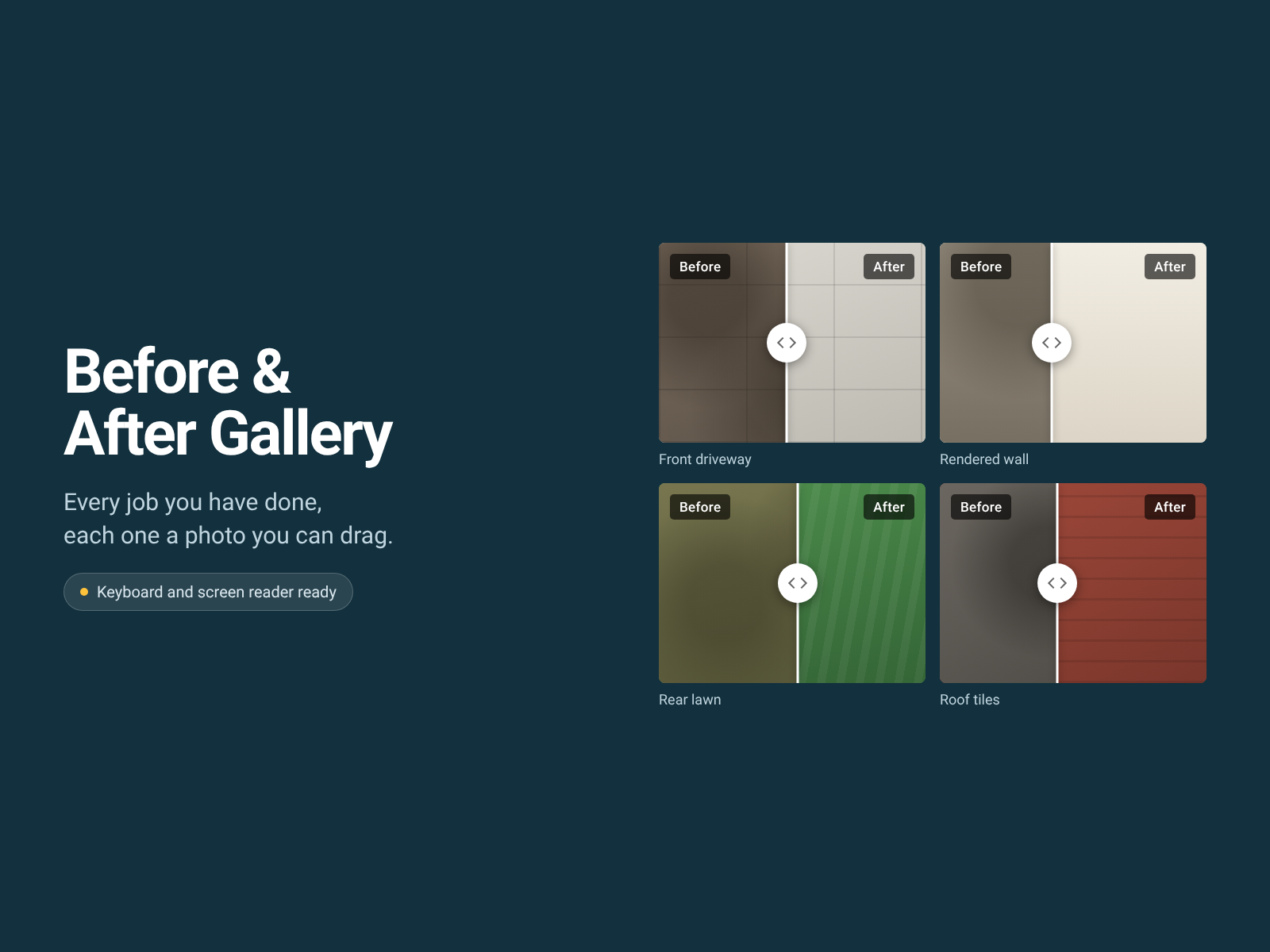
Overview
About this App
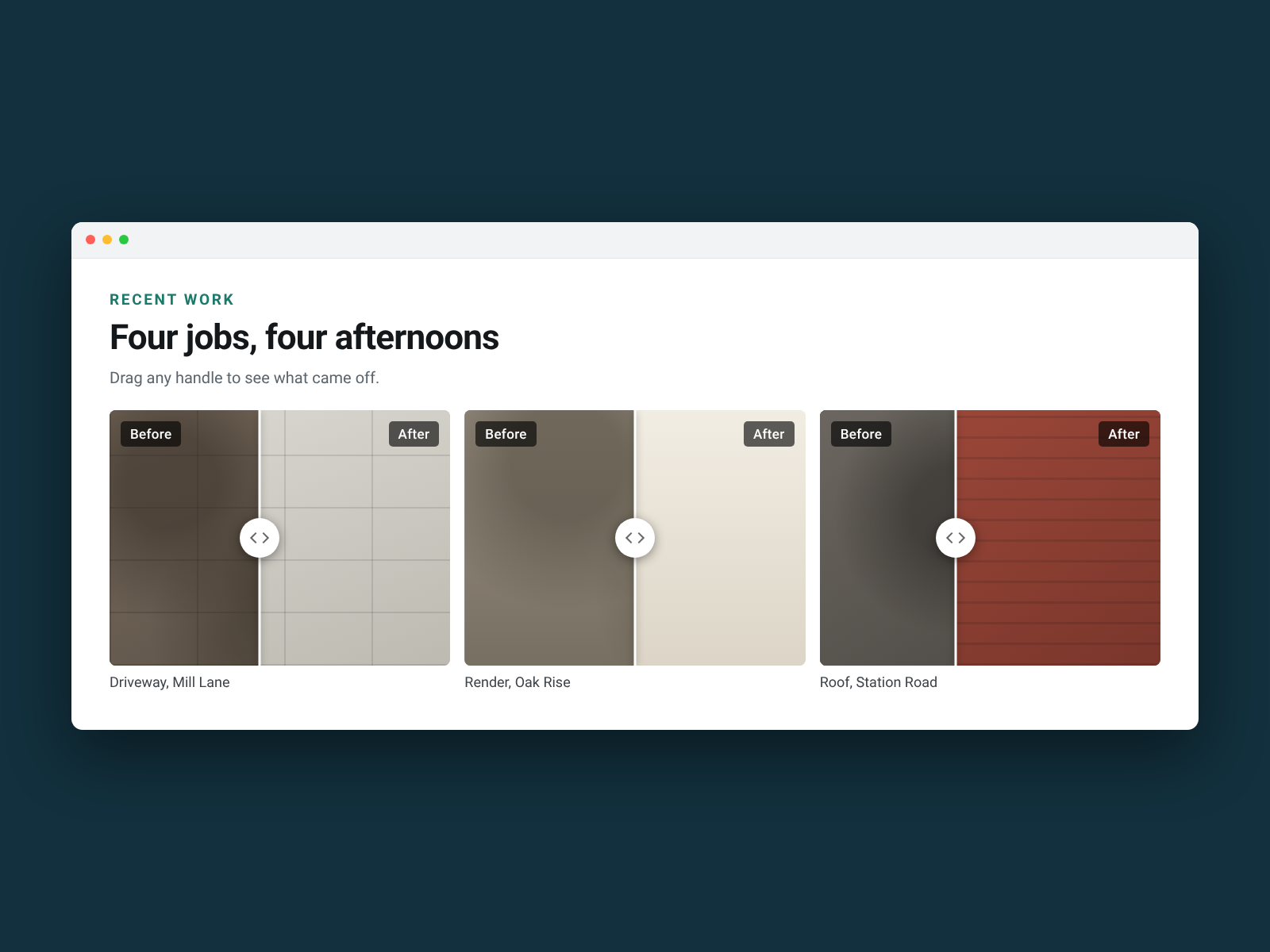
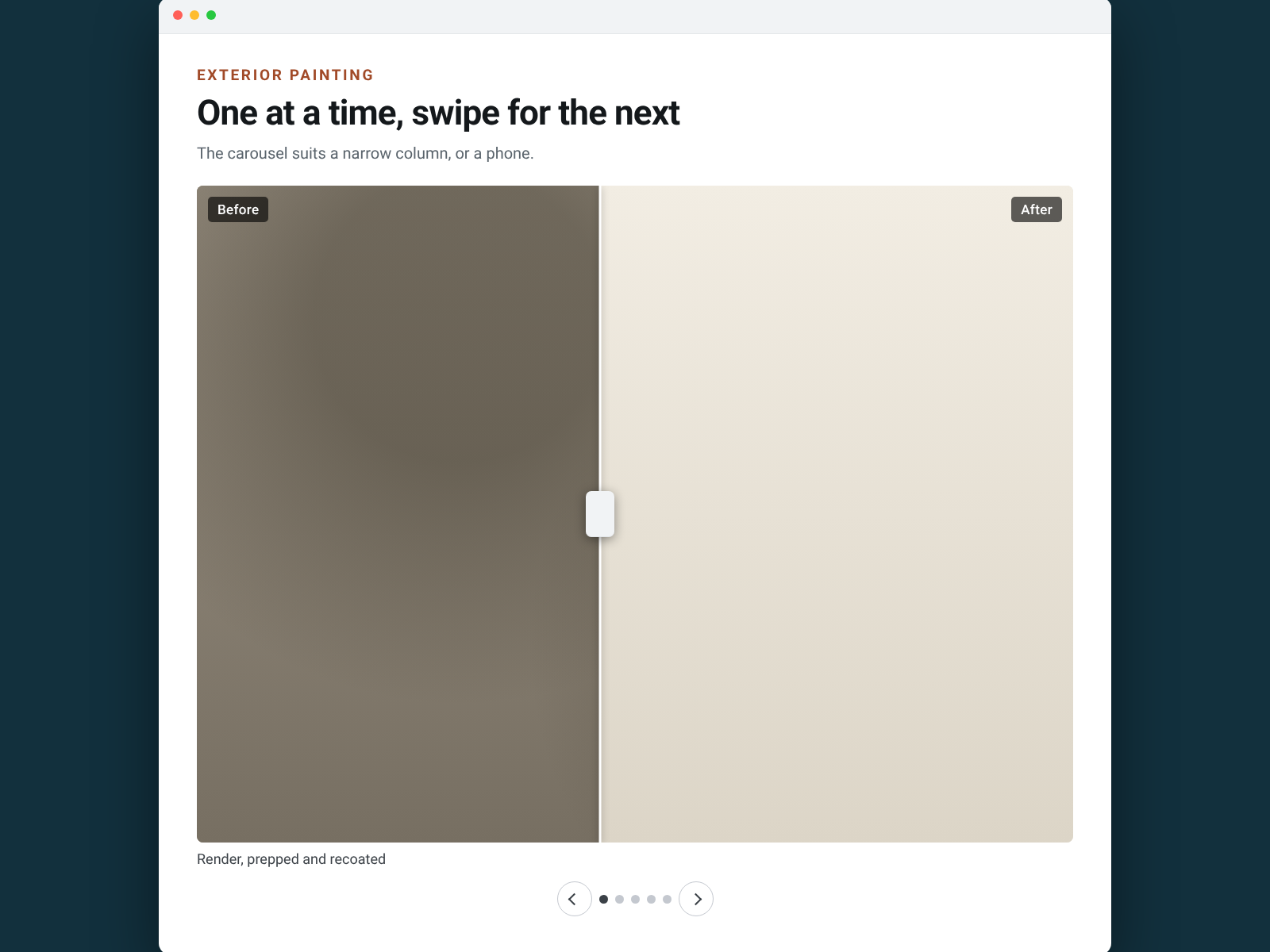
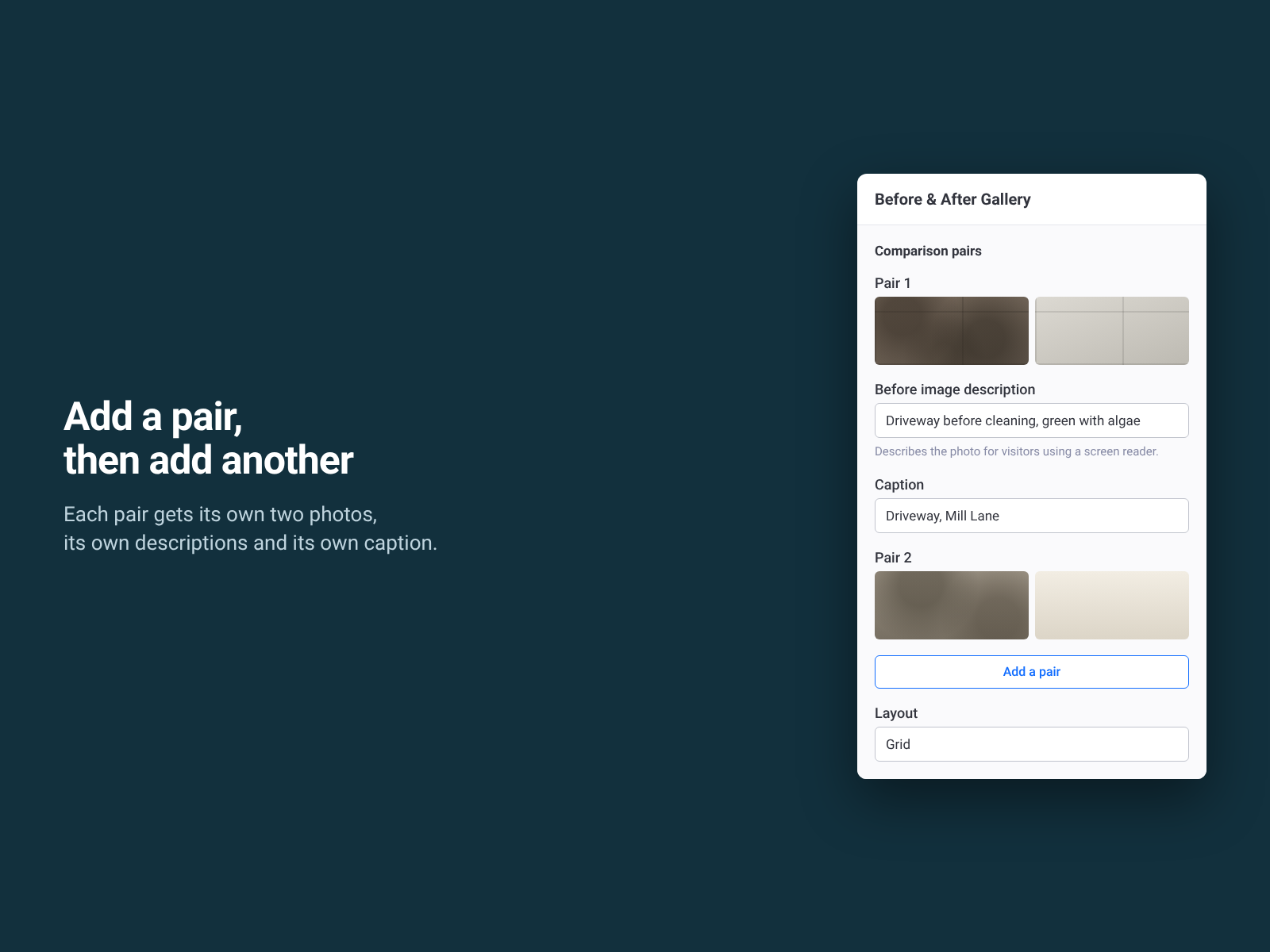
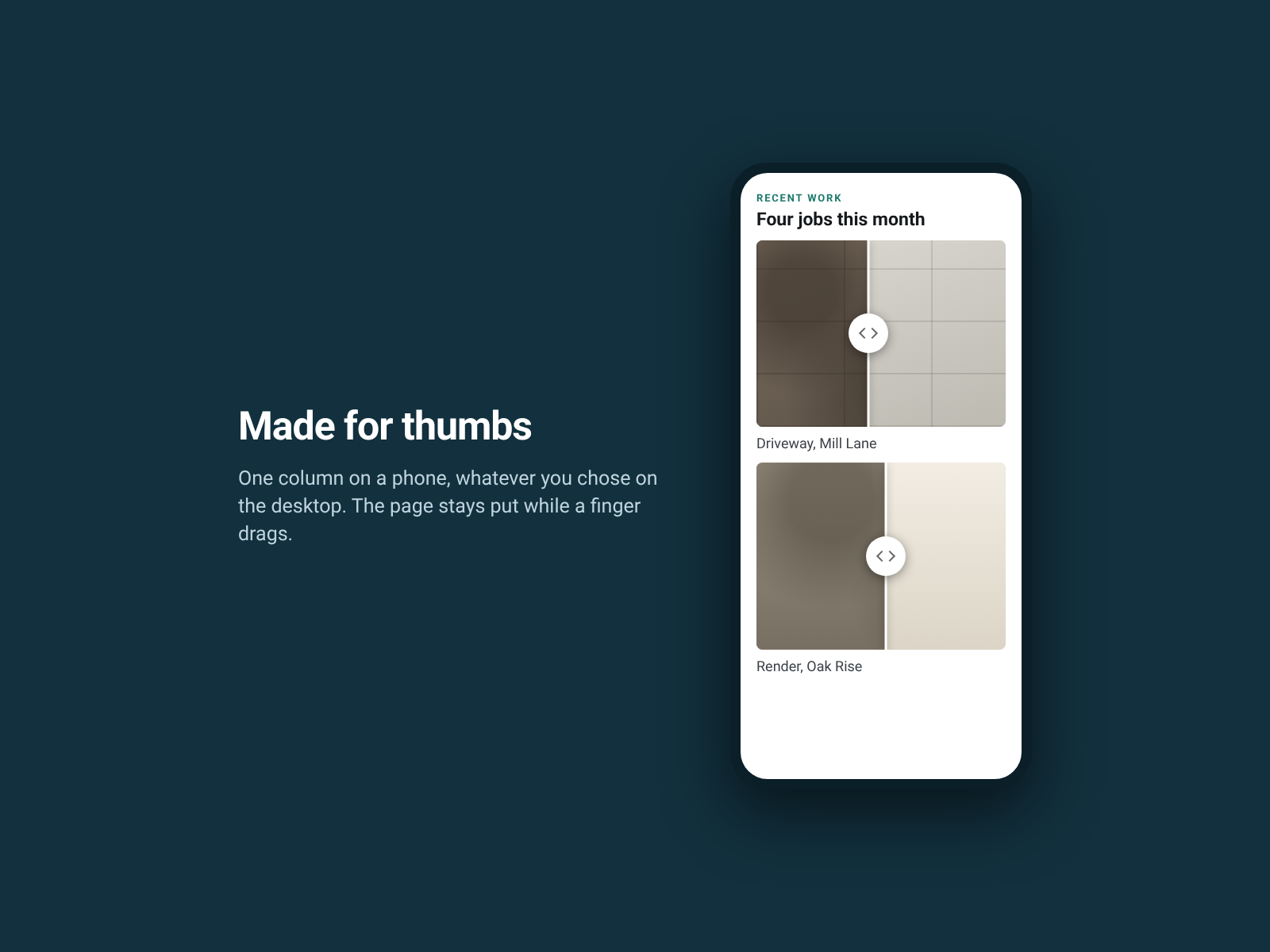
Two photos side by side make each one half the size, and the comparison gets lost. This puts each pair in one frame instead: visitors drag a handle across the image and watch the work happen. A gallery holds as many pairs as the job needs. Add the widget, then add a pair: a before photo, an after photo, a short description of each, and a caption if you want one. Repeat for every job you want to show. Lay them out as a grid of one to four columns, or as a carousel a visitor can swipe. Labels, divider colour and thickness, handle style, drag direction and starting position are free on both plans and apply across the whole gallery. On a phone it drops to one column on its own. The free plan is the whole widget with three comparison pairs. Pro, at $4.99 a month after a 30-day free trial, lifts that limit and adds nothing else. Nothing is watermarked, nothing is greyed out and nothing nags your visitors. What it doesn't do: you choose the photos pair by pair, so it does not pull them from a CMS collection, it does not crop or edit them, and it is not a lightbox or a general photo gallery.
What the listing highlights
- Several before and after pairs in one widget, each with its own drag handle
- Lay them out as a grid of one to four columns, or as a carousel
- Every photo comes from your media library, with its own description and caption
- Keyboard and screen reader ready — arrow keys move any handle
Reviews
Official Wix marketplace summary
Wix Marketplace feedback
No reviews yet.
Plan comparison
Pricing & Plans
Basic
Free
Free
- Three comparison pairs in a gallery
- Both layouts and both drag directions
- Every colour, caption and screen reader label
Pro
$0 / year
Save 18% yearly$0 / month
- No cap on comparison pairs in a gallery
- Both layouts and both drag directions, same as free
- Every colour, caption and screen reader label stays free