
Bulk Stock Count and Update
By Hullspark
- Wix Campaign
Product media
Screenshots
1 of 3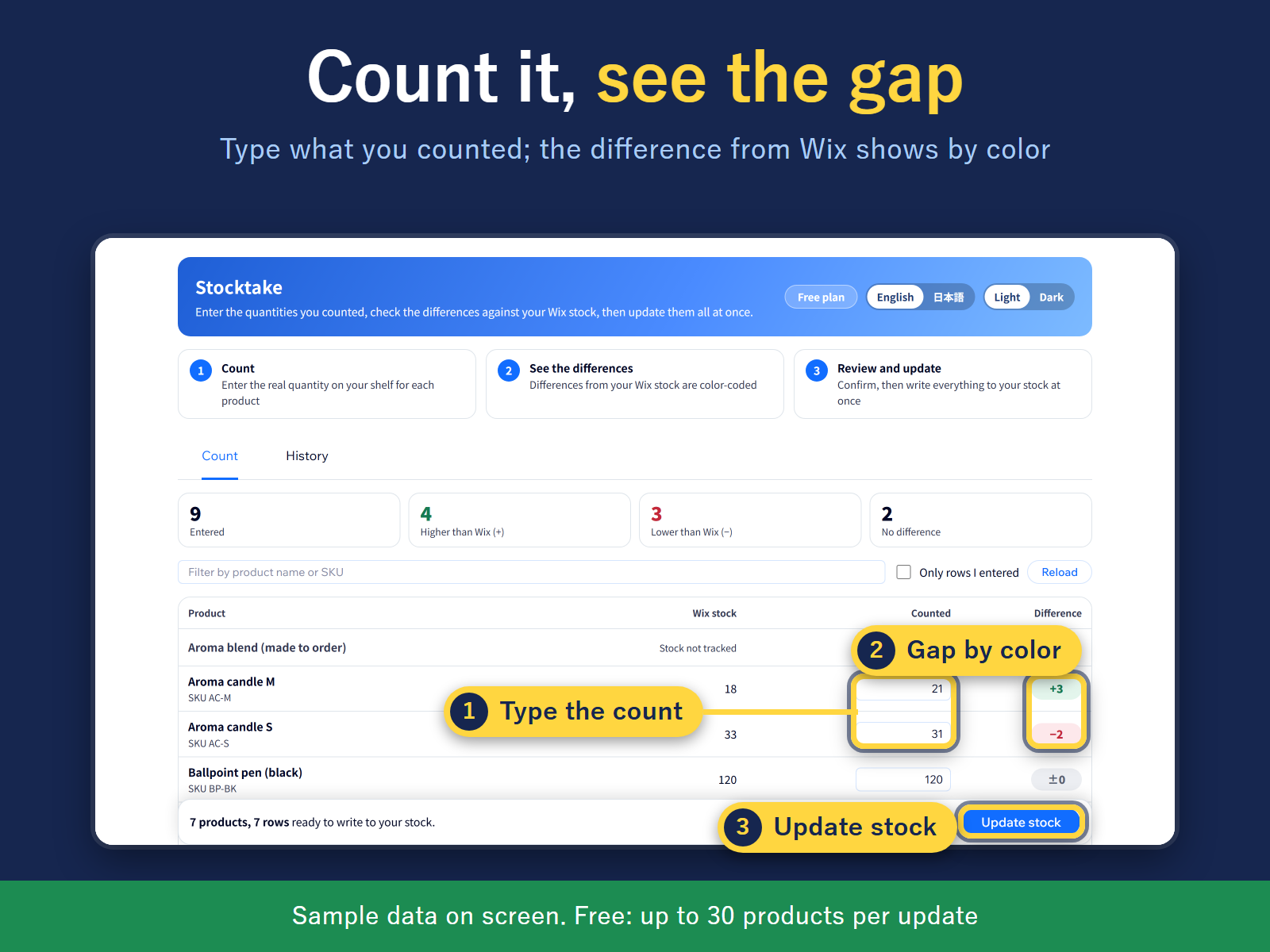
Overview
About this App
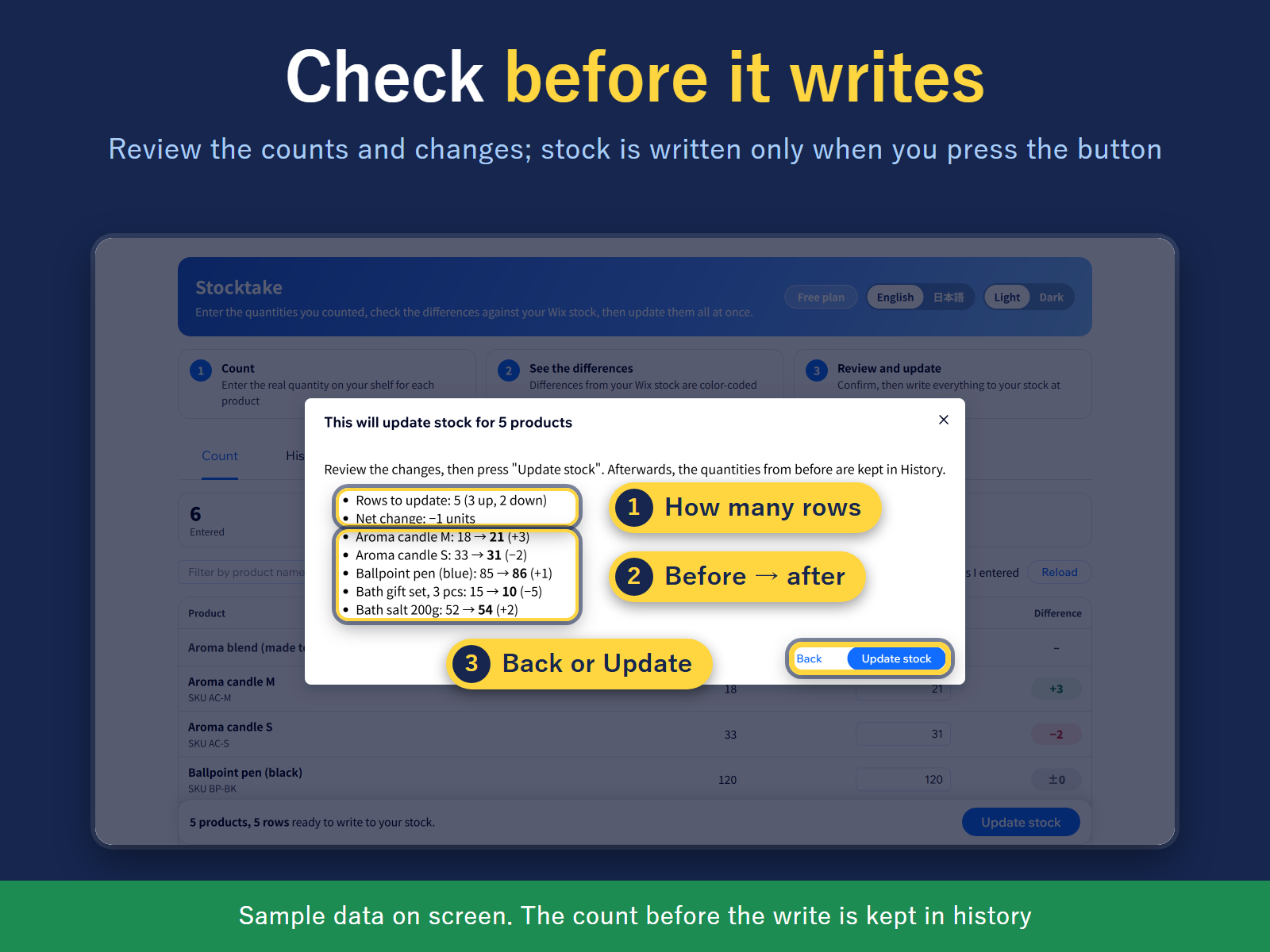
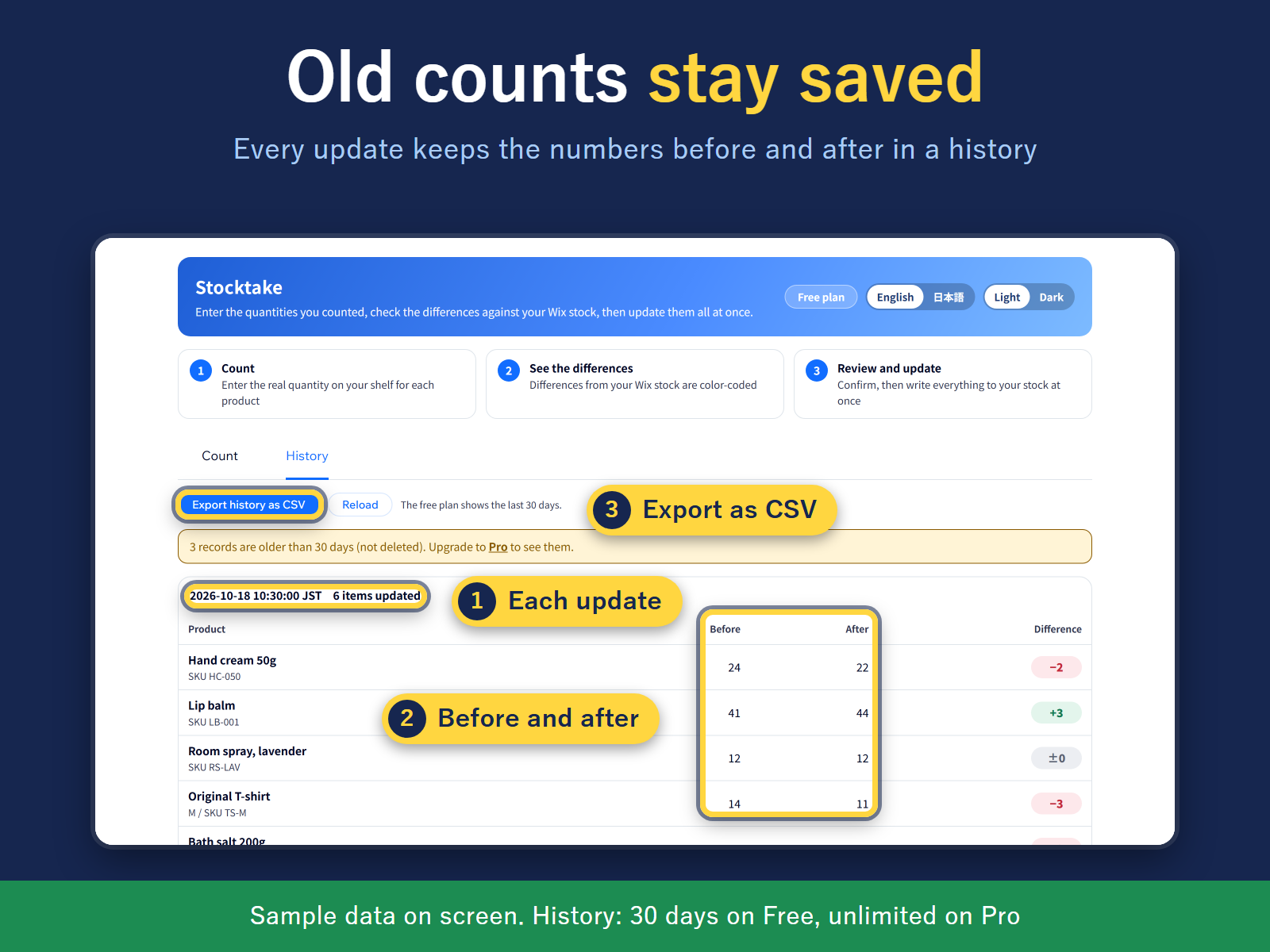
Changing stock one product at a time takes a long afternoon. Stocktake puts every product and variant in one table. No scanner is needed: type the quantities you counted, from paper or a sheet, or fill the products you have filtered with one number. A bulk edit can set stock to a number, or add to or subtract from the current stock, and a subtraction stops at 0. You can filter to products at or below a stock level. It works with products that have stock tracking on in your store; others are greyed out. Nothing is written when you fill the boxes. A review screen first shows how many products change, the total change, and the first rows as before and after. Stock is written only after you confirm. If an order moved a product's stock while you were counting, that row shows the stock at count time and the stock now, so you can correct it or count again. You can also paste SKUs and quantities from a spreadsheet. Each update is kept in a history with before and after numbers, exportable as CSV. The screen and CSV are in English or Japanese, with light and dark themes. Free: a limited number of products per update and 30 days of history. Pro: no product limit, unlimited history.
What the listing highlights
- Set or adjust stock for many products at once
- Review every change before stock is written
- Before/after history of each update, as CSV
Additional product media
Promotional media

Videos
Reviews
Official Wix marketplace summary
Wix Marketplace feedback
No reviews yet.
Plan comparison
Pricing & Plans
Free
Free
Free
- Up to 30 products per stocktake
- 30 days of stocktake history
- Count sheet and difference check
Pro
$473 / month
$5,686 billed yearly$474 / month
- Unlimited products per stocktake
- Full stocktake history, no time limit
- Everything in Free