Min Order per Delivery
By Hullspark
Product media
Screenshots
1 of 3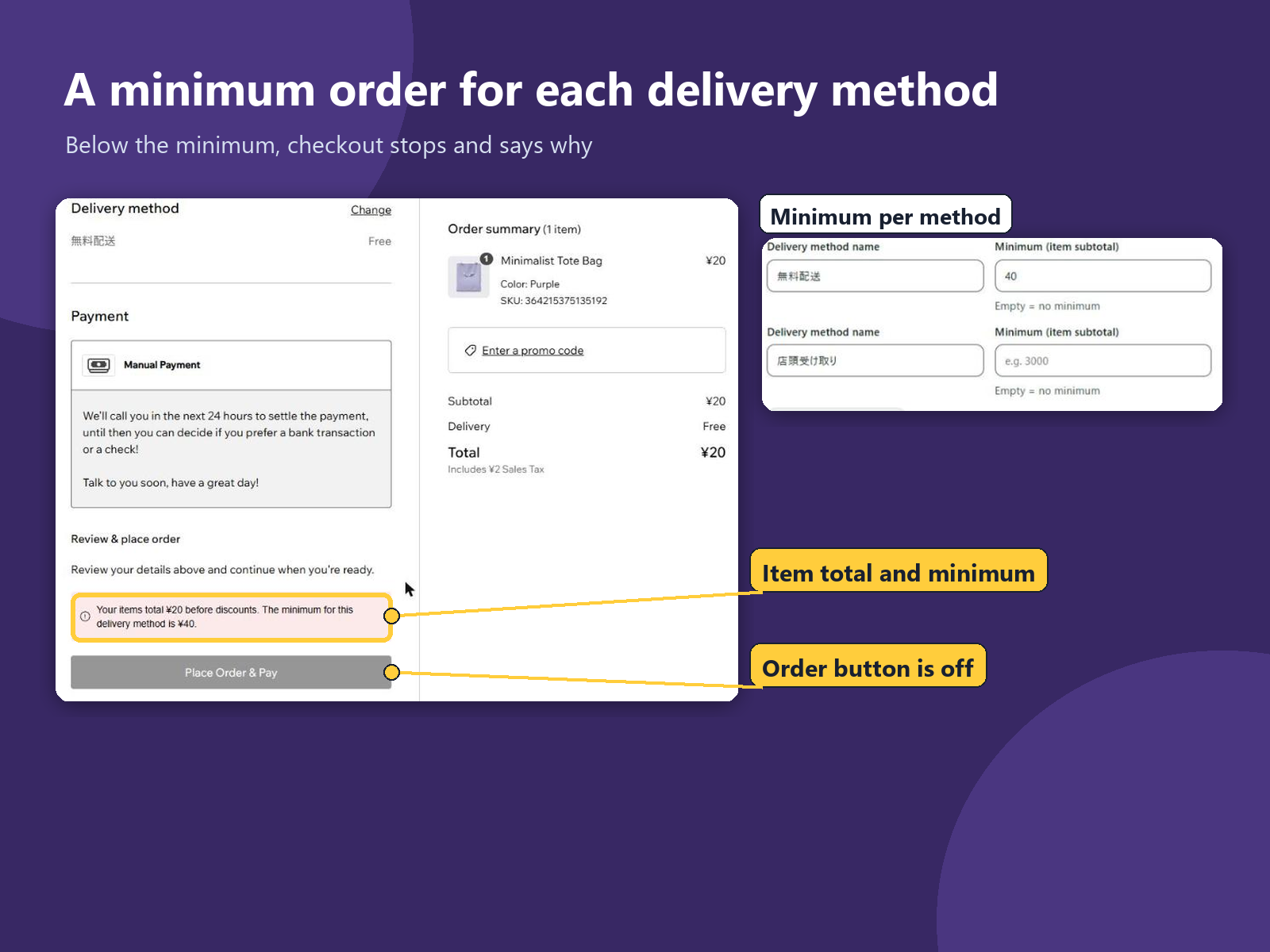
Overview
About this App
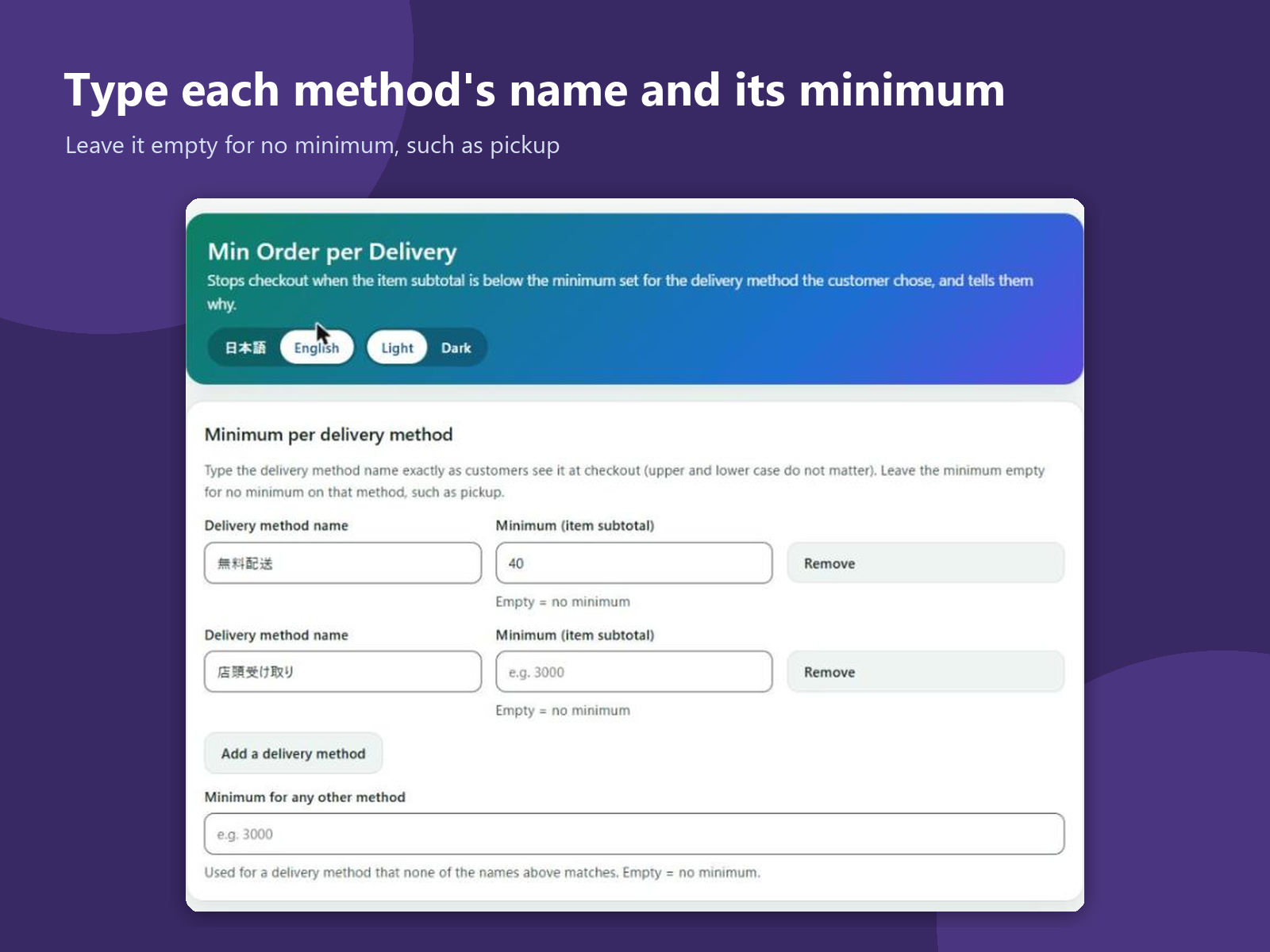
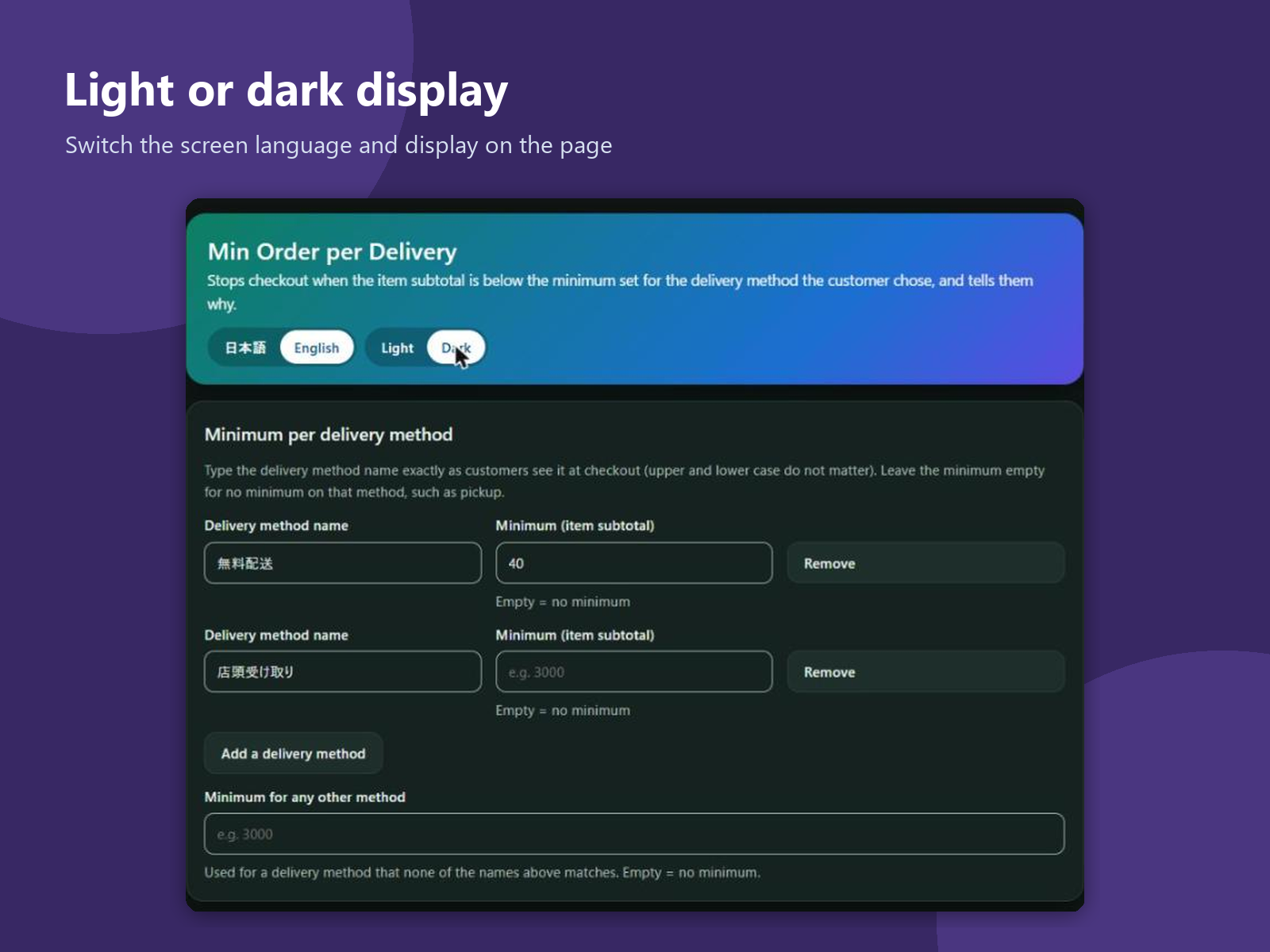
Local delivery takes the same trip for one item or ten, so many shops deliver only above a set amount, while pickup has no minimum. One store-wide minimum cannot do that. This app adds a page to your dashboard. Type each delivery method's name as customers see it at checkout and set its minimum, or leave it empty for none. One more box sets a minimum for any other method. When the items at checkout are below the minimum of the chosen method, the customer sees a message with the item total and the minimum, and the order cannot be placed until the cart or the method changes. You can write your own message for Japanese-speaking and other customers, with a preview. The compared amount is the item subtotal before discounts, without shipping, in your store's default currency, so a coupon does not lower it; the default message says "before discounts". Methods are matched by name only. The cart page is not checked, and if the settings cannot be read, checkout stays open. The app keeps one row of settings in your site's data: the minimums and your messages. It does not change carts, orders or products, and keeps no customer data. The screens are in English and Japanese, light or dark.
What the listing highlights
- A minimum for each delivery method, or none
- Stops checkout below the minimum with a message
- Compares the item total before discounts
- Your own message, with a preview
Additional product media
Promotional media
Reviews
Official Wix marketplace summary
Wix Marketplace feedback
No reviews yet.
Plan comparison
Pricing & Plans
Detailed plan information is not available for this App.