
Tierly: Pricing Table
By Prometheus
Product media
Screenshots
1 of 5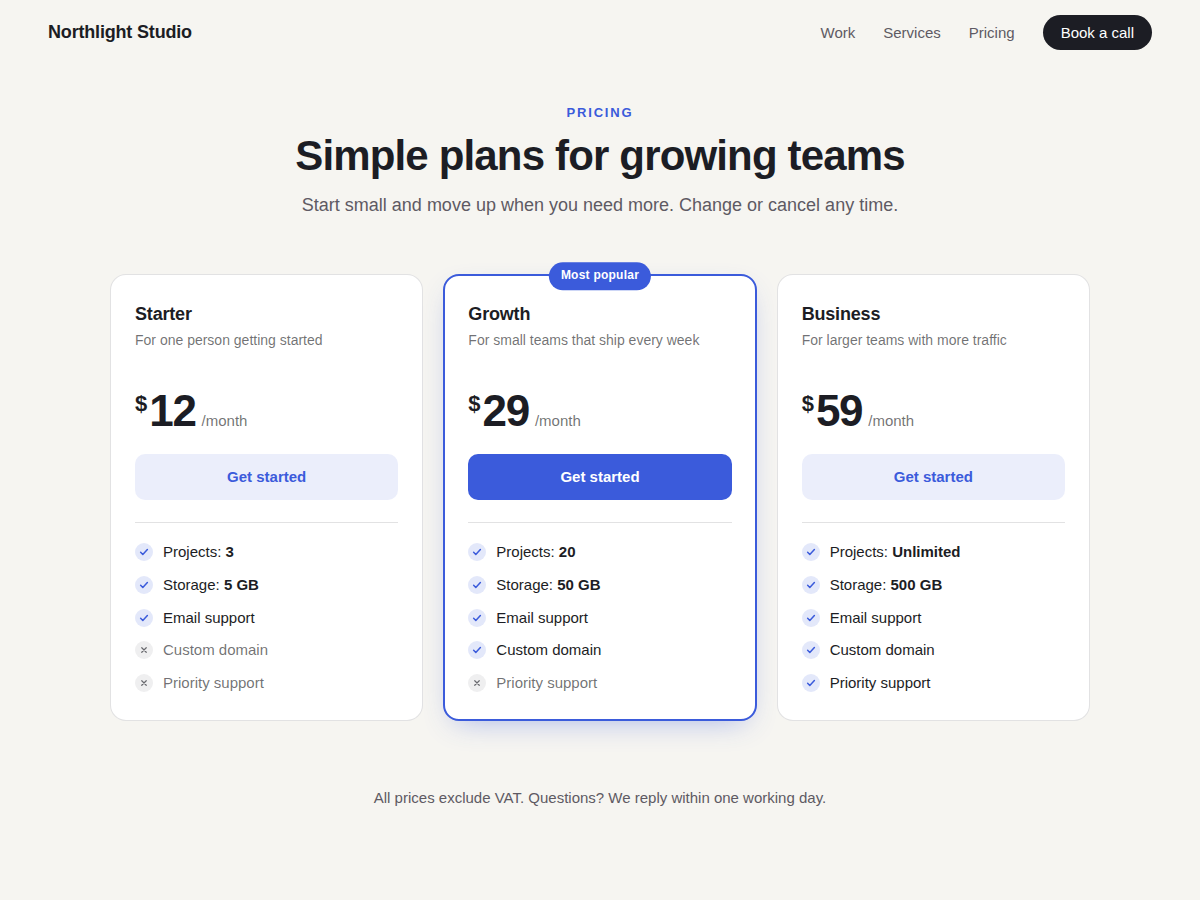
Overview
About this App
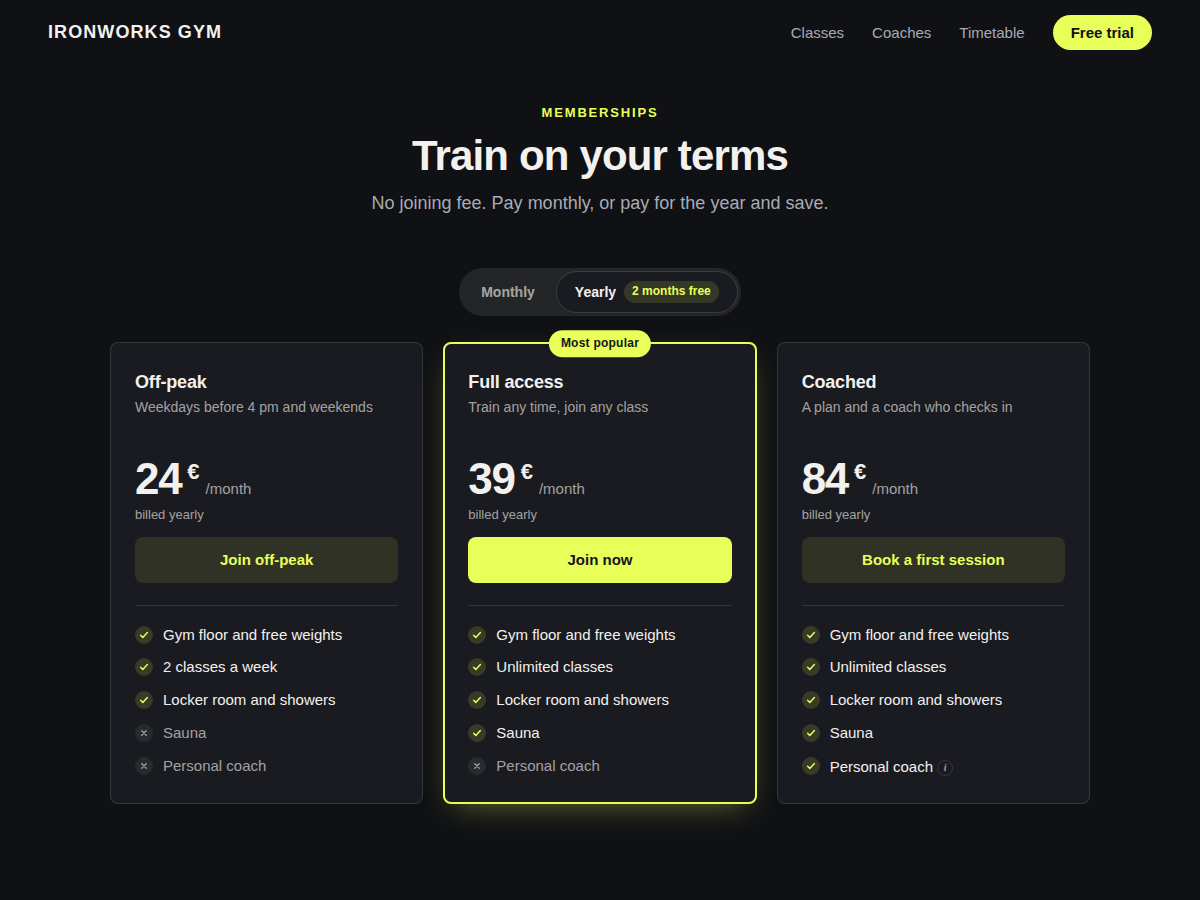
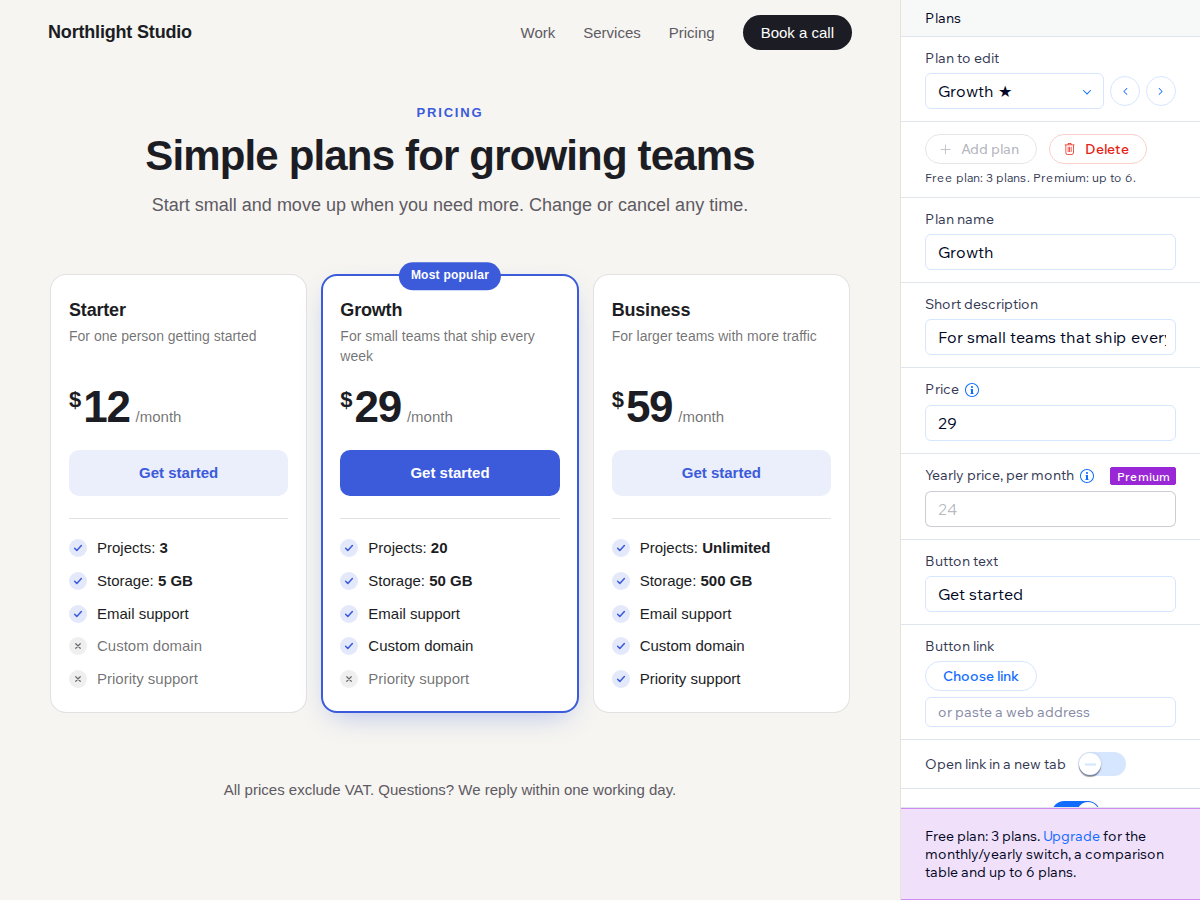
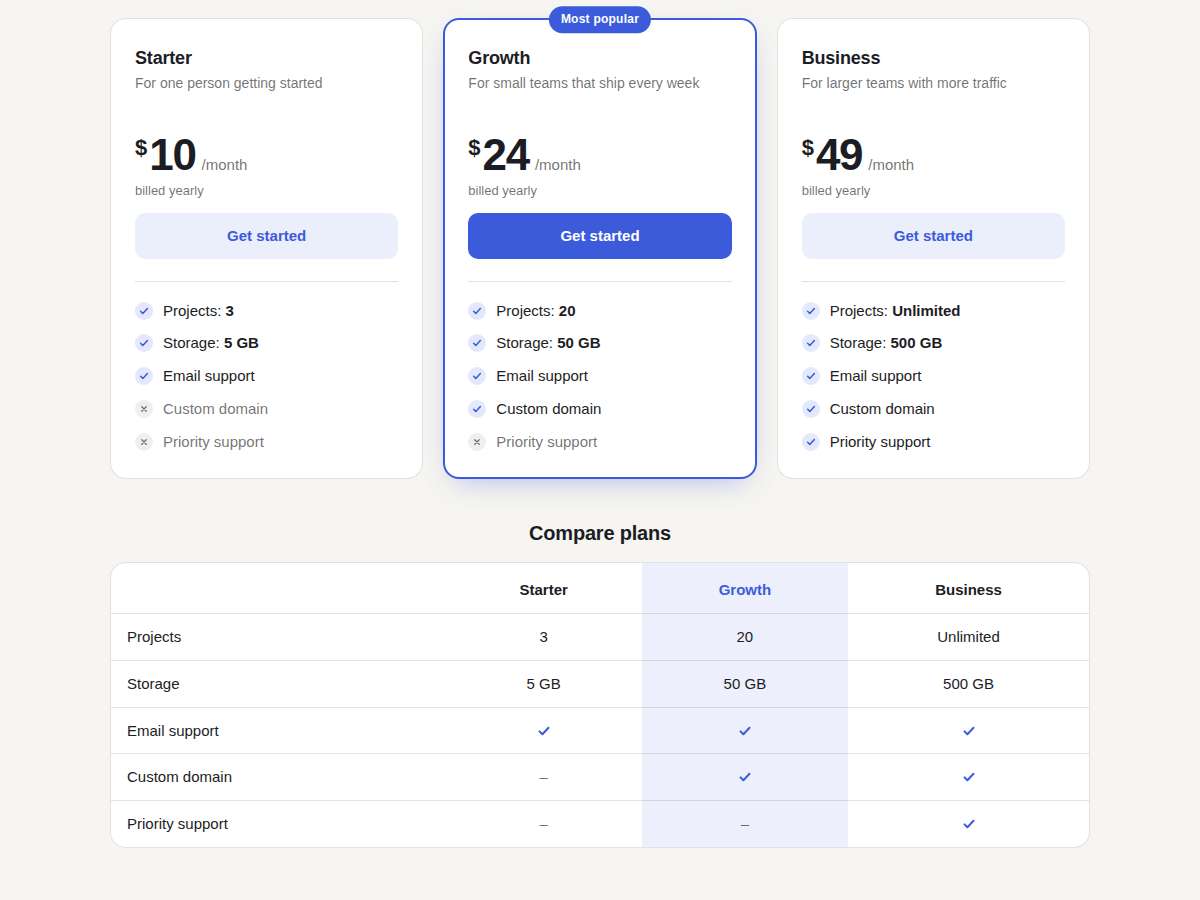
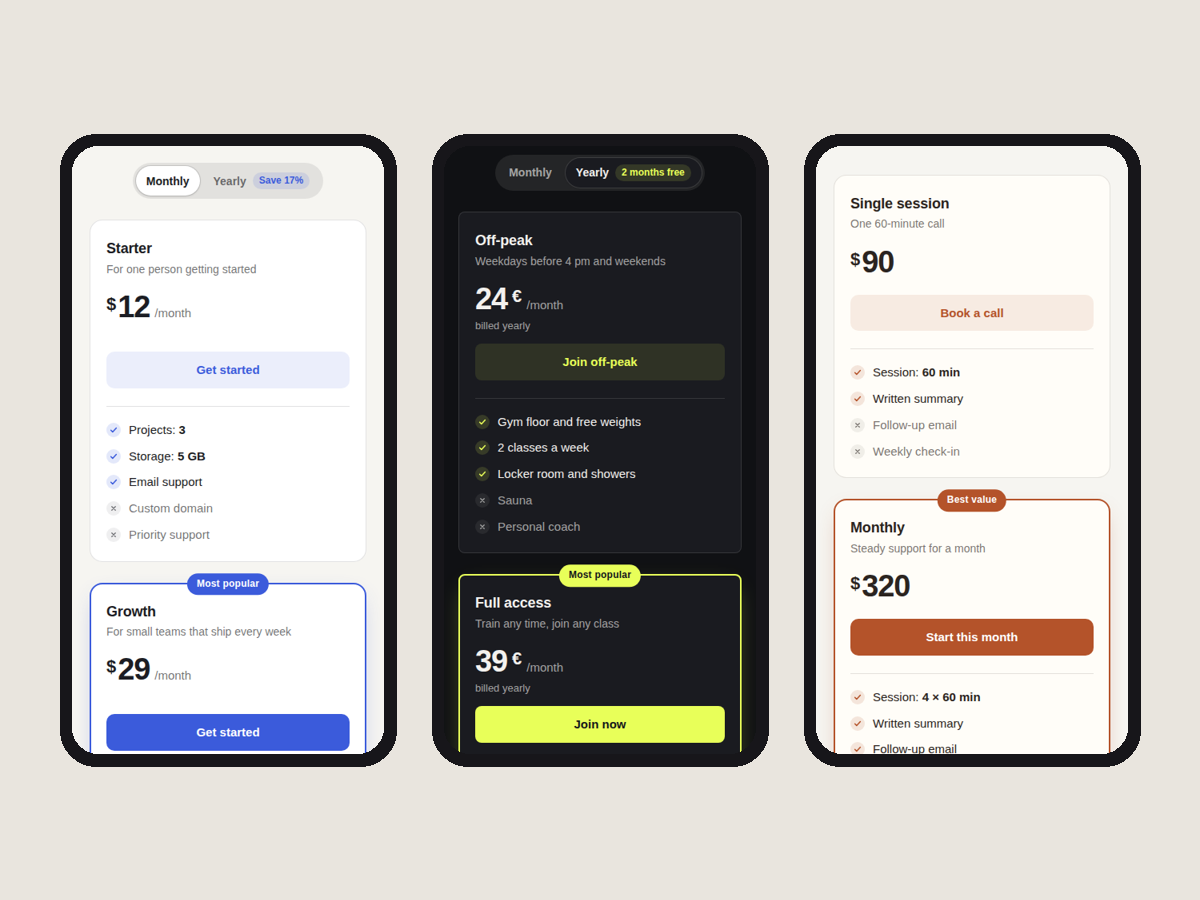
Visitors who reach a pricing page usually want three answers: what each plan costs, what it includes, and which plan most people choose. Tierly shows that on any page as plan cards with a name, a price, a short line, a button and a list of features. Each plan's name, price, button text and features are edited in the widget's settings panel, and the editor shows every change as you make it. Features can be marked as included or not included, and a feature can carry a value such as a storage amount, shown in bold. Buttons can link to a page, a booking form or a checkout. One plan can be highlighted with a coloured border and a "Most popular" label. Colours, corners and font are yours to choose. A new table starts with three sample plans, so there is something to edit straight away. On phones the cards stack into one column, and the script is small and loads after the rest of the page. The free plan includes up to 3 plans with no branding. Premium adds a monthly and yearly switch with a savings label calculated from your prices, up to 6 plans, a comparison table built from your features, info tips on features, and number formats such as 1,299.00 or 1.299,00 €.
What the listing highlights
- Plan cards with prices, features and buttons
- Highlight your most popular plan
- Monthly/yearly price switch with a Save label
- Comparison table built from your features
Reviews
Official Wix marketplace summary
Wix Marketplace feedback
No reviews yet.
Plan comparison
Pricing & Plans
Basic
Free
Free
- Up to 3 plans per table
- Feature ticks and linked buttons
- Highlighted plan, your colours, font
Premium
$0 / year
Save 20% yearly$0 / month
- Monthly/yearly switch with Save label
- Up to 6 plans per table
- Comparison table built from features