PDFViewer
Product media
Screenshots
1 of 4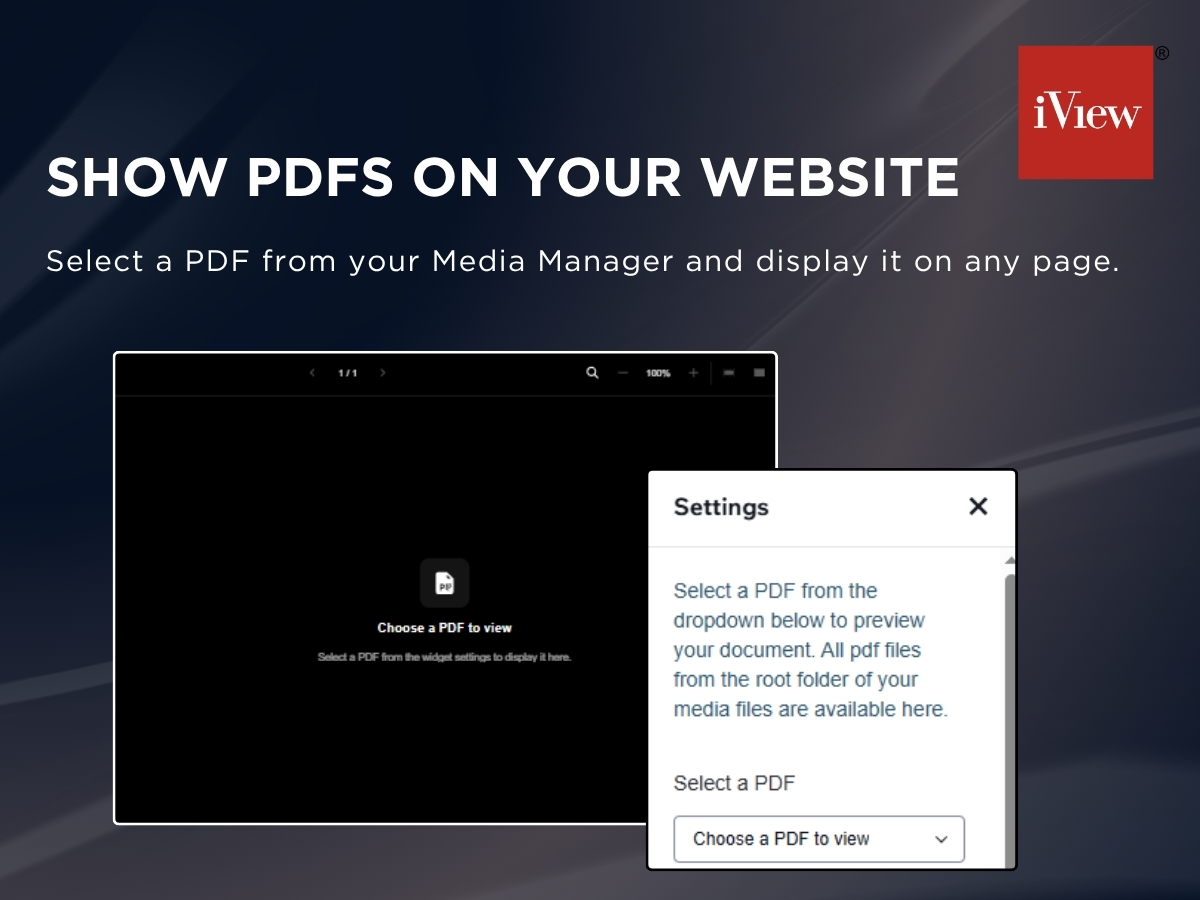
Overview
About this App
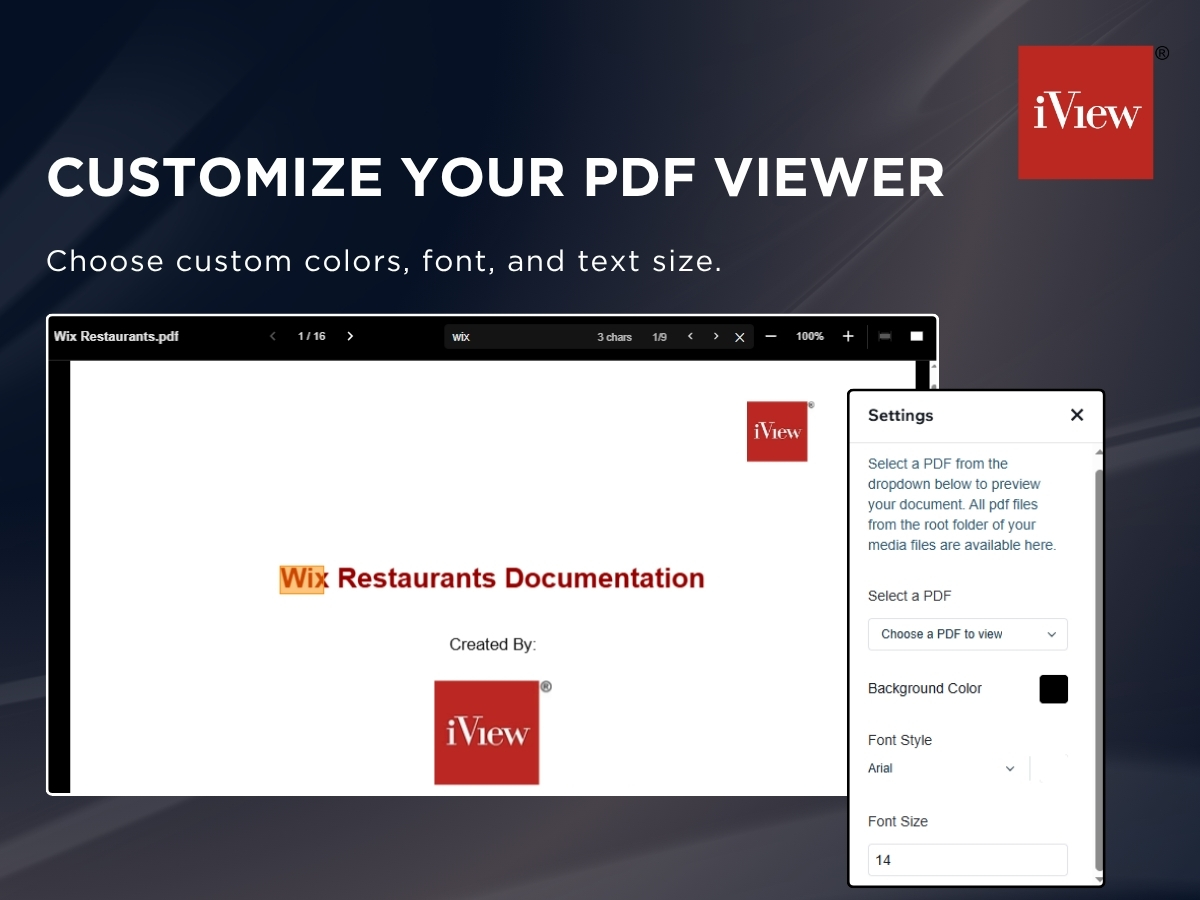
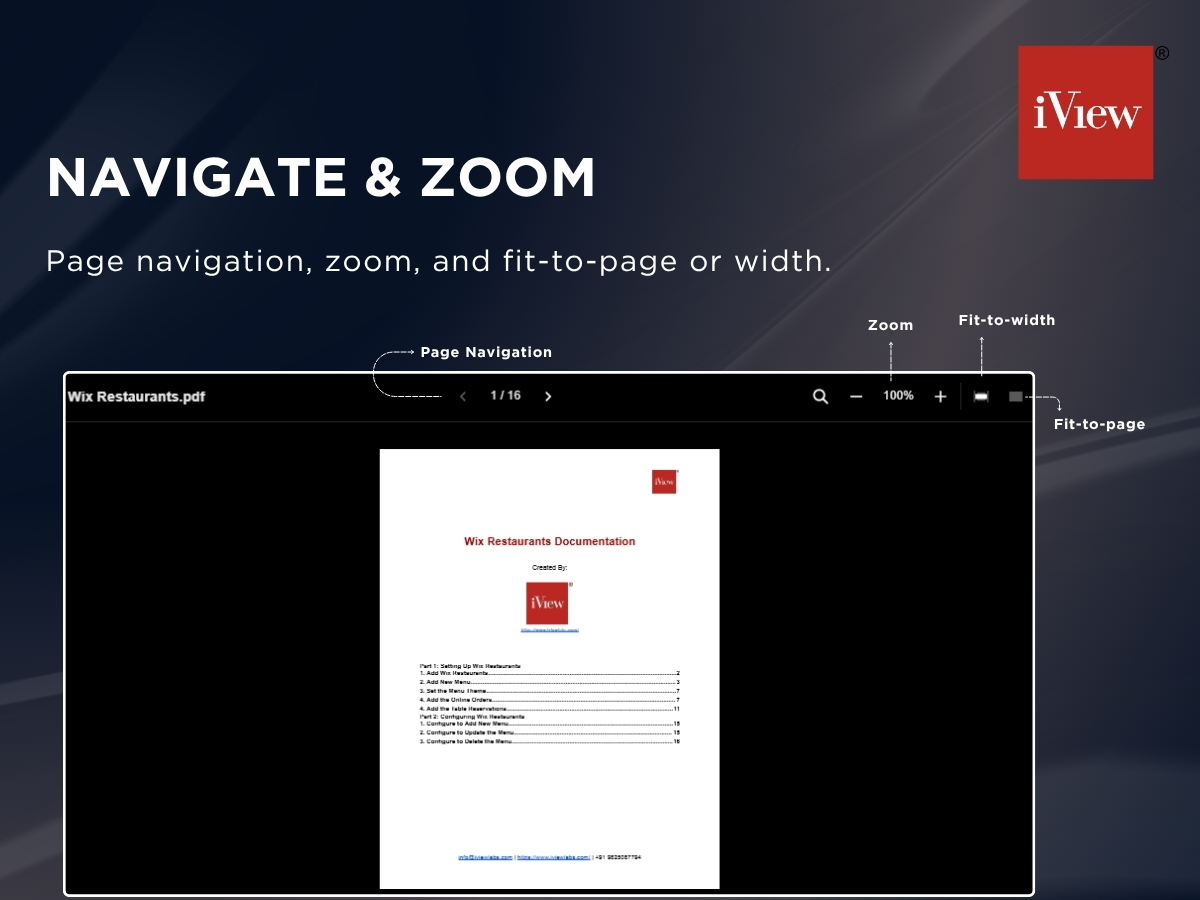
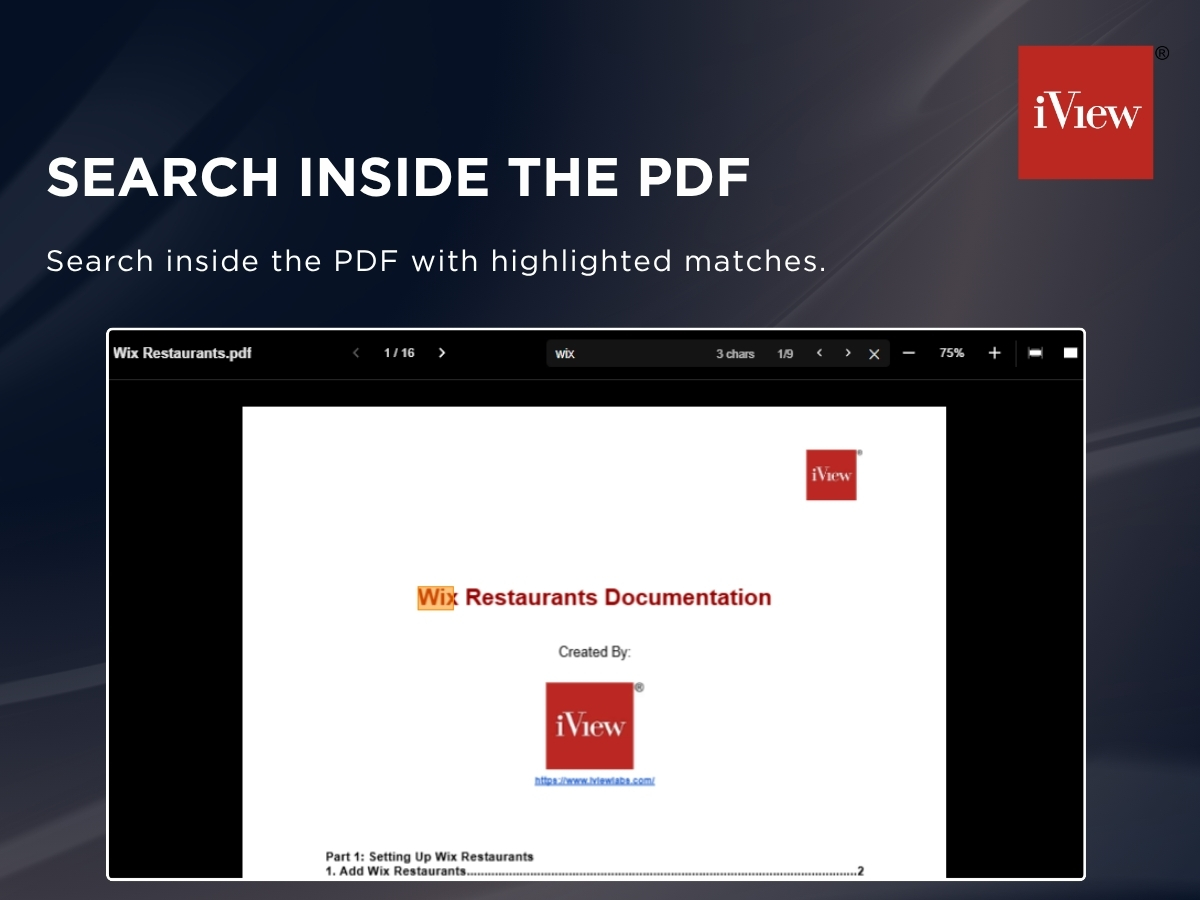
Want to show a PDF on your site without sending visitors to a download or a new tab? PDFViewer displays your PDFs right on the page, with a clean toolbar that makes long documents easy to read. Just pick any PDF from your Media Manager, place the viewer anywhere on your site, and you're done. No code needed. Visitors can move between pages, zoom in and out, fit the document to the page or the width, and search inside the PDF, jumping between highlighted matches. You stay in control of the look too: choose the background color, font, font color and text size so the viewer matches your brand. The viewer adapts to phones, tablets and desktops, and shows a loading state while larger files open. It's great for menus, brochures, catalogs, reports, manuals, price lists and portfolios.
What the listing highlights
- Show PDFs from your Media Manager on any page
- Page navigation, zoom and fit-to-page or width
- Search inside the PDF with highlighted matches
- Custom colors, font and text size
Additional product media
Promotional media
Videos
Reviews
Official Wix marketplace summary
Wix Marketplace feedback
No reviews yet.
Plan comparison
Pricing & Plans
Premium
$0 / year
Save 10% yearly$0 / month
- View PDF Files on Your Website
- Search Text in PDF
- Fullscreen Viewing