
Accounting Sync for Stores
By Kayabyte
Product media
Screenshots
1 of 4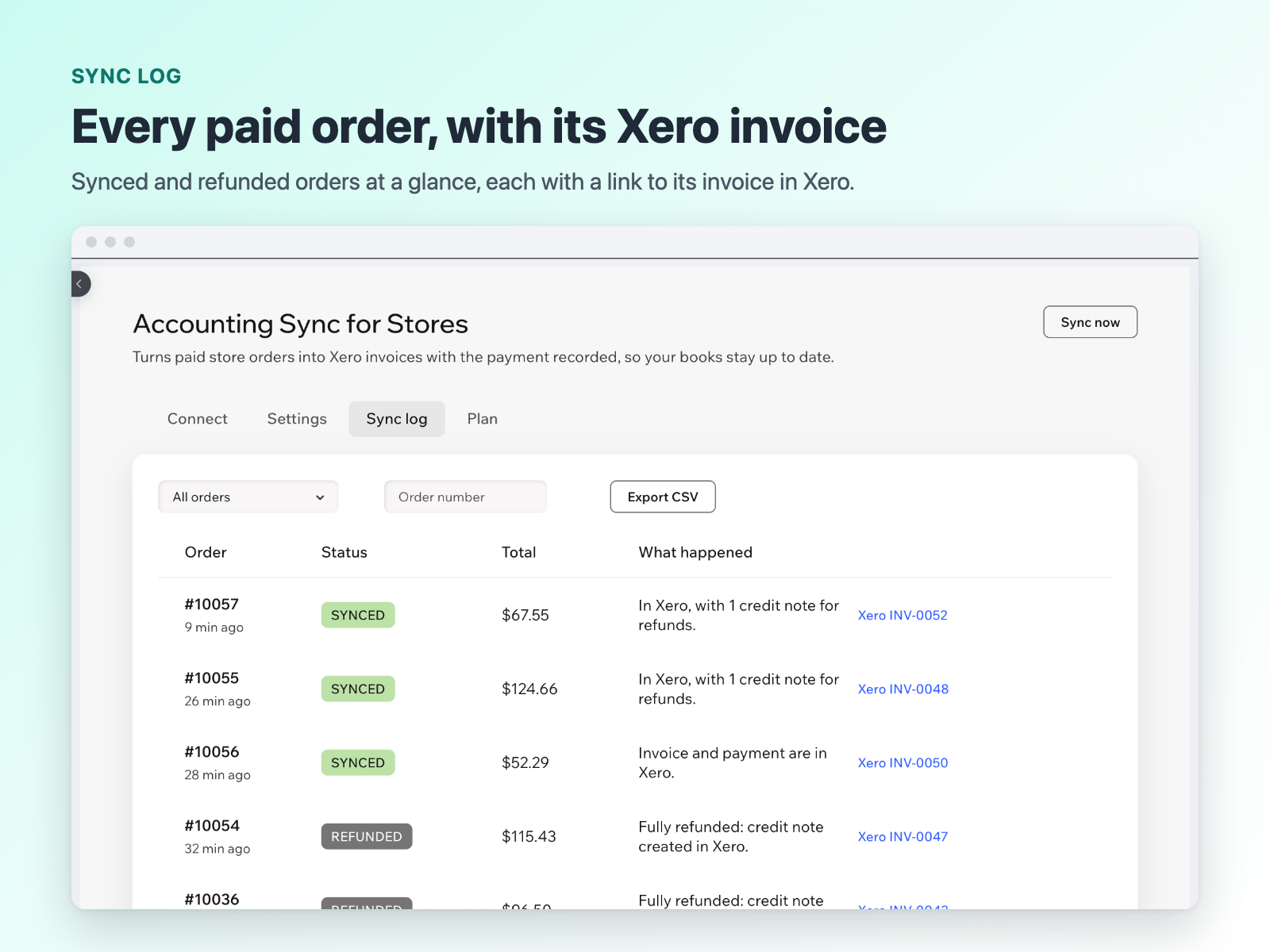
Overview
About this App
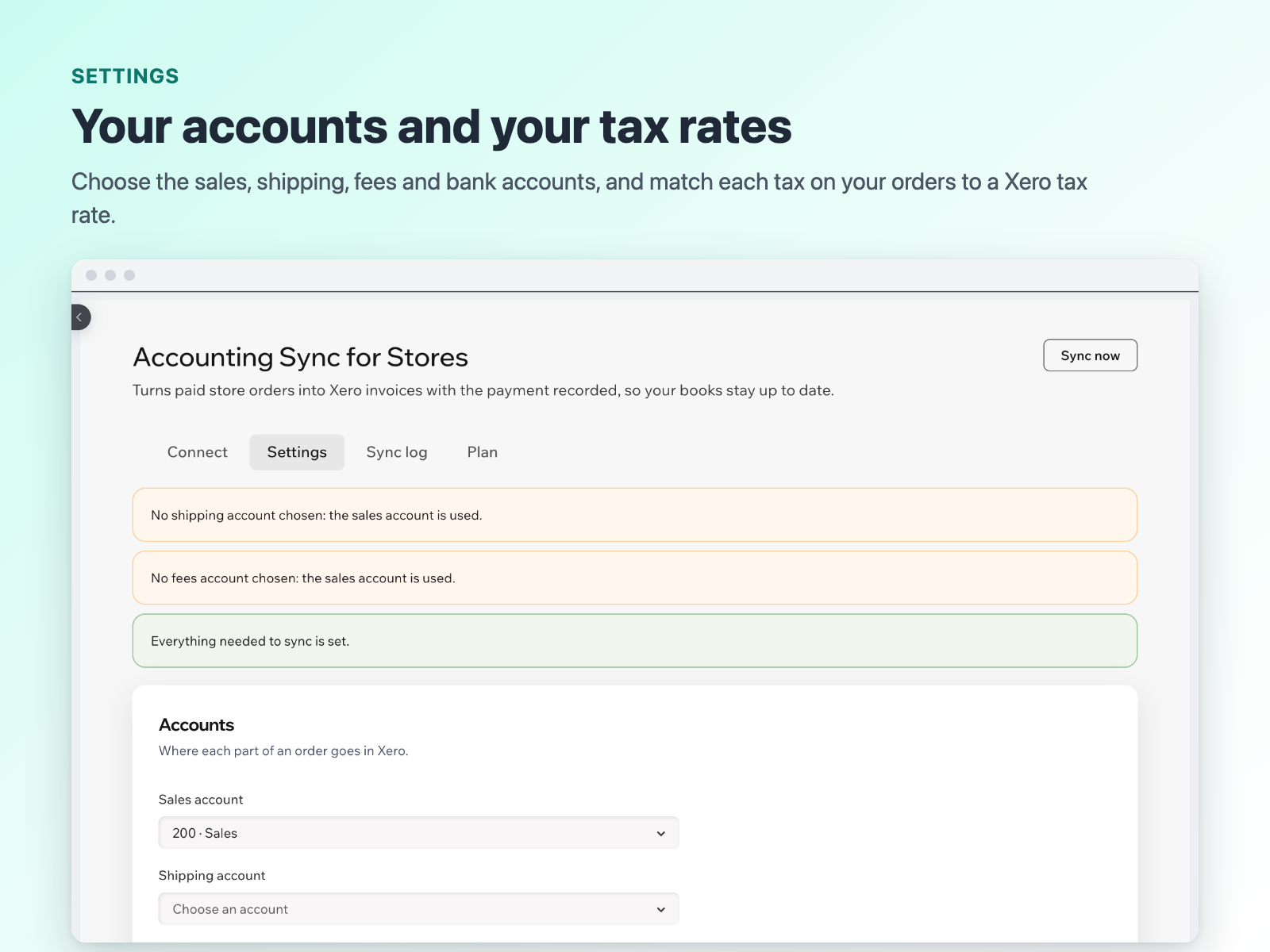
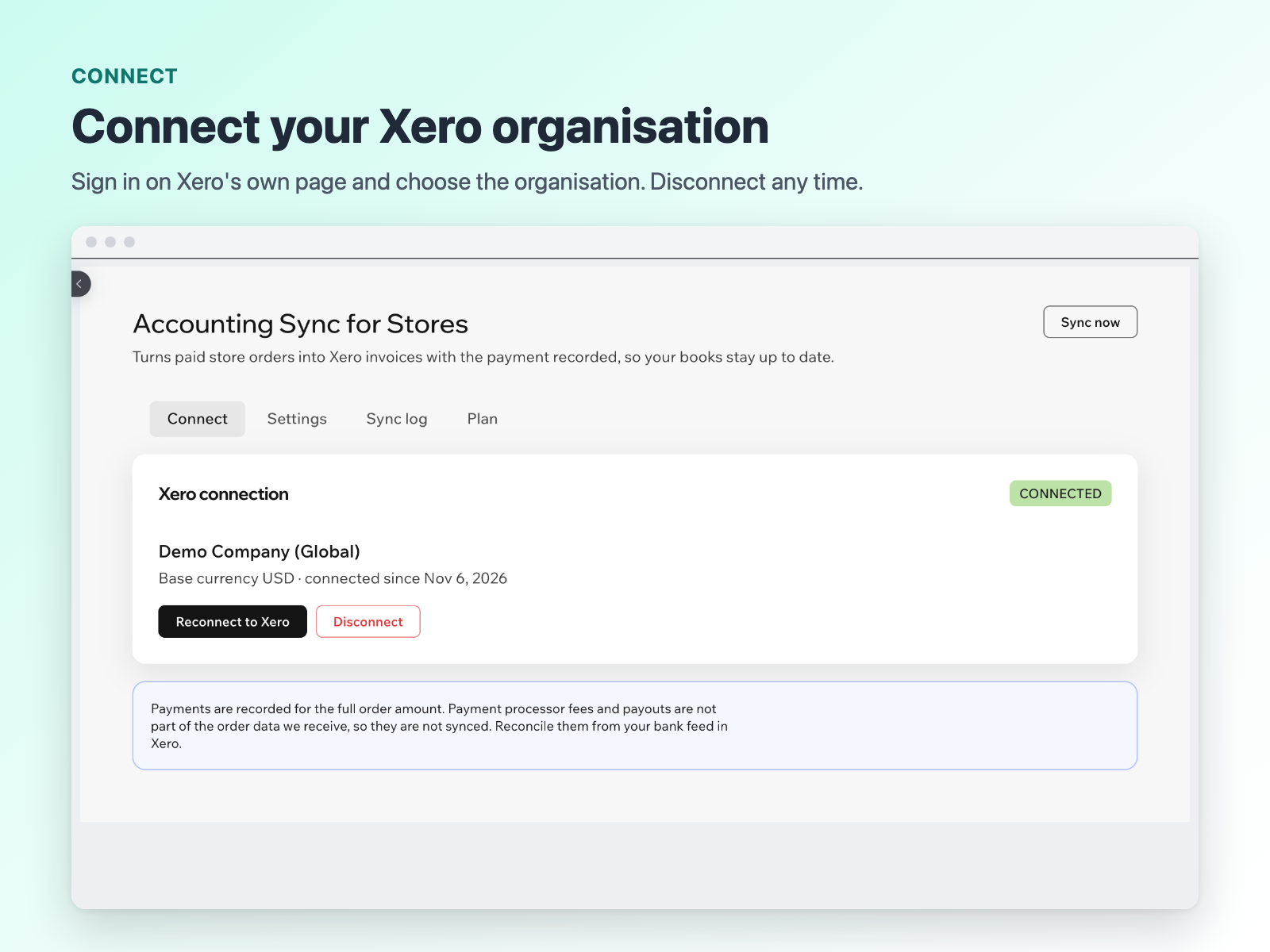
Accounting Sync for Stores sends every paid store order to Xero as an invoice with the payment applied. Refunds become credit notes with the refund payment, and cancelled orders are voided or flagged for you. Your books stay up to date without typing orders in by hand. Connect your Xero organisation on Xero's own page, then choose where each part of an order goes: sales, shipping and fee accounts, the bank account that receives payments, and which Xero tax rate matches each tax on your orders. Taxes, discounts, shipping and extra fees are copied line by line, with tax-inclusive and tax-exclusive prices both supported. Each order is sent once. If Xero is busy or offline, the app retries on its own, and a daily check looks for anything missed. The Sync log shows every order with a link to its invoice in Xero, and anything that needs you comes with a plain explanation and a Retry button. Earlier paid orders can be imported in the background. Payment processor fees and payouts are not synced, because the store does not share them. Every plan starts with a 14-day trial.
What the listing highlights
- Paid orders become Xero invoices
- Refunds become credit notes
- Tax, discounts, shipping and fees mapped
- Sync log with a link to each invoice
Additional product media
Promotional media
Reviews
Official Wix marketplace summary
Wix Marketplace feedback
No reviews yet.
Plan comparison
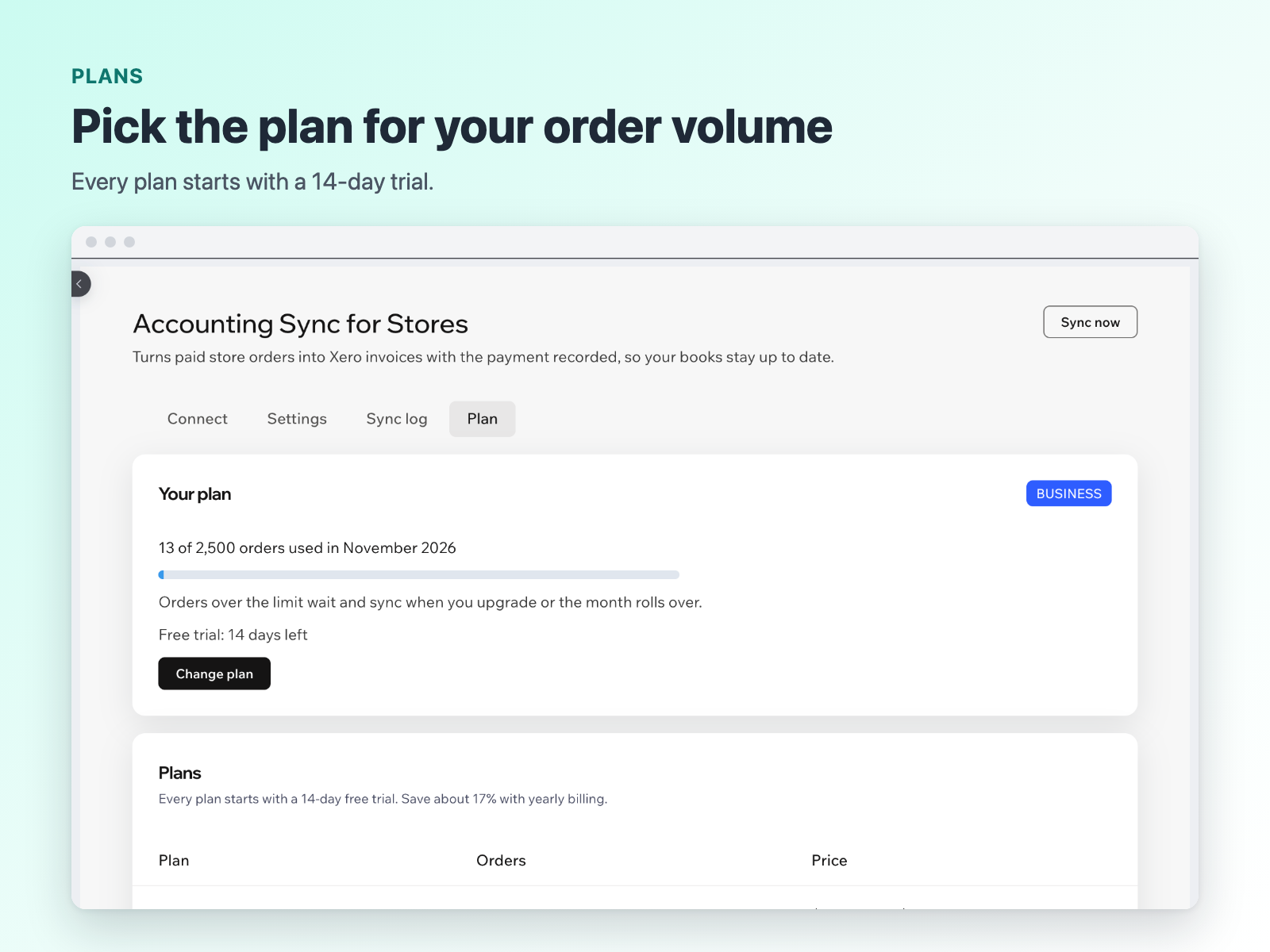
Pricing & Plans
Starter
$0 / year
Save 17% yearly$0 / month
- 100 orders synced per month
- Invoices, payments and refunds
- Automatic sync to your accounts
Growth
$10 / month
Billed yearly Save 17% yearly$12 / month
- 500 orders synced per month
- Invoices, payments and refunds
- History import of past orders
Business
$20 / month
Billed yearly Save 17% yearly$24 / month
- 2,500 orders synced per month
- Invoices, payments and refunds
- Built for high-volume stores