
Checkout Rules
Product media
Screenshots
1 of 4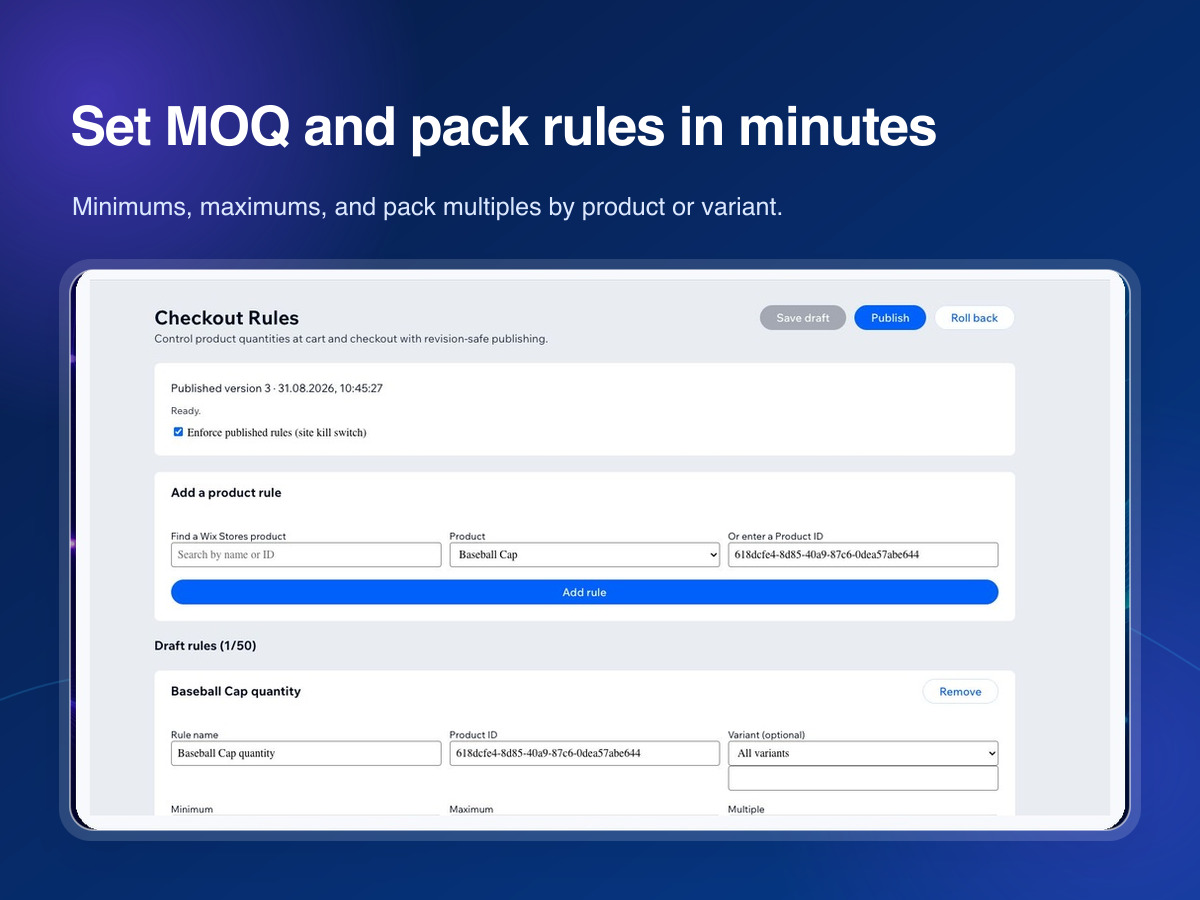
Overview
About this App
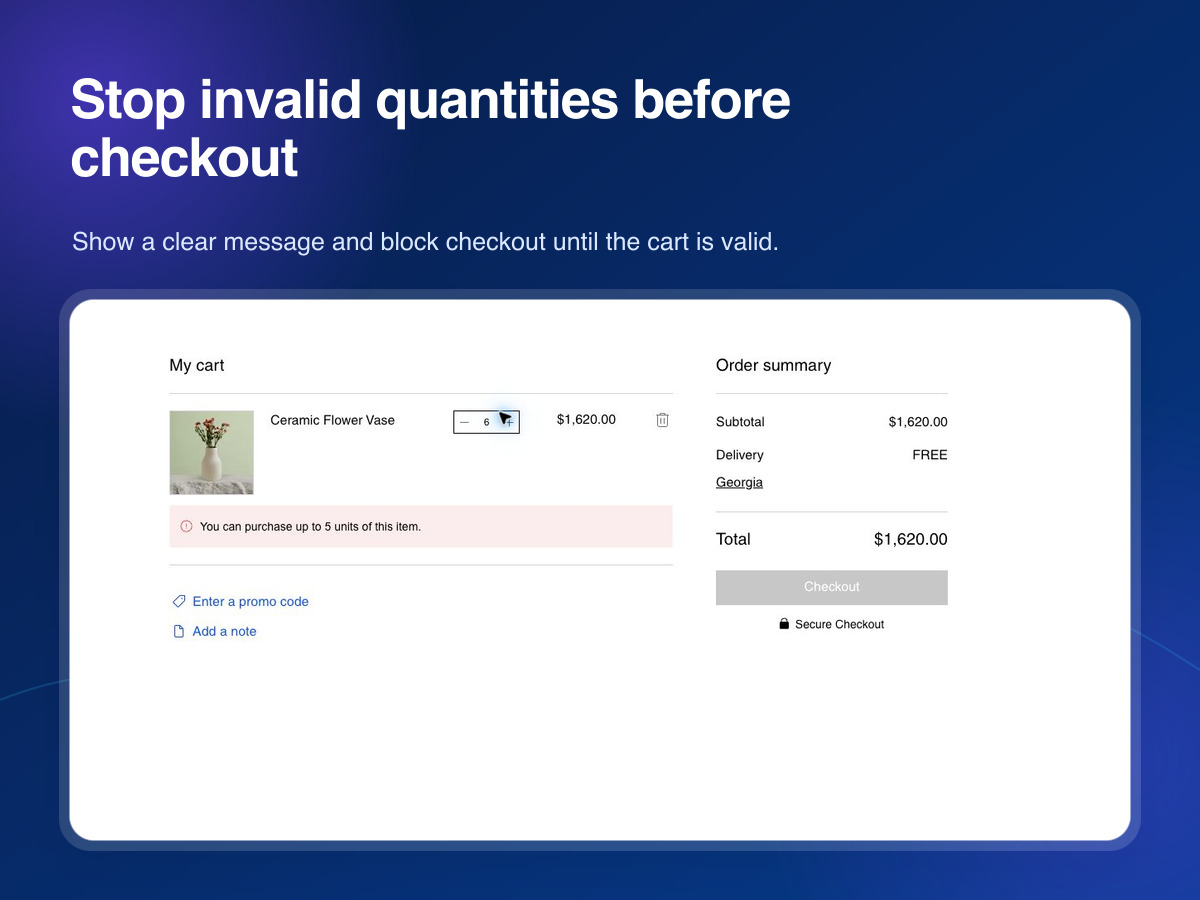
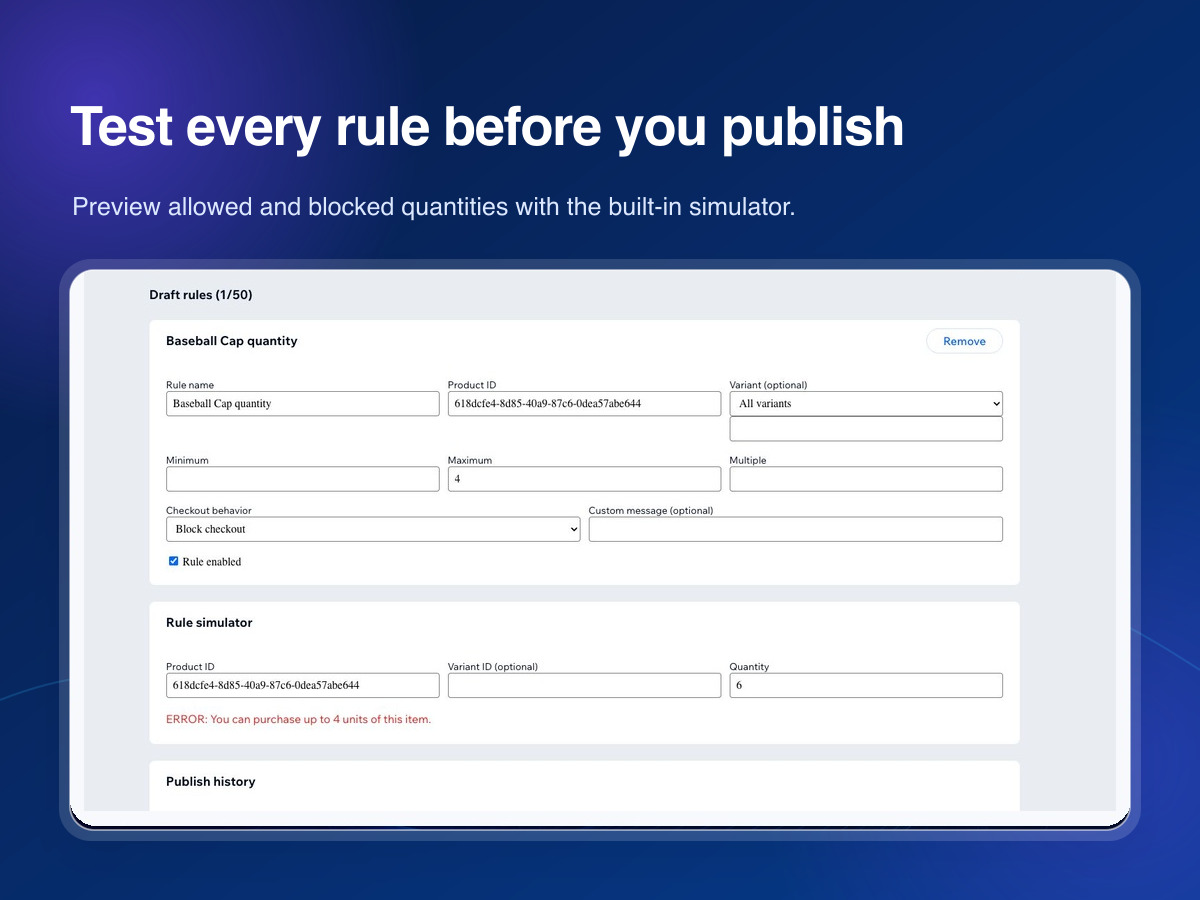
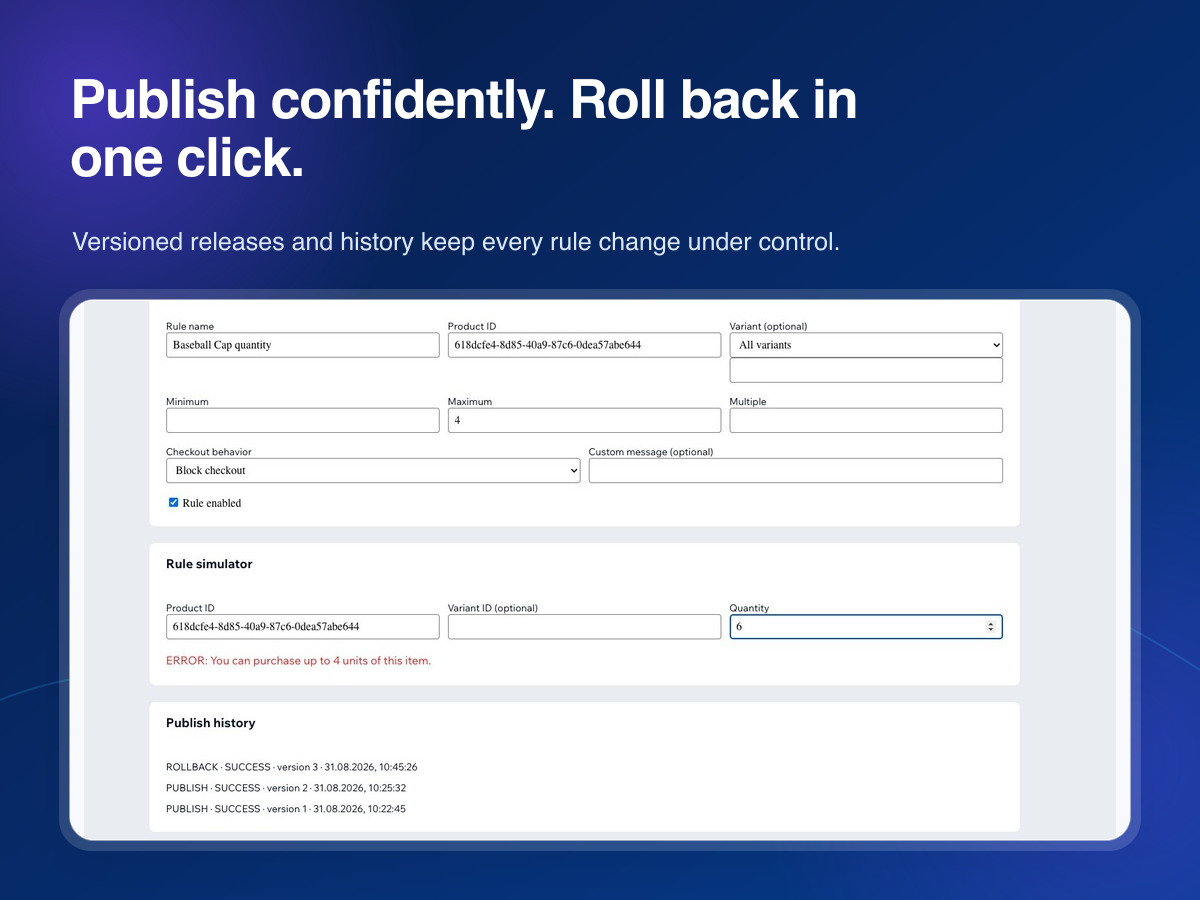
Stop undersized wholesale orders, bulk overbuying, and invalid case-pack quantities before checkout. Checkout Rules lets you set minimum order quantities (MOQ), maximum quantities, and pack multiples for individual store products or variants. Choose what happens when a cart breaks a rule: show a clear custom warning or block checkout until the quantity is corrected. Use the built-in simulator to test every rule before it reaches shoppers. Create rules from your product catalog, save drafts, and publish when ready. Version history, audit logs, and one-click rollback make changes safe for teams. A site-wide pause switch gives you immediate control during promotions or emergencies. Checkout Rules runs inside your site dashboard. If its configuration is temporarily unavailable, it fails open so legitimate orders can still proceed.
What the listing highlights
- Set product MOQ, maximum, and pack multiples
- Apply rules to products or variants
- Warn shoppers or block invalid checkouts
- Test changes and roll back in one click
Additional product media
Promotional media

Videos
Reviews
Official Wix marketplace summary
Wix Marketplace feedback
No reviews yet.
Plan comparison
Pricing & Plans
Detailed plan information is not available for this App.