
Order Triggers for Automations
Product media
Screenshots
1 of 5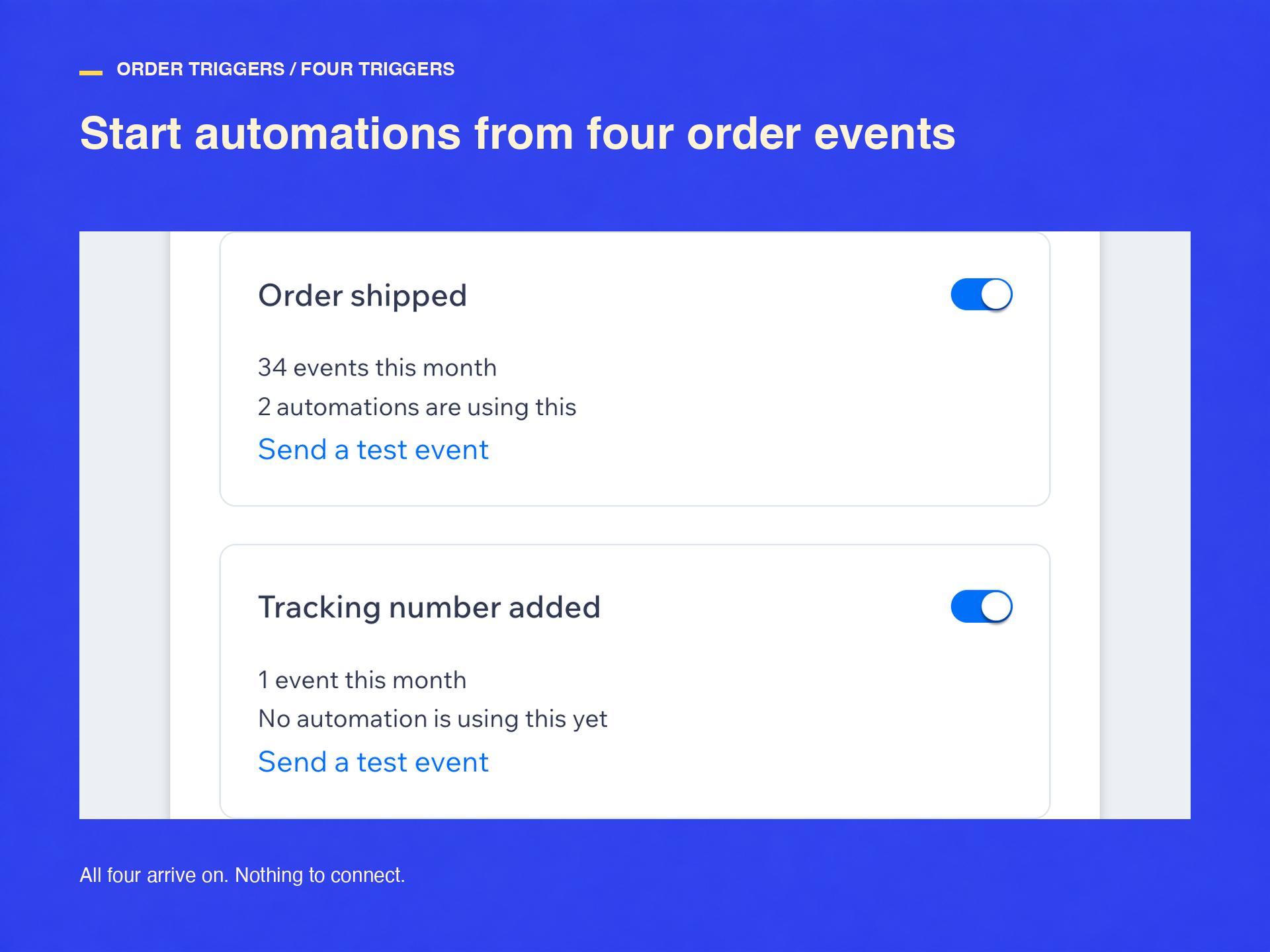
Overview
About this App
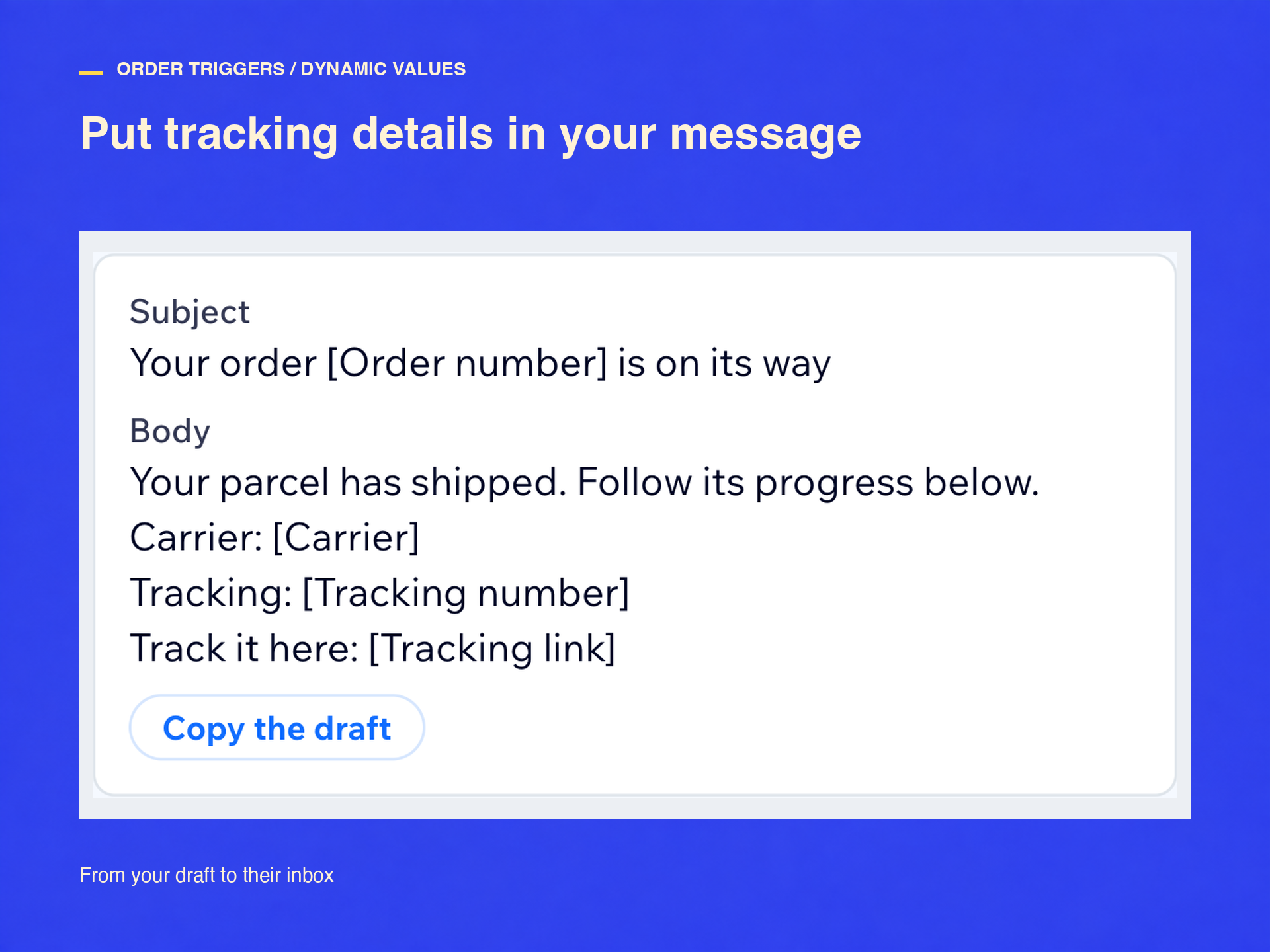
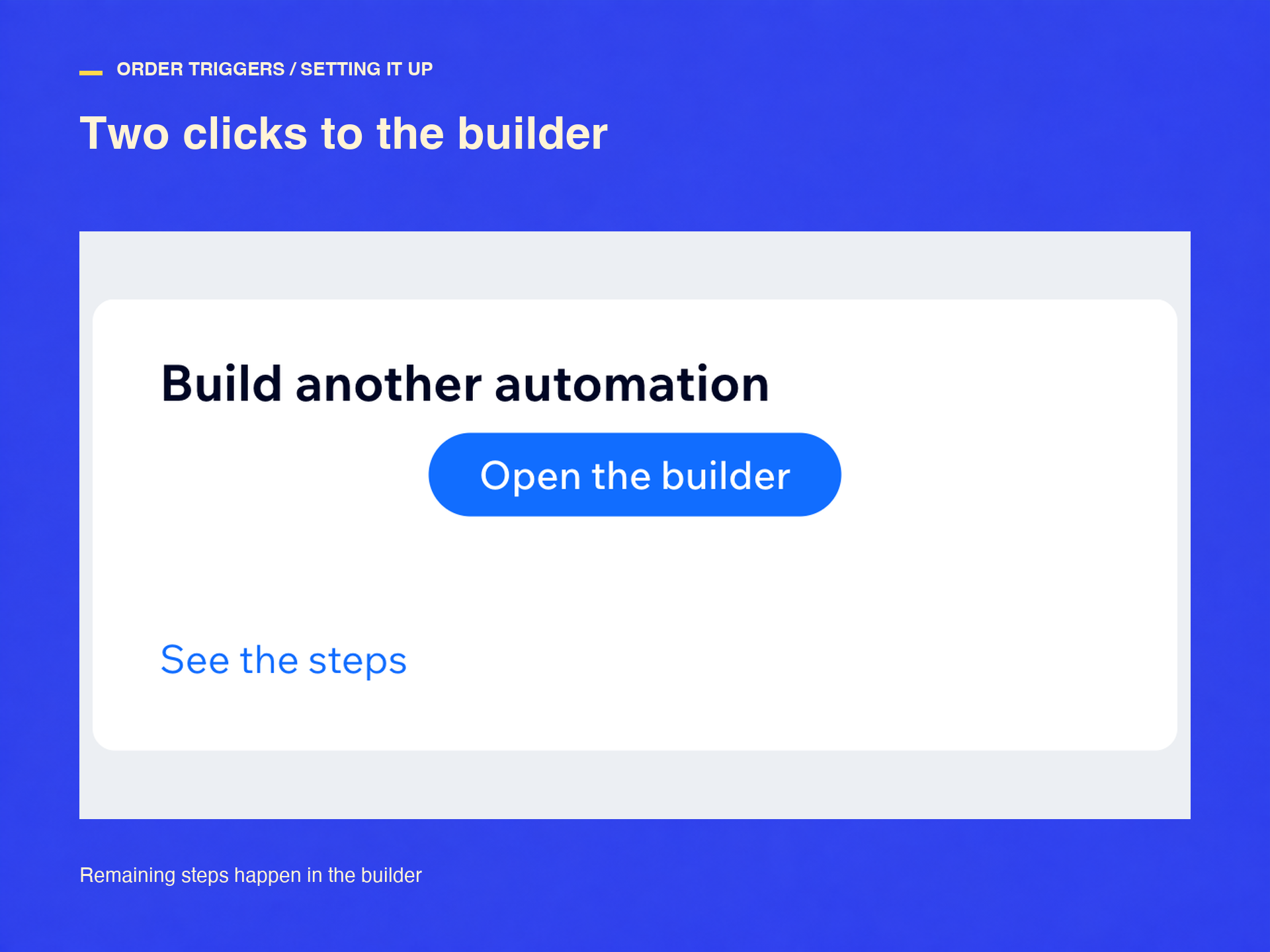
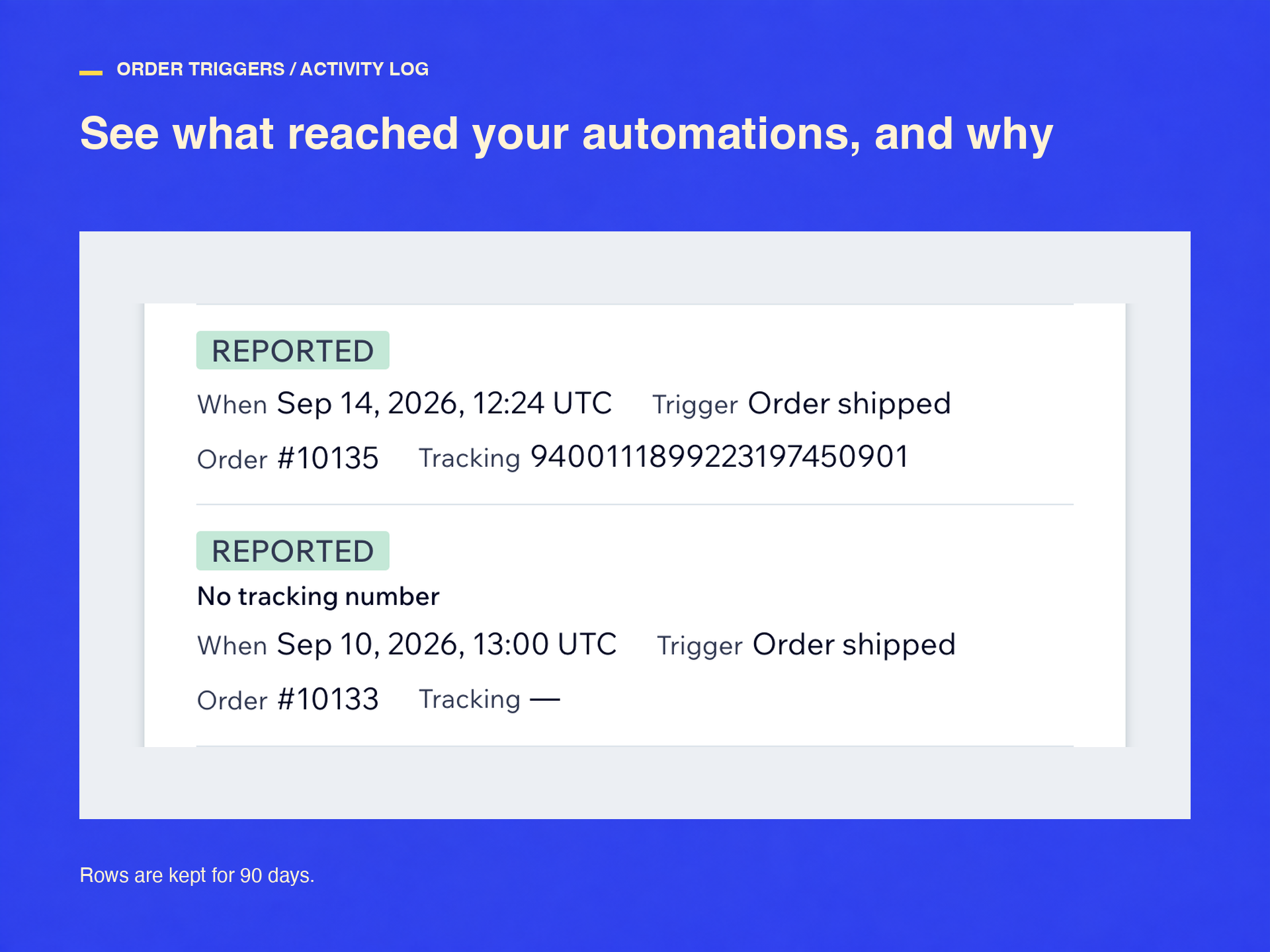
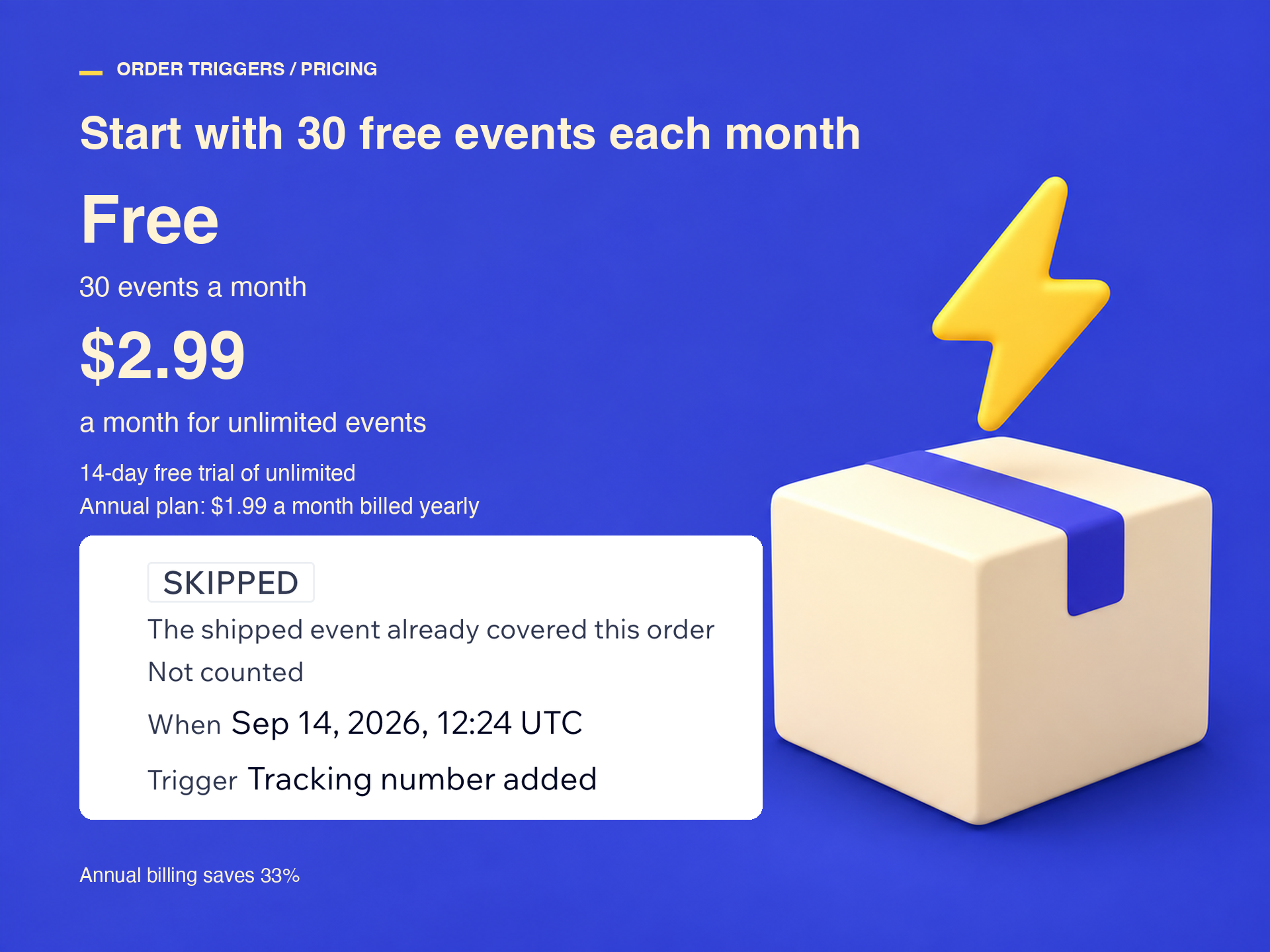
Four triggers appear in your automation builder: Order shipped, Tracking number added, Order partly shipped, and Order canceled. After install, pick a trigger from the Order Triggers for Automations group (click Show all if only three are listed). Each reaches your automation within a minute of the order changing, so a shipping email with the tracking number goes out while the parcel is still on the counter. You write the email with the actions you already have; seven order values drop into it. If your shipping app adds the tracking number afterwards, build on Tracking number added, or your email goes out with the tracking line empty. Every order is reported once: a later tracking number is folded into the same event, a repeated delivery is dropped, and a malformed event is refused and logged with the reason. If another app already emails your customers about shipping, turn that off first, or they get two. It does one job: no labels, no parcel tracking, no order edits. Free for 30 events a month. Unlimited events are $2.99 a month, or $1.99 billed yearly, after a 14-day trial. Nothing is charged automatically; past 30, automations pause for new orders until you upgrade.
What the listing highlights
- Start automations when an order ships, not only when it is placed
- Find them in the builder's Order Triggers group
- Each order reported once, duplicates folded, malformed events refused
- 30 events a month free, then $2.99 monthly or $1.99 billed yearly
Additional product media
Promotional media

Reviews
Official Wix marketplace summary
Wix Marketplace feedback
No reviews yet.
Plan comparison
Pricing & Plans
Basic
Free
Free
- 30 events a month, free forever
- All four order triggers
- Activity log and test events
Standard
$1.99 / month
$23.88 billed yearly Save 33% yearly$2.99 / month
- Unlimited events every month
- Shipped, tracking, partial, canceled
- Activity log, retries, test events