Customer Labels by Purchase
Product media
Screenshots
1 of 5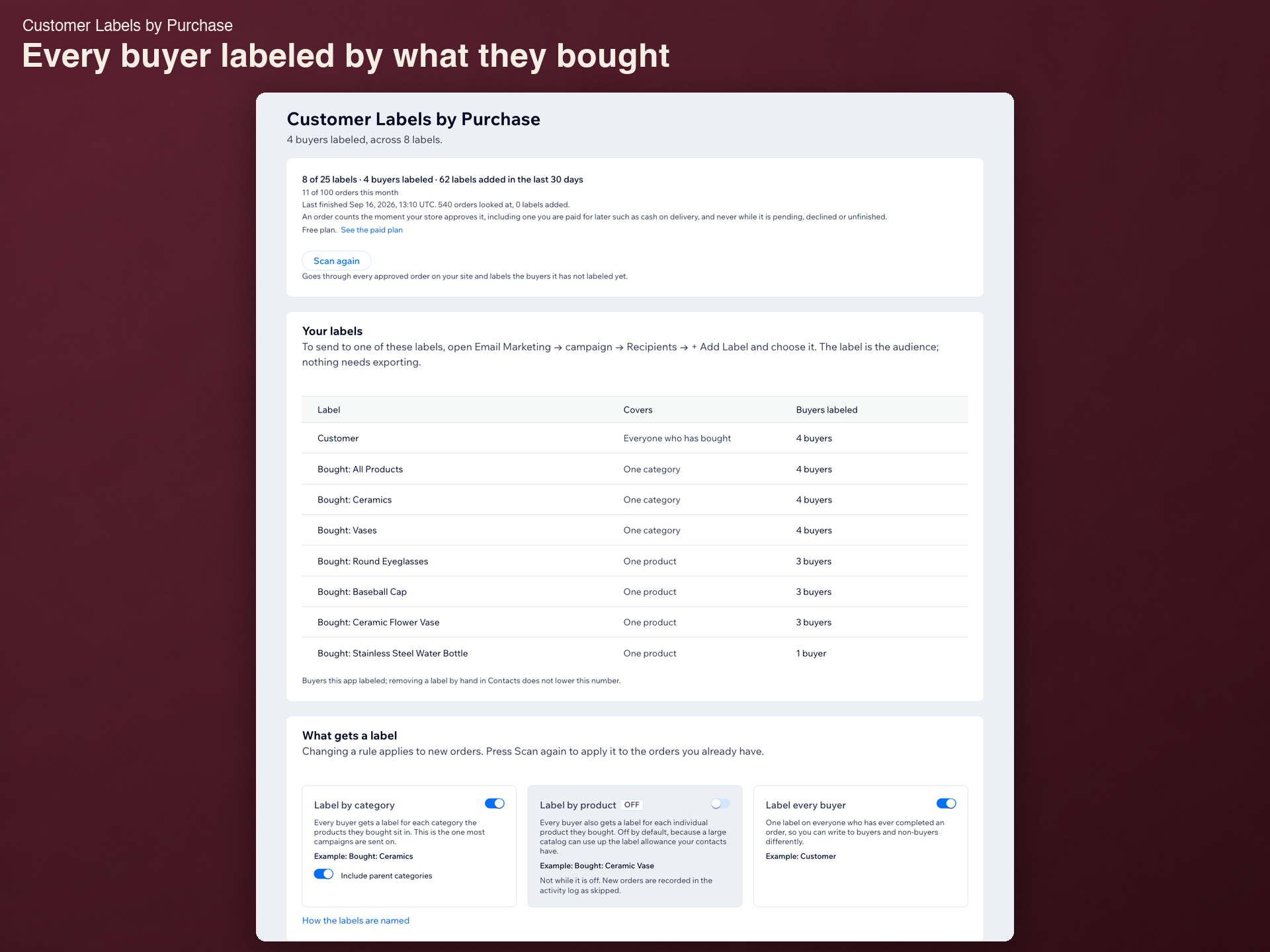
Overview
About this App
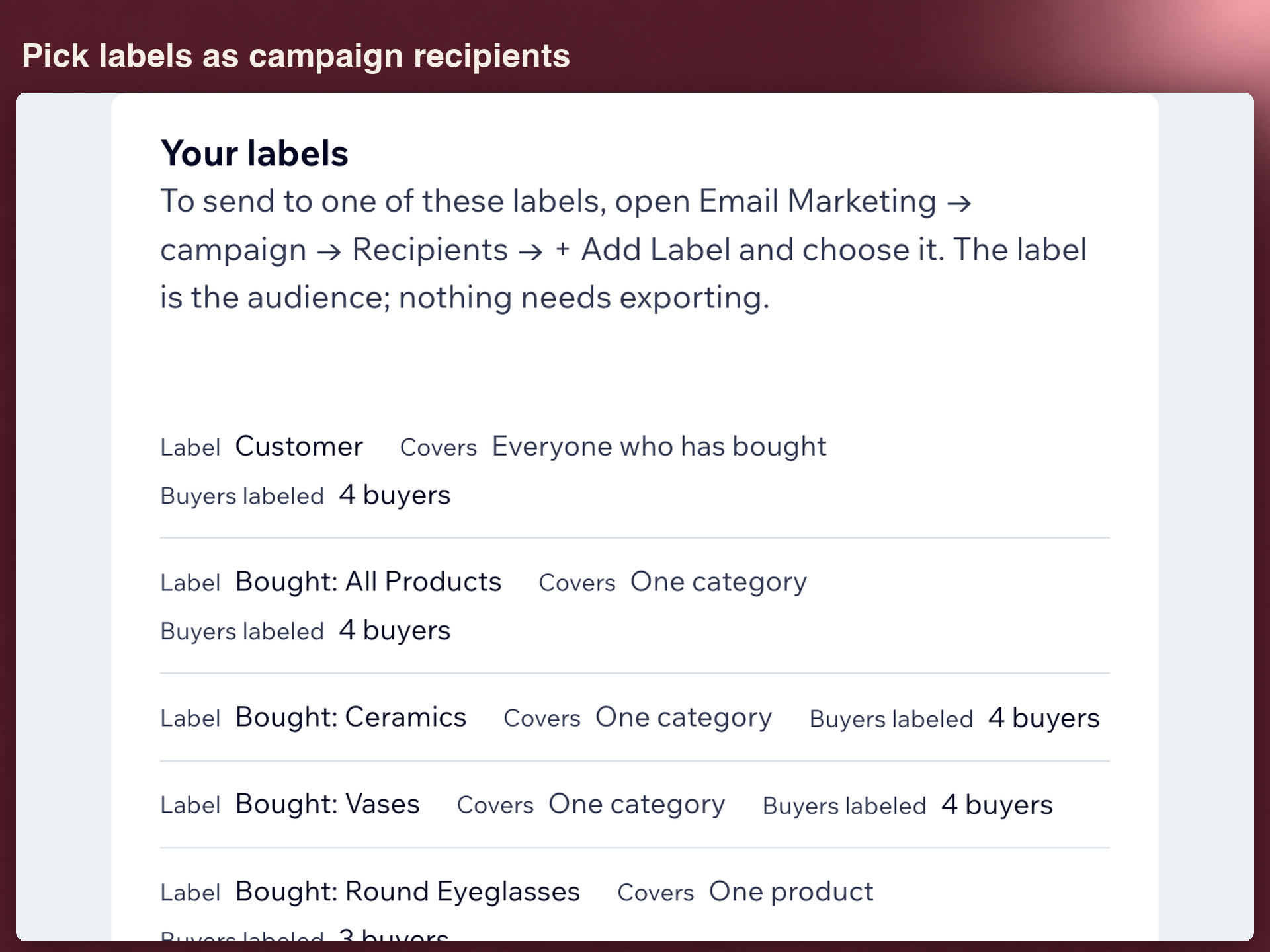
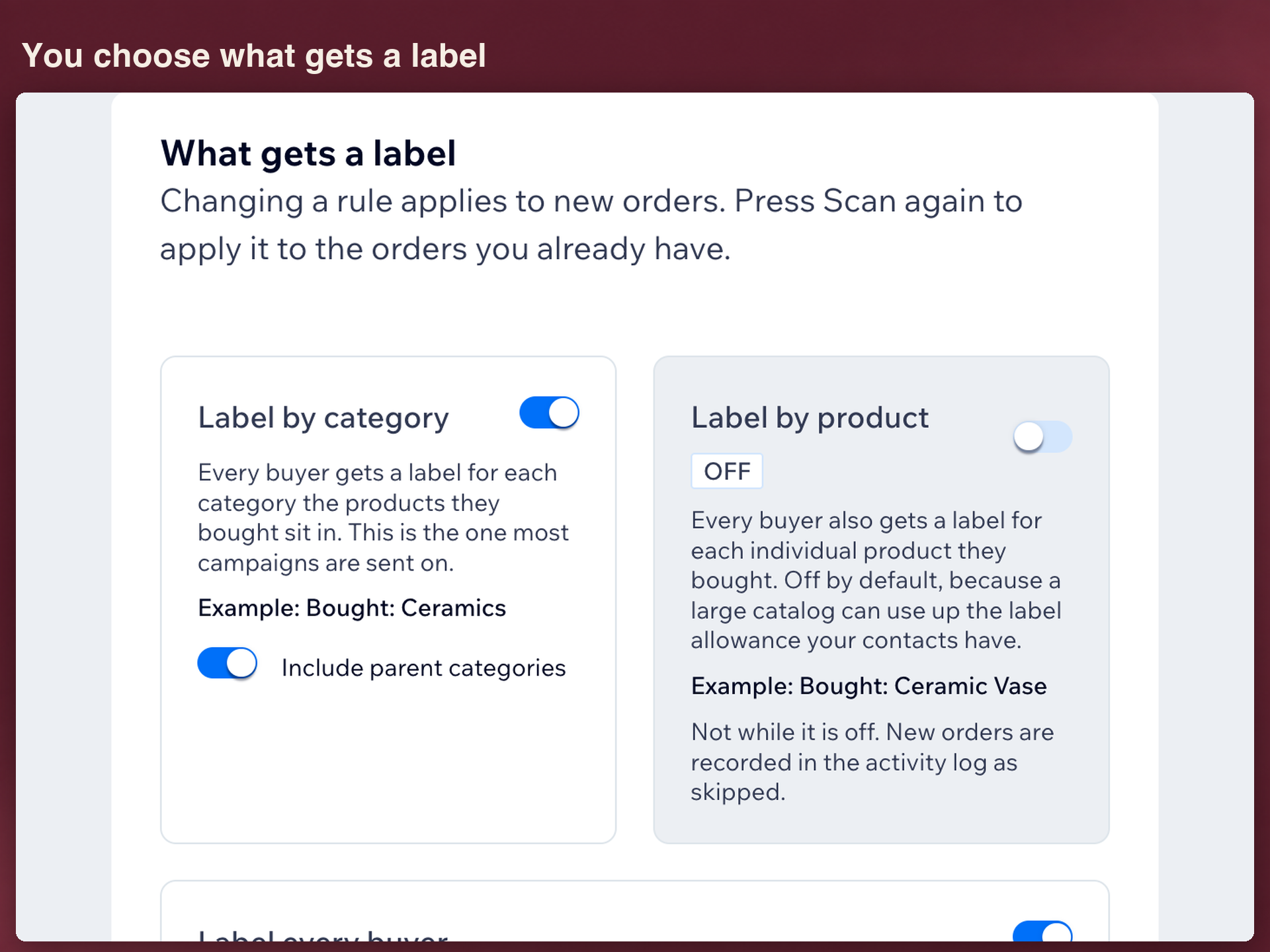
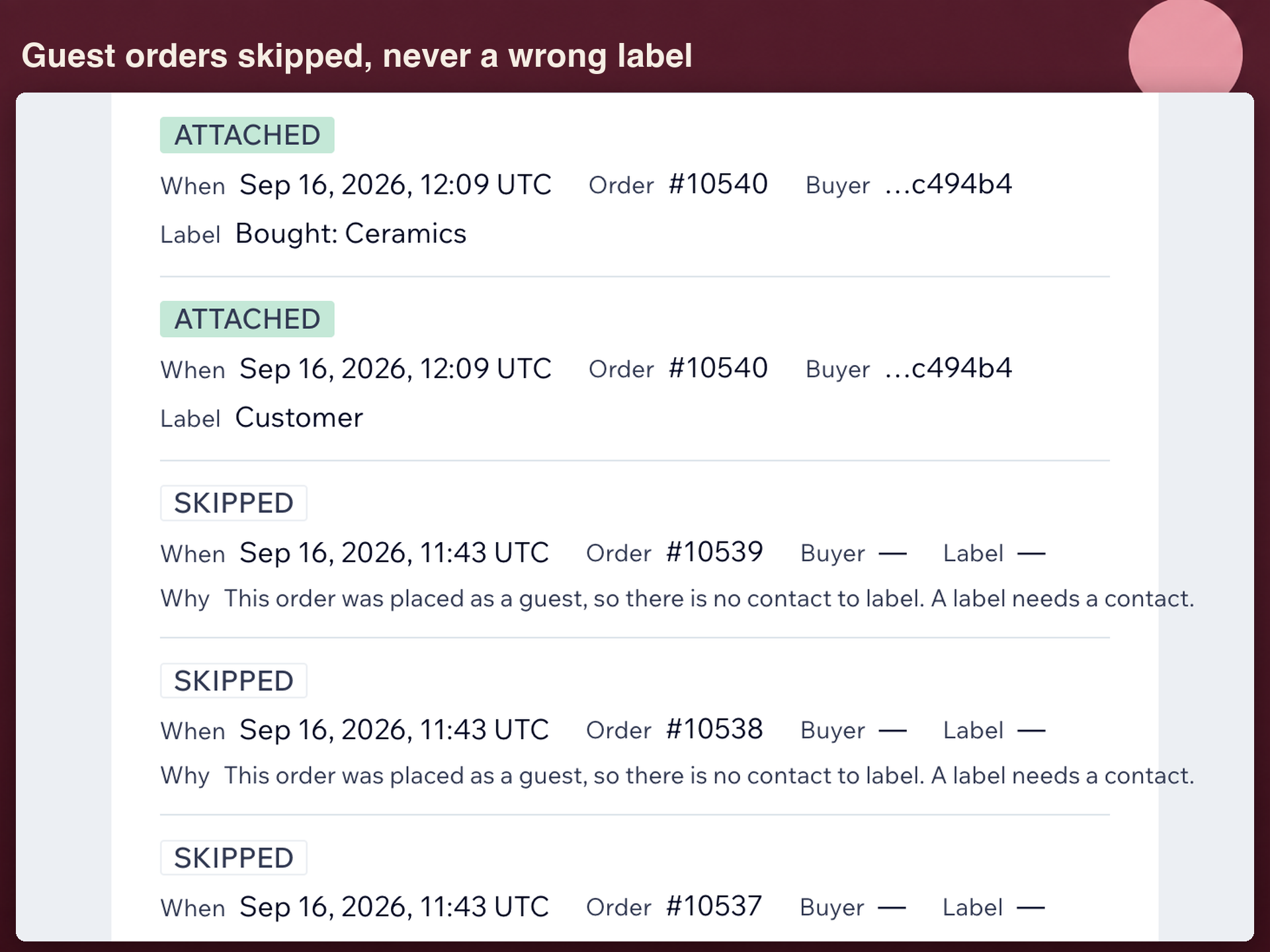
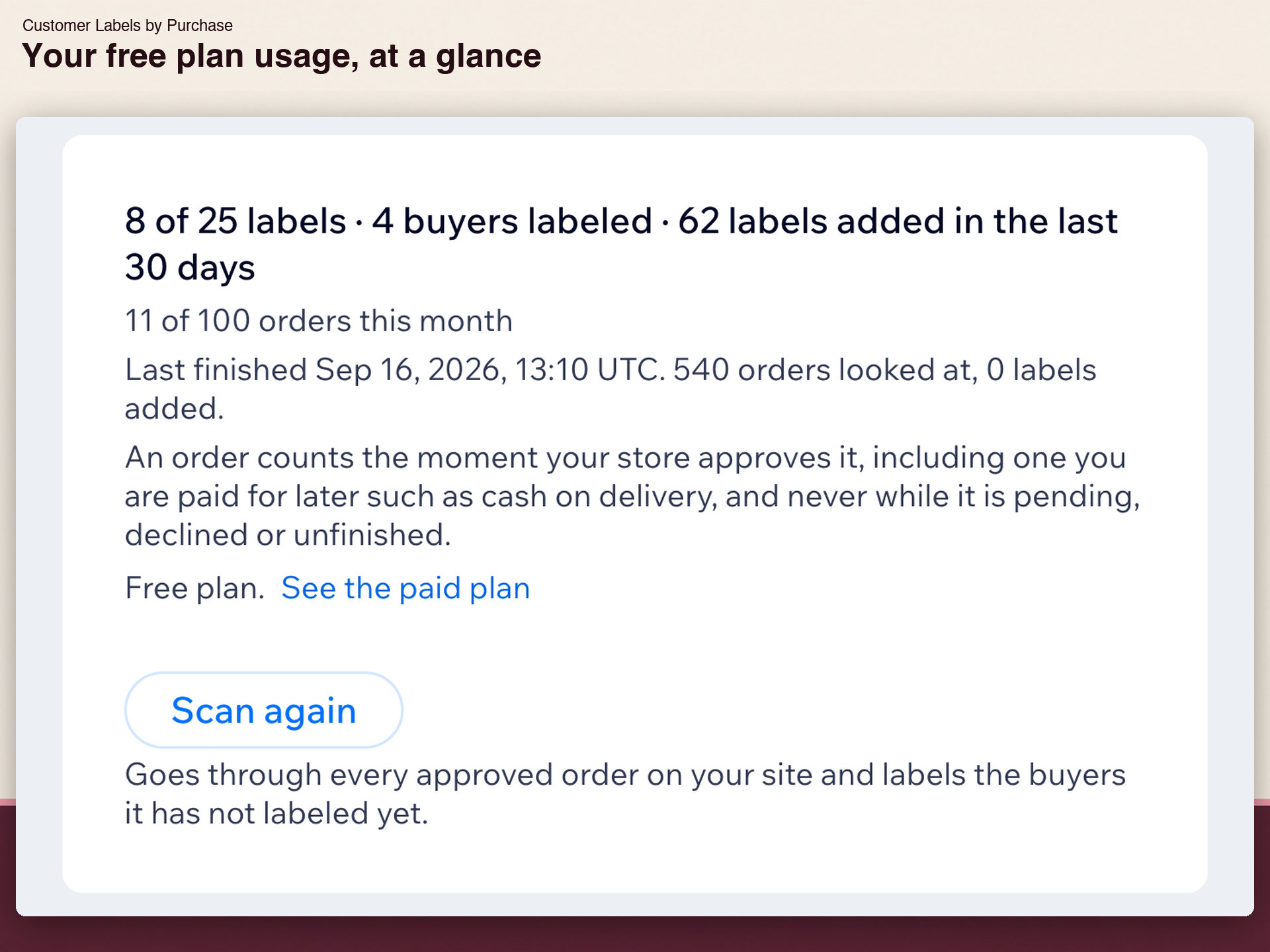
An email campaign can pick a label as its audience, but nothing labels a contact when that person buys. Finding everyone who bought one product means opening contacts one at a time to read purchase history. Turn on a rule and every approved order labels the buyer's contact. Bought: Ceramic Vase for the product, Bought: Vases for the category, or one Customer label for anyone who has ordered. Category labels can include parents. Past orders count too. On install, the app reads the orders you already have and labels those buyers, with nothing to fill in. New orders are labeled within a minute, and Scan again repeats the sweep any time. Then open a campaign, go to Recipients, choose Add Label, and pick your buyers. The email goes out from your own campaign. This app does not send email and does not create segments. An activity log lists each order, the label added, and why anything was skipped. A guest order with no contact cannot be labeled, and that is logged. Renaming a product or category keeps its label. Free covers 25 labels and 100 orders a month. Standard is $2.99 a month, or $2.24 billed yearly, with a 14-day trial.
What the listing highlights
- A label for each product bought
- Past orders labeled on install
- Labels by category, parents included
- Pick labels as campaign recipients
Additional product media
Promotional media

Reviews
Official Wix marketplace summary
Wix Marketplace feedback
No reviews yet.
Plan comparison
Pricing & Plans
Basic
Free
Free
- Up to 25 labels
- Up to 100 orders a month
- Labels stay after removal
Standard
$2.24 / month
$26.88 billed yearly Save 25% yearly$2.99 / month
- Unlimited labels
- Unlimited orders and rescans
- For stores of any size