EAA Accessibility Toolkit
By Aldorock AB
Product media
Screenshots
1 of 5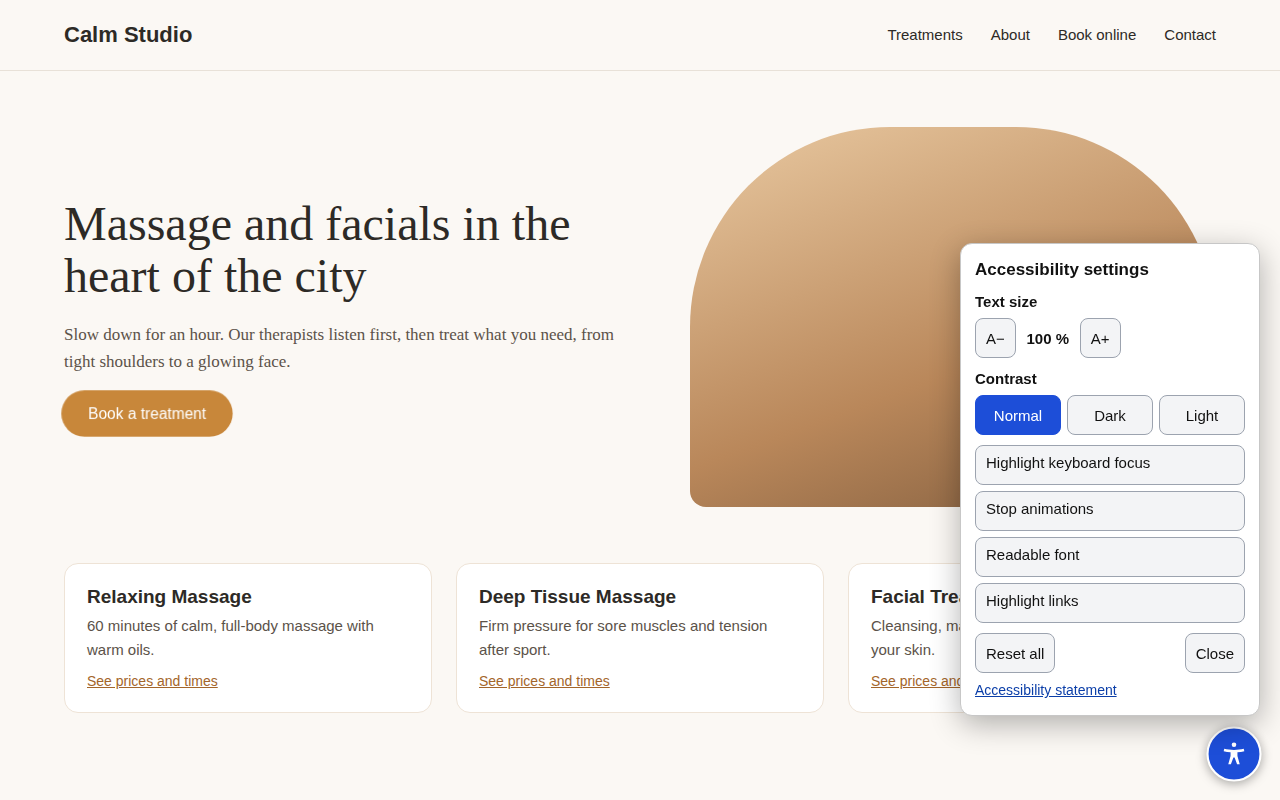
Overview
About this App
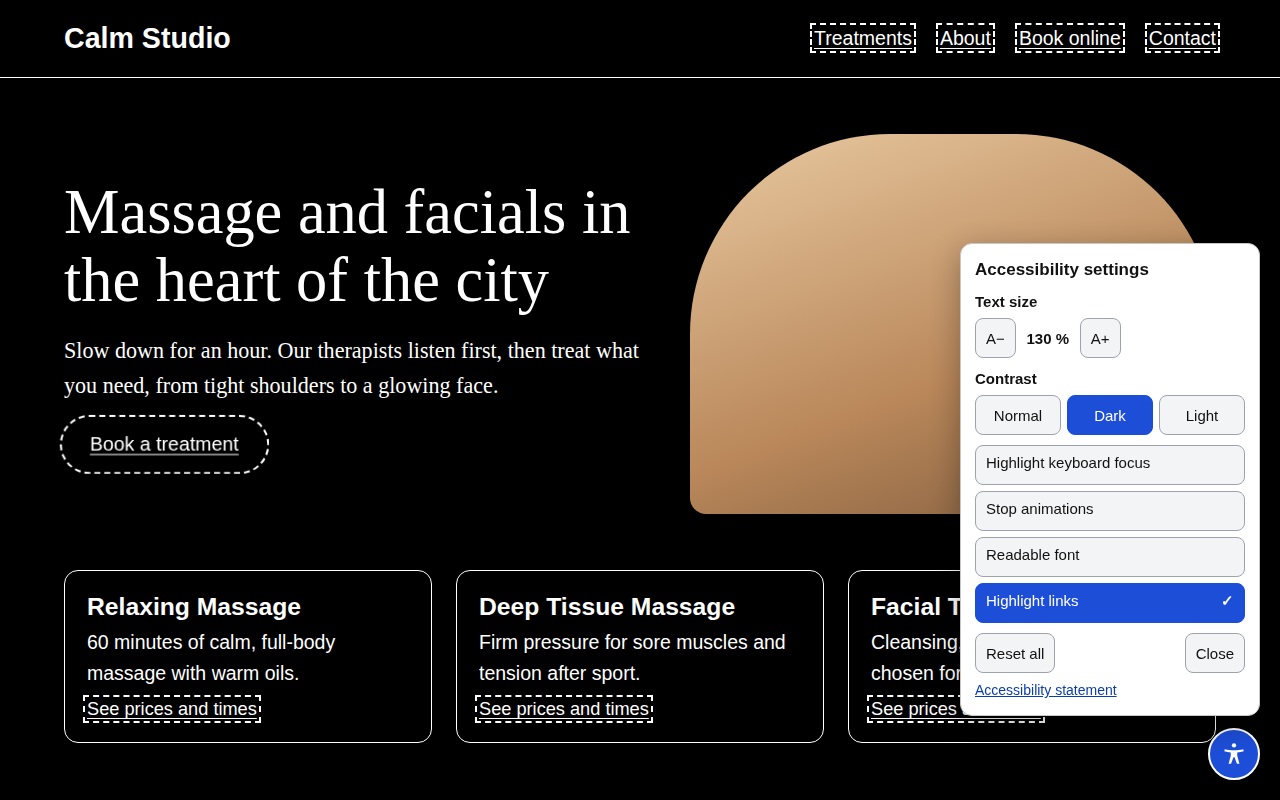
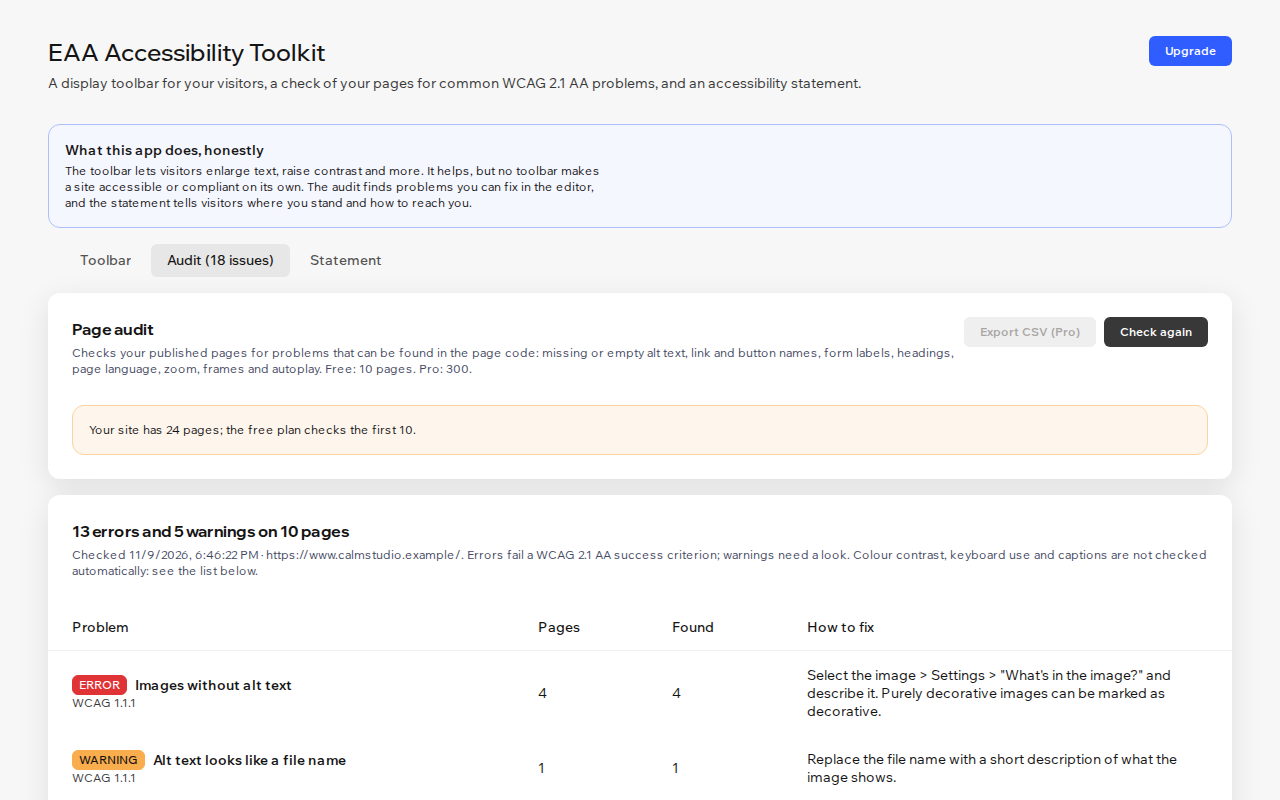
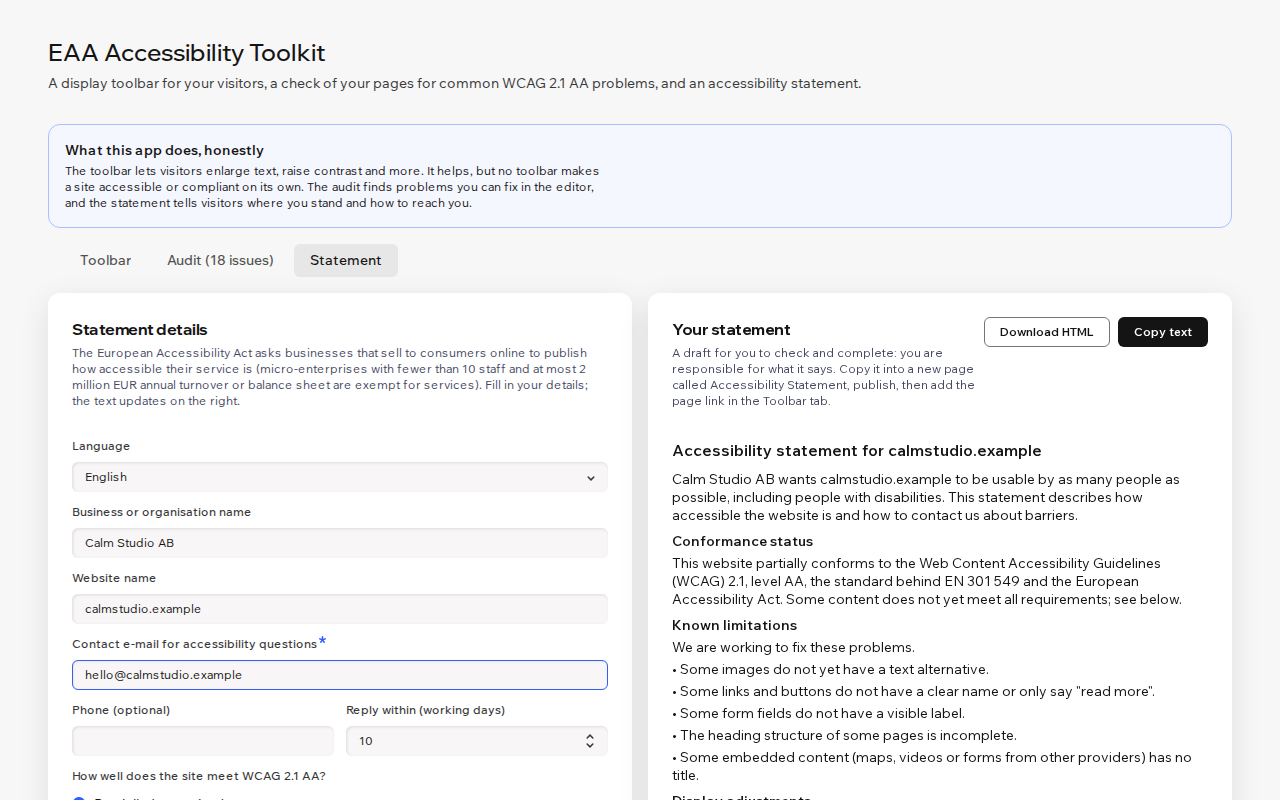
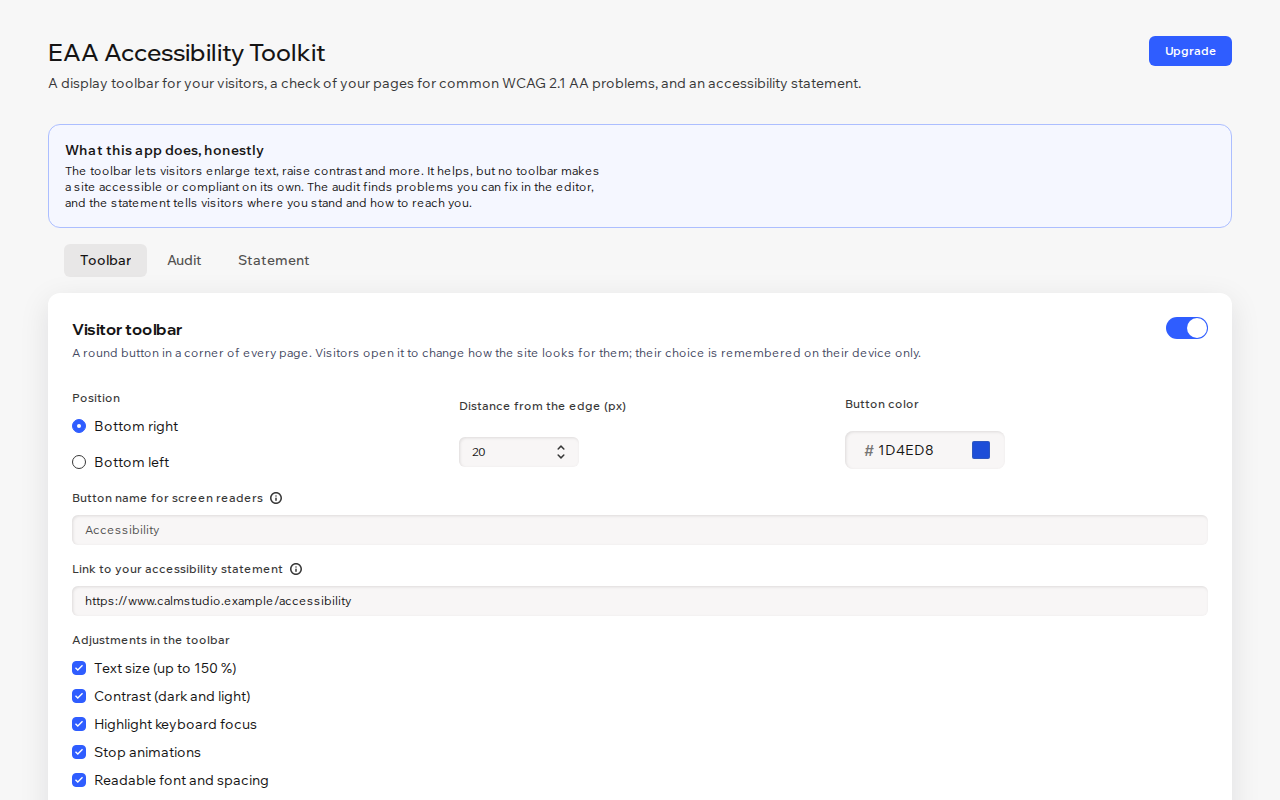
EAA Accessibility Toolkit gives your visitors a small accessibility button and gives you a clear list of what to fix. Visitors can enlarge text up to 150 %, switch to a dark or light high-contrast view, highlight keyboard focus and links, stop animations or use an easy-to-read font. Their choice stays on their own device. The toolbar is keyboard and screen-reader friendly and speaks 7 languages. The audit reads your published pages and finds problems you can fix: missing alt text, unnamed links and buttons, unlabelled form fields, heading order, page language, blocked zoom, untitled embeds and autoplaying media. Each problem shows its WCAG 2.1 criterion, its pages and the fix. The statement builder drafts an accessibility statement in the EU format, with your contact details and the problems found. You check and complete it, publish it and link it from the toolbar. It never says your site fully conforms unless you choose that. Honest by design: a toolbar alone does not make a site accessible or compliant, and we never claim it does. Contrast, keyboard use and captions are listed for you to check yourself. Ask the AI assistant in your dashboard "How accessible is my site?".
What the listing highlights
- Visitor toolbar: text size, contrast, focus, links, readable font, stop animations
- Page audit for common WCAG 2.1 AA problems, with fixes for the editor
- Accessibility statement draft that you check and complete
- Works in Harmony, Studio and the classic editor, in 7 languages
Reviews
Official Wix marketplace summary
Wix Marketplace feedback
No reviews yet.
Plan comparison
Pricing & Plans
Free
Free
Free
- Full visitor accessibility toolbar
- Audit of up to 10 pages
- Accessibility statement in English
Pro
$0 / year
Save 25% yearly$0 / month
- Audit of up to 300 pages
- CSV export of all issues
- Statement in 7 languages