
Pinterest Board Feed
By PURPLE
Product media
Screenshots
1 of 4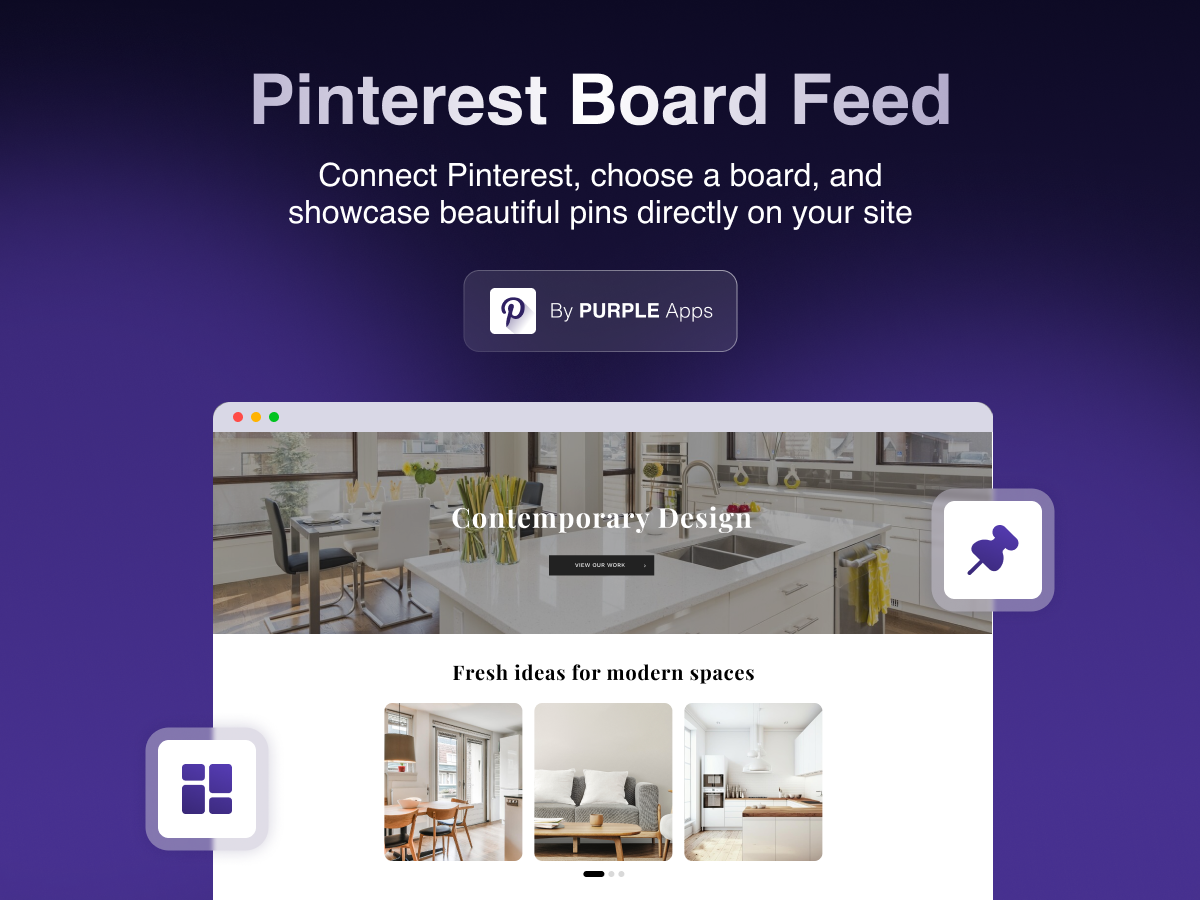
Overview
About this App
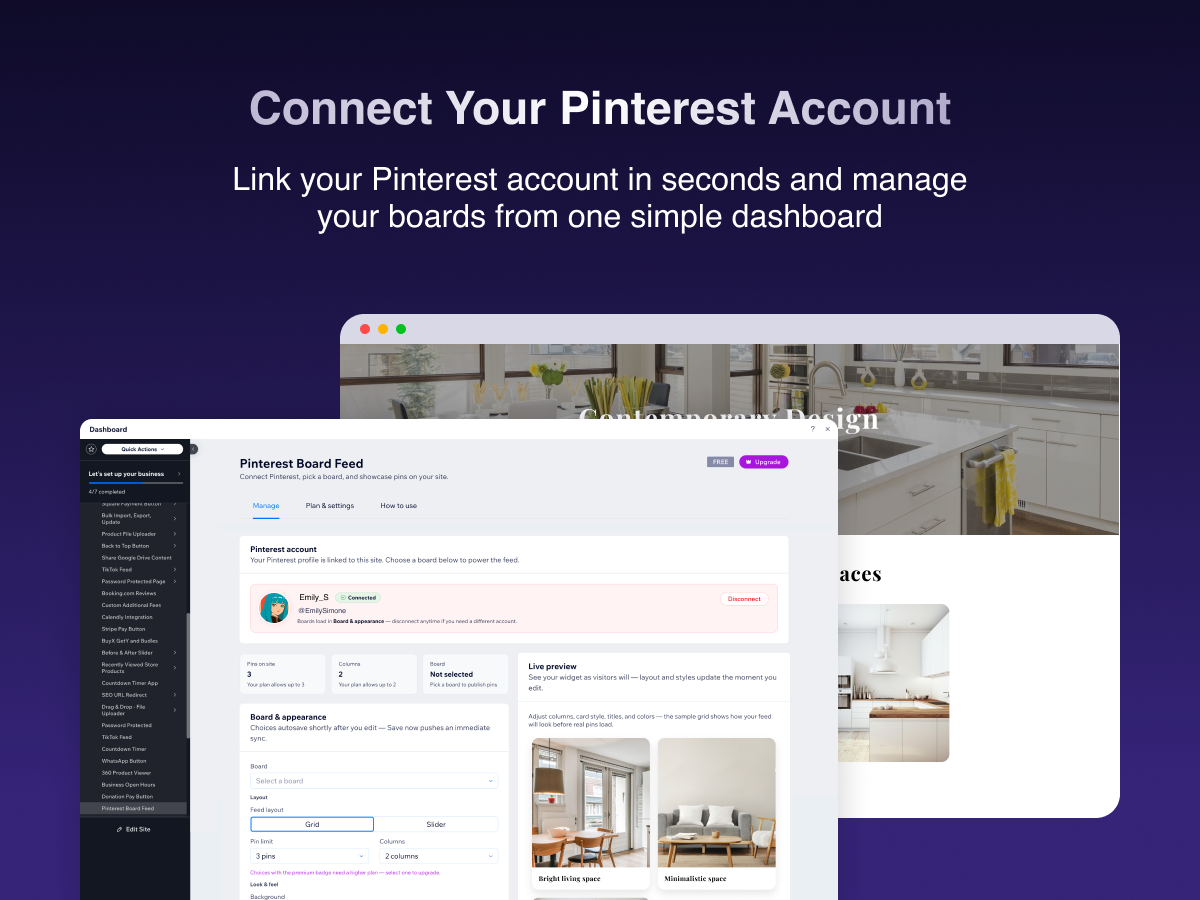
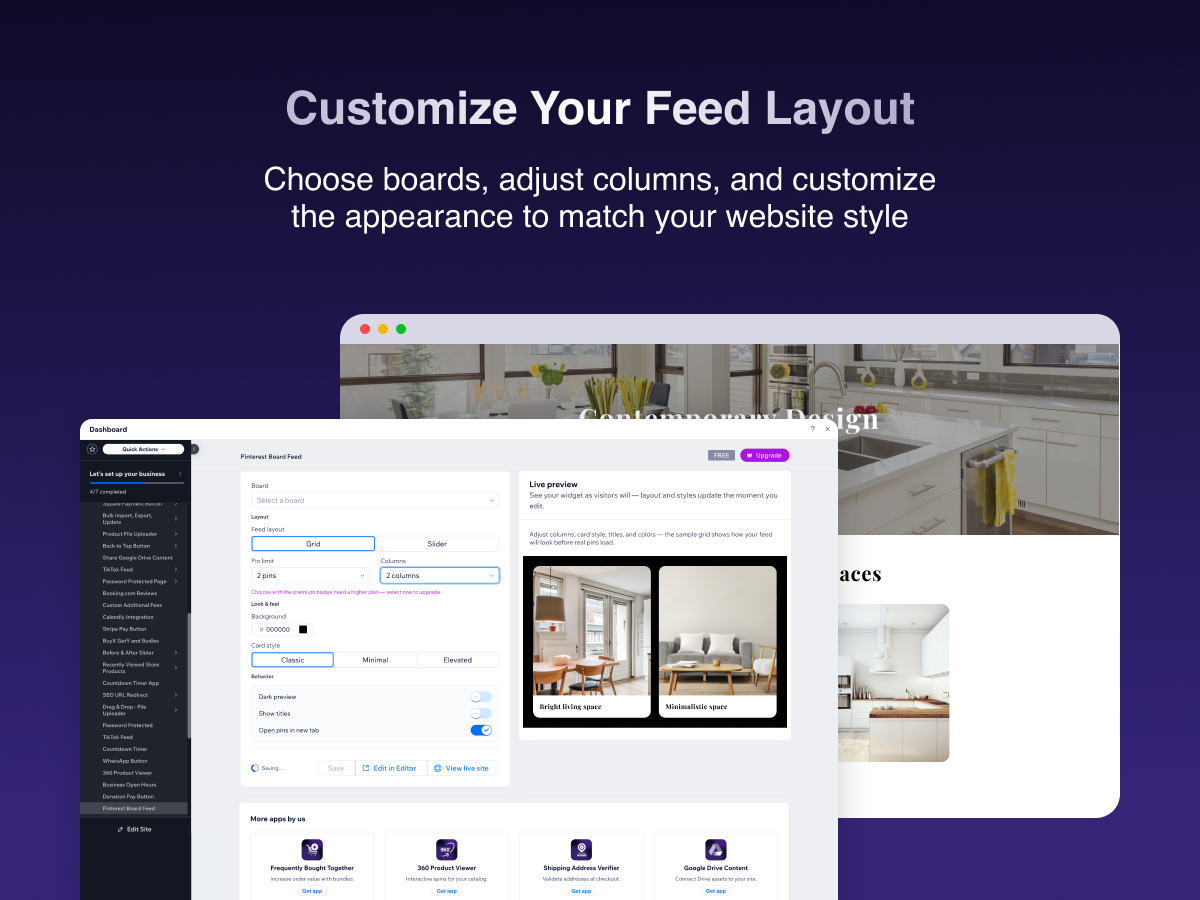
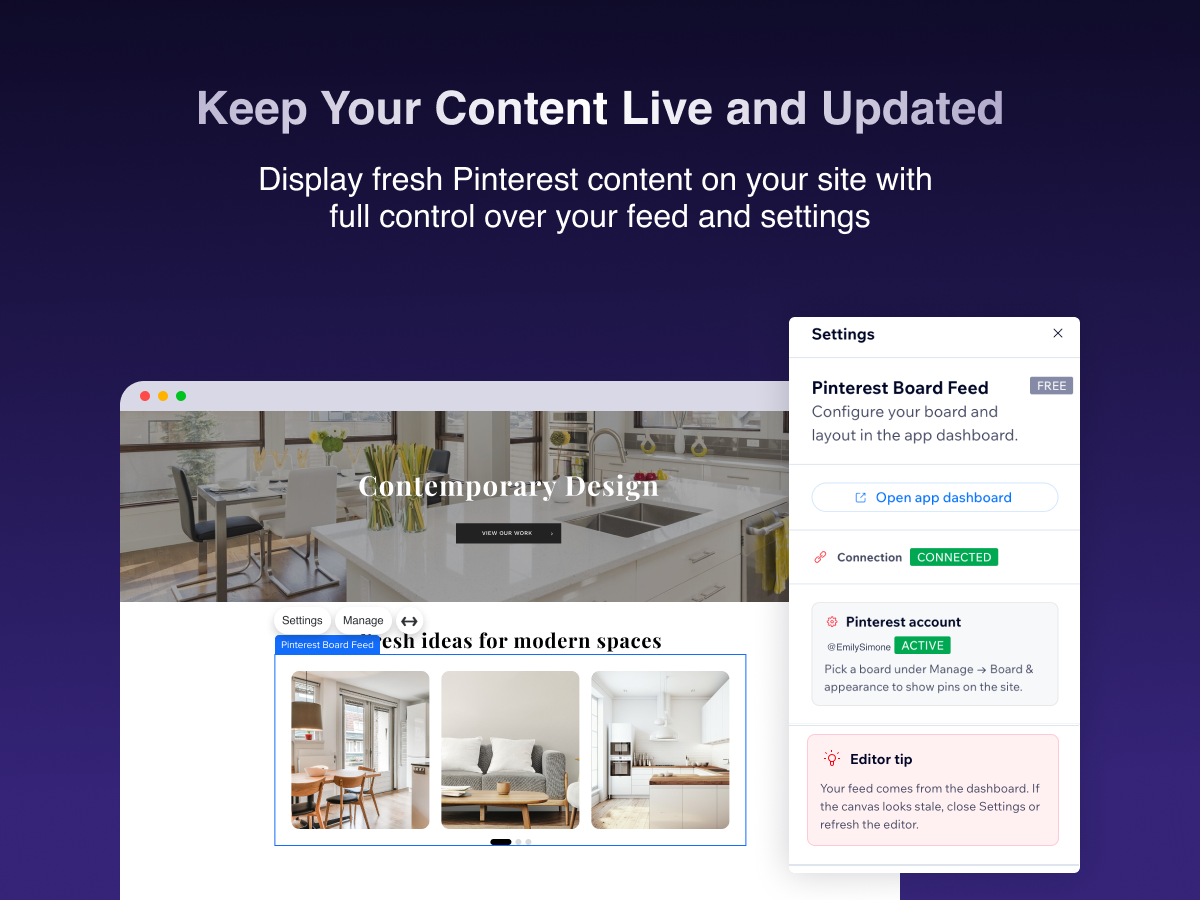
Pinterest Board Feed brings your Pinterest boards into your site - without manual screenshots or embed hacks. Sign in with Pinterest once, choose the board you want to showcase, and add the widget where visitors should see it. Customize layout options such as columns and how many pins appear, adjust background and card style, and toggle details like titles and opening links in a new tab. The app dashboard includes a live-style preview and automatically saves changes, with an explicit save control for when you want to push updates immediately. Jump to the Editor or your live site from the same screen. Free and paid tiers may limit how many pins and columns you can use on the live site; upgrade when you want a larger showcase. Install the app, connect Pinterest, pick a board, and publish - your feed updates when your board does.
What the listing highlights
- Connect Pinterest securely and pick which board powers your feed
- Drop a customizable widget on your site - columns, pin count, background, and card styles
- Preview changes in the dashboard with autosave so your live widget stays in sync
- Plans with higher limits when you need more pins and a wider grid
Additional product media
Promotional media
Reviews
Official Wix marketplace summary
Wix Marketplace feedback
No reviews yet.
Plan comparison
Pricing & Plans
Basic
Free
Free
- Up to 3 pins per board
- Up to 2 grid columns
- Grid & slider layouts
Starter
$0.99 / month
$11.88 billed yearly Save 23% yearly$1.29 / month
- Everything in Free
- Up to 20 pins per board
- Up to 3 grid columns
Pro
$1.49 / month
$17.88 billed yearly Save 25% yearly$1.99 / month
- Everything in Starter
- Up to 50 pins per board
- Up to 4 grid columns