
Table of Contents by Hullspark
By Hullspark
- Wix Campaign
Product media
Screenshots
1 of 6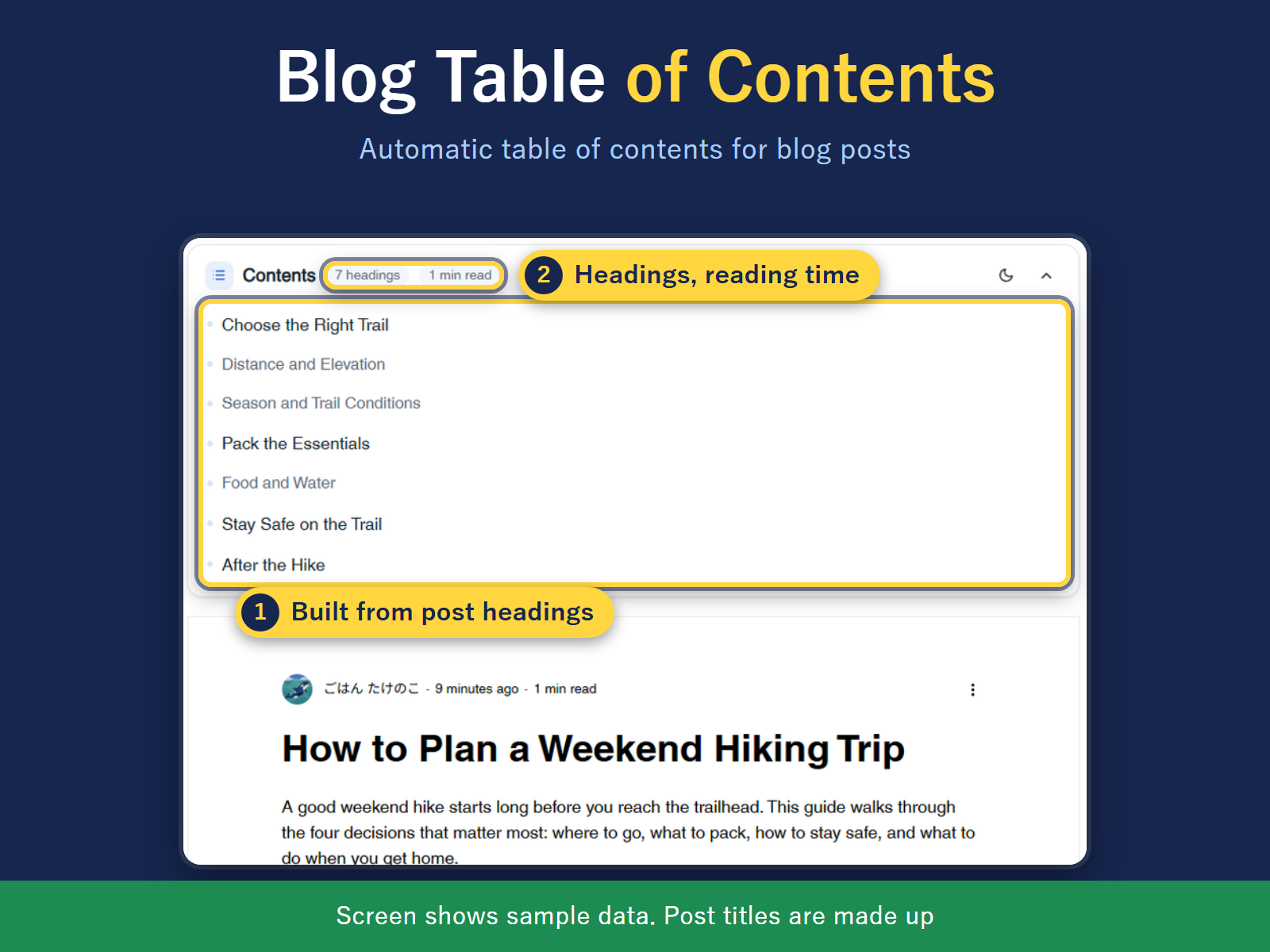
Overview
About this App
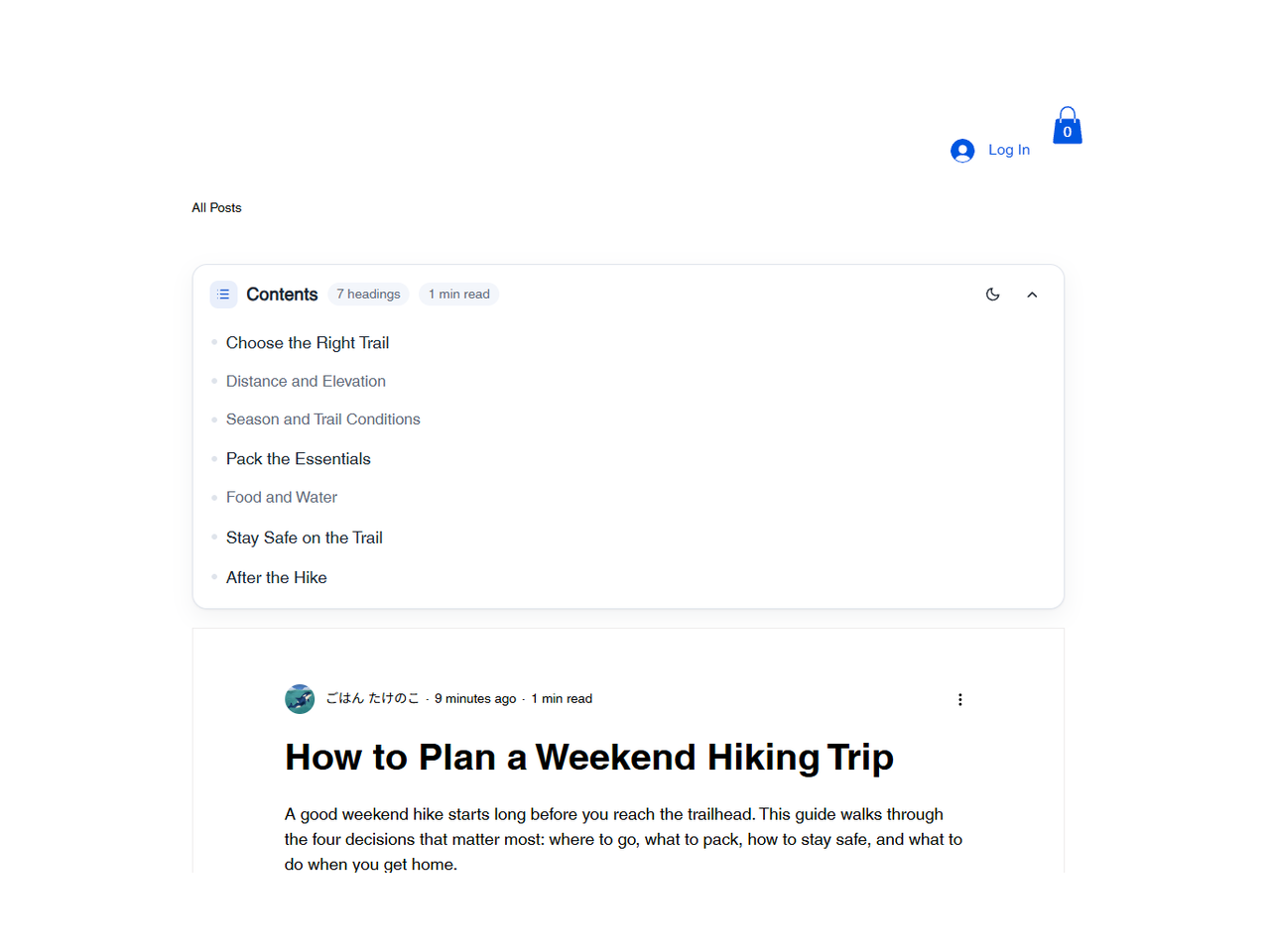
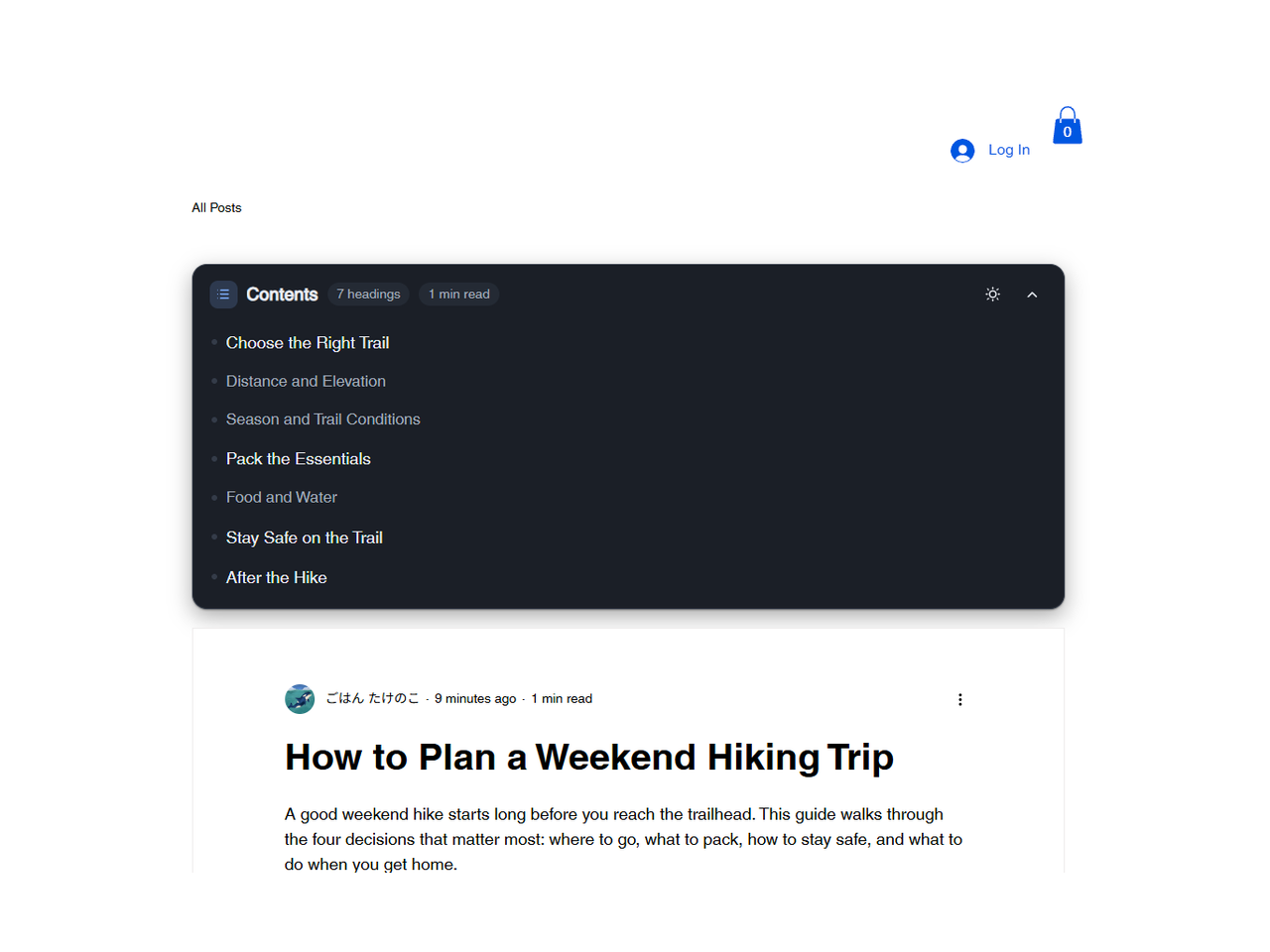
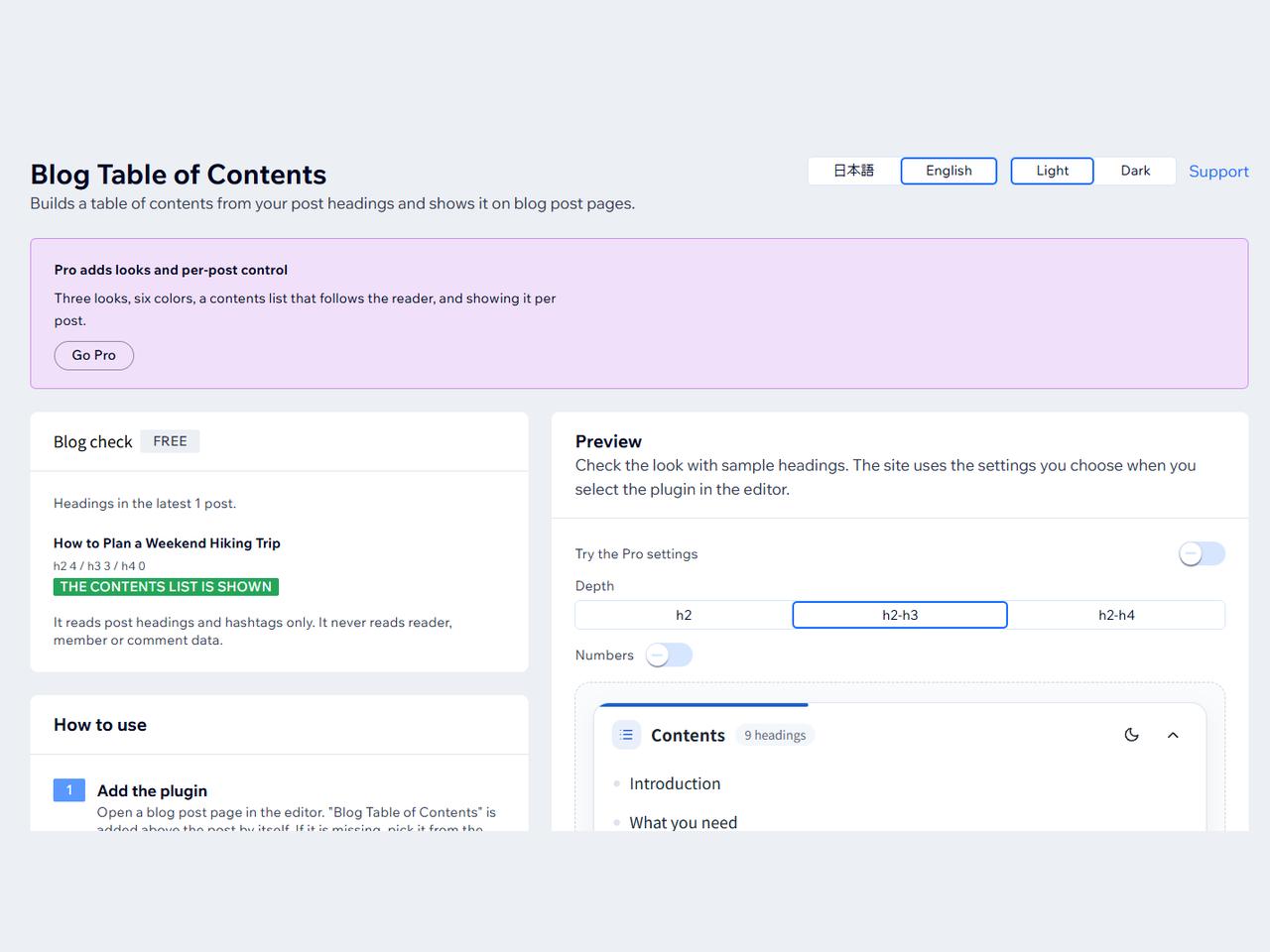
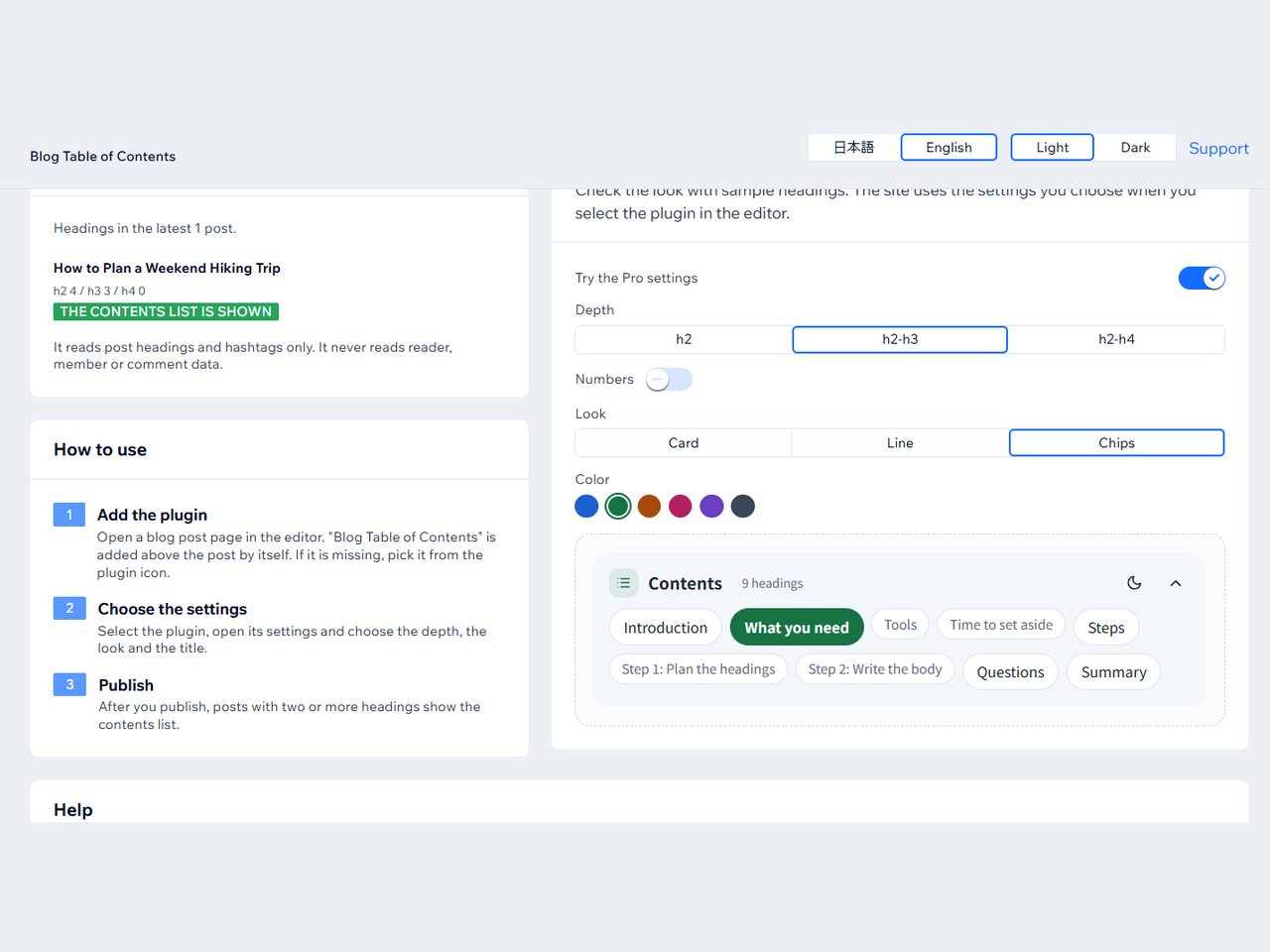
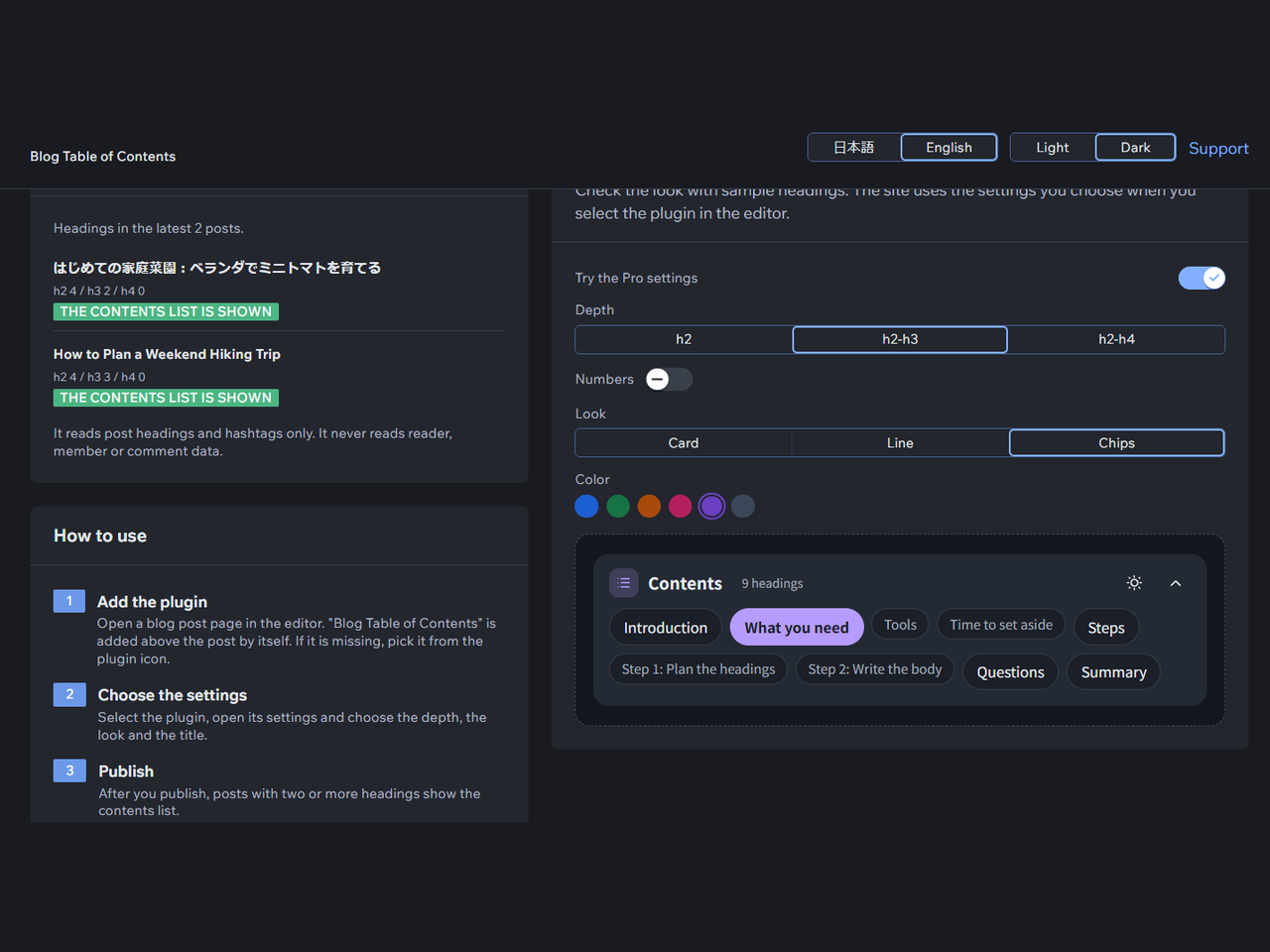
Long blog posts are hard to scan, and adding a table of contents usually means writing code. This app adds a table of contents to the top of your blog post page, built from the headings of each post. Selecting a line scrolls to that heading. Japanese headings work. It appears on posts with two or more headings, and you can raise that number up to eight. In the editor you can set the title, the depth (h2 only, h2 to h3, or h2 to h4), numbering, space for a fixed site header, language, and light or dark display. On a phone it starts closed. A dashboard page shows a preview and checks the latest 10 posts to show why one has no table of contents. Free offers five card looks, with no watermark or credit line. Pro sets your own colors and background (in the light or dark view the list starts in) and text size, and adds three layouts, six accent colors, a floating panel that follows the reader, and per-post control: #notoc or #目次なし hides it on one post, or show it only on posts tagged #toc. A post shows no table of contents when it has fewer headings than the minimum or is left out by the hashtag rules. Headings build the list. The app does not read readers, members or comments.
What the listing highlights
- Contents list built from post headings
- Select a line to jump to the heading
- Depth: h2, h2 to h3, or h2 to h4
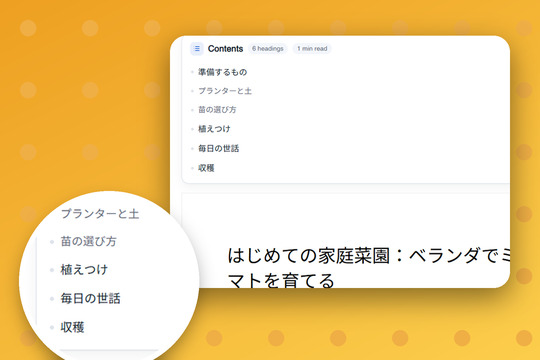
- Works with Japanese headings
Additional product media
Promotional media
Videos
Reviews
Official Wix marketplace summary
Wix Marketplace feedback
No reviews yet.
Plan comparison
Pricing & Plans
Basic
Free
Free
- Contents list on posts with headings
- Depth, title, numbering, minimum count
- English or Japanese, light or dark
Pro
$473 / month
$5,686 billed yearly$474 / month
- Your colors, background and text size
- 3 layouts and 6 accent colors
- Contents list that follows the reader