
Karelia Timeline
By Karelia Labs
Product media
Screenshots
1 of 6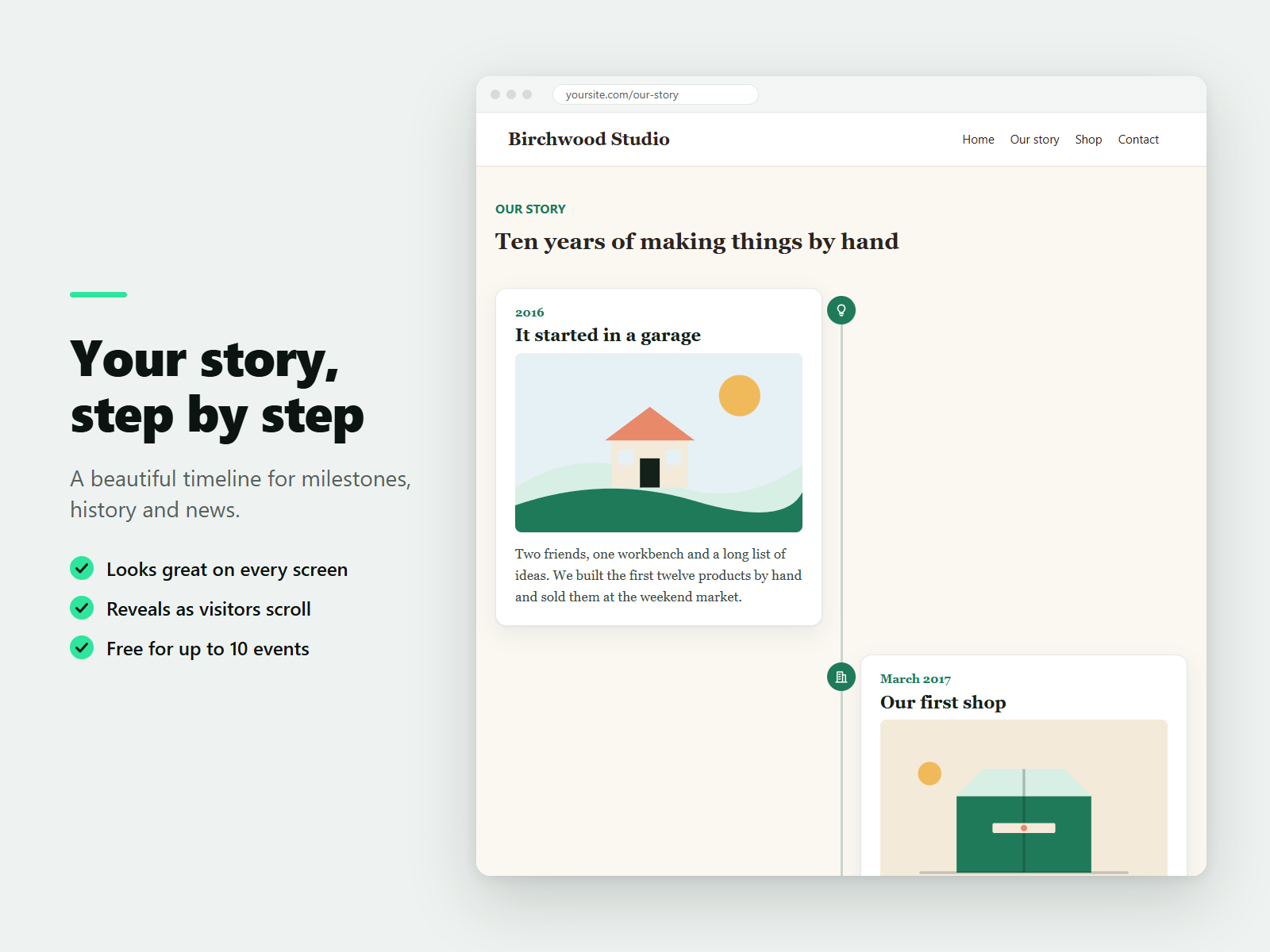
Overview
About this App
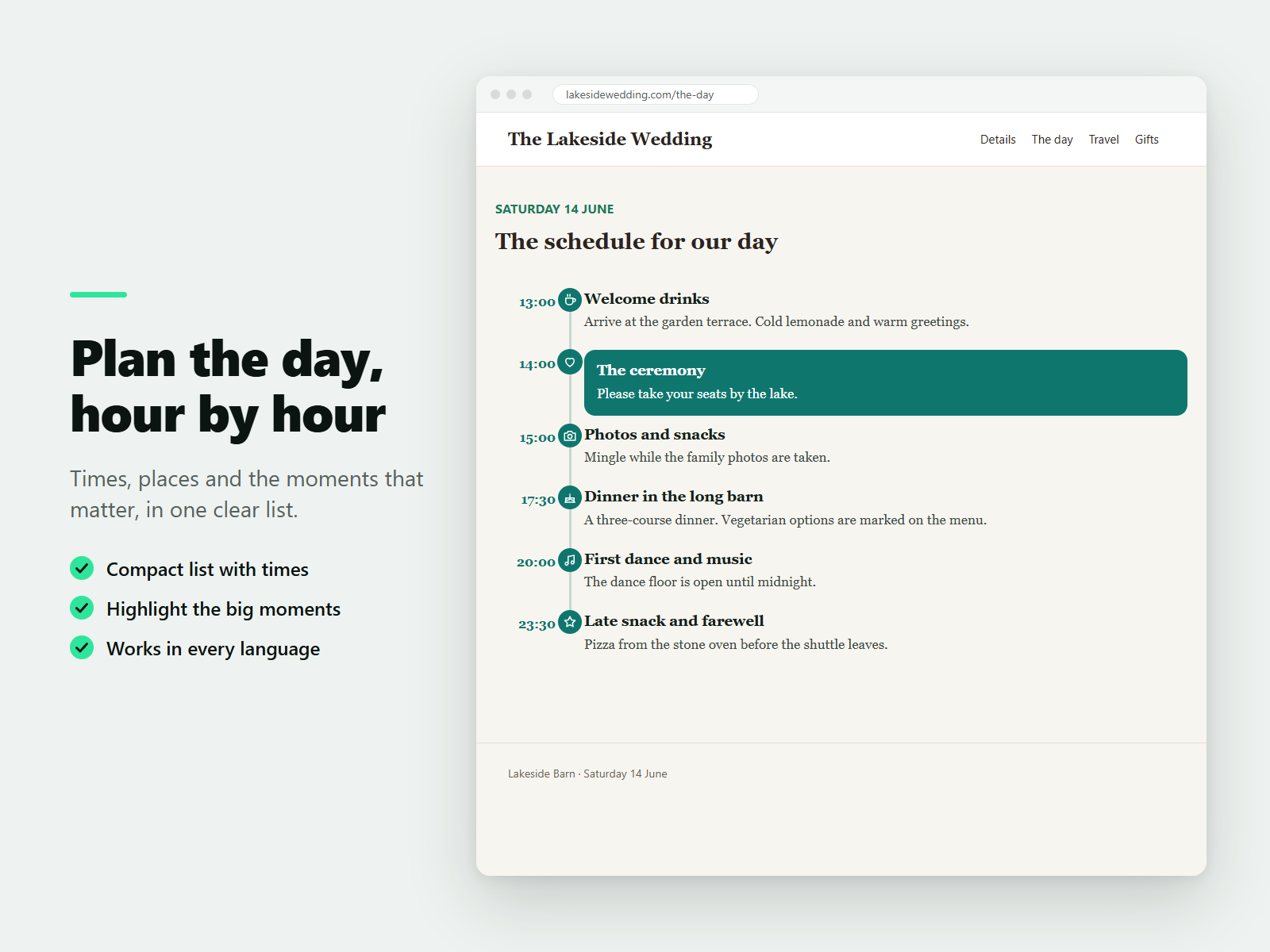
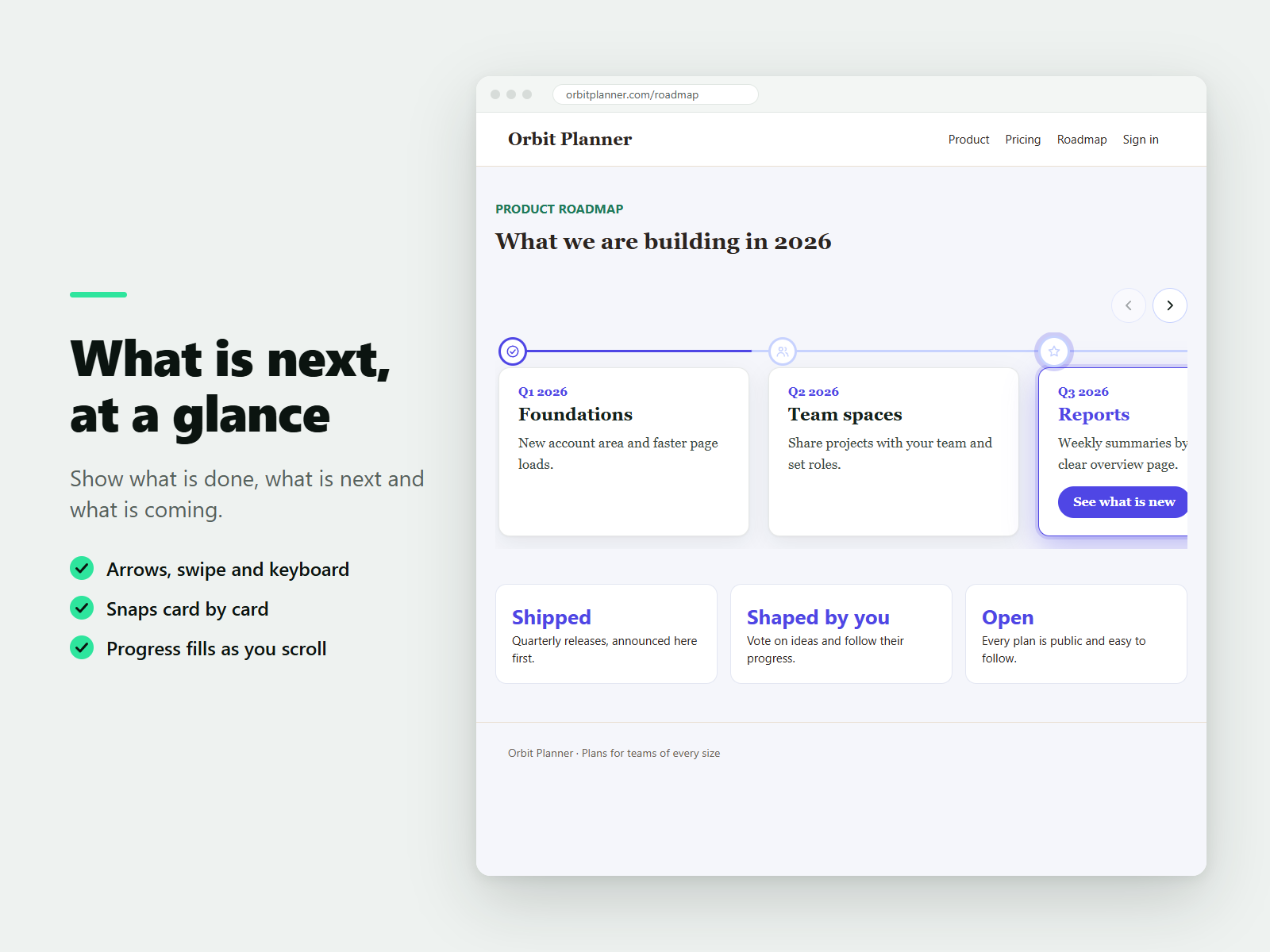
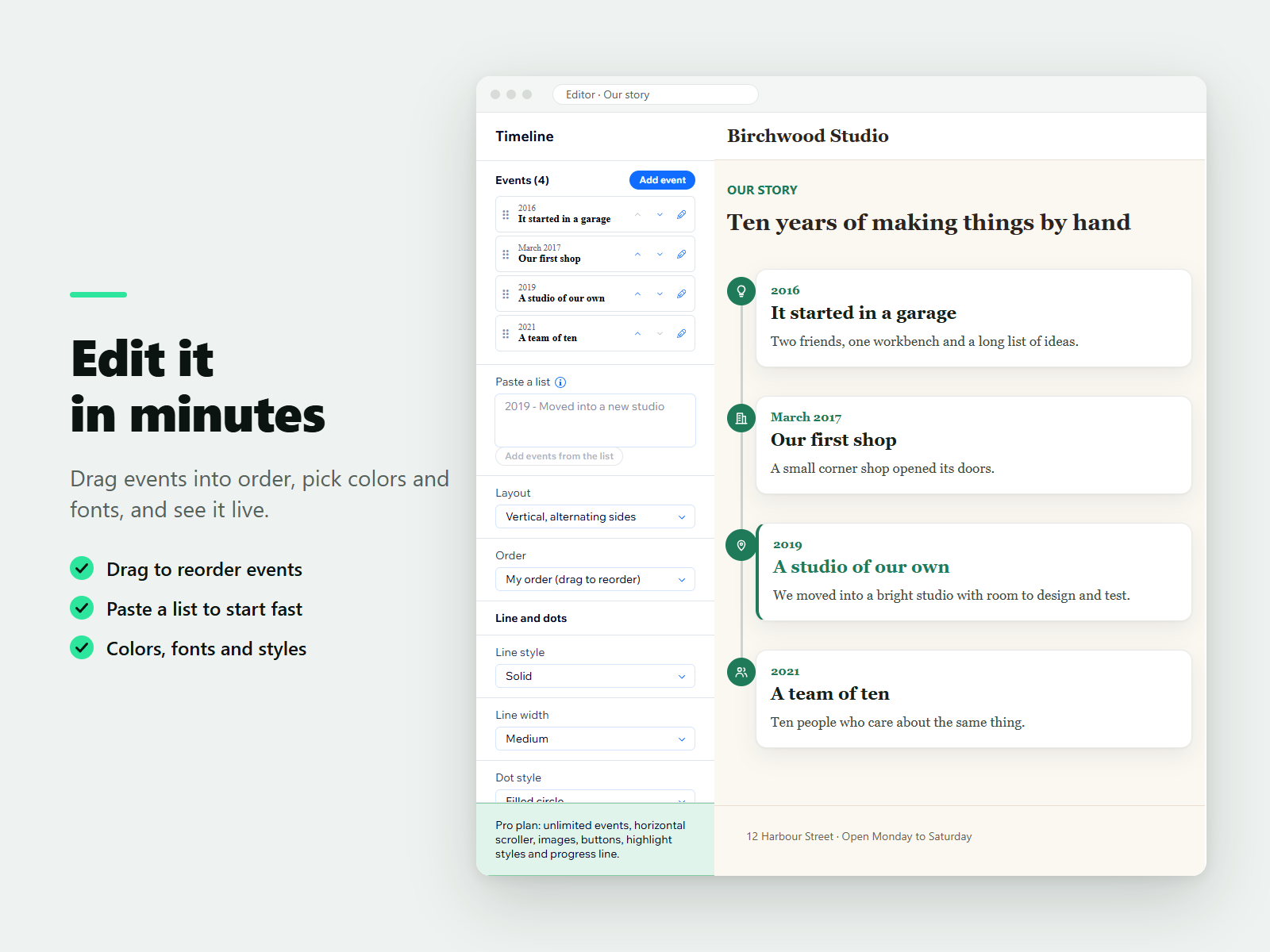
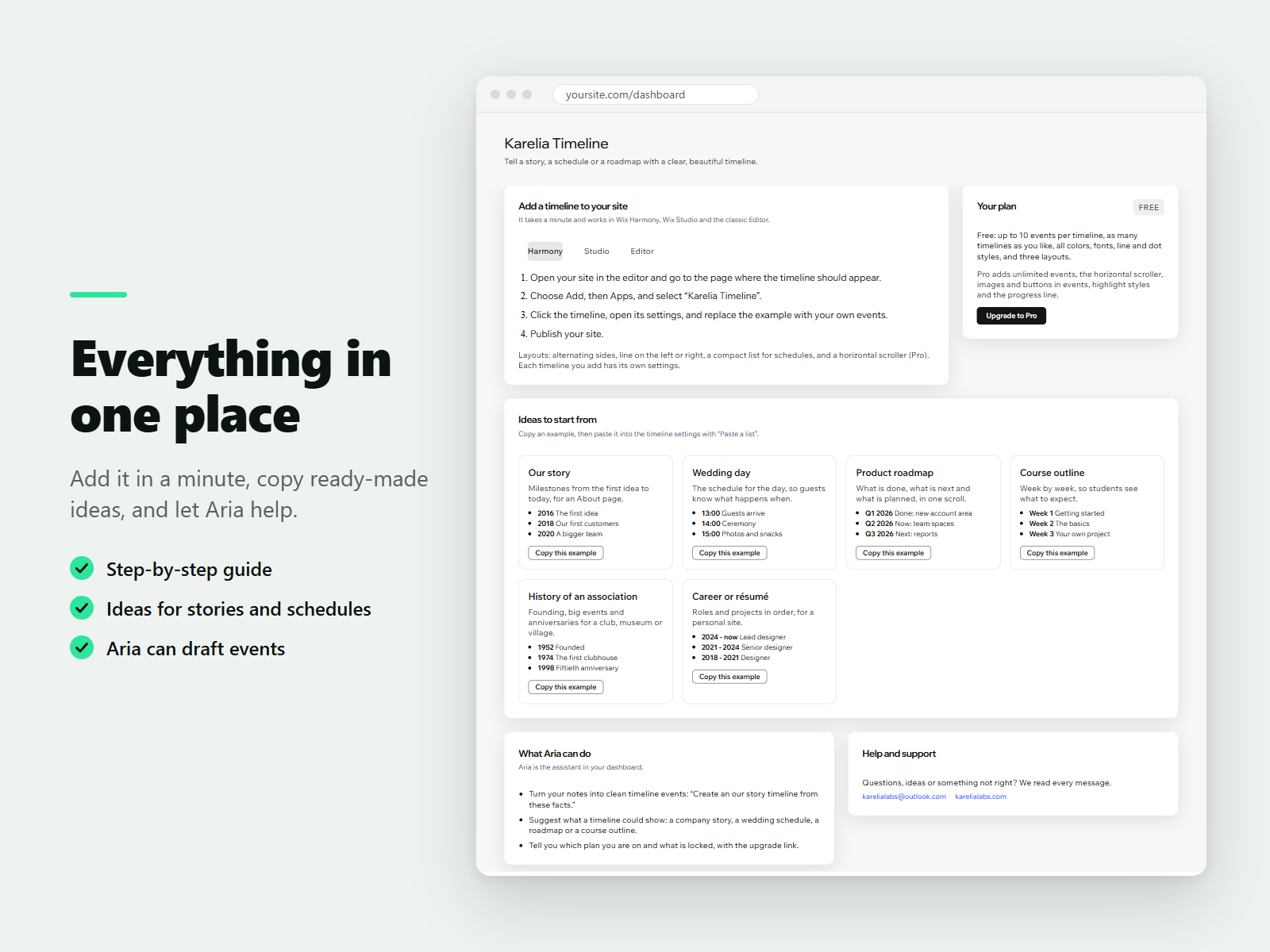
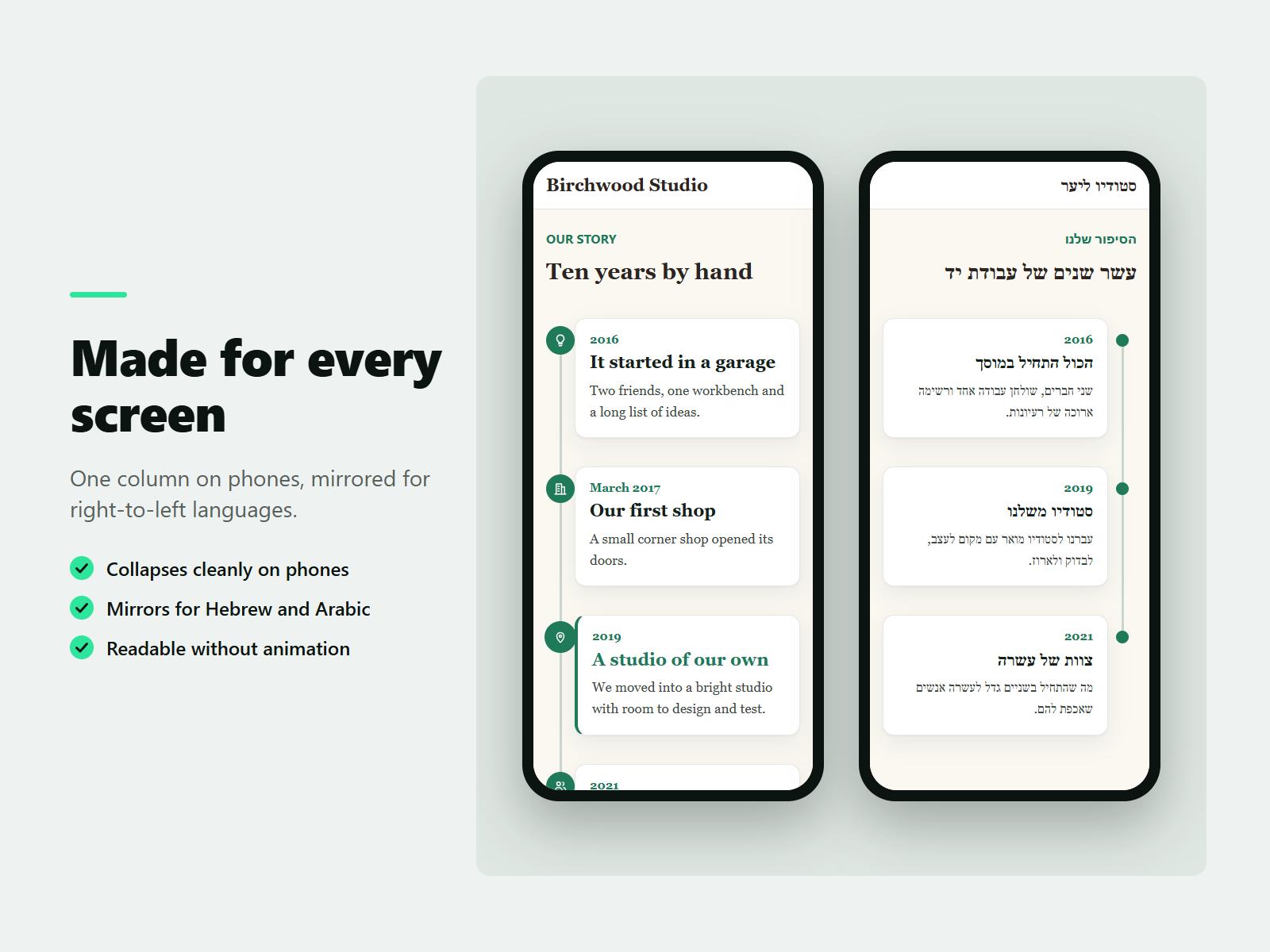
Tell your story, plan a day or share a roadmap with a timeline that fits your design. Add events with a date or label, a title, text, an icon and optional images and buttons, then reorder them by dragging or sort them by date. Paste a list to start in seconds. Choose an alternating, left or right vertical layout, or a compact schedule with times. Colors, fonts, line and dot styles are free settings, and gentle scroll-in animations switch off for visitors who prefer reduced motion. The content stays readable text, with real dates for search engines. It suits company histories, wedding and event schedules, project roadmaps, course outlines and resumes, and works with a keyboard, on small phones and in right-to-left languages. Ask Aria to turn your notes into timeline events. The free plan includes up to 10 events per timeline and unlimited timelines. The paid Pro plan adds unlimited events, a horizontal scroller, images and buttons in events, highlight styles and a progress line that fills as visitors scroll.
What the listing highlights
- Vertical and schedule layouts in your colors and fonts
- Drag to reorder, sort by date, paste a list to start
- Scroll-in animations that respect reduced motion
- Horizontal scroller, images and buttons (Pro)
Reviews
Official Wix marketplace summary
Wix Marketplace feedback
No reviews yet.
Plan comparison
Pricing & Plans
Basic
Free
Free
- Up to 10 events per timeline
- Unlimited timelines
- Vertical and schedule layouts
Pro
$0 / year
Save 19% yearly$0 / month
- Unlimited events
- Horizontal scroller
- Images and buttons in events