Shipmondo Shipping & Labels
By Glimm Tech
Product media
Screenshots
1 of 6
Overview
About this App
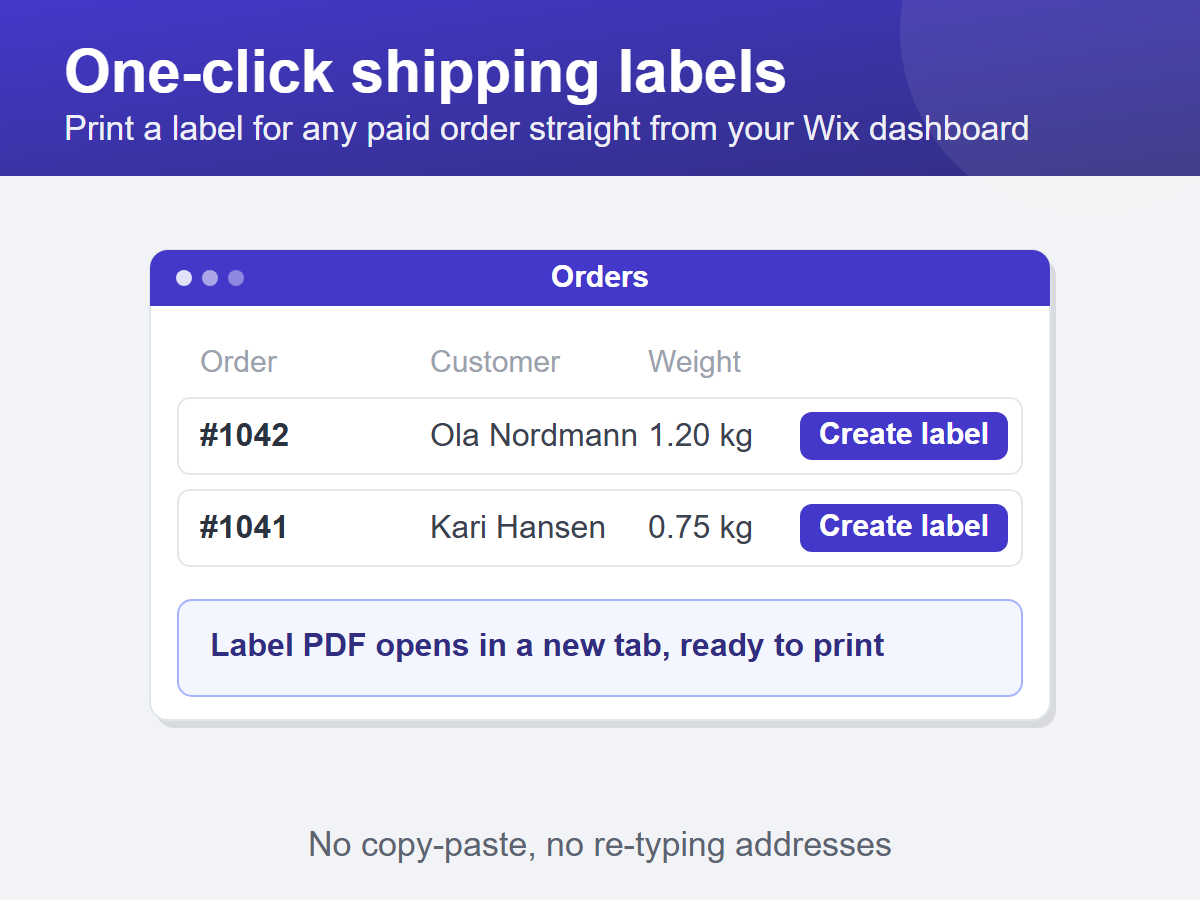
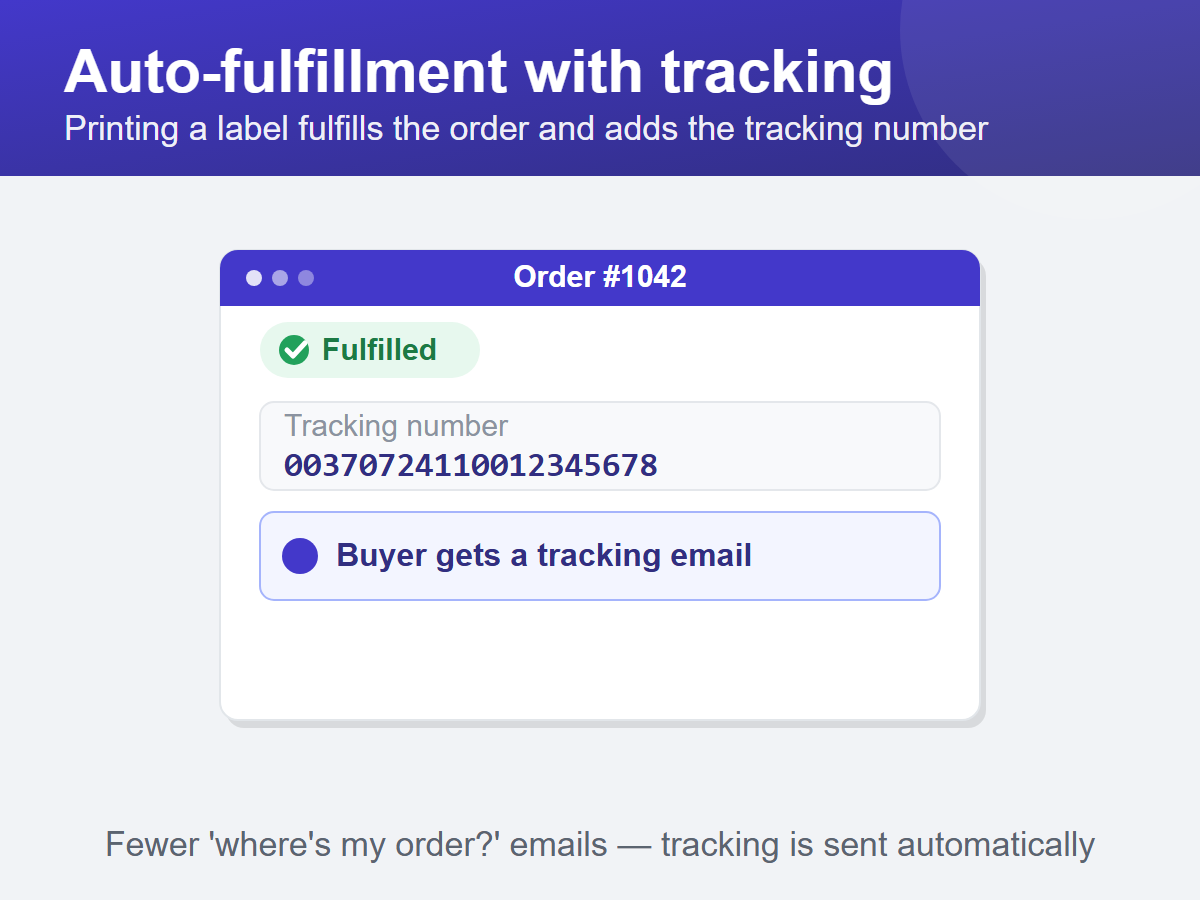
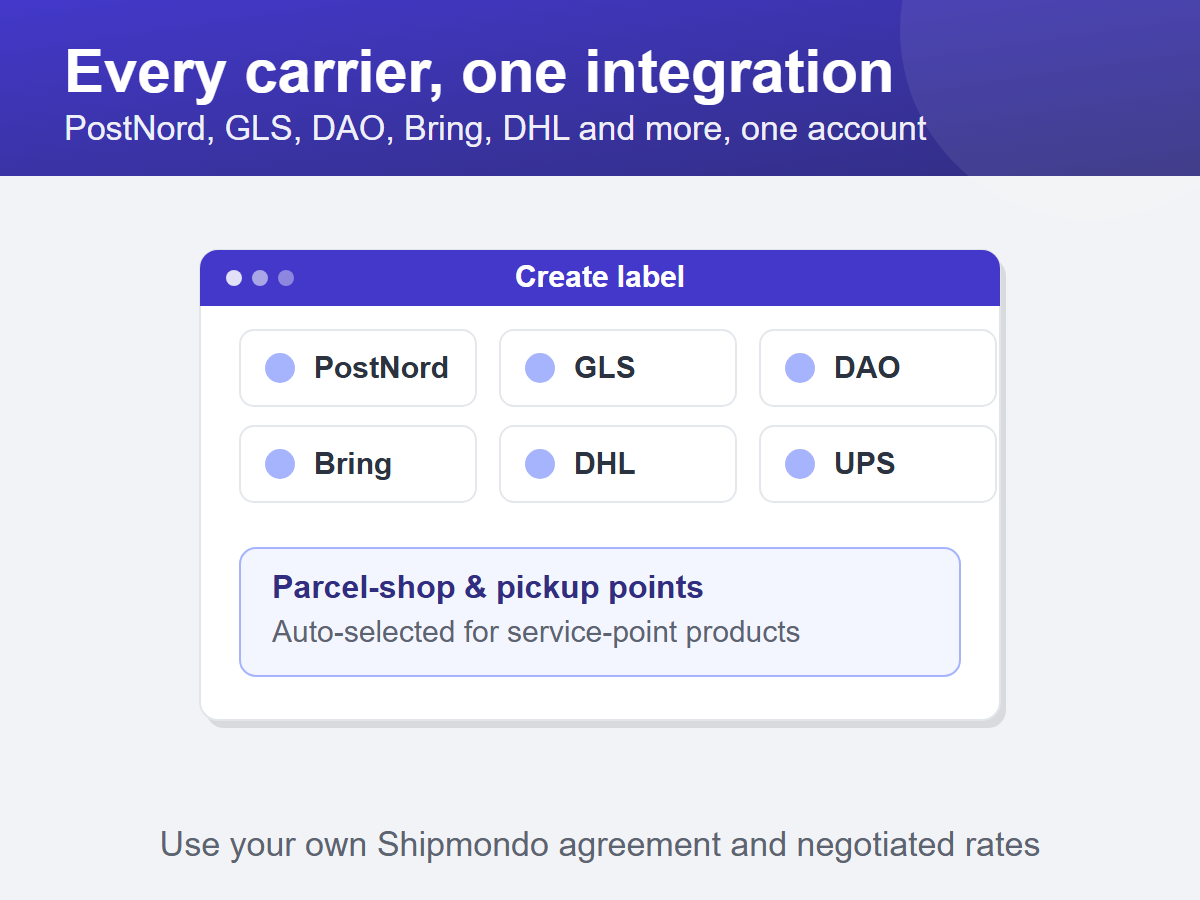
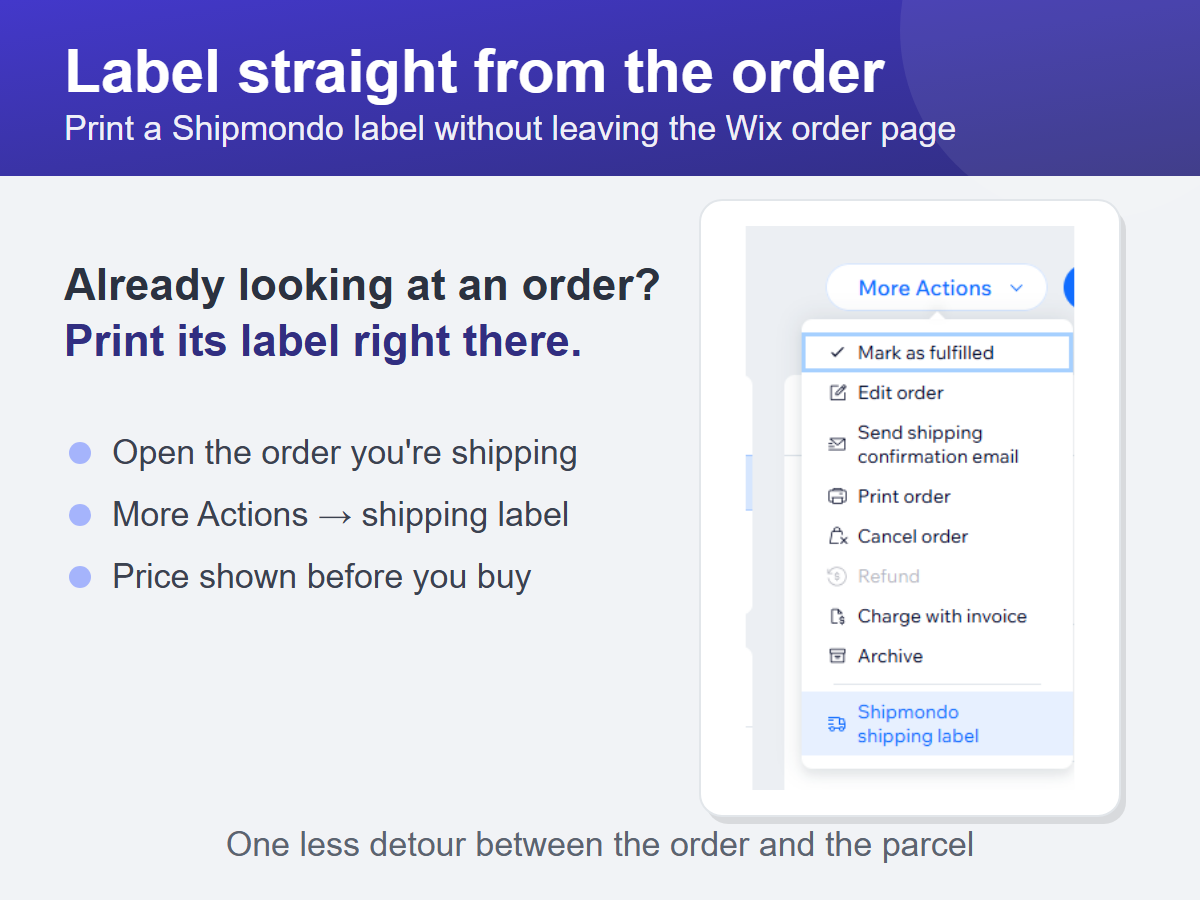
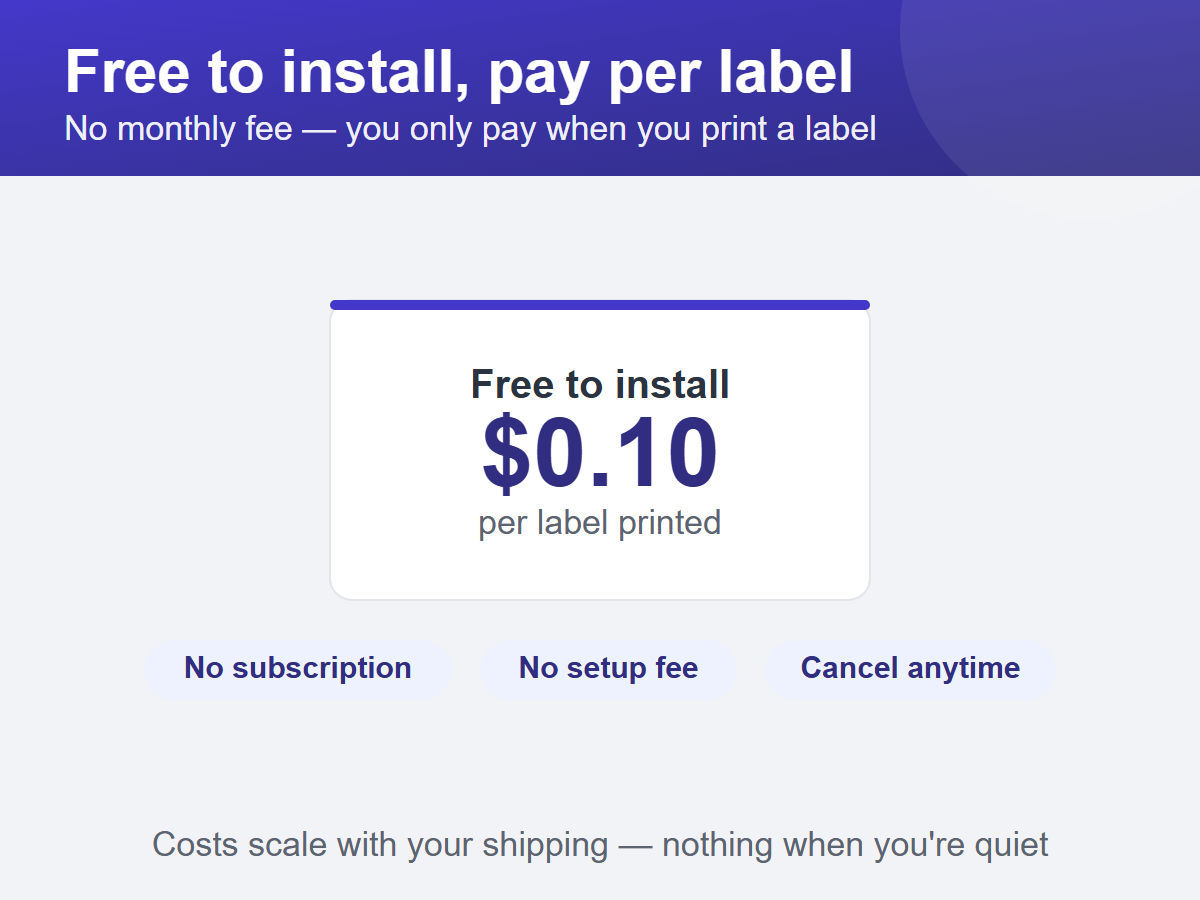
Book a shipment with your carrier and print its label in one click. Shipmondo Labels connects your Shipmondo account to your store, so you can book with PostNord, Bring, GLS, DHL and every other carrier in your agreement - without copying addresses or leaving your dashboard. Open the Orders tab, pick a paid order, and create the label. You see the price before you confirm; the label opens ready to print, and the order is marked fulfilled with its tracking number, which triggers the shipping-confirmation email to your customer. Address and weight come from the order. Adjust the weight, parcel size, carrier product and add-ons before booking, or pick the exact parcel shop your customer collects from. If the carrier re-weighs a parcel and bills extra, that charge is shown against the order that caused it. You keep your own Shipmondo agreement and rates, and pay Shipmondo for postage as you do today. The app is free to install with no monthly fee - you're charged a small amount only for each label you print. Setup: add your API credentials, fill in your sender address, print.
What the listing highlights
- Book shipments and print labels for paid orders in one click
- Price quote before you book, and the order auto-fulfilled with tracking
- PostNord, Bring, GLS, DAO, DHL, UPS and more via your Shipmondo account
- Free to install, pay per label — no monthly fee
Additional product media
Promotional media
Reviews
Official Wix marketplace summary
Wix Marketplace feedback
No reviews yet.
Plan comparison
Pricing & Plans
Pay Per Label
Usage-based
{0.1} per labelUsage-based
{0.1} per label- Book shipments and print labels
- Auto-fulfills orders with tracking
- Price quote before you book