
Booking Fees & Surcharges
By Kayabyte
- Wix Campaign
Product media
Screenshots
1 of 4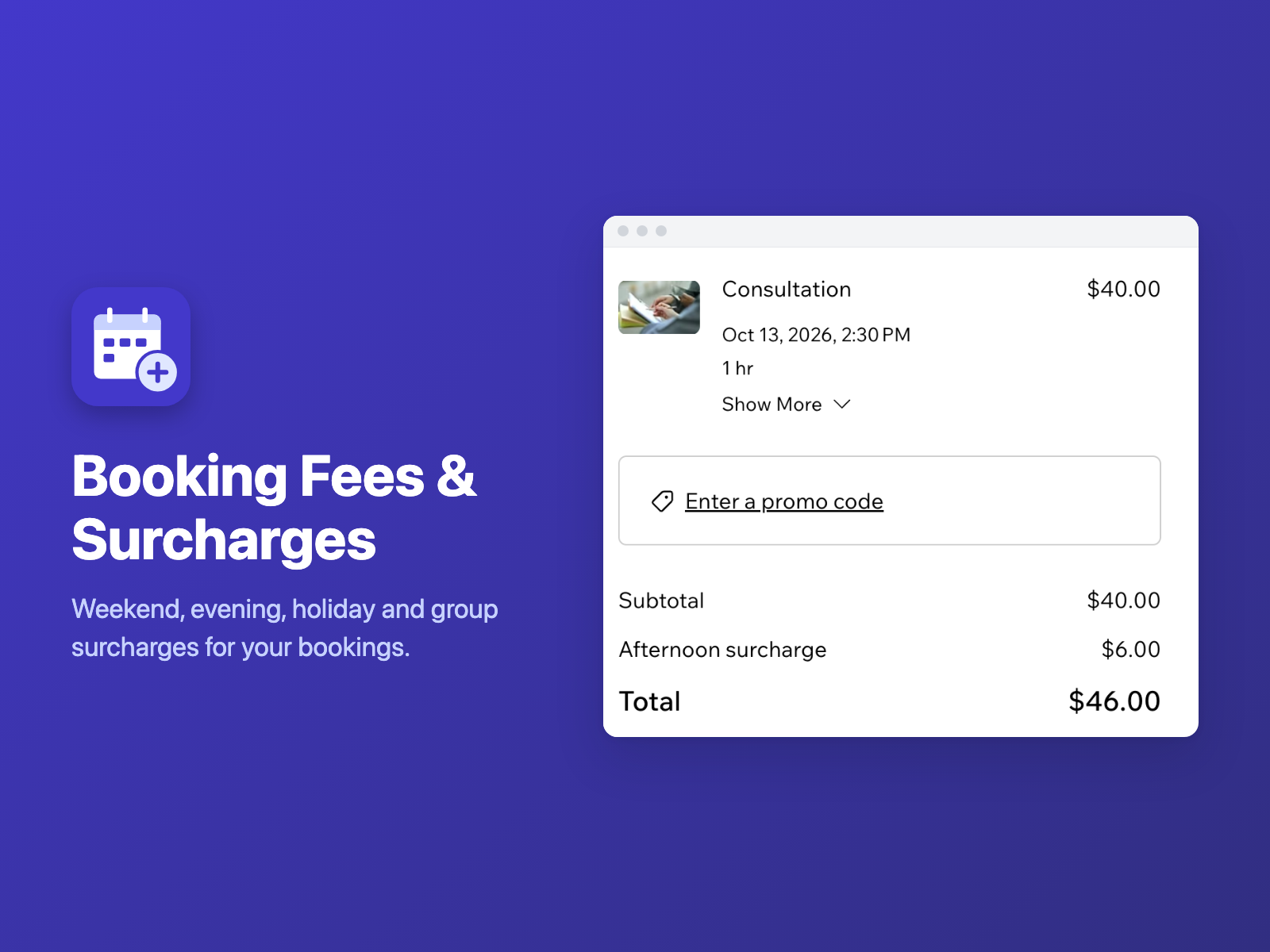
Overview
About this App
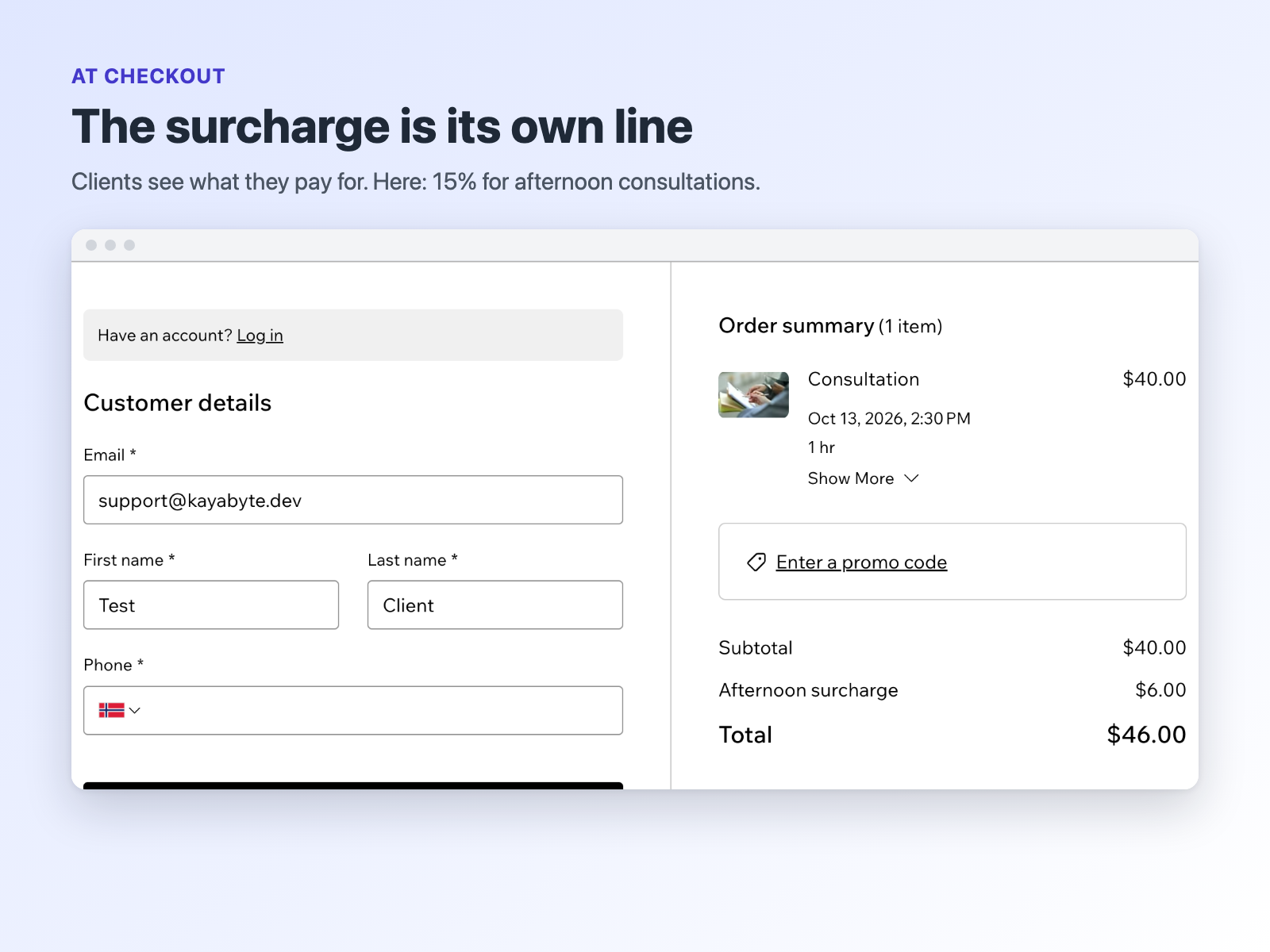
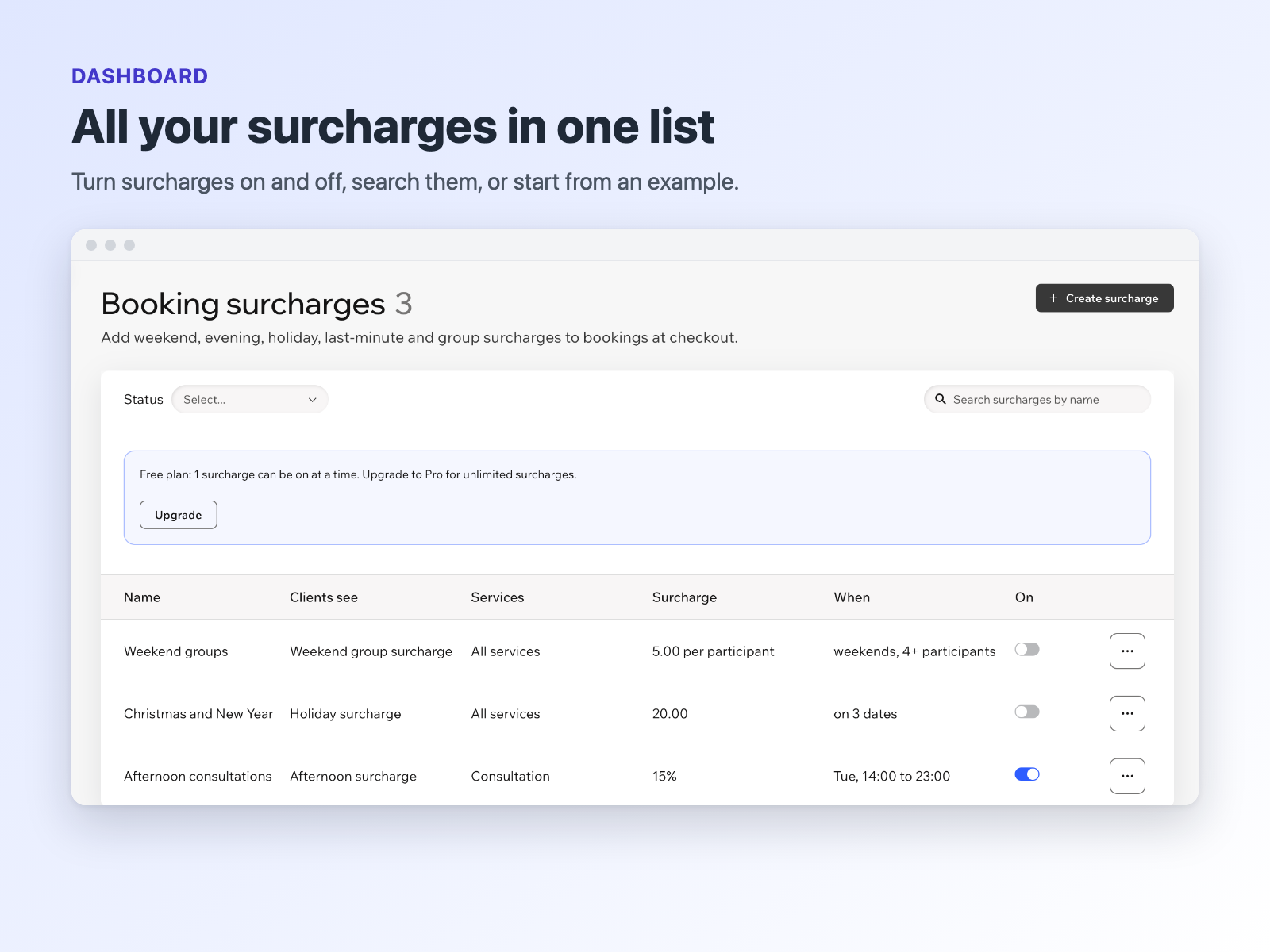
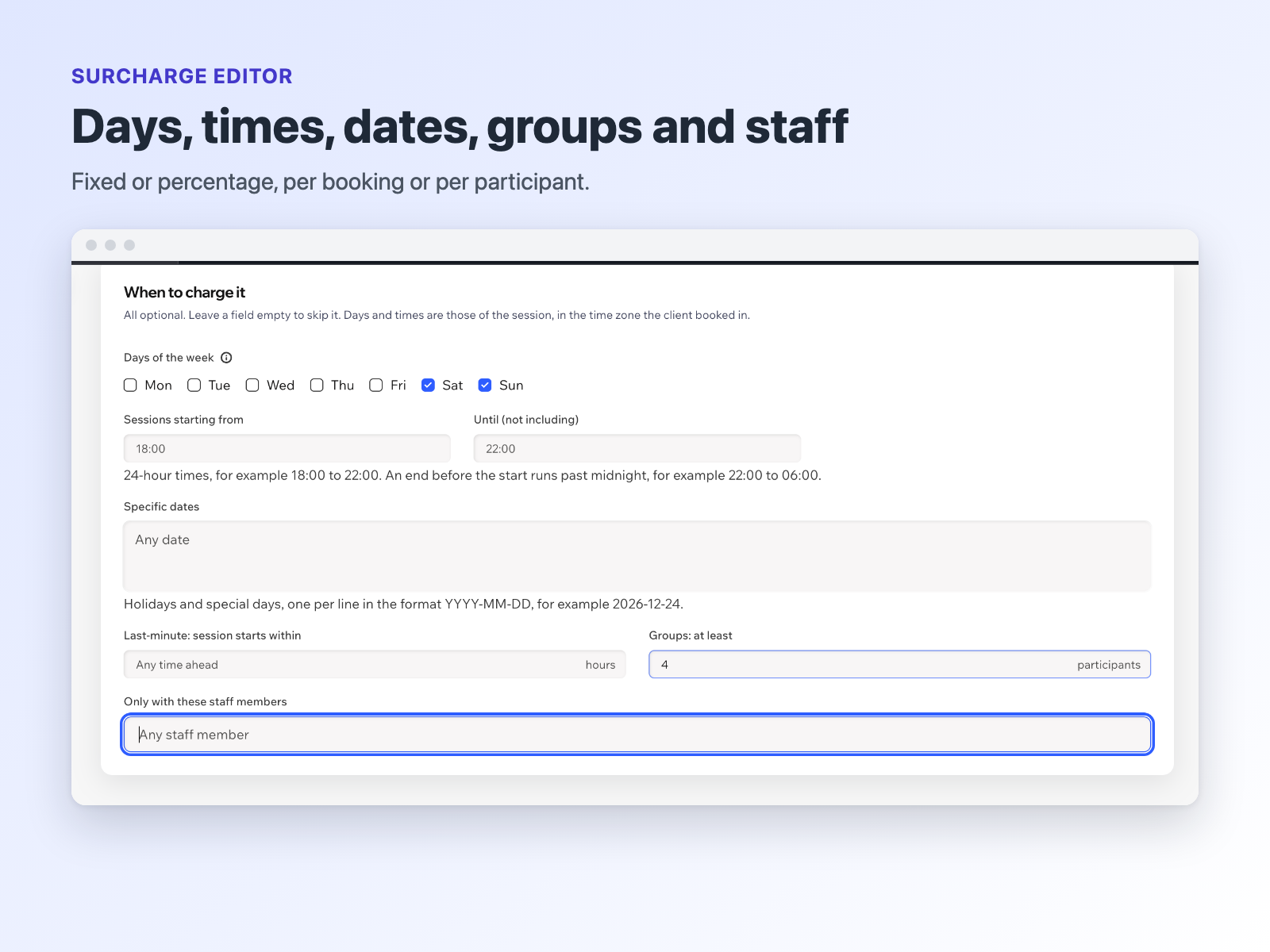
Booking Fees & Surcharges adds your own surcharges to bookings at checkout. Charge more for weekend or evening sessions, holidays and special dates, last-minute bookings, larger groups, chosen services or chosen staff members. Each surcharge shows as its own named line, so clients see what they pay for. A surcharge is a fixed amount per booking, a fixed amount per participant, or a % of the service price with an optional minimum and maximum. Days and times are read in your business's time zone. Set surcharges by day of the week, by session start time (an evening window can run past midnight), by date (once, or every year), by how soon the session starts, by group size, by service and by staff member. Combine conditions: all of them must hold. Surcharges are not taxed by default. Turn on tax for a surcharge and your site's tax settings apply. If anything goes wrong on our side, no surcharge is added, so the booking can still go through. The Free plan runs 1 surcharge at a time, set by day, time and date. Pro adds more surcharges at once, conditions for services, staff, last-minute bookings and group size, and fees per participant.
What the listing highlights
- Weekend, evening and holiday surcharges
- Last-minute and group booking fees
- Fixed, per participant or percentage
- Each surcharge is its own line at checkout
Reviews
Official Wix marketplace summary
Wix Marketplace feedback
No reviews yet.
Plan comparison
Pricing & Plans
Free
Free
Free
- 1 active surcharge at a time
- Day of week, time and date rules
- Fixed or percentage amounts
Pro
$5.83 / month
$69.96 billed yearly Save 17% yearly$6.99 / month
- Multiple active surcharges
- Rates for chosen services
- Staff and last-minute rules