Sale Sync - Category & Ribbon
By Glimm Tech
Product media
Screenshots
1 of 3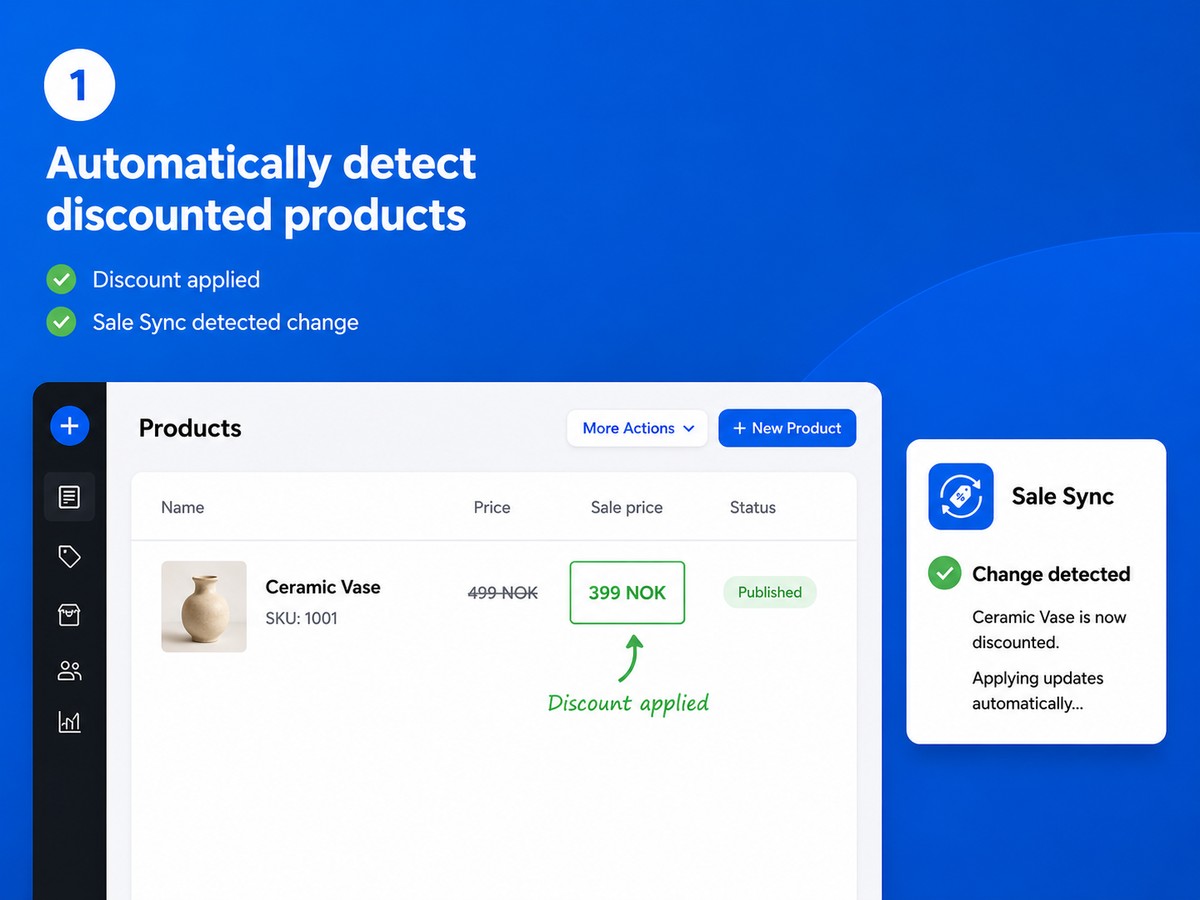
Overview
About this App
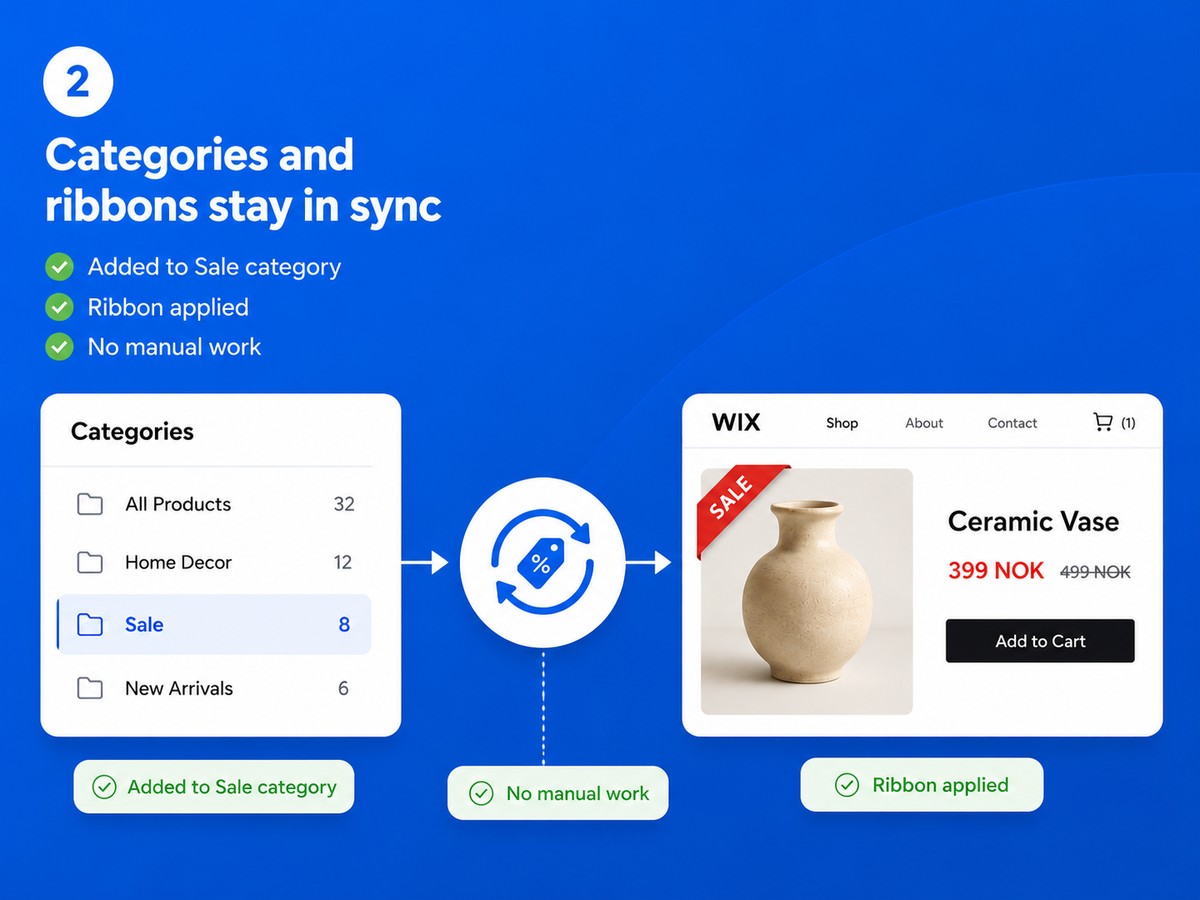
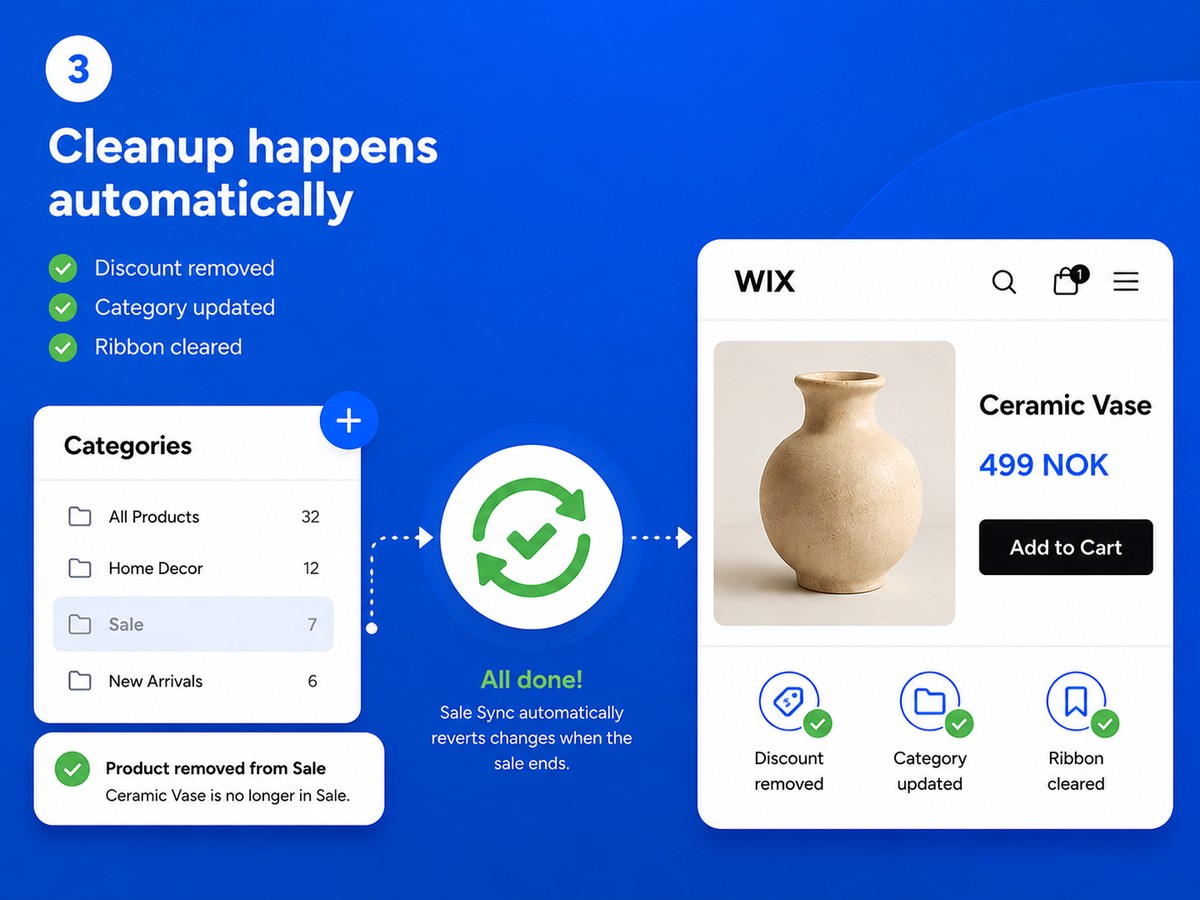
Running a sale means more than just setting a discount. You also need to add products to your Sale category so customers can find them, and tag them with a ribbon so they stand out. When the sale ends, you need to undo all of that. Do this across dozens of products and multiple sales and it becomes a real chore - and easy to forget. Sale Sync does all of this for you, automatically. Setup takes a minute: choose which category you use for sale products and what text you want on the ribbon. That's it. Every time you discount a product it is added to your Sale category and the ribbon is applied. When you remove the discount it is taken out of the category and the ribbon is cleared. Your Sale category is always accurate. Your ribbons always reflect current pricing. And you never have to think about it again.
What the listing highlights
- Discounted products are added to your Sale category automatically - and removed the moment the discount ends
- A custom ribbon label appears on sale products and is cleared automatically when the sale is over
- Your Sale category is always accurate - no forgotten products, no stale ribbons
- Set up in one minute: choose your category and ribbon text, and Sale Sync handles the rest
Reviews
Official Wix marketplace summary
Wix Marketplace feedback
No reviews yet.
Plan comparison
Pricing & Plans
Basic
Free
Free
- Automatic Sale category sync
- One custom product ribbon
- Adds and removes sale products
Pro
$3.99 / month
$47.88 billed yearly Save 20% yearly$4.99 / month
- Multiple discount rules
- Dynamic Save {percent}% ribbons
- Dashboard, exclusions & re-sync