
Aurora Text
- Wix Campaign
Product media
Screenshots
1 of 5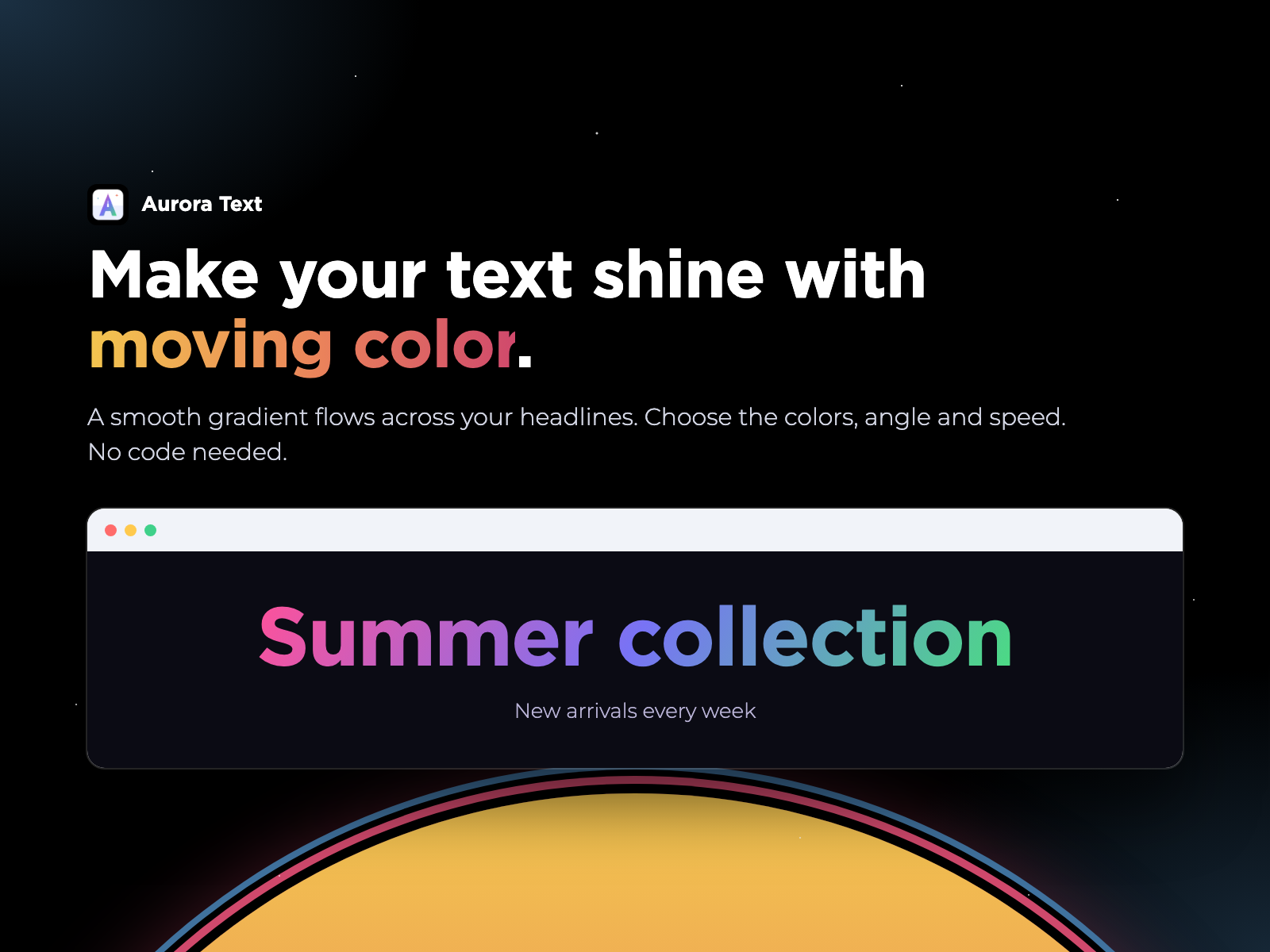
Overview
About this App
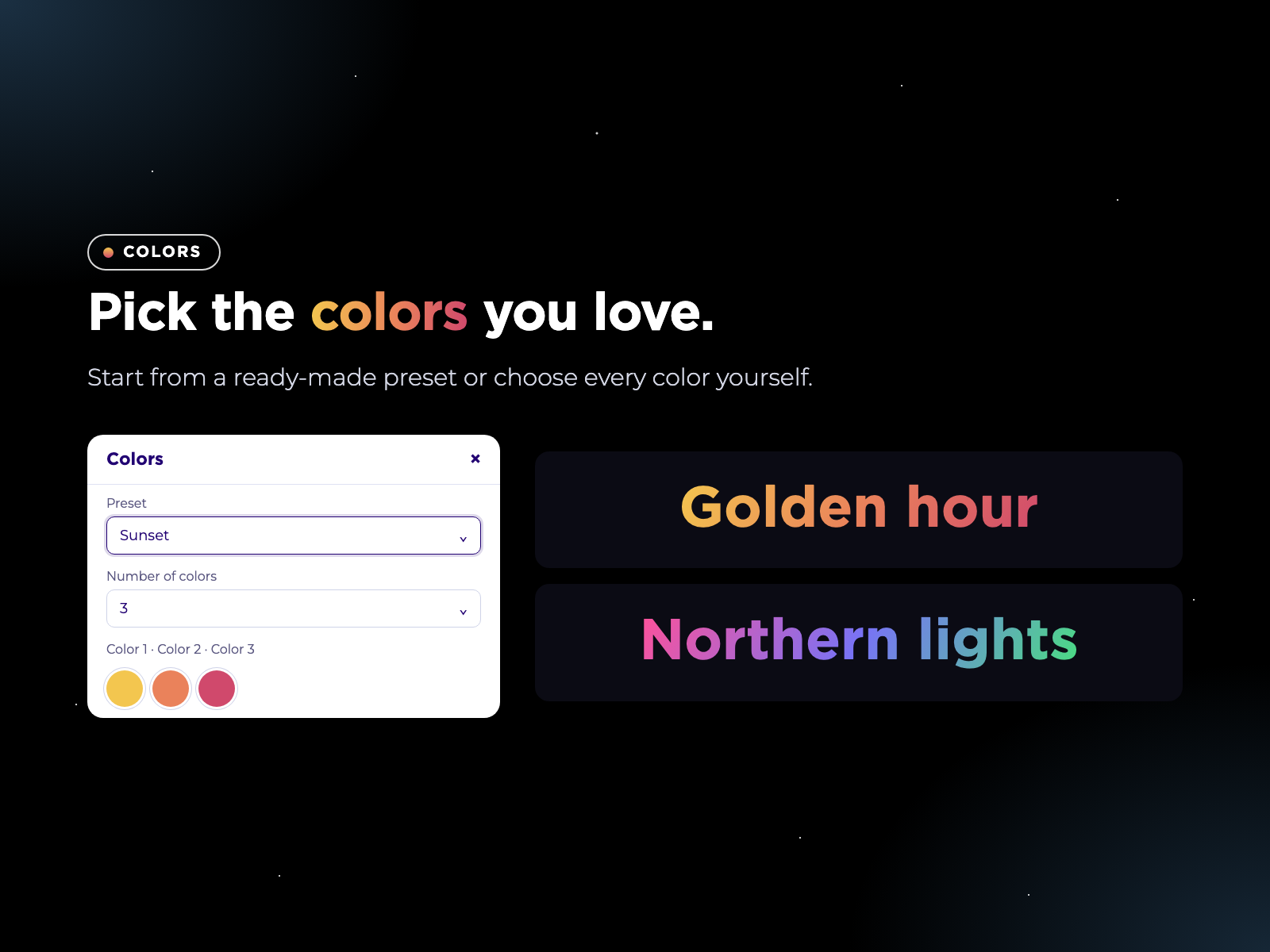
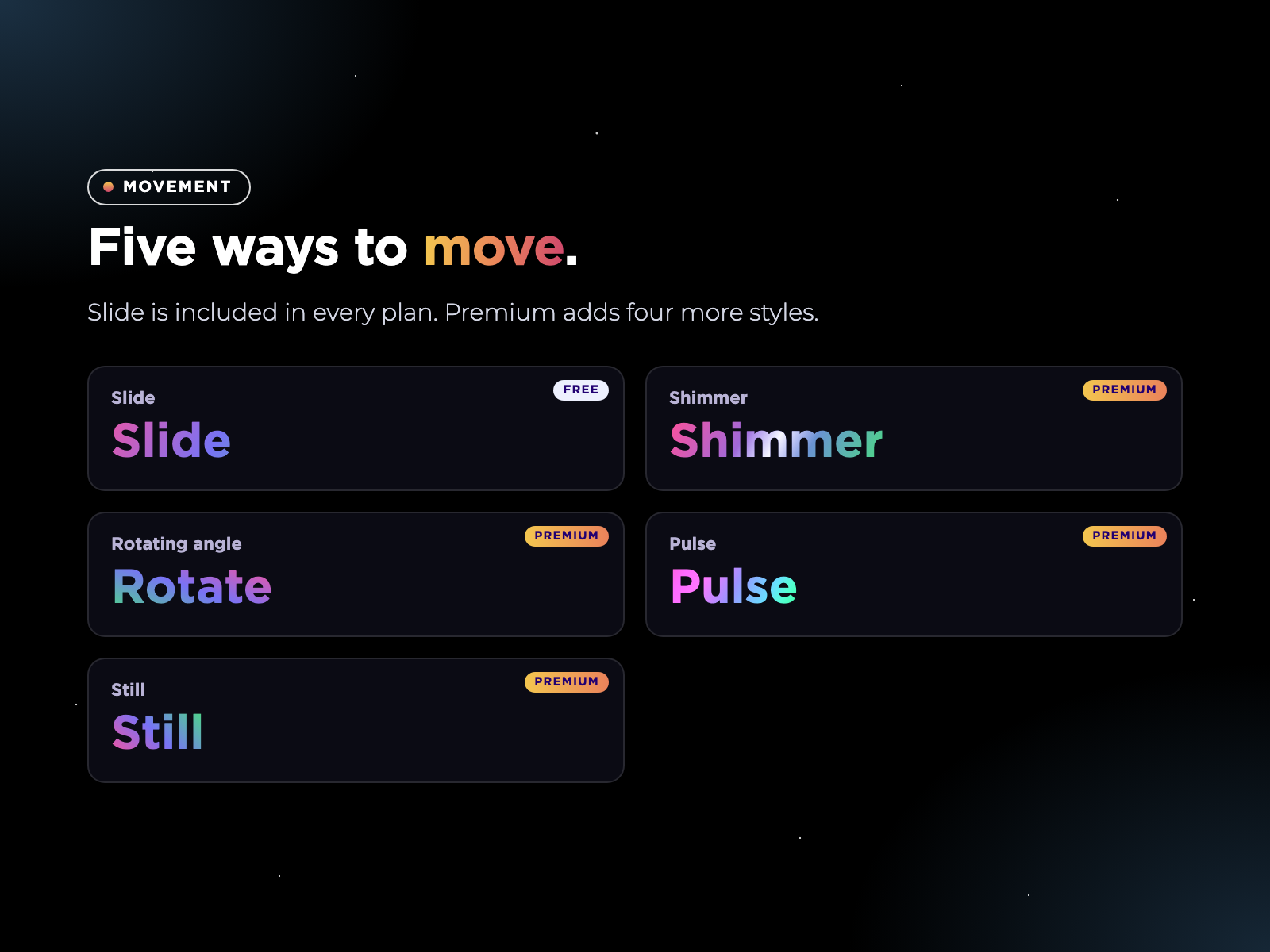
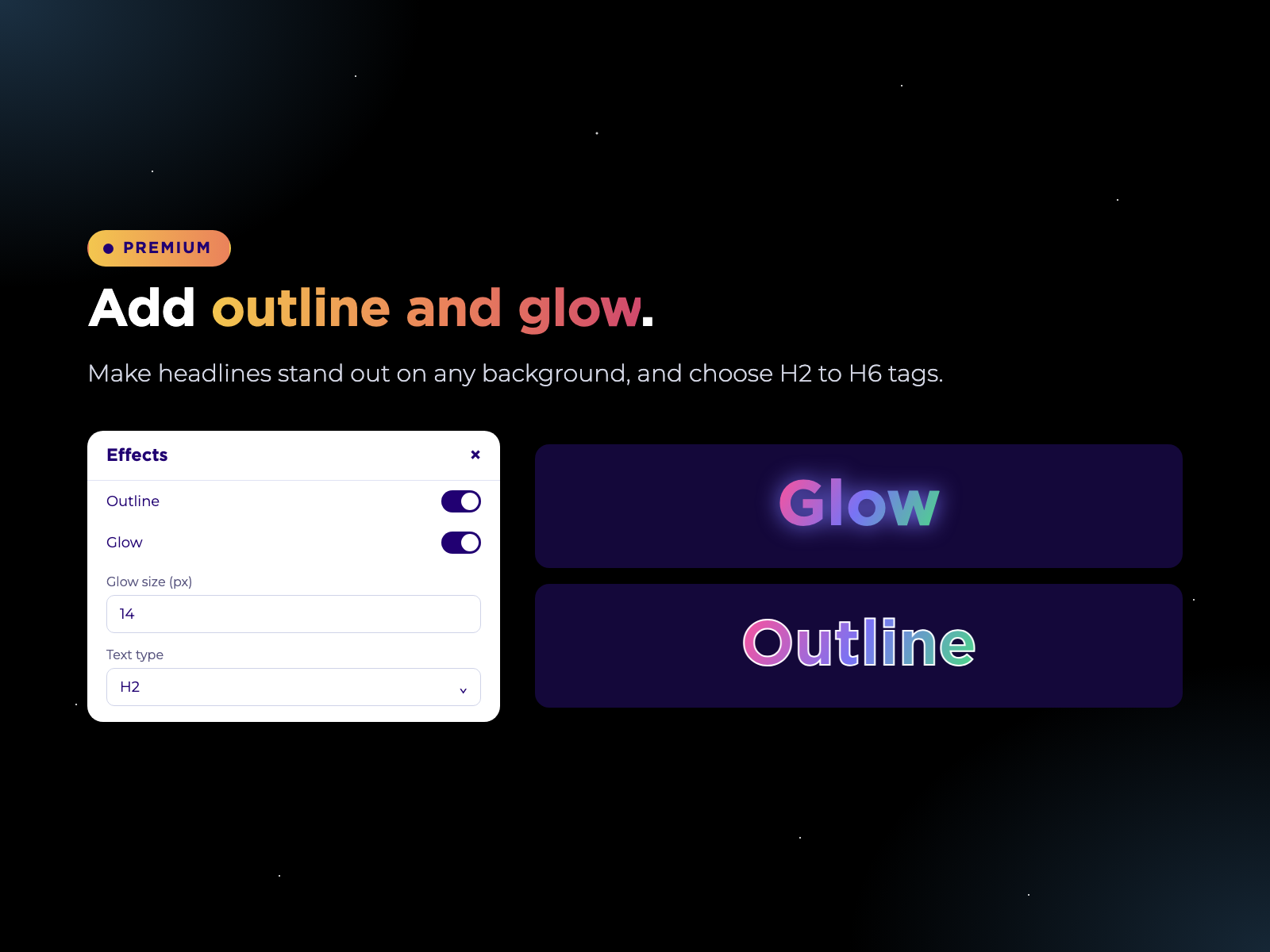
Aurora Text adds headlines and phrases with a smooth, moving gradient to your site, without writing any code. Type your text, choose your colors, set the angle and the speed, and the colors flow across the letters. It takes your site's fonts by default, and you can change the font, size, weight and alignment. Premium plans add up to five colors, ready-made color presets, new kinds of movement such as shimmer, spinning angle and pulse, heading tags from H2 to H6, control on mouse over and while scrolling, outline and glow. Visitors who prefer less motion see the gradient still, so the effect is comfortable for everyone.
What the listing highlights
- Type your text, choose your colors and the colors flow across the letters
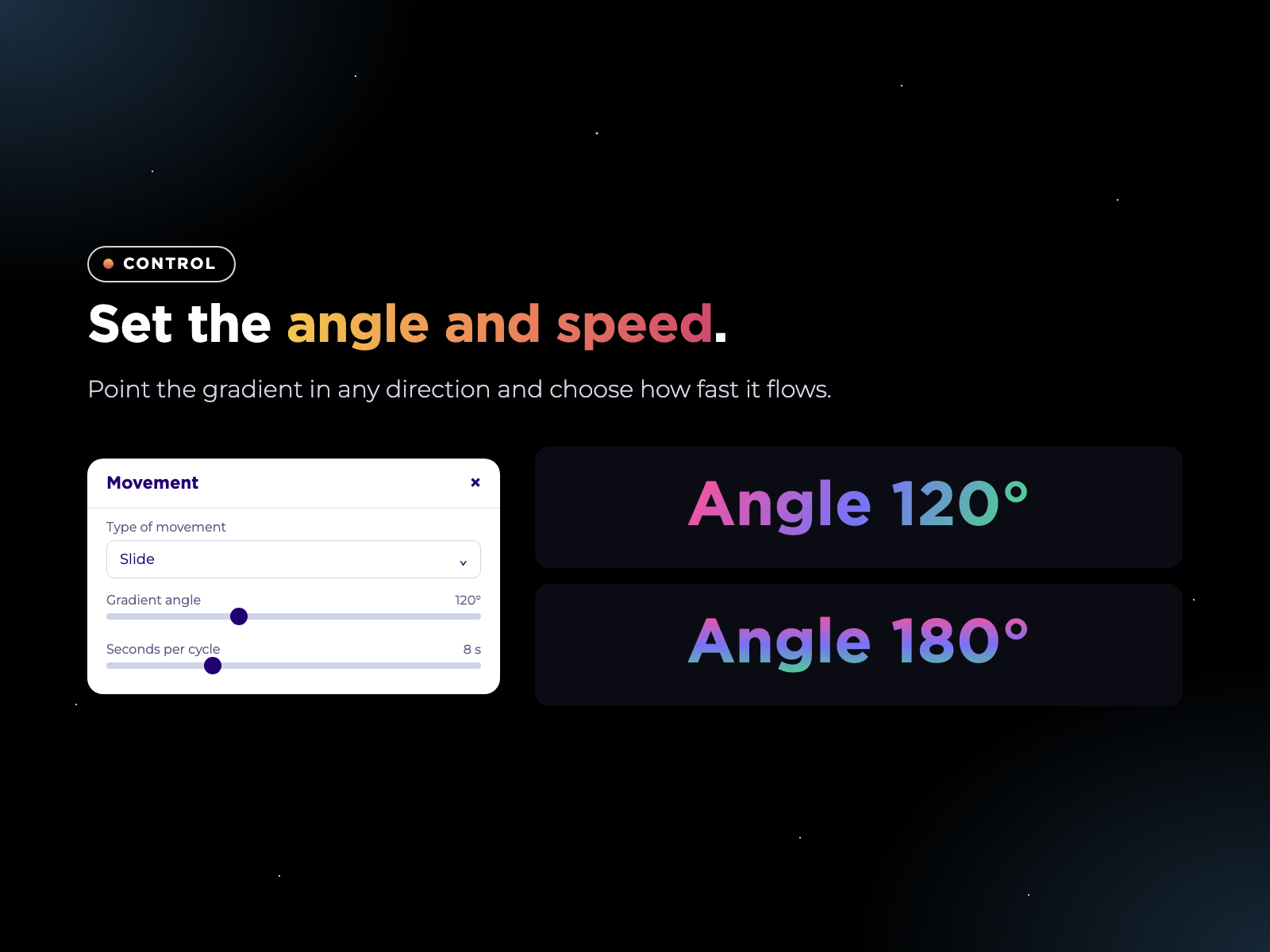
- Set the angle and the speed, and change the font, size, weight and alignment
- Start from a preset or choose every color yourself. Premium gives up to 5 colors
- People who prefer less motion see the gradient still, automatically
Additional product media
Promotional media

Videos
Reviews
Official Wix marketplace summary
Wix Marketplace feedback
No reviews yet.
Plan comparison
Pricing & Plans
Basic
Free
Free
- Animated gradient text
- Up to 3 colors, 2 presets
- Angle and speed controls
Premium
$2.49 / month
$29.88 billed yearly Save 17% yearly$2.99 / month
- Up to 5 colors and 10 presets
- Shimmer, spin and pulse effects
- Mouse effects and scroll control
Detailed App featuresCompare all 11 structured features
| Feature | FreeBasic | Paid planPremium |
|---|---|---|
| Number of colorsHow many colors the gradient can use. | Up to 3 | Up to 5 |
| Color presetsReady-made color combinations to start from | 2 presets | 10 presets |
| Reduced motionVisitors who turn on “reduce motion” on their device see the gradient still. It is always on. | Included | Included |
| Fonts, size and alignmentUse your site’s fonts, or pick any font. Change the size, the weight and align the text to the left, center or right. | Included | Included |
| Movement stylesHow the gradient moves across the text. | slide | 5 styles |
| Angle and speedPoint the gradient in any direction from 0 to 360 degrees and choose how many seconds each cycle takes. | Included | Included |
| Animated gradient textAdd a headline or phrase with a smooth, moving gradient. Type your text and it flows across the letters. | Included | Included |
| Mouse effects and scroll controlMake the colors follow the mouse (shift, spotlight or angle), pause or move only on mouse over, or move only while the text is visible on screen. | Not included | Included |
| Heading tags H2 to H6Choose the type of text for better page structure and search engines | Not included | Included |
| Hover and scroll controlPause the movement on mouse over, move only on mouse over, or move only while the text is visible on screen. | Not included | Included |
| Outline and glowAdd an outline or a soft glow so the text stands out on any background. | Not included | Included |