Checkout Fields to Contacts
By Hullspark
Product media
Screenshots
1 of 3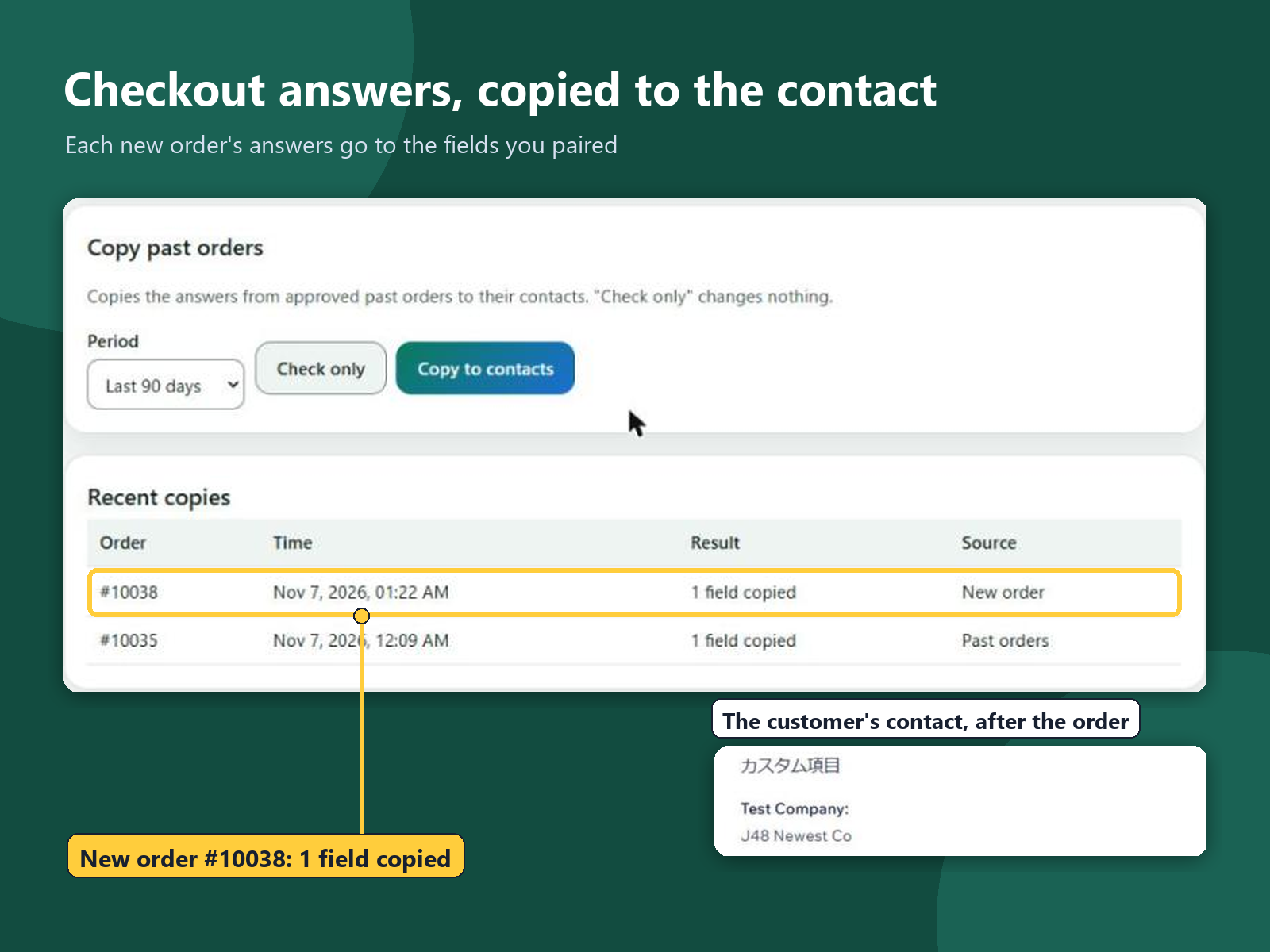
Overview
About this App
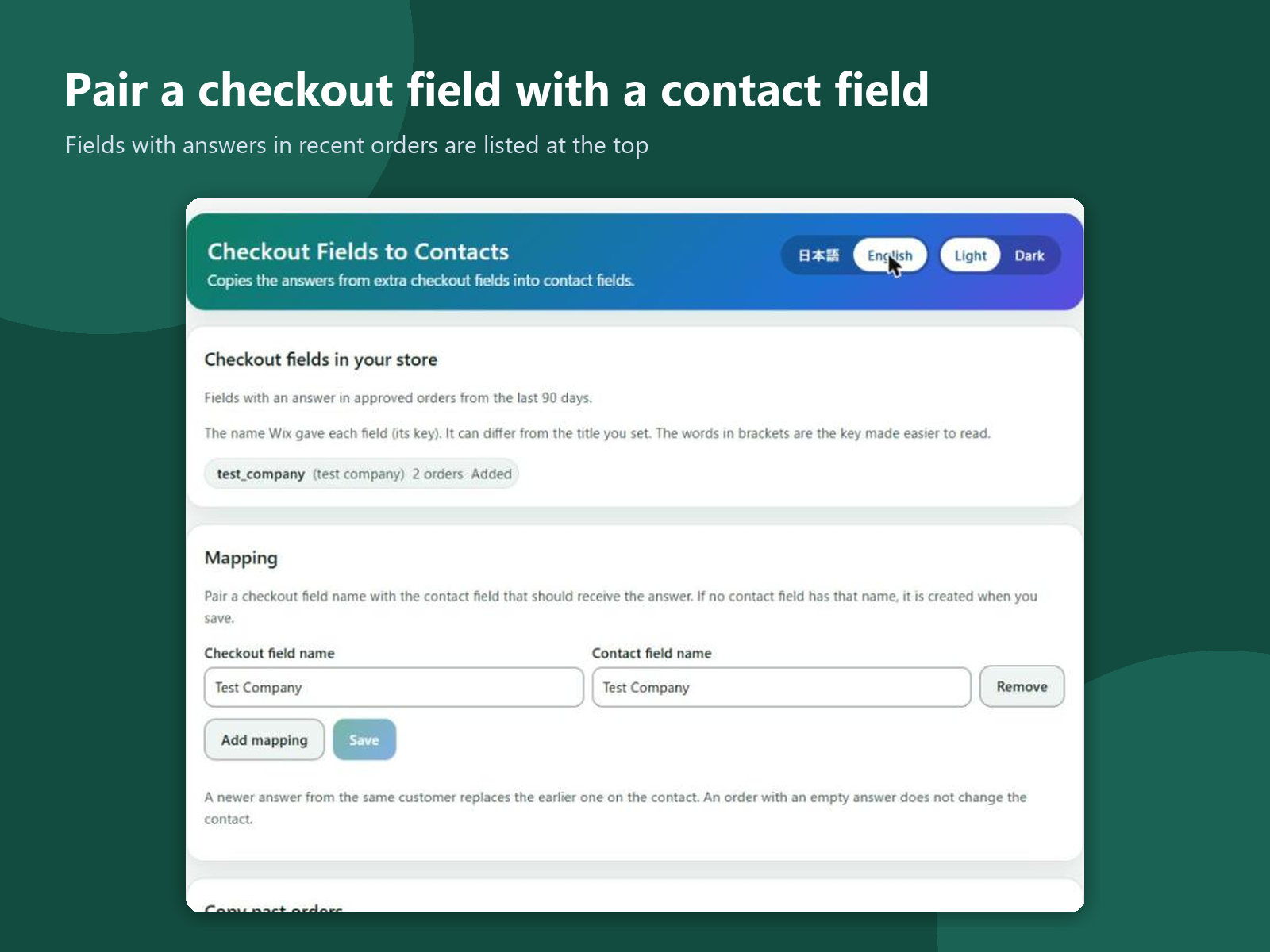
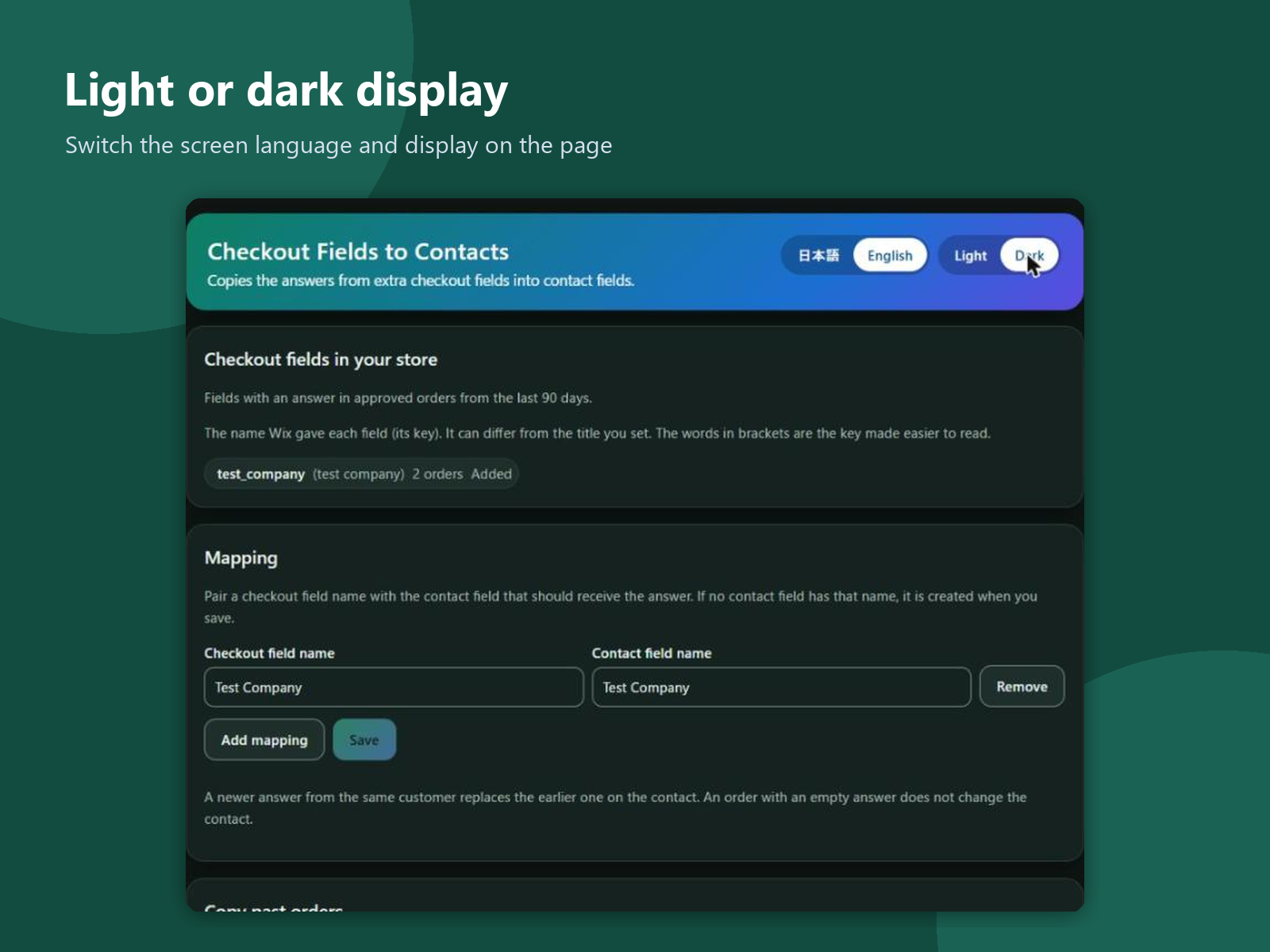
Extra questions on the checkout form, such as a company name or a tax number, are answered on each order and stay there. To find an answer later, you open order after order; the contact does not have it. This app adds a page to your dashboard. It shows the checkout fields that have answers in your recent orders. Pair each checkout field with a contact field, up to 10 pairs; a contact field that does not exist yet is created when you save. From then on, the answers of each new order are copied to the customer's contact automatically. For past orders, pick the last 30, 90, 180 or 365 days and choose Check only, which changes nothing and shows how many contacts would be updated, or Copy. A newer answer from the same customer replaces the earlier one on the contact, and an empty answer leaves the contact as it is. A copy counts as done only when the contact shows the value. Recent copies are listed with the order number, time and result. The app reads orders and contacts, and writes only the contact fields you paired. Its settings and logs are kept in your site's data and hold no names, emails or answers. The screens are in English and Japanese, light or dark.
What the listing highlights
- Copies checkout form answers to contact fields
- New orders are copied automatically
- Check or copy past orders, up to 365 days
- Up to 10 field pairs; missing fields are created
Additional product media
Promotional media

Reviews
Official Wix marketplace summary
Wix Marketplace feedback
No reviews yet.
Plan comparison
Pricing & Plans
Detailed plan information is not available for this App.