Print Table Reservations
By Hullspark
Product media
Screenshots
1 of 3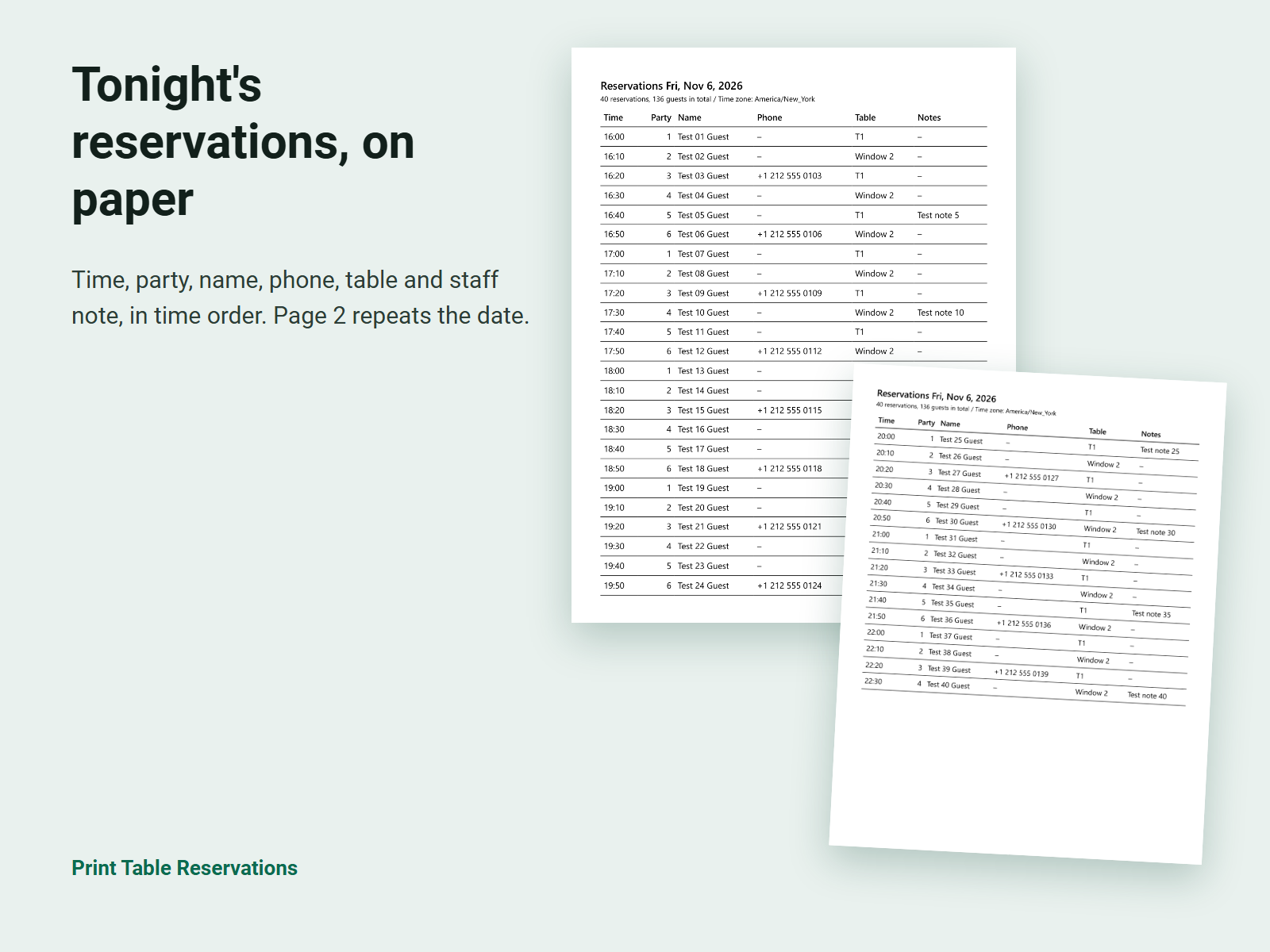
Overview
About this App
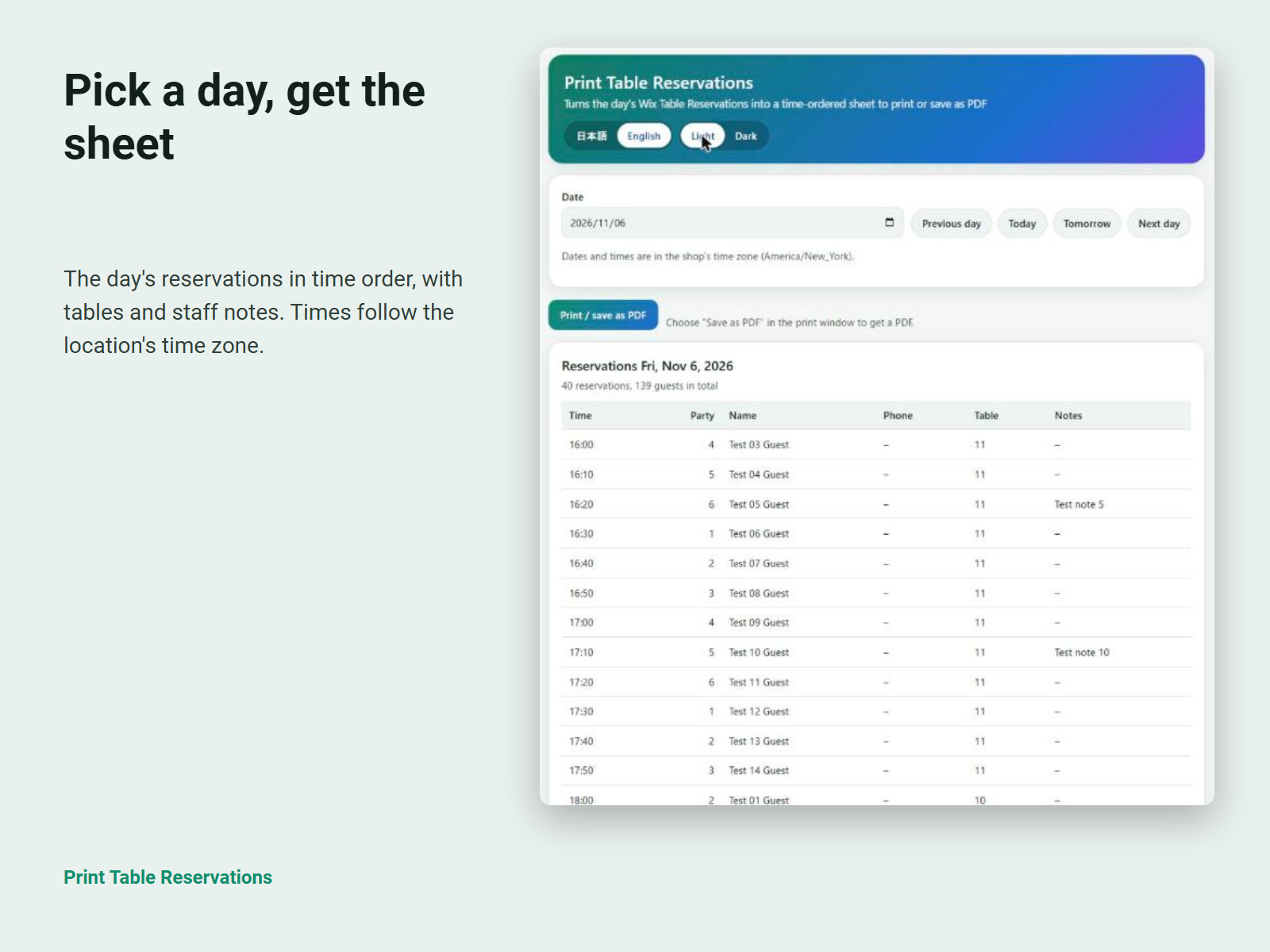
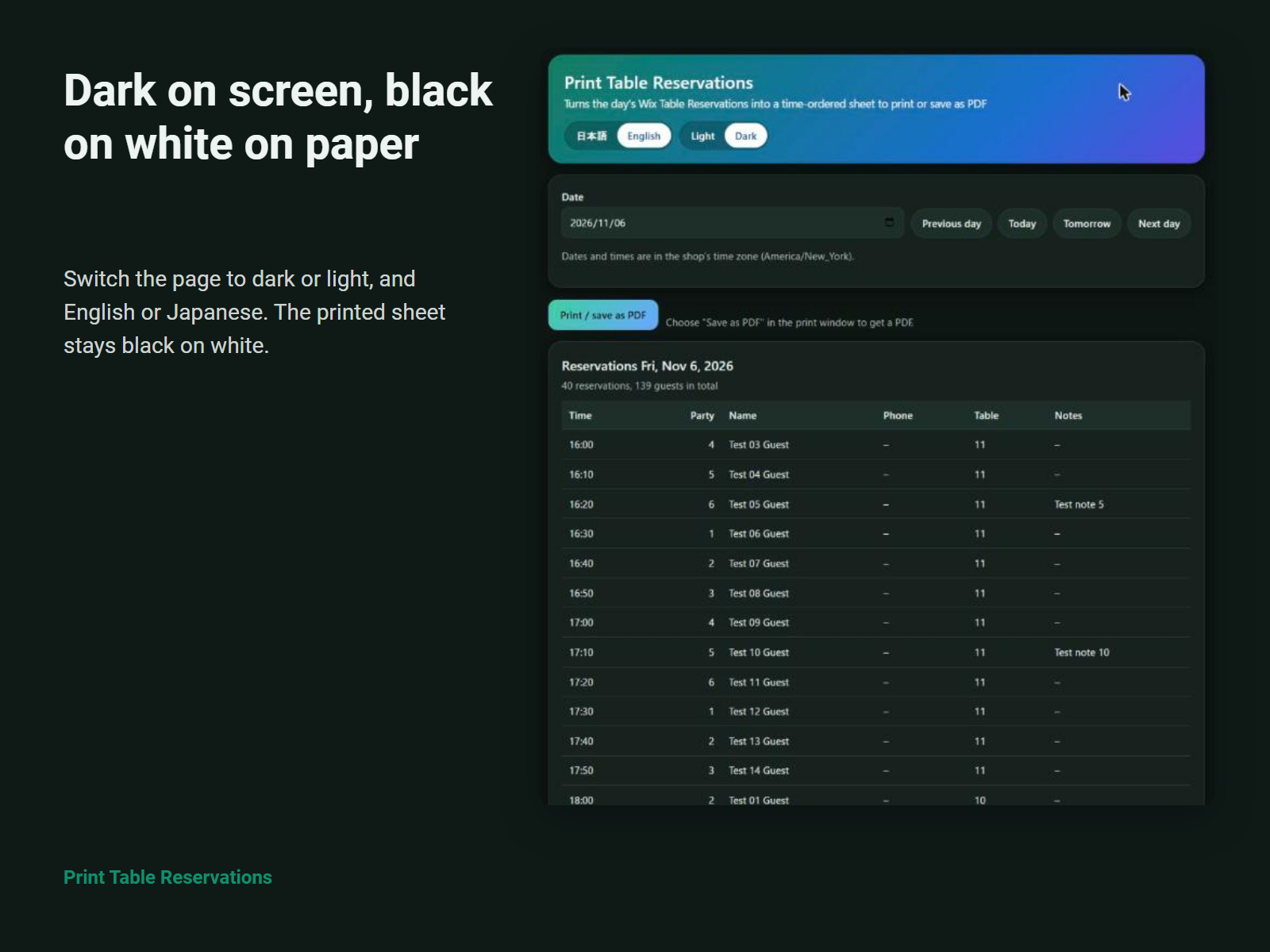
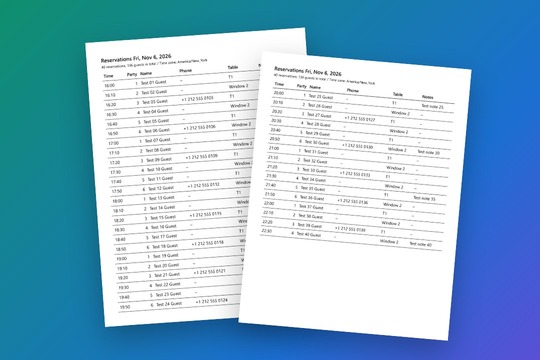
Before service, the host stand and the kitchen need the same list of who is coming tonight, at what time and to which table. Reading it from a screen in a busy evening is slow, and a list copied by hand drifts away from the real reservations. This app adds a page to your dashboard. Pick a day, and it lays out that day's Table Reservations in time order: time, party size, guest name, phone, table and the note for your staff. Requests still waiting for your approval carry a mark. With more than one location you choose which one to show, and times follow that location's own time zone. Press Print and your browser prints the sheet or saves it as a PDF. A full evening runs on to a second page on A4 or Letter, and the date, the number of reservations and guests, and the time zone are repeated at the top of every page, so a loose page still shows its day. The sheet prints black on white even when the dashboard is in dark mode. The app reads reservations and does not change them, and it keeps no copy on a server. Cancelled, declined, no-show, held and awaiting-payment reservations are left off the sheet. The screens are in English and Japanese.
What the listing highlights
- The day's table reservations in time order
- Print or save as PDF on A4 or Letter
- Date and time zone on every printed page
- Light or dark screen, English or Japanese
Additional product media
Promotional media
Reviews
Official Wix marketplace summary
Wix Marketplace feedback
No reviews yet.
Plan comparison
Pricing & Plans
Detailed plan information is not available for this App.