
ClickGuard
Product media
Screenshots
1 of 3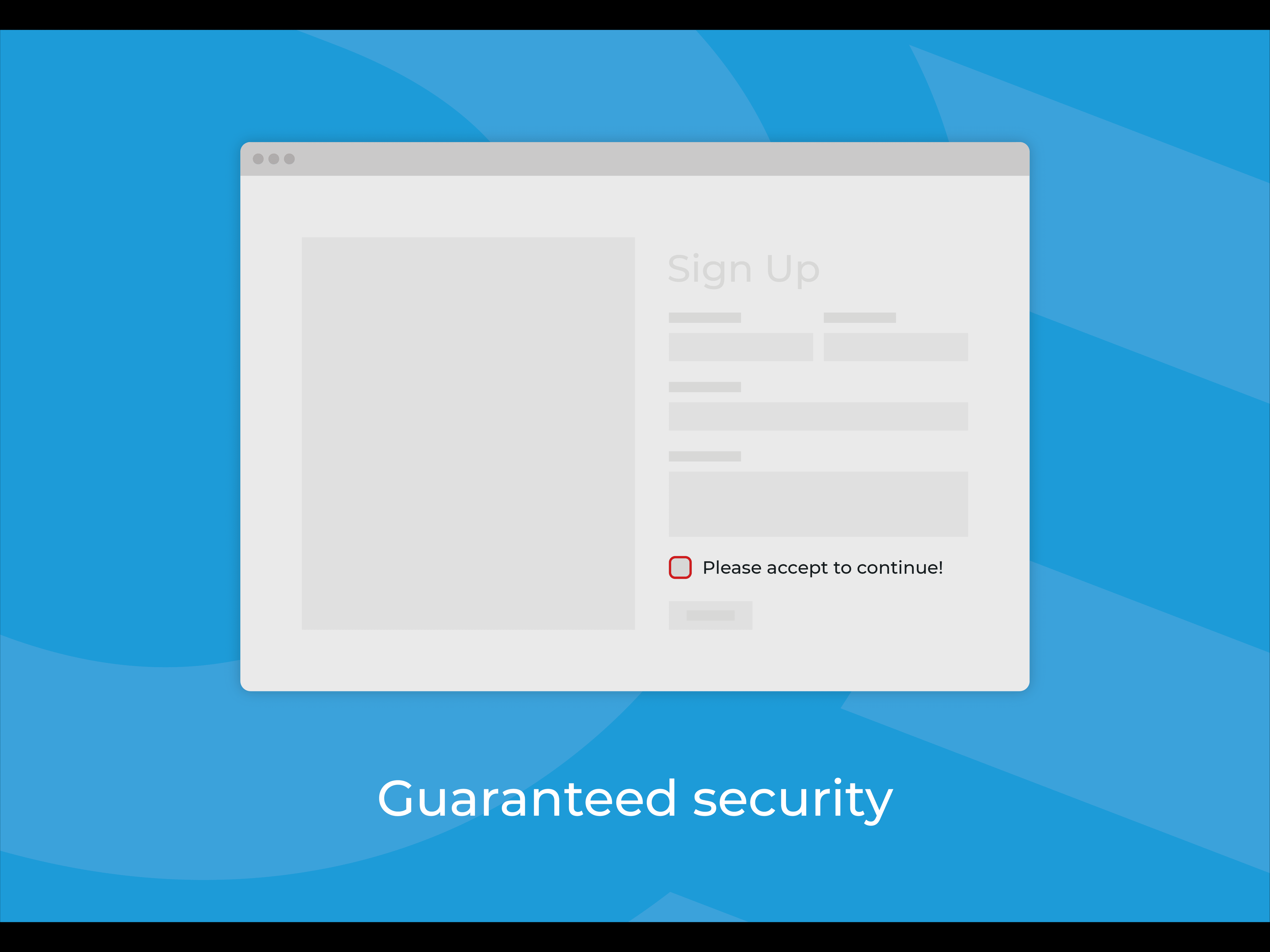
Overview
About this App
Introducing ClickGuard, the ultimate widget designed to effortlessly protect your website and ensure compliance with ease. ClickGuard empowers website owners with a simple yet effective solution. By dragging and dropping our widget onto your site, you instantly fortify your website against any potential legal issues. The widget presents visitors with a clear link to your terms and conditions, or anything else you need to link to! But that's not all, ClickGuard goes the extra mile to safeguard your website's integrity. Once visitors have thoroughly reviewed and accepted the terms and conditions, the widget activates a unique clickable button. This smart feature prevents any accidental or unauthorized engagements, maintaining compliance and protecting your business interests. This button can link to any other page, elsewhere on your site or an external link. You can even choose not to provide a URL to link to, and instead access the unique 'continueClicked' Velo trigger in the code of your site, allowing any bespoke solution/next step to be coded. With ClickGuard, you no longer have to worry about ensuring legal compliance, allowing you to focus on your business!
What the listing highlights
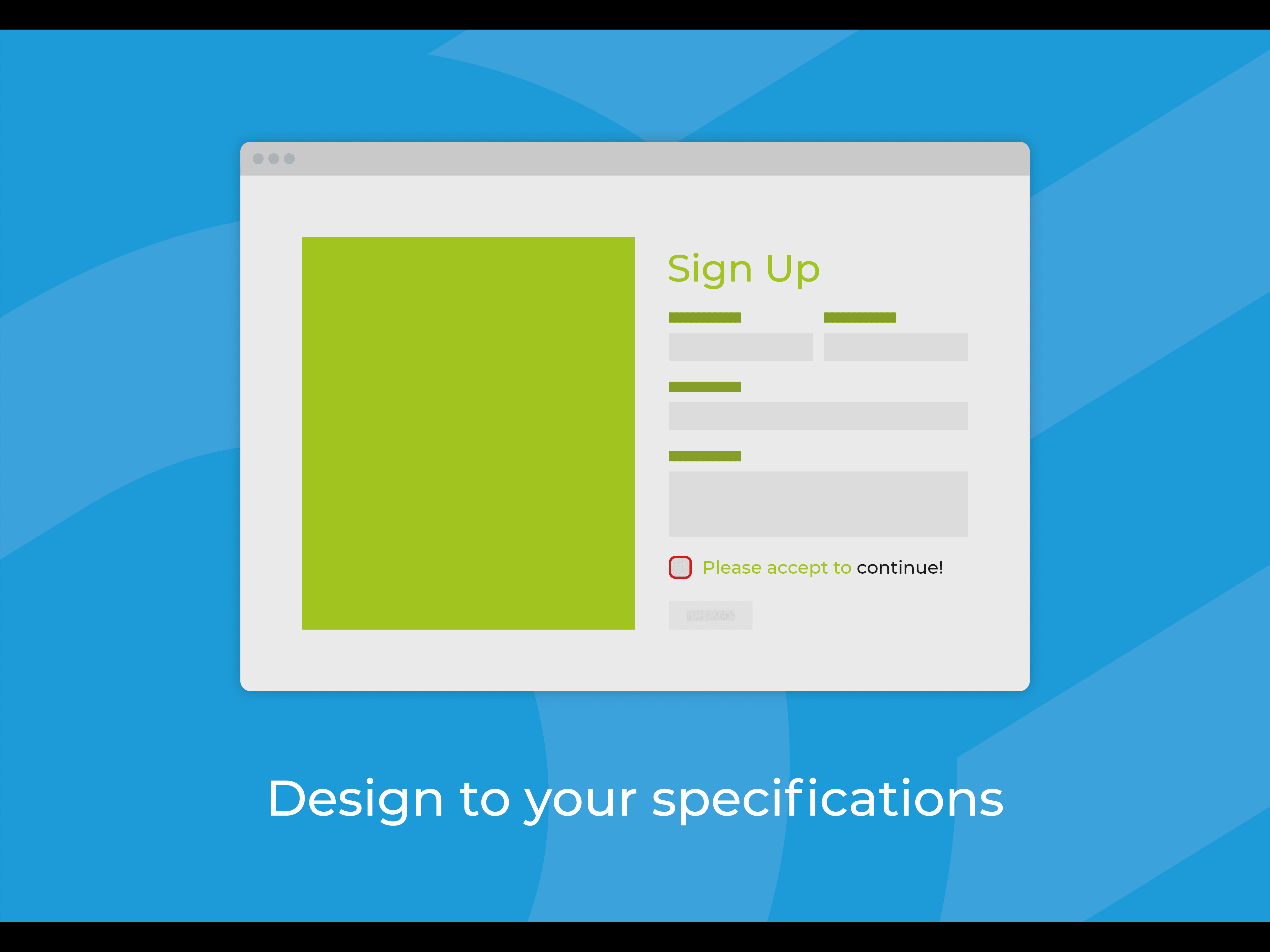
- Fully customisable, edit any and all text within the widget to suit your needs
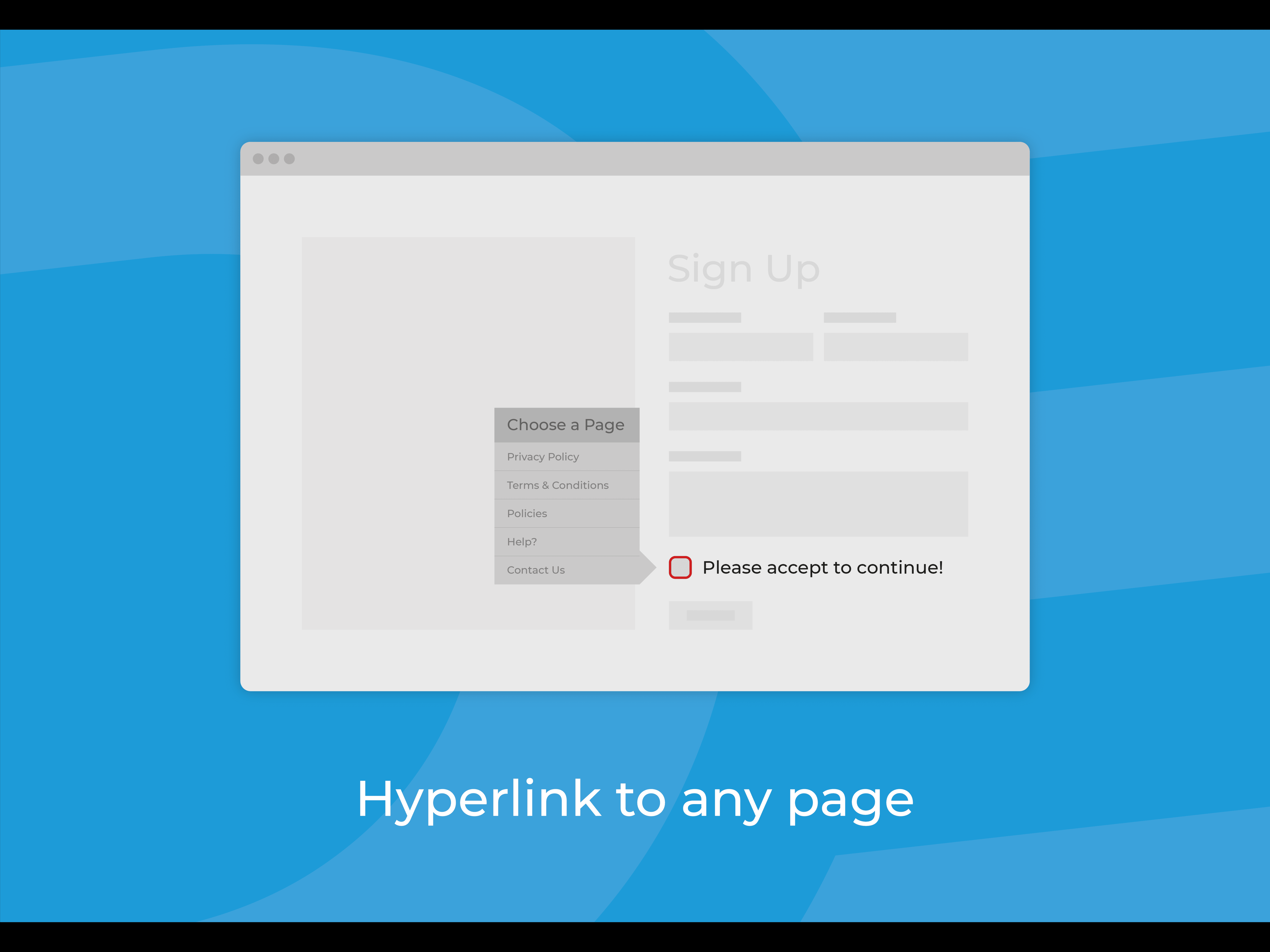
- Add your own links to terms & conditions
- Add your own url to continue, or access a trigger in Velo code and build a custom next step
Reviews
Official Wix marketplace summary
Wix Marketplace feedback
No reviews yet.
Plan comparison
Pricing & Plans
Premium
$0.5 / month
$6 billed yearly Save 50% yearly$1 / month
- Keep links behind mandatory checkboxes
- Unlimited use of the widget
- Unlimited Use
Detailed App featuresCompare all 3 structured features
| Feature | Paid planPremium |
|---|---|
| Unlimited UseDrop the widget into your site as much as you need, on as many pages as you need. | Included |
| Mandatory CheckboxKeep a page link behind a mandatory checkbox, ensuring users have accepted terms & conditions before proceeding. | Included |
| Velo TriggerYou can use the mandatory checkbox in a bespoke Wix Velo form you've built yourself. This is accommodated by the 'continueClicked' event triggering, allowing you to use Velo to do whatever you need. | Included |