
1 reviews across 1 apps 1 unpublished
No other stored Reviews for this reviewer.
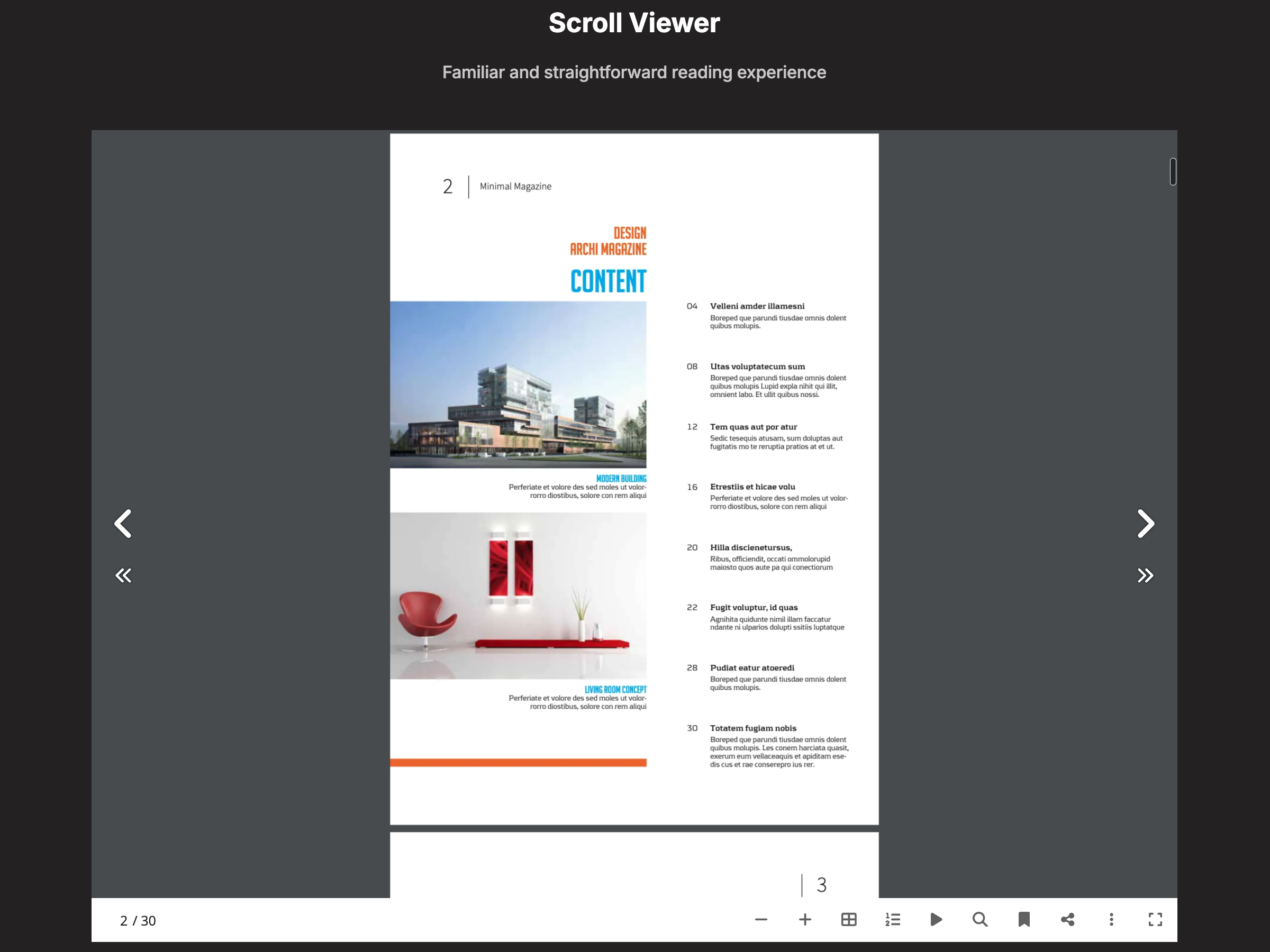
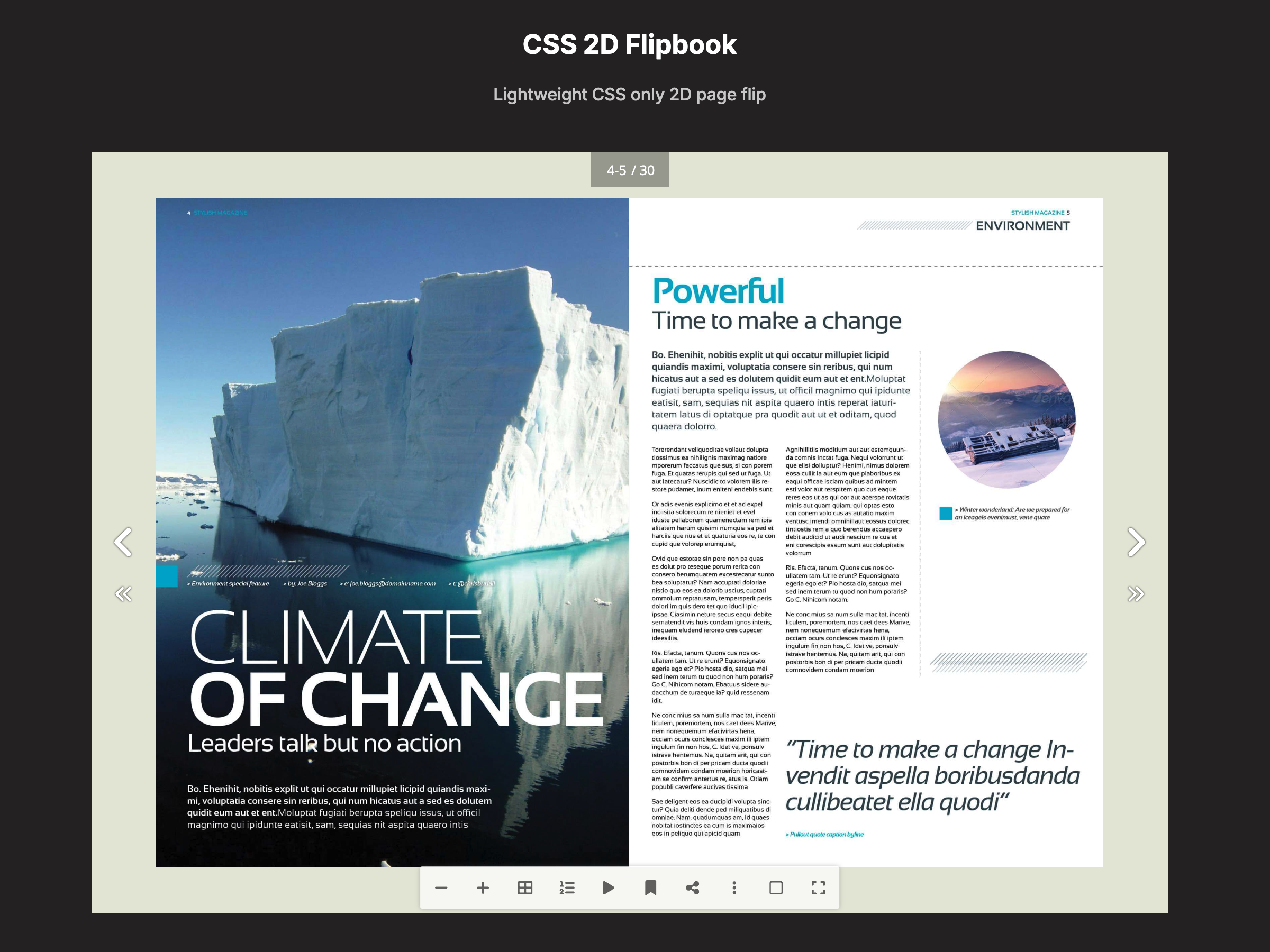
Overview
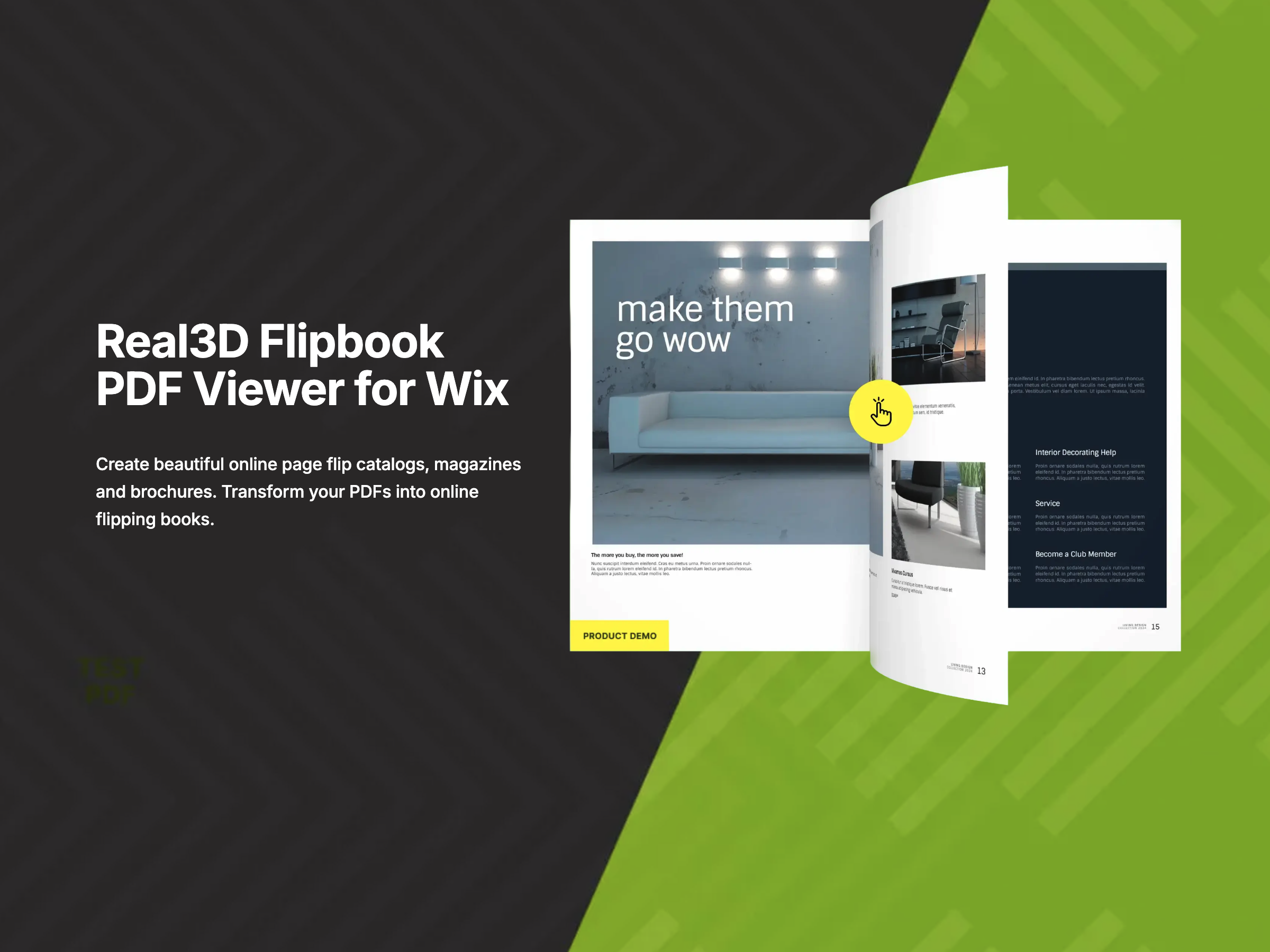
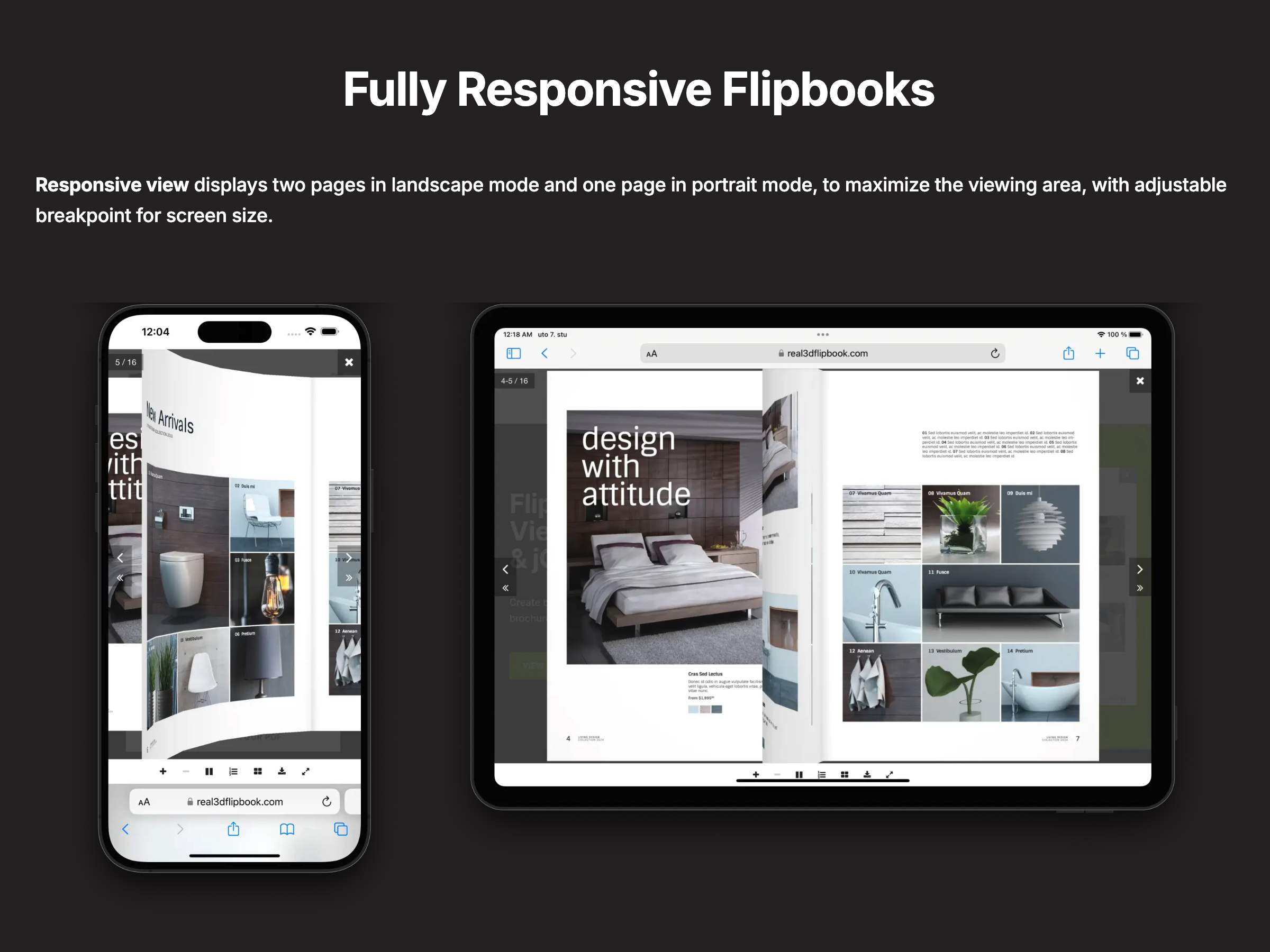
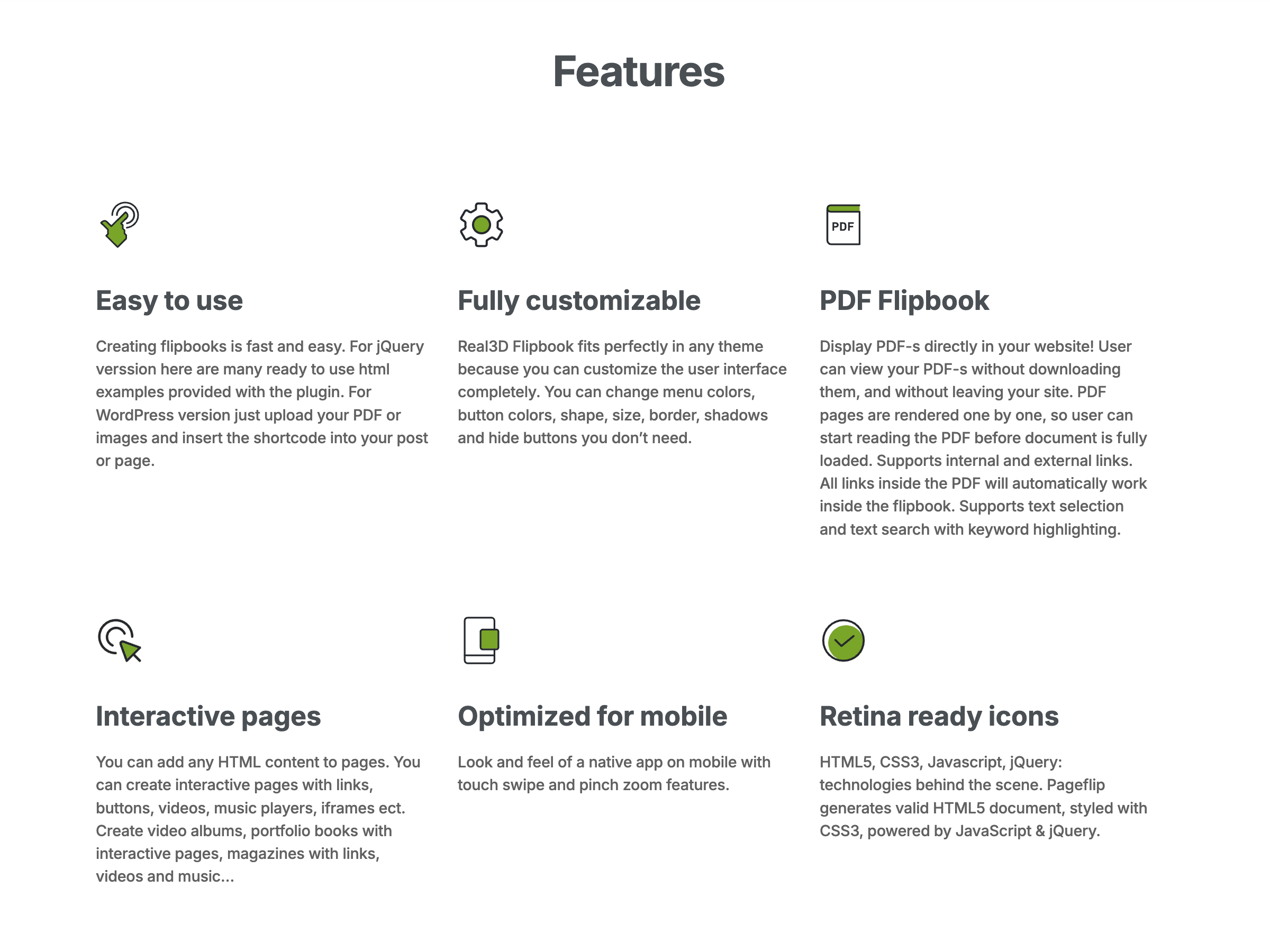
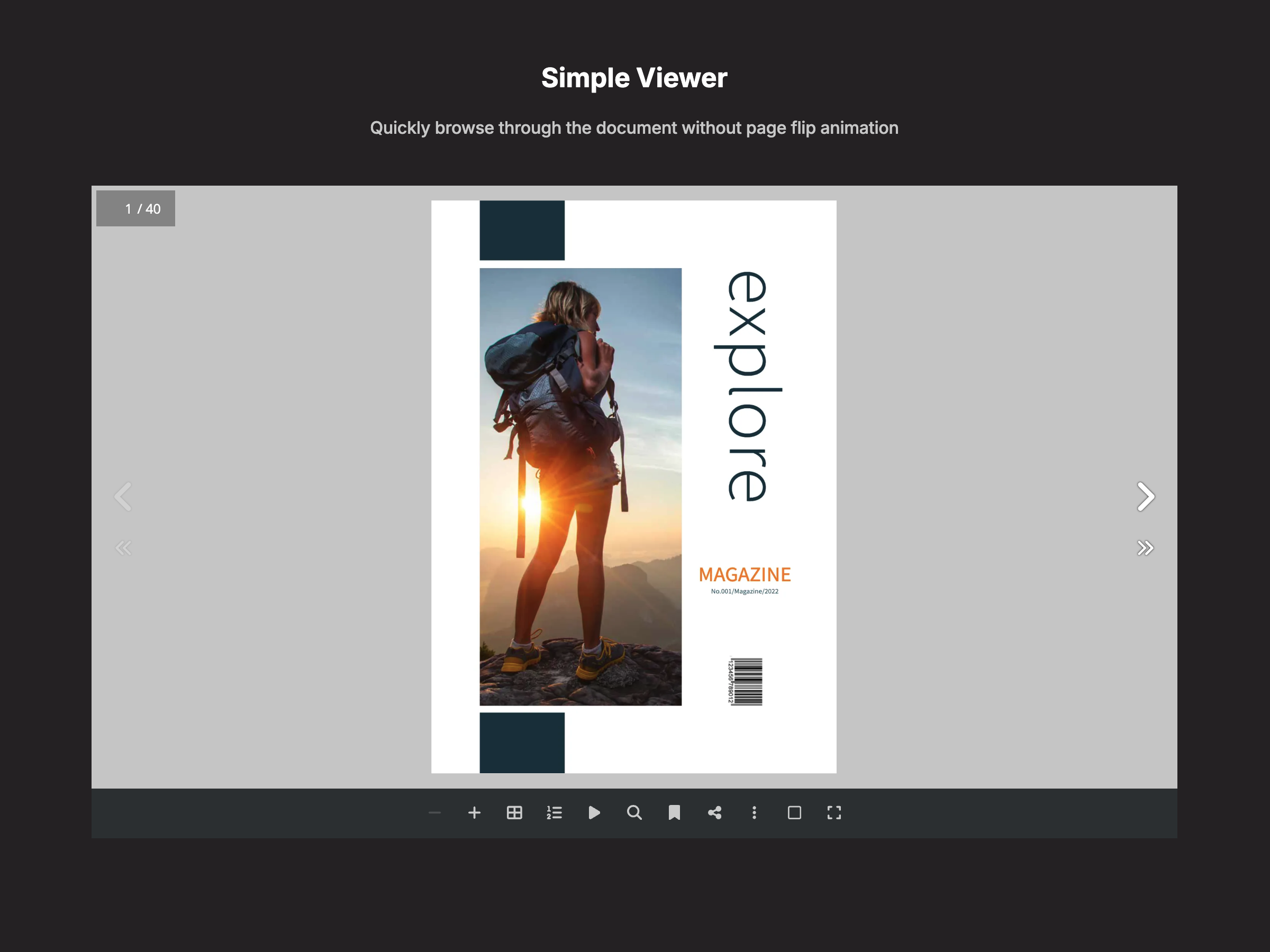
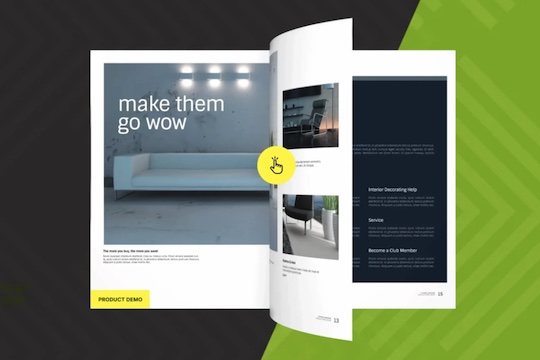
Turn any PDF into a 3D flipbook your visitors actually want to read. Real3D Flipbook is a PDF viewer and flipbook maker for your site. It shows catalogs, brochures, magazines, menus, portfolios and reports as a PDF flipbook with realistic 3D page-turning — plus zoom, thumbnails, search, table of contents and page-flip sound. The 3D flipbook viewer works on desktop, tablet and mobile, with swipe and scroll modes for small screens. Setup takes minutes: upload a PDF in your dashboard, adjust the look with a live preview, then drag the PDF viewer widget onto any page. No coding, no file conversion. Show your PDF flipbook inline, or as a cover that opens full-screen in a lightbox — covers are created automatically from page one. Every flipbook also gets a shareable direct link and an embed code for any website. Make the 3D flipbook match your brand: choose 3D, 2D, swipe or scroll page turns, a light, dark or gradient theme, your background color and toolbar layout, and pick which buttons visitors see. Paid plans remove the watermark and show your logo. Start free and upgrade when you need more pages and flipbooks.
Additional product media
Official Wix marketplace summary
Review activity, rating distribution, stored replies, publication state, and App Market Index review-pattern signals.
Calculated as of
Reviews in selected period
0 −1 (−100%) vs previous 30 days0 Reviews in the selected 30 days and 1 in the previous 30 days.
Visualize Review volume and rating mix over time, plus Review-pattern activity.
Ratings describe currently preserved Reviews grouped by their original Review dates. Unpublished activity uses surviving Wix-supplied unpublication dates. Switch to Table for exact numbers.
| Month | Reviews | Rating | Suspicious | Unpublished | |||||||
|---|---|---|---|---|---|---|---|---|---|---|---|
| 5 stars | 4 stars | 3 stars | 2 stars | 1 star | Suspicious | Very | Extremely | Unpublished | |||
| Jan 2025 | 1 | 0 | 0 | 0 | 0 | 1 | 0 | 0 | 0 | 0 | 1 |
| Feb 2025 | 0 | 0 | 0 | 0 | 0 | 0 | 0 | 0 | 0 | 0 | 0 |
| Mar 2025 | 1 | 1 | 0 | 0 | 0 | 0 | 0 | 0 | 0 | 0 | 0 |
| Apr 2025 | 0 | 0 | 0 | 0 | 0 | 0 | 0 | 0 | 0 | 0 | 0 |
| May 2025 | 1 | 1 | 0 | 0 | 0 | 0 | 0 | 0 | 0 | 0 | 0 |
| Jun 2025 | 1 | 0 | 0 | 0 | 1 | 0 | 0 | 0 | 0 | 0 | 0 |
| Jul 2025 | 3 | 3 | 0 | 0 | 0 | 0 | 0 | 0 | 0 | 0 | 0 |
| Aug 2025 | 0 | 0 | 0 | 0 | 0 | 0 | 0 | 0 | 0 | 0 | 0 |
| Sep 2025 | 0 | 0 | 0 | 0 | 0 | 0 | 0 | 0 | 0 | 0 | 0 |
| Oct 2025 | 0 | 0 | 0 | 0 | 0 | 0 | 0 | 0 | 0 | 0 | 0 |
| Nov 2025 | 1 | 0 | 0 | 1 | 0 | 0 | 0 | 0 | 0 | 0 | 0 |
| Dec 2025 | 0 | 0 | 0 | 0 | 0 | 0 | 0 | 0 | 0 | 0 | 0 |
| Jan 2026 | 2 | 2 | 0 | 0 | 0 | 0 | 0 | 0 | 0 | 0 | 0 |
| Feb 2026 | 0 | 0 | 0 | 0 | 0 | 0 | 0 | 0 | 0 | 0 | 0 |
| Mar 2026 | 0 | 0 | 0 | 0 | 0 | 0 | 0 | 0 | 0 | 0 | 0 |
| Apr 2026 | 1 | 0 | 0 | 0 | 0 | 1 | 0 | 0 | 0 | 0 | 0 |
| May 2026 | 0 | 0 | 0 | 0 | 0 | 0 | 0 | 0 | 0 | 0 | 0 |
| Jun 2026 | 1 | 0 | 0 | 0 | 0 | 1 | 0 | 0 | 0 | 0 | 0 |
| Jul 2026 | 0 | 0 | 0 | 0 | 0 | 0 | 0 | 0 | 0 | 0 | 0 |
| Aug 2026 | 1 | 1 | 0 | 0 | 0 | 0 | 0 | 0 | 0 | 0 | 2 |
App Market Index archive
These are preserved App Market Index Review rows. They are separate from the current official Wix marketplace summary shown above, and publication labels describe the state currently stored by App Market Index. About this archive
These Reviews were previously observed by App Market Index and Wix later supplied an unpublished state for them.
doesnt work and cant remove from wix
Sorry about this. You were on the older version of the app, where the widget's "Upload PDF" button opened a dashboard window — and in the Wix Studio editor that window often failed to open due to a Wix platform bug (it affects app panels from many apps; Wix has confirmed it and we've reported it too). The new version 5 works differently and doesn't depend on that: you create and manage flipbooks directly in your site dashboard under Apps > Real3D Flipbook — upload the PDF, customize, save — and the widget on your page just displays the flipbook you pick. On Studio sites you can also skip the widget entirely: copy the Embed Code from the flipbook's Publish tab and paste it into an Embed element. To remove the app: Apps > Manage Apps > PDF Viewer Real3D Flipbook > More app actions > Delete app. If you give the new version a try and anything gets in the way, contact us through Manage Apps > Contact Support and I'll set it up for you.
1 reviews across 1 apps 1 unpublished
No other stored Reviews for this reviewer.
Sorry you hit a wall — and you're right that it was broken for you. In the version you used, the widget's "Upload PDF" button opened a dashboard window to pick the PDF, and in the Wix Studio editor that window frequently failed to open because of a Wix platform bug (it affects panels from many apps; Wix has confirmed it). Version 5 replaced that flow entirely: you now upload the PDF and create the flipbook in your site dashboard, under Apps > Real3D Flipbook > Create Flipbook — no editor windows involved. Then either pick the flipbook in the widget's settings, or (on Studio sites) paste the Embed Code from the flipbook's Publish tab into an Embed element on your page. If you'd like to try again and anything stops you, contact us via Manage Apps > Contact Support and I'll set it up for you.
1 reviews across 1 apps 1 unpublished
No other stored Reviews for this reviewer.
Hi, you can add your own PDF, here is how: 1) Upload your PDF to media folder and copy the PDF URL 2) Select Real3D Flipbook block and click "Real3D Flipbook Settings" to open the settings panel 3) paste the PDF URL into "PDF URL" input field If you need more help please let me know.
2 reviews across 2 apps 1 unpublished
Reverie Faces Loolkbook
Plan comparison
Free
Free
$6 / month
$72 billed yearly Save 33% yearly$9 / month
$9 / month
$108 billed yearly Save 53% yearly$19 / month
| Feature | FreeFree | Paid planStandard | Paid planAdvanced |
|---|---|---|---|
| High resolution pages | Not included | Included | Included |
| Enable / Disable toolbar buttons | Not included | Included | Included |
| No watermark | Not included | Included | Included |
| Unlimited flipbook pages | Not included | Not included | Included |