
7 reviews across 7 apps 0 unpublished
Does the job!
Glitchy
Horrible I want to remove the app
Didn't load
Not connecting to Facebook page!!
Showing 5 of 6 other reviews.
View all reviews by this reviewerBy Wix
Overview
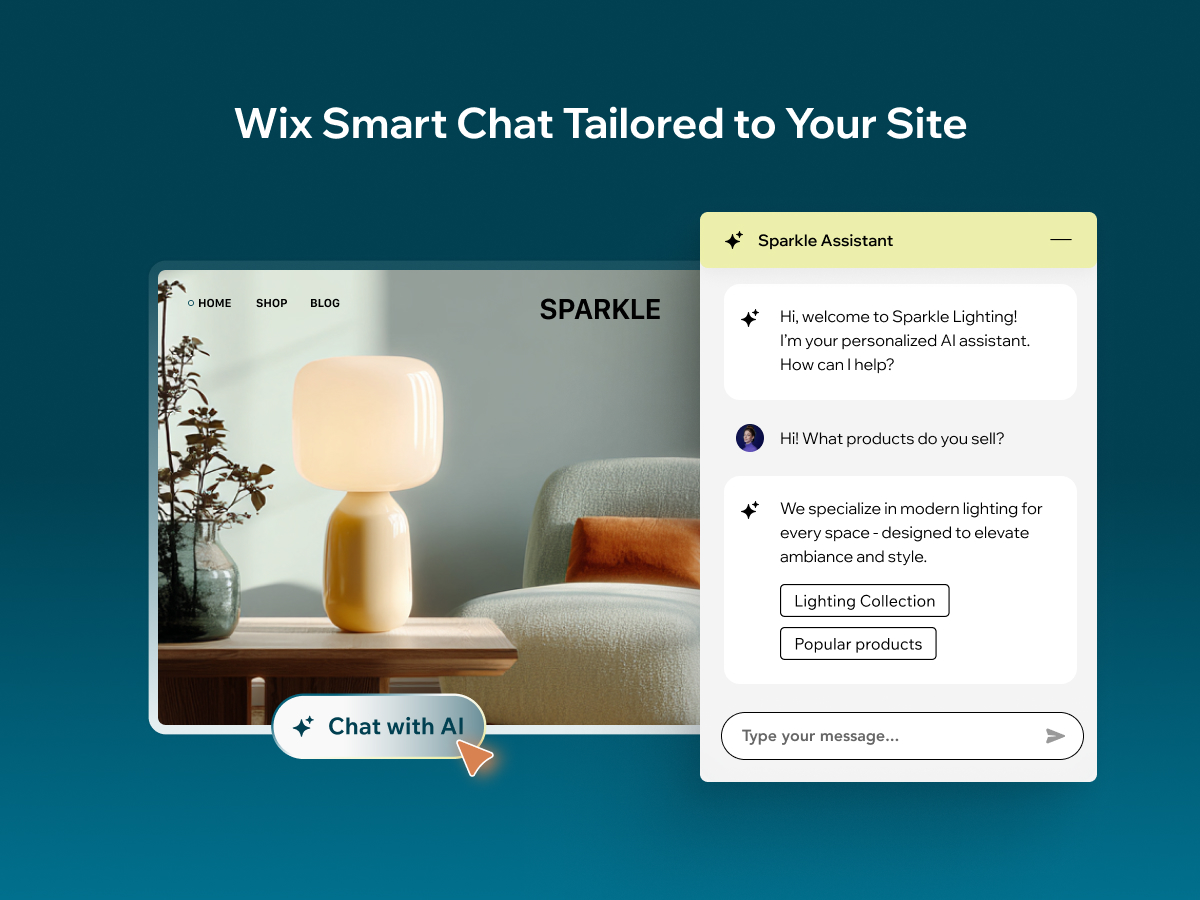
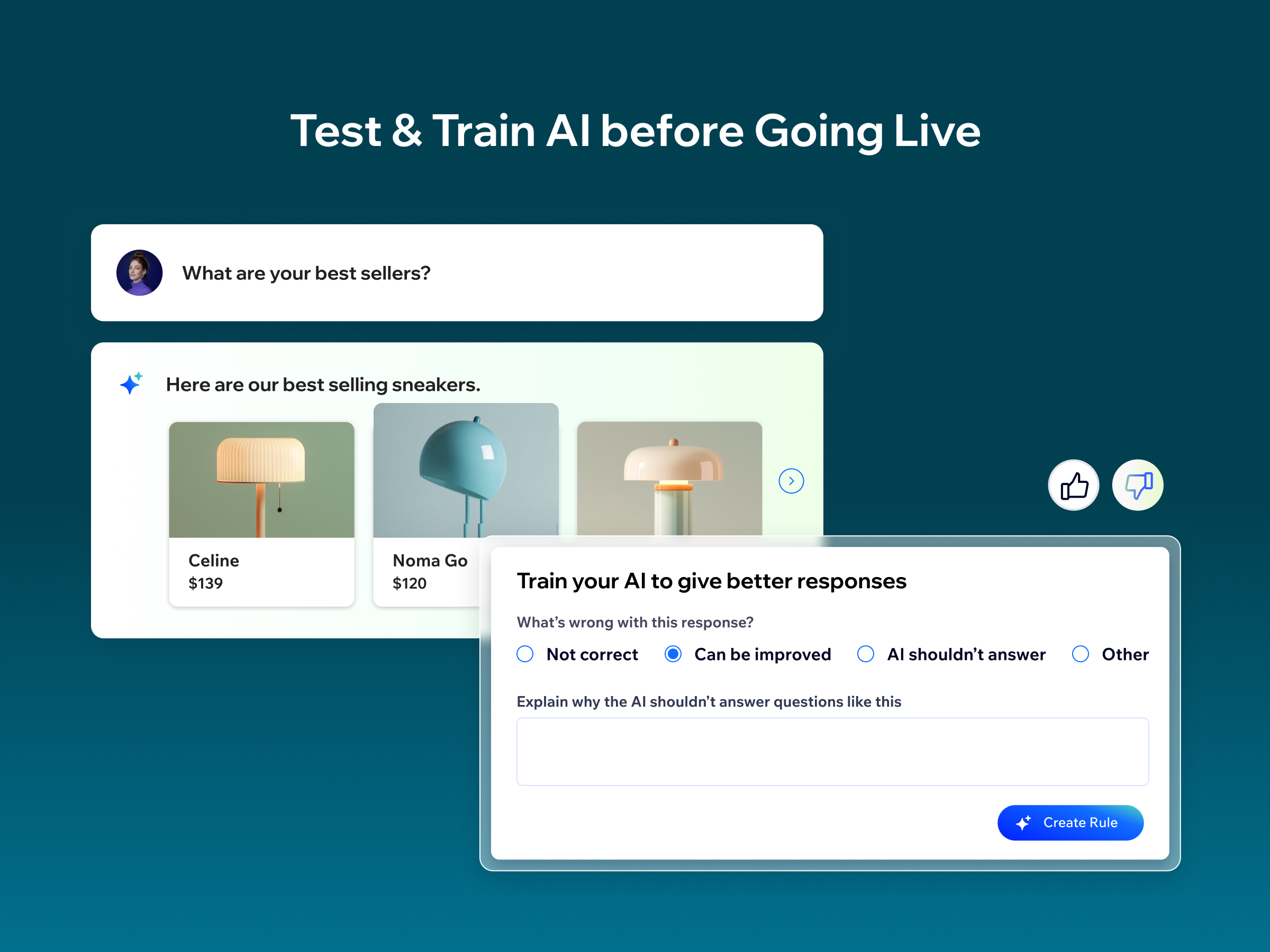
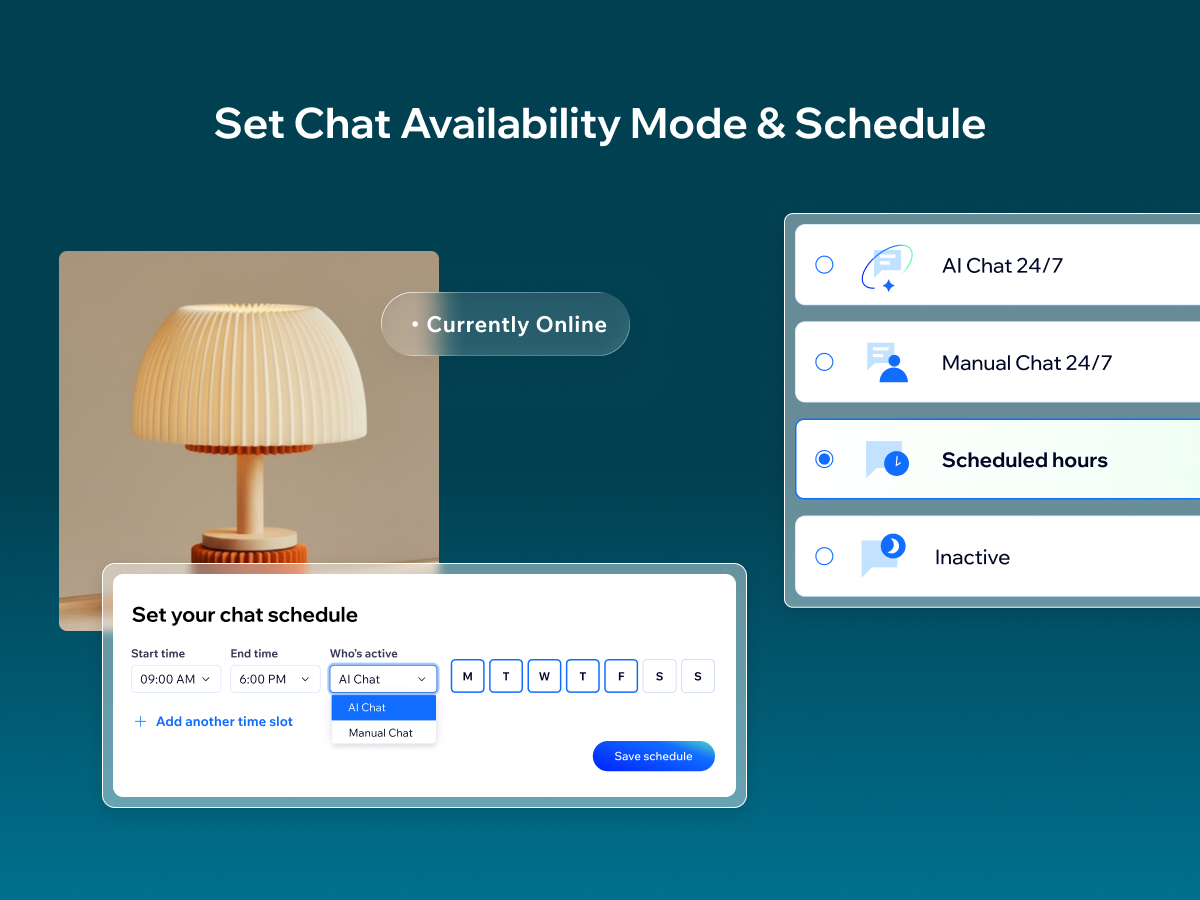
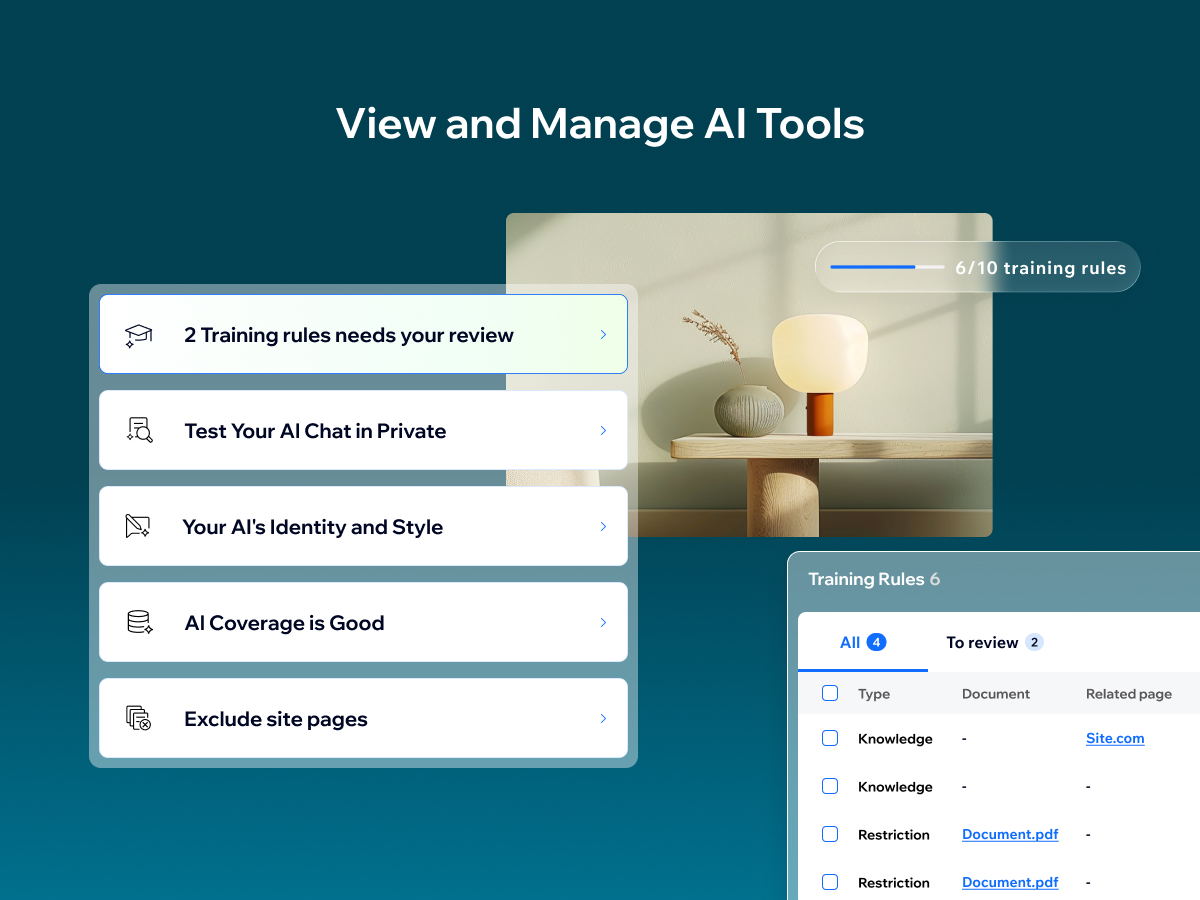
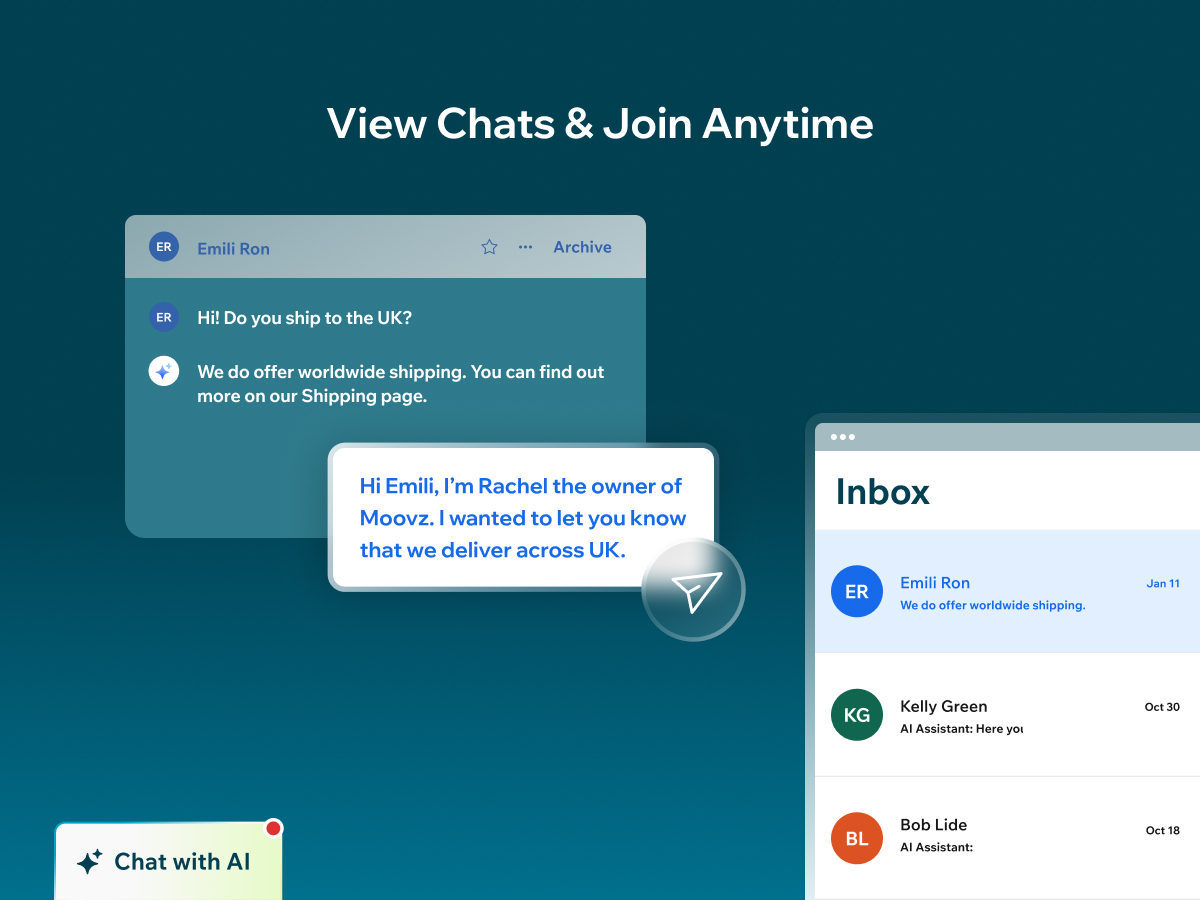
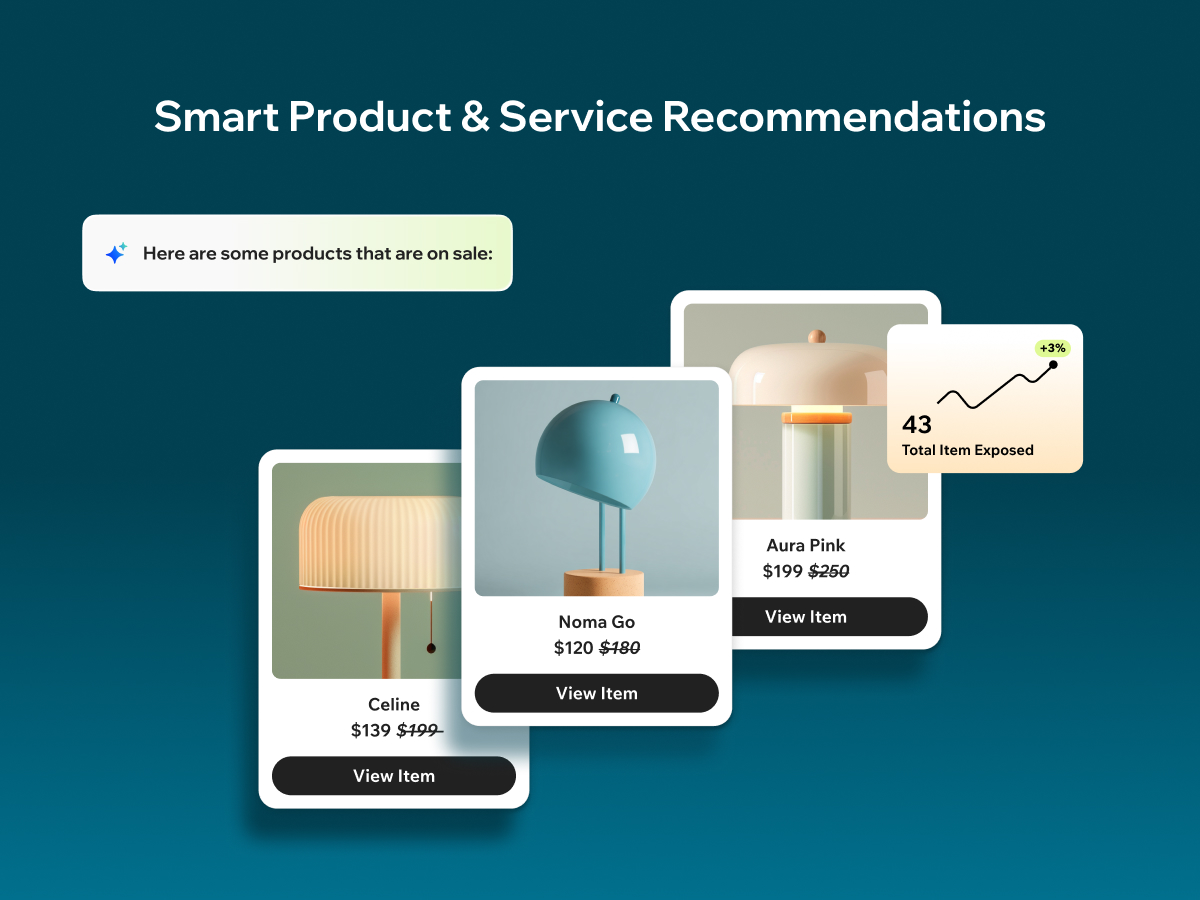
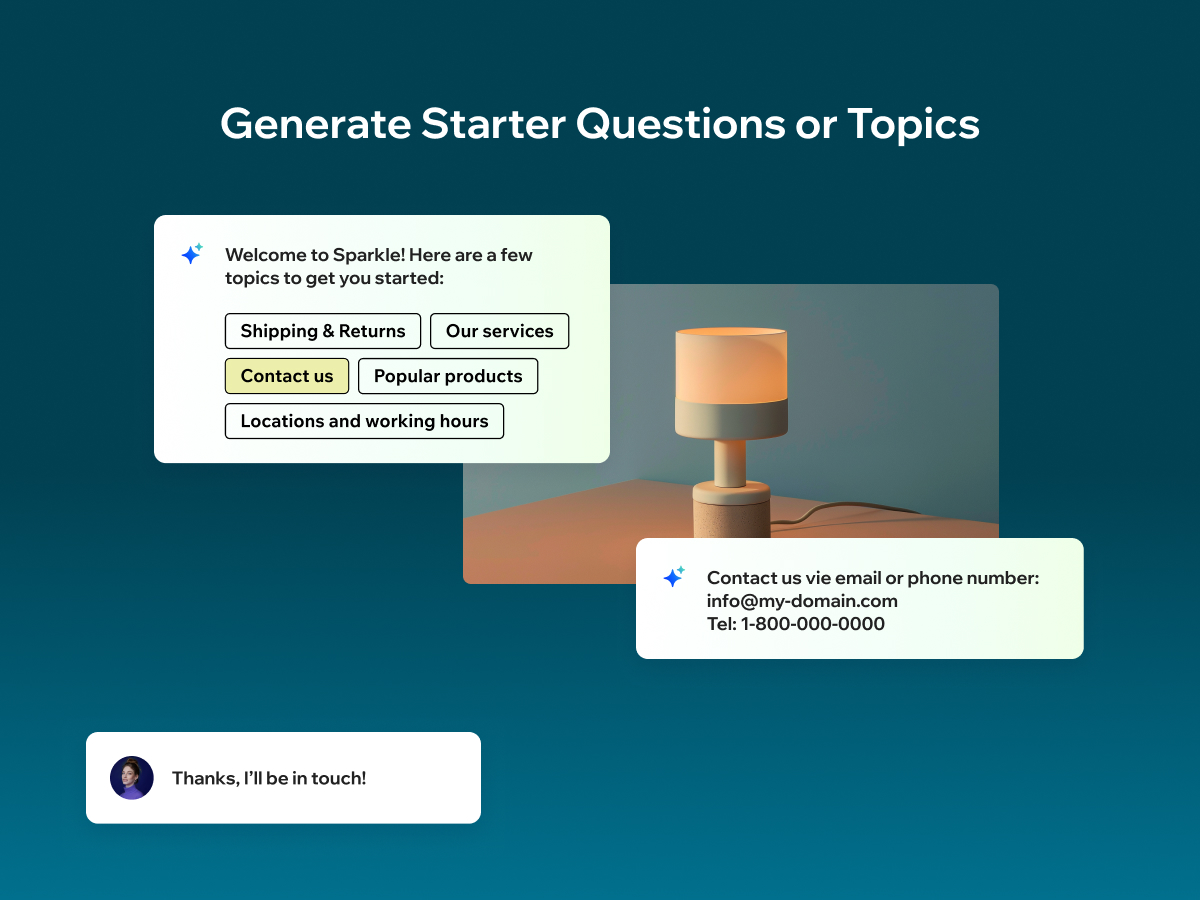
Wix Smart Chat combines AI chat and manual chat in one place, so you can support visitors in the way that fits your business—automated answers, real human replies, or a flexible mix of both. Stay responsive during peak hours and after hours with flexible availability modes: AI 24/7, manual 24/7, scheduled hours, or inactive (with offline options to keep collecting leads). From your dashboard, you can test and improve the AI, add knowledge and restrictions, adjust the AI’s identity and style, and review conversations in your Inbox—so Smart Chat becomes more accurate and helpful over time. Get easy access to key chat analytics that help you learn more about your site visitors and improve how you engage with them to boost conversions. Smart Chat also analyzes your conversations to give you key insights into what your customers are looking for and how you can improve your business. Previously known as Wix AI Site Chat, Smart Chat is now upgraded to include live (manual) chat—and it’s designed to replace the old Wix Chat with one unified solution.
Additional product media
Official Wix marketplace summary
Review activity, rating distribution, stored replies, publication state, and App Market Index review-pattern signals.
Calculated as of
Reviews in selected period
0 −11 (−100%) vs previous 30 days0 Reviews in the selected 30 days and 11 in the previous 30 days.
Analysis pending coverage
Visualize Review volume and rating mix over time, plus Review-pattern activity.
Ratings describe currently preserved Reviews grouped by their original Review dates. Unpublished activity uses surviving Wix-supplied unpublication dates. Switch to Table for exact numbers.
| Month | Reviews | Rating | Unpublished | ||||
|---|---|---|---|---|---|---|---|
| 5 stars | 4 stars | 3 stars | 2 stars | 1 star | |||
| Jul 2024 | 3 | 1 | 2 | 0 | 0 | 0 | 0 |
| Aug 2024 | 3 | 3 | 0 | 0 | 0 | 0 | 0 |
| Sep 2024 | 8 | 2 | 3 | 1 | 1 | 1 | 0 |
| Oct 2024 | 2 | 1 | 0 | 1 | 0 | 0 | 0 |
| Nov 2024 | 5 | 1 | 2 | 1 | 1 | 0 | 0 |
| Dec 2024 | 3 | 1 | 0 | 1 | 0 | 1 | 0 |
| Jan 2025 | 8 | 3 | 0 | 1 | 2 | 2 | 0 |
| Feb 2025 | 11 | 3 | 1 | 3 | 2 | 2 | 0 |
| Mar 2025 | 30 | 5 | 1 | 4 | 5 | 15 | 3 |
| Apr 2025 | 14 | 5 | 2 | 0 | 4 | 3 | 0 |
| May 2025 | 6 | 1 | 0 | 0 | 1 | 4 | 0 |
| Jun 2025 | 10 | 3 | 0 | 1 | 3 | 3 | 0 |
| Jul 2025 | 4 | 0 | 1 | 1 | 0 | 2 | 2 |
| Aug 2025 | 11 | 1 | 1 | 1 | 4 | 4 | 0 |
| Sep 2025 | 5 | 1 | 1 | 0 | 1 | 2 | 0 |
| Oct 2025 | 7 | 2 | 0 | 2 | 1 | 2 | 0 |
| Nov 2025 | 4 | 2 | 0 | 0 | 0 | 2 | 0 |
| Dec 2025 | 5 | 2 | 0 | 0 | 0 | 3 | 0 |
| Jan 2026 | 2 | 0 | 0 | 0 | 0 | 2 | 0 |
| Feb 2026 | 0 | 0 | 0 | 0 | 0 | 0 | 0 |
| Mar 2026 | 10 | 2 | 1 | 0 | 0 | 7 | 65 |
| Apr 2026 | 16 | 1 | 1 | 1 | 3 | 10 | 0 |
| May 2026 | 14 | 0 | 0 | 0 | 1 | 13 | 0 |
| Jun 2026 | 16 | 3 | 0 | 1 | 1 | 11 | 0 |
| Jul 2026 | 10 | 1 | 0 | 0 | 0 | 9 | 0 |
| Aug 2026 | 9 | 1 | 0 | 0 | 1 | 7 | 0 |
Review-pattern Timeline data is pending complete coverage.
App Market Index archive
These are preserved App Market Index Review rows. They are separate from the current official Wix marketplace summary shown above, and publication labels describe the state currently stored by App Market Index. About this archive
I wish you could turn off the notifications that says how many visitors were visiting the site. All the unnecessary bell notifications pop ups telling us what we already know is annoying!!🤬 We don't want to disable the notification when a visitor enters the site, we just don't want the bell notification telling us every 10 minutes how many there were!!
Sorry to hear about that experience. I totally understand the frustration. We recently updated our Automations, which may help here. You can now control how often notifications repeat for the same visitor. Here's how to set it up: Go to Automations -> Open the New Visitor on Site automation and click Edit -> Click on the New Visitor trigger -> In the left panel turn on "Trigger once per person" and set the frequency limit for how often the flow can run for the same visitor Hope that does the trick! Let us know if you have any questions or in case this wont fix your problem 🙏
7 reviews across 7 apps 0 unpublished
Does the job!
Glitchy
Horrible I want to remove the app
Didn't load
Not connecting to Facebook page!!
Showing 5 of 6 other reviews.
View all reviews by this reviewerBut I just wanted the chat be workable to member-to-member. And have more file support. Reply to Wix: I was hoping for file support like audio files, videos, SVG support, and Miscellany files (text files, code files, pdf files, Midi files, etc.).
4 reviews across 4 apps 0 unpublished
It works pretty amazing!
It's pretty good, but I have some suggestions.
It's okay. but...
Implementei o app no meu site e funcionou perfeitamente no modo Desktop, mas quando tento visualisar o site no modo Mobile, o Chat nem aparece.
Obrigado pelo seu feedback! Verificamos seu site no modo mobile e tudo parece estar funcionando corretamente. O AI Site Chat está instalado e acessível através da Barra de Ações Rápidas, que aparece no seu site mobile.
1 reviews across 1 apps 0 unpublished
No other stored Reviews for this reviewer.
Works fine in test mode, worked for a while on the site, but then stops. Still works in test mode but when anything is typed on the live site all you see is what you wrote. Deleted, glad I didn't pay for it!
Thanks for your feedback! We checked your site, and everything looks good, the reason the chat isn’t responding on your live site is that your free trial quota has ended. The free plan includes 50 total conversations. To continue using the AI Site Chat, you can upgrade to one of our premium plans. You’ll then unlock more conversations and features to keep helping your visitors in real time.
3 reviews across 3 apps 1 unpublished
Just stops working from time to time
Excellent but very stingy for free plans
Update: I had to remove the Wix Chat which I knew, but was having a hard time doing that. Once it was deleted, I deleted the Ai Chat and re-added it to my site. It is on the site now, so I'll provide an updated review in a month or so after I've seen how it's working. First Review: I paid for a more premium package and it says it's uploaded on my website but nothing shows up. My patients don't see it. I don't see it. I don't see the conversations. There's no way to add it in the website editor. It's not working at all.
Thanks for the update, we're glad to hear the AI Site Chat is now visible on your website! Just a tip for anyone reading this: if you're using both the classic Wix Chat and the new AI Site Chat, make sure the widgets don’t overlap. You can set one to appear on the left and the other on the right. To do that, go into the Editor → click the widget → go to Settings → Layout, and choose the side you want it to appear on. We appreciate your willingness to give the AI Site Chat another try, and we’re here if you need any help optimizing it. Looking forward to your updated review!
1 reviews across 1 apps 1 unpublished
No other stored Reviews for this reviewer.
Plan comparison
Detailed plan information is not available for this App.