
3 reviews across 3 apps 0 unpublished
Lots wrong
Horizontal space
By PURPLE
Overview
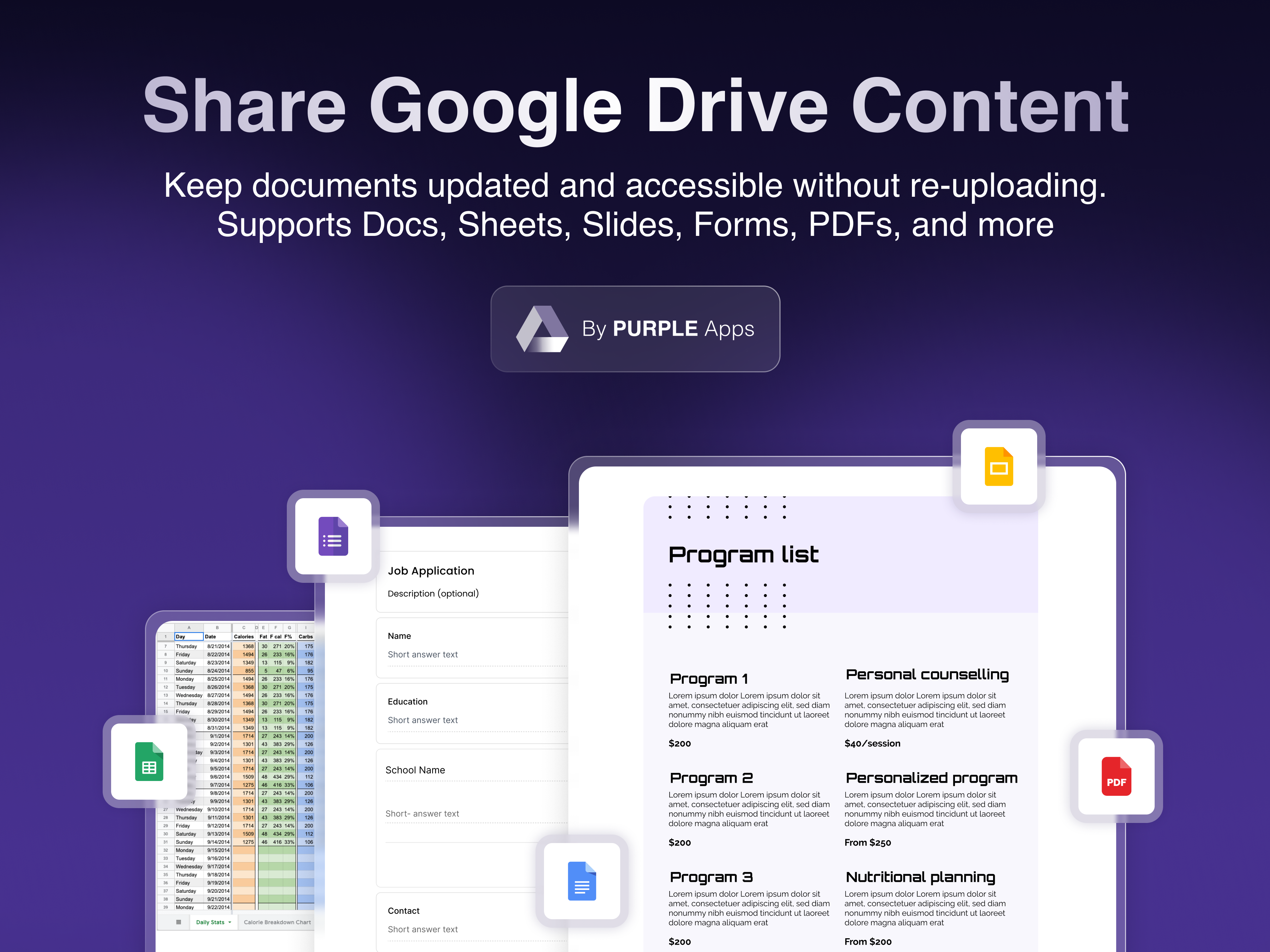
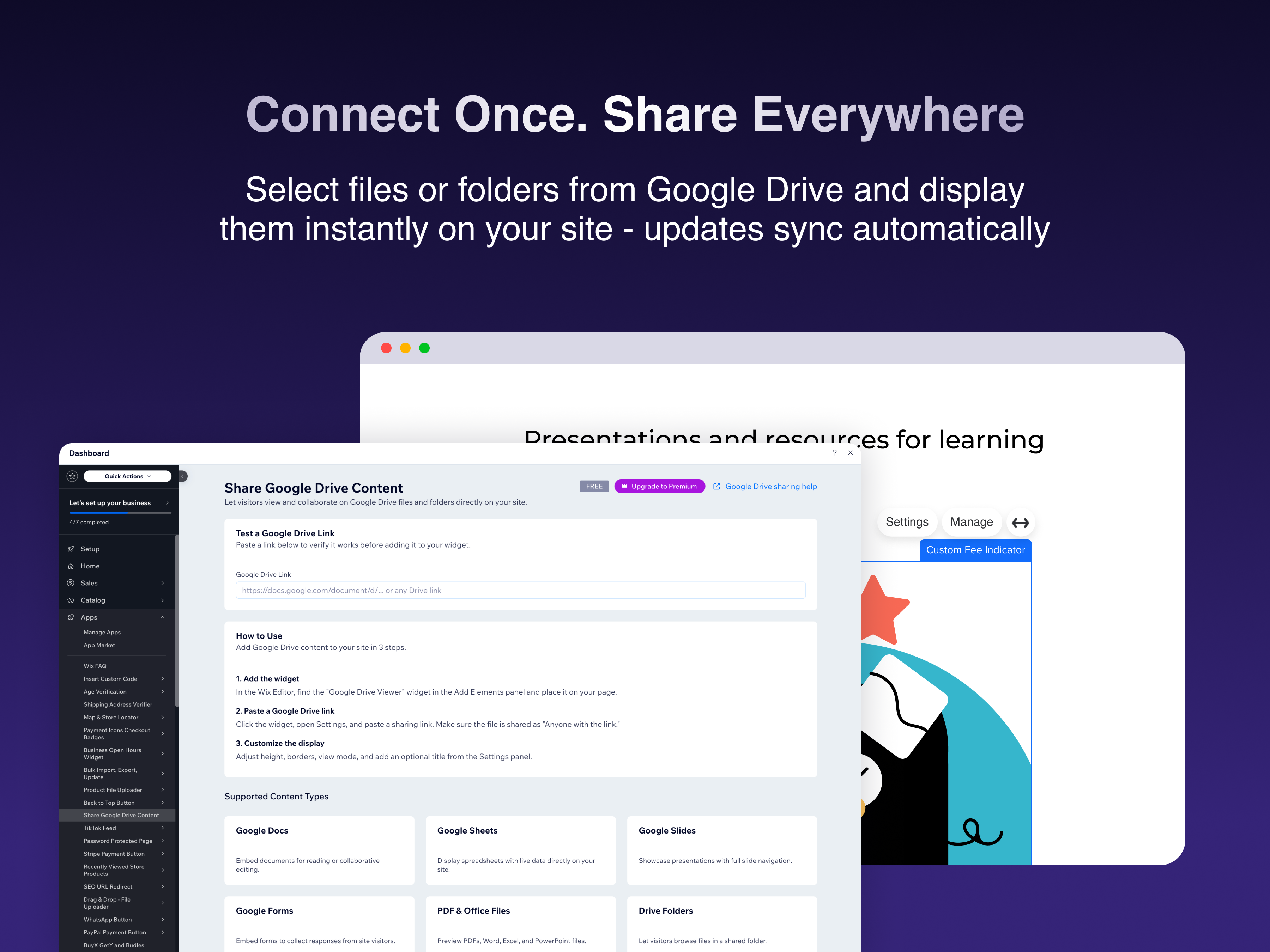
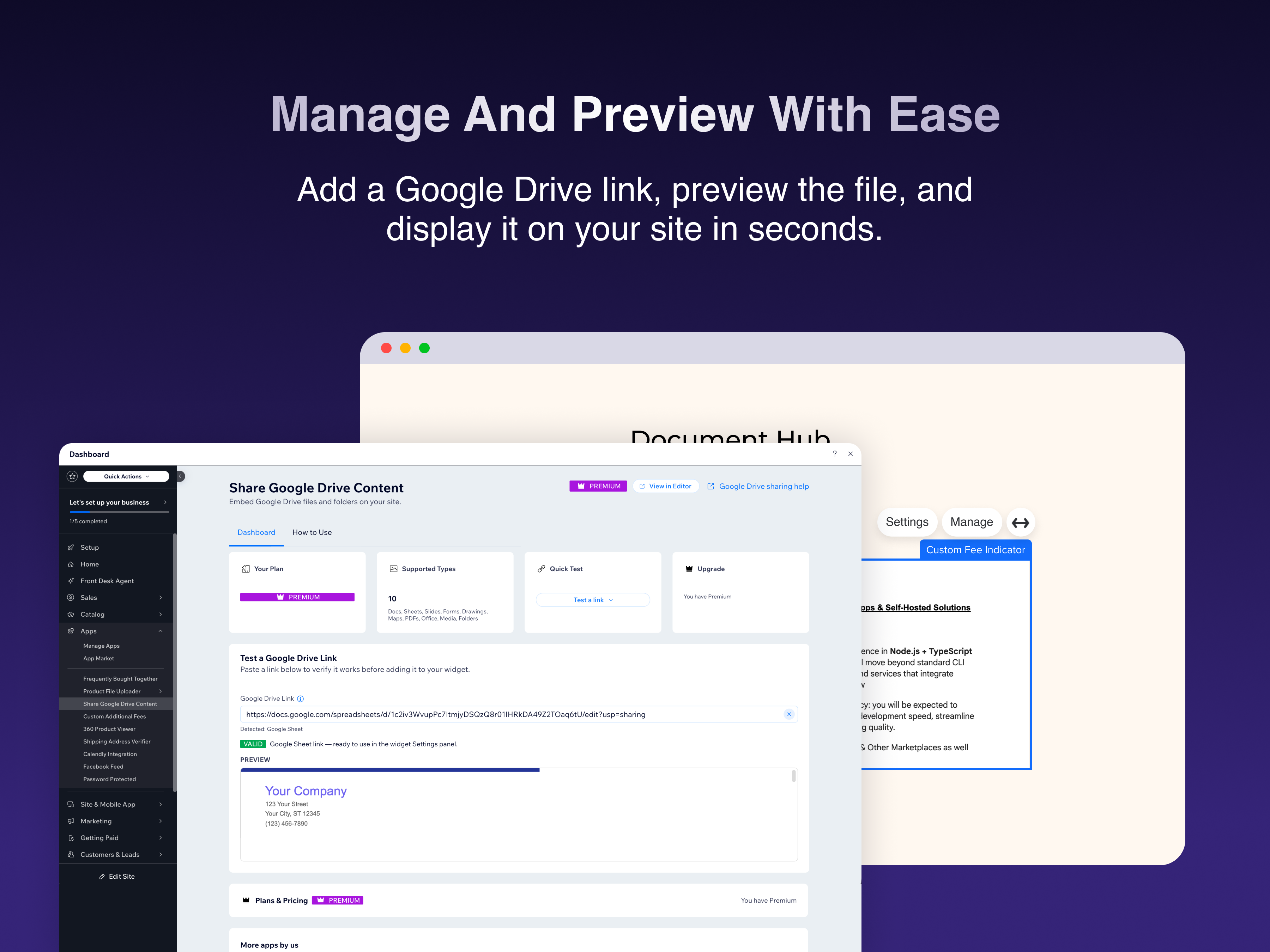
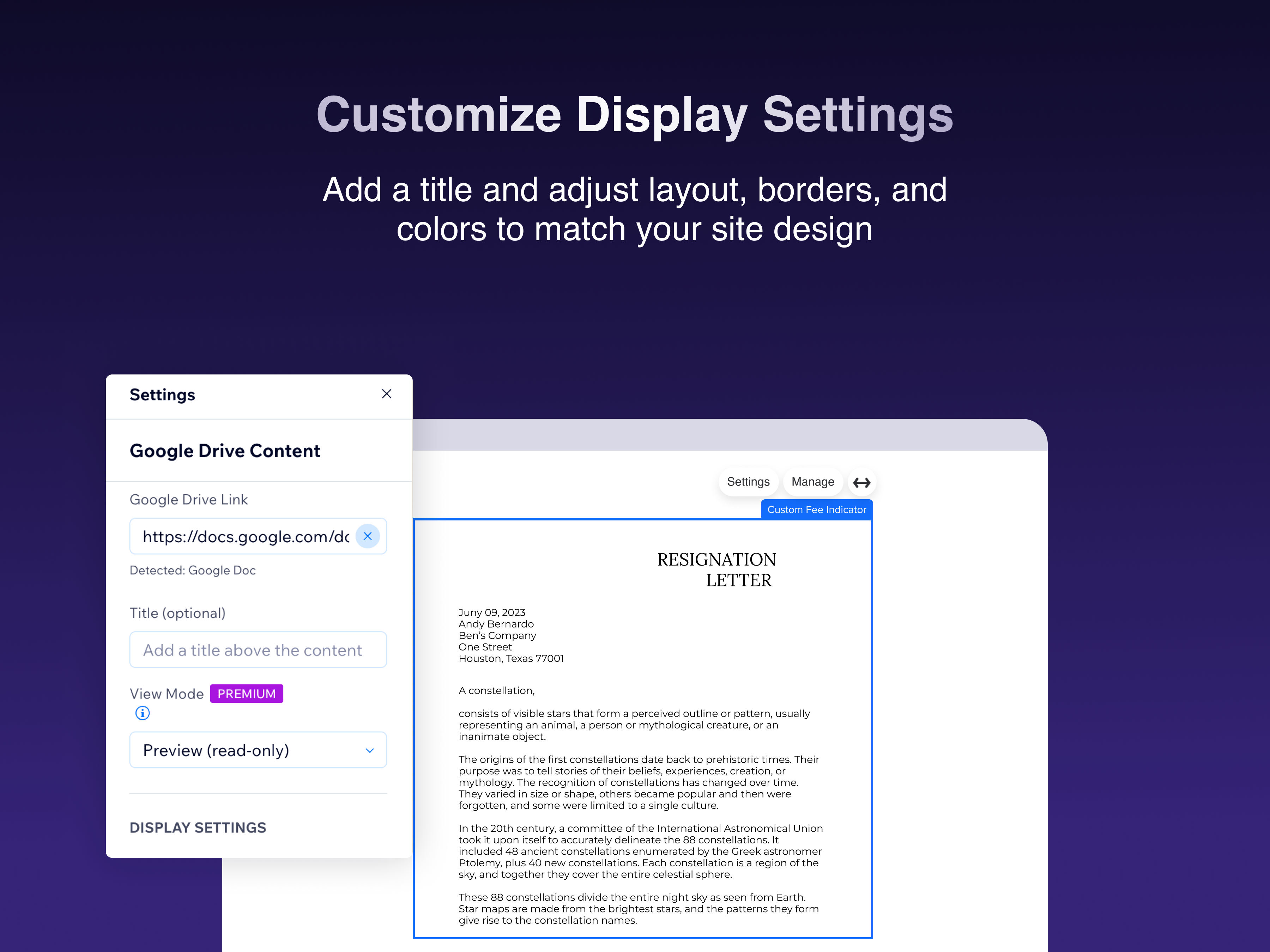
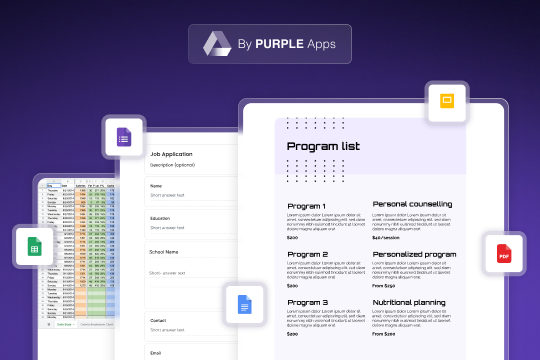
Share Google Drive Content lets your site visitors view and interact with Google Drive files and folders directly on your pages - no downloads, no redirects. Simply paste a Google Drive sharing link into the widget's settings panel, and the content is embedded instantly. Your visitors can view Google Docs, Sheets, Slides, Forms, PDFs, Microsoft Office files, and even browse shared folders - all without leaving your site. Key features: • Supports all major Google Drive formats: Docs, Sheets, Slides, Forms, PDFs, Office files, images, and videos • Share entire Drive folders so visitors can browse multiple files • Choose between Preview mode (read-only) or Edit mode (collaborative) • Customize the display height, border style, corner radius, and add a title • Works seamlessly with your site's design • Easy setup - just paste a Google Drive link, and you're done How it works: 1. Add the Google Drive Viewer widget to any page in the Editor 2. Open the widget's Settings panel and paste a Google Drive sharing link 3. Adjust the display options to match your site's style 4. Publish - your visitors can now view and collaborate on your content Perfect for businesses sharing documents
Additional product media
Official Wix marketplace summary
Review activity, rating distribution, stored replies, publication state, and App Market Index review-pattern signals.
Calculated as of
Reviews in selected period
0 −9 (−100%) vs previous 30 days0 Reviews in the selected 30 days and 9 in the previous 30 days.
Analysis pending coverage
Visualize Review volume and rating mix over time, plus Review-pattern activity.
Ratings describe currently preserved Reviews grouped by their original Review dates. Unpublished activity uses surviving Wix-supplied unpublication dates. Switch to Table for exact numbers.
| Month | Reviews | Rating | Unpublished | ||||
|---|---|---|---|---|---|---|---|
| 5 stars | 4 stars | 3 stars | 2 stars | 1 star | |||
| Mar 2026 | 4 | 4 | 0 | 0 | 0 | 0 | 0 |
| Apr 2026 | 10 | 5 | 1 | 1 | 2 | 1 | 0 |
| May 2026 | 7 | 5 | 0 | 0 | 0 | 2 | 0 |
| Jun 2026 | 38 | 32 | 0 | 3 | 0 | 3 | 0 |
| Jul 2026 | 17 | 14 | 0 | 3 | 0 | 0 | 0 |
| Aug 2026 | 7 | 6 | 0 | 0 | 0 | 1 | 0 |
Review-pattern Timeline data is pending complete coverage.
App Market Index archive
These are preserved App Market Index Review rows. They are separate from the current official Wix marketplace summary shown above, and publication labels describe the state currently stored by App Market Index. About this archive
The vertical stretch option doesn't work. If you want to vertically adjust the table, you have to do it in settings and put in a value, then see where it takes you in terms of the desired size and then keep doing it until it cuts off the table.... then you need to increase the size setting again. 2nd Problem..... the table was just not appearing for some users - just a framework of the app with the notice that users should access the table directly on Google. Complained about this on 17 May... now 14 June and no response..... the table appearing may have been resolved, or resolved itself or users are just not complaining now. So, nothing from Purple about any of the problems after almost a month after the initial email indicated that they'd look into it. Oh the irony of paying $38 per year for an app that can't do what the free one did.
Hi there, Thank you for your feedback, and we're sorry to hear that your experience hasn’t been smooth. We’d really like to help you get things working the way they should. Please reach out to us at apps-support@prpl.io and we’ll personally look into this for you. - The PURPLE Team
3 reviews across 3 apps 0 unpublished
Lots wrong
Horizontal space
I would like a collapse feature and a way to display the content. Example: I do not want the column displayed that shows the date modified and where stored. I just want the file names.
Hi, thanks for the feedback - we appreciate it! We've recently improved the app with several new features. You can find a Collapse feature in Settings → Appearance → Collapsible. To hide columns like "Date Modified" and "Location", try switching to Grid view (Settings → Folder View → Grid) - it shows only file names with icons. If these work for you, we'd love an updated rating. And for future suggestions, feel free to contact us directly at apps-support@prpl.io Best regards
1 reviews across 1 apps 0 unpublished
No other stored Reviews for this reviewer.
Plan comparison
Free
Free
$3.5 / month
$42 billed yearly Save 22% yearly$4.5 / month