
PayPal
By Vanyadoing
Product media
Screenshots
1 of 8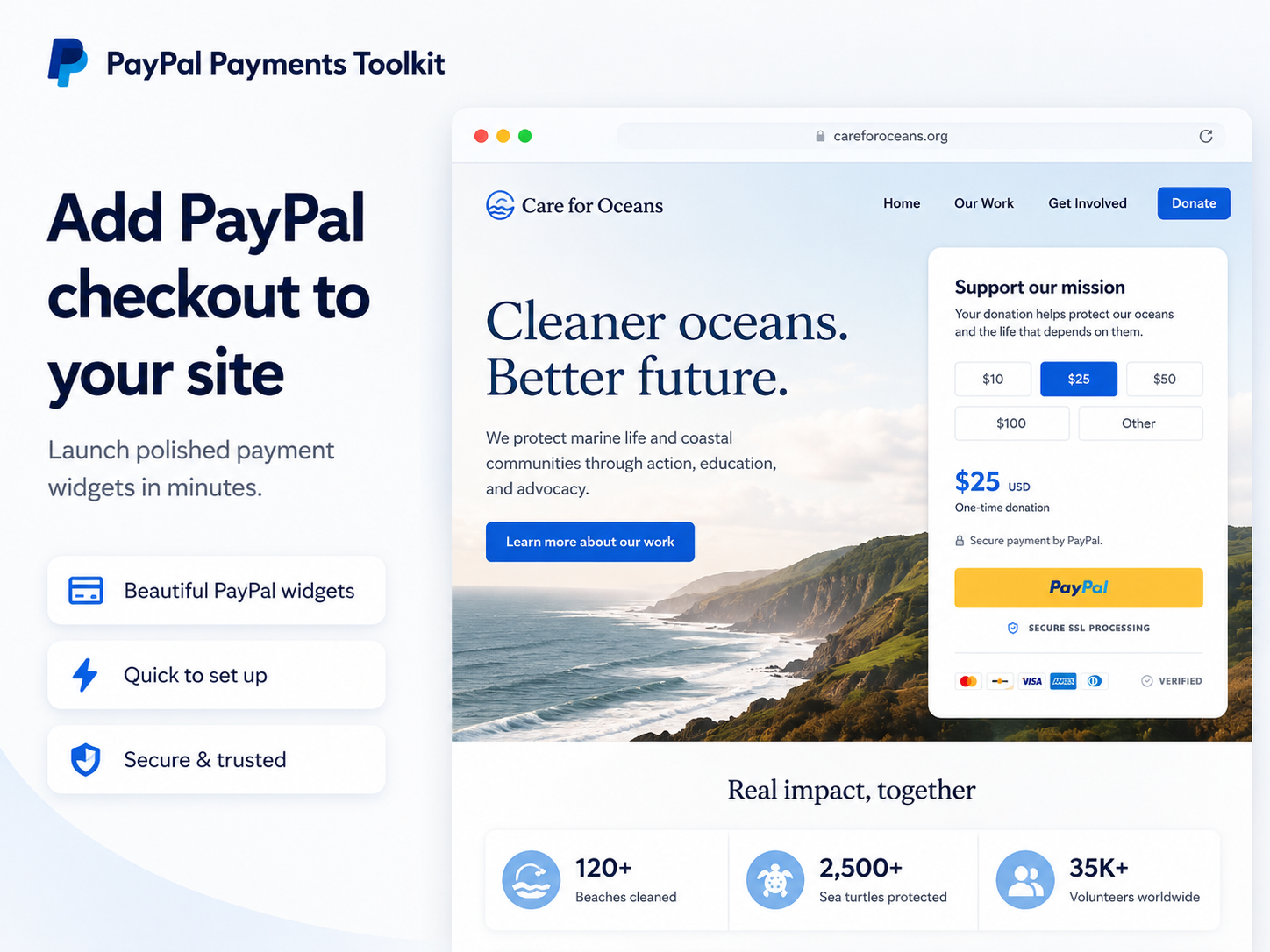
Overview
About this App
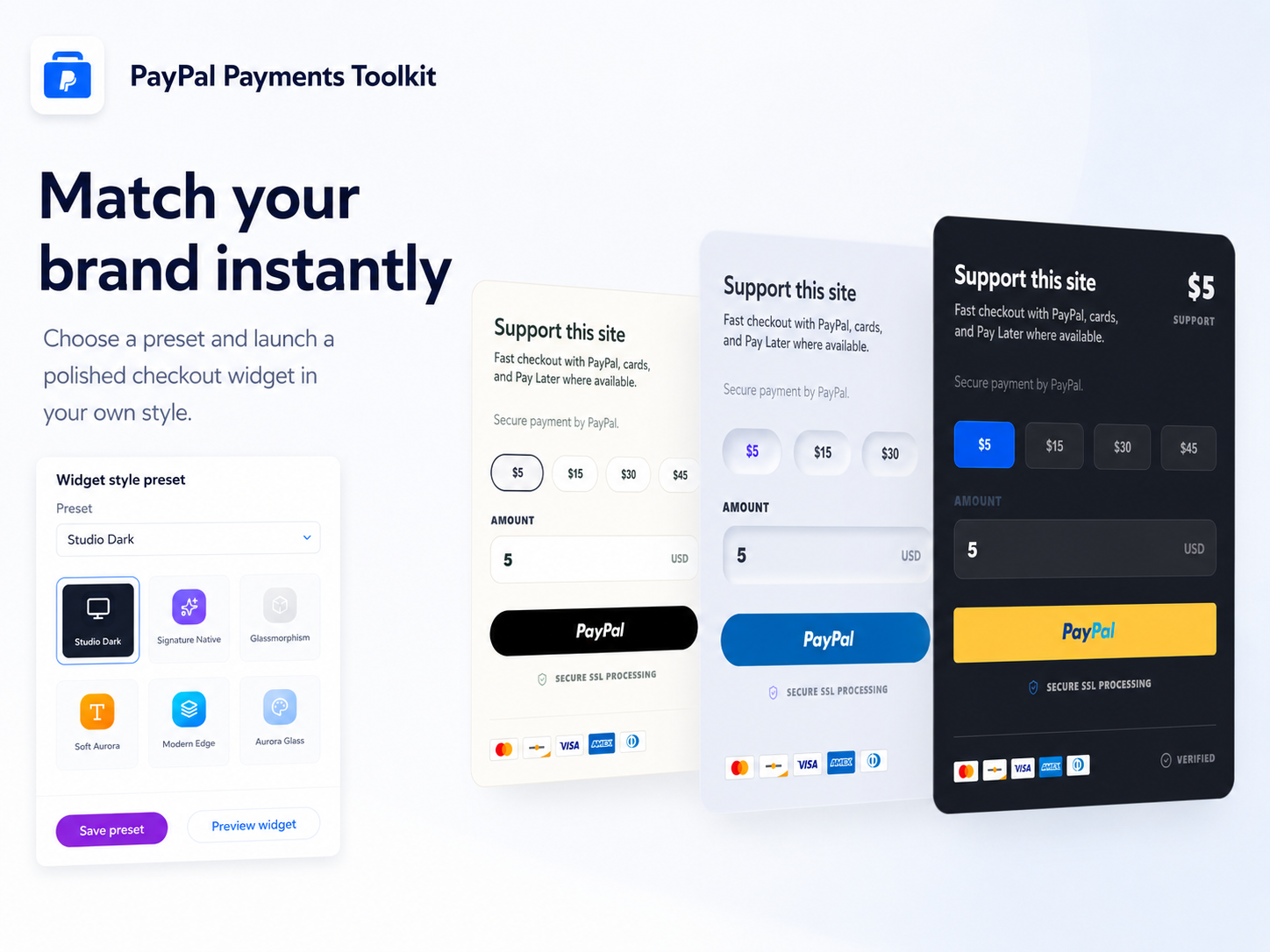
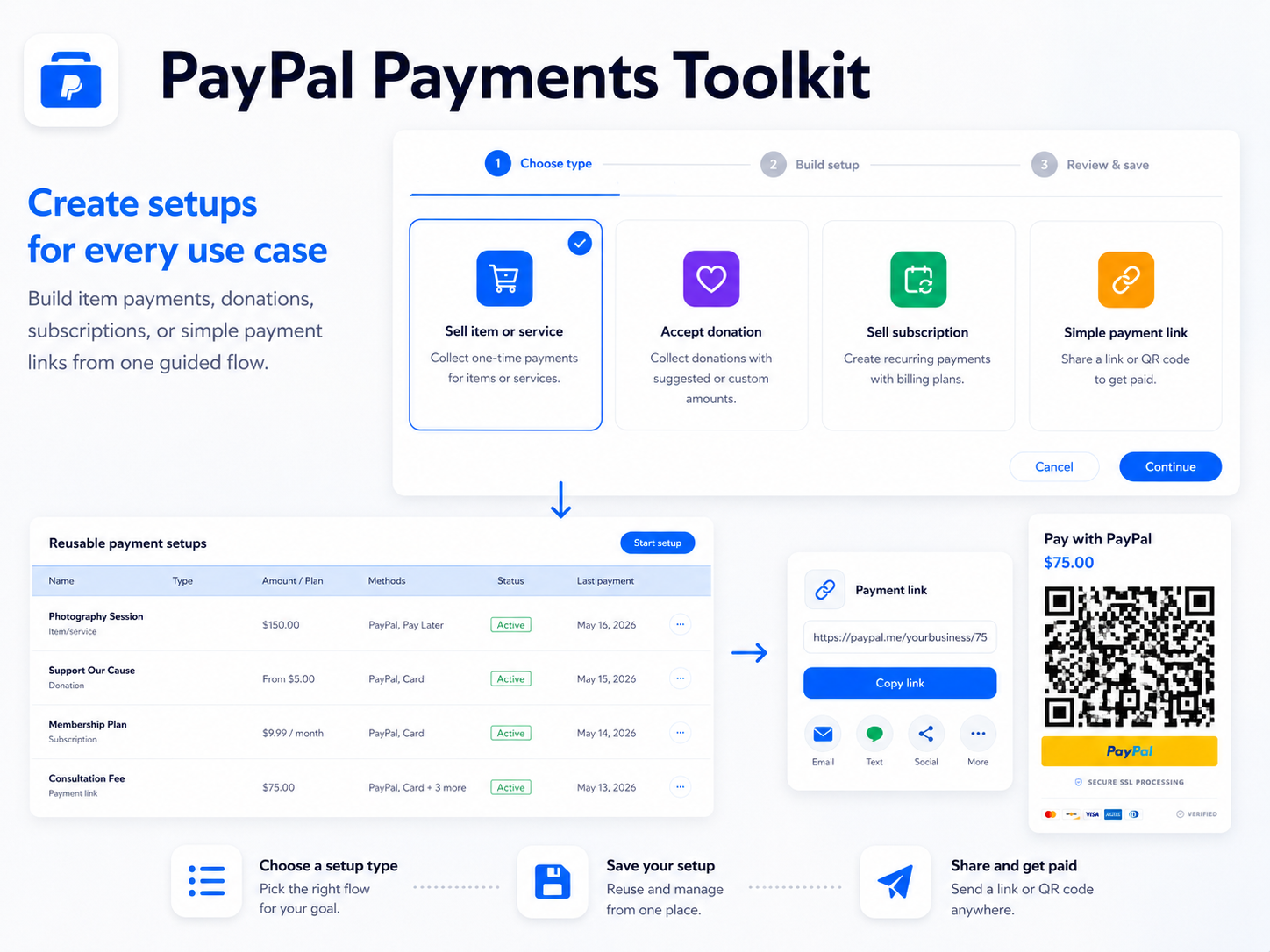
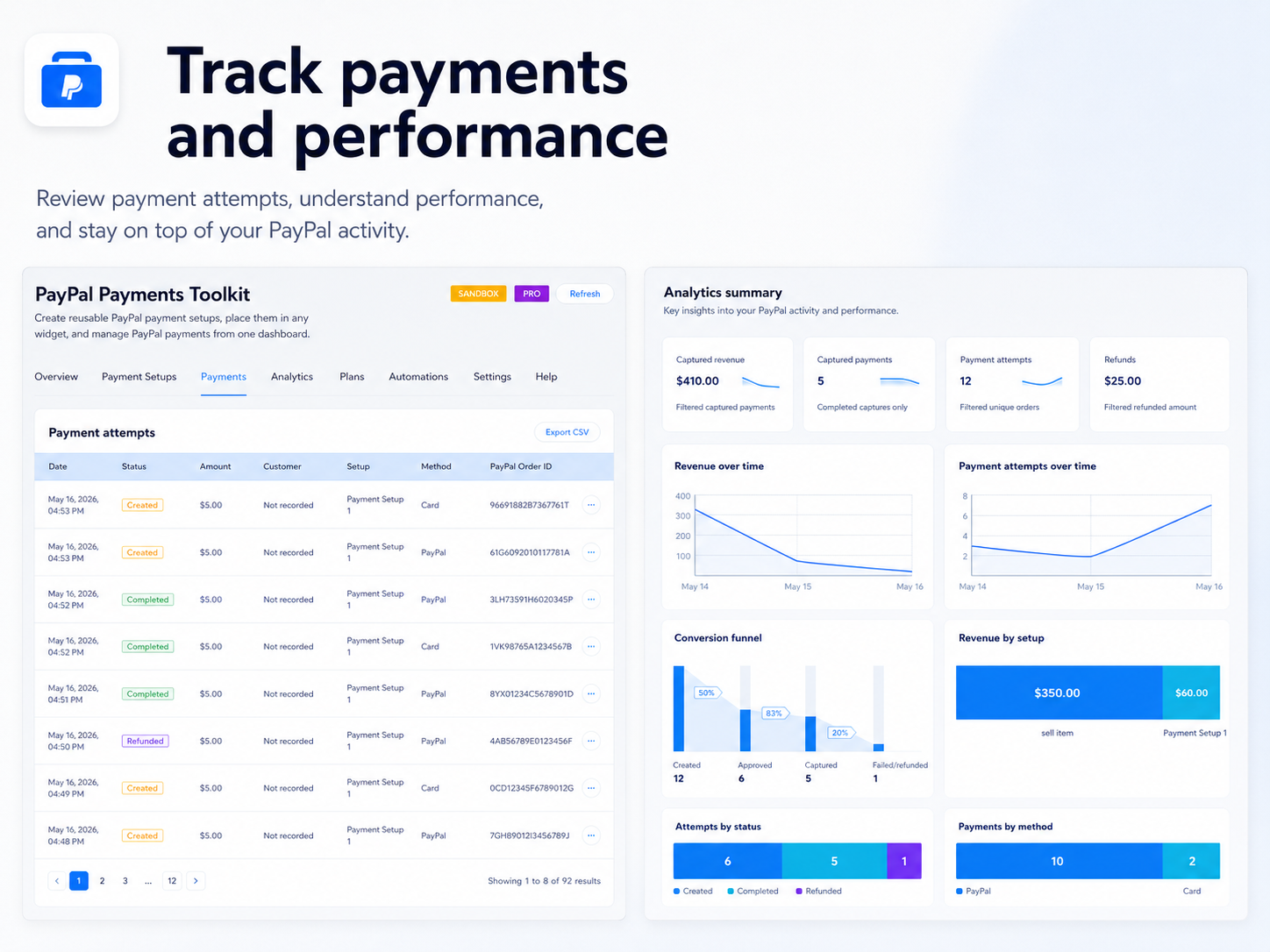
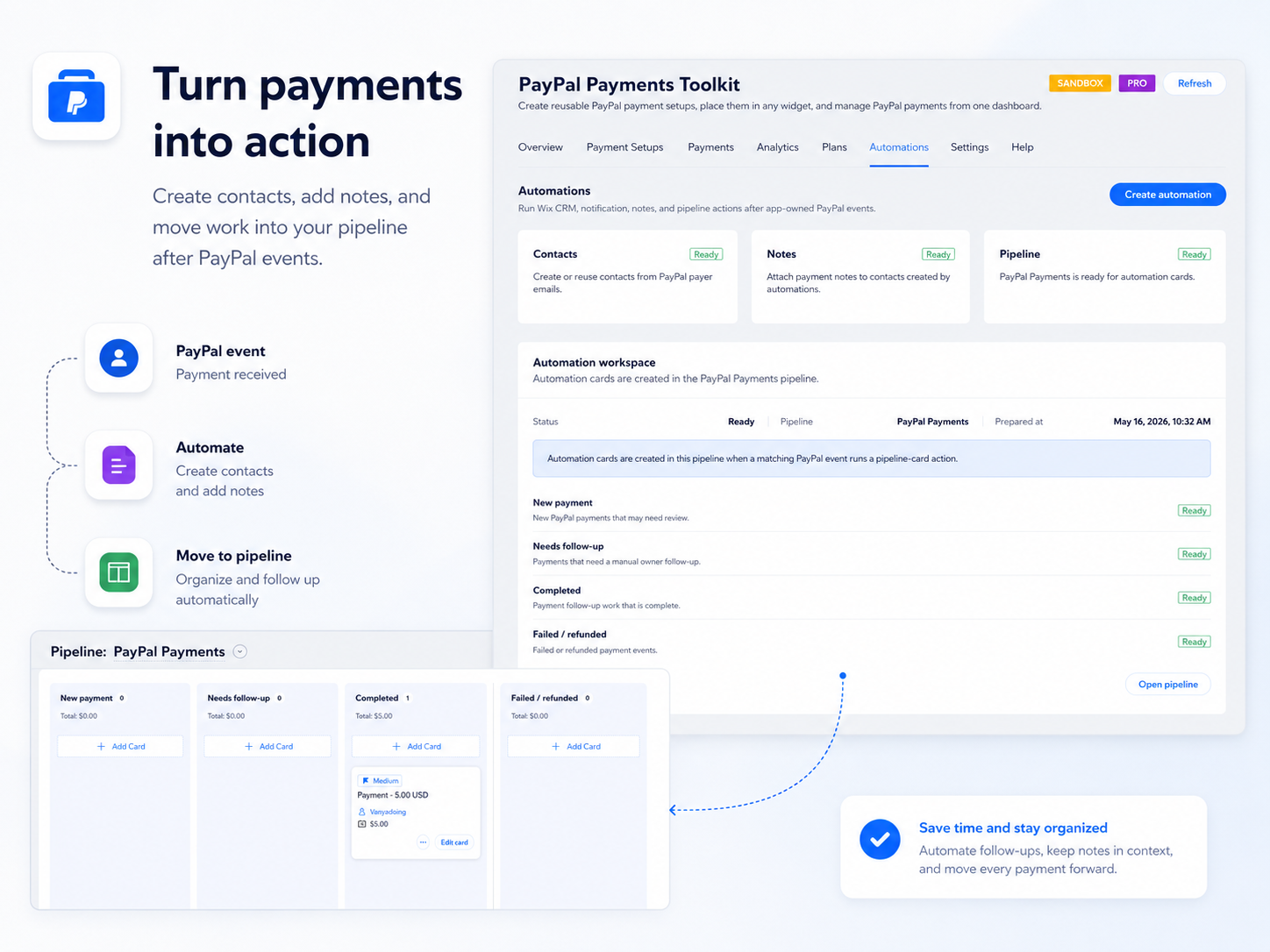
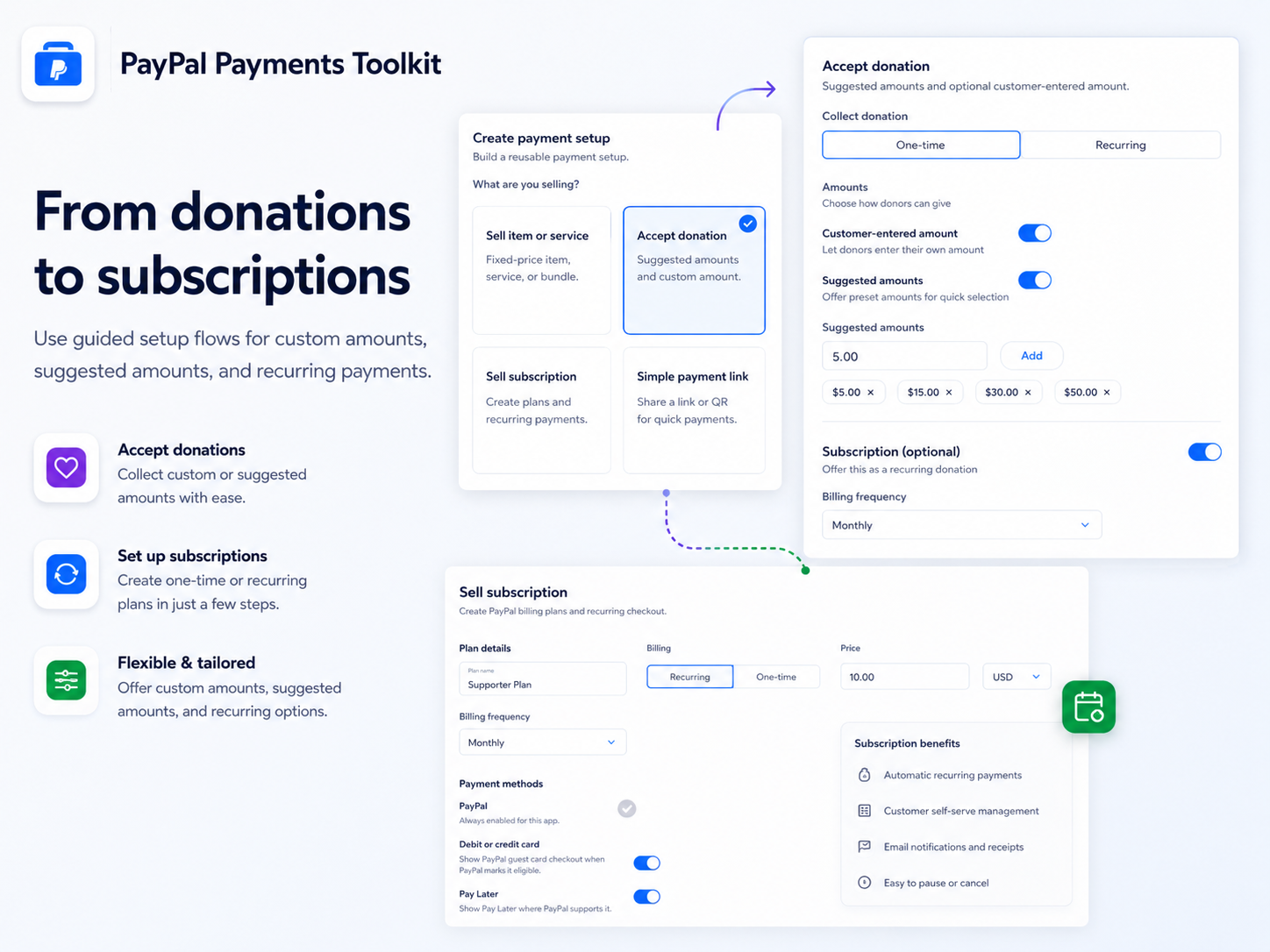
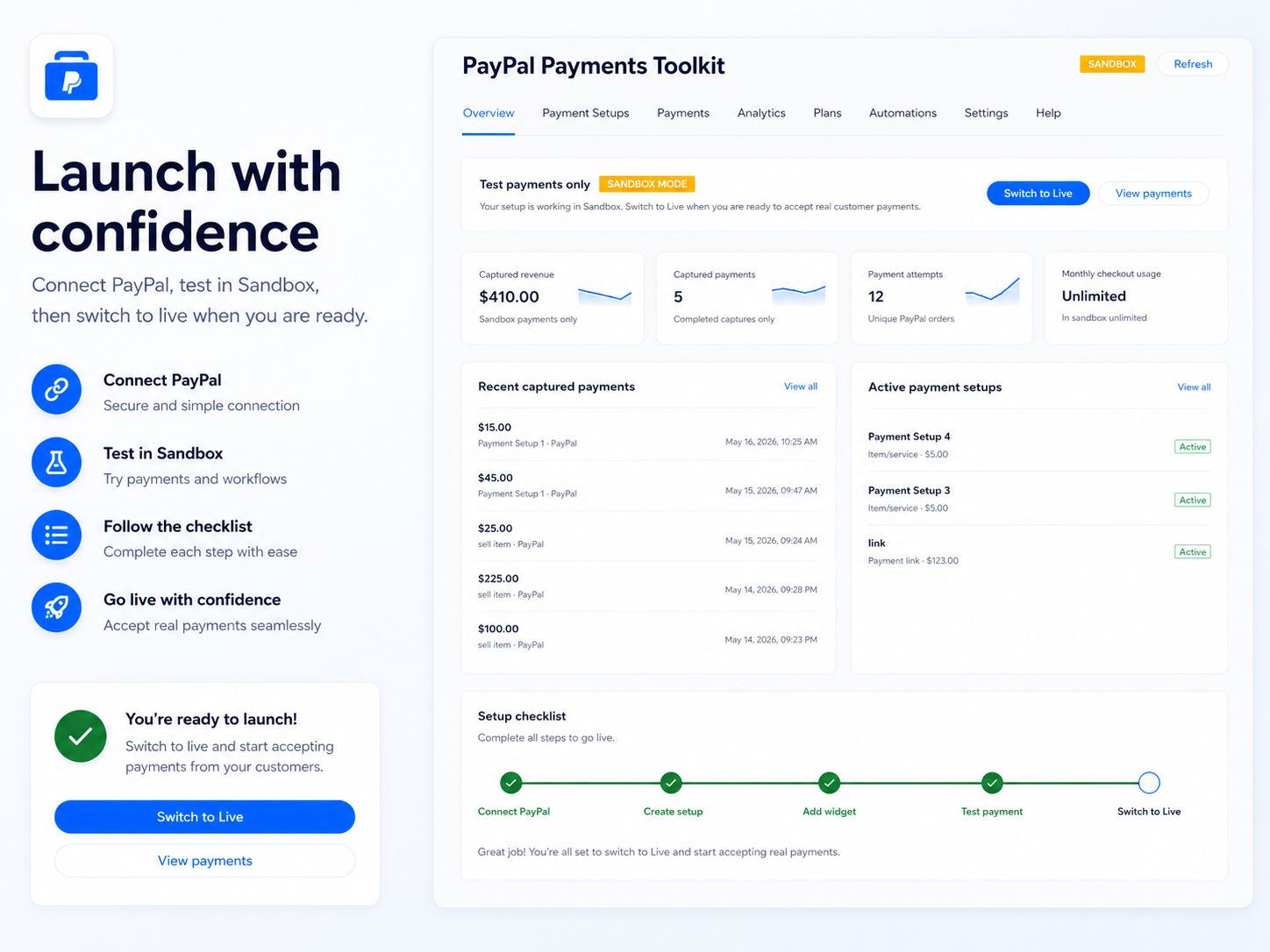
PayPal Payments Toolkit is a PayPal payment button, PayPal checkout widget, PayPal payment link, PayPal QR code, PayPal donation, and PayPal subscription toolkit for your site. Use PayPal Payments Toolkit to create reusable PayPal payment setups for one-time payments, services, products, donations, customer-entered amounts, suggested amounts, quantities, hosted PayPal payment links, QR checkout flows, and recurring PayPal subscriptions. Add the same PayPal setup to multiple widgets and customize each PayPal checkout widget style separately. The PayPal dashboard helps you track PayPal payment attempts, completed PayPal payments, captured revenue, refunds, payment methods, subscription activity, setup performance, and PayPal sync freshness. PayPal analytics show which PayPal payment setups and PayPal checkout flows perform best. PayPal Payments Toolkit also supports PayPal automations for payment follow-ups. After PayPal payment events, you can create contacts, add labels, attach notes, send notifications, or create pipeline actions. Use PayPal Sandbox to test your PayPal checkout safely, then switch to Live when you’re ready to accept real PayPal payments.
What the listing highlights
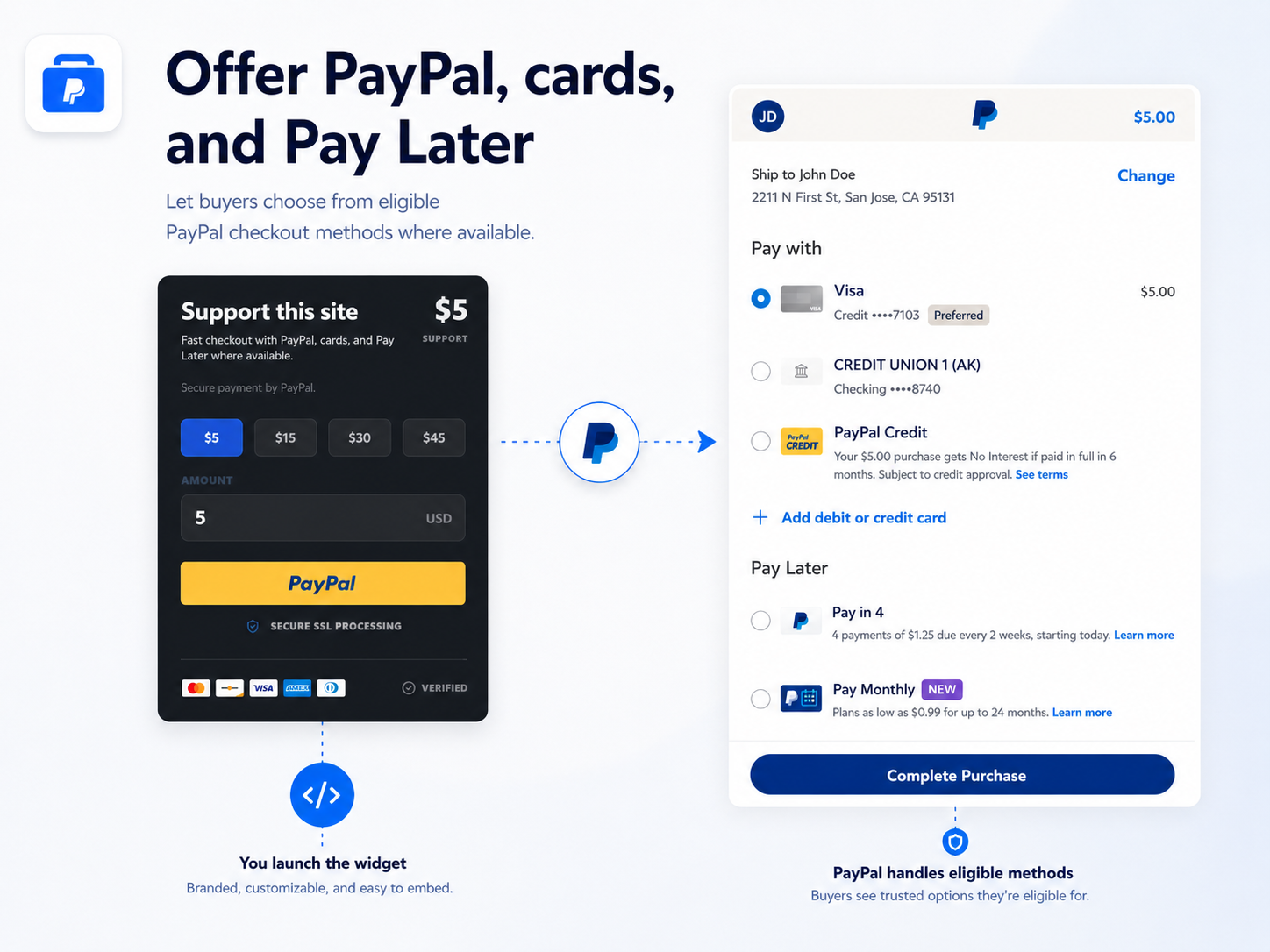
- PayPal checkout buttons and payment widgets - Create PayPal payment buttons and PayPal checkout widgets for one-time payments, products, services, donations, custom amounts, suggested amounts, quantities, payment links, QR payments, and PayPal subscriptions. Let eligible buyers use PayPal, cards, Pay Later, and other PayPal-supported payment methods where available
- PayPal reusable payment setups - Build reusable PayPal payment setups once and use them across widgets, PayPal payment links, and QR codes. Create PayPal setups for services, products, donations, payment links, subscriptions, or custom checkout flows without recreating the same PayPal payment configuration every time
- PayPal dashboard, analytics, and reports - Manage PayPal payments from one dashboard. Track PayPal payment attempts, captured payments, revenue, refunds, payment methods, setup performance, subscription activity, sync freshness, and checkout results. Use PayPal analytics to understand which PayPal payment setups perform best
- PayPal automations and follow-ups - Run automations after PayPal payment events. Create contacts, add labels, attach notes, send notifications, or create pipeline actions when PayPal payments, PayPal donations, PayPal subscriptions, or PayPal checkout events are completed, failed, refunded, or need follow-up
Additional product media
Promotional media

Reviews
Official Wix marketplace summary
Wix Marketplace feedback
App Market Index archive
Review list
Browse preserved published and unpublished Reviews.These are preserved App Market Index Review rows. They are separate from the current official Wix marketplace summary shown above, and publication labels describe the state currently stored by App Market Index. About this archive
Plan comparison
Pricing & Plans
Free
Free
Free
- 1 active setup
- 20 checkouts / month
- PayPal method
Core
$3.49 / month
$41.88 billed yearly Save 30% yearly$4.99 / month
- 10 active setups
- 200 checkouts / month
- Links and QR
Pro
$6.99 / month
$83.88 billed yearly Save 30% yearly$9.99 / month
- Unlimited setups
- Unlimited checkouts
- Subscriptions
Detailed App featuresCompare all 9 structured features
| Feature | FreeFree | Paid planCore | Paid planPro |
|---|---|---|---|
| CSV export | Basic | Included | Included |
| Payment methodsPayPal, Card, Pay Later, Credit, Venmo | PayPal | All methods | All methods |
| Checkouts per month | 20 | 200 | Unlimited |
| Support | Standard | Standard | Priority |
| Active payment setups | 1 | 10 | Unlimited |
| Donations and custom amounts | Not included | Included | Included |
| Payment links and QR | Not included | Included | Included |
| Subscriptions | Not included | Not included | Included |
| Automations | Not included | Not included | Included |