
OneDrive
By PURPLE
Product media
Screenshots
1 of 4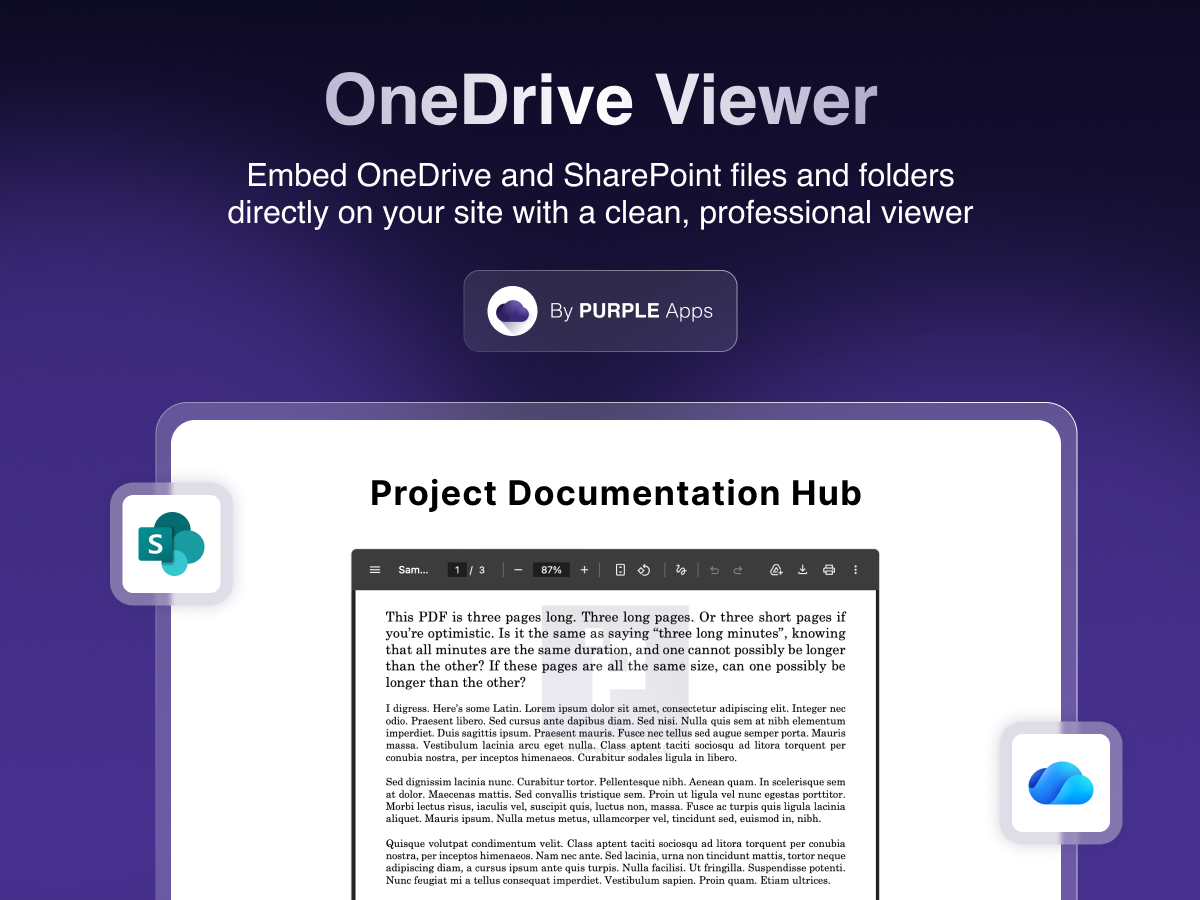
Overview
About this App
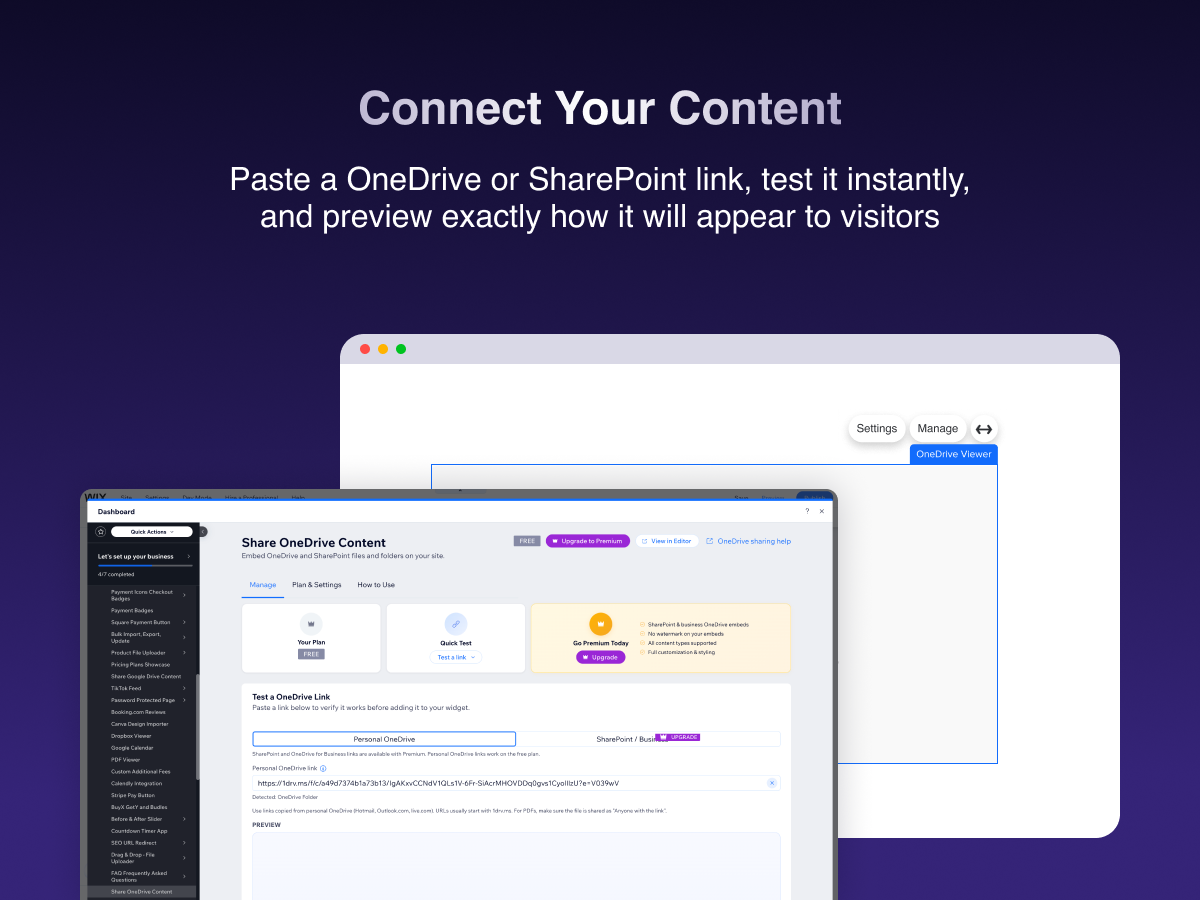
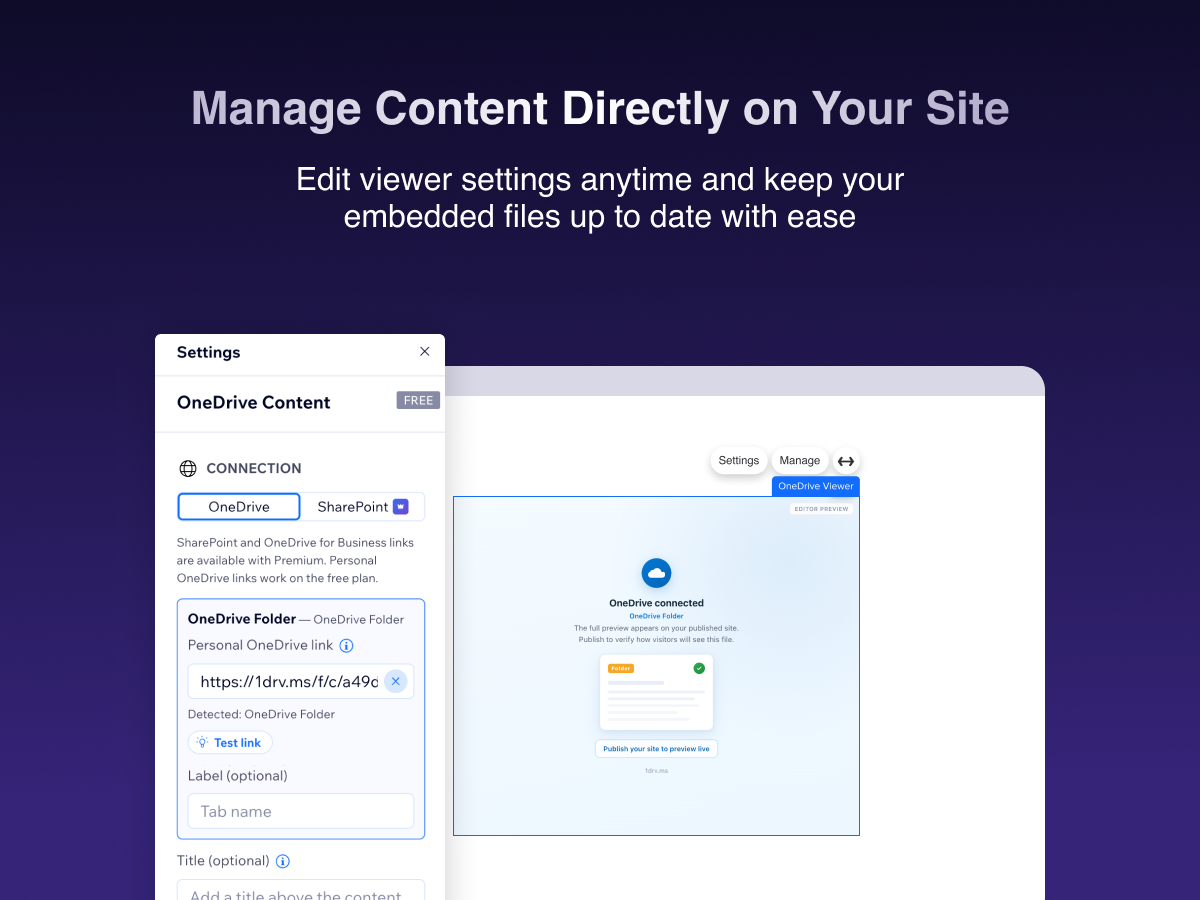
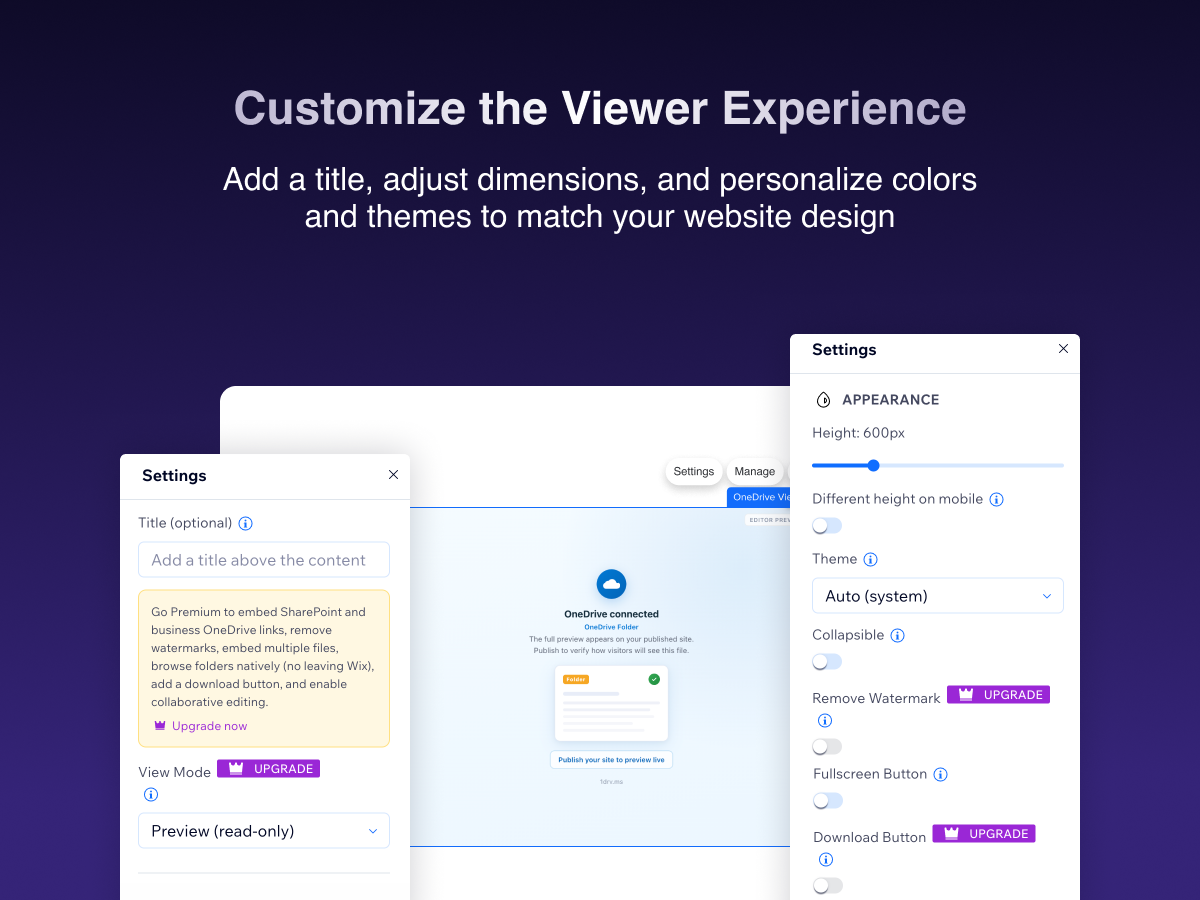
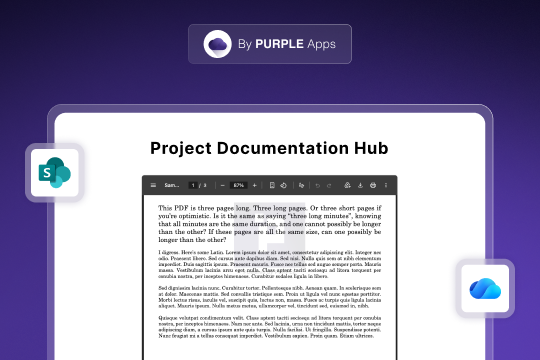
Share OneDrive Content lets your site visitors view OneDrive and SharePoint files and folders directly on your pages - no downloads, no redirects. Paste a sharing link into the widget settings, and your content is embedded instantly. Visitors can view Word, Excel, PowerPoint, PDFs, images, and browse shared folders without leaving your site. Key features: • Word, Excel, PowerPoint, PDFs, images, videos, and folders • Personal OneDrive and SharePoint / Microsoft 365 links • Preview mode (read-only) or Edit mode (collaborative) • Customize height, borders, corner radius, and title • Test links in the dashboard before publishing How it works: Add the OneDrive Viewer widget to your page Paste a OneDrive or SharePoint sharing link in Settings Adjust display options to match your site Publish - visitors can view your content instantly Perfect for businesses sharing documents, portfolios, and team resources.
What the listing highlights
- Embed Word, Excel, PowerPoint & PDFs
- Personal OneDrive & SharePoint links
- Test links in the dashboard before publishing
- Browse shared folders on your site
Additional product media
Promotional media
Reviews
Official Wix marketplace summary
Wix Marketplace feedback
Review intelligence
App Market Index summaries derived from currently preserved Wix Review rows. The selected period affects only Review activity and Ratings; replies, publication state, and Review patterns describe the overall preserved dataset.Review activity, rating distribution, stored replies, publication state, and App Market Index review-pattern signals.
Calculated as of
Review activity
Reviews whose original Wix Review date falls in the selected elapsed-day period, compared with the immediately preceding equal period. Each paired bar represents the same relative part of both periods.Reviews in selected period
0 −4 (−100%) vs previous 30 days0 Reviews in the selected 30 days and 4 in the previous 30 days.
Stored replies
Reply coverage is the percentage of 6 preserved Reviews with at least one stored reply. Median and P75 use 6 Reviews with valid dated stored replies. Reply authorship is not inferred.Stored publication state
Current stored state across 6 preserved Reviews. A Review may remain preserved after it is no longer published by Wix.- Published
- 6 100%
- Unpublished
- 0 0%
- Unknown
- 0 0%
Review pattern signals
Automated App Market Index classifications, not proof of manipulation. Ordinary strength uses published 5-star Reviews. Suspicious unpublished is a separate signal for stored unpublished 5-star Reviews; an App can carry both kinds of evidence.Analysis pending coverage
Review timeline
Visualize Review volume and rating mix over time, plus Review-pattern activity.
- Active months
- 2
- Peak Review month
- Aug 2026 · 4
Review volume
Reviews are grouped by original Wix Review month. Rating colors use each Review's currently stored rating. Hover a column for exact monthly counts.Ratings describe currently preserved Reviews grouped by their original Review dates. Unpublished activity uses surviving Wix-supplied unpublication dates. Switch to Table for exact numbers.
Timeline data table
| Month | Reviews | Rating | Unpublished | ||||
|---|---|---|---|---|---|---|---|
| 5 stars | 4 stars | 3 stars | 2 stars | 1 star | |||
| Mar 2026 | 0 | 0 | 0 | 0 | 0 | 0 | 0 |
| Apr 2026 | 0 | 0 | 0 | 0 | 0 | 0 | 0 |
| May 2026 | 0 | 0 | 0 | 0 | 0 | 0 | 0 |
| Jun 2026 | 0 | 0 | 0 | 0 | 0 | 0 | 0 |
| Jul 2026 | 2 | 1 | 0 | 0 | 0 | 1 | 0 |
| Aug 2026 | 4 | 2 | 0 | 0 | 0 | 2 | 0 |
Review-pattern Timeline data is pending complete coverage.
App Market Index archive
Review list
Browse preserved published and unpublished Reviews.These are preserved App Market Index Review rows. They are separate from the current official Wix marketplace summary shown above, and publication labels describe the state currently stored by App Market Index. About this archive
- leasing9267
False Advertising
App says compatible with one drive, however, it only works with personal accounts, not business. Claims business one drive and Sharepoint feature is "coming soon" with no additional information. Started 7-day trial for the "premium" one drive viewer option believing this would give us access for business account, and now getting emails that billing cycle begins, however, wix doesn't even show we have the app installed or ability to cancel our membership. Very frustrating and waste of time for something that should otherwise be a simple feature.
Hello, Sorry for the frustration - you’re right. Business OneDrive/SharePoint was “coming soon” when you tried; it’s live now in the latest version. Cancel via Wix Dashboard → Apps → OneDrive Viewer → Manage Subscription (or Billing → Subscriptions). If you can’t find it, contact Wix Support - they handle billing
- eduardo19740
Não funciona corretamente
Opções não são claras, conexão não funciona corretamente
Olá, Desculpe pela experiência. Atualizamos o app hoje (SharePoint e salvamento no editor). Verifique se o link está como “Qualquer pessoa com o link” e use a aba correta (OneDrive ou SharePoint). Envie qual tipo de link você usa que ajudamos.
- dfeo67
Not clear how to cancel
This keeps coming up.
Hello, Sorry for the confusion - subscriptions are managed by Wix, not inside the app. To cancel: Wix Dashboard → Apps → OneDrive Viewer → Manage Subscription, or Settings → Billing → Subscriptions. If you don’t see it, contact Wix Support - they handle all app billing.
Plan comparison
Pricing & Plans
Basic
Free
Free
- Embed OneDrive on your site
- Preview (read-only) mode
- Basic display settings
Premium
$2.2 / month
$26.4 billed yearly Save 27% yearly$3 / month
- Everything in Basic
- No watermark
- Edit (collaborative) mode