
StoreBoost - Quantity Rules
By Kalvega Labs
Product media
Screenshots
1 of 9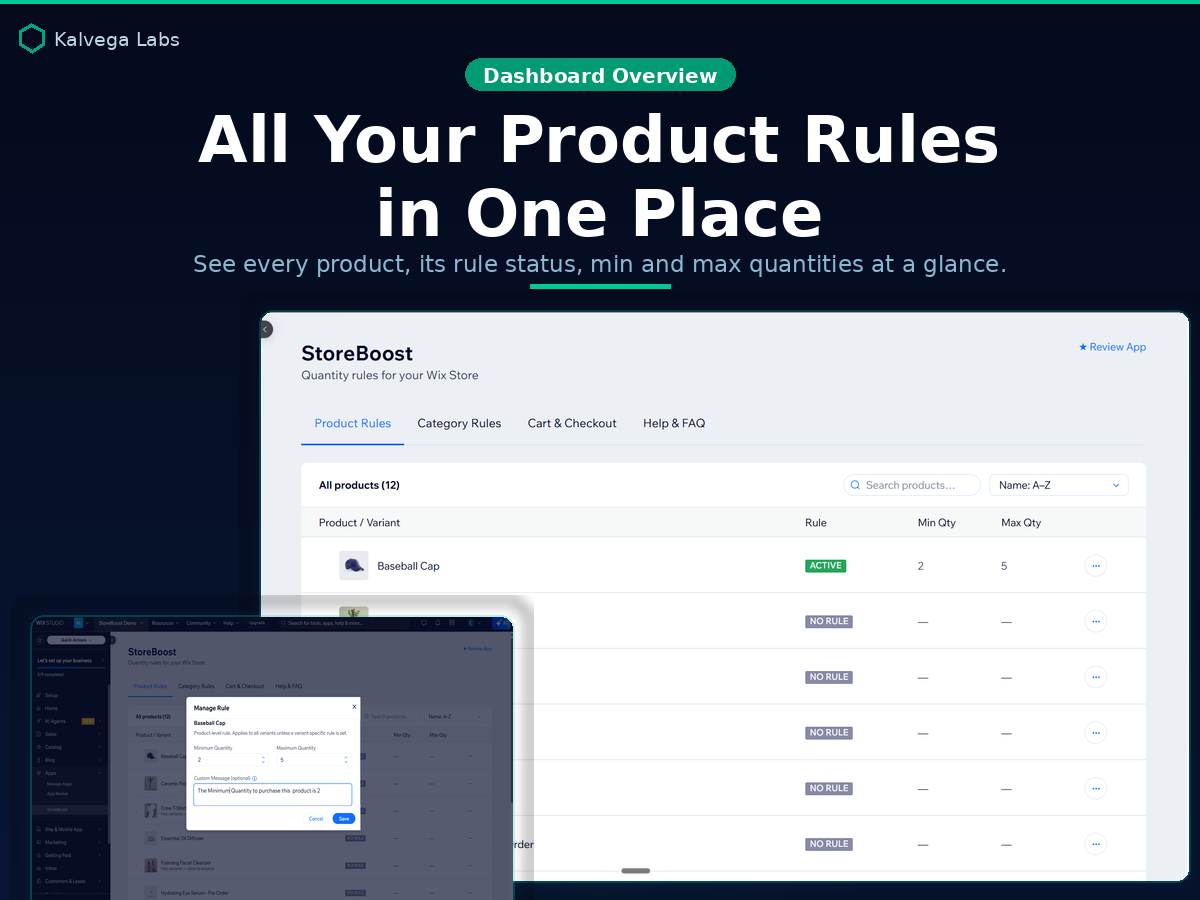
Overview
About this App
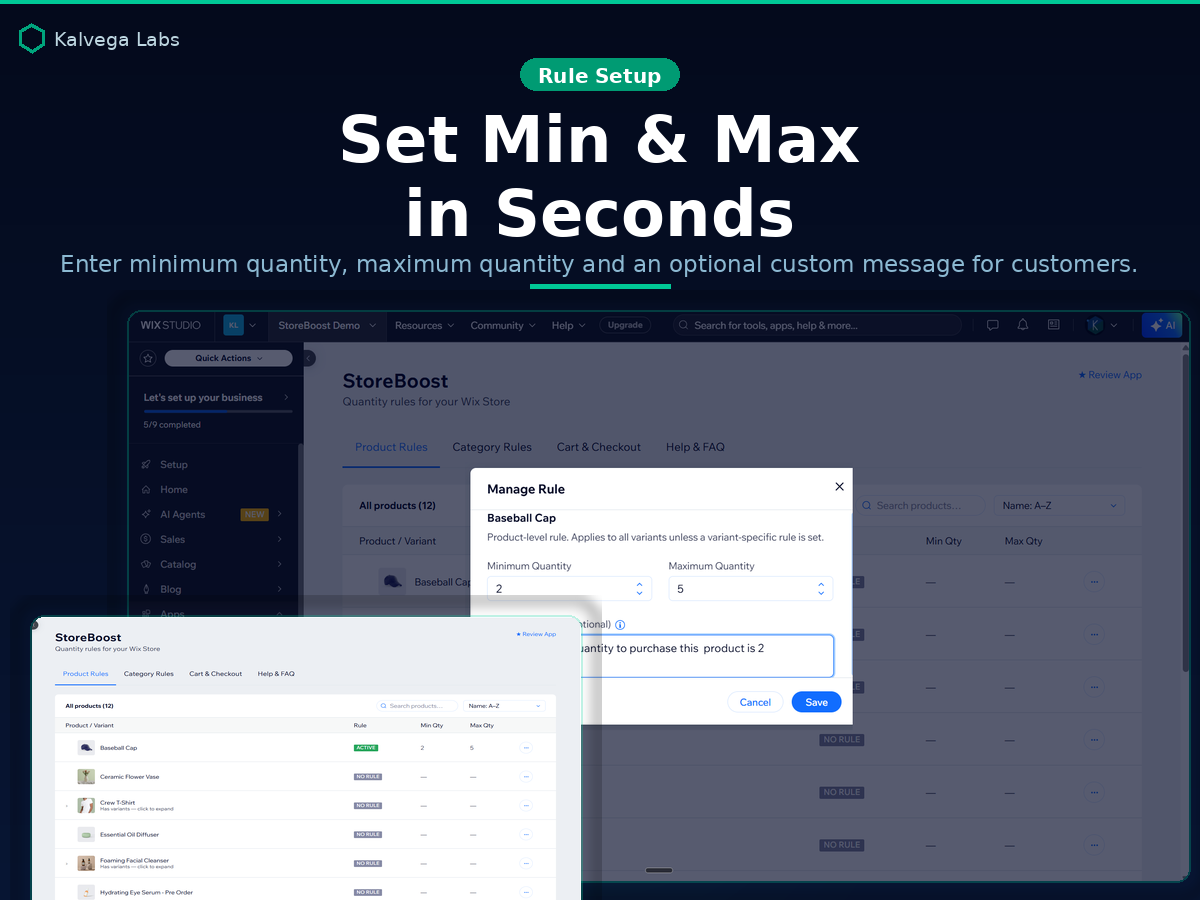
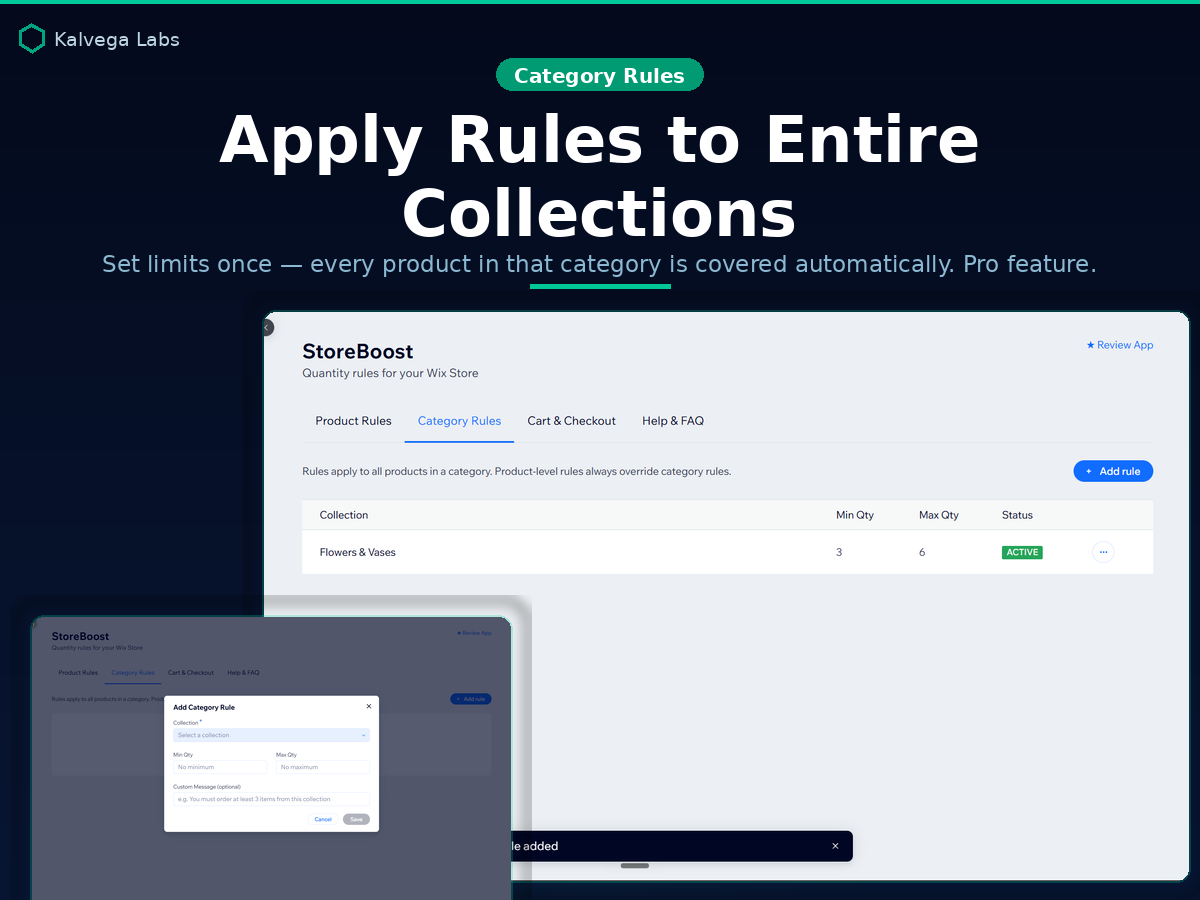
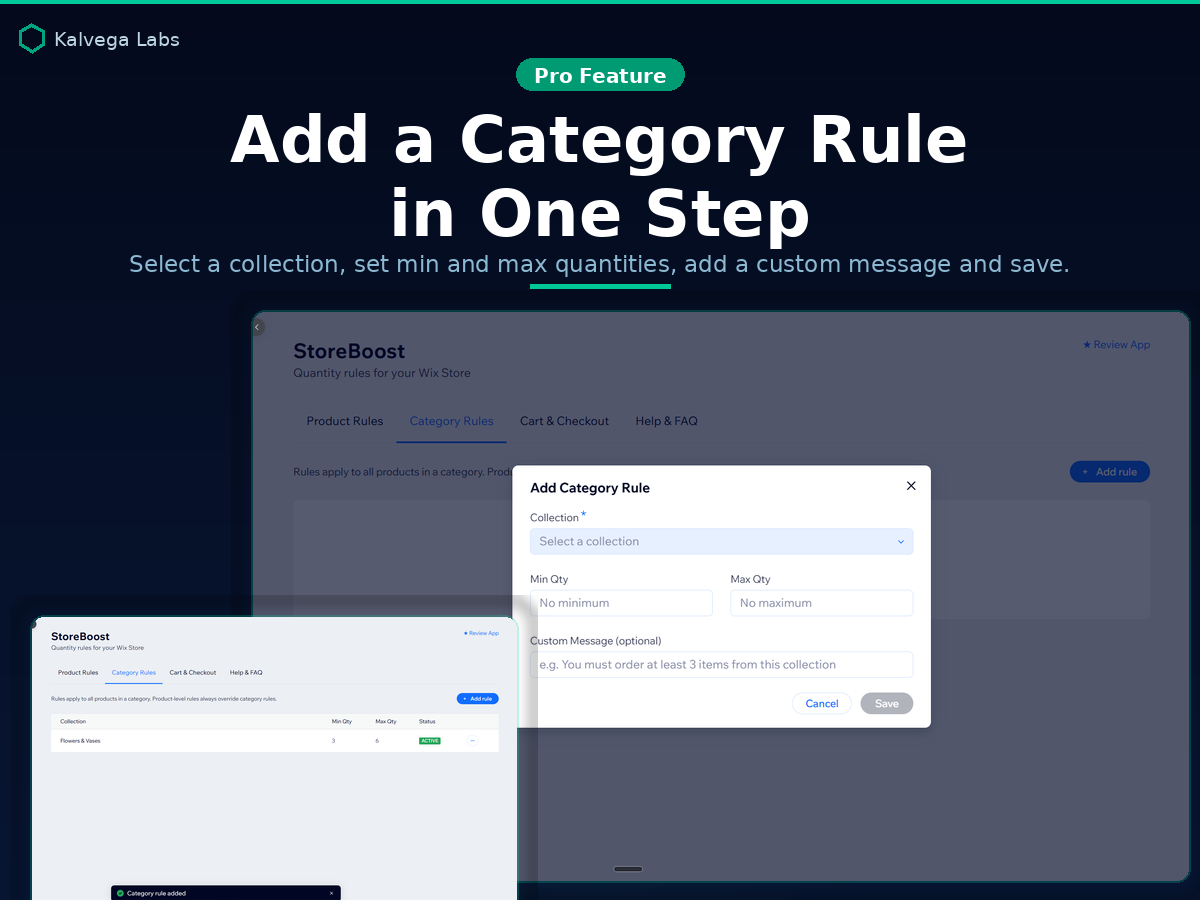
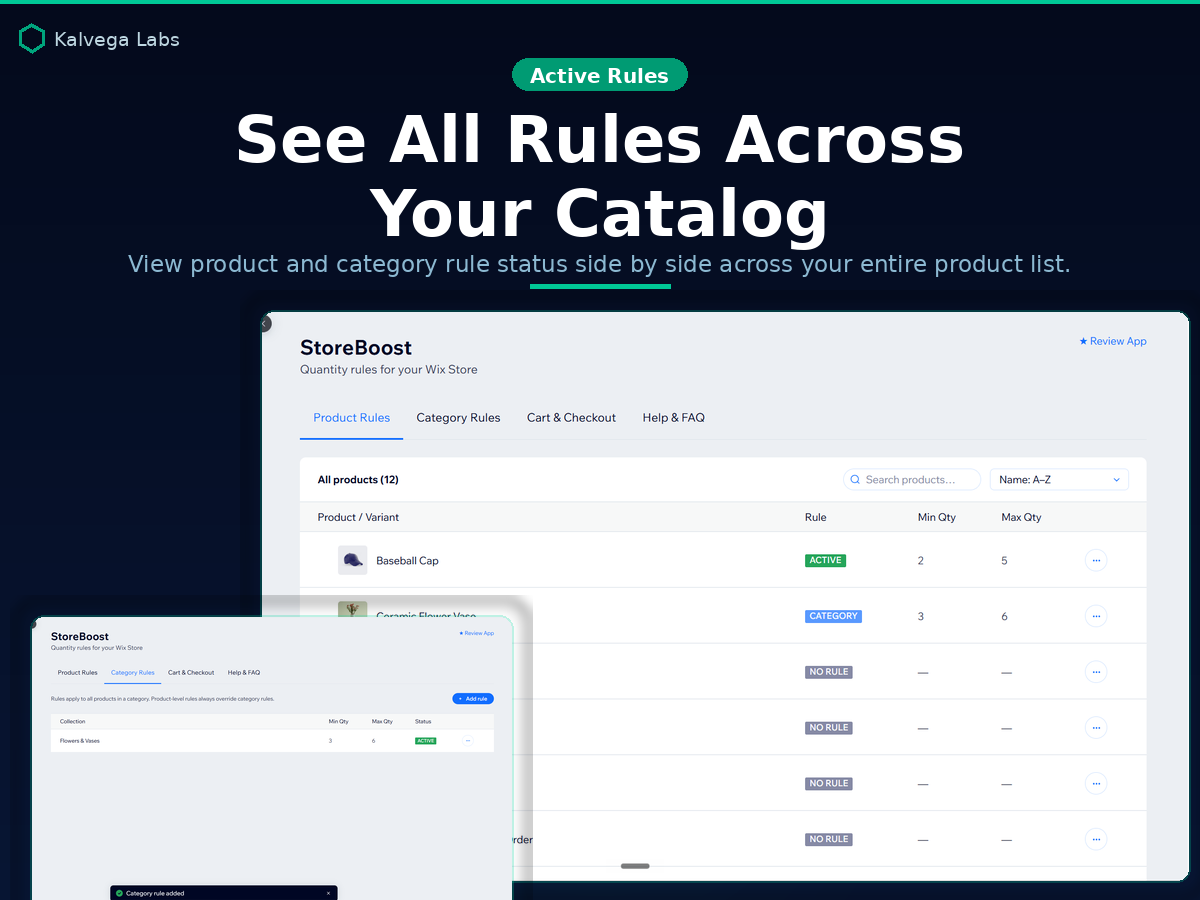
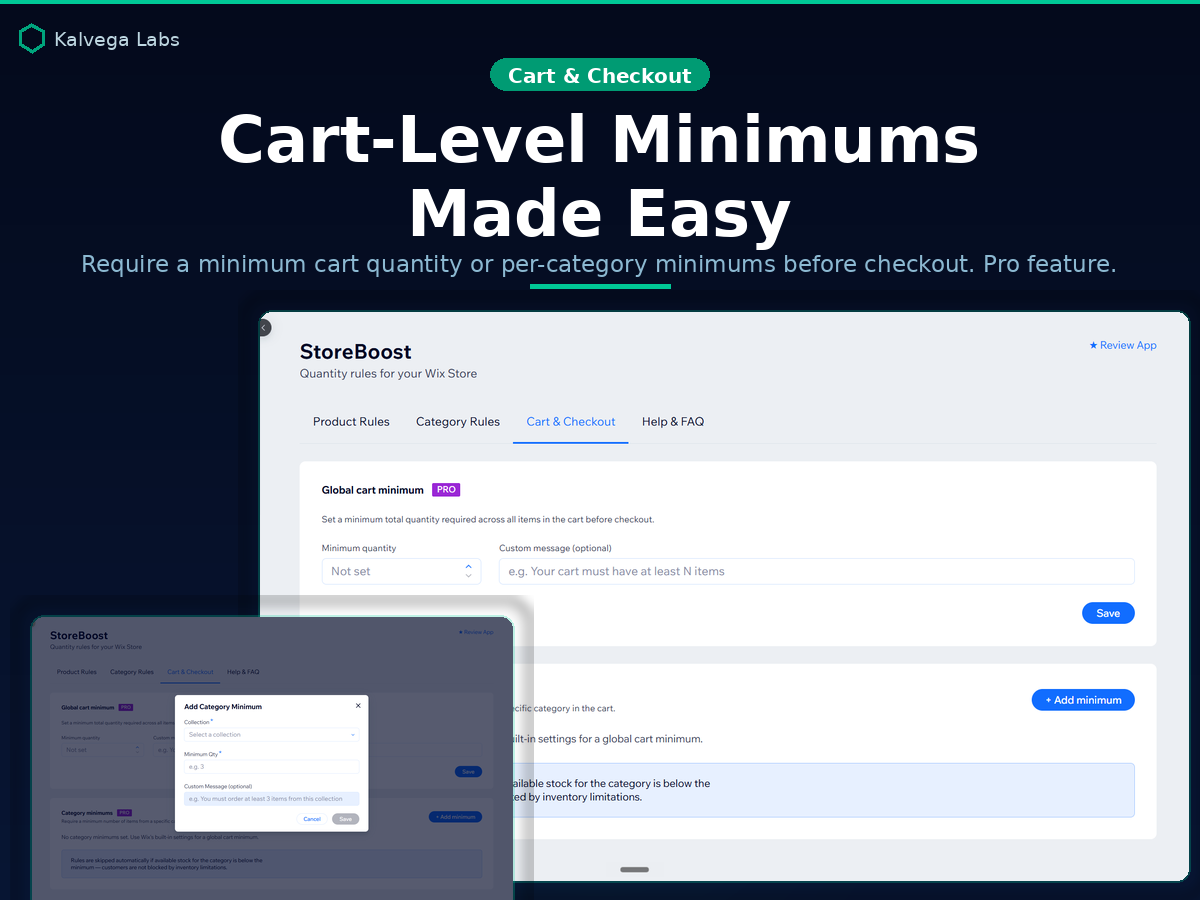
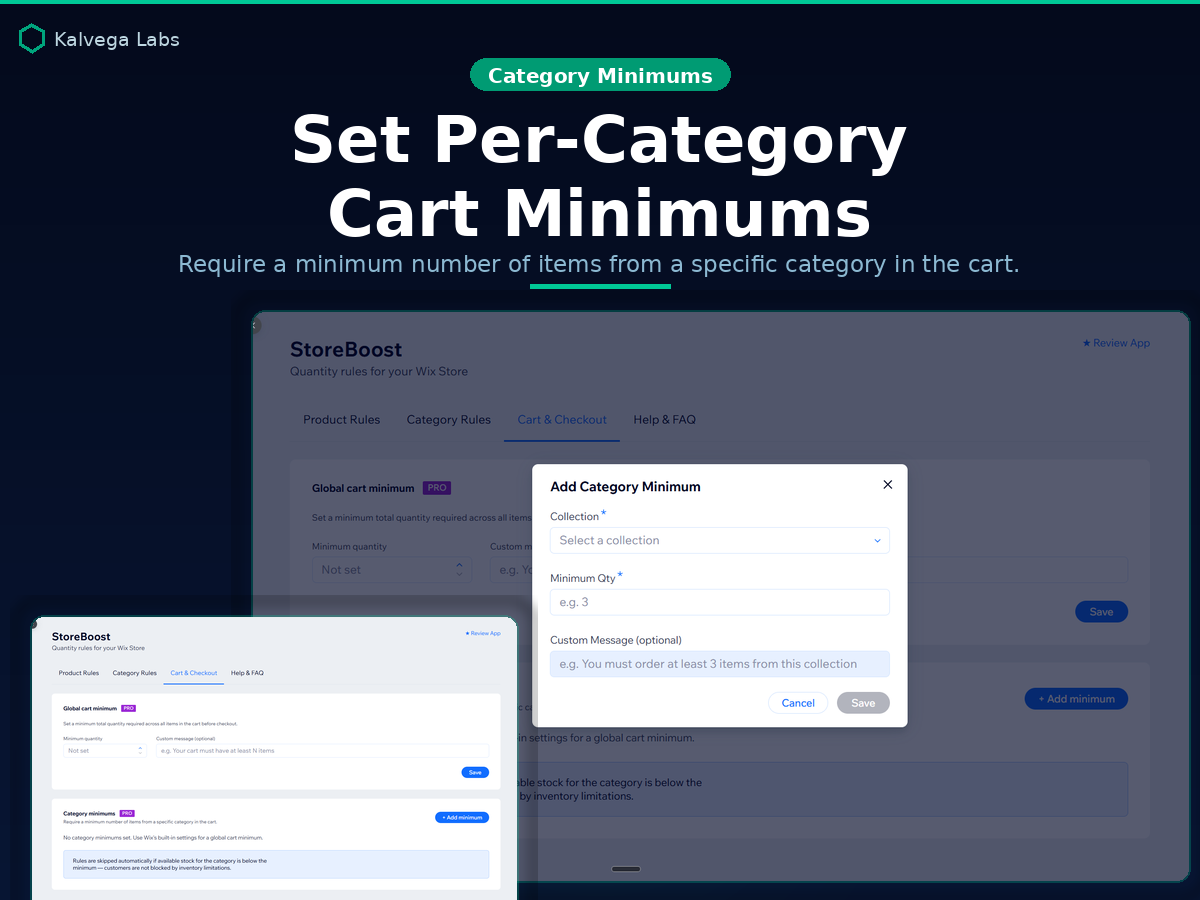
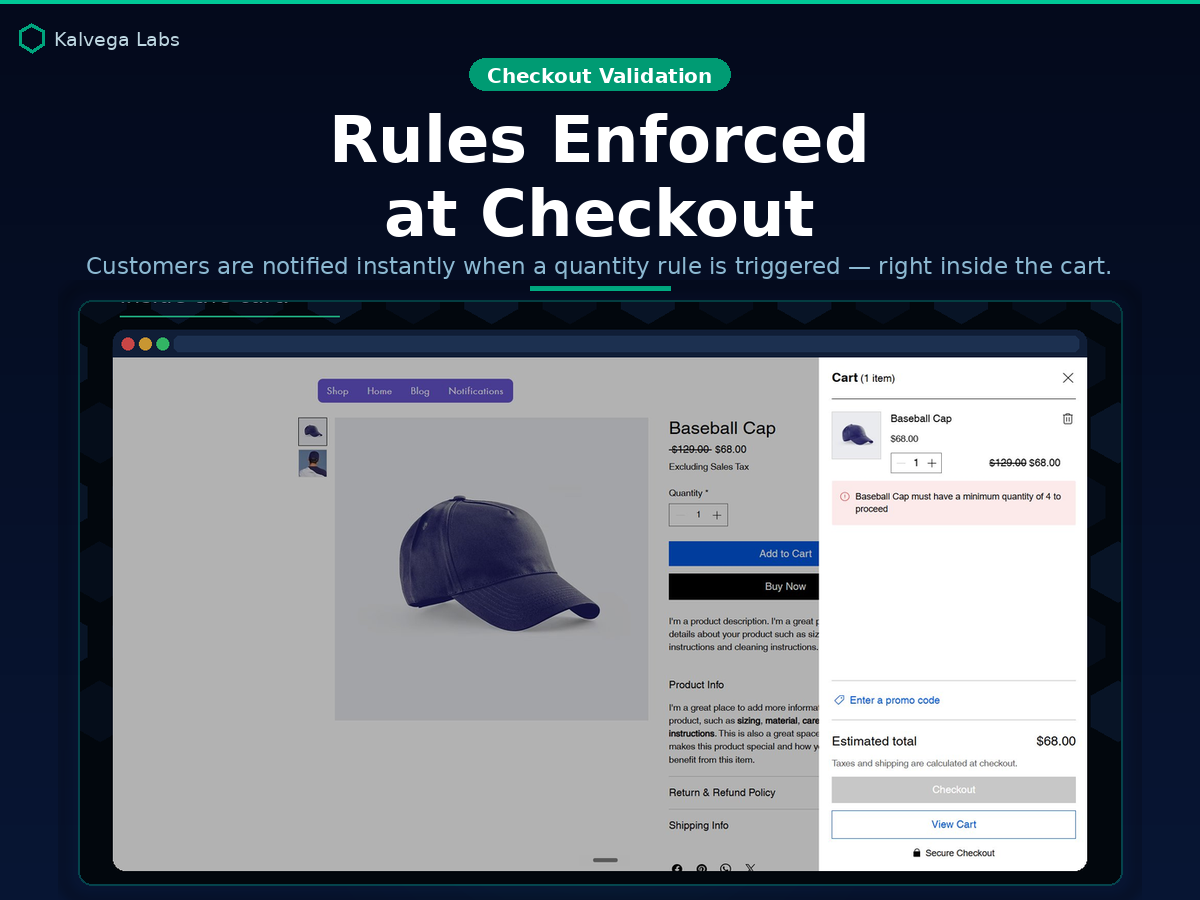
Take full control of how much customers can place order. StoreBoost lets you set minimum and maximum quantity rules for any product or variant in your Store, enforced automatically at checkout. No code, no workarounds. With the Pro plan, go further: apply rules to entire categories so every product in a collection inherits your limits automatically. Set a global cart minimum to require a certain total quantity before checkout, or set per-category cart minimums for finer control. Perfect for wholesale sellers enforcing minimum order quantities, limited-edition drops with a per-customer cap, bundle products that must be sold in fixed quantities, or preventing single-unit orders on bulk-only items. Whether you run a B2B store, a boutique, or anything in between, StoreBoost keeps your orders within the limits you set, every time. Free plan includes 5 active product rules to get started at no cost. Upgrade to Pro for unlimited rules, category rules, cart minimums, and priority support.
What the listing highlights
- Set min & max order quantities per product or variant
- Category rules apply limits to entire collections (Pro)
- Cart minimums global and per-category checkout limits (Pro)
- Custom error messages and full dashboard rule visibility
Additional product media
Promotional media

Videos
Reviews
Official Wix marketplace summary
Wix Marketplace feedback
No reviews yet.
Plan comparison
Pricing & Plans
Basic
Free
Free
- Set minimum order quantity per product
- Set maximum order quantity per product
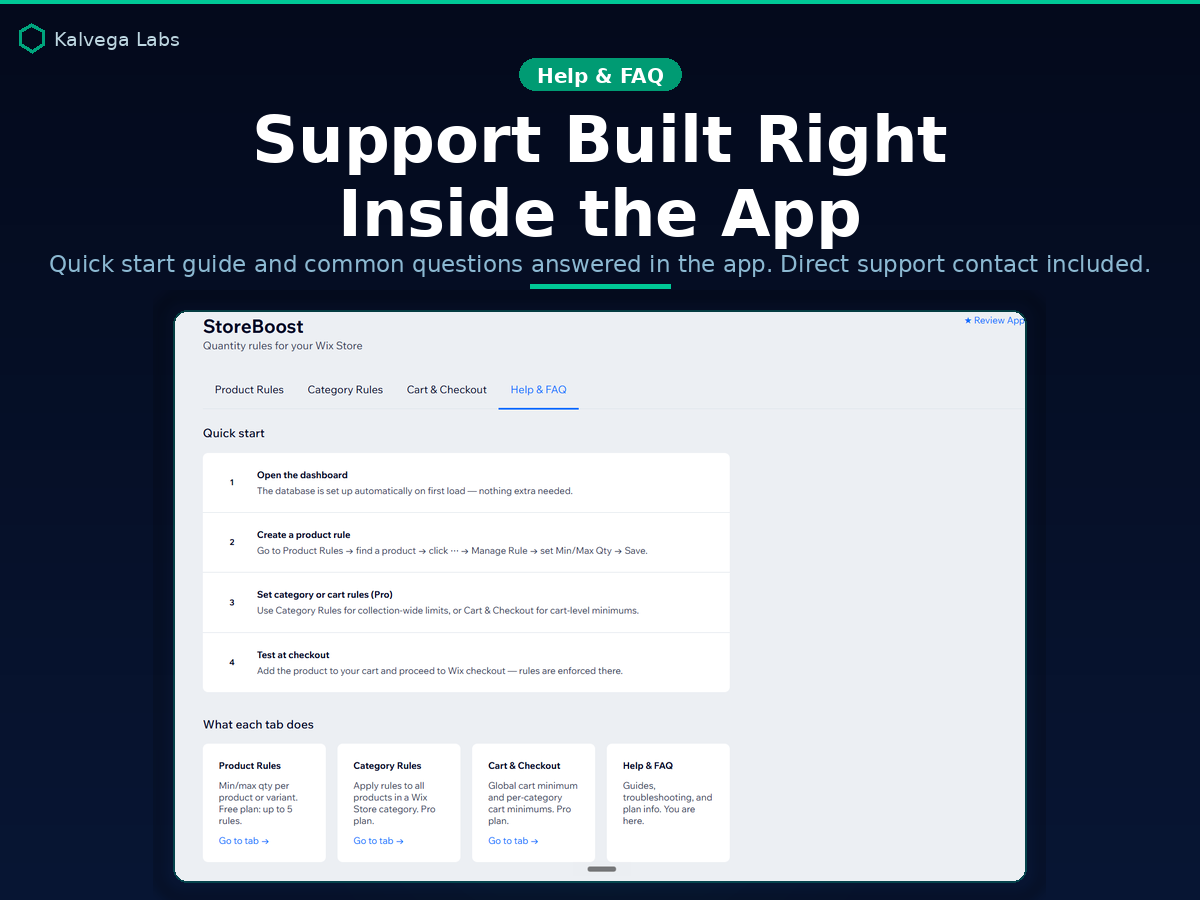
- Manage rules from your store dashboard
Pro
$2.7 / month
$32.4 billed yearly Save 10% yearly$2.99 / month
- Unlimited product order rules
- Priority email support
- category rules options