
Powerpoint Presentation
By PURPLE
Product media
Screenshots
1 of 5

Overview
About this App
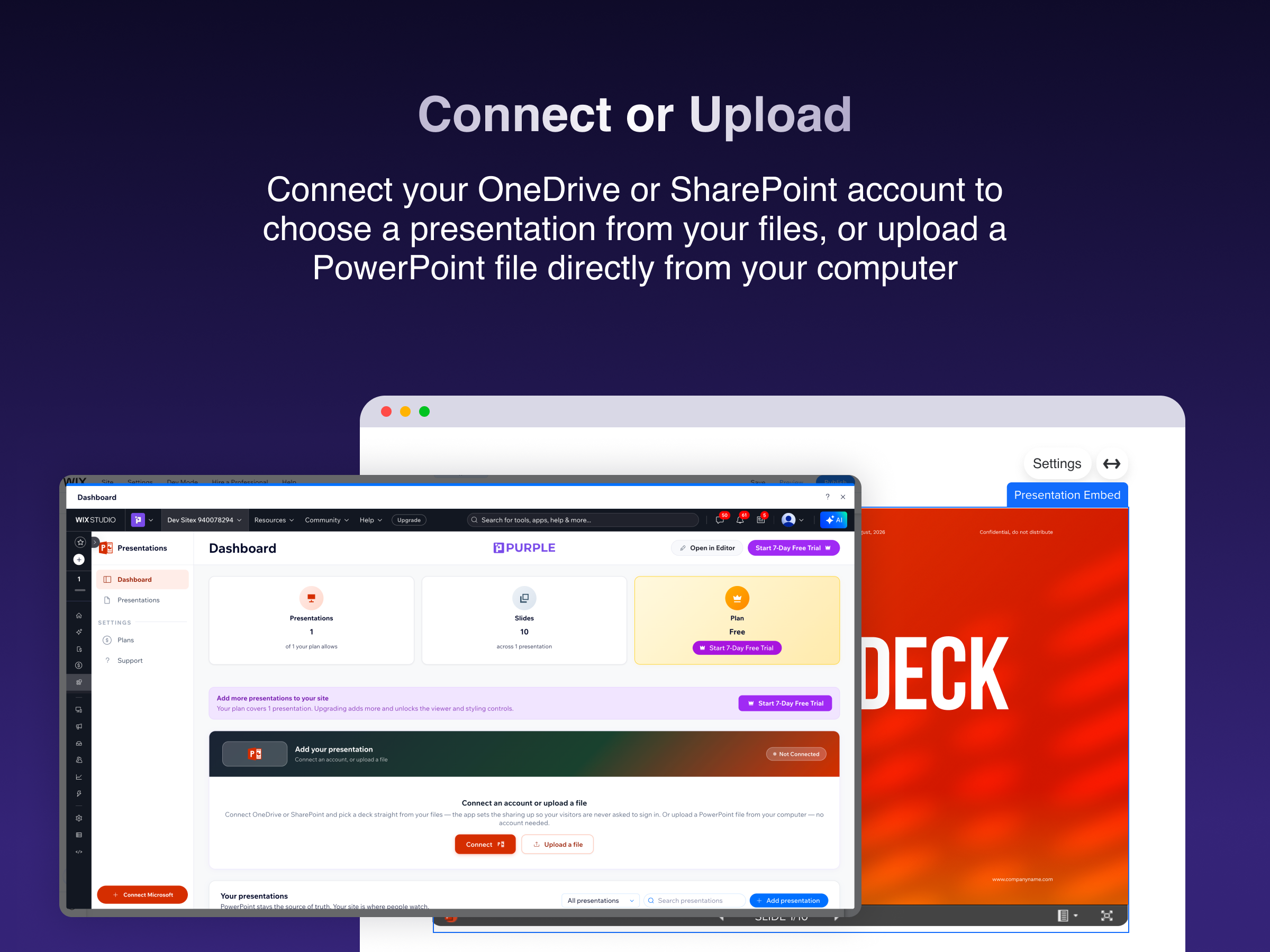
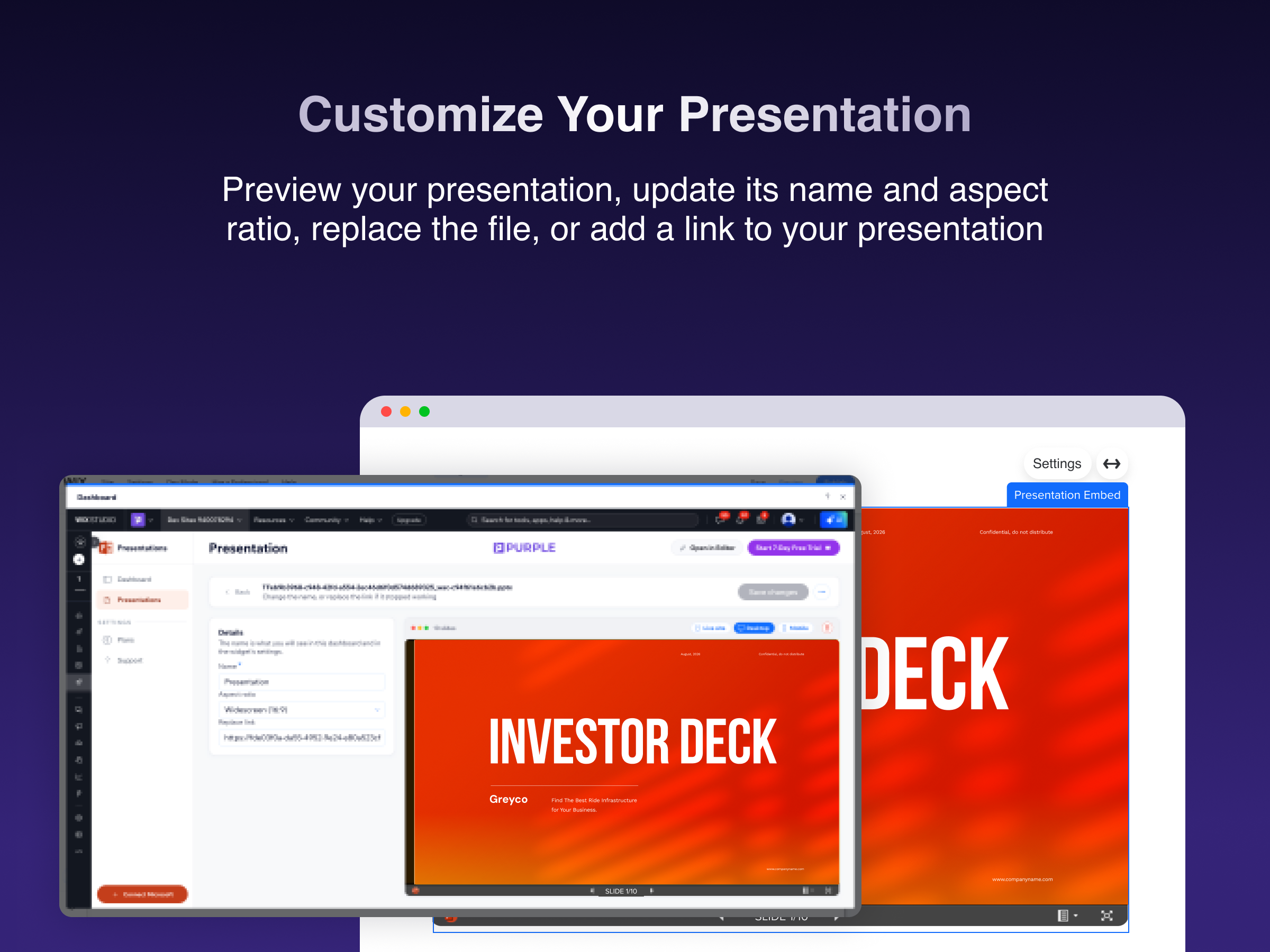
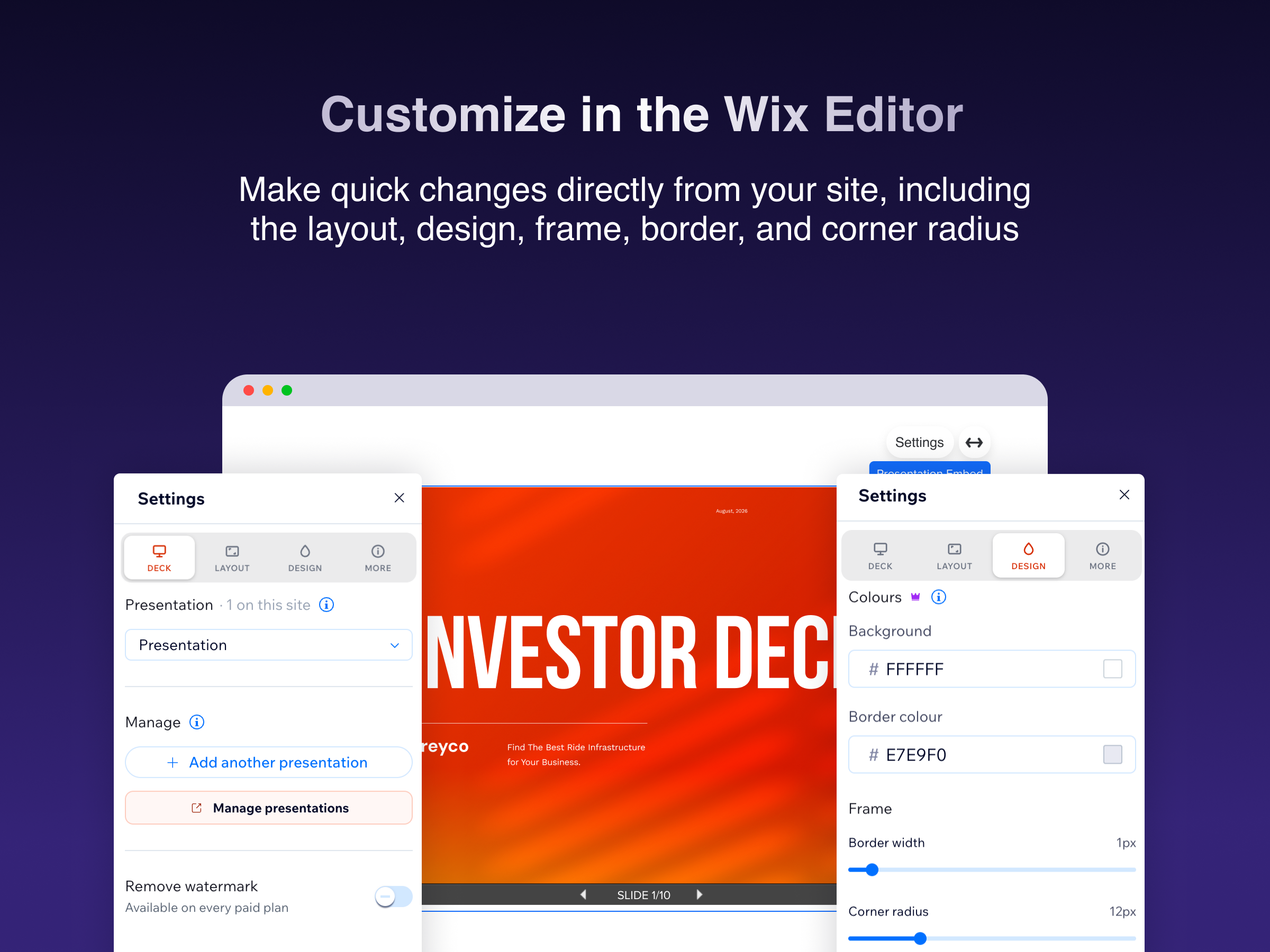
Show a real PowerPoint deck on your site — not a screenshot, not a PDF, not a video of one. Add a presentation three ways: upload a .pptx from your computer, paste a OneDrive or SharePoint share link, or connect your Microsoft account and pick a file. Name it, drop the widget on any page, and you're live. Visitors get the actual deck — slide-by-slide navigation, fullscreen, and clean rendering on phones, tablets and desktops. Link a file instead of uploading it and your page follows the source: edit the deck in PowerPoint or Microsoft 365 and the slides on your site update on their own. Nothing to re-export, re-upload or republish. Style it to match your site from the editor panel — aspect ratio, full width or a maximum width, background, border colour and width, corner radius, padding and drop shadow. Show or hide the title, the fullscreen button and the slide controls. Built for pitch decks, course material, investor updates, portfolios, conference talks, menus and product one-pagers. Start free with one presentation. Upgrade for more presentations, every viewer option, advanced styling and no badge on your site.
What the listing highlights
- Upload a .pptx, paste a share link, or connect OneDrive
- Slides stay in sync when you edit the linked source file
- Fullscreen, slide navigation, responsive on every device
- Style it to match your site — size, borders, background
Additional product media
Promotional media

Reviews
Official Wix marketplace summary
Wix Marketplace feedback
No reviews yet.
Plan comparison
Pricing & Plans
Basic
Free
Free
- 1 presentation
- Interactive slide viewer
- Responsive desktop & mobile
Light
$2 / month
$24 billed yearly Save 33% yearly$3 / month
- Up to 3 presentations
- Layout & design customization
- Remove PURPLE branding
Core
$3.5 / month
$42 billed yearly Save 30% yearly$5 / month
- Unlimited presentations
- All viewer options
- Autoplay, looping & slide timing